GitHub is the best overall GitLab alternative for most teams, starting free with 2,000 CI/CD minutes and scaling to $4 per user/month on Team (4.7/5 on G2). Bitbucket fits Jira-centered teams at $3.65 per user/month, while Gitea offers a lightweight self-hosted Git forge for free.
How we make this list: we compare pricing pages, product documentation and public user reviews, then re-check every price before each update. No product paid for a place. Disclosure.
GitLab Premium costs $29/user/month billed annually ($348/yr), while GitHub Team starts at $4/user/month ($48/yr) and Bitbucket Standard starts at $3.65/user/month ($43.80/yr).
GitHub Free includes unlimited users and 2,000 GitHub Actions minutes per month, whereas GitLab SaaS Free caps private groups at 5 users and 400 compute minutes.
Azure DevOps includes the first 5 Basic users free with 1,800 pipeline minutes per month, then bills $6/user/month ($72/yr) for additional seats.
Self-hosted teams can avoid per-seat fees completely with Gitea Community (MIT license) or Gerrit (Apache 2.0 license), paying only for server infrastructure.
CI/CD-first platforms like CircleCI ($15/month base for 5 users) and Buildkite ($30/active user/month) let teams keep existing Git repositories while replacing slow pipelines.
How do you choose the right GitLab alternative?
Start by separating source code hosting from CI/CD pipeline execution. Many teams leave GitLab because Premium jumps from $0 to $29 per user/month ($348/year) once a private group passes five seats, or because 400 monthly compute minutes run out mid-sprint.
Per-seat pricing only tells half the story once build minutes and security add-ons enter the bill. GitHub Team costs $4 per user/month with 3,000 Actions minutes, while Bitbucket Standard costs $3.65 per user/month with 2,500 build minutes, yet both charge extra for heavier runners or compliance features.
Deployment control splits the market into cloud SaaS and self-managed servers. If your team wants zero server maintenance, GitHub, Bitbucket, and Azure DevOps handle hosting; if you want full data control on company hardware without seat taxes, Gitea, Gerrit, and TeamCity run on your own servers.
GitHub is the largest cloud code hosting and collaboration platform, combining Git repositories, pull requests, issue tracking, and GitHub Actions CI/CD. Its Free tier supports unlimited public and private repositories with unlimited collaborators, 2,000 CI/CD minutes per month, and 500 MB of package storage.
The trade off is add-on pricing for enterprise security and compliance. GitHub Team costs $4 per user/month ($48/year) for 3,000 Actions minutes and code owners, while Enterprise is $21 per user/month and Secret Protection adds $19 per active committer/month. It suits teams wanting broad ecosystem integrations and lower base seat costs than GitLab.
What we like
Free plan allows unlimited collaborators on private repositories
GitHub Actions offers 2,000 free Linux minutes/month and a vast marketplace
Team plan at $4/user/month undercuts GitLab Premium ($29/user/month) by 86%
Highest G2 rating in the category at 4.7/5 across 2,444 reviews
Watch out for
SAML SSO and audit logs require the $21/user/month Enterprise tier
Code Security ($30/committer/mo) and Secret Protection ($19/committer/mo) cost extra
Self-hosted GitHub Enterprise Server requires an Enterprise license
Team ($4/user/mo) adds required reviewers, code owners, 3,000 CI/CD minutes/mo, and 2 GB package storage.Visit github.com
02
Bitbucket
4.4/5on G2 (1,017 reviews, checked Nov 2026)
Paid from$3.65/mo
Best for teams running Jira and Confluence
Starting paid plan$3.65/user/mo (Standard)
Free tierUp to 5 users, 50 build min/mo
DeploymentCloud SaaS or Data Center
G2 rating4.4/5 (1,017 reviews)
bitbucket.org
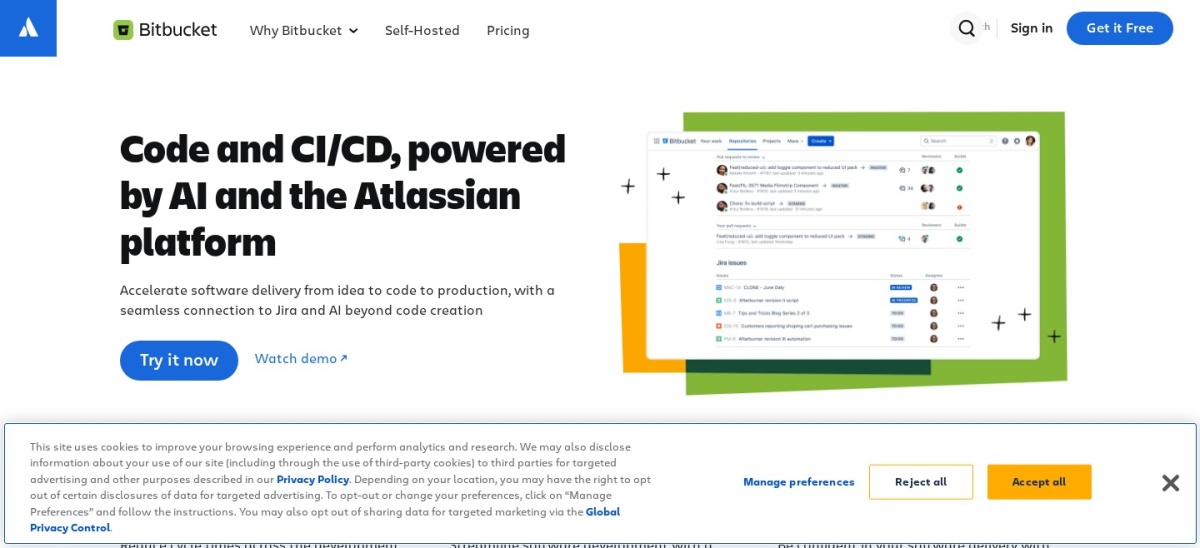
Bitbucket homepage, captured Nov 2026.
Bitbucket is Atlassian's Git repository and CI/CD service built to connect commits, pull requests, and deployments directly to Jira issues. The Free plan supports up to 5 users with unlimited private repositories, 1 GB of Git LFS storage, and 50 Bitbucket Pipelines build minutes per month.
The trade off is tight build minute caps on the free plan and extra charges for SSO. Standard costs $3.65 per user/month ($43.80/year) for unlimited users and 2,500 pooled build minutes, while Premium rises to $8 per user/month for 3,500 minutes and IP allowlisting. It suits Atlassian shops wanting tight Jira traceability.
What we like
Lowest cloud per-seat starting rate at $3.65/user/month on Standard
Native two-way branch, commit, and deployment status inside Jira tickets
Includes 2,500 pooled CI/CD build minutes per month on Standard
Supports self-hosted Bitbucket Data Center for regulated enterprises
Watch out for
Free plan includes only 50 build minutes per month
SAML SSO requires a separate Atlassian Guard subscription
Additional build minutes bill at $10 per 1,000 minutes
Standard ($3.65/user/mo) removes the 5-user cap and expands Pipelines from 50 to 2,500 build minutes/mo.Visit bitbucket.org
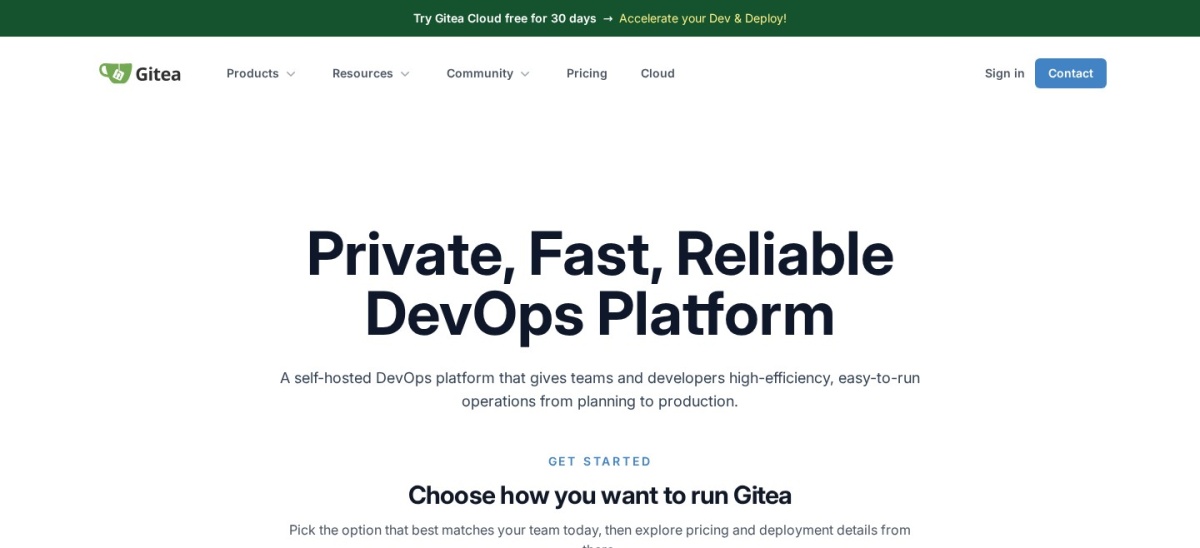
Gitea is a lightweight, self-hosted Git forge written in Go that bundles repositories, pull requests, issue boards, a package registry, and GitHub-compatible Gitea Actions. Its open-source edition is free under the MIT license with unlimited users and repositories, running comfortably on modest VPS hardware.
The trade off is managing your own server updates and runner infrastructure unless you buy commercial support. Gitea Enterprise costs $9.50 per user/month ($114/year) with a 1-year online commitment (regularly $19/user/month without annual commitment) to add SAML SSO, audit logs, and SLA support. It suits teams wanting fast, low-overhead self-hosting.
What we like
MIT-licensed open-source edition has zero user or repository caps
Includes built-in container/package registry and GitHub Actions-compatible CI
Runs on minimal CPU and RAM compared to self-managed GitLab
Rated 4.7/5 on G2
Watch out for
Self-hosted users must supply and maintain their own CI/CD runners
Enterprise features like SAML SSO and audit logs require a paid contract
Smaller third-party marketplace than GitHub or GitLab
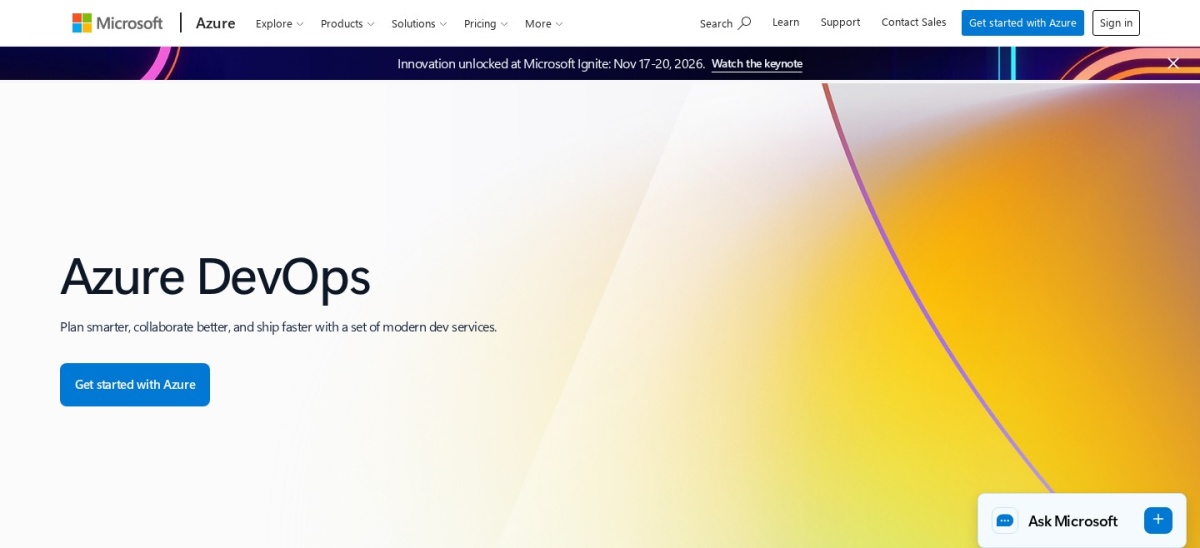
Azure DevOps is Microsoft's end-to-end delivery suite covering Azure Repos for Git hosting, Azure Boards for agile planning, Azure Pipelines for CI/CD, and Azure Artifacts for package feeds. Its Basic plan is free for the first 5 users and includes unlimited private repositories, 2 GiB of Artifacts storage, and one Microsoft-hosted parallel job with 1,800 monthly minutes.
The trade off is modular add-on pricing once your team grows or needs manual test management. Additional Basic seats cost $6 per user/month ($72/year), while Basic + Test Plans jumps to $52 per user/month and extra hosted parallel jobs cost $40/month each. It suits organizations standardized on Azure and Entra ID.
What we like
First 5 Basic users are free, and unlimited Stakeholder viewers cost $0
Includes 1,800 free hosted pipeline minutes plus 1 unlimited self-hosted job
Deep integration with Azure cloud deployments, Visual Studio, and NuGet
Available as on-premises Azure DevOps Server for air-gapped networks
Watch out for
Only 1 parallel Microsoft-hosted job is included on the free allocation
Azure Test Plans costs $52 per user/month for QA managers
Interface feels denser and more complex than GitHub or Bitbucket
Paid Basic seats ($6/user/mo) expand access beyond the initial 5 free users across Repos, Boards, and Pipelines.Visit azure.microsoft.com
05
CircleCI
4.4/5on G2 (511 reviews, checked Nov 2026)
Paid from$15/mo
Best for high-concurrency CI/CD pipelines
Starting paid plan$15/mo (Performance, 5 users)
Free tier30,000 credits/mo (~3,000 Linux min)
DeploymentCloud SaaS or self-hosted Server
G2 rating4.4/5 (511 reviews)
circleci.com
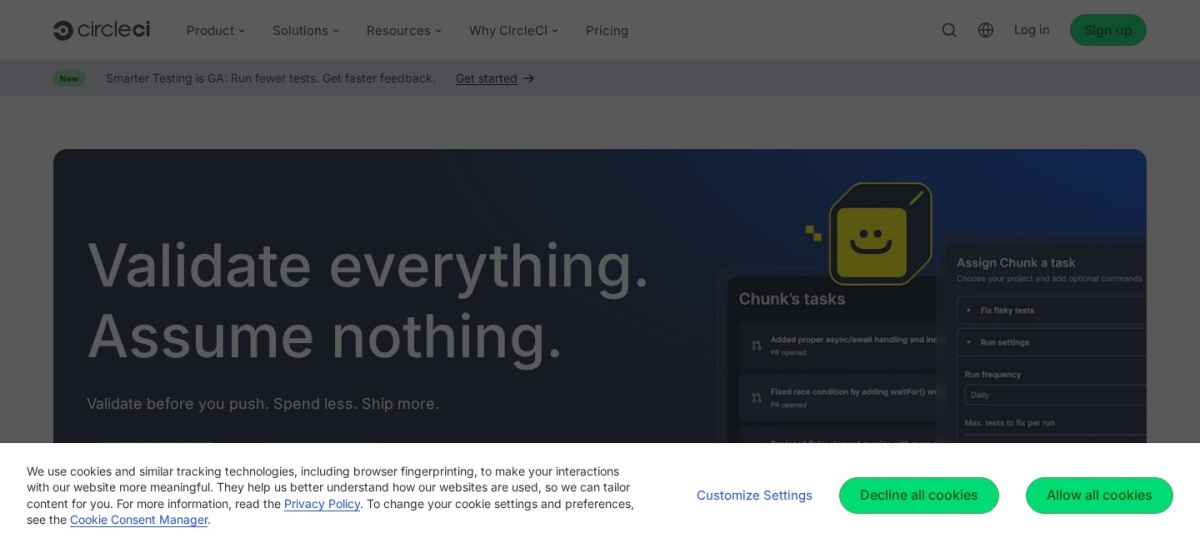
CircleCI homepage, captured Nov 2026.
CircleCI is a dedicated continuous integration and delivery platform that connects to existing Git repositories to run fast, parallel build and test pipelines. Its Free plan provides 30,000 credits per month—equal to roughly 3,000 minutes on a Medium Linux container—with up to 30 concurrent jobs across Docker, Linux, Windows, Arm, and macOS.
The trade off is that CircleCI does not host Git repositories and uses credit metering that requires monitoring on larger machines. The Performance plan starts at $15/month ($180/year) for 5 active users plus pay-as-you-go credit top-ups and up to 80 concurrent jobs. It suits teams replacing GitLab CI while hosting code on GitHub or Bitbucket.
What we like
Generous 30,000 monthly free credits with up to 30 concurrent jobs
Supports Docker, Linux, Arm, Windows, and Apple M4 macOS executors
Reusable configuration Orbs speed up pipeline setup
511 G2 reviews averaging 4.4/5
Watch out for
Does not include Git repository hosting or issue tracking
Credit consumption varies by machine size and Docker layer caching
Additional active users beyond 5 cost $15/user/month on Performance
Performance ($15/mo) unlocks pay-as-you-go credit overages, up to 80 concurrent jobs, and larger resource classes.Visit circleci.com
06
Buildkite
4.7/5on G2 (32 reviews, checked Nov 2026)
Paid from$30/mo
Best for hybrid CI/CD on your own infrastructure
Starting paid plan$30/active user/mo (Pro)
Free tierUp to 5 users, 2,000 Linux vCPU min
DeploymentHybrid (cloud UI + private agents)
G2 rating4.7/5 (32 reviews)
buildkite.com
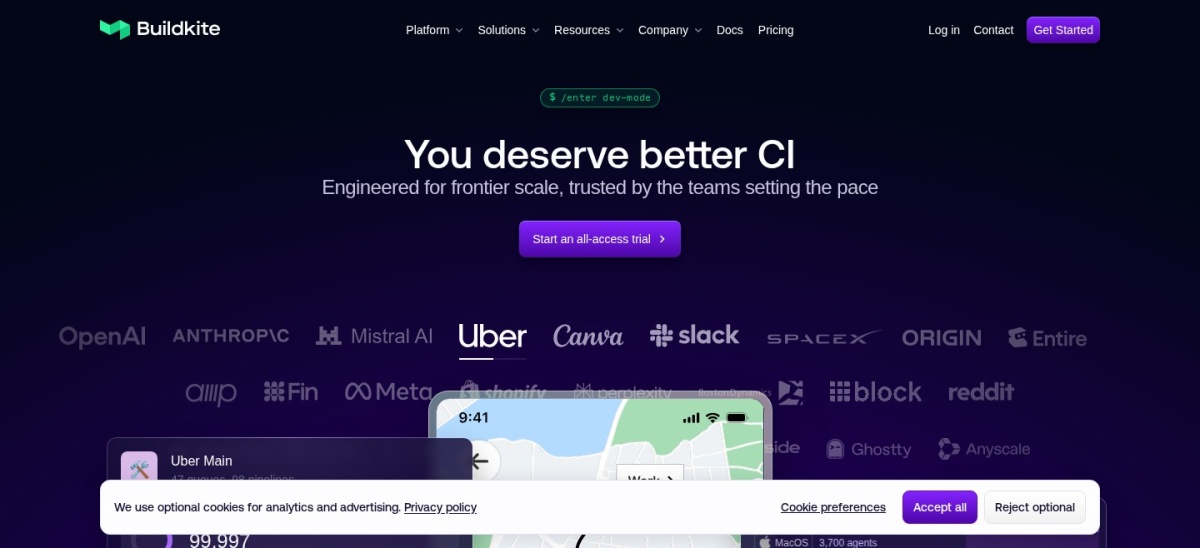
Buildkite homepage, captured Nov 2026.
Buildkite separates pipeline orchestration in the cloud from build execution on your own servers, containers, or cloud instances, alongside hosted agents and package registries. Its Free plan covers up to 5 active users, up to 10 concurrent self-hosted agents, 2,000 hosted Linux vCPU minutes per month, and 50 GB of artifact storage.
The trade off is a higher per-seat price once your engineering team grows past five active users, plus infrastructure management for self-hosted agents. The Pro plan costs $30 per active user/month ($360/year) for up to 50 users, 4,000 Linux vCPU minutes, and 250 GB artifact storage. It suits platform teams keeping source code and secrets inside private networks.
What we like
Source code and secrets stay on your own self-hosted build agents
Dynamic pipelines generate build steps at runtime via scripts
Includes 50 GB artifact storage and 1 GB OpenTelemetry test traces on Free
4.7/5 rating on G2
Watch out for
No built-in Git repository hosting
Pro plan at $30/active user/month matches GitLab Premium seat pricing
Free plan caps active users at 5 and build retention at 30 days
Pro ($30/active user/mo) expands limits to 50 users, 250 concurrent agents, 4,000 vCPU minutes, and 90-day retention.Visit buildkite.com
07
TeamCity
4.3/5on G2 (94 reviews, checked Nov 2026)
Paid from$15/mo
Best CI/CD server for JVM and JetBrains shops
Starting paid plan$15/committer/mo (Cloud, min 3)
Free tierUnlimited users, 3 agents (On-Prem)
DeploymentOn-Premises or JetBrains Cloud
G2 rating4.3/5 (94 reviews)
jetbrains.com
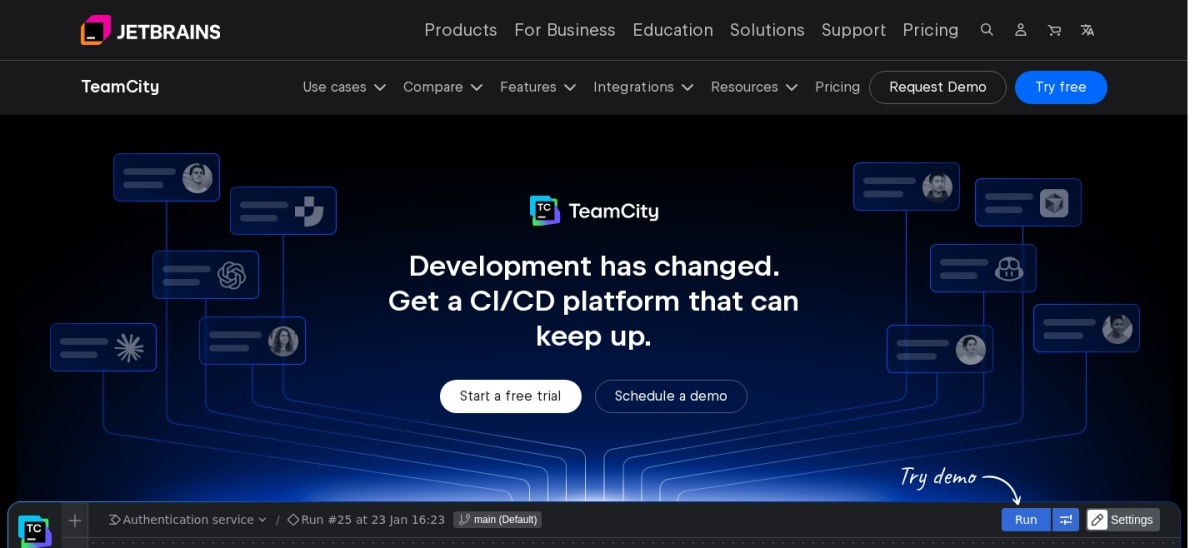
TeamCity homepage, captured Nov 2026.
TeamCity is JetBrains' continuous integration and deployment server with deep integrations for IntelliJ IDEA, Kotlin DSL pipeline definitions, Maven, Gradle, and .NET builds. Its self-hosted Professional edition is free for unlimited users and includes 3 build agents and up to 100 build configurations.
The trade off is a steep jump when moving to the on-premises Enterprise server or scaling cloud committers. TeamCity Cloud starts at $15 per committer/month with a 3-committer minimum ($45/month or $540/year, equivalent to $180/year per committer), while On-Premises Enterprise starts at $2,399/year. It suits JVM and .NET teams running self-hosted builds.
What we like
Free On-Premises Professional license includes unlimited users and 3 build agents
First-class support for Kotlin DSL configurations, Gradle, Maven, and .NET
Only bills for active committers (10+ commits/mo) on TeamCity Cloud
Extra on-premises build agents cost $359/year each with no seat fees
Watch out for
Does not include Git repository hosting
On-Premises Enterprise starts at $2,399/year with no 50% renewal discount on new licenses
Free Professional tier caps build configurations at 100
TeamCity Cloud ($15/committer/mo, 3-committer minimum) includes 24,000 build credits/mo and 120 GB storage.Visit jetbrains.com
08
Gerrit
4.3/5on G2 (32 reviews, checked Nov 2026)
PriceFree
Best for strict patchset-based code review
Starting paid planNone (Apache 2.0 open source)
Free tierFull software, unlimited users
DeploymentSelf-hosted (WAR or Docker)
G2 rating4.3/5 (32 reviews)
gerritcodereview.com
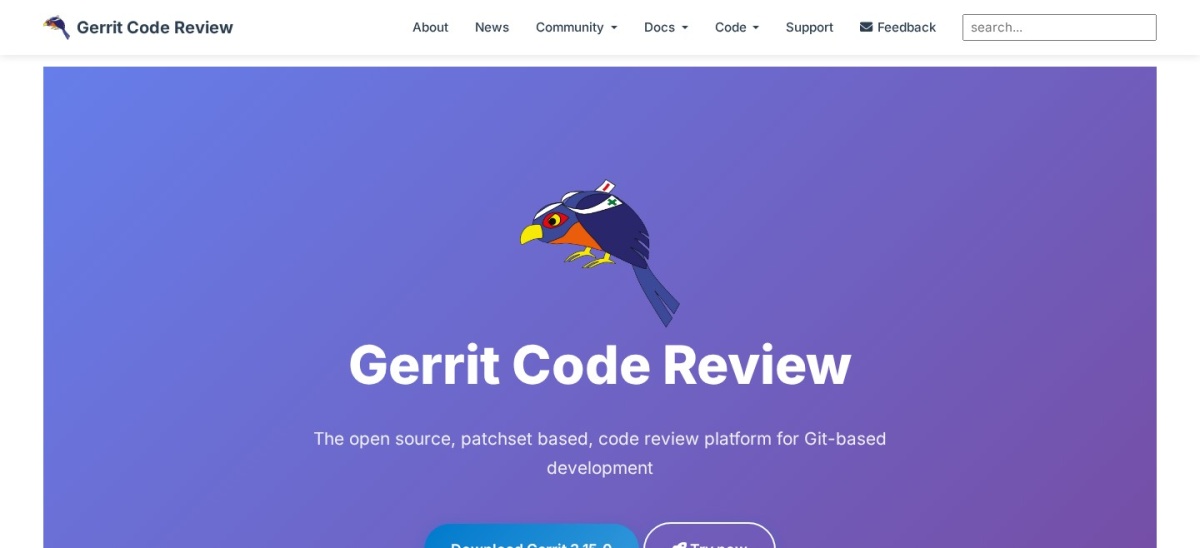
Gerrit homepage, captured Nov 2026.
Gerrit is an open-source, self-hosted Git server and web code review system built for large, regulated engineering organizations such as Android and Chromium. Published under the Apache License 2.0, it carries zero licensing fees at any team size and enforces commit-by-commit patchset reviews with granular submit permissions.
The trade off is a steeper learning curve than pull-request platforms and the lack of built-in CI/CD runners or commercial SaaS hosting. Teams typically pair Gerrit with Jenkins or Zuul for automated verification and host the Java WAR or Docker image themselves. It suits large organizations requiring strict pre-merge governance.
What we like
100% free and open source under Apache 2.0 with no paid tiers
Patchset workflow tracks every revision of individual commits before merge
Fine-grained branch and access controls scale to thousands of developers
Proven at massive repository scale
Watch out for
No official hosted cloud version or built-in CI/CD engine
Patchset model feels unfamiliar to developers used to GitHub pull requests
Requires internal Java/server administration
No paid plan exists; all repository hosting, patchset review, and permission controls are free.Visit gerritcodereview.com
How much can switching from GitLab actually save?
GitLab Premium lists at $29 per user/month billed annually ($348/user/year) and includes 10,000 monthly compute minutes. For a 15-person engineering team, GitLab Premium costs $5,220 per year before any Duo AI add-ons or extra compute packs.
Moving that same 15-person team to GitHub Team ($4/user/month) drops base seat spend to $720 per year—a $4,500 annual reduction—while Bitbucket Standard ($3.65/user/month) totals $657 per year. On Azure DevOps Basic, the first 5 seats are free and the remaining 10 seats cost $6/user/month, bringing annual seat cost to $720.
Self-hosted open-source options like Gitea Community and Gerrit eliminate per-user licensing altogether. Your only recurring expense is a virtual machine or Kubernetes cluster plus your own CI/CD runner compute.
How we chose
We selected established source code hosting, DevOps, and CI/CD platforms that directly replace GitLab's core repository, code review, or pipeline capabilities. Every tool on this list is actively maintained and has verified public user reviews on G2 or Capterra.
All prices, free-tier quotas, ratings, and review counts were checked on 29 Nov 2026 directly from official vendor pricing pages and G2 or Capterra listings. Where vendors advertise annual promotional discounts, we note the terms alongside the regular rate.
We excluded discontinued platforms such as AWS CodeCatalyst (closed to new users) as well as newer tools without established review histories on major software directories. No vendor paid for a place, and we do not claim testing for this list.
How to choose a GitLab alternative in 4 steps
Audit your current GitLab usage before migrating repositories or rewriting pipeline YAML files.
Decide whether you need full repo hosting or only faster CI/CD. If GitLab's repository UI works fine and only shared runner minutes or speed are bottlenecks, pairing your repos with CircleCI, Buildkite, or TeamCity avoids a full Git migration.
Calculate total cost across seats, build minutes, and SSO. Compare your team size against free user caps (5 users on Bitbucket and Azure DevOps vs. unlimited on GitHub Free), then factor in monthly Linux/macOS runner minutes and whether SAML SSO requires an Enterprise upgrade.
Match deployment model to your ops capacity. Choose GitHub, Bitbucket, or Azure DevOps if you want managed SaaS uptime; pick Gitea, Gerrit, or TeamCity On-Premises only if you have engineers ready to handle backups and upgrades.
Test pipeline translation on one non-critical repository first. Converting .gitlab-ci.yml stages into GitHub Actions, Bitbucket Pipelines, or Kotlin DSL takes upfront work, so validate caching, secrets, and deployment triggers on a single service before moving your whole org.
FAQ
What is the best GitLab alternative in 2026?
GitHub is the best overall GitLab alternative for most teams. Its Free tier allows unlimited collaborators with 2,000 CI/CD minutes per month, and its Team plan costs $4 per user/month compared to GitLab Premium's $29 per user/month.
What is the best free self-hosted alternative to GitLab?
Gitea is the best free self-hosted GitLab alternative for most teams because its MIT-licensed Community edition supports unlimited users, private repositories, a package registry, and GitHub-compatible Actions on lightweight hardware. Gerrit is best if you specifically need strict patchset code reviews.
Which GitLab alternative is cheapest for a small team?
For teams of 5 or fewer users, GitHub Free, Bitbucket Free, and Azure DevOps Basic (first 5 users free) all cost $0/month. Above 5 users, Bitbucket Standard is cheapest at $3.65 per user/month, followed closely by GitHub Team at $4 per user/month.
Is GitHub cheaper than GitLab for growing teams?
Yes, on base seat pricing. GitHub Team costs $4 per user/month ($48/year) versus $29 per user/month ($348/year) for GitLab Premium. However, GitHub charges extra for Secret Protection ($19/committer/mo) and Code Security ($30/committer/mo), which narrows the gap if you need built-in security scanning.
Which GitLab alternative works best with Jira?
Bitbucket is the strongest fit for Jira users because both are built by Atlassian. Commits, branches, pull requests, and Bitbucket Pipelines deployment statuses appear automatically inside Jira issues without third-party connectors, starting free for 5 users or $3.65 per user/month on Standard.
Can I replace GitLab CI without moving my Git repositories?
Yes. Dedicated CI/CD tools like CircleCI (free up to 30,000 credits/month, then $15/month base), Buildkite (free up to 5 users, then $30/active user/month), and TeamCity connect directly to external Git repositories so you can keep your existing code host.
SaaS SEO and WordPress specialist with about 8 years of experience. Rakib compares WordPress plugins, themes, hosting and software using public pricing, documentation and user reviews. See how we rank.