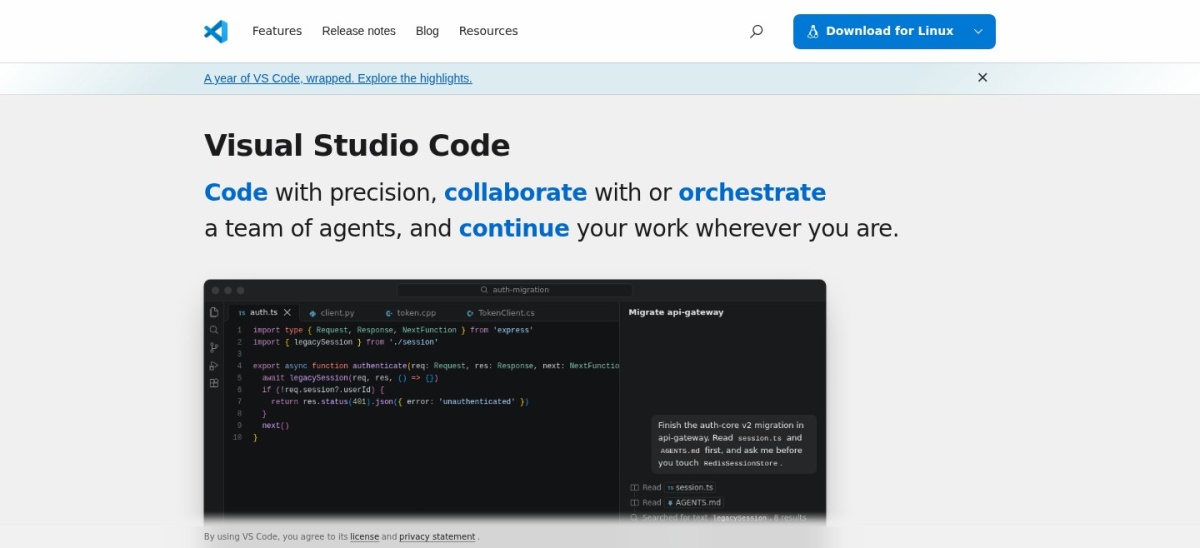
Visual Studio Code is the best web developer tool overall because it is completely free, runs across Windows, macOS, and Linux, and holds a 4.7/5 rating from 2,785 G2 reviews. Pair it with GitHub ($4/user/mo on Team) for repository hosting and CI/CD, or Postman ($9/mo on Solo) for API testing.
How we make this list: we compare pricing pages, product documentation and public user reviews, then re-check every price before each update. No product paid for a place. Disclosure.
Visual Studio Code is free with no paid editor tiers and holds a 4.7/5 G2 rating across 2,785 reviews.
GitHub starts at $4/user/mo ($48/yr) for Team and includes 2,000 monthly Actions minutes on its free plan.
Postman retired its old $14 Basic tier in March 2026; paid plans now start at $9/mo ($108/yr) for Solo and $19/user/mo for Team.
Vercel and Netlify both start at $0 for hobby work and $20/mo ($240/yr) for Pro, though Netlify also offers a $9/mo Personal tier.
Docker charges $9/user/mo ($108/yr) on Pro for companies exceeding 250 employees or $10M in annual revenue.
How do you build a stack with the best web developer tools?
Most modern web workflows rely on four distinct tool layers rather than a single all-in-one suite. You need a local editor, version control with CI/CD, API and container testing, and a deployment host.
Free tiers cover solo developers and early prototypes across nearly every category on this list. Costs only kick in when you add team seats, exceed monthly build or bandwidth quotas, or pass commercial company-size thresholds.
Per-seat subscriptions multiply quickly as headcount grows. A five-person team pays $20/mo on GitHub Team, $95/mo on Postman Team, or $145/mo on GitLab Premium, whereas Netlify Pro includes unlimited team members for a flat $20/mo base.
Visual Studio Code is Microsoft's free, open-source code editor with built-in JavaScript and TypeScript support, IntelliSense autocomplete, integrated terminal, and Git controls. The core editor has no paid tiers, and its marketplace supplies extensions for virtually every web framework, linter, and container workflow.
The trade off is extension management, because heavy plugin stacks can slow startup and consume extra RAM if left unstandardized across a team. Because the editor costs $0 for personal and commercial use alike, it suits every web developer from students to enterprise engineering teams.
What we like
Completely free for personal and commercial projects
Native TypeScript, JavaScript, debugging, and Git support
Largest third-party extension ecosystem of any editor
4.7 out of 5 on G2 from 2,785 verified reviews
Watch out for
Heavy extension setups increase memory usage
Requires manual configuration to match full IDE refactoring
AI coding assistants like GitHub Copilot cost extra
GitHub is the default cloud platform for Git version control, pull request reviews, issue tracking, and automated CI/CD pipelines via GitHub Actions. Its Free plan covers unlimited public and private repositories, unlimited collaborators, 2,000 Actions minutes per month, and 500 MB of Packages storage.
The trade off is that required pull request reviewers, code owners, and 3,000 monthly Actions minutes require the Team plan at $4 per user per month ($48/yr), while SAML SSO jumps to $21 per user per month. It suits teams of any size wanting friction-free open-source and third-party integrations.
What we like
Generous free tier with unlimited collaborators and 2,000 CI minutes
Low $4/user/mo entry price for team review controls
Massive GitHub Actions marketplace and ecosystem support
4.7 out of 5 on G2 across 2,444 reviews
Watch out for
Large jump from $4/user/mo Team to $21/user/mo Enterprise
SAML SSO and audit logs locked behind Enterprise
macOS and high-core Actions runners carry steep per-minute rates
Team ($4/user/mo) adds code owners, required reviewers, and 3,000 CI minutes/mo.Visit github.com
03
Postman
4.6/5on G2 (1,804 reviews, checked Nov 2026)
Paid from$9/mo
Best for building and testing APIs
G2 rating4.6/5 (1,804 reviews)
Cheapest paid plan$9/mo billed annually ($108/yr)
Free tier1 user, unlimited runs and mocks
Core focusREST, GraphQL, and MCP API testing
postman.com
Postman homepage, captured Nov 2026.
Postman is a multi-protocol API platform for sending requests, inspecting responses, running automated test suites, and hosting mock servers. Since its March 2026 pricing update, the Free plan includes unlimited collection runs and mock servers alongside 1,000 monthly monitoring requests and 50 AI credits for one user.
The trade off is that Free and Solo ($9/mo billed annually, or $108/yr) are restricted to a single user, forcing any multi-person team onto the $19 per user per month Team tier for shared workspaces. It suits solo API developers on Free or Solo and larger organizations standardizing API documentation.
What we like
Unlimited collection runs and mock servers on the Free plan
Supports REST, GraphQL, WebSockets, gRPC, and MCP clients
Environment variables and automated flows speed up regression checks
4.6 out of 5 on G2 from 1,804 reviews
Watch out for
Free and $9/mo Solo tiers no longer allow shared team workspaces
Team collaboration jumps to $19/user/mo billed annually
Desktop client can feel heavy on memory with large collections
Solo ($9/mo annual) adds 400 AI credits/mo, custom domains, and expanded monitoring.Visit postman.com
Free tierPersonal & small business under 250 staff
Core focusContainers, Compose, image registry
docker.com
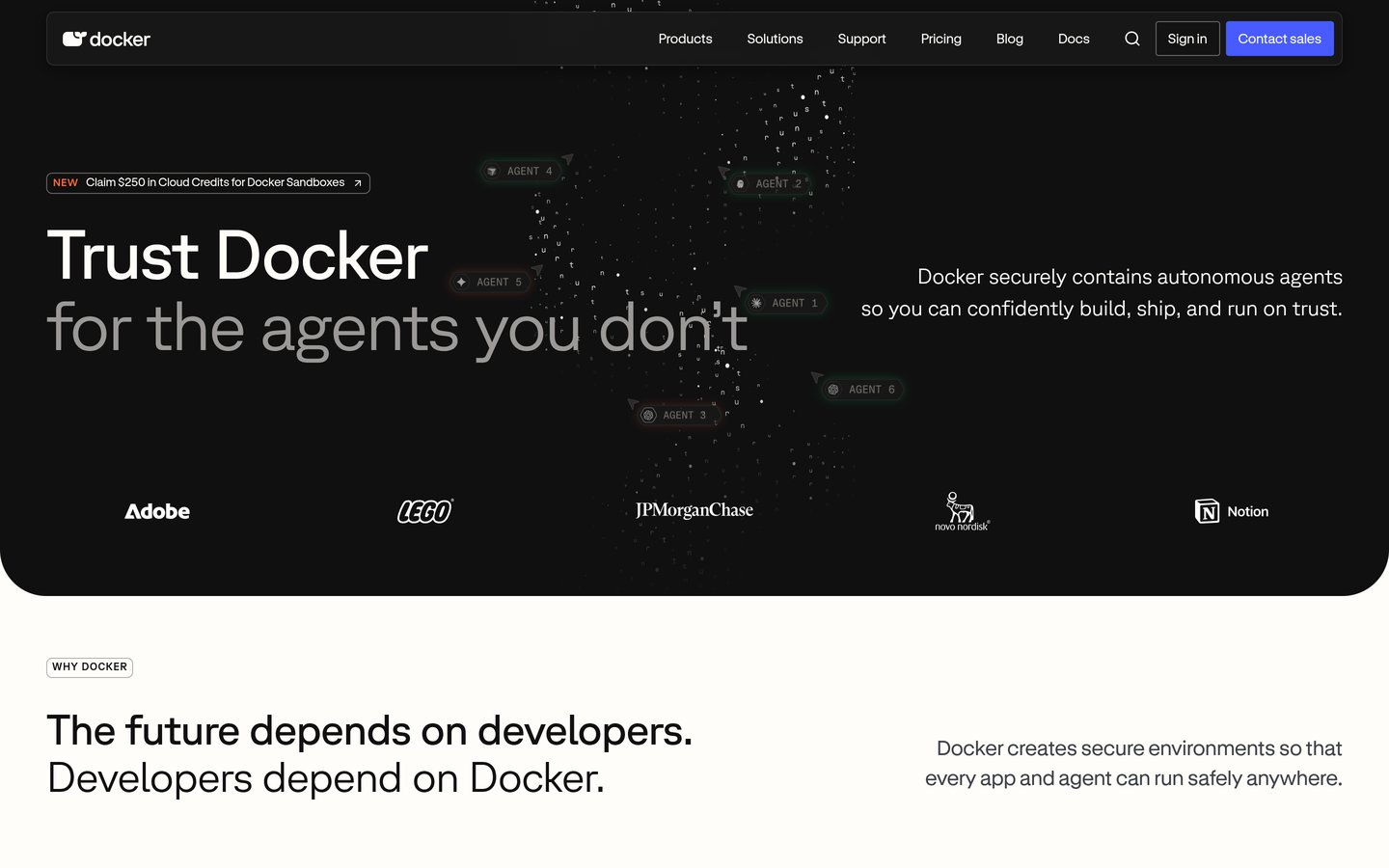
Docker homepage, captured Nov 2026.
Docker packages web applications and their dependencies into isolated containers so code runs identically on local laptops and production servers. Its Personal plan is free for individuals, open-source projects, and small businesses with fewer than 250 employees and under $10 million in annual revenue, including 100 Docker Hub pulls per hour.
The trade off is that larger commercial organizations must buy a paid seat starting at $9 per user per month billed annually ($108/yr; $11/mo month-to-month) on Pro, or $15 per user per month on Team. It suits developers who need consistent local databases, caches, and multi-service stacks.
What we like
Eliminates environment drift between local dev and production
Free for solo developers, open source, and small businesses
Docker Hub provides thousands of verified official base images
4.6 out of 5 on G2 across 369 Docker Hub reviews
Watch out for
Commercial license required once companies pass 250 staff or $10M revenue
Docker Desktop consumes significant RAM and battery on laptops
Team management features require the $15/user/mo Team tier
Pro ($9/user/mo annual) adds commercial licensing, unlimited pulls, and 100 cloud minutes.Visit docker.com
05
Bitbucket
4.4/5on G2 (1,017 reviews, checked Nov 2026)
Paid from$3.65/mo
Best for teams using Jira and Atlassian
G2 rating4.4/5 (1,017 reviews)
Cheapest paid plan$3.65/user/mo ($43.80/yr)
Free tierUp to 5 users, 50 build mins/mo
Core focusGit repos, Pipelines CI/CD, Jira sync
bitbucket.org
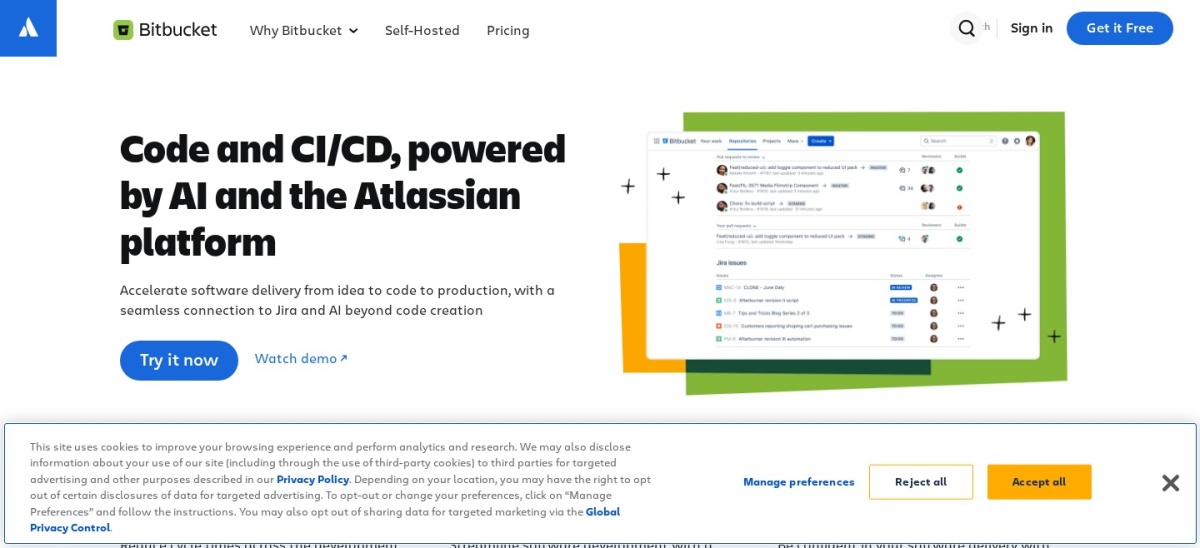
Bitbucket homepage, captured Nov 2026.
Bitbucket is Atlassian's Git repository and CI/CD platform built for tight two-way linking with Jira issues and Confluence pages. Its Free tier supports up to 5 users with unlimited private repositories, 1 GB of Git LFS storage, and 50 monthly Bitbucket Pipelines build minutes.
The trade off is that 50 free build minutes run out fast, and teams of six or more must move to Standard at $3.65 per user per month ($43.80/yr) for unlimited users and 2,500 build minutes. It suits engineering teams already managing sprints and tickets inside Jira.
What we like
Undercuts GitHub Team at $3.65/user/mo on Standard
Native branch creation and status transitions inside Jira
Free plan covers up to 5 users with unlimited private repos
4.4 out of 5 on G2 from 1,017 reviews
Watch out for
Free tier caps CI/CD at just 50 build minutes per month
Smaller public open-source ecosystem than GitHub
Extra 1,000 build minutes cost $10/mo
Standard ($3.65/user/mo) removes the 5-user cap and expands CI/CD to 2,500 minutes/mo.Visit bitbucket.org
06
Vercel
4.6/5on G2 (94 reviews, checked Nov 2026)
Paid from$20/mo
Best for Next.js and frontend preview deploys
G2 rating4.6/5 (94 reviews)
Cheapest paid plan$20/mo ($240/yr) + usage
Free tierHobby ($0, non-commercial only)
Core focusFrontend cloud, edge CDN, serverless
vercel.com
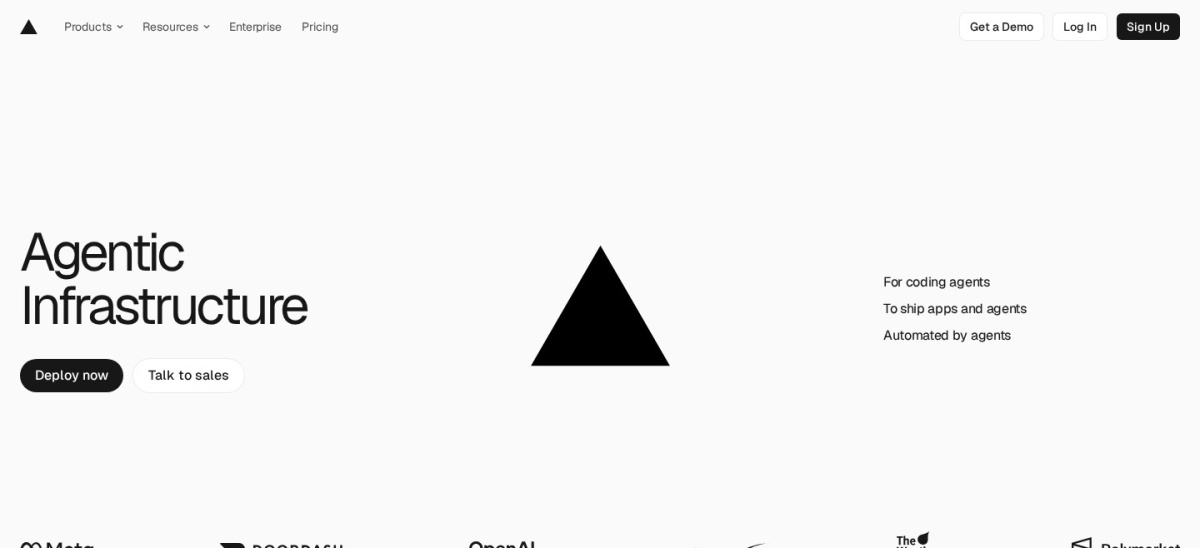
Vercel homepage, captured Nov 2026.
Vercel is a frontend cloud and serverless deployment platform that turns every Git push and pull request into a live preview URL on a global CDN. Its Hobby plan is free for personal, non-commercial projects and includes automatic CI/CD, DDoS mitigation, 1 million function invocations, and 4 hours of active CPU per month.
The trade off is that commercial websites require the Pro plan at $20 per month ($240/yr), which includes $20 of usage credit and 1 TB of CDN transfer but charges $20 per additional deploying seat. It suits frontend and Next.js teams prioritizing fast preview workflows over server management.
What we like
Automatic preview URLs for every Git branch and pull request
First-class support for Next.js, React, and serverless functions
Free viewer seats on Pro let stakeholders review previews at no cost
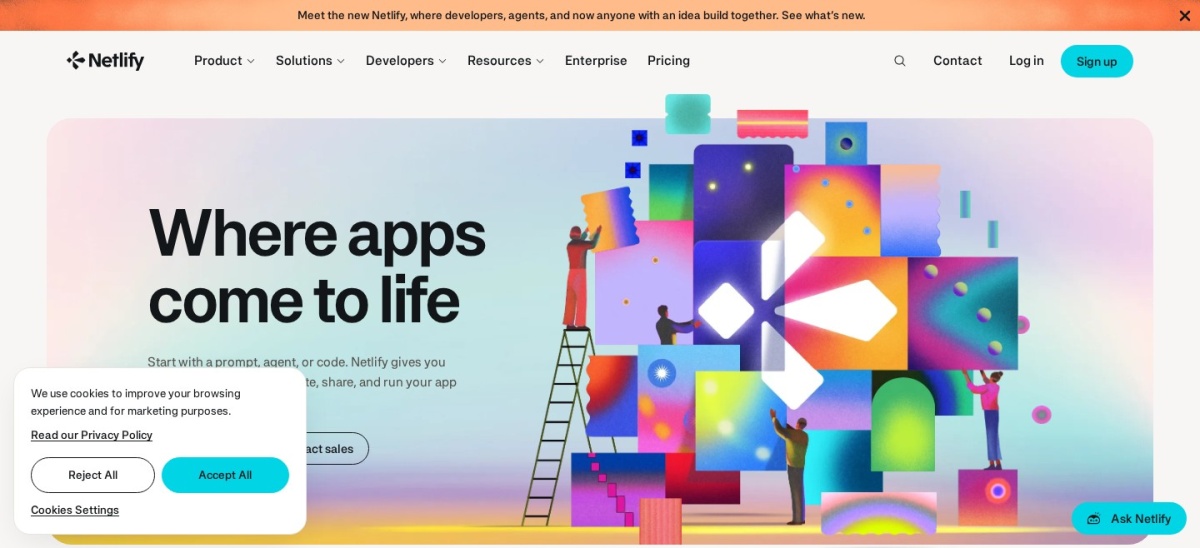
Netlify is a web deployment platform combining Git-triggered builds, global CDN hosting, serverless functions, and branch deploy previews under a unified credit meter. Its Free plan provides 300 monthly credits across deploys, bandwidth, and compute, while the Personal tier costs $9 per month ($108/yr) for 1,000 credits.
The trade off is that hitting the 300-credit hard cap on Free pauses your sites until the next cycle, and high-traffic apps can burn through credits quickly on bandwidth (20 credits per GB). It suits multi-developer teams because Pro ($20/mo) includes unlimited team members with zero per-seat fees.
What we like
Pro ($20/mo) includes unlimited team members with no per-seat charge
Cheaper $9/mo Personal plan for solo commercial sites
Single credit pool covers deploys, bandwidth, functions, and forms
4.4 out of 5 on G2 from 83 reviews
Watch out for
Free plan pauses live sites if you hit the 300-credit cap
Base Pro includes 3,000 credits (~150 GB bandwidth), less than Vercel's 1 TB
Concurrent builds beyond 3 cost $40/mo each
Personal ($9/mo) increases monthly allowance to 1,000 credits and adds priority email support.Visit netlify.com
08
Sentry
4.5/5on G2 (251 reviews, checked Nov 2026)
Paid from$26/mo
Best for production error and performance tracking
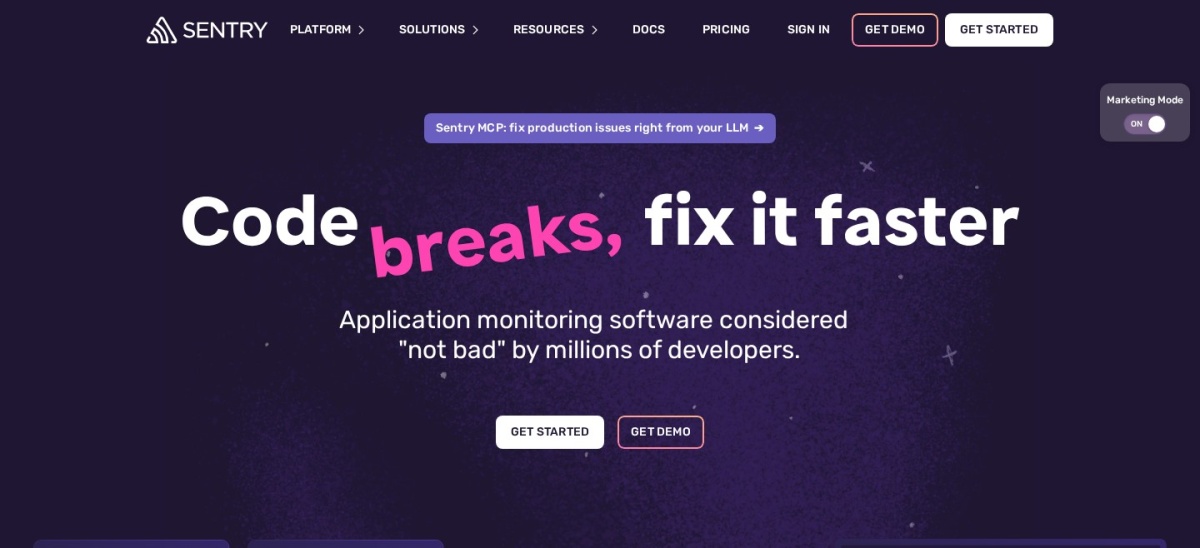
Sentry is an application monitoring platform that captures frontend and backend exceptions with full stack traces, suspect commits, distributed tracing, and session replays. Its free Developer plan supports one user across unlimited projects with 5,000 errors, 5 million tracing spans, and 50 session replays per month.
The trade off is that adding a second developer requires the Team plan at $26 per month billed annually ($312/yr), and uncapped pay-as-you-go overages can spike during a bad deploy loop. It suits engineering teams that want fast root-cause debugging without enterprise observability pricing.
What we like
Pinpoints exact failing commits, stack traces, and user session replays
Free Developer plan supports unlimited projects for solo devs
Team plan ($26/mo) includes unlimited user seats
4.5 out of 5 on G2 across 251 reviews
Watch out for
Free tier is strictly limited to one user account
Sudden error spikes can exhaust the 50,000-error Team quota in minutes
SAML2 SSO and HIPAA compliance require the $80/mo Business plan
Team ($26/mo annual) unlocks unlimited users, 50,000 monthly errors, and 90-day retention.Visit sentry.io
Watch how per-seat pricing scales for a 5-person web team
Sticker prices look similar at one seat, but billing models diverge once you collaborate. Sentry Team ($26/mo) and Netlify Pro ($20/mo) include unlimited team members in their base fee, keeping costs predictable as developers and reviewers join.
By contrast, GitHub Team ($4/user/mo), Bitbucket Standard ($3.65/user/mo), Postman Team ($19/user/mo), and Vercel Pro ($20/deploying seat/mo) multiply every month by active headcount. A 5-person team pays $18.25/mo on Bitbucket or $20/mo on GitHub, but $95/mo on Postman Team and $100/mo on Vercel Pro.
How we chose
We built this list around the core stages of modern web development: local code editing, Git hosting and CI/CD, API testing, containerization, frontend cloud deployment, and production error monitoring.
All ratings, review counts, and regular subscription prices were verified on 29 Nov 2026 directly from official vendor pricing pages and G2 product profiles. Where vendors offer both monthly and annual billing, we calculated the yearly baseline from the published regular rate.
We excluded unmaintained open-source utilities, products with fewer than 20 verified public reviews, and enterprise-only platforms that hide entry pricing behind custom sales quotes. No vendor paid for a place, and we do not claim testing for this list.
How to choose the right web developer tools
Map your stack to each stage of your delivery pipeline before paying for overlapping subscriptions.
Start with a free local editor and Git host. Visual Studio Code ($0) paired with GitHub Free ($0) or Bitbucket Free ($0 for up to 5 users) covers code editing, version control, and basic CI/CD without upfront spend.
Check commercial license rules on free tiers. Vercel Hobby prohibits commercial sites, and Docker Personal requires paid seats once a company exceeds 250 employees or $10M in annual revenue.
Audit per-seat vs. flat-rate team billing. Count how many developers actually need write or deploy permissions. Tools like Netlify Pro and Sentry Team include unlimited seats, while Postman Team and Vercel Pro charge per active seat.
Set hard spend caps on usage-metered tools. Platforms like Sentry, Vercel, and Netlify meter errors, bandwidth, or credits. Enable spend limits or disable auto-recharge so a traffic spike or infinite error loop does not generate a surprise invoice.
FAQ
What are the best web developer tools in 2026?
Visual Studio Code is the best overall code editor (free, 4.7/5 on G2), GitHub is best for code hosting and CI/CD (free tier; Team at $4/user/mo), and Postman is best for API testing (free tier; Solo at $9/mo). Pair them with Docker for containers and Vercel or Netlify for deployment.
Can you build and deploy a web app using only free developer tools?
Yes, solo developers can build and deploy full web applications for $0 using Visual Studio Code, GitHub Free (2,000 CI minutes/mo), Postman Free, Docker Personal, Sentry Developer (5,000 errors/mo), and Netlify Free. Commercial projects on Vercel require its $20/mo Pro plan.
Which is cheaper for web hosting, Vercel or Netlify?
Netlify is cheaper for solo commercial projects and multi-developer teams. Netlify offers a $9/mo Personal tier and includes unlimited team members on its $20/mo Pro plan, whereas Vercel Pro starts at $20/mo for one deploying seat and charges $20/mo for each additional deploying member.
How did Postman pricing change in 2026?
In March 2026, Postman retired its $14 Basic and $29 Professional tiers and replaced them with Free (1 user), Solo ($9/mo billed annually), Team ($19/user/mo), and Enterprise ($49/user/mo). Collection runs and mock servers are now unlimited on every tier, including Free.
When do you have to pay for Docker Desktop?
Docker Desktop is free on the Personal plan for individuals, students, open-source contributors, and businesses with fewer than 250 employees and under $10 million in annual revenue. Companies above either threshold need a paid subscription starting at $9/user/mo billed annually on Pro.
Should small web teams choose GitHub or Bitbucket?
Choose GitHub if you want the largest open-source ecosystem and 2,000 free monthly CI/CD minutes; Team costs $4/user/mo. Choose Bitbucket if your team already runs sprints in Jira, as its free tier covers up to 5 users and Standard costs slightly less at $3.65/user/mo.
SaaS SEO and WordPress specialist with about 8 years of experience. Rakib compares WordPress plugins, themes, hosting and software using public pricing, documentation and user reviews. See how we rank.