GitHub Actions is the best overall alternative to Jenkins for most software teams, pairing 2,000 free Linux minutes per month on private repos with $4 per user/month Team plans. For an all-in-one DevOps suite with self-hosted or SaaS options, choose GitLab CI/CD, while Buildkite fits teams needing hybrid self-hosted build agents.
How we make this list: we compare pricing pages, product documentation and public user reviews, then re-check every price before each update. No product paid for a place. Disclosure.
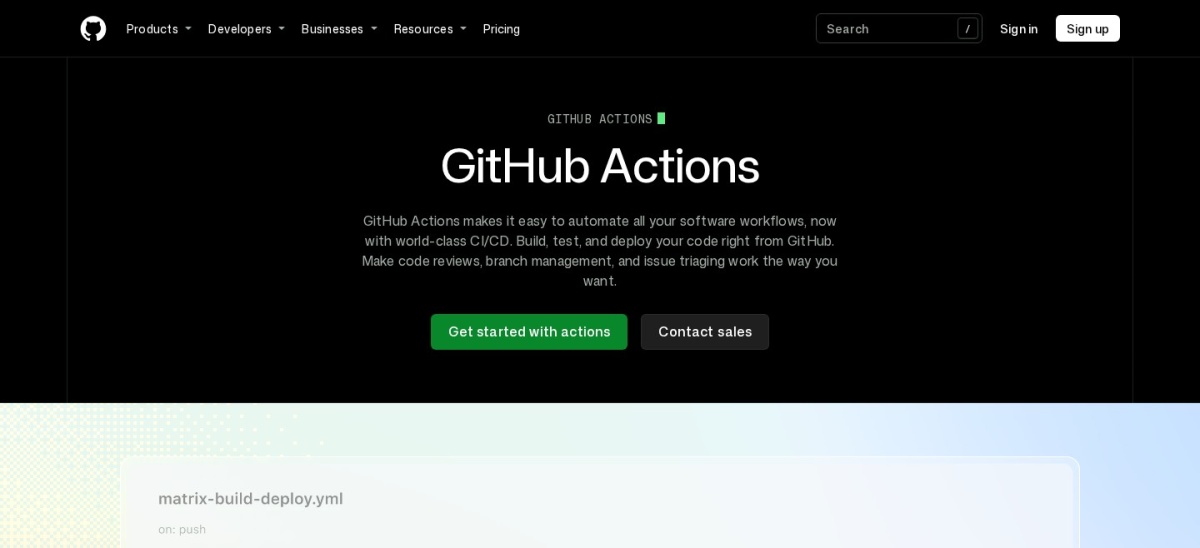
GitHub Actions includes $12 of monthly compute (2,000 2-core Linux minutes) on its Free plan and starts at $4/user/month ($48/yr) for Team.
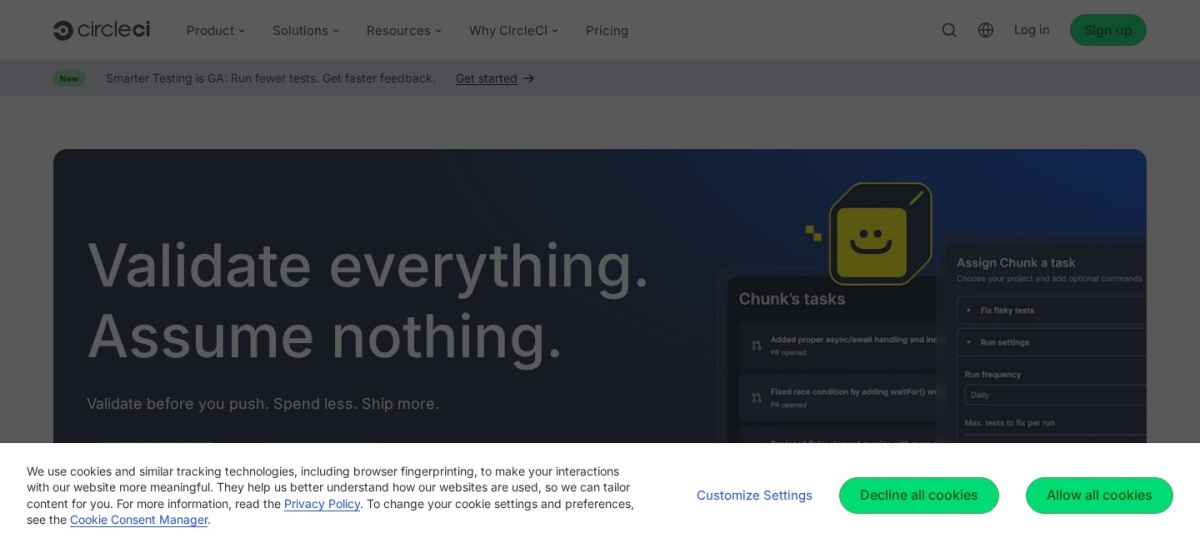
CircleCI uses credit-based billing starting at $15/month ($180/yr) for 30,000 credits and 5 active users, plus $15 per extra active user.
TeamCity offers a free on-premises tier for 100 build configurations, while TeamCity Cloud starts at $15/committer/month with a 3-committer minimum ($540/yr).
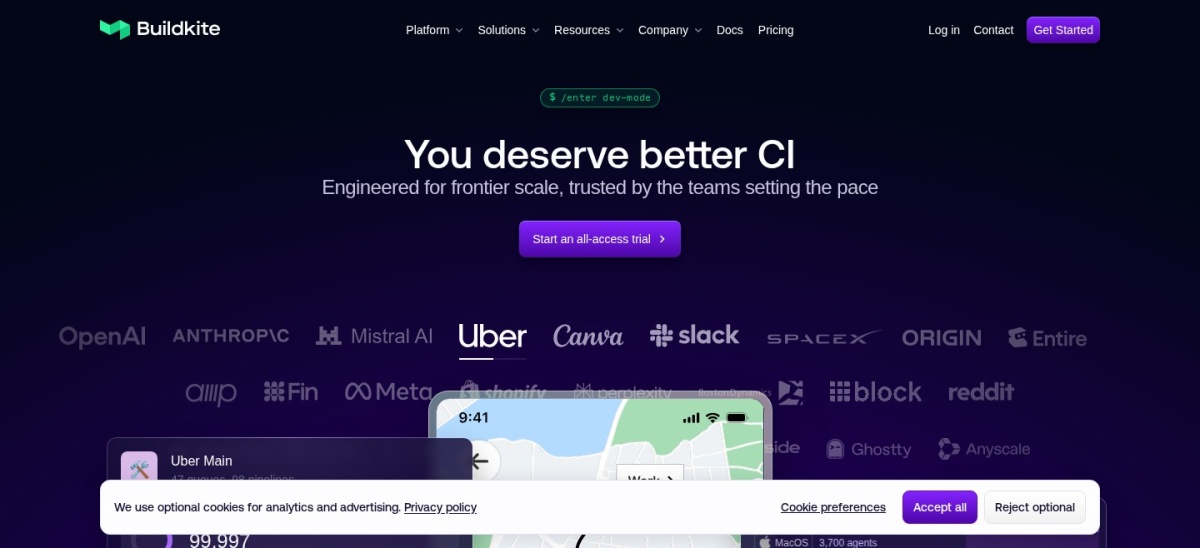
Buildkite combines a managed control plane with self-hosted agents, starting at $0 for 5 users and $30/active user/month ($360/yr) on Pro.
GitLab CI/CD bundles source control, security scanning, and 400 free monthly compute minutes before scaling to $29/user/month ($348/yr) on Premium.
How do you choose the right alternatives to Jenkins?
Moving away from Jenkins usually comes down to eliminating controller maintenance, plugin dependency conflicts, and manual Groovy script upkeep. Modern alternatives shift pipeline definitions to version-controlled YAML files and separate the orchestration layer from the compute nodes that execute your tests.
Hosting model is the biggest architectural fork you will face. Hosted SaaS platforms like GitHub Actions and CircleCI manage the runners for you and charge by compute minutes or credits, whereas hybrid tools like Buildkite and TeamCity let you run build agents on your own cloud instances while offloading the web UI and scheduling.
Pricing structures vary sharply once your team scales past free tiers. Per-seat subscriptions can inflate bills when non-deploying contributors need access, while credit-based and per-minute runners reward teams that right-size container CPU counts and cache dependencies aggressively.
GitHub Actions is a native CI/CD automation platform built directly into GitHub repositories using YAML workflow files. Its Free plan includes unlimited minutes for public repositories plus $12 of monthly compute credit for private repositories, covering 2,000 standard 2-core Linux minutes and 500 MB of package storage.
The trade off is per-minute overage charges and costly macOS runners ($0.062/minute) once your private compute allowance runs out, with the paid Team plan starting at $4 per user/month ($48/year per seat). It suits teams already hosting source code on GitHub that want zero separate server maintenance.
What we like
Eliminates external CI server hosting and webhook setup for GitHub repos
Over 20,000 community actions reduce custom script maintenance
Supports matrix builds across Linux, Windows, and macOS runners
Self-hosted runners incur zero GitHub platform minute fees
Watch out for
macOS hosted runners cost over 10x standard 2-core Linux rates
Debugging complex YAML workflows often requires pushing test commits
Team ($4/user/mo) increases monthly compute credit to $18, adds 2 GB storage, and unlocks environment protection rules.Visit github.com
02
GitLab CI/CD
4.5/5on G2 (905 reviews, checked Nov 2026)
Paid from$29/mo
Best all-in-one DevSecOps platform
HostingSaaS & self-managed
Free quota400 compute mins/mo
Config format.gitlab-ci.yml
Built-in extrasContainer registry & SAST
gitlab.com
GitLab CI/CD homepage, captured Nov 2026.
GitLab CI/CD is an integrated continuous integration and delivery engine bundled inside GitLab's single-application DevOps platform. The Free tier gives teams source code management, a built-in container registry, and 400 compute minutes per month on shared runners, with full support for self-managed GitLab instances.
The trade off is a steep jump to its first paid tier, as GitLab Premium costs $29 per user/month ($348/year per seat) and caps free SaaS runners tightly. It suits engineering organizations looking to consolidate Git hosting, issue tracking, and pipelines into one vendor.
What we like
Native merge trains, review apps, and built-in container registry
Available as both multi-tenant SaaS and full self-hosted software
Strong parent-child pipeline support for large monorepos
Watch out for
Free SaaS tier includes only 400 compute minutes per month
High per-seat cost on Premium ($29/user/month)
Premium ($29/user/mo) expands compute to 10,000 minutes/month, 500 GB storage, merge trains, and multi-approver rules.Visit gitlab.com
03
CircleCI
4.4/5on G2 (511 reviews, checked Nov 2026)
Paid from$15/mo
Best for fast parallel test execution
HostingCloud & self-hosted runners
Free quota30,000 credits/mo (5 users)
Config format.circleci/config.yml
Concurrency30x Free / 80x Performance
circleci.com
CircleCI homepage, captured Nov 2026.
CircleCI is a dedicated cloud CI/CD platform that connects to GitHub, GitLab, and Bitbucket repositories using reusable configuration packages called orbs. Its Free plan includes 30,000 credits per month—roughly 6,000 build minutes on small Linux Docker containers—alongside 30x concurrency for up to 5 active users.
The trade off is credit opacity across larger machine classes and per-user fees once your team exceeds five committers, starting at $15/month ($180/year) on the Performance plan plus $15 per extra active user. It suits teams prioritizing rapid parallel test splitting and SSH job debugging.
What we like
Per-second credit billing avoids rounding short jobs up to full minutes
Built-in Docker layer caching and flaky test detection on all plans
Direct SSH access into failed build containers speeds up debugging
Watch out for
Credit consumption scales sharply on Windows and macOS M4 Pro runners
Shared org credit pool depletes quickly on active mid-size teams
Performance ($15/mo base) unlocks 80x concurrency, larger resource classes, IP ranges, and bulk credit packs.Visit circleci.com
04
Buildkite
4.7/5on G2 (32 reviews, checked Nov 2026)
Paid from$30/mo
Best for hybrid self-hosted build agents
HostingHybrid (SaaS control + own agents)
Free quota5 users, 10 concurrent jobs
Config formatDynamic YAML pipelines
Source controlGitHub, GitLab, Bitbucket
buildkite.com
Buildkite homepage, captured Nov 2026.
Buildkite is a hybrid CI/CD platform that keeps its web dashboard and orchestration in the cloud while running open-source build agents inside your own AWS, GCP, or on-premises infrastructure. Its Free plan supports up to 5 users, 10 concurrent jobs, and 2,000 hosted Linux minutes per month.
The trade off is managing your own auto-scaling compute fleet and paying $30 per active user/month ($360/year per seat) when upgrading to the Pro plan for up to 50 users. It suits security-conscious platform teams that refuse to send source code or secrets to third-party build servers.
What we like
Source code and deployment secrets never leave your private network
Dynamic pipelines generate build steps programmatically at runtime
Scales horizontally without controller bottlenecks common in Jenkins
Watch out for
Requires internal engineering effort to provision and scale agent hosts
Pro tier jumps to $30 per active user each month
Pro ($30/active user/mo) supports up to 50 users, 250 concurrent agents (10 included), and 90-day build retention.Visit buildkite.com
05
TeamCity
4.3/5on G2 (94 reviews, checked Nov 2026)
Paid from$359/yr
Best for Kotlin DSL & JetBrains ecosystems
HostingOn-premises & TeamCity Cloud
Free quota100 build configs (On-Premises)
Config formatKotlin DSL, XML, or Web UI
IntegrationsIntelliJ, .NET, Docker, Perforce
jetbrains.com
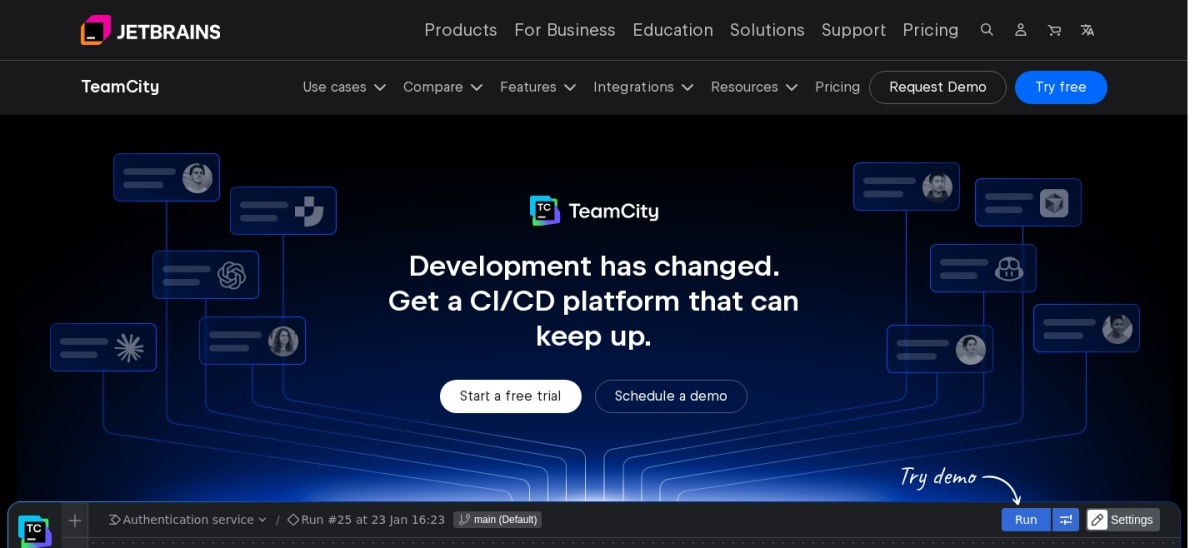
TeamCity homepage, captured Nov 2026.
TeamCity is JetBrains' continuous integration server, offering both a self-hosted installation and a managed cloud service with full Kotlin DSL pipeline configuration. Its free On-Premises Professional tier includes unlimited users, up to 100 build configurations, and 10 pipelines without requiring a license fee.
The trade off is agent-based licensing on-premises ($359/year per extra build agent) or a 3-committer minimum on TeamCity Cloud at $15 per committer/month ($540/year base). It suits enterprise .NET, Java, and game development teams that want rich out-of-the-box test reporting without assembling dozens of plugins.
What we like
Configure pipelines via web GUI or type-safe Kotlin DSL scripts
Deep native support for .NET, Java, IntelliJ IDEs, and Perforce
Free on-premises tier covers up to 100 build configurations
Watch out for
TeamCity Cloud enforces a 3-committer minimum ($540/year entry)
Self-hosted server consumes noticeable RAM compared to lightweight runners
Additional on-premises build agents cost $359/year each (adding 10 build configs), while Cloud starts at $540/year.Visit jetbrains.com
06
Drone CI
4.4/5on G2 (28 reviews, checked Nov 2026)
PriceFree
Best lightweight open-source container CI
HostingSelf-hosted (Docker / Kubernetes)
LicenseOpen-source Community Edition
Config format.drone.yml
ArchitectureEvery step runs in a container
drone.io
Drone CI homepage, captured Nov 2026.
Drone CI is a self-hosted, container-native continuous integration engine distributed as a single lightweight binary or Docker image. Its open-source Community Edition is free to run on your own Linux, Windows, or Arm servers, executing every pipeline step inside an isolated Docker container.
The trade off is that standalone commercial support has been folded into parent company Harness, leaving Drone itself without a standalone paid tier and requiring self-maintenance. It suits small DevOps teams that want a clean, zero-cost open-source replacement for Jenkins without JVM overhead.
What we like
Every build step runs in a clean, isolated Docker container
Plugins are standard Docker images rather than fragile server extensions
Installs quickly via a single container with minimal memory footprint
Watch out for
No standalone paid support tier outside the broader Harness platform
Smaller community ecosystem than GitHub Actions or GitLab
Community Edition is completely free and open source; commercial enterprise features live under Harness.Visit drone.io
07
Azure Pipelines
4.4/5on G2 (612 reviews, checked Nov 2026)
Paid from$40/mo
Best for Microsoft & multi-OS builds
HostingCloud & self-hosted agents
Free quota1 parallel job (1,800 mins/mo)
Config formatazure-pipelines.yml
Public reposUp to 10 free parallel jobs
azure.microsoft.com
Azure Pipelines homepage, captured Nov 2026.
Azure Pipelines is Microsoft's cloud CI/CD service inside Azure DevOps, supporting repositories hosted on GitHub, Bitbucket, or Azure Repos. Its free tier provides 1 Microsoft-hosted parallel job with 1,800 build minutes per month for private projects, plus 1 free self-hosted parallel job.
The trade off is paying per concurrent parallel job rather than per minute once you need simultaneous builds, starting at $40/month ($480/year) for each additional Microsoft-hosted parallel job. It suits organizations standardized on Azure cloud services, Windows Server, or .NET workloads.
What we like
Flat $40/month rate per parallel job yields predictable monthly billing
Includes Linux, Windows, and macOS Microsoft-hosted agents
Up to 10 free parallel jobs for open-source public repositories
Watch out for
Free private tier limits you to a single sequential job at a time
Azure DevOps interface feels dated compared to newer cloud runners
Additional Microsoft-hosted parallel jobs cost $40/mo each with unlimited minutes; extra self-hosted jobs cost $15/mo.Visit azure.microsoft.com
What changes when you migrate off Jenkins?
Replacing Jenkins requires translating imperative Groovy Jenkinsfiles into declarative YAML workflows. Instead of installing global plugins on a central controller, modern CI tools pull versioned actions, orbs, or Docker images directly inside each job definition.
Secret management also moves from Jenkins' central credential store to repository-scoped secrets or OpenID Connect (OIDC) short-lived tokens for AWS, Azure, and Google Cloud. Auditing your existing Jenkins plugins before migrating helps identify hidden deployment scripts that need explicit replacement.
How we chose
We selected established CI/CD platforms that replace Jenkins' core build, test, and deployment automation across cloud, hybrid, and self-hosted environments. Every candidate had to offer declarative pipeline-as-code support, active maintenance, and verifiable public user reviews.
All pricing tiers, free compute quotas, and G2 ratings were verified on 29 Nov 2026 directly from official vendor pricing pages and public review listings. Where platforms bill by usage or per seat, we recorded the lowest regular monthly rate and annualized it to show the entry baseline.
We excluded legacy tools without modern YAML or code-driven pipelines, platforms lacking transparent entry pricing, and niche runners with fewer than 20 verified public reviews. No vendor paid for a place, and we do not claim testing for this list.
How to choose among alternatives to Jenkins
Follow four practical steps to match your repository host, compliance rules, and build volume to the right CI/CD replacement.
Check where your Git repositories already live. If your code is on GitHub or GitLab, starting with GitHub Actions or GitLab CI/CD eliminates webhook configuration and centralizes pull request status checks.
Decide whether build runners can touch third-party clouds. Teams with strict firewall or compliance rules should shortlist Buildkite, TeamCity, or self-hosted runners so source code never leaves private infrastructure.
Calculate your monthly Linux, Windows, and macOS minutes. Compare your actual build duration against free quotas—macOS and high-CPU runners can multiply per-minute costs by 10x to 20x on hosted SaaS plans.
Audit your critical Jenkins plugins before committing. List every Jenkins plugin handling deployments, artifact uploads, or notifications and confirm native equivalents exist in your chosen platform's marketplace.
FAQ
What are the best alternatives to Jenkins in 2026?
GitHub Actions is the top overall alternative to Jenkins for teams already using GitHub, offering 2,000 free private Linux minutes per month and $4/user/month Team plans. GitLab CI/CD is the best all-in-one DevOps suite, while Buildkite leads for hybrid self-hosted build agents.
Which Jenkins alternative is completely free and open source?
Drone CI offers a completely free, open-source Community Edition that runs every pipeline step inside isolated Docker containers on your own servers. GitLab Community Edition and TeamCity On-Premises Professional (up to 100 build configurations) also provide free self-hosted options.
Is GitHub Actions cheaper than self-hosting Jenkins?
For small and mid-size teams, GitHub Actions is often cheaper because it includes $12/month in free compute (2,000 2-core Linux minutes) with zero server upkeep. High-volume teams running tens of thousands of macOS or multi-core minutes may spend less using self-hosted runners.
What is the best Jenkins alternative for enterprise security and compliance?
Buildkite and self-managed GitLab CI/CD are the strongest choices for strict compliance. Buildkite keeps your source code and secrets inside your own AWS or on-premises agents while offloading UI maintenance, whereas self-managed GitLab gives you full control over the entire stack.
How do GitHub Actions and CircleCI compare as Jenkins replacements?
GitHub Actions integrates natively into GitHub pull requests and charges $4/user/month on Team with $18 of monthly compute credit. CircleCI works across GitHub, GitLab, and Bitbucket, billing per second in credits starting at $15/month with 30,000 credits and 80x concurrency.
SaaS SEO and WordPress specialist with about 8 years of experience. Rakib compares WordPress plugins, themes, hosting and software using public pricing, documentation and user reviews. See how we rank.