Python is the best alternative to Julia for most scientific computing work, rated 4.8 out of 5 from 275 G2 reviews, with free NumPy and SciPy libraries covering most numerical tasks. MATLAB suits engineers who want paid support and toolboxes, while Scilab and GNU Octave are free options for MATLAB-style work.
How we make this list: we compare pricing pages, product documentation and public user reviews, then re-check every price before each update. No product paid for a place. Disclosure.
Python leads at 4.8/5 from 275 G2 reviews and costs nothing.
MATLAB is the closest paid match at $940 a year, with toolboxes sold separately.
Scilab and GNU Octave are free, MATLAB-style options rated 4.5 and 4.2.
Maple and Mathematica are the symbolic maths picks, at $239 and $1,520 a year.
Five of the eight picks are free and open source; only MATLAB, Maple and Mathematica charge.
What should you look for in alternatives to Julia?
Speed is the first thing to check. Julia is fast because it compiles code just in time, so an alternative should either match that pace or make the slowdown easy to fix with libraries.
Libraries matter more than syntax. A language with ready-made tools for arrays, statistics and plotting saves more time than a faster language with a thin ecosystem.
Price changes the decision fast. Five picks here are free, while MATLAB starts at $940 a year and Mathematica at $1,520, so a paid tool has to earn its fee with support or toolboxes.
Community size decides how stuck you get. Python answers are easy to find, while smaller tools such as SageMath need more patience when a package breaks.
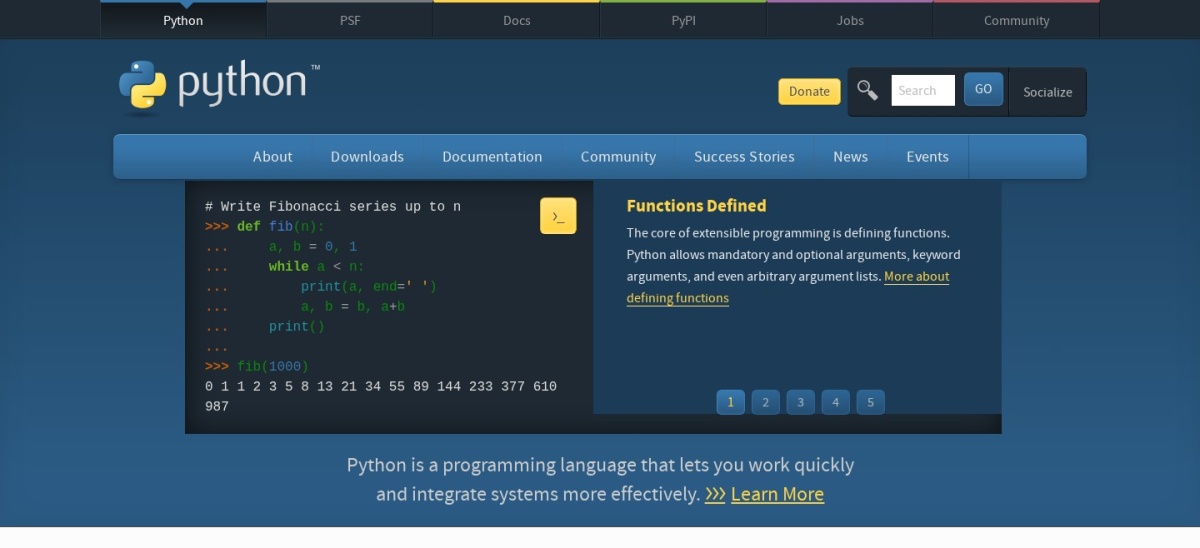
Python is the most widely used general-purpose language for scientific computing, with NumPy for arrays, SciPy for numerical routines and pandas for data work. It is free and open source, and its large community means most Julia workflows have a documented Python equivalent.
The trade off is speed. Plain Python loops run slower than Julia, so heavy numerical code needs NumPy, Numba or C extensions to match Julia pace. It suits teams that value hiring, libraries and community size over raw loop speed.
Kotlin is a modern, concise language from JetBrains that runs on the JVM and compiles to native code. It is free and open source under Apache 2.0, with null safety built in and full access to Java libraries.
The trade off is fit. Kotlin is a general-purpose and Android language, not a numerical computing environment, so it lacks Julia-style array maths and science libraries. It suits developers who want a fast, safe compiled language for apps and services rather than research computing.
MATLAB is the paid numerical computing environment from MathWorks, built around matrices, toolboxes and plotting. The Individual Standard licence costs $940 a year and includes MATLAB, Simulink and the Online Training Suite.
The trade off is cost. Toolboxes are sold separately, so a full setup costs more than the $940 base, and code is tied to a proprietary licence. It suits engineers and researchers who want tested toolboxes and vendor support.
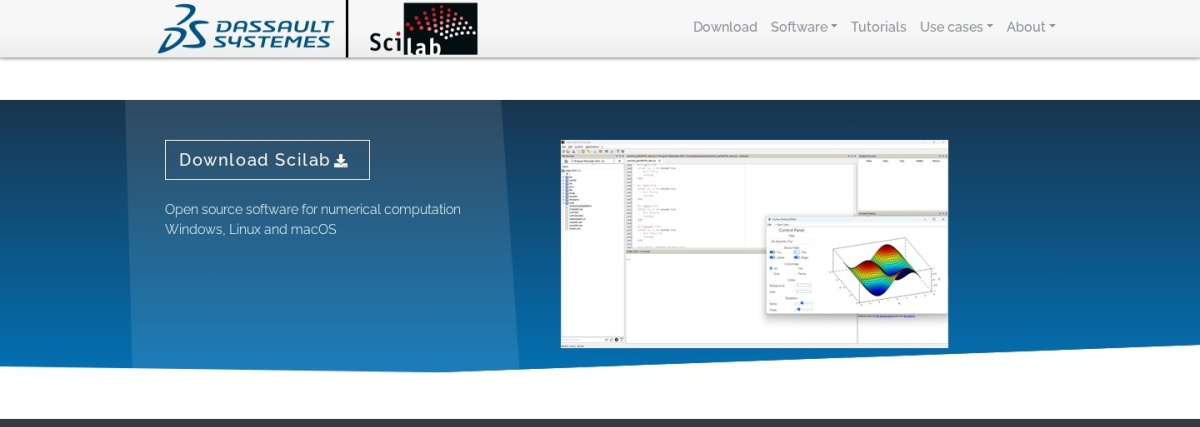
Scilab is a free, open-source platform for numerical computation, simulation and statistics, with a MATLAB-like syntax. It runs on Windows, macOS and Linux and includes 2D and 3D plotting plus the Xcos modeller.
The trade off is scale. Its community and toolbox range are smaller than MATLAB or Python, so niche methods may need hand-written code. It suits students and small teams who want MATLAB-style work without a licence fee.
Maple is a commercial computer algebra system from Maplesoft, strong on symbolic maths, equation solving and interactive documents. The Personal Edition costs $239, with a 15-day free trial and a commercial licence at $2,390.
The trade off is price and scope. The Personal Edition is for non-commercial use only, and Maple is a maths environment rather than a general-purpose language. It suits teaching and symbolic work where exact algebra matters more than raw speed.
SageMath is a free, open-source mathematics system built on Python, combining algebra, calculus, number theory and plotting in one environment. It runs on Linux and macOS, with Windows support through virtualisation.
The trade off is setup. Installation is heavier than a single download, and its interface is less polished than paid rivals. It suits researchers who want symbolic and numerical maths in Python without paying for a licence.
GNU Octave is a free, open-source environment for numerical computing that runs most MATLAB scripts with little change. It covers linear algebra, plotting and signal processing on Windows, macOS and Linux.
The trade off is polish. Its interface and toolboxes lag behind MATLAB, and some newer MATLAB functions have no Octave equivalent. It suits anyone moving MATLAB code to a free tool without rewriting it.
Wolfram Mathematica is a technical computing platform built on the Wolfram Language, covering symbolic maths, numerics and visualisation. The Standard Cloud plan costs $1,520 a year, and a desktop licence is also sold.
The trade off is price. At $1,520 a year it is the dearest option here, and its syntax takes time to learn. It suits researchers who need symbolic computation, curated data and visualisation in one system.
Free picks cover most Julia use cases. Python, Scilab, GNU Octave, SageMath and Kotlin cost nothing and handle numerical work, plotting and general programming.
Paid picks add support and polish. MATLAB brings tested toolboxes and vendor help, while Maple and Mathematica add symbolic maths depth.
If you earn money from the work, a paid licence can pay for itself in support alone. For study or a side project, start free and only pay when a missing toolbox blocks you.
How we chose
We started from the languages and numerical computing tools most often named as Julia replacements, then kept only those with a numeric rating and review count on G2.
Prices come from each vendor pricing page, checked on 29 November 2026. Ratings and review counts come from G2 on the same day. Where a vendor shows a sale, the list shows the regular price.
We left out R, Rust, Go, C++ and Java because no G2, Capterra or Trustpilot rating exists for the language itself, and we did not use IDE or framework ratings in their place. No vendor paid for a place, and we do not claim hands-on testing for this list.
How to choose an alternative to Julia
Start with the work you actually do, then match the tool to it.
List the Julia features you use most. Array maths, plotting, statistics or symbolic work point to different picks, so write down your top three before you compare.
Pick free first if you are learning. Python or Scilab cover most study and side-project work at no cost, and you can switch later without losing much.
Check the libraries for your field. Make sure the packages you need exist and are maintained before you commit to a language.
Weigh paid support against the fee. MATLAB at $940 a year or Mathematica at $1,520 a year only make sense when toolboxes or vendor support save real time.
FAQ
What is the best alternative to Julia in 2026?
Python is the best alternative to Julia for most people. It is rated 4.8 out of 5 from 275 G2 reviews, it is free, and its NumPy, SciPy and pandas libraries cover most scientific computing work.
Is there a free alternative to Julia?
Yes. Python, Scilab, GNU Octave, SageMath and Kotlin are all free and open source. Scilab and GNU Octave are the closest free matches for MATLAB-style numerical work.
What is the closest paid alternative to Julia?
MATLAB is the closest paid alternative, at $940 a year for an Individual Standard licence. It adds tested toolboxes, strong plotting and vendor support, but toolboxes are sold separately.
Which alternative to Julia is best for beginners?
Python is the easiest starting point. Its syntax is readable, its community is the largest here, and most questions already have a documented answer.
Python vs MATLAB: which replaces Julia better?
Python replaces Julia better for most people because it is free, widely hired for, and rich in libraries. MATLAB wins for engineers who need tested toolboxes and paid support.
Can I run MATLAB code in a free alternative to Julia?
GNU Octave runs most MATLAB scripts with little change, and Scilab uses a similar MATLAB-like syntax. Some newer MATLAB functions have no free equivalent, so check your scripts first.
SaaS SEO and WordPress specialist with about 8 years of experience. Rakib compares WordPress plugins, themes, hosting and software using public pricing, documentation and user reviews. See how we rank.