Gitpod is the best GitHub Codespaces alternative for most developers, with a free plan and a $9-a-month Personal plan, rated 4.3 out of 5 on G2. Choose Replit for fast browser builds with AI help, or CodeSandbox for front-end work in the browser.
How we make this list: we compare pricing pages, product documentation and public user reviews, then re-check every price before each update. No product paid for a place. Disclosure.
Gitpod is the closest direct replacement, with a free plan and paid plans from $9 a month.
Replit is the easiest start for beginners, at $20 a month for Core, with hosting and AI help built in.
CodeSandbox now starts its paid Scale plan at $170 a month per workspace, a big jump from its old $12 plan.
Coder and Eclipse Che are free and open source, but you run them on your own infrastructure.
GitLab costs $29 a user a month for Premium and suits teams that want code, CI and review in one place.
Daytona has no flat monthly price: it bills per second for compute, starting with $200 of free compute.
How do you choose the best github codespaces alternatives?
A good replacement starts from your code in seconds, not from a new laptop setup. The best options open a ready workspace from a Git repository in the browser.
Price is the first split. Some tools charge per user per month, while others charge for compute by the hour or second, so a cheap seat can still cost more on a large project.
Self-hosting is the second split. Managed tools such as Gitpod and Replit run the workspace for you, while Coder and Eclipse Che run on infrastructure you control. Our guide on how to use Git with WordPress explains the Git workflow these workspaces build on.
Front-end work needs less than back-end work. StackBlitz and CodeSandbox run web projects in the browser, while Gitpod, Coder and GitLab handle full-stack and polyglot projects better.
Gitpod is a cloud development environment that spins up a ready-to-code workspace from a Git repository in seconds. The free plan includes 50 hours a month, and the Personal plan costs $9 a month with more hours and larger machines.
The trade off is the name change. Gitpod renamed itself Ona in September 2025 and retired Gitpod Classic, so older guides and prices may not match the current site. It suits developers who want the closest managed replacement for Codespaces.
What we like
Closest direct replacement for Codespaces
Free plan with 50 hours a month
Prebuilds keep large projects ready to open
Watch out for
Rebrand to Ona makes older pricing hard to follow
Free hours run out fast on daily use
Only 16 G2 reviews, a small sample
Paid plans add more hours, larger machines and prebuildsVisit gitpod.io
02
Replit
4.4/5on G2 (421 reviews, checked Nov 2026)
Paid from$20/mo
Best for beginners and fast prototypes
Free planYes, limited projects
Cheapest paid planCore, $20/mo
AI helpAgent and Assistant
HostingYes, deploy from Replit
replit.com
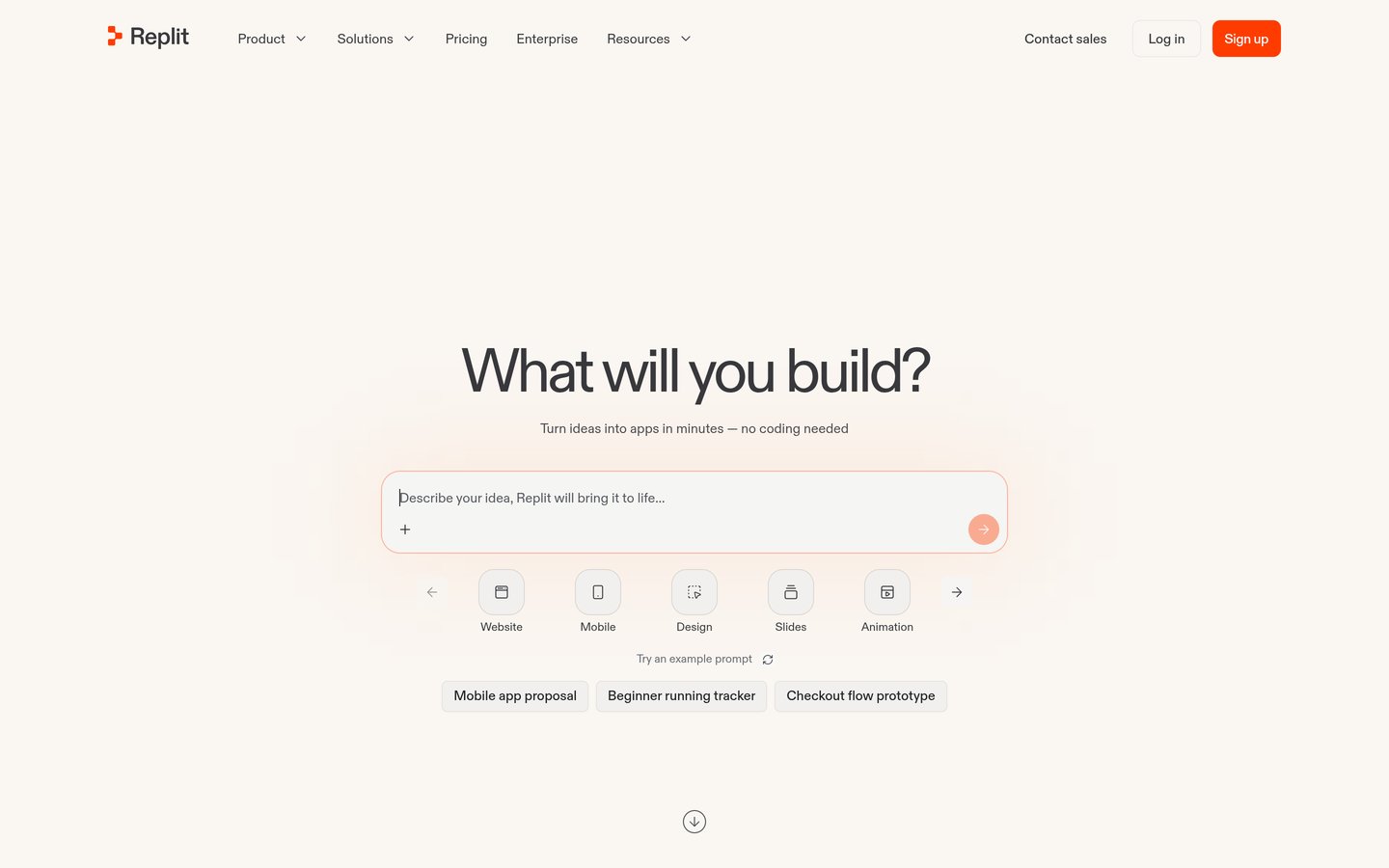
Replit homepage, captured Nov 2026.
Replit is a browser-based workspace where you write, run and deploy code without local setup. The free plan covers a small number of public projects, and Core costs $20 a month per user with unlimited projects, full AI access and $25 in monthly usage credits.
The trade off is cost control. AI work and hosting use credits, and reviewers report that credit use can be hard to predict on larger projects. It suits beginners, solo builders and small teams that want an idea live fast.
What we like
Fastest start: code, run and deploy in one place
Strongest review base in this list, 421 G2 reviews
AI Agent builds a first version from a prompt
Watch out for
Credit use can be unpredictable on big projects
Less suited to large polyglot codebases
Recent reviews report billing and cancel friction
Core adds unlimited projects, full AI access and creditsVisit replit.com
03
CodeSandbox
4.5/5on G2 (19 reviews, checked Nov 2026)
Paid from$170/mo
Best for front-end work in the browser
Free planYes, Build plan
Cheapest paid planScale, $170/mo per workspace
VM sandboxesUp to 4 vCPUs, 8 GiB RAM free
Best forJavaScript and web apps
codesandbox.io
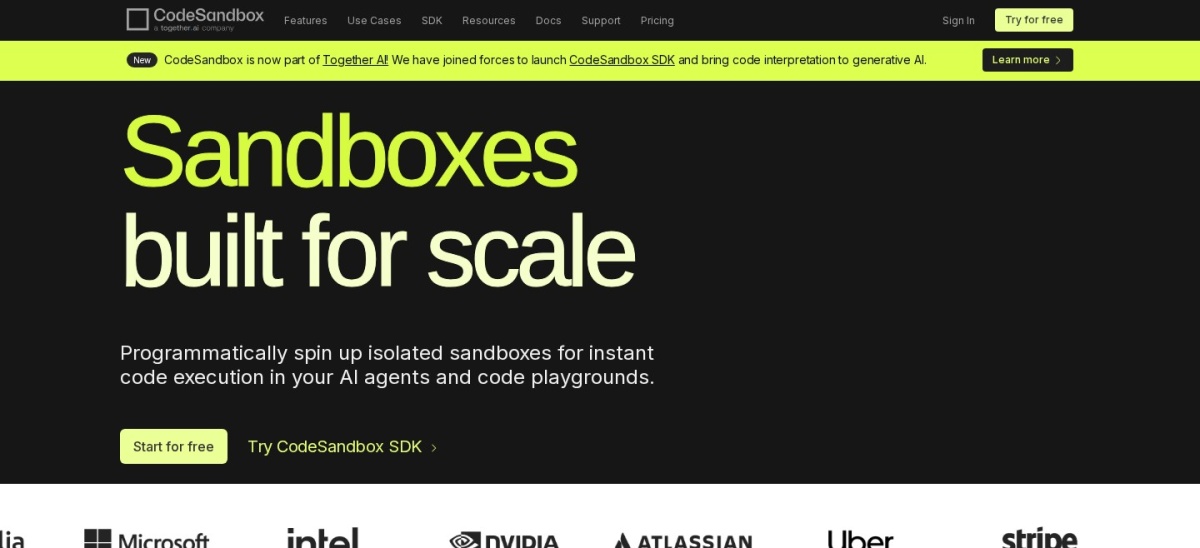
CodeSandbox homepage, captured Nov 2026.
CodeSandbox is a browser IDE built for web projects, with instant sandboxes and full virtual-machine devboxes. The free Build plan includes unlimited browser and VM sandboxes for up to 5 workspace members, with VM specs up to 4 vCPUs and 8 GiB of RAM.
The trade off is price. The paid Scale plan costs $170 a month per workspace, and the old $12 Pro plan was removed in November 2026. It suits front-end teams and demo work, not teams looking for a cheap Codespaces swap.
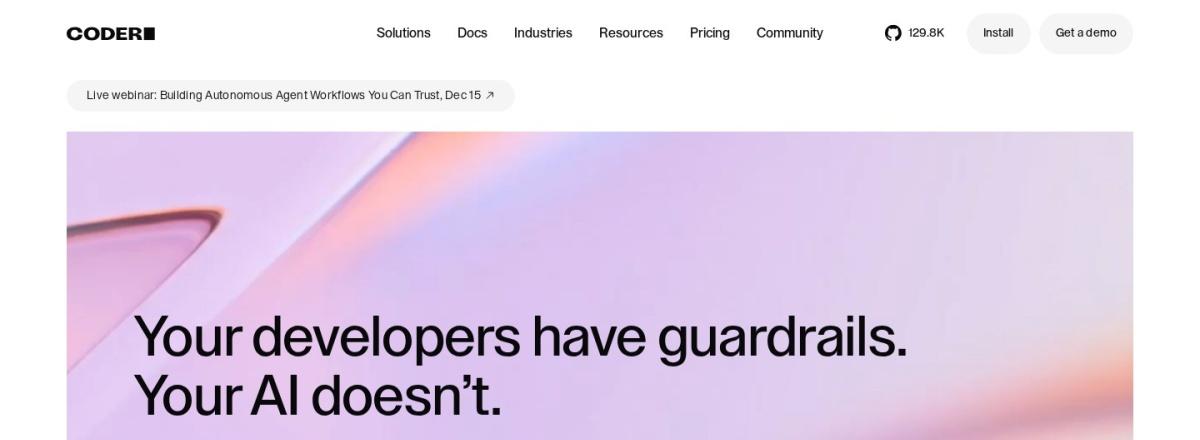
Coder is a self-hosted platform for cloud development environments, with workspaces defined as code using Terraform templates. The free Community edition includes unlimited self-hosted workspaces, multi-IDE support and single sign-on.
The trade off is operations. You run the platform and pay for your own compute, and Premium pricing is annual per user with no public monthly figure. It suits platform teams that need code to stay inside their own cloud.
What we like
Code never leaves your own infrastructure
Free Community edition with unlimited workspaces
240 G2 reviews, the second-largest base here
Watch out for
No public price for the paid Premium plan
Needs Terraform and DevOps skill to run well
You pay separately for all compute
Premium adds audit logs, high availability and RBACVisit coder.com
05
GitLab
4.5/5on G2 (898 reviews, checked Nov 2026)
Paid from$29/mo
Best all-in-one DevOps replacement
Free planYes, up to 5 users per group
Cheapest paid planPremium, $29/user/mo
Web IDEYes, in the browser
CI/CDBuilt in, 10,000 minutes on Premium
about.gitlab.com
GitLab homepage, captured Nov 2026.
GitLab is a DevOps platform with repositories, CI/CD, security scanning and a browser Web IDE in one place. The free plan covers up to 5 users per group, and Premium costs $29 a user a month billed annually, with 10,000 CI minutes a month per group.
The trade off is scope. You get a whole platform, not just a cloud IDE, so it costs more than a focused workspace tool if you only need an editor. It suits teams ready to leave GitHub entirely, not just Codespaces.
What we like
Largest review base here, 898 G2 reviews
Repos, CI, review and IDE in one platform
Self-managed option for strict hosting rules
Watch out for
Premium is $29 a user a month, dear for IDE-only use
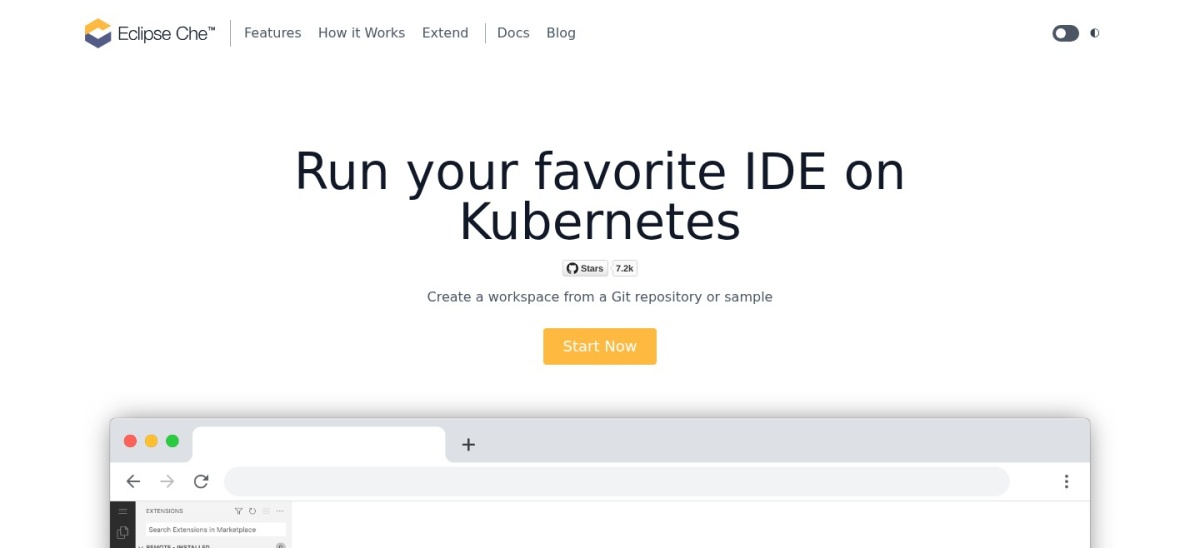
Eclipse Che is an open-source cloud development environment that runs workspaces on Kubernetes, with a browser IDE and Devfile-based setup. It is free to use, and teams define each workspace in code so every developer starts from the same setup.
The trade off is setup. You need a Kubernetes cluster and the skill to run it, and there is no paid plan to buy your way out of that work. It suits Java and enterprise teams that already run Kubernetes.
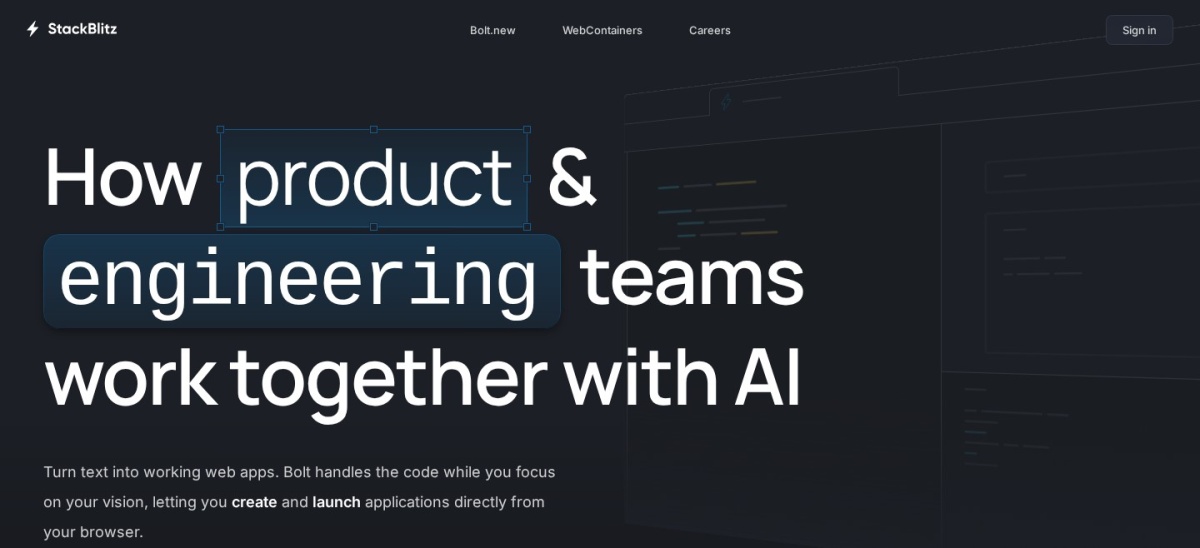
StackBlitz is a browser IDE that runs Node projects in WebContainers, so a project boots in milliseconds with no local install. The free Personal plan covers unlimited public projects, and Pro costs $18 a month billed annually, or $25 billed monthly.
The trade off is scope and proof. It is built for JavaScript and web work, not polyglot projects, and its Trustpilot rating rests on only 3 reviews. It suits front-end demos, reviews and quick reproductions.
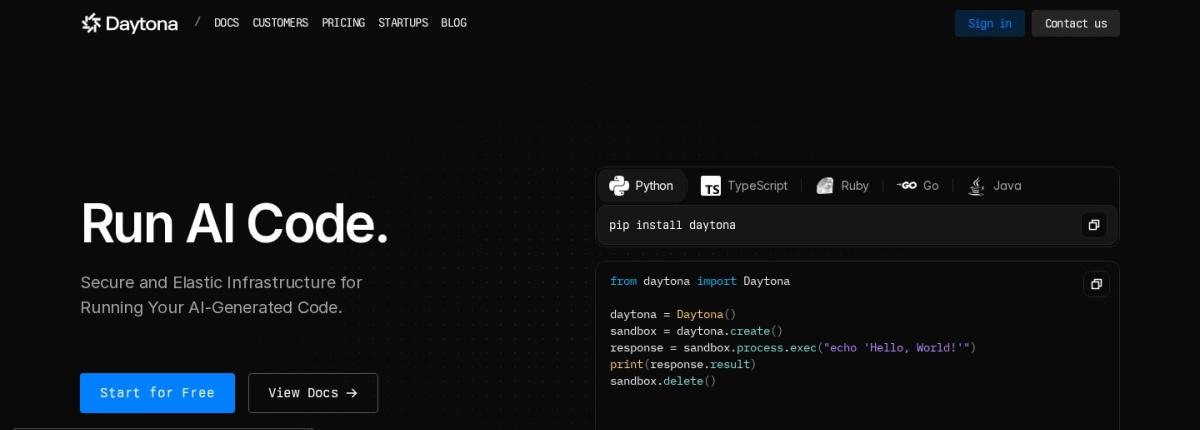
Daytona is a sandbox platform for running AI-generated code, with workspaces that start in milliseconds and bill per second. Compute costs $0.0504 per vCPU hour and $0.0162 per GiB of memory per hour, and new accounts get $200 in free compute.
The trade off is predictability. There is no flat monthly price, so steady daily use is harder to budget than a per-seat plan. It suits teams building AI agents, not developers who want a fixed-price Codespaces replacement.
What we like
Rated 5.0 out of 5 from 35 G2 reviews
Per-second billing, so idle time costs nothing
Snapshots and GPU sandboxes for agent work
Watch out for
No flat monthly price to budget against
Built for agent sandboxes, not daily human coding
Moved to closed source in June 2026
Pay as you go adds larger limits; Enterprise adds SSO and BYOCVisit daytona.io
Free vs paid: what the free plan really covers
Free plans in this list are real, but they cap hours, projects or machine size. Gitpod gives 50 free hours a month, while Replit limits free accounts to a small number of public projects.
Paid plans mostly buy more hours, larger machines and private projects. CodeSandbox is the outlier: its free Build plan is generous, but Scale costs $170 a month per workspace.
Self-hosted tools flip the cost. Coder and Eclipse Che charge no licence fee, but you pay for the servers and the time to run them.
If you code every day, compare the monthly seat price with the hourly compute price. A $9 seat beats per-second billing once you pass a few hours a day.
How we chose
We started from the cloud development environments most often named as Codespaces replacements, then kept those with a public price and a published user rating.
Prices come from each vendor pricing page or G2 pricing data, checked on 29 November 2026. Ratings and review counts come from G2 or Trustpilot on the same day. Where a vendor shows a sale, the list shows the regular price.
We left out tools with no public rating, tools that shut down, and GitHub Codespaces itself. No vendor paid for a place, and we do not claim to have used these tools ourselves.
How to choose a GitHub Codespaces alternative
Start with the language you write most, then match the billing model to how often you code.
List the languages and frameworks you need. JavaScript-only tools such as StackBlitz and CodeSandbox are fast for web work but weak for polyglot projects.
Decide who runs the workspace. Pick a managed tool such as Gitpod or Replit if you want no operations, or Coder and Eclipse Che if you must self-host.
Compare seat price with compute price. A flat $9 or $20 seat is easier to budget than per-second billing if you code full days.
Try the free plan on a real project. Open a real repository, install dependencies and run the app before you move a team across.
FAQ
What is the best free alternative to GitHub Codespaces?
Gitpod is the best free alternative for most developers. Its free plan includes 50 hours a month, and the Personal plan costs $9 a month. Replit is the easier free start for beginners, with a browser IDE and hosting built in.
How much does a GitHub Codespaces alternative cost?
Prices in this list run from free to $170 a month per workspace. Gitpod starts at $9 a month, Replit Core at $20 a month, and CodeSandbox Scale at $170 a month per workspace. Coder and Eclipse Che are free, but you pay for your own servers.
Which GitHub Codespaces alternative is best for beginners?
Replit is the best pick for beginners. It opens in the browser with no setup, includes hosting and AI help, and the Core plan costs $20 a month. Gitpod is the better next step once you work in Git repositories every day.
Is Gitpod or Replit better than GitHub Codespaces?
Gitpod is better if you want a managed workspace that works like Codespaces but starts at $9 a month with a free plan. Replit is better if you want fast prototypes with hosting and AI help in one place, though its credit costs are harder to predict.
Can I self-host a GitHub Codespaces alternative?
Yes. Coder and Eclipse Che are the best self-hosted options in this list, and both are free and open source. Coder uses Terraform templates, while Eclipse Che runs on Kubernetes. You still pay for your own compute and operations.
Which alternative is best for front-end development?
CodeSandbox is the best pick for front-end work, with instant sandboxes and a free Build plan, though Scale costs $170 a month per workspace. StackBlitz is the faster, cheaper option for JavaScript demos, at $18 a month billed annually for Pro.
SaaS SEO and WordPress specialist with about 8 years of experience. Rakib compares WordPress plugins, themes, hosting and software using public pricing, documentation and user reviews. See how we rank.