Octoparse is the best web scraping software for beginners, because you build a scraper by clicking data on a page instead of writing code, and its free plan covers small local jobs. Pick Browse AI for monitoring pages and Apify when a ready-made scraper already exists.
How we make this list: we compare pricing pages, product documentation and public user reviews, then re-check every price before each update. No product paid for a place. Disclosure.
Octoparse is the best pick for non-developers, with a visual builder and a free plan for local tasks.
Browse AI Personal costs $19 a month billed annually, confirmed on its pricing page today, with a free plan of 50 credits.
Apify has the largest review base here at 4.7 out of 5 from 676 G2 reviews, with thousands of ready-made scrapers.
Bright Data and Oxylabs win on protected sites at high volume, but both need real budget and patience.
Every tool here except ScrapingBee, ScraperAPI and Oxylabs has a free plan, so beginners can test real work first.
What a beginner scraping tool should cover
Web scraping means pulling structured data out of web pages: prices, listings, reviews or job posts. A beginner-friendly tool does that without code, usually by letting you click the fields you want.
The first choice is visual or API. Visual tools like Octoparse, Browse AI and ParseHub suit analysts and marketers, while APIs like Firecrawl, ScrapingBee and ScraperAPI suit developers building pipelines.
Protected sites are the hard part. Many sites block bots with CAPTCHAs and rate limits, which is where Bright Data and Oxylabs earn their price. Beginners should start on unprotected pages and respect each site's terms and robots file. Our guide on web scraping tools compares the wider field.
Pricing is mostly monthly or per use. Credit and record limits matter more than the headline price, so check how many pages your job actually needs before you pay.
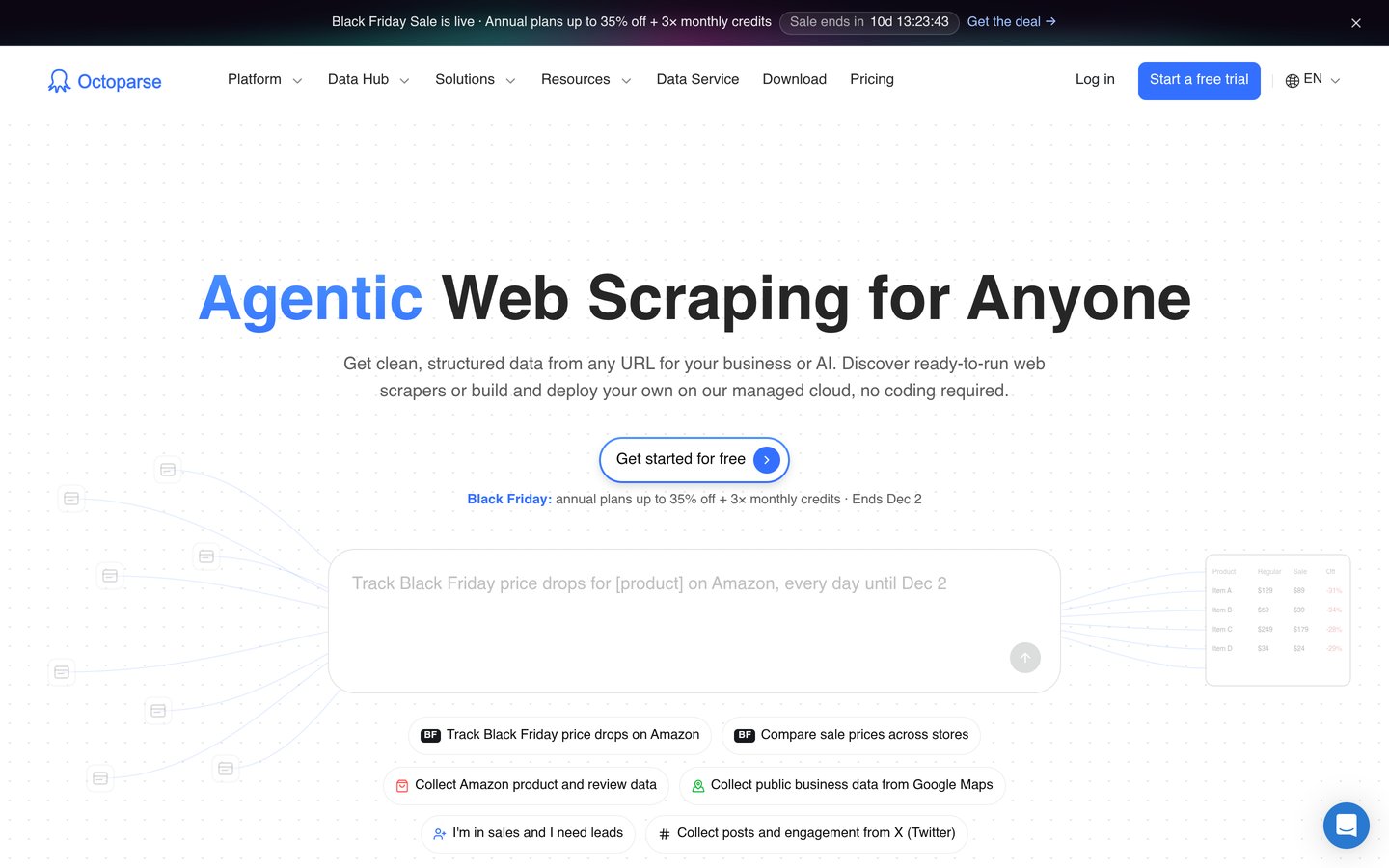
Octoparse is a visual scraper for people who do not write code. You build a task by clicking the data you want on a page, and it handles pagination, login flows and scheduled cloud runs, with templates for job boards and shopping sites.
The trade off is price. The Standard plan costs $69 a month billed annually, and proxies and extra templates are billed separately, so a job on a protected site can cost more than the subscription suggests. It suits operators who want results this week without code.
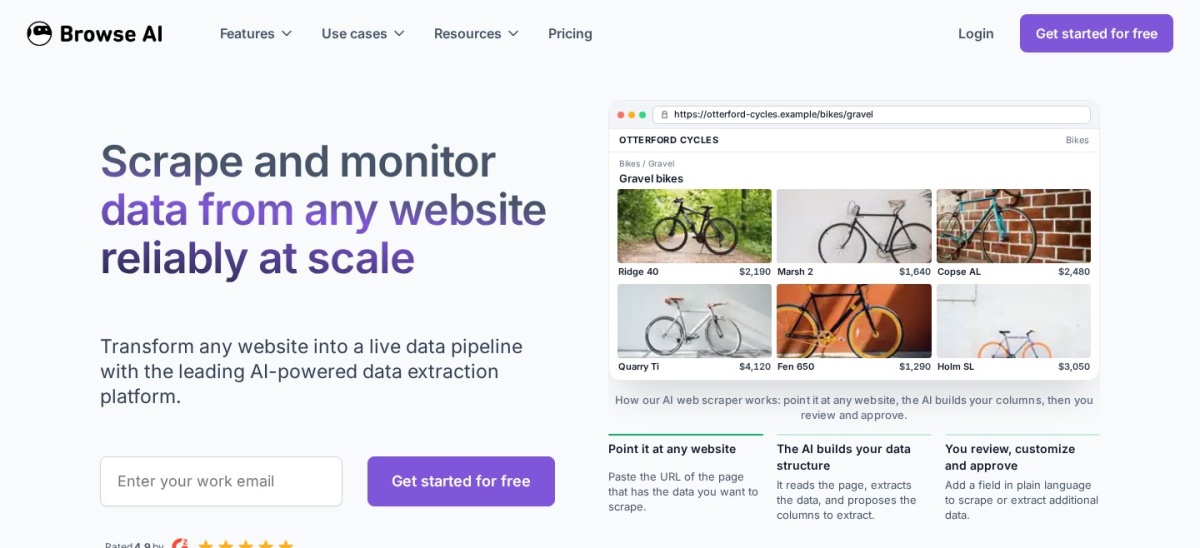
Browse AI is the friendliest scraper in this list. You point it at a page, the AI structures the data, and you approve it before anything runs. Scheduled monitoring alerts you when prices or listings change, and prebuilt robots cover common targets without setup.
The trade off is credits. The free plan gives 50 credits a month, and Personal at $19 a month billed annually is $48 month to month, so the yearly price is the one to budget on. It suits non-technical teams that monitor prices and lists.
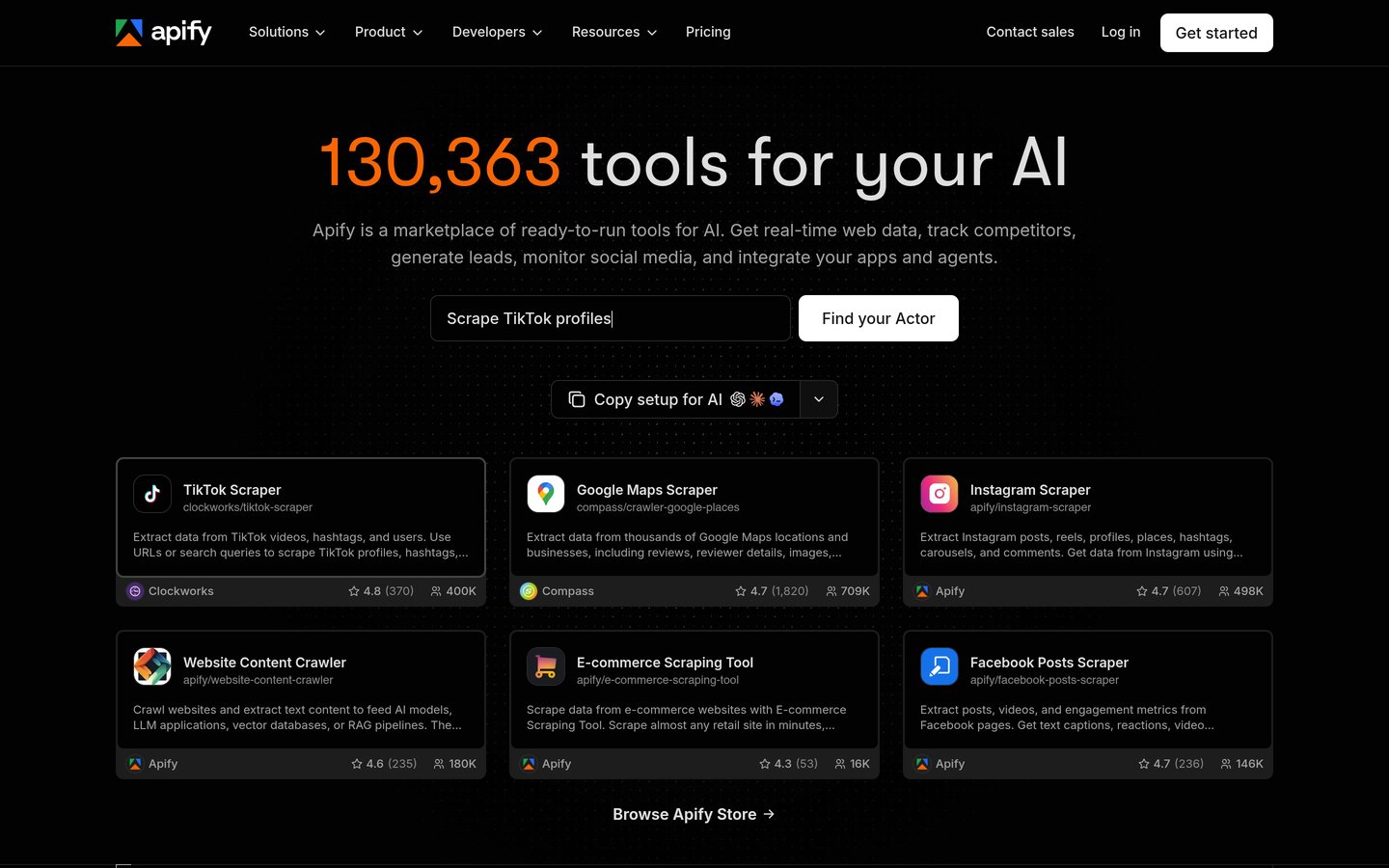
Apify is a cloud platform that works like an app store for scrapers. Thousands of ready-made Actors cover Google Maps, Instagram, Amazon and niche sites, and you can run your own code on the same platform. The free tier includes $5 of monthly platform credit.
The trade off is the pricing model. The $19 Starter plan includes $19 of platform credit each month, and higher tiers lower the per-unit compute rate, so heavy jobs cost more than the plan price. It suits teams that want a ready-made scraper tonight.
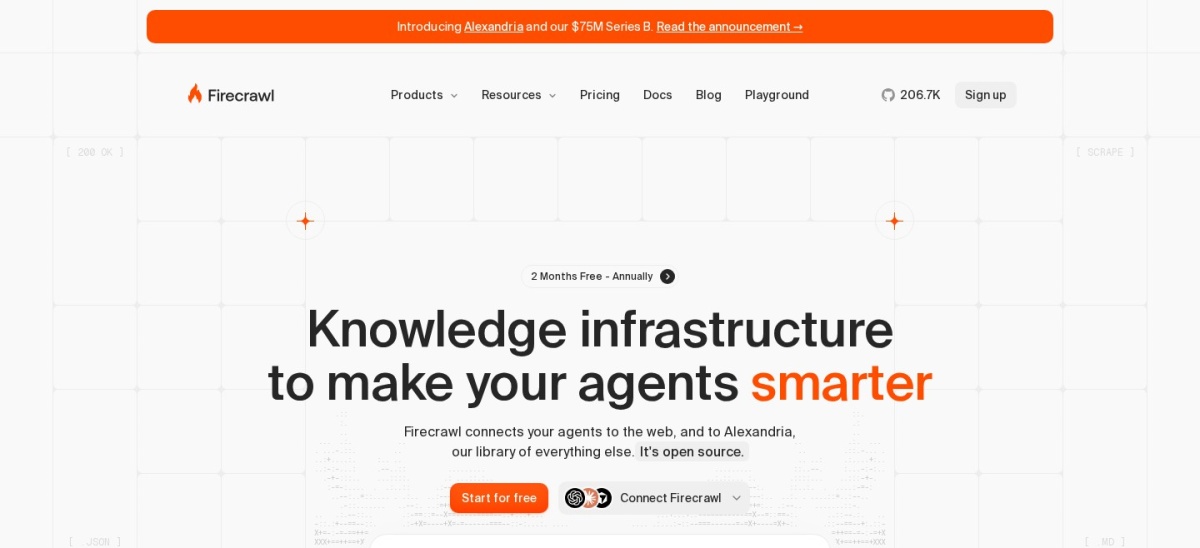
Firecrawl is a scraping API built for AI and search pipelines. It turns any page into clean Markdown or structured JSON, with crawl, map and extract endpoints that feed language models directly. The free plan includes 1,000 credits a month.
The trade off is that it is a developer tool. Firecrawl has no visual point-and-click builder, so non-coders should look at Browse AI instead. It suits developers building AI apps and agents that need web pages as clean content.
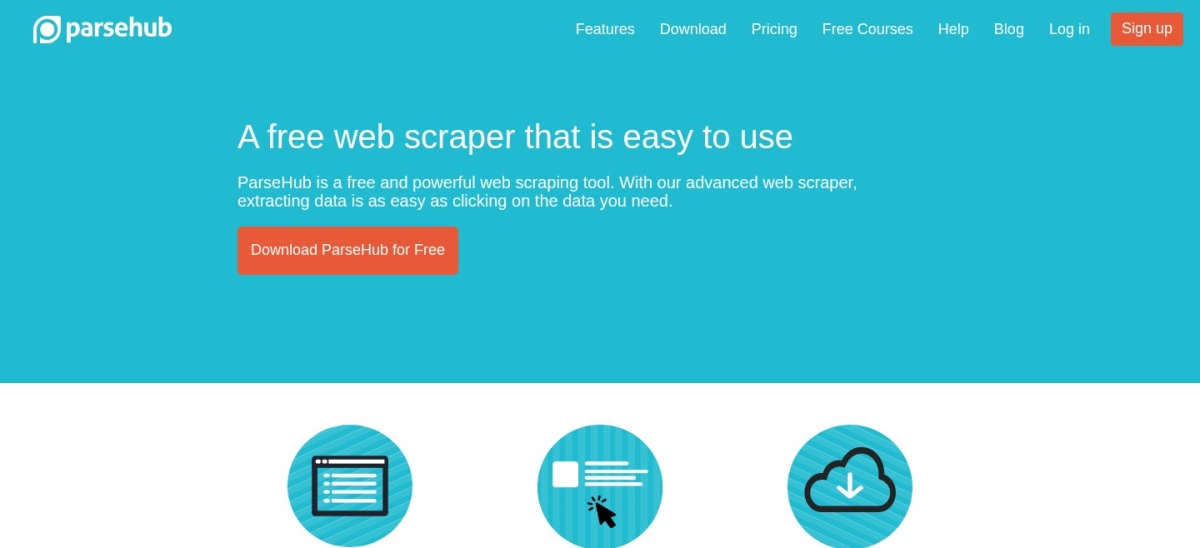
ParseHub is a desktop visual scraper that handles JavaScript-heavy pages well. You click the data you want, and it copes with infinite scroll, logins and dynamic content that defeats simpler tools. The free plan covers small jobs on your own machine.
The trade off is the price jump. The free plan is genuinely useful, but Standard costs $189 a month, which is steep for occasional use. It suits non-technical users scraping complex, dynamic websites for free first.
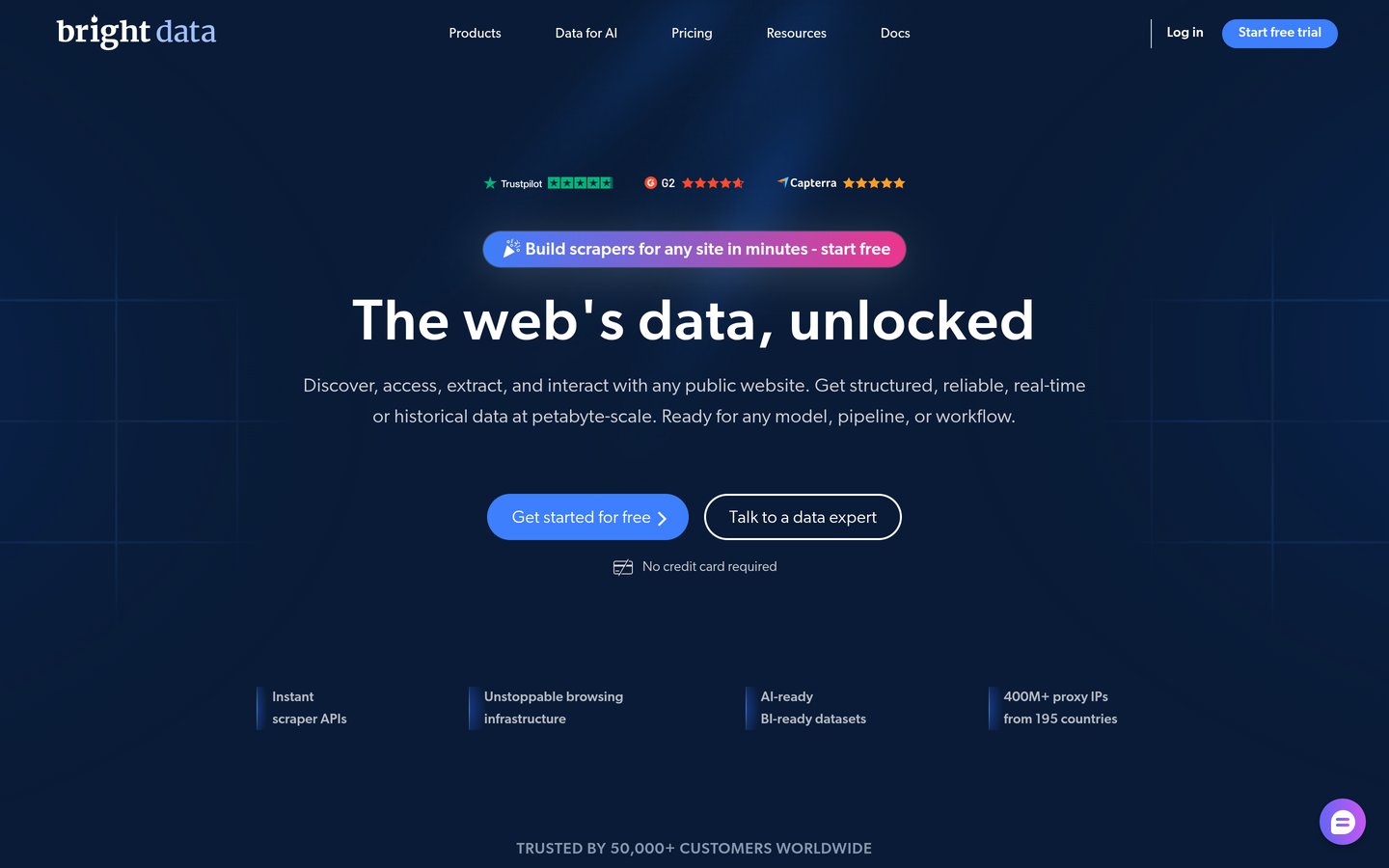
Bright Data is the infrastructure behind a large share of commercial scraping. Its proxy network is one of the biggest available, and its Web Unblocker handles sites that defeat simpler tools. The free tier includes 5,000 records a month.
The trade off is budget and patience. Pay-as-you-go starts at $1.50 per 1,000 records, but subscriptions start around $99 a month and realistic production bills run much higher. It suits enterprises collecting data at serious volume.
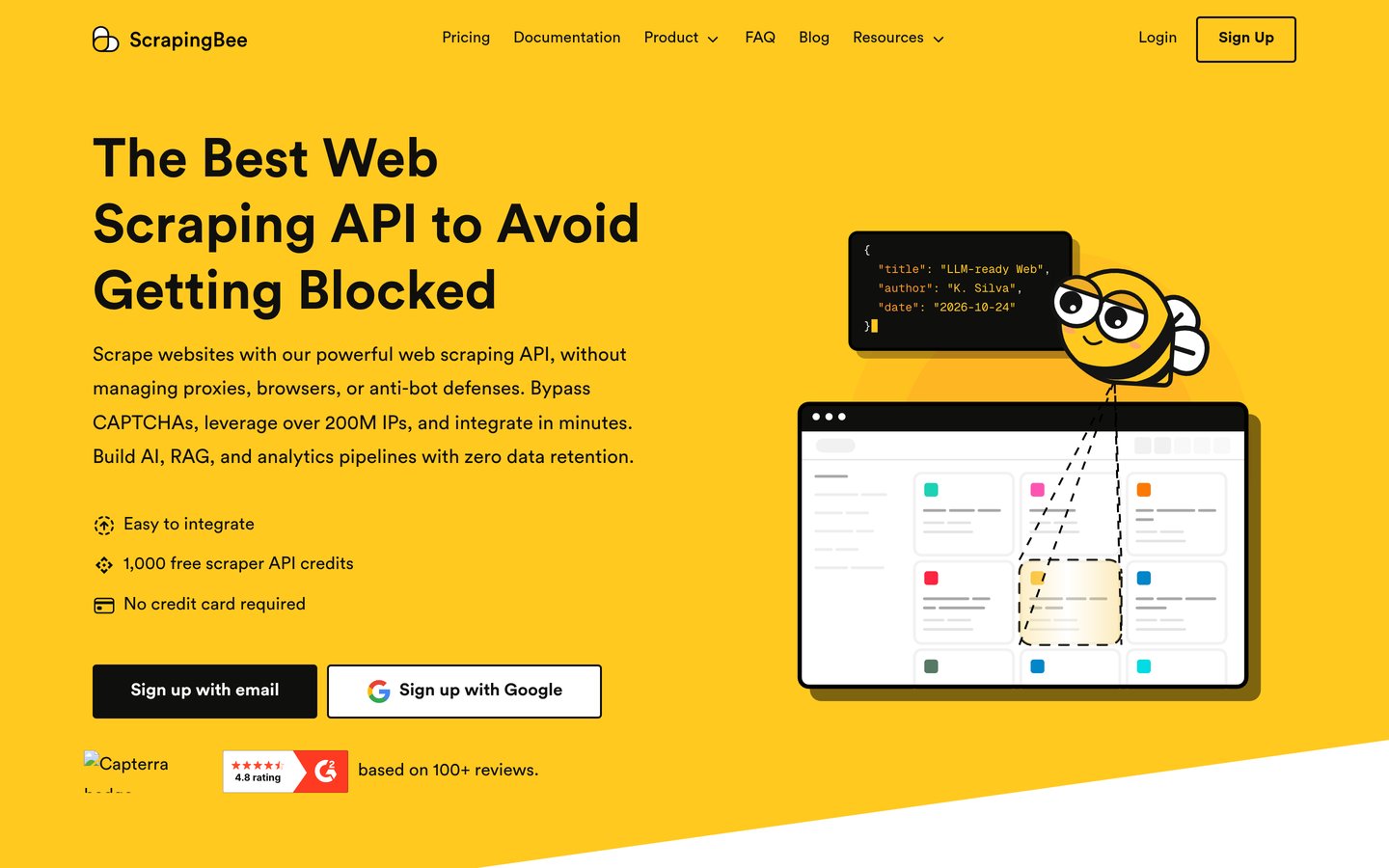
ScrapingBee is a simple API for developers who want to scrape without managing proxies. One call returns the rendered page with JavaScript executed and proxy rotation handled, and the docs are clear enough to start in minutes. The Hobby plan costs $49 a month.
The trade off is the small review base. G2 shows 4.8 out of 5 from only 25 reviews, and there is no free plan, only a trial. It suits developers who want a simple API with great docs.
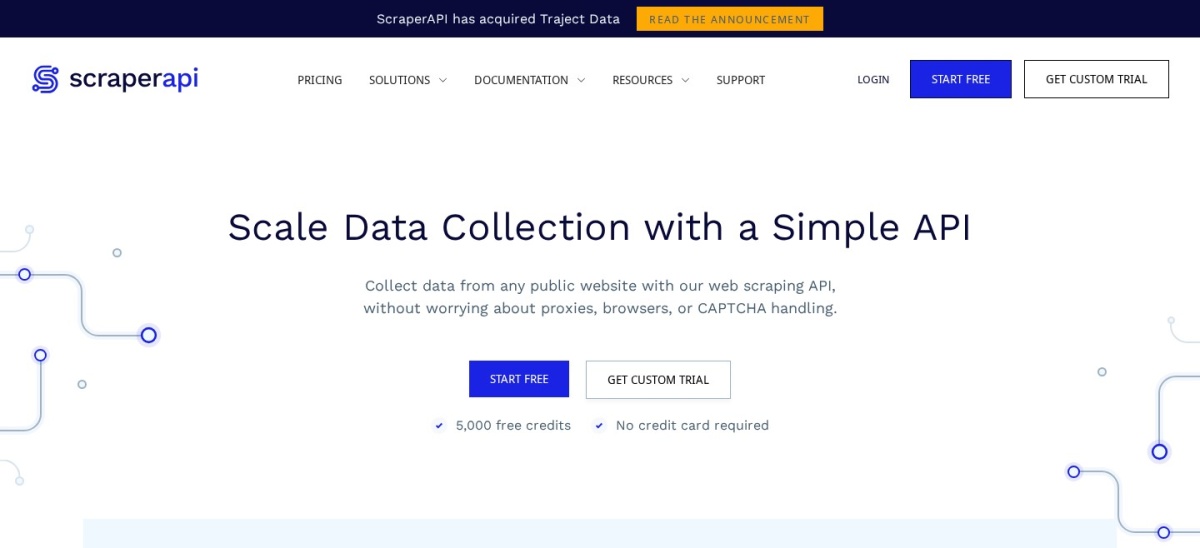
ScraperAPI is a straightforward scraping API that handles proxies, CAPTCHAs and JavaScript rendering behind one endpoint. The Hobby plan costs $49 a month, and higher tiers add structured data extraction and more concurrency. It suits developers building their own pipelines.
The trade off is the thin review base. G2 shows 4.3 out of 5 from only 15 reviews, so the score says less than the larger tools here. It suits developers who want a simple API and are happy to test it on a trial first.
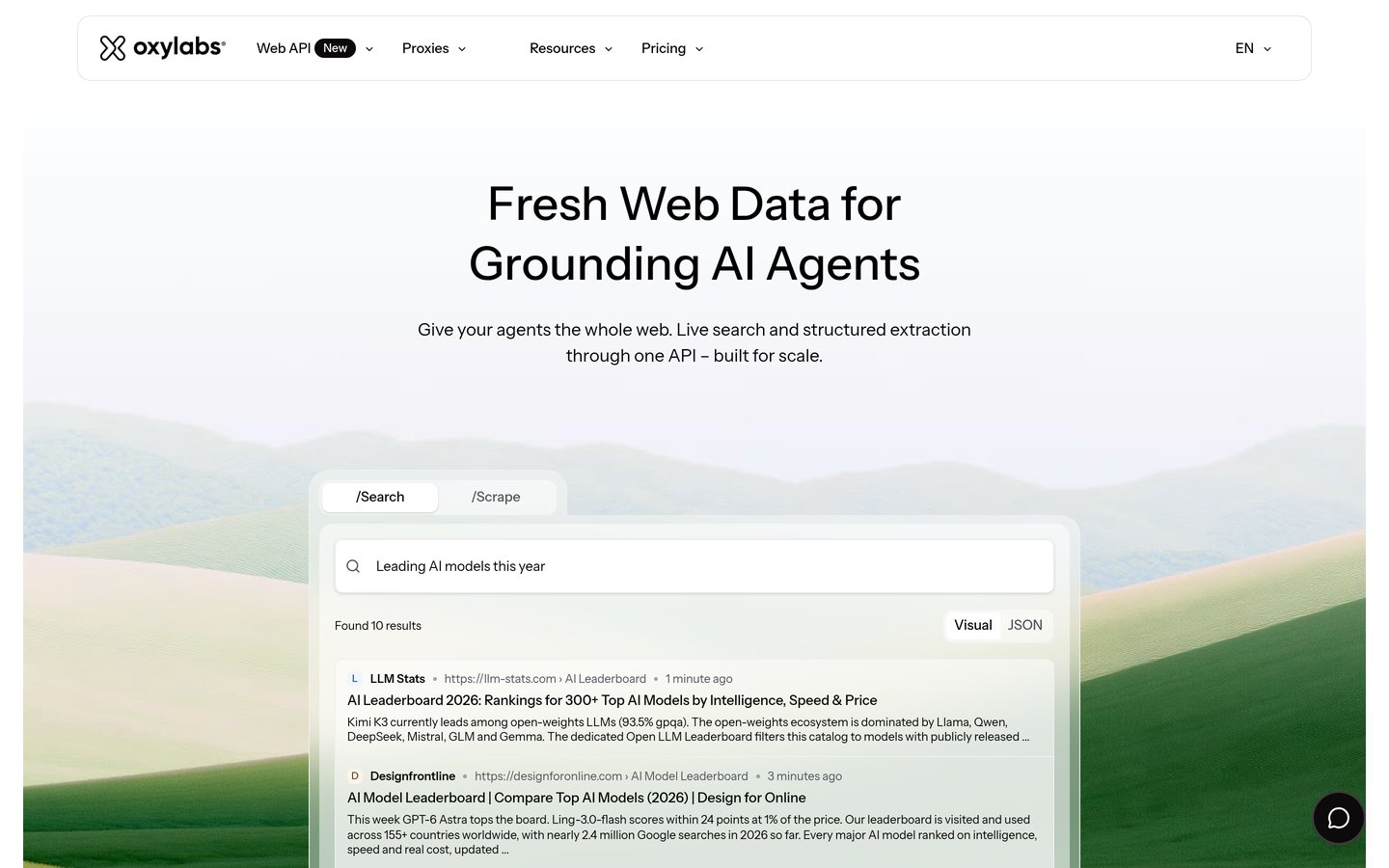
Oxylabs is an infrastructure provider that sells scraping second and proxies first. Its Web Scraper API and Web Unblocker sit on a proxy network built for serious load, and the company puts compliance and ethical sourcing at the front of its pitch. The Web API starts at $30 a month.
The trade off is scale. The $30 entry plan is accessible, but real volume lives in the proxy plans, which cost far more. It suits teams running high-volume extraction that need compliant infrastructure.
Free plans cover learning and small jobs. Most give a monthly credit allowance or a local-only mode.
Paid plans mostly add cloud runs, scheduling and scale. You get more credits, faster runs and support.
If your job is a one-off list, a free plan may be enough. Pay when you need scheduled runs or thousands of pages a month.
How we chose
We started from the scraping tools with verifiable G2 ratings, then kept those a beginner can actually use: visual builders, ready-made scrapers or a simple API. We checked each vendor's pricing page and review listing on 25 November 2026.
Prices come from each vendor's pricing page, checked on 25 November 2026, with Browse AI opened today at $19 a month billed annually. Octoparse and Apify prices rest on comparison pages that checked the vendor pages in October and November 2026.
We left out tools with no verifiable rating on G2, Capterra or Trustpilot. No vendor paid for a place, and we do not claim hands-on testing for this list.
How to choose a web scraping tool
Start with one page, then check whether you need a visual builder or an API.
Start with one page, not a whole site. Scrape a single list page first and check the output. Fix the field selection there before you scale to hundreds of pages.
Pick visual tools if you do not code. Octoparse, Browse AI and ParseHub need no programming. API tools like Firecrawl and ScrapingBee need a developer.
Check the free plan limits first. Count the pages and rows your job needs, then compare that with the free credits. A small job may never need a paid plan.
Respect the target site. Keep request rates low, follow the robots file and the terms of service, and stop if a site blocks you.
FAQ
What is the best web scraping software for beginners?
Octoparse is the best web scraping software for beginners. You build a task by clicking the data you want on a page instead of writing selectors, and the free plan covers small local jobs. Browse AI is the friendlier pick if you mainly monitor pages for changes.
Is there a free web scraping tool?
Yes. Octoparse, Browse AI, Apify, Firecrawl, ParseHub and Bright Data all have free plans or free tiers. Browse AI gives 50 credits a month, Firecrawl gives 1,000 credits, and Apify gives $5 of monthly usage credit. ScrapingBee, ScraperAPI and Oxylabs offer trials instead.
Do I need to know how to code to scrape a website?
No. Octoparse, Browse AI and ParseHub are visual tools where you click the data you want, and Apify has thousands of ready-made scrapers. You only need code if you pick an API tool like Firecrawl or ScrapingBee, or if you build a custom pipeline.
Is web scraping legal?
It depends on the site and the data. Public data is usually fine to collect for personal use, but you should respect each site's terms of service and robots file, avoid personal data, and never scrape behind a login without permission. When in doubt, ask a lawyer.
How much does web scraping software cost?
Beginner plans run from $16 to $69 a month billed annually, with Firecrawl at $16 and Octoparse at $69. ParseHub Standard is the outlier at $189 a month. Enterprise tools like Bright Data bill per record, so heavy jobs cost far more.
Which scraper is best for monitoring prices?
Browse AI is the best scraper for monitoring prices. You train a robot on a product page, set a schedule, and get an alert when the price or listing changes. Its free plan covers 2 websites with 50 credits a month, and Personal adds 5 websites.
SaaS SEO and WordPress specialist with about 8 years of experience. Rakib compares WordPress plugins, themes, hosting and software using public pricing, documentation and user reviews. See how we rank.