Visual Studio Code is the best developer tool for most people, because it is free, fast and covers editing, debugging and extensions in one place, with 2,775 G2 reviews behind it. Pick GitHub for code hosting and Linear for issue tracking.
How we make this list: we compare pricing pages, product documentation and public user reviews, then re-check every price before each update. No product paid for a place. Disclosure.
Visual Studio Code is free and rated 4.7 out of 5 on G2 from 2,775 reviews, the largest review base in this list.
GitHub Team costs $4 per user a month and covers hosting, pull requests, actions and security in one place.
IntelliJ IDEA Ultimate costs $199 a year for the first year and is the strongest Java and Kotlin IDE in this list.
Postman from $9 a month and Docker Pro from $9 a month both start low, but check the per-seat pricing before rolling either out to a team.
Linear Standard at $8 per user a month gives fast issue tracking without the complexity of a full project platform.
What counts as a developer tool
A developer tool is anything that makes writing, testing or shipping code faster. This list covers editors, code hosting, API tools, containers, error tracking and issue tracking, because a typical day touches all of them.
Free tools are not automatically worse. VS Code is free and outscores every paid editor in this list on G2, and GitLab and Docker both offer generous free tiers for individuals and small teams.
Per-seat pricing is the cost that surprises teams. A $4 or $9 monthly seat looks small, but across twenty developers it is a real budget line, so check whether seats are billed per active user or per account.
Teams already running project management software should check integration first. GitHub, GitLab, Linear and Sentry all connect to the tools your product team already uses, which avoids duplicate work.
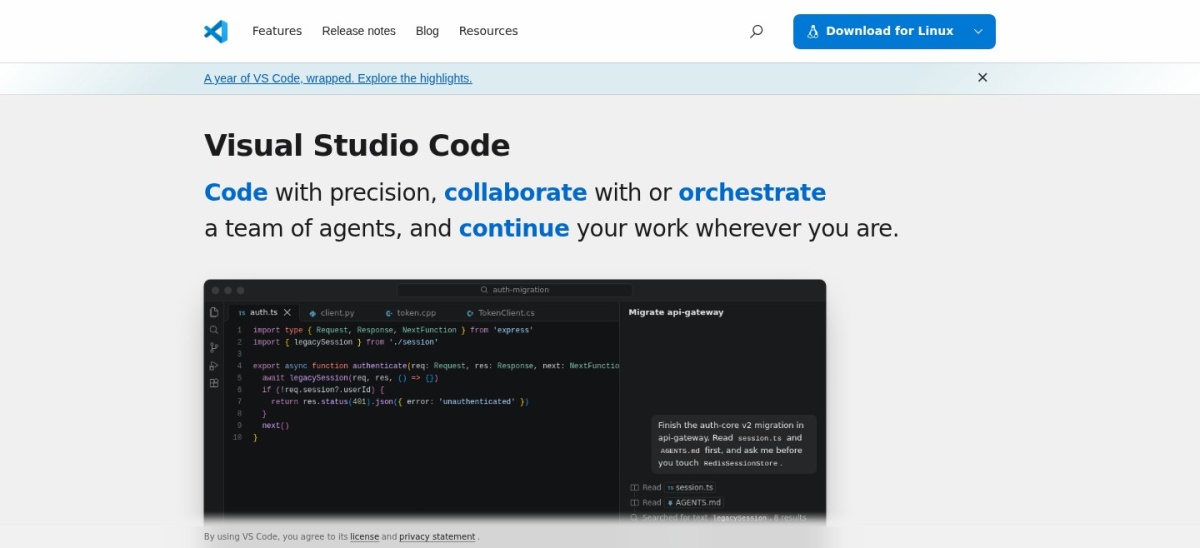
Visual Studio Code is a free editor from Microsoft that covers code editing, debugging, source control and a marketplace of tens of thousands of extensions. It runs on Windows, macOS and Linux, supports almost every language through extensions, and costs nothing at any team size.
The trade off is that it is an editor, not an integrated development environment. Heavy Java or enterprise work needs the extensions and configuration that IntelliJ IDEA includes out of the box, and remote development features are an add-on rather than the default. It suits almost every developer as a daily editor.
What we like
Free for everyone, at any team size
Huge extension marketplace
Rated 4.7 out of 5 on G2 from 2,775 reviews
Watch out for
Needs extensions for full IDE features
Remote development is an add-on
Settings sync requires a Microsoft or GitHub account
GitHub is where most open-source code lives, and its Team plan at $4 per user a month adds private repositories, branch protections, code owners and 2,000 Actions minutes a month. Pull requests, issues, projects and Copilot all sit in the same place as the code.
The trade off is that GitHub is a platform, not a full DevOps suite. Its built-in CI is strong, but teams needing deep deployment pipelines pair it with a dedicated CI tool, and Enterprise at $21 per user a month is a steep jump from Team. It suits teams of any size that host code on GitHub already.
IntelliJ IDEA is JetBrains' integrated development environment for Java and Kotlin, with deep refactoring, smart code completion and built-in database tools. Ultimate costs $199 a year for the first year, falling to $159 in the second and $119 in the third under JetBrains' continuous discount.
The trade off is price and weight. Ultimate is a yearly subscription per developer, and the IDE is heavier than VS Code on modest hardware, so it needs a capable machine. It suits JVM developers and teams building Spring or Android apps.
What we like
Best refactoring and code insight for JVM languages
Community edition is free for Java and Kotlin
Rated 4.6 out of 5 on G2 from 2,389 reviews
Watch out for
Ultimate is $199 a year per developer
Heavier than VS Code on modest hardware
Discount applies only with continuous subscription
Postman is the standard tool for building and testing APIs, with collections, environments, mock servers, automated tests and documentation in one workspace. The free plan covers individual use, and paid plans start from $9 a month per user according to a vendor-page read dated 19 November 2026.
The trade off is the price spread. Another comparison dated the same month quoted $19 a seat for the paid plan, so confirm the current figure on Postman's pricing page before budgeting for a team. It suits API-first teams that share collections across developers.
What we like
Standard for API testing and documentation
Shared collections keep teams in sync
Rated 4.6 out of 5 on G2 from 1,795 reviews
Watch out for
Paid price reads conflict between $9 and $19 a seat
Advanced features need higher tiers
Can feel heavy for simple one-off requests
Professional and Enterprise tiers add more collaborationVisit postman.com
05
Linear
4.6/5on G2 (127 reviews, checked Nov 2026)
Paid from$8/mo
Best issue tracking for product teams
Free planYes, up to 10 members
CyclesSprints with velocity
IntegrationsGitHub, GitLab, Slack
Paid planStandard, $8/user/mo
linear.app
Linear homepage, captured Nov 2026.
Linear is a fast issue tracker built for product teams, with cycles, triage, project updates and keyboard-first navigation. The free plan covers up to 10 members, and Standard costs $8 per user a month billed annually, or $10 monthly.
The trade off is scope. Linear tracks issues and projects, but it is not a full project management platform, so teams needing docs, goals and resource planning pair it with another tool. It suits product and engineering teams that want speed over features.
GitLab is an all-in-one DevOps platform with code hosting, CI and CD, issue tracking, security scanning and wikis in a single application. Premium costs $29 per user a month and includes 10,000 CI minutes, while the free plan covers 5 users with 400 CI minutes a month.
The trade off is complexity and price. GitLab's breadth means a longer setup than GitHub for teams that only need hosting, and $29 a seat is the highest in this list. It suits teams that want one platform from code to deployment.
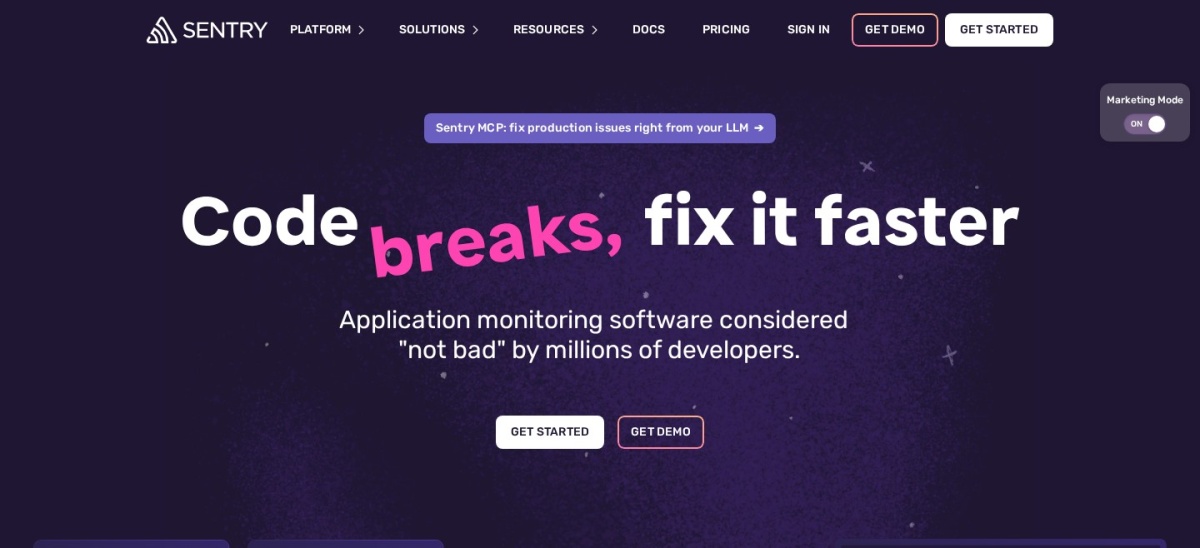
Sentry is an error-tracking platform that monitors errors and performance issues in production, grouping crashes, showing stack traces and replaying user sessions so developers can reproduce bugs without asking users. The developer tier is free, and Team starts from $26 a month billed annually.
The trade off is event volume. Pricing is based on the number of errors, transactions and replays, so a noisy release can push the bill up quickly. It suits teams shipping web or mobile apps who need to know about production errors first.
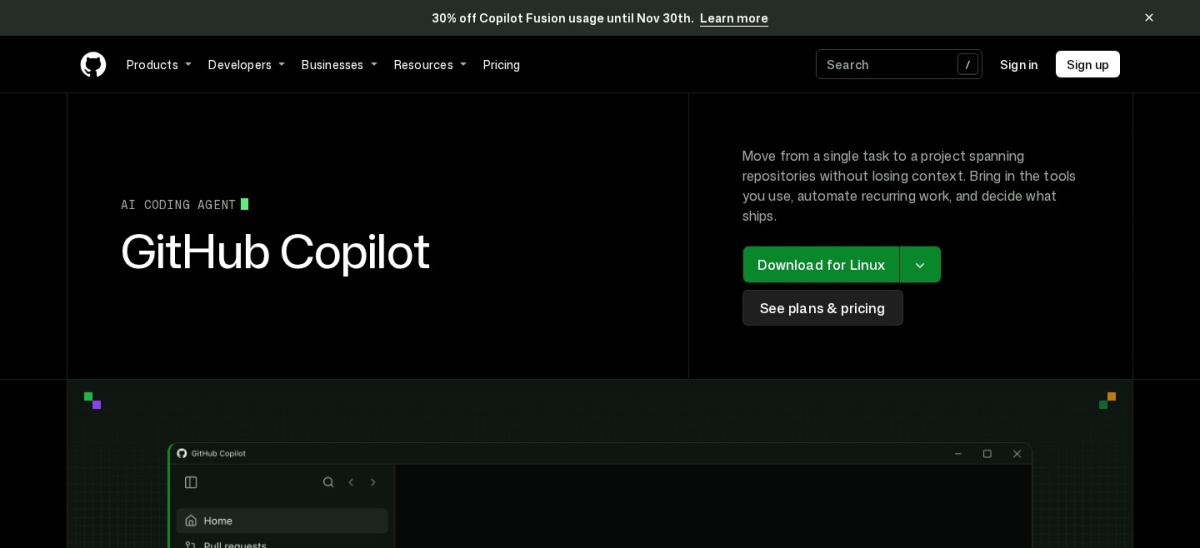
GitHub Copilot is an AI pair programmer that suggests code completions, generates functions from comments and answers questions inside the editor. Pro costs $10 a month per user, and the free plan includes 2,000 code completions and 50 chat requests a month.
The trade off is that it is an add-on, not a tool on its own. Copilot needs an editor such as VS Code or IntelliJ IDEA, and its suggestions need review like any junior developer's code. It suits developers who want AI assistance inside the editor they already use.
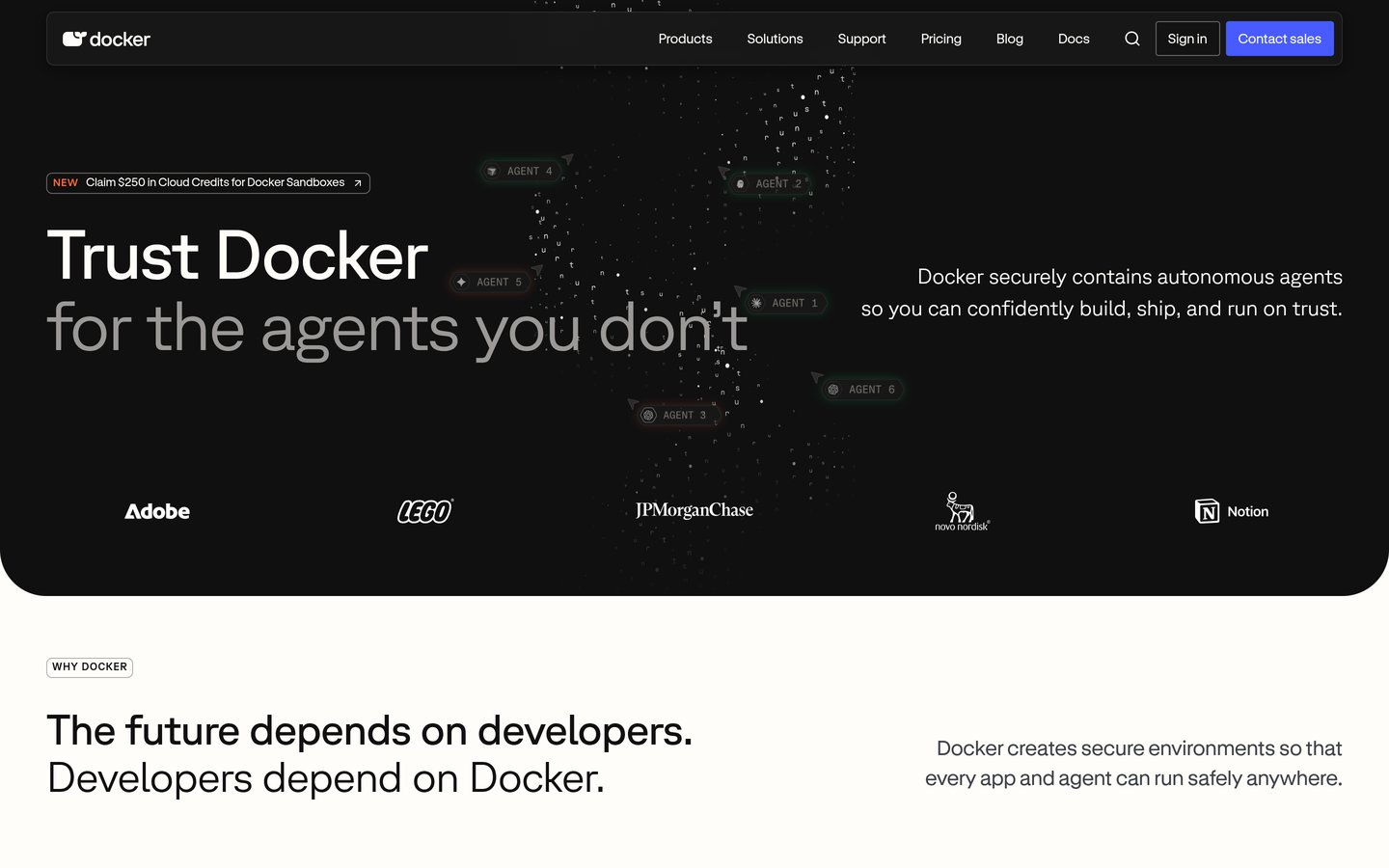
Docker is the standard way to package an app and its dependencies into a container that runs the same everywhere, with Docker Desktop, Docker Hub and Docker Build Cloud in one workflow. Personal is free, and Pro costs $9 per user a month according to a vendor-page read dated 19 November 2026.
The trade off is the price read. Another comparison dated the same month quoted $11 a seat for Pro, so confirm the current figure on Docker's pricing page before budgeting. It suits every team that ships containers, from solo developers to large engineering orgs.
What we like
Standard container platform
Docker Hub hosts public and private images
Largest review base in this list at 7,984 G2 reviews
Watch out for
Paid price reads conflict between $9 and $11 a seat
Free vs paid developer tools: where the money goes
VS Code and Docker Personal are free at any team size, and GitHub, GitLab, Postman, Linear, Sentry and Copilot all offer free tiers for individuals or small teams. A solo developer can build a complete workflow without paying for anything in this list.
Paid plans add seats, collaboration and support. GitHub Team at $4 a seat and Copilot Pro at $10 a seat are cheap per developer, while GitLab Premium at $29 a seat and IntelliJ IDEA Ultimate at $199 a year are the premium options.
The real cost is per-seat multiplication. Multiply every per-user price by your team size and by twelve before comparing, and check whether seats are billed per active user or per account.
Start on the free tier, then pay for the tool that saves the most time. The best developer tool is the one your team actually opens every day.
How we chose
We started from the developer tools with the most G2 reviews and the widest adoption, then kept the nine with a real free tier or trial and published pricing. Every tool here has a verifiable G2 rating with a review count.
Prices come from each vendor's pricing page, checked on 25 November 2026. Several vendor pages render with JavaScript, so where a figure could not be read from the page itself we used dated comparisons quoting the vendor page and flagged them in the notes. Postman and Docker have conflicting price reads, which we flagged in their entries. Ratings and review counts come from G2 on the same day.
We left out tools with no verifiable G2 rating and tools sold only as part of a larger suite. No vendor paid for a place, and we do not claim hands-on testing for this list.
How to choose developer tools
Start with the bottleneck in your day, then match the tool to the team size and budget.
Find the bottleneck first. If code review is slow, fix hosting. If bugs reach users, fix error tracking. Buy the tool that solves the biggest pain, not the shiniest one.
Check the free tier before paying. Most tools here offer a free tier. Use it for a real project for two weeks before paying, and check the seat limit before rolling out.
Multiply per-seat prices by your team. A $4 or $9 seat is cheap for one developer and a real budget line for twenty. Confirm whether seats are per active user or per account.
Test the integration with your stack. Connect the tool to your repository, editor and chat. If it needs a workaround on day one, it will need one every day.
FAQ
What is the best developer tool?
Visual Studio Code is the best developer tool for most people. It is free, fast and covers editing, debugging and extensions in one place, and it is rated 4.7 out of 5 on G2 from 2,775 reviews.
What are the best free developer tools?
Visual Studio Code is the best free developer tool, followed by Docker Personal and the free tiers of GitHub, GitLab, Postman, Linear and Sentry. A solo developer can build a complete workflow without paying.
How much does GitHub cost?
GitHub is free for public repositories and individual use, and GitHub Team costs $4 per user a month. Enterprise costs $21 per user a month, and Copilot Pro is a separate $10 a month.
What is the best IDE for Java?
IntelliJ IDEA Ultimate is the best IDE for Java and Kotlin in this list. It costs $199 a year for the first year and is rated 4.6 out of 5 on G2 from 2,389 reviews.
Is Docker free?
Docker Personal is free for individuals and small teams, and Docker Pro costs $9 per user a month according to a vendor-page read dated 19 November 2026. Larger companies need a paid plan for Docker Desktop.
Which developer tool is best for API testing?
Postman is the best API testing tool in this list. It covers design, testing, mock servers and documentation in one workspace, and it is rated 4.6 out of 5 on G2 from 1,795 reviews.
SaaS SEO and WordPress specialist with about 8 years of experience. Rakib compares WordPress plugins, themes, hosting and software using public pricing, documentation and user reviews. See how we rank.