WLWPLegible EditorsLast verified 22 Nov 2026How we rank11 min read
★ Short answer
Apify is our top web scraping pick because its $19/month Starter plan supports ready-made scrapers, custom automation and 32 concurrent Actor runs. Octoparse is better for visual, no-code extraction, while ScrapingBee offers a developer-friendly API with 75,000 credits for $19/month.
How we make this list: we compare pricing pages, product documentation and public user reviews, then re-check every price before each update. No product paid for a place. Disclosure.
Apify starts at $19/month for Starter, with prepaid platform usage, custom Actors and 32 concurrent runs.
Octoparse offers a free desktop scraper and a $19/month Basic plan with 20 saved tasks and 10,000 monthly template rows.
ScrapingBee's $19/month Hobby plan includes 75,000 API credits, 25 concurrent requests and JavaScript rendering.
ScraperAPI costs $49/month for Hobby, providing 100,000 API credits and 20 concurrent threads.
Import.io offers the lowest published paid entry price here at $9/month billed annually, with 5,000 successful queries.
G2 rates Octoparse and ScrapingBee at 4.8/5, while Apify has a 4.7/5 rating from 728 reviews.
What matters when choosing web scraping software
Web scraping tools collect information from websites and convert it into structured datasets. Common applications include competitor price monitoring, market research, public business data collection and tracking changes across product catalogs.
The biggest difference is how you build the scraper. Visual tools let you select elements without writing code. API-first platforms give developers more control over requests, browsers, proxies and integration with other applications.
Look closely at JavaScript rendering, pagination, scheduled extraction and export formats. A scraper that works on simple HTML pages may struggle with dynamic websites, infinite scrolling or content loaded after user interaction.
Pricing deserves particular attention. Some services charge monthly subscriptions with included credits, while others bill for compute time, successful requests or premium proxies. A cheap subscription may still lead to variable operating costs.
Reliability also depends on the target website. Compare failure handling, retry options, monitoring and maintenance requirements, and make sure your collection follows applicable laws, privacy rules and website access policies.
For structured extraction and pricing intelligence
$9/mo
Free plan
3.5/5
Price ladder: cheapest paid plan per year
List prices, USD, checked Nov 2026
Import.ioFREE$108
ApifyFREE$228
OctoparseFREE$228
ScrapingBeeFREE$228
BrowserlessFREE$300
ScraperAPIFREE$588
Web ScraperFREE$600
PhantomFREE$672
The 8 best web scraping tools
01
Apify
4.7/5on G2 (728 reviews, checked Nov 2026)
Paid from$19/mo
Best overall for flexible scraping and automation
Free plan$5 monthly platform usage
Starter plan$19/month plus usage
Concurrent runs32 on Starter
AutomationActors, APIs and scheduling
apify.com
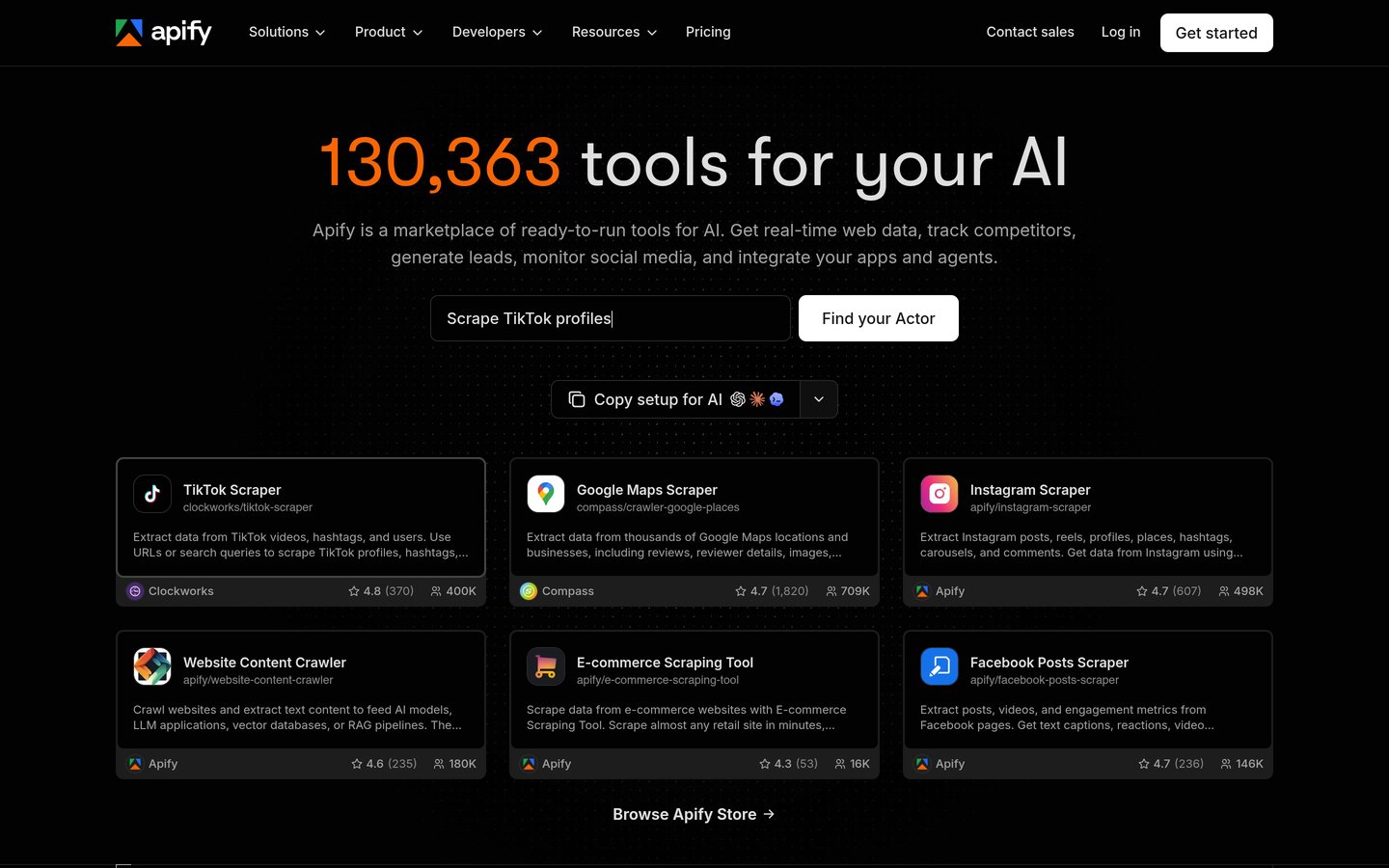
Apify homepage, captured Nov 2026.
Apify is a web scraping and automation platform with a marketplace of ready-made Actors and tools for building custom crawlers. Its free plan includes $5 in monthly platform usage, while Starter costs $19/month and supports 32 concurrent Actor runs, API access and proxy services.
The trade off is variable usage billing. The $19 Starter subscription includes prepaid usage, but Actor events, compute time and proxies can create additional charges. It suits developers, agencies and data teams that need reusable scraping workflows across many websites.
What we like
Large marketplace of ready-made scraping Actors
Supports custom code and API integrations
Free plan for small projects
Scheduling and reusable automated workflows
Can scale concurrent jobs with higher plans
Watch out for
Actor-specific pricing makes forecasting harder
Custom development requires technical knowledge
Usage beyond the subscription allowance costs extra
Starter adds more prepaid usage, higher concurrency and additional proxy capacity.Visit apify.com
02
Octoparse
4.8/5on G2 (52 reviews, checked Nov 2026)
Paid from$19/mo
Best for no-code visual web scraping
Free plan10 saved tasks
Basic plan$19/month
Template rows10,000/month on Basic
Cloud schedulingStandard and above
octoparse.com
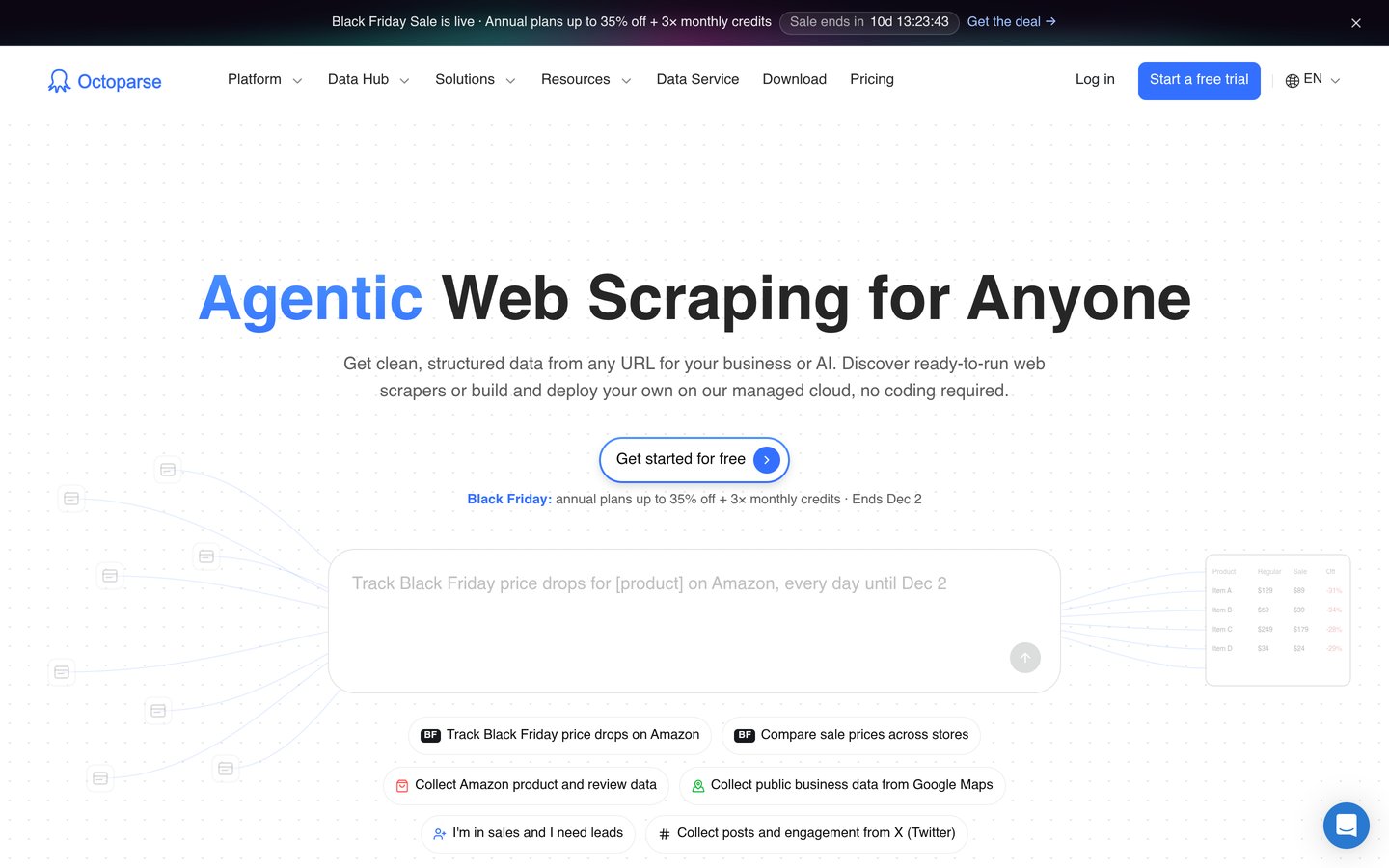
Octoparse homepage, captured Nov 2026.
Octoparse is a visual web scraping application designed to extract website data without traditional programming. Its free plan supports 10 saved tasks and desktop extraction, while the $19/month Basic plan provides 20 saved tasks, 10,000 monthly template rows and unlimited exports.
The trade off is that Basic still relies mainly on your own computer for custom scraping jobs. Cloud scheduling and unattended execution require Standard, starting at $69/month with annual billing. It suits researchers, ecommerce operators and analysts who prefer a visual workflow.
What we like
Visual workflow builder for non-developers
Free desktop scraping available
Ready-made website extraction templates
Supports dynamic pages and pagination
Multiple paid options for local and cloud execution
Watch out for
Basic does not include scheduled custom cloud scraping
Advanced extraction workflows take practice
Proxy and CAPTCHA services can cost extra
Basic adds more tasks and template rows; Standard unlocks scheduled cloud extraction.Visit octoparse.com
03
ScrapingBee
4.8/5on G2 (36 reviews, checked Nov 2026)
Paid from$19/mo
Best for developers needing a simple scraping API
Trial credits1,000 free credits
Hobby plan$19/month
Monthly credits75,000
Concurrency25 requests
scrapingbee.com
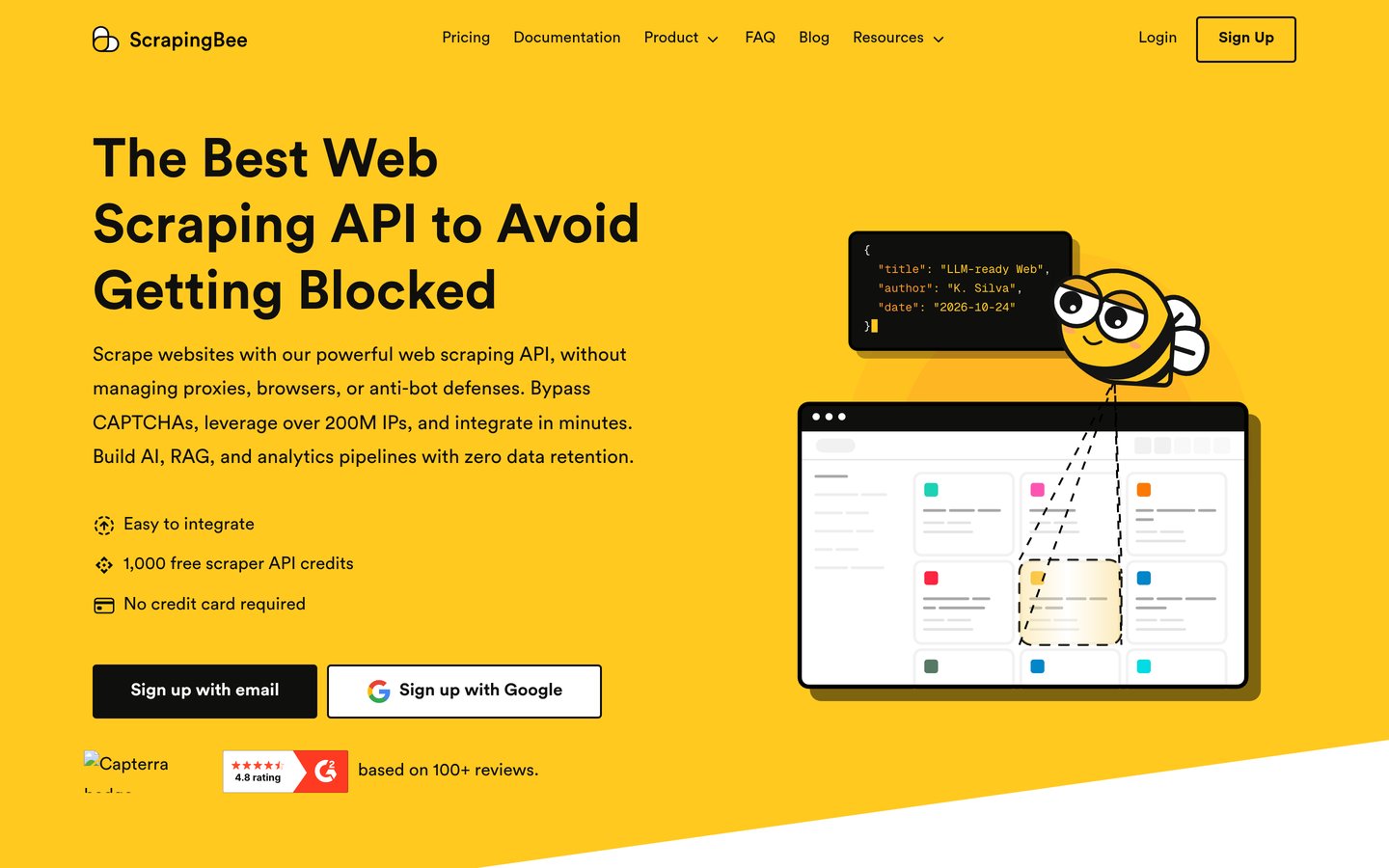
ScrapingBee homepage, captured Nov 2026.
ScrapingBee is a web scraping API that manages headless browsers, proxy rotation and JavaScript rendering for developers. Its $19/month Hobby plan includes 75,000 API credits, 25 concurrent requests, geotargeting, screenshots and extraction rules. New accounts can start with 1,000 free credits.
The trade off is credit consumption. Requests using premium proxies or JavaScript rendering can consume more credits than simple requests, so the included allowance does not represent a fixed number of pages. It suits developers building applications that need structured web data.
ScraperAPI is a managed scraping API that handles proxy rotation, retries, JavaScript rendering and anti-bot challenges. Its Hobby plan costs $49/month for 100,000 API credits and 20 concurrent threads. A free trial includes 5,000 credits without requiring a payment card.
The trade off is that different targets and extraction features can consume different credit amounts. Hobby also has more limited geotargeting than higher plans, which start at $149/month for Startup. It suits developers who want managed request infrastructure instead of maintaining proxy servers.
PhantomBuster is an automation platform focused on public data extraction, lead research and outbound workflows. Its free trial includes 2 execution hours, while the Start plan costs $56/month billed annually and provides 20 monthly execution hours, 5 automation slots and 500 monthly email credits.
The trade off is specialization. PhantomBuster is designed more for prospecting and workflow automation than arbitrary large-scale website crawling, and execution hours limit usage. It suits sales teams and growth marketers collecting public information for repeatable outreach workflows.
What we like
Ready-made prospecting workflows
Combines extraction with lead enrichment
Scheduled automation supported
Multiple users supported
Integration options for outbound workflows
Watch out for
Less suitable for general-purpose large crawls
Execution hours limit automation volume
Platform access and data collection rules still apply
Start adds monthly execution hours, unlimited exports and more outreach credits.Visit phantombuster.com
06
Browserless
4.6/5on G2 (6 reviews, checked Nov 2026)
Paid from$25/mo
Best for browser automation and dynamic websites
Free plan1,000 monthly units
Prototyping$25/month billed annually
Included units20,000/month
Browser timeAbout 165 hours/month
browserless.io
Browserless homepage, captured Nov 2026.
Browserless is a cloud browser infrastructure service for scraping, automation and browser-based agents. Its free plan provides 1,000 monthly units, while Prototyping costs $25/month billed annually and includes 20,000 monthly units, approximately 165 browser hours and browser session recording.
The trade off is that Browserless provides browser infrastructure rather than a ready-made visual scraping workflow. Developers must build the extraction logic, and additional consumption can create overage charges. It suits engineering teams using browser automation frameworks to handle dynamic websites.
What we like
Managed browser execution infrastructure
Supports Chrome, Firefox and WebKit
Automatic CAPTCHA solving available
BrowserQL and automation capabilities
Free tier for development
Watch out for
Requires programming knowledge
Usage and proxy consumption affect costs
Few published G2 reviews
Prototyping increases browser capacity and adds session recording and external proxy support.Visit browserless.io
07
Web Scraper
4.4/5on G2 (4 reviews, checked Nov 2026)
Paid from$50/mo
Best for browser-extension scraping and cloud jobs
Desktop optionFree browser extension
Project plan$50/month billed annually
Cloud automationIncluded in paid plans
DeliveryIntegrations, APIs and webhooks
webscraper.io
Web Scraper homepage, captured Nov 2026.
Web Scraper is a point-and-click data extraction tool with a free browser extension and paid cloud automation. Its Project cloud plan starts at $50/month billed annually, while the extension lets users create extraction sitemaps and collect information directly through their browser.
The trade off is that the free extension requires more manual operation, and cloud execution requires a paid subscription. More advanced cloud capacity and workflow requirements may need higher tiers. It suits analysts who want to build visual scraping rules before automating recurring extraction.
What we like
Free browser extension
Visual extraction rule configuration
Supports structured website navigation
Cloud execution options
Integrations and automated delivery
Watch out for
Free extraction depends on browser operation
Cloud plans require a subscription
Small G2 review sample
Project adds hosted execution and cloud automation beyond the browser extension.Visit webscraper.io
08
Import.io
3.5/5on G2 (4 reviews, checked Nov 2026)
Paid from$9/mo
Best for structured extraction and pricing intelligence
Free trial30 days
Starter plan$9/month billed annually
Successful queries5,000/month
ExtractorsUp to 5 on Starter
import.io
Import.io homepage, captured Nov 2026.
Import.io is a web data extraction platform that creates structured datasets through visual and AI-assisted extractors. Its Starter plan costs $9/month billed annually and includes 5,000 successful queries, up to 5 extractors, JavaScript rendering, API access and daily CSV or JSON delivery.
The trade off is the strict Starter allowance: extraction stops when the monthly quota is exhausted. Higher-volume workflows require Standard at $199/month billed annually, and its G2 rating is based on only 4 reviews. It suits teams starting structured competitor or product-data monitoring.
What we like
Low published entry subscription
Visual and AI-assisted extractors
Structured CSV and JSON delivery
JavaScript rendering included
Hard usage cap prevents Starter overages
Watch out for
Starter has a strict monthly query cap
Advanced workflows may require expensive upgrades
Very small and mixed G2 review sample
Starter adds recurring queries and extraction delivery; Standard increases scale and flexibility.Visit import.io
No-code vs API web scraping: which should you use?
No-code web scraping tools are built for users who prefer selecting website elements visually instead of writing extraction scripts. Octoparse and Web Scraper are useful starting points for collecting product listings, directory entries and research data.
API-based services fit developers who already have applications, databases or automated data pipelines. ScrapingBee and ScraperAPI manage browser rendering and proxy infrastructure, while the developer controls requests and downstream processing.
Apify combines both approaches through prebuilt Actors and custom-coded automation. Browserless takes an infrastructure-oriented approach, making it more relevant when your development team needs direct control over browser sessions.
Choose based on who will maintain the scraper. A no-code tool can reduce initial setup, while an API may integrate more naturally with an existing software stack.
Why the cheapest scraping subscription is not always the cheapest solution
Published subscription prices cover different things. Some plans include a fixed number of requests or rows. Others provide prepaid compute credits, browser execution time or an allowance that is consumed at different rates.
For example, Apify Starter costs $19/month but also uses event-based and platform-usage pricing. ScrapingBee Hobby costs $19/month with 75,000 credits, and the number of pages collected depends on which extraction features each request uses.
Cloud execution also changes the calculation. Octoparse Basic costs $19/month but does not provide the scheduled custom cloud execution available with Standard. A team that needs unattended collection should compare the higher tier rather than relying on the entry price.
Estimate total costs using your target URLs, refresh frequency, rendering requirements, retries and expected output volume. Include developer maintenance time when comparing visual tools with API services.
How we chose
We built this shortlist from established web scraping platforms offering managed extraction, visual scraper creation, cloud browsing or automated data collection. We compared documented functionality, supported workflows, entry-plan allowances and independently published G2 user feedback.
Prices and ratings were checked against vendor pricing pages and G2 listings on 22 Nov 2026. The comparison uses published regular subscription prices, not promotional offers. Monthly subscriptions are multiplied by 12 for the annual price ladder, and annual-billing commitments are identified where applicable.
We excluded services without a verifiable published subscription price, products relying entirely on unpriced custom quotes, and tools without enough information to assess their role. Lower-review products are included only where their established functionality adds a distinct use case, with the review limitations disclosed. No vendor paid for a place, and we do not claim testing for this list.
How to choose the right web scraping tool
Start with your target websites, available technical skills and required refresh schedule. Then compare the cost of collecting useful records rather than selecting a platform based only on its advertised subscription.
Identify the websites and data you need. List your target pages, required fields, update frequency and approximate collection volume. Check whether the data is public, whether JavaScript rendering is necessary and whether the proposed collection is permitted.
Match the tool to your team's technical skills. Use visual scraping software if analysts will configure extraction rules. Choose an API-first platform if developers need to integrate requests into applications, databases or automated pipelines. Consider hosted browser infrastructure when custom browser interactions are necessary.
Calculate the complete recurring cost. Compare subscription fees, included credits, successful-request accounting, browser time, concurrency, proxy charges and overage rules. Monthly prices can be misleading when one service bills per page and another bills for rendering or compute time.
Validate the workflow before scaling. Use a free plan or trial with representative public pages. Check the exported fields, pagination handling, scheduling and failure recovery. Review the provider's documentation and support before committing to a larger subscription.
FAQ
What is the best web scraping tool overall?
Apify is our top overall choice for teams that need flexible extraction and automation. Its marketplace of ready-made Actors reduces the need to build every scraper from scratch, while custom Actors support more specialized requirements. Starter costs $19/month, with additional usage charges possible.
What is the best web scraping tool without coding?
Octoparse is a strong option for users who prefer visual extraction. Its free desktop plan supports custom scraping tasks, and Basic costs $19/month. Web Scraper also offers a free browser extension, making it suitable for learning how to collect structured website data.
Can I scrape websites for free?
Yes. Apify and Octoparse provide free plans, while Web Scraper offers a free browser extension. Browserless also has a free usage allowance. These options are useful for small projects, but scheduled cloud jobs, higher volumes or specialized proxy services may require payment.
What is the difference between a web scraper and a scraping API?
A visual web scraper usually provides an interface for selecting data fields and configuring website navigation. A scraping API lets software submit requests and receive extracted content programmatically. API services can simplify proxy and browser management, but usually require development work to integrate.
How much do web scraping tools cost?
The entry subscriptions in this comparison range from Import.io at $9/month with annual billing to PhantomBuster at $56/month with annual billing, alongside other monthly options. Total costs can be higher when you need extra requests, premium proxies, cloud execution or more concurrent jobs.
Which web scraping tool is best for ecommerce price monitoring?
Octoparse is a reasonable option for building visual product extraction workflows, while Import.io focuses on structured extraction and broader pricing intelligence capabilities. Apify can support recurring product-data collection using suitable Actors. Your choice depends on the number of products, target websites and update frequency.
Which web scraping tool is best for developers?
ScrapingBee is attractive for developers who want a straightforward API with managed rendering and proxy rotation. ScraperAPI is another choice for request-based workflows, while Browserless provides deeper control over automated browser sessions. Apify is suitable when developers also need reusable scraping applications.
Is web scraping legal?
Web scraping is not automatically legal or illegal in every situation. The answer depends on the information collected, website access rules, privacy obligations, applicable laws and how the resulting data is used. Public availability alone does not guarantee unrestricted reuse, so review your targets and collection practices carefully.
Can web scraping tools collect data from JavaScript websites?
Yes, several platforms in this comparison support JavaScript-rendered pages. ScrapingBee, ScraperAPI, Browserless and Import.io provide rendering capabilities, while Octoparse handles dynamic website interactions through its extraction workflows. Success still depends on the target site's structure, access controls and complexity.