The best video trimming software is DaVinci Resolve, which offers a free version with timeline cutting and exports up to 4K at 60 fps and holds a 4.7 out of 5 score on G2. For fast transcript-based cuts choose Descript, or pick Filmora if you want a low-cost annual or one-time license.
How we make this list: we compare pricing pages, product documentation and public user reviews, then re-check every price before each update. No product paid for a place. Disclosure.
DaVinci Resolve includes a free edition supporting up to 4K at 60 fps exports, while Studio is $295 one-time.
Wondershare Filmora starts at $49.99/yr on its annual plan or $79.99 one-time.
Descript starts at $16/mo billed yearly ($192/yr) on Hobbyist with 10 media hours and 1080p watermark-free export.
Kapwing Pro starts at $16/mo billed annually ($192/yr) and includes 1,000 monthly AI credits and no watermark.
Bandicut offers a personal perpetual license starting at $38.47 after a 30% discount off $54.95.
How do you choose the best video trimming software?
Simple trimming rarely needs a full production suite. Cutting start and end points or removing dead air takes seconds in many editors, yet pricing jumps sharply once you add AI credits, cloud storage, or commercial licensing.
Browser editors trade local speed for instant access. Tools like Descript and Kapwing run in the cloud and pair trimming with transcripts or captions, while desktop apps like DaVinci Resolve and Shotcut use your local hardware.
Free tiers often hide limits behind exports and watermarks. Before picking a plan, check whether the free tier caps resolution, adds a watermark, or restricts monthly minutes.
DaVinci Resolve is a full post-production editor whose free version includes timeline cutting, color grading, audio mixing, and exports up to 4K at 60 fps without a watermark. Its interface packs editing, Fusion effects, and Fairlight audio into one desktop app.
The trade off is a steeper learning curve and heavy GPU demands compared with lightweight cutters, while DaVinci Resolve Studio costs $295 one-time. It suits creators and editors who want no subscription and room to grow.
What we like
Generous free edition with no watermark and up to 4K 60fps output
One-time $295 Studio license avoids recurring monthly fees
Combines timeline cutting, color correction, and audio tools in one app
Watch out for
Steeper learning curve for first-time editors
Demands strong GPU and RAM hardware on heavier timelines
Studio adds 32K/120fps support and DaVinci Neural Engine features for $295 one-time.Visit blackmagicdesign.com
02
Descript
4.6/5on G2 (900 reviews, checked Nov 2026)
Paid from$192/yr
Best for trimming speech and podcasts
Editing styleTranscript & timeline
Free tier1 hr/mo, 720p watermarked
Hobbyist plan$16/mo yearly ($24/mo monthly)
G2 score4.6 / 5 (~900 reviews)
descript.com
Descript homepage, captured Nov 2026.
Descript is a transcript-first video and audio editor that lets you trim clips by deleting text, while its free plan includes 1 media hour per month and 720p watermarked exports. It also offers filler-word removal and Studio Sound audio cleanup.
The trade off is monthly hour and AI credit limits on paid plans starting at $16/mo billed yearly ($192/yr) for Hobbyist, with no top-ups on that tier. It suits podcasters, educators, and talking-head creators.
What we like
Fast text-based trimming for spoken recordings and interviews
Removes filler words and silences automatically
Includes 1080p watermark-free exports on the Hobbyist plan
Watch out for
Monthly media hours and AI credits cap heavy usage
Hobbyist plan does not allow media or credit top-ups
Hobbyist ($192/yr billed annually) raises the cap to 10 media hours/mo and 400 monthly AI credits.Visit descript.com
03
Filmora
4.4/5on G2 (614 reviews, checked Nov 2026)
Paid from$49.99/yr
Best low-cost timeline editor with AI helpers
Annual plan$49.99/yr regular
Perpetual option$79.99 one-time
Free trialWatermarked exports
G2 score4.4 / 5 (614 reviews)
wondershare.com
Filmora homepage, captured Nov 2026.
Filmora is an approachable timeline video editor with drag-and-drop cutting, presets, and AI editing helpers, while its free version adds a watermark to exports. It balances simple trimming with titles, transitions, and effects.
The trade off is that free exports carry a watermark and AI extras can draw on separate credits, while paid plans start at $49.99/yr or $79.99 one-time. It suits YouTubers and solo creators who want guided tools without pro complexity.
What we like
Low entry price at $49.99/yr or $79.99 one-time
Beginner-friendly timeline with drag-and-drop trimming and presets
Supports 4K export on paid plans without a watermark
Watch out for
Free version watermarks exported videos
Generative AI features can require extra credits or add-ons
Paid plans remove the watermark, add 4K export, and include ongoing software updates.Visit wondershare.com
04
Kapwing
3.9/5on G2 (41 reviews, checked Nov 2026)
Paid from$192/yr
Best browser editor for social clips and captions
PlatformWeb browser
Free plan$0, 10 credits, watermarked
Pro annual$16/mo billed annually
G2 score3.9 / 5 (41 reviews)
kapwing.com
Kapwing homepage, captured Nov 2026.
Kapwing is a browser-based video editor and social content workspace that pairs clip trimming with auto-subtitles and resizing, while its free plan gives 10 monthly credits with watermarked exports. Teams can share workspace folders and edit together online.
The trade off is watermarked free exports and monthly AI credit limits, with Pro starting at $16/mo billed annually ($192/yr). It suits social media creators and small teams working in a browser.
What we like
Runs in the browser with shared workspace folders for teams
Includes auto-subtitling, scene splits, and silence removal
Pro plan removes the Kapwing watermark and raises storage to 200 GB
Watch out for
Free tier watermarks exports and limits AI credits to 10/mo
Heavy browser projects can feel slower than local desktop apps
Pro ($16/mo billed annually) removes the watermark and provides 1,000 monthly credits plus 200 GB storage.Visit kapwing.com
05
Movavi Video Editor
4.6/5on G2 (419 reviews, checked Nov 2026)
Paid from$54.95/yr
Best clean timeline for quick cuts and effects
Entry annual$54.95/yr per user
Monthly option$19.95 1-month plan
Free versionWatermark, 60s cap, no 4K
G2 score4.6 / 5 (419 reviews)
movavi.com
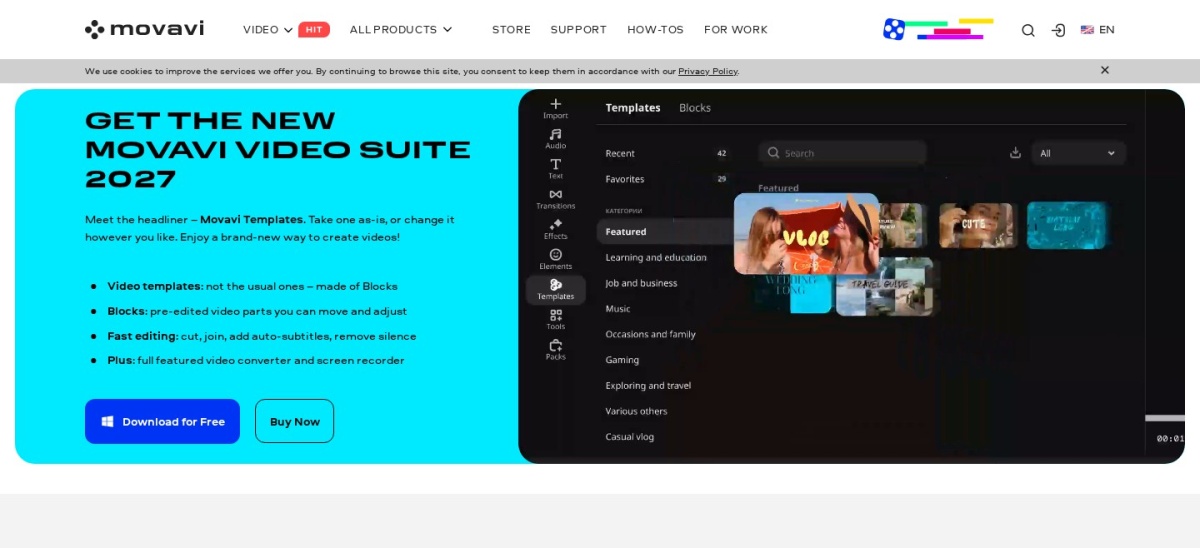
Movavi Video Editor homepage, captured Nov 2026.
Movavi Video Editor is a straightforward timeline editor for cutting, trimming, and adding titles or auto-subtitles, while its free version caps exports at 60 seconds with a watermark and no 4K. It runs smoothly without demanding high-end workstation hardware.
The trade off is a strict free export cap and upsells for extra effect packs, with annual pricing starting around $54.95/yr or $19.95 for one month. It suits beginners and home or small-business users making quick cuts.
What we like
Clean interface that is easy to pick up for basic trimming
Runs smoothly on modest laptops and office computers
Includes one-click auto subtitles and noise removal
Watch out for
Free version adds a watermark and limits exports to 60 seconds
Lacks deep color grading and advanced pro editing controls
Adobe Premiere Pro is a professional non-linear video editor built for frame-accurate trimming, ripple and roll edits, and multi-track production with no free ongoing tier beyond a 7-day trial. It integrates closely with After Effects, Photoshop, and Frame.io.
The trade off is subscription-only billing starting at $22.99/mo on an annual plan ($275.88/yr) and monthly credit limits on generative AI tools. It suits professional editors, agencies, and teams already in Adobe.
What we like
Frame-accurate trimming with ripple, roll, slip, and slide tools
Tight integration with After Effects, Photoshop, and Frame.io
Widely used by contract editors and post-production teams
Watch out for
No free ongoing version; requires a recurring subscription
Generative AI features rely on monthly credit quotas
Single-app subscription includes desktop and mobile Premiere, Frame.io, and 100 GB storage.Visit adobe.com
07
Shotcut
4.2/5on G2 (42 reviews, checked Nov 2026)
Paid from$11.49 one-time
Best free open-source desktop trimmer
Website downloadFree open-source (GPL-3.0)
Microsoft Store$11.49 one-time listing
PlatformsWindows, macOS, Linux
G2 score4.2 / 5 (42 reviews)
shotcut.org
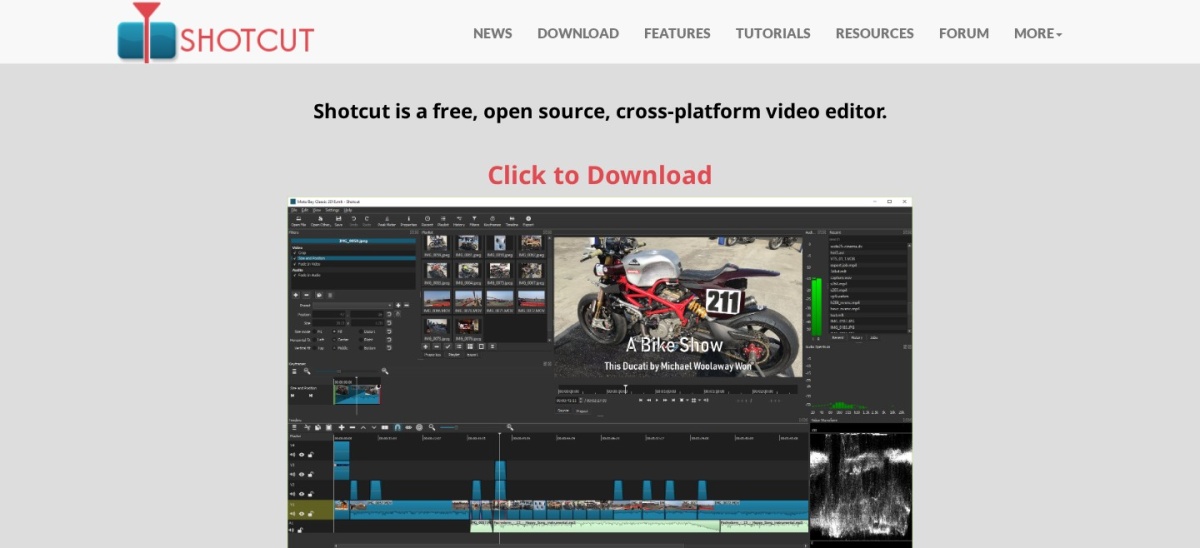
Shotcut homepage, captured Nov 2026.
Shotcut is a free, open-source multi-track video editor that lets you drop clips directly onto a timeline to trim and export with no watermark or feature lockouts from its website. It supports wide media formats without a separate import step.
The trade off is a spare, panel-heavy interface with no built-in template library, while the Microsoft Store lists a $11.49 one-time purchase option. It suits budget-conscious users who want free cutting across desktop operating systems.
What we like
Free and open-source on shotcut.org with no watermark or export cap
Direct timeline editing without mandatory media transcoding
Runs on Windows, macOS, and Linux
Watch out for
Plain interface takes time to learn compared with consumer apps
Lacks pre-made templates found in consumer editors
The Microsoft Store listing offers a $11.49 one-time option with automatic updates and no website ads.Visit shotcut.org
When do you actually need a paid video trimmer?
Free tools cover basic start-and-end cuts well. If you only shorten clips for personal sharing or basic posts, DaVinci Resolve or Shotcut can handle the cut without a bill.
Paid plans make sense when limits slow you down. Upgrade when free tiers add watermarks, cap export length or resolution, or restrict monthly AI captions and media hours.
How we chose
We built this list around widely used desktop and browser video editors that handle trimming, starting from public software directories and vendor product pages.
All ratings, review counts, and plan prices were checked on 29 Nov 2026 using G2 review listings and official vendor pricing or store pages.
We left out tools where current public pricing could not be verified on an official pricing or store page today. No vendor paid for a place, and we do not claim testing for this list.
How to pick the right video trimmer in 4 steps
Follow these four steps before paying for any video editor:
Match the workflow to your footage. Pick a transcript editor like Descript for talking-head clips or a timeline editor for visual cuts and multi-track work.
Check free export limits first. Verify whether the free tier stamps a watermark, caps length or resolution, or restricts monthly minutes.
Compare yearly billing against one-time licenses. Check annual totals versus one-time prices like Filmora at $79.99 or DaVinci Resolve Studio at $295.
Check device and browser requirements. Confirm whether your computer runs the desktop app smoothly or if browser editing fits your connection and file sizes.
FAQ
What is the best video trimming software in 2026?
DaVinci Resolve is the top pick because its free edition supports timeline editing and exports up to 4K at 60 fps with no watermark. Descript fits speech-heavy edits, while Filmora suits creators wanting low-cost annual or one-time pricing.
How much does paid video trimming software cost?
Entry paid options range from $11.49 one-time for Shotcut in the Microsoft Store and $49.99/yr for Filmora up to $192/yr on annual plans for Descript or Kapwing. Adobe Premiere Pro starts at $22.99/mo billed yearly ($275.88/yr), and DaVinci Resolve Studio is $295 one-time.
Is there free video trimming software without a watermark?
Yes, DaVinci Resolve and Shotcut let you trim and export without a watermark on their free versions. By contrast, free tiers on Descript, Kapwing, Filmora, and Movavi apply watermarks or export caps.
Which video trimmer is best for beginners?
Filmora and Movavi Video Editor offer approachable timelines for quick cuts, while Descript makes trimming spoken recordings straightforward by editing text. Beginners who want zero cost can start with Shotcut or DaVinci Resolve.
DaVinci Resolve vs Descript: which should you pick?
Choose DaVinci Resolve if you want a free or one-time $295 desktop editor with timeline, color, and audio tools up to 4K 60fps. Choose Descript if you mainly trim podcasts, interviews, or talking-head videos from a text transcript.
SaaS SEO and WordPress specialist with about 8 years of experience. Rakib compares WordPress plugins, themes, hosting and software using public pricing, documentation and user reviews. See how we rank.