DaVinci Resolve is the best video stabilization software for most editors in 2026, offering camera tracking and stabilization in a free tier with a 4.7/5 rating on G2. Adobe Premiere Pro fits multi-app studios, while Wondershare Filmora suits fast social edits at $49.99/yr.
How we make this list: we compare pricing pages, product documentation and public user reviews, then re-check every price before each update. No product paid for a place. Disclosure.
DaVinci Resolve holds a 4.7/5 G2 rating with a capable free tier and a $295 one-time Studio license.
Adobe Premiere Pro starts at $22.99/mo on an annual plan ($275.88/yr) with 1,738 G2 reviews.
Wondershare Filmora starts at $49.99/yr on subscription or $79.99 one-time with a 4.4/5 G2 rating.
CapCut Pro lists at $179.99/yr ($19.99/mo billed monthly) with 1,200 monthly AI credits and 1 TB storage.
Topaz Video AI starts at $299/yr ($25/mo annual billing) for heavy restoration and upscaling workflows.
How do you choose the best video stabilization software?
Camera shake happens on almost every shoot, from walking handheld clips to drone and action-camera runs. Pixel-based stabilizers track motion across frames and crop edges, while gyroscope tools read motion sensor data from supported cameras.
Pricing models split sharply between free editors, one-time licenses, and recurring subscriptions. A free tier or perpetual license often saves money over time compared with paying every month for a full editing suite.
Hardware speed and rolling-shutter correction matter as much as stabilization sliders. Fast panning on action cams can skew vertical lines, so look for rolling-shutter fixes and GPU acceleration.
For heavy restoration and upscaling of shaky clips
$299/yr
No free plan
4.7/5
Price ladder: cheapest paid plan per year
List prices, USD, checked Nov 2026
MovaviFREE$20
FilmoraFREE$50
CapCutFREE$180
Premiere Pro$276
ResolveFREE$295
Topaz Video$299
Final Cut Pro$300
The 7 best video stabilization software
01
DaVinci Resolve
4.7/5on G2 (223 reviews, checked Nov 2026)
Paid from$295 one-time
Best overall for free pro stabilization
PlatformsWindows, macOS, Linux
Free tierUp to UHD 60fps, no watermark
Studio price$295 one-time
G2 rating4.7/5 (223 reviews)
blackmagicdesign.com
DaVinci Resolve homepage, captured Nov 2026.
DaVinci Resolve is a post-production suite combining editing, color grading, Fusion effects, and Fairlight audio. Its free version exports up to 3840x2160 at 60fps without a watermark and includes timeline stabilization.
The trade off is a steeper learning curve and higher hardware demands than basic consumer editors, with DaVinci Resolve Studio at $295 one-time. It suits creators and editors who want pro tools without monthly fees.
What we like
Free version handles UHD 60fps exports with no watermark
One-time $295 Studio license avoids recurring subscriptions
Strong color grading and audio tools in one app
Watch out for
Interface takes time to learn for beginners
GPU and memory demands can slow older machines
Studio adds DaVinci Neural Engine AI tools, noise reduction, and higher frame-rate and bit-depth exports.Visit blackmagicdesign.com
02
Adobe Premiere Pro
4.5/5on G2 (1,738 reviews, checked Nov 2026)
Starts at$22.99/mo
Best for Creative Cloud and studio workflows
PlatformsWindows, macOS
StabilizerWarp Stabilizer effect
Annual plan$22.99/mo ($275.88/yr)
G2 rating4.5/5 (1,738 reviews)
adobe.com
Adobe Premiere Pro homepage, captured Nov 2026.
Adobe Premiere Pro is a timeline video editor featuring Warp Stabilizer with adjustable smoothness and framing controls. It offers a 7-day free trial rather than a free ongoing plan.
The trade off is ongoing subscription cost at $22.99/mo on an annual plan ($275.88/yr) and heavy system resource use. It suits editors and teams already working inside Adobe Creative Cloud.
What we like
Deep integration with After Effects, Audition, and Photoshop
Broad camera codec support across Windows and macOS
Fine-grained Warp Stabilizer controls on the timeline
Final Cut Pro is Apple's non-linear editor with built-in clip stabilization and rolling-shutter correction on the Magnetic Timeline. It offers a free trial rather than a free tier.
The trade off is a $299.99 one-time price and Mac and iPad exclusivity with no Windows support. It suits solo Mac editors who want fast Apple silicon performance without monthly billing.
What we like
$299.99 one-time purchase option alongside Apple Creator Studio
Fast rendering and playback on Apple silicon Macs
Built-in rolling-shutter correction and object tracking
Watch out for
No Windows or Linux version for mixed-OS teams
No permanent free tier beyond trial access
Buying the license unlocks full timeline editing, ProRes workflows, and ongoing feature updates on Mac.Visit apple.com
04
Wondershare Filmora
4.4/5on G2 (614 reviews, checked Nov 2026)
Paid from$49.99/yr
Best budget pick for slider-based shake fixes
PlatformsWindows, macOS
StabilizerSmooth slider & edge modes
Cheapest paid$49.99/yr ($79.99 perpetual)
G2 rating4.4/5 (614 reviews)
filmora.wondershare.com
Wondershare Filmora homepage, captured Nov 2026.
Wondershare Filmora is a beginner-friendly video editor with a stabilization slider and Reflect, Tile, or Extend edge options. Its free version lets you test the editor but exports with a watermark.
The trade off is watermarked free exports and paid add-on limits, with plans starting at $49.99/yr or $79.99 one-time. It suits everyday creators who want quick edits without complex controls.
What we like
Low entry cost at $49.99/yr or $79.99 one-time license
Simple slider and edge-filling options for quick fixes
Large library of built-in titles, transitions, and templates
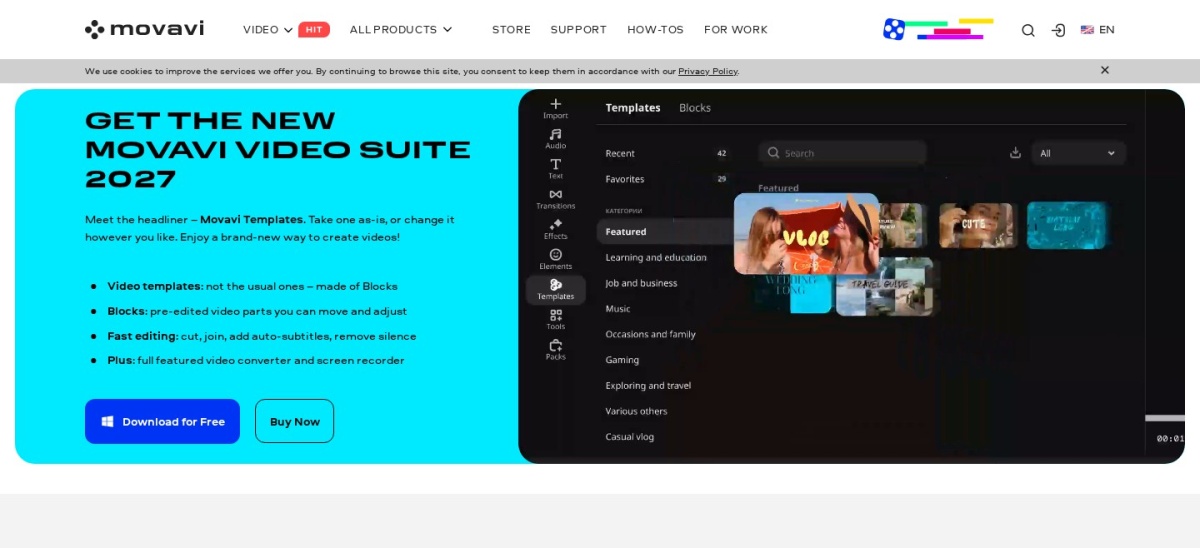
Movavi Video Editor is a desktop editor offering handheld shake reduction with smoothing and edge-cropping settings. The free trial includes a watermark and a 60-second export cap.
The trade off is basic pro-level depth and a $19.95/yr entry subscription. It suits casual creators and bloggers fixing travel clips on Windows or Mac.
What we like
Low $19.95/yr starting subscription price
Straightforward drag-and-drop interface with low system load
Granular edge cropping and smoothing controls for shake
Watch out for
Free trial caps exports at 60 seconds with a watermark
Limited color and compositing tools for advanced editors
Paid plans remove the watermark and 60-second export limit across full-length projects.Visit movavi.com
06
CapCut
4.6/5on Apple App Store (1.1M reviews, checked Nov 2026)
Paid from$179.99/yr
Best for short-form social creators across devices
PlatformsWeb, iOS, Android, Desktop
Free tierFree templates & basic edits
Pro annual$179.99/yr ($19.99/mo)
App Store4.6/5 (1.1M ratings)
capcut.com
CapCut homepage, captured Nov 2026.
CapCut is a cross-platform video editor built around short-form social templates, auto-captions, and quick timeline stabilization. Its free plan provides basic editing tools and templates at $0.
The trade off is paywalled Pro assets and 4K/AI features, with Pro at $179.99/yr or $19.99/mo. It suits social creators publishing fast vertical clips across mobile and desktop.
What we like
Available across mobile, web, and desktop with fast workflows
Free plan lets you start editing before upgrading
Pro includes 1 TB storage and 1,200 monthly AI credits
Watch out for
Many templates, 4K exports, and AI tools sit behind Pro
Less suited to complex multi-cam or cinema post-production
CapCut Pro unlocks Pro features, 1 TB cloud storage, and 1,200 AI credits per month.Visit capcut.com
07
Topaz Video AI
4.7/5on G2 (6 reviews, checked Nov 2026)
Starts at$299/yr
Best for heavy restoration and upscaling of shaky clips
PlatformsWindows, macOS
FocusAI stabilization & enhancement
Personal plan$299/yr ($25/mo annual)
G2 rating4.7/5 (6 reviews)
topazlabs.com
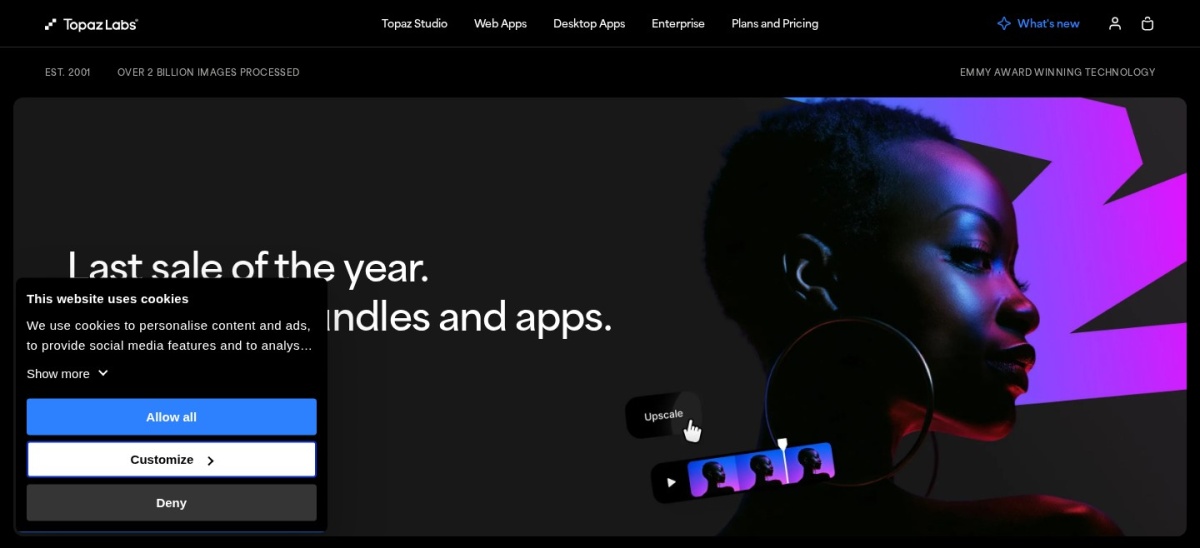
Topaz Video AI homepage, captured Nov 2026.
Topaz Video AI is a desktop video enhancement application pairing stabilization models with upscaling, denoising, and frame-rate tools. It does not offer a permanent free plan.
The trade off is a $299/yr Personal plan ($25/mo billed annually), extra cloud credit costs, and steep GPU needs. It suits editors restoring low-quality or heavily degraded footage.
What we like
Combines stabilization with upscaling and noise reduction in one pipeline
Supports local GPU rendering on Windows and macOS
Useful for rescuing noisy or low-resolution source clips
Watch out for
No free tier and higher annual cost than basic editors
Slow rendering on modest GPUs and extra cost for cloud credits
Personal at $299/yr includes local rendering of core models and 25 monthly cloud credits.Visit topazlabs.com
When should you use gyro stabilization instead of timeline tracking?
Timeline stabilizers like Warp Stabilizer analyze visual pixels frame by frame. That works well for talking heads and handheld walks, though fast motion or low contrast can confuse tracking.
Gyroscope-based tools such as Gyroflow read motion sensor metadata recorded by action cameras, drones, or supported mirrorless bodies. Sensor data can smooth aggressive movement and rolling shutter with less guesswork when metadata is present.
How we chose
We built this shortlist from established video editors and enhancement tools that include video stabilization workflows. Each entry is an actively maintained product with published pricing and public user ratings.
All prices, review counts, and ratings in this guide were checked on 29 Nov 2026 from vendor pricing pages and review listings. Where a tool has no WordPress.org listing, we cite the public review platform shown on each tool card.
We excluded unverified tools, discontinued builds, and products whose pricing could not be confirmed for 2026. No vendor paid for a place, and we do not claim testing for this list.
How to choose the right stabilizer
Follow four practical checks before buying or committing to a workflow:
Match the tool to your footage type. Choose a timeline NLE for interviews and vlogs, or a specialized enhancement tool when clips are noisy or low resolution.
Check free limits against your export needs. Confirm whether the free tier caps resolution, adds a watermark, or restricts frame rates before building a project around it.
Compare multi-year cost rather than month-one price. A free tier or one-time license can cost less over two or three years than a recurring subscription.
Verify operating system and GPU support. Some editors run only on macOS or Windows, and heavy stabilization or AI passes run much faster on capable GPUs.
FAQ
What is the best video stabilization software in 2026?
DaVinci Resolve is the top overall pick because its free version includes timeline stabilization and UHD 60fps exports with no watermark. Adobe Premiere Pro is strong for Creative Cloud users, and Wondershare Filmora fits budget editors.
Is there free video stabilization software without a watermark?
Yes, DaVinci Resolve offers a free tier that exports up to UHD 60fps without a watermark. By contrast, free trials or free tiers in tools like Filmora and Movavi Video Editor add watermarks or export limits.
How much does paid video stabilization software cost?
Entry paid options range from $19.95/yr on Movavi Video Editor and $49.99/yr on Filmora up to $22.99/mo on Adobe Premiere Pro or $295–$299.99 one-time licenses.
Which option is best for beginners who want simple controls?
Wondershare Filmora and Movavi Video Editor provide straightforward interfaces and simple slider or edge controls. They require less setup time than dense post-production suites.
DaVinci Resolve vs. Adobe Premiere Pro: which should I pick?
Pick DaVinci Resolve if you want a free tier or a one-time $295 Studio license with strong color and grading tools. Pick Premiere Pro if your workflow depends on Creative Cloud apps like After Effects.
SaaS SEO and WordPress specialist with about 8 years of experience. Rakib compares WordPress plugins, themes, hosting and software using public pricing, documentation and user reviews. See how we rank.