Loom is the best video screen capture software for fast asynchronous team updates, earning a 4.7/5 G2 rating across 2,624 reviews with paid plans from $18/month per user. For annotated tutorials or timeline editing, Snagit starts at $39/year and Camtasia starts at $39/year.
How we make this list: we compare pricing pages, product documentation and public user reviews, then re-check every price before each update. No product paid for a place. Disclosure.
Loom holds a 4.7/5 G2 rating across 2,624 reviews and caps its free Starter tier at 25 videos up to 5 minutes each.
Snagit carries a 4.7/5 G2 rating across 6,036 reviews with an individual annual plan priced at $39.00/year.
Camtasia holds a 4.6/5 G2 rating across 1,791 reviews with a Starter tier at $39.00/year and Essentials at $179.88/year.
Descript holds a 4.6/5 G2 rating across 937 reviews, starting at $16/month billed annually on its Hobbyist plan.
ScreenPal holds a 4.5/5 G2 rating across 139 reviews with Solo Deluxe listed at $4/month before annual discounts.
How do you choose the best video screen capture software?
Async link sharing and full video editing solve very different problems. A browser-based recorder sends a link in seconds, while a desktop editor gives frame control and multi-track timelines.
Free tiers almost always restrict recording length, video count, or watermark removal. Checking exact limits upfront prevents surprise upgrades once your team relies on daily recordings.
Annual billing discounts change real yearly costs significantly. Several vendors advertise discounted annual rates alongside higher monthly or non-discounted prices, so comparing yearly totals keeps budgets honest.
Platform support varies widely across tools. Some apps run across Windows, Mac, and browsers, while others target macOS or Chrome workflows.
Loom is an asynchronous screen and camera recording tool built for quick team walkthroughs via shareable links. Its free Starter plan allows up to 50 workspace members with up to 25 videos per person capped at 5 minutes each and up to 720p video quality.
The trade off is that moving past 5-minute recordings and 720p limits requires Business at $18 per user per month. It suits distributed teams that replace routine status calls with short recorded videos.
What we like
Instant link sharing without manual file exports
Built-in transcriptions and time-stamped comments
Free Starter plan includes unlimited screenshots and meeting recording length
Watch out for
Free screen recordings cap at 5 minutes and 25 videos per user
Free tier tops out at 720p recording quality
Per-user monthly pricing adds up on larger teams
Business unlocks unlimited videos, unlimited recording length, up to 4K quality, and video downloads.Visit loom.com
02
Snagit
4.7/5on G2 (6,036 reviews, checked Nov 2026)
Starts at$39/yr
Best for screenshots and short how-to clips
Rating4.7/5 (6,036)
Entry paid$39.00/yr
Free tierPaid subscription
PlatformsWindows & macOS
techsmith.com
Snagit homepage, captured Nov 2026.
Snagit is a screen capture and recording utility from TechSmith for creating visual instructions, annotated captures, and screen videos. Individual subscriptions start at $39.00 per year billed yearly with compatibility for Windows and macOS.
The trade off is that it focuses on quick captures and annotations rather than deep multi-track video editing, and individual plans are non-transferable at $39.00/year. It suits support staff, educators, and documentation writers.
What we like
Strong screenshot markup, scrolling capture, and step guides
Low entry price at $39.00 per year for individuals
Includes up to 25 videos hosted on Screencast
Watch out for
Limited timeline video editing compared to dedicated editors
Individual license is non-transferable between users
Volume team pricing starts higher at $48.00 per user per year
Individual plan includes screen and camera capture, image markup, AI redaction, and Screencast hosting.Visit techsmith.com
03
Camtasia
4.6/5on G2 (1,791 reviews, checked Nov 2026)
Starts at$39/yr
Best for structured training and tutorials
Rating4.6/5 (1,791)
Entry paid$39.00/yr
Free tierWatermarked free access
PlatformsWindows & macOS
techsmith.com
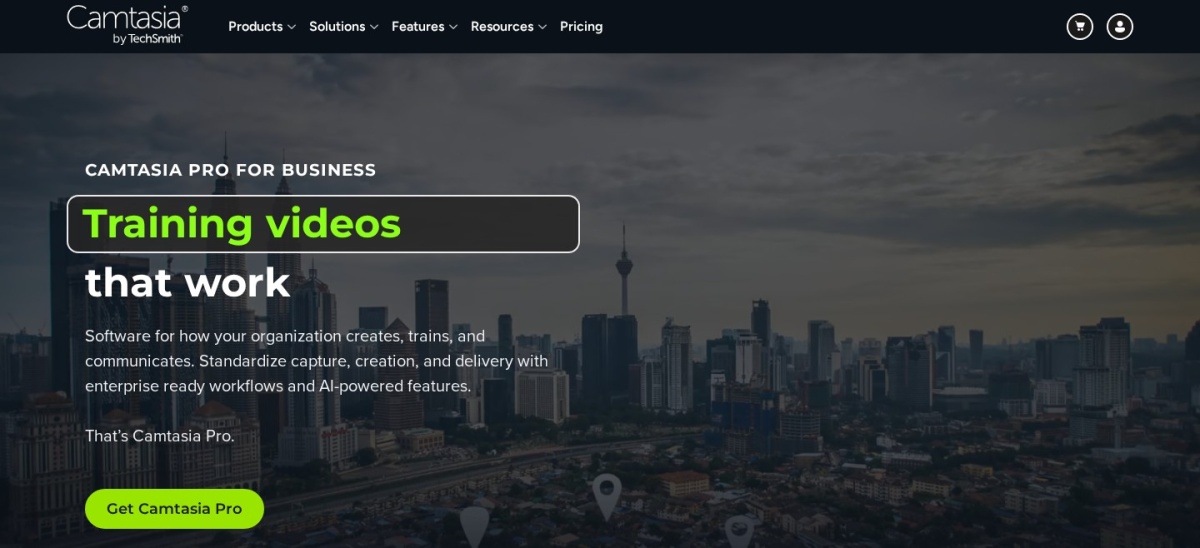
Camtasia homepage, captured Nov 2026.
Camtasia is a screen recording and timeline video editing suite from TechSmith built for training courses, product demos, and tutorials. Its Starter plan starts at $39.00 per year billed yearly and includes screen capture, camera recording, and a 14-day money-back guarantee.
The trade off is that removing the watermark on full desktop exports requires upgrading to Essentials at $179.88/year, starting from the $39.00/year Starter tier. It suits instructional designers and course creators who need structured edits.
What we like
Detailed timeline editing, cursor effects, and transitions
Supports Windows 10/11 and macOS 14+
Includes starter media assets and Screencast hosting for up to 25 videos
Watch out for
Higher tiers jump in cost above the entry Starter plan
Timeline editing takes longer to learn than browser recorders
Descript is a video and audio editor where you cut and arrange recordings by editing generated text transcripts alongside timeline tools. Its Free tier includes 60 minutes of media per month, 100 one-time AI credits, and multi-language transcription.
The trade off is that monthly media minutes and AI credits reset each cycle and do not roll over, with Hobbyist at $16/month billed annually ($24/month monthly). It suits creators and teams editing spoken walkthroughs fast.
What we like
Text-based editing speeds up cutting pauses and mistakes
Includes AI tools such as filler word removal and Studio Sound
Free plan lets you test core transcription and editing workflows
Watch out for
Monthly media minutes and AI credits do not roll over
Heavy AI usage can require top-up credit bundles
Free plan limits monthly transcribed and processed media
Hobbyist increases allowance to 10 media hours per month, 400 monthly AI credits, and watermark-free 1080p exports.Visit descript.com
05
Screencastify
4.6/5on G2 (83 reviews, checked Nov 2026)
Paid from$7/mo
Best for Google Workspace and classrooms
Rating4.6/5 (83)
Entry paid$7/mo
Free tier10 videos, 30 min cap
Paid lengthUp to 60 min on Starter
screencastify.com
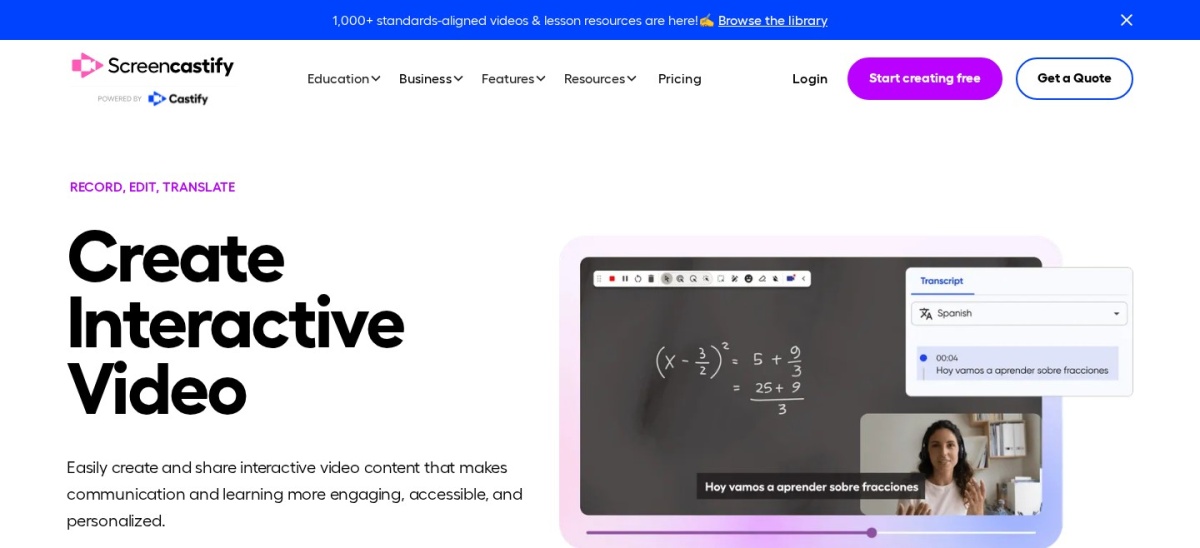
Screencastify homepage, captured Nov 2026.
Screencastify is a browser-based screen recorder and video editor built around Chrome, Google Drive, and classroom workflows. Its Free plan covers up to 10 videos with a 30-minute recording limit, watermarked exports, and limited viewer analytics.
The trade off is that the free plan caps total videos and adds a watermark, while Starter costs $7 per user per month billed annually ($18 monthly). It suits educators and Google Workspace teams wanting quick browser captures.
What we like
Tight integration with Google Drive, Google Classroom, and Canvas
Low annual entry price at $7 per user per month on Starter
Includes teleprompter, drawing tools, and interactive questions
Watch out for
Free tier caps total video count at 10 and includes a watermark
Starter plan caps recording length at 60 minutes and up to 1080p
Browser-focused workflow lacks deep desktop multi-track editing
Starter removes the 10-video cap, extends recordings to 60 minutes, removes the watermark, and adds unlimited viewer analytics.Visit screencastify.com
06
Vidyard
4.5/5on G2 (842 reviews, checked Nov 2026)
Paid from$59/mo
Best for sales outreach and viewer analytics
Rating4.5/5 (842)
Entry paid$59/mo
Free tier5 videos + 15 AI/mo
Recording capUp to 1 hr on Starter
vidyard.com
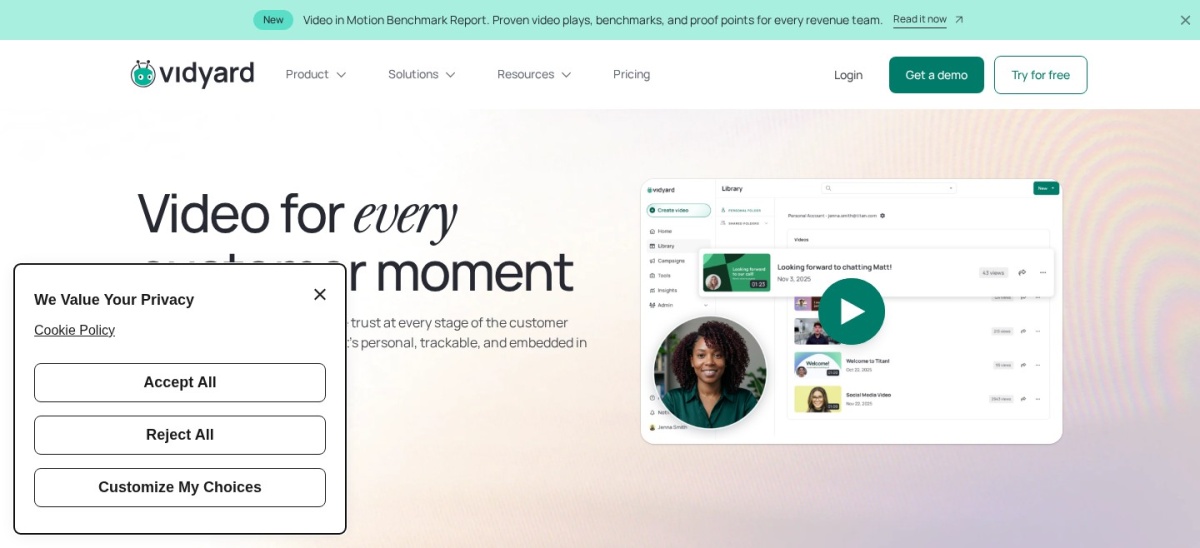
Vidyard homepage, captured Nov 2026.
Vidyard is a video messaging and hosting platform focused on sales outreach, product demos, and viewer tracking. Its free plan includes up to 4K recording along with 5 traditional videos and 15 AI avatar videos per month.
The trade off is a steep jump to paid plans, with Starter listed at $59 per user per month billed annually ($89 monthly). It suits revenue and sales teams that rely on CRM integrations and watch-time analytics.
What we like
Detailed viewer analytics and call-to-action templates on paid plans
Supports 4K recording across plans, including the free tier
Built for sales outreach workflows and CRM integrations
Watch out for
High entry cost at $59 per user per month billed annually
Free plan caps monthly video creation at 5 standard and 15 AI videos
Less suited to complex timeline video post-production
Starter raises recording length up to 1 hour and adds custom CTAs, branded sharing pages, and full video analytics.Visit vidyard.com
07
ScreenPal
4.5/5on G2 (139 reviews, checked Nov 2026)
Paid from$4/mo
Best for budget solo creators and educators
Rating4.5/5 (139)
Entry paid$4/mo
Free tier15-min recorder & editor
PlatformsDesktop, web & mobile
screenpal.com
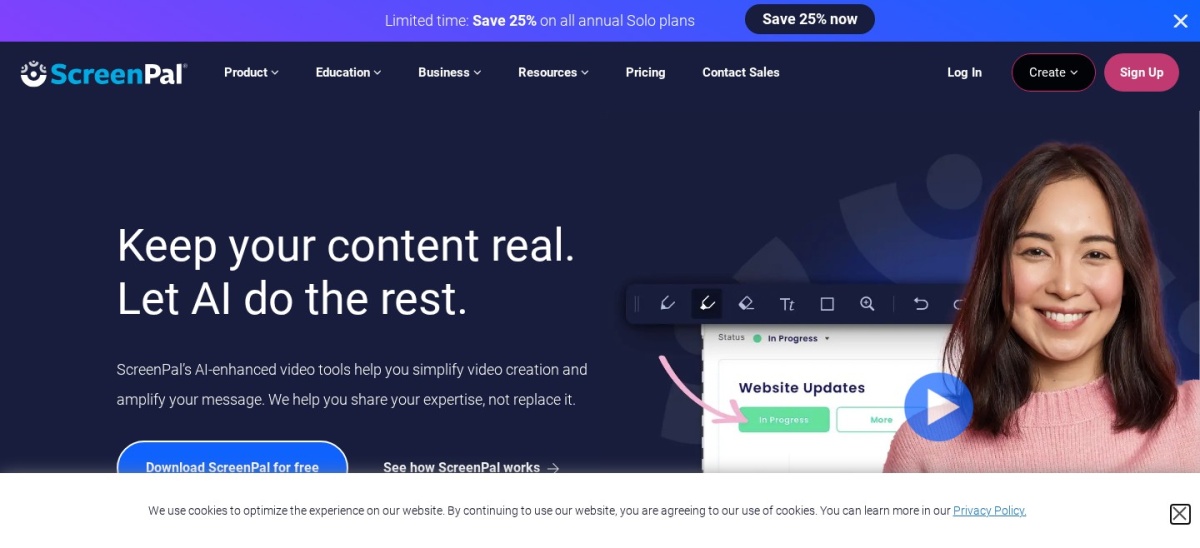
ScreenPal homepage, captured Nov 2026.
ScreenPal is a screen recording and video editing platform used for tutorials, coursework, and team updates across desktop and mobile. Its free plan provides an unlimited recorder with a 15-minute recording limit, basic editing, and hosting.
The trade off is that advanced editing, custom branding, and AI tools require paid tiers, with Solo Deluxe listed at $4/month before seasonal annual discounts ($3/month). It suits solo creators and educators on a tight budget.
What we like
Low entry price starting at $4/month on Solo Deluxe
Works across Windows, Mac, Chromebook, iOS, and Android
Includes video hosting, storyboards, and interactive quizzes
Watch out for
Free recordings cap at 15 minutes per capture
AI captions, text-to-speech, and branding sit on higher tiers
Fewer G2 reviews than larger enterprise video tools
Solo Deluxe expands editing and sharing features, while Max and Team Business add ScreenPal AI and collaboration tools.Visit screenpal.com
Should you pick an async link recorder or a timeline editor?
Async link recorders like Loom and Vidyard prioritize speed over heavy editing. You record a walkthrough, grab a link, and let teammates or prospects watch on their own schedule.
Timeline editors like Camtasia and Descript prioritize polish and precision. Choose them when you cut scenes, add callouts, or shape tutorials for customers and courses.
How we chose
We selected 7 established video screen capture tools from widely used software categories and verified G2 review listings.
Every rating, review count, and regular starting price was checked on 29 Nov 2026 directly from vendor pricing pages and G2 review pages.
We excluded tools without confirmed pricing or public review figures in today's search results and noted where promotional discounts appear alongside regular rates.
No vendor paid for a place, and we do not claim testing for this list.
How to choose video screen capture software
Follow four practical checks before paying for a screen capture subscription:
Match the tool to your output format. Pick a fast link-sharing recorder for internal updates and support, or a dedicated editor for courses and product demos.
Check free-tier caps against your real recording length. Verify per-video time limits, total video quotas, and export watermarks before building workflows around a free plan.
Compare regular annual and monthly billing totals. Check what a plan costs at standard rates and after annual billing so first-year renewals do not surprise your budget.
Confirm operating system and team seat rules. Make sure desktop or browser apps run on your team's devices and see whether licenses are per user or transferable.
FAQ
What is the best video screen capture software in 2026?
Loom is the top pick for fast asynchronous team screen recordings with a 4.7/5 G2 rating across 2,624 reviews and paid plans starting at $18/month per user. Snagit at $39.00/year and Camtasia at $39.00/year are strong alternatives for documentation and structured video editing.
What is the cheapest paid video screen capture tool on this list?
Snagit and Camtasia both start at $39.00/year on their entry individual and Starter plans, followed by ScreenPal with Solo Deluxe listed at $4/month. Always check seat counts and feature limits because entry tiers vary widely.
Can I record screen videos for free without paying right away?
Yes. Loom, Descript, Screencastify, Vidyard, and ScreenPal all offer free tiers, though each limits recording length, video count, export options, or AI usage.
Which tool is best for beginners making tutorials?
ScreenPal and Screencastify offer straightforward interfaces for beginners creating walkthroughs and lessons. ScreenPal starts at $4/month on Solo Deluxe, while Screencastify starts at $7/month per user billed annually on Starter.
Loom vs. Snagit: which should you pick?
Choose Loom if you mainly record quick camera-and-screen videos to share via link across a team. Choose Snagit if you need screenshots, step annotations, and short screen captures at $39.00/year.
SaaS SEO and WordPress specialist with about 8 years of experience. Rakib compares WordPress plugins, themes, hosting and software using public pricing, documentation and user reviews. See how we rank.