Best Video Repair Software in 2026: 9 Tools Compared
WLWPLegible EditorsLast verified 24 Nov 2026How we rank12 min read
★ Short answer
Wondershare Repairit is the best video repair software for most people, covering 100+ formats with batch repair and a 4.7/5 Trustpilot rating from $139.95 a year. Pick Stellar Repair for Video for a focused video-only tool, or VLC to fix a minor AVI index problem free.
How we make this list: we compare pricing pages, product documentation and public user reviews, then re-check every price before each update. No product paid for a place. Disclosure.
Repairit covers 100+ formats and repairs video, photos, audio and documents in one toolkit, from $139.95 a year.
Stellar is the focused video-only pick: 17 formats, batch repair and a free preview of up to 20% of each file.
EaseUS Fixo is the cheapest full toolkit here at $49.95 a year, and it also repairs photos and documents.
Restore.Media charges from $4.99 per file and lets you preview the repair free before paying anything.
VLC is free and fixes minor AVI index problems, but it cannot rebuild severely damaged files.
What video repair software should cover
A video that will not play is usually broken in one of a few places: the header, the index, the metadata or the audio stream. Most repair tools rebuild those structures rather than the picture itself, so a file with missing video data may still come back incomplete.
Preview before paying is the feature that matters most. Every paid tool in this list lets you see the repaired result first, either as a preview of part of the file or a low-resolution copy, so never pay for a repair you have not seen.
Sample files matter for severe damage. Several tools rebuild a badly damaged clip from a healthy recording made on the same device with the same settings, so keep one good clip from each camera you use.
If the repaired video is headed for your site, our guide on how to embed a video in WordPress covers the upload step once the file plays again.
Price models differ more than the tools do. Some charge per year, some once, and two charge per file, so compare the cost for one repair against the cost of a year before choosing.
4.7/5on Trustpilot (967 reviews, checked Nov 2026)
Starts at$139.95/yr
Best video repair software overall
Video formats100+ formats
Free previewYes, before paying
Batch repairYes
Paid planToolkit, $139.95/yr
repairit.wondershare.com
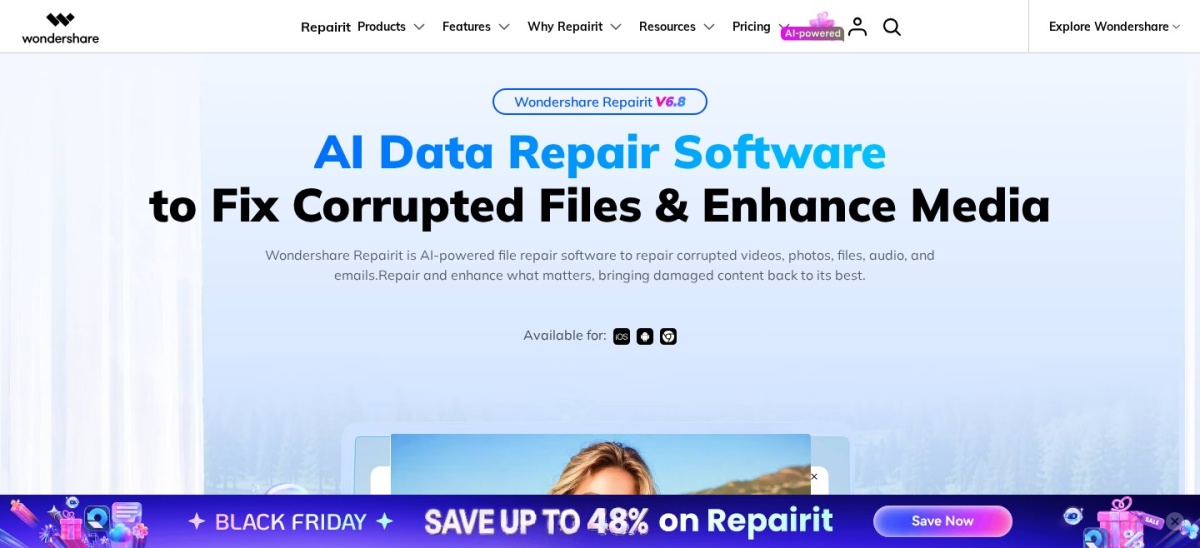
Wondershare Repairit homepage, captured Nov 2026.
Wondershare Repairit is an AI-powered repair toolkit for Windows and Mac that fixes corrupted videos, photos, audio, documents and email files. It supports 100+ formats, repairs files in batches, and includes an Advanced Repair mode that rebuilds severe damage with a sample file from the same device. The free download lets you preview repaired files before paying.
The trade off is price. The 1-year Toolkit licence retails at $139.95, though the store showed $99.95 on sale when we checked, and it covers 1 to 5 PCs. It suits people with a stack of damaged files across formats who want one app for video, photos and documents.
What we like
Repairs video, photos, audio and documents in one app
100+ supported formats, including camera and drone files
Batch repair with a free preview before paying
Advanced Repair mode uses a sample file for severe damage
Watch out for
Highest yearly price in this list
The video-only licence is not sold separately on the store page we opened
AI photo and video enhancement uses monthly credits
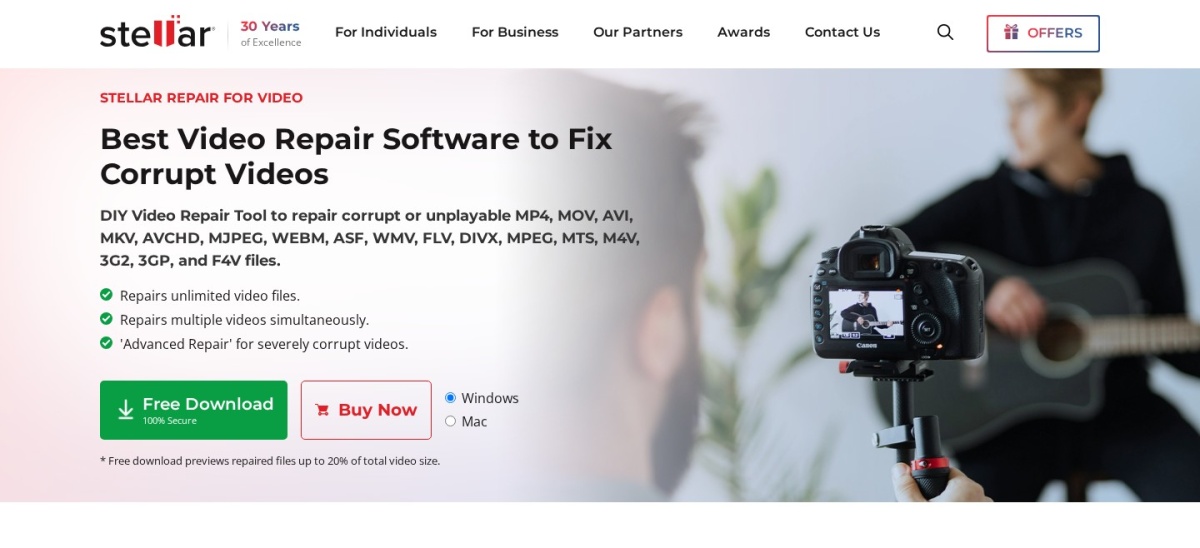
Stellar Repair for Video homepage, captured Nov 2026.
Stellar Repair for Video is a focused desktop tool for Windows and Mac that repairs corrupt, broken or unplayable videos in 17 formats, including MP4, MOV, AVI, MKV and FLV. It repairs unlimited files in batches, fixes header, sound and sync errors, and its Advanced Repair mode rebuilds severe damage with a sample file from the same device.
The trade off is the free download. It repairs files and previews up to 20% of each video, but saving the full repaired file needs a paid edition, with Standard retailing at $59.99 a year against a $49.99 sale price. It suits photographers and videographers with damaged camera footage.
4.9/5on Trustpilot (39,686 reviews, checked Nov 2026)
Starts at$49.95/yr
Best value full toolkit
Video formatsMP4, MOV, MKV, AVI and more
Free trialYes, preview before saving
Also repairsPhotos, audio, documents
Paid plan1 year, $49.95/yr
easeus.com
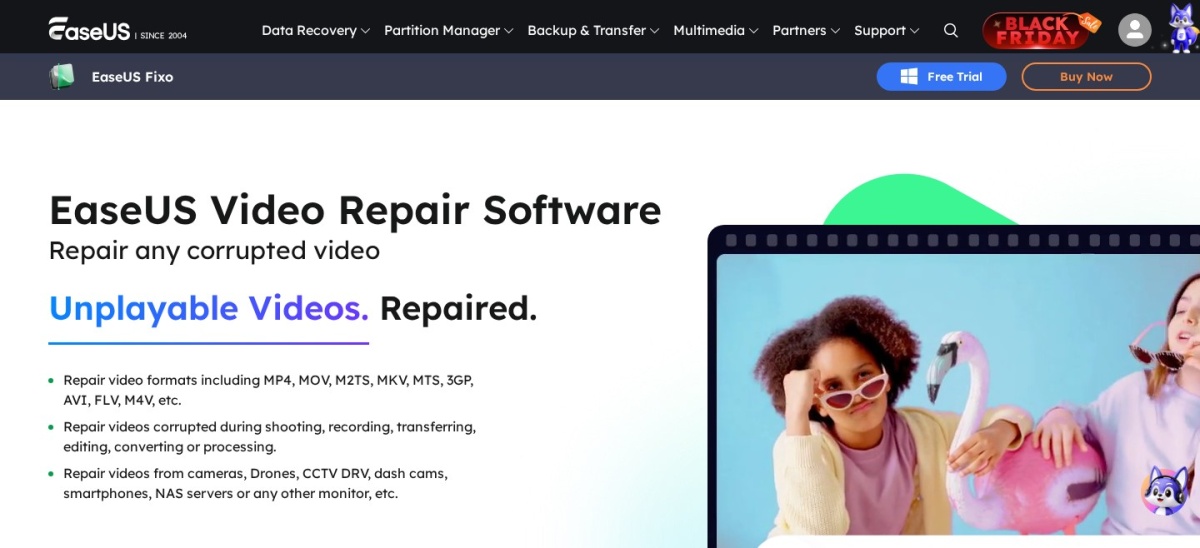
EaseUS Fixo homepage, captured Nov 2026.
EaseUS Fixo is a Windows and Mac app that repairs corrupted videos, photos, audio and documents in one place. It covers common formats such as MP4, MOV, MKV and AVI, fixes playback errors, blurry footage and audio sync problems, and lets you preview repaired files before saving. The free trial shows whether a file is recoverable first.
The trade off is pricing clarity. The official page shows a $39.95 monthly plan beside a $49.95 yearly billing line, so check which term the checkout applies before paying. It suits home users who want one simple app for videos, photos and documents.
What we like
Cheapest yearly price among the full toolkits here
Repairs videos, photos, audio and documents
Preview before saving, with AI-powered analysis
Simple three-step workflow
Watch out for
Yearly price is shown as a billing line, not a clear plan
No sample-file mode is mentioned on the product page
Monthly plan is costly if you only need one repair
Paid plans unlock saving and full repairs after previewVisit easeus.com
04
Tenorshare 4DDiG File Repair
4.8/5on G2 (267 reviews, checked Nov 2026)
Starts at$89.90/yr
Best for AI enhancement extras
Video formatsMP4, AVI, MOV, MKV and more
Free trialYes, preview before saving
AI enhancementUp to 8K video
Paid plan1 year, $89.90/yr
4ddig.tenorshare.com
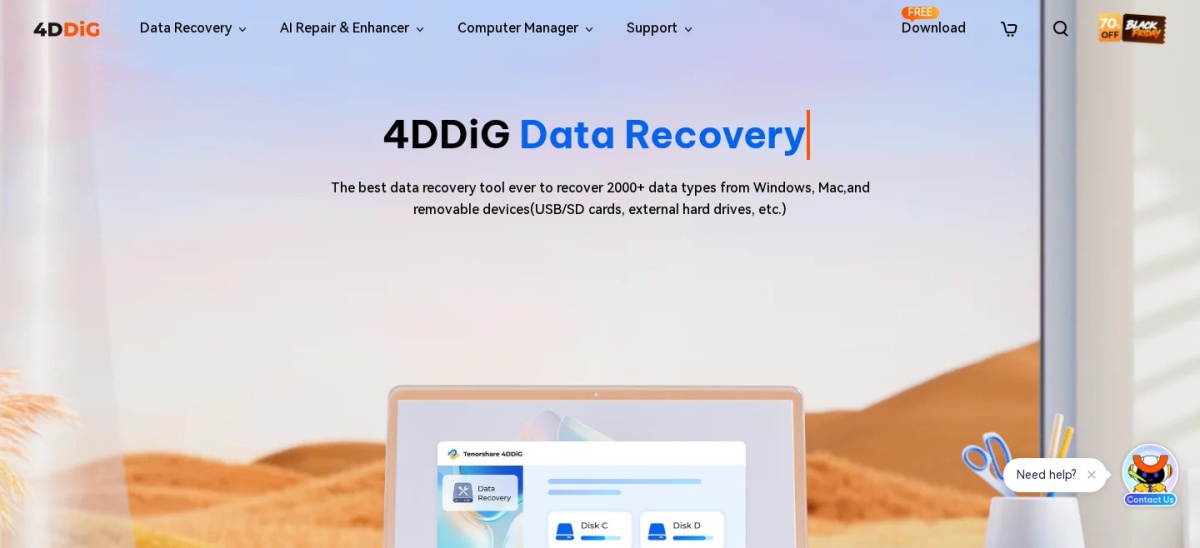
Tenorshare 4DDiG File Repair homepage, captured Nov 2026.
Tenorshare 4DDiG File Repair is a Windows and Mac app that repairs unplayable, choppy or distorted videos in batches, plus photos, documents and audio. It covers MP4, AVI, MOV, MKV and more, works on files from SD cards, USB drives and hard disks, and adds AI tools that enhance video up to 8K. The free trial previews repaired results before paying.
The trade off is the licence. Each plan covers one PC, and the 1-year licence retails at $89.90, with a $65.95 sale price listed on the buy page in November. It suits creators who also want AI enhancement beside repair.
What we like
Strongest G2 rating in this list, 4.8 from 267 reviews
Batch repair across video, photo, document and audio
AI enhancement up to 8K and colour tools
Works on files from cards, USB drives and disks
Watch out for
Each licence covers only one PC
1-year licence costs more than Fixo or Stellar
Repair is one module among several, so the app is larger than a video-only tool
4.6/5on Trustpilot (500 reviews, checked Nov 2026)
Starts at$89.97/6mo
Best free preview before paying
Video formatsMOV, MP4, AVI, DIVX, XVID
Free previewYes, no size limit
Repair methodRead-only, original untouched
Paid plan6 months, $89.97
remosoftware.com
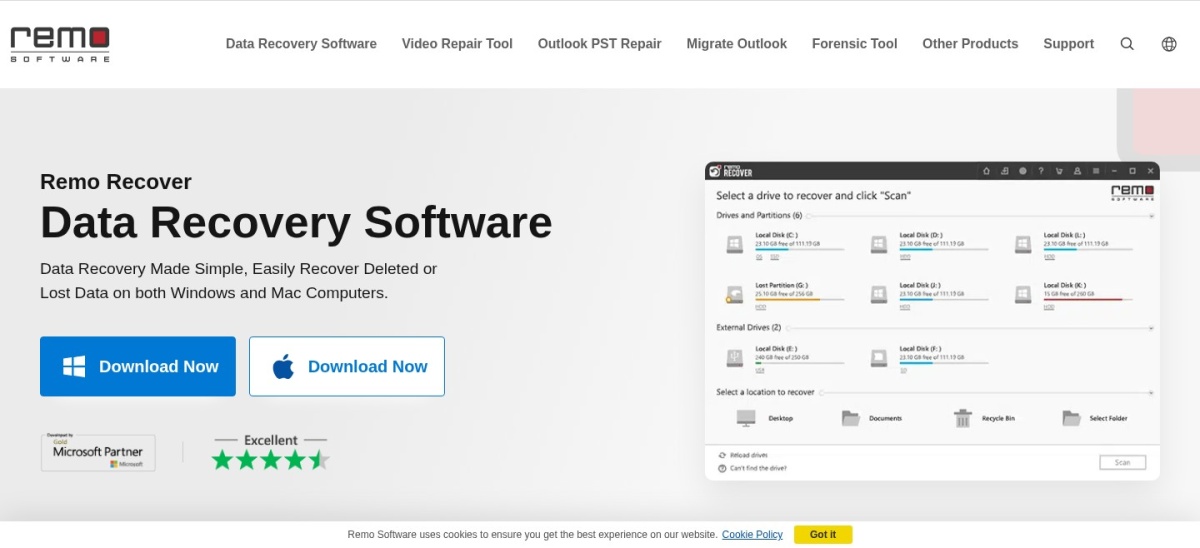
Remo Repair Video homepage, captured Nov 2026.
Remo Repair Video is a focused Windows and Mac tool for corrupt MOV, MP4, AVI, DIVX and XVID files, including HD, 4K and 8K footage from cameras, drones and iPhones. It works in a read-only way, so the original file stays untouched, and the free download lets you preview the repaired video without a size limit. The paid plans cover one PC.
The trade off is price. The 6-month licence retails at $89.97 and renews at $49.97 each half-year, while a 1-month licence retails at $69.97, so short jobs cost more per month. It suits people with MOV or MP4 camera footage who want to see the full repair before paying.
4.9/5on Trustpilot (166 reviews, checked Nov 2026)
Starts at$29/once
Best one-time licence
Video formats25+ formats
Free previewFirst 30 seconds
Batch repairYes
Paid planOne-time, $29
nucleustechnologies.com
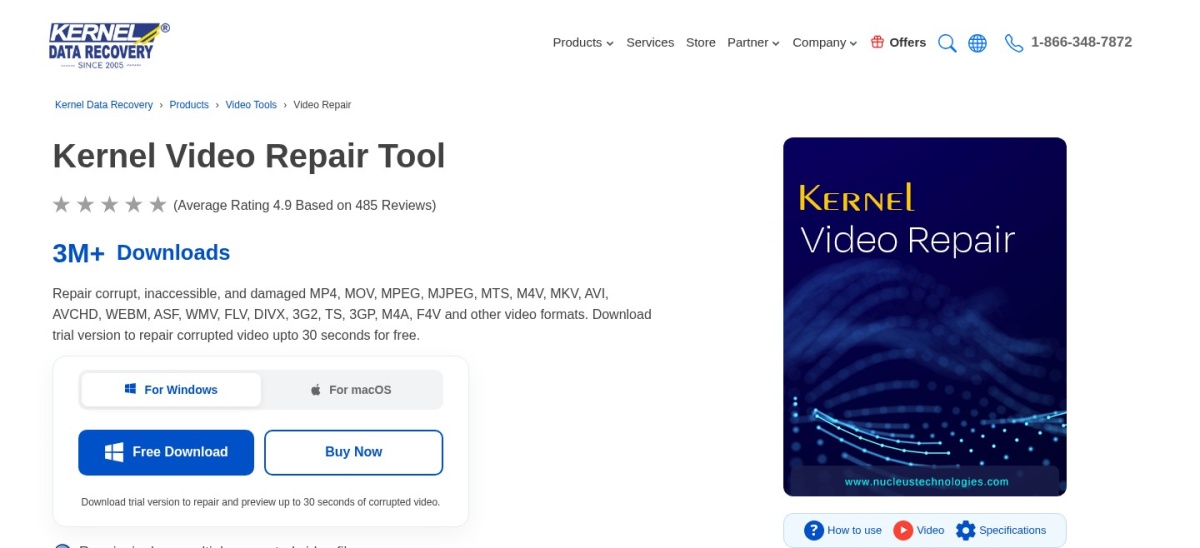
Kernel Video Repair homepage, captured Nov 2026.
Kernel Video Repair is a Windows and Mac tool that fixes corrupt, unplayable or truncated videos in more than 25 formats, including MP4, MOV, MKV, ProRes, RSV and MXF. It repairs files in batches, uses a healthy reference video for severe damage, and places no limit on file size. The free demo previews the first 30 seconds of each repaired video.
The trade off is polish. The interface is plain and built for a single job, with no photo or document repair beside video, and the licence costs $29 once. It suits anyone who wants a cheap one-time licence for everyday video corruption.
What we like
One-time $29 licence, the cheapest desktop licence here
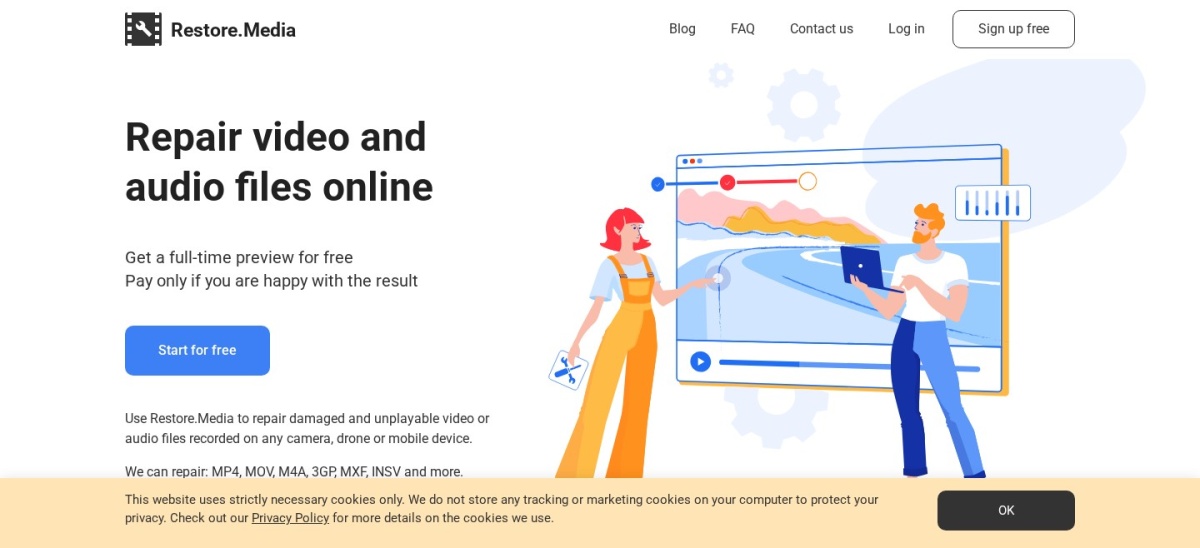
Restore.Media is an online service that repairs damaged and unplayable video and audio files in the browser, with no software to install. It handles MP4, MOV, M4A, MXF, INSV and more from phones, drones and cameras, and uploads up to 128 GB. You get a free low-resolution preview and pay only if you are happy with the result.
The trade off is that your file leaves your computer. Uploads take time on slow connections, and the service does not fix distortion, freezes or artefacts in videos that already play. It suits a single unfinalised or truncated recording that needs one repair.
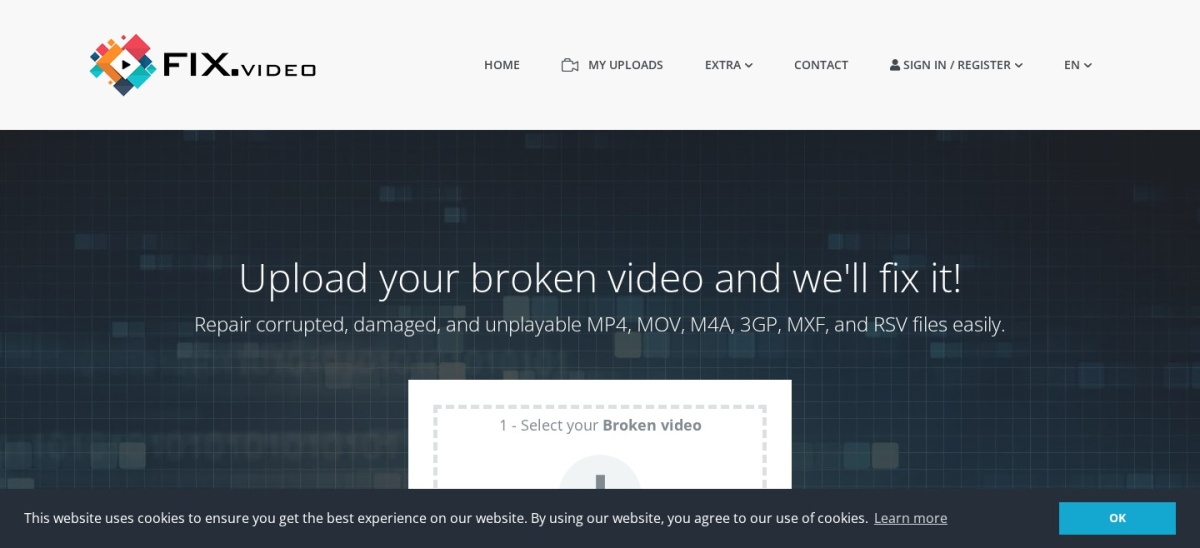
Fix.Video is an online service that repairs corrupt, truncated or unreadable MP4, MOV, M4V, 3GP, ProRes, RSV and MXF files without a healthy sample file. It is built for interrupted recordings, such as a drone powered off mid-flight, and its Instant Repair can restore some Sony RSV files in the browser. A free preview comes before paying.
The trade off is cost and confidence. The Premium plan is listed at $99 a month for unlimited files, and Fix.Video scores 2.7 out of 5 on Trustpilot from 38 reviews, the lowest here. It suits drone pilots with a truncated clip and no sample file to offer.
VLC media player is a free, open-source player for Windows, Mac, Linux and more that also fixes minor AVI problems. Its Input and Codecs settings include an Always fix option for damaged or incomplete AVI files, which rebuilds the index while the file plays. The Convert and Save feature can then export a clean copy, ideally as MP4.
The trade off is scope. VLC only patches index problems in files it can already read, so it cannot rebuild severely damaged video, fix missing data or repair most MP4 files. It suits a quick free check before paying for a dedicated repair tool.
What we like
Completely free, with no ads or tracking
Plays almost any format without codec packs
Always fix rebuilds damaged AVI indexes
Runs on Windows, Mac, Linux, Android and iOS
Watch out for
Only fixes minor AVI index problems
Cannot rebuild severely damaged files
The index fix is temporary until you export a copy
Free options cover the first step well. VLC fixes minor AVI index problems at no cost, and Restore.Media shows a free preview before charging anything.
Paid tools mostly add depth and saving. They rebuild headers, frames and audio together, repair in batches and save the full file instead of a preview.
The line is clearest on severe damage. A free player cannot rebuild a truncated drone recording, while a sample-file repair from Repairit, Stellar or Kernel can.
If the footage matters, pay for the preview you trust. A single repair at $4.99 per file often costs less than a year of any desktop tool.
How we chose
We started from the video repair tools that appear most often in buyer comparisons and review roundups, then kept nine established options that cover desktop apps, online services and one free player.
Prices come from each vendor's own pricing or product page, checked on 24 November 2026, with regular prices shown where a sale was running. Ratings come from G2 or Trustpilot on the same day; several are vendor-level Trustpilot scores where no product-level page exists.
We left out tools with no public price and no rating on G2, Capterra or Trustpilot. No vendor paid for a place, and we do not claim hands-on testing for this list.
How to choose video repair software
Start with a copy of the damaged file, then match the tool to the damage.
Work on a copy, never the original. Copy the damaged file first. If a repair goes wrong, you still have the original to try with another tool.
Try the free fix first. Open the file in VLC and set damaged AVI files to Always fix. If it plays, export a clean copy before spending anything.
Check the preview before paying. Use a tool that shows the repaired result first. If the preview is wrong, the paid save will be wrong too.
Match the tool to the damage. Pick a sample-file tool for severe camera damage, a pay-per-file service for one clip, and a one-time licence if repairs keep coming.
FAQ
What is the best video repair software?
Wondershare Repairit is the best pick for most people. It covers 100+ formats with batch repair and sample-file rebuilding, is rated 4.7 out of 5 on Trustpilot from 967 reviews, and costs $139.95 a year for the Toolkit licence.
Can I repair a corrupted video for free?
Yes, for minor damage. VLC fixes damaged AVI indexes free, and Restore.Media shows a free low-resolution preview before charging from $4.99 per file. Severe damage, such as a truncated drone recording, usually needs a paid tool with sample-file repair.
Do I need a sample file to repair a video?
Only for severe damage. Repairit, Stellar and Kernel can rebuild a badly damaged clip from a healthy recording made on the same device with the same settings. Fix.Video and Restore.Media work without a sample file, which suits clips from a borrowed or lost camera.
What video formats do these tools repair?
Most cover MP4, MOV, AVI, MKV and FLV, with Repairit reaching 100+ formats and Stellar covering 17. Restore.Media and Fix.Video also handle camera formats such as MXF, RSV and INSV. Check the format list before paying, since narrow tools skip some containers.
Is it safe to upload a video to an online repair service?
Restore.Media says files are repaired automatically with no human viewing, and you pay only after a free preview. Even so, keep private or sensitive footage on your own computer and use a desktop tool such as Repairit or Stellar instead.
Why does my repaired video still not play?
The file may be missing video data, not just structure. Repair tools rebuild headers, indexes and metadata, but they cannot recreate frames that were never recorded. Try a sample-file repair, and if the preview still fails, the footage is likely unrecoverable.
What should I do before repairing a video?
Copy the damaged file and work on the copy, so a failed repair never destroys the only version. Note which camera and settings recorded it, and keep a healthy clip from the same device in case a tool asks for a sample file.