Rhombus leads the best video surveillance software options with a 4.6 rating across 667 G2 reviews and a $149 yearly camera license. For self-hosted recording with no per-camera fee, Agent DVR starts at $7.95 per month for business use, while Verkada fits unified cloud security.
How we make this list: we compare pricing pages, product documentation and public user reviews, then re-check every price before each update. No product paid for a place. Disclosure.
Rhombus holds a 4.6 out of 5 rating across 667 G2 reviews, with a $149/yr camera license.
Verkada earns 4.7 out of 5 across 163 G2 reviews and serves more than 20,000 organizations.
Agent DVR starts at $7.95/mo with unlimited cameras and a free local tier for private use.
Genetec Security Center SaaS lists video at $149 per connection/year on Standard.
CCTV Design Tool offers a free floor-plan tier and a $108/yr Premium plan ($9/mo billed yearly).
How do you choose the best video surveillance software?
Licensing structure determines your long-term bill more than initial software features. Many cloud platforms charge per camera each year, while self-hosted recorders often charge a flat server fee or one-time license.
Storage location shapes hardware costs and retention limits. Local recorders use your own PC, server, or NAS drives, whereas cloud-managed cameras pair onboard storage or cloud retention with ongoing subscriptions.
Camera compatibility locks you in or keeps hardware open. Open-platform systems support ONVIF, RTSP, and wide IP camera catalogs, while vertically integrated cloud vendors pair cameras with their own management console.
AI search and alerts reduce manual review hours. Object detection, license-plate or face search, and smart alerts help operators spot incidents without watching hours of static footage.
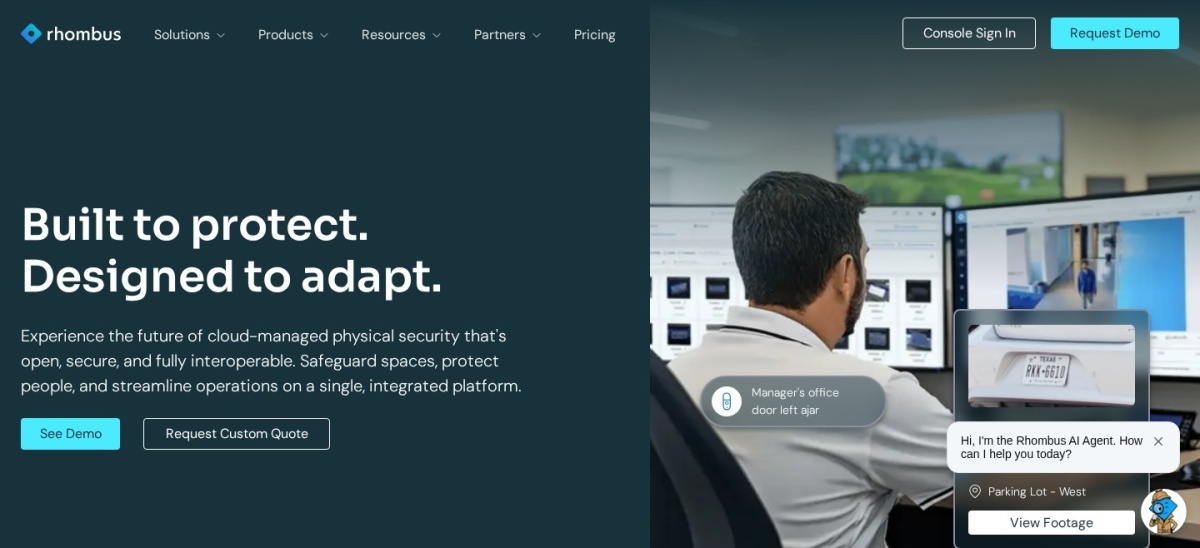
Rhombus is a cloud-managed physical security platform combining cameras, sensors, access control, and alarms with a $149 per camera yearly license. Its 4.6 rating across 667 G2 reviews reflects strong marks for cloud dashboard usability, fast video retrieval, and alerts.
The trade off is that cameras cost extra—starting at $399 MSRP on the pricing page—and AI features and cloud archiving are not included in the $149 Professional license. It suits businesses that want browser-based multi-site video management without maintaining local NVRs.
What we like
4.6/5 rating across 667 G2 reviews
Unifies cameras, sensors, access control, and alarms
Eliminates local DVR or NVR server maintenance
Frequent firmware and cloud feature updates included
Watch out for
Requires purchasing Rhombus hardware and ongoing per-camera licenses
AI features and cloud archiving sit outside the base $149 license
Paid license connects cameras to cloud management, live view, and alerts.Visit rhombus.com
02
Verkada
4.7/5on G2 (163 reviews, checked Nov 2026)
Starts at$699 one-time
Best for unified enterprise cloud security
DeploymentVerkada Command cloud
Entry camera MSRP$699 (CM22)
Onboard retention30 to 365 days
G2 rating4.7/5 (163)
verkada.com
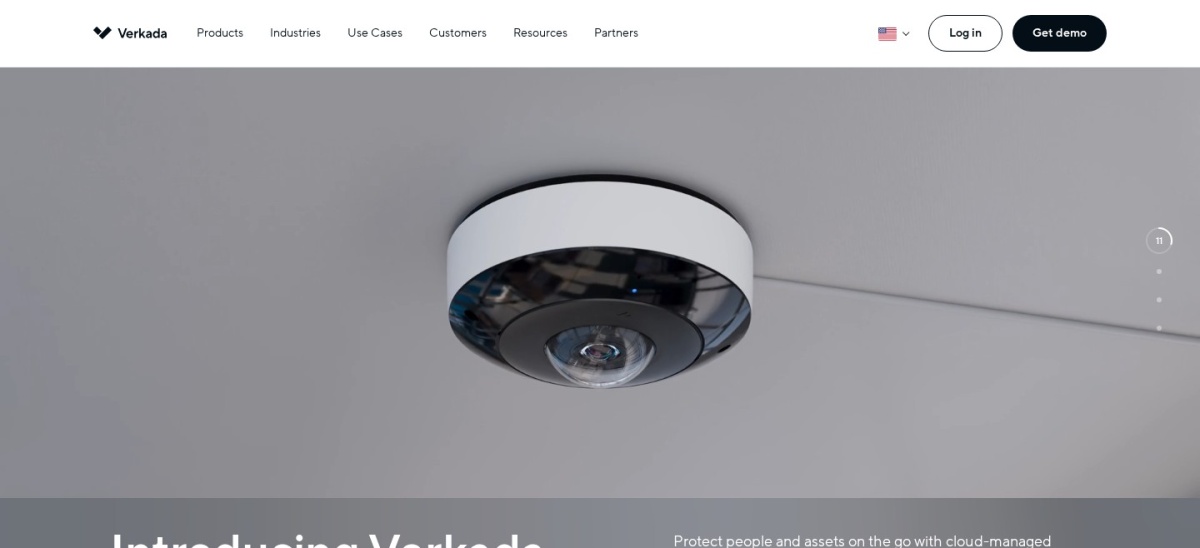
Verkada homepage, captured Nov 2026.
Verkada is a cloud-managed physical security platform used by more than 20,000 organizations, pairing cameras with access control, alarms, and sensors in Verkada Command. Entry cameras start at $699 MSRP for the CM22 model, with onboard storage ranging from 30 to 365 days.
The trade off is high per-device hardware cost plus an additional required license, which raises total spend as camera counts grow. It suits enterprises and multi-site teams that want a single cloud console across video and physical security.
What we like
4.7/5 rating across 163 G2 reviews
Used by more than 20,000 organizations
Onboard camera storage spans 30 to 365 days
Centralized cloud management across security products
Watch out for
Higher upfront hardware prices starting at $699 MSRP
Requires an ongoing license in addition to camera hardware
Camera hardware includes onboard storage and pairs with a Verkada Command license.Visit verkada.com
03
Agent DVR
4.3/5on G2 (18 reviews, checked Nov 2026)
Paid from$7.95/mo
Best for self-hosted unlimited camera recording
DeploymentSelf-hosted (Windows, Mac, Linux)
Camera limitUnlimited (hardware-bound)
Free tierFree for private local use
G2 rating4.3/5 (18)
ispyconnect.com
Agent DVR homepage, captured Nov 2026.
Agent DVR is a self-hosted video surveillance application from iSpyConnect that supports IP, ONVIF, RTSP, and USB cameras with no software camera limit. It is free for private local use and starts at $7.95 per month on the Basic plan for business use and remote access.
The trade off is that local recording and analytics rely on your own computer or server hardware, and business features require a paid subscription. It suits home users and businesses that want flat-rate or local recording without per-camera fees.
What we like
Free for private local use with unlimited cameras
Flat business pricing starting at $7.95/mo without per-camera fees
Runs on Windows, macOS, Linux, Docker, and Raspberry Pi
Supports ONVIF, RTSP, IP, and USB cameras
Watch out for
Remote access, mobile apps, and business use require a paid plan
Self-hosted performance depends on your own hardware
Paid plans unlock business licensing, remote access, mobile apps, and AI features.Visit ispyconnect.com
04
Genetec Security Center
4.4/5on G2 (30 reviews, checked Nov 2026)
Starts at$149/yr
Best for unified enterprise video and access control
DeploymentSaaS, on-premises, or hybrid
SaaS video rate$149/connection/yr (Standard)
Minimum term1-year SaaS subscription
G2 rating4.4/5 (30)
genetec.com
Genetec Security Center homepage, captured Nov 2026.
Genetec Security Center unifies video surveillance, access control, intrusion, and intercoms in one security platform, with Security Center SaaS listing Standard video at $149 per connection per year. It holds a 4.4 rating across 30 G2 reviews for scalability and unified operations.
The trade off is that per-connection annual pricing scales quickly across large camera counts, hardware is sold separately, and SaaS requires at least a one-year term. It suits organizations combining video with access control or multi-site security.
What we like
4.4/5 rating across 30 G2 reviews
Unifies video, access control, intrusion, and intercoms
Supports cloud SaaS, on-premises, and hybrid setups
Clear published SaaS per-connection pricing
Watch out for
Per-connection annual fees add up on larger camera estates
Hardware is sold separately and SaaS requires a 1-year minimum term
Standard SaaS adds cloud-managed site operations, investigations, and integrations.Visit genetec.com
05
Milestone XProtect
4.5/5on G2 (92 reviews, checked Nov 2026)
PricingCustom (custom pricing)
Best for open-architecture enterprise VMS deployments
DeploymentOn-premises or cloud-connected
License modelPerpetual license + care plans
Adoption500,000+ customer sites
G2 rating4.5/5 (92)
milestonesys.com
Milestone XProtect homepage, captured Nov 2026.
Milestone XProtect is an open-platform video management system used across more than 500,000 customer sites, sold as perpetual licenses across variants from Express+ to Corporate. It holds a 4.5 rating across 92 G2 reviews for stability and third-party integrations.
The trade off is custom quote pricing through partners plus separate extension licenses and care plans, making initial setup heavier than simple recorders. It suits organizations that need broad camera and third-party security integrations at scale.
What we like
4.5/5 rating across 92 G2 reviews
Used in more than 500,000 customer sites
Perpetual base licenses with multi-tier scalability
Extensive third-party extension and integration ecosystem
Watch out for
Pricing requires a partner quote rather than published rates
Advanced extensions and ongoing care plans cost extra
Best for retail and restaurant video with POS data
DeploymentCloud video platform
Core focusVideo + POS & operational data
Camera supportWorks with existing IP cameras
G2 rating4.7/5 (123)
solink.com
Solink homepage, captured Nov 2026.
Solink is a cloud video security platform that links camera footage with point-of-sale and business data to speed up incident and loss-prevention searches. It holds a 4.7 rating across 123 G2 reviews for ease of setup, fast search, and customer support.
The trade off is subscription pricing tied to cameras, retention, and features rather than a low-cost entry tier, with public listings starting around $175/month. It suits multi-location retail, hospitality, and restaurant operators.
What we like
4.7/5 rating across 123 G2 reviews
Links video footage with point-of-sale and transaction events
Works with existing cameras rather than forcing full hardware swaps
Strong cloud search and multi-site visibility
Watch out for
Custom quote pricing scales with camera count, retention, and add-ons
Feature-rich interface can take time for staff to learn
4.9/5on CCTV Design Tool (649 reviews, checked Nov 2026)
Paid from$108/yr
Best for pre-install camera layout and BOM planning
DeploymentBrowser-based design tool
Camera database32,000+ camera models
Free planUp to 3 cameras & devices/project
Verified reviews649 reviews
cctvdesigntool.com
CCTV Design Tool homepage, captured Nov 2026.
CCTV Design Tool is a browser-based layout and quoting application used by more than 12,000 installers to map camera coverage, DORI zones, and cable runs before installation. Its free plan covers up to 3 cameras and 3 devices per project, while Premium costs $108/year ($9/mo billed yearly).
The trade off is that it plans and prices surveillance systems rather than recording live video, and the free plan caps exports at 3 pages with a watermark. It suits installers and security planners designing camera layouts and client proposals.
What we like
Free plan includes FOV, DORI, and cable planning for up to 3 cameras per project
Used by over 12,000 installers with 649 verified reviews
Includes a database of 32,000+ camera models
Generates bills of materials and client-ready PDF proposals
Watch out for
Does not record live video or act as a VMS/NVR
Free exports are watermarked and capped at 3 pages
Premium ($108/yr) unlocks unlimited cameras, watermark-free PDFs, and night vision simulation.Visit cctvdesigntool.com
How cloud subscriptions compare with local recorders
Cloud-managed surveillance platforms like Rhombus and Verkada bundle remote access, alerts, and cloud-connected management into ongoing software licenses alongside camera hardware. They reduce on-site server upkeep, though recurring camera fees scale as you add lenses.
Self-hosted tools like Agent DVR run on your own machine or server, keeping footage local and avoiding per-camera monthly fees. You take responsibility for hardware sizing, power, and local storage backups.
How we chose
We built this list from established video surveillance software vendors and layout planners serving home, small-business, and enterprise security buyers.
We checked vendor pricing pages and G2 or vendor review pages on 29 Nov 2026 to verify current plans, starting prices, ratings, and review counts.
We excluded tools without verifiable current pricing or rating data on the pages we checked today, as well as discontinued or unmaintained products.
No vendor paid for a place, and we do not claim testing for this list.
How to choose video surveillance software
Follow four practical steps to match a surveillance platform to your site and budget.
Count your cameras and planned growth. Per-camera annual fees look small on five cameras and heavy on fifty, while flat-rate or local options scale differently.
Decide where video and management live. Choose cloud-managed consoles for multi-site remote administration, or local servers and NAS hardware for on-site control.
Check camera and hardware compatibility. Confirm whether the software works with existing ONVIF or RTSP cameras or requires vendor-specific cameras and appliances.
Factor in AI search and retention needs. Verify whether object detection, license-plate search, or longer storage retention require higher tiers or add-on licenses.
FAQ
What is the best video surveillance software in 2026?
Rhombus is a strong overall pick with a 4.6 rating across 667 G2 reviews and a $149 yearly camera license, while Agent DVR fits low-cost self-hosted recording from $7.95/mo.
Is there free video surveillance software?
Yes. Agent DVR is free for private local use with unlimited cameras, and CCTV Design Tool offers a free tier for planning layouts with up to 3 cameras per project.
How much does video surveillance software cost?
Costs range from free local use on Agent DVR or $7.95/mo for business plans to $149/yr per camera on Rhombus or $149 per connection/yr on Genetec Security Center SaaS.
Which option fits small businesses best?
Small businesses often favor Rhombus for simple cloud management or Agent DVR for flat-rate self-hosted recording without per-camera monthly fees.
Rhombus vs. Verkada: which should you pick?
Rhombus starts with a $149 yearly camera license and cameras from $399 MSRP, while Verkada starts cameras at $699 MSRP with 30 to 365 days of onboard storage and unified cloud tools.
SaaS SEO and WordPress specialist with about 8 years of experience. Rakib compares WordPress plugins, themes, hosting and software using public pricing, documentation and user reviews. See how we rank.