Figma is the best UI prototyping tool overall for product teams, holding a 4.7 out of 5 rating across 1,603 G2 reviews with a free Starter tier and paid plans from $16 per seat per month. For complex interactions and hardware triggers consider ProtoPie, while Framer fits teams publishing responsive websites directly.
How we make this list: we compare pricing pages, product documentation and public user reviews, then re-check every price before each update. No product paid for a place. Disclosure.
Figma leads with a 4.7 rating across 1,603 G2 reviews, pairing design and prototyping in one browser workspace.
ProtoPie starts at $25/mo on Basic for 1 seat, focusing on sensor, voice, and multi-device interactions.
Framer starts at $10/mo on Basic (billed yearly), blending interactive web prototypes with live site hosting.
Sketch starts at $12 per editor/mo (billed yearly) for macOS workflows or $120 one-time for Mac-only offline use.
Penpot offers a free tier plus an Unlimited plan at $7 per editor/mo capped at $175/mo.
How do you choose the best ui prototyping tools for your workflow?
Most UI prototyping tools bill per editor each month, so seat counts shape total cost fast. A solo designer and a ten-person product squad face very different bills on the same software.
Fidelity needs separate clickable screen flows from logic-heavy or code-backed prototypes. Simple screen links validate navigation early, while variables and device triggers test complex product behavior.
Where prototypes live after review also changes the shortlist. Some tools stay inside design files for developer handoff, while others publish live web pages or export specs.
Free plans usually cap active projects, file counts, or version history. Checking those limits upfront prevents surprises once real stakeholders start commenting.
Figma is a browser-based interface design and prototyping platform that keeps screens, variables, and developer handoff in one workspace. Its free Starter plan lets individuals and small teams test prototypes and collaborate before upgrading.
The trade off is per-seat pricing starting at $16 per full seat per month on the Professional plan ($192/yr), with higher tiers for larger organizations. It suits product teams that already design in Figma and want shared libraries and interactive flows together.
What we like
Real-time multiplayer editing and commenting in the browser
Supports variables, conditional logic, and component states
Free Starter tier available for getting started
Large plugin ecosystem and developer inspection tools
Watch out for
Per-seat costs rise as editor counts grow
Advanced variables and logic take time to master
Adds team libraries, unlimited files, and shared design system workflows.Visit figma.com
02
ProtoPie
4.4/5on G2 (24 reviews, checked Nov 2026)
Paid from$25/mo
Best for complex interactions and device sensors
G2 rating4.4/5 (24)
Free plan2 cloud pies
Entry paid$25/mo (Basic, 1 seat)
PlatformDesktop & cloud
protopie.io
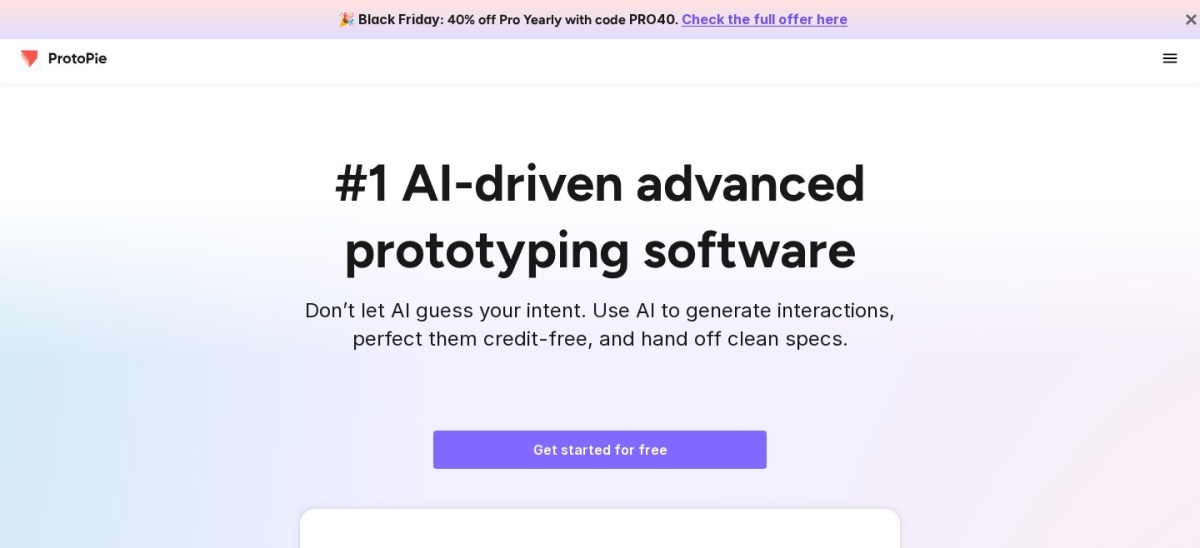
ProtoPie homepage, captured Nov 2026.
ProtoPie is an interaction prototyping tool built for realistic mobile, web, and hardware-connected flows using sensors, variables, and cross-device triggers. Its free plan includes up to 2 cloud prototypes and 50 MB of cloud storage.
The trade off is a steeper entry price starting at $25 per month on Basic for 1 seat ($300/yr), with a Black Friday offer noted on its pricing page. It suits teams prototyping rich gestures, device inputs, or multi-screen interactions.
What we like
Strong support for device sensors, voice, and multi-screen interactions
Free tier lets you test cloud prototypes before buying
Handoff recordings help communicate motion and timing
Watch out for
Basic paid plan is limited to 1 seat with project caps
Complex interaction logic has a learning curve
Unlocks more cloud prototypes, scenes, storage, and handoff recordings.Visit protopie.io
03
Framer
4.5/5on G2 (162 reviews, checked Nov 2026)
Paid from$10/mo
Best for interactive website prototypes and publishing
G2 rating4.5/5 (162)
Free planYes (.framer domain)
Entry paid$10/mo (Basic, yr)
PlatformWeb & desktop
framer.com
Framer homepage, captured Nov 2026.
Framer is a visual web design and prototyping tool that turns responsive layouts and animations into live websites. Its free plan includes design pages and publishing on a Framer subdomain for early exploration.
The trade off is site-based paid plans starting at $10 per month on Basic when billed yearly ($120/yr) to connect a custom domain, plus add-on fees for extra editors or locales. It suits designers building marketing sites or interactive web prototypes that need to go live.
What we like
Moves smoothly from interactive prototype to published website
Free plan available to explore layouts and animations
Built-in hosting and CMS options on paid site plans
Watch out for
Custom domains and higher limits require paid site tiers
Additional editors and add-ons increase ongoing costs
Adds custom domain support, higher bandwidth, and site hosting features.Visit framer.com
04
Sketch
4.5/5on G2 (1,227 reviews, checked Nov 2026)
Starts at$12/mo
Best for macOS-first UI design and offline work
G2 rating4.5/5 (1,227)
Free planNo (30-day trial)
Entry paid$12/editor/mo (yr)
PlatformmacOS & web
sketch.com
Sketch homepage, captured Nov 2026.
Sketch is a native macOS design and prototyping tool paired with browser viewing and handoff for collaborators. Instead of a permanent free tier, it offers a 30-day free trial and free viewer access for team feedback.
The trade off is no free editor plan—Standard starts at $12 per editor per month billed yearly ($144/yr), or $120 one-time for a Mac-only license without online collaboration. It suits Mac-based designers who want native performance and offline editing.
What we like
Fast native macOS app with offline editing support
Unlimited free viewers can inspect and comment in browser
Option for a one-time Mac-only license at $120
Watch out for
Editing requires macOS rather than Windows or Linux
No free ongoing editor tier outside trials and education
Includes 50 GB storage per editor, shared libraries, and web sharing.Visit sketch.com
05
Penpot
4.5/5on G2 (105 reviews, checked Nov 2026)
Paid from$7/mo
Best open-source option with a capped team tier
G2 rating4.5/5 (105)
Free planYes (Professional)
Entry paid$7/editor/mo (cap $175)
PlatformWeb & self-host
penpot.app
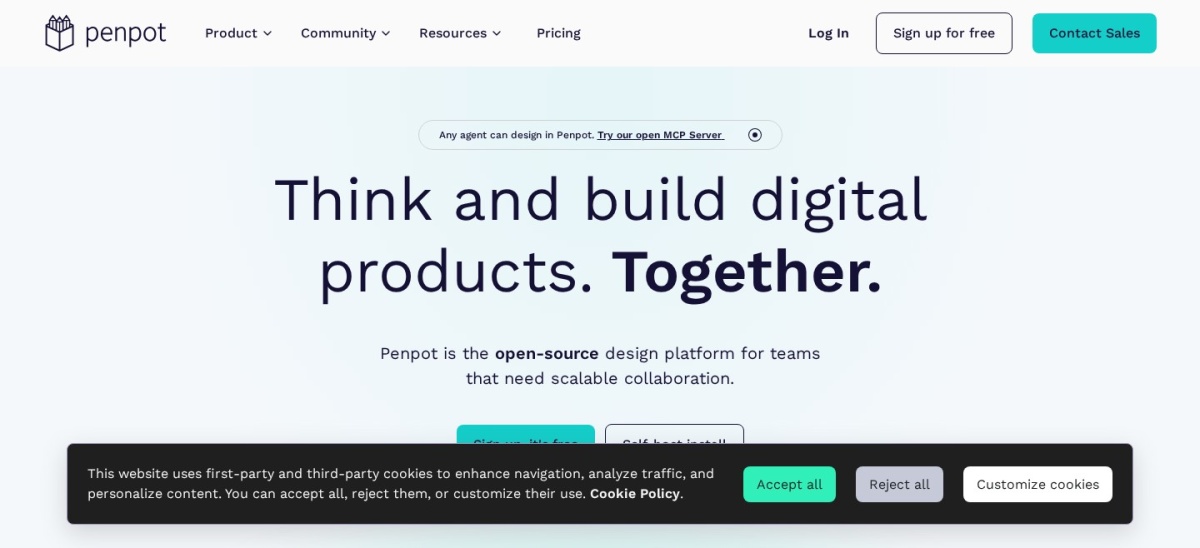
Penpot homepage, captured Nov 2026.
Penpot is an open-source design and prototyping platform that runs in the browser and supports self-hosting with CSS Flex and Grid layouts. Its free Professional plan covers core design and prototyping features without seat paywalls.
The trade off is shorter version history and smaller cloud storage on the free tier, while the Unlimited plan is $7 per editor per month ($84/yr per editor, capped at $175/mo). It suits open-source advocates and teams that want predictable workspace billing.
What we like
Open-source platform with self-hosting and standard web layouts
Free plan includes core design and prototyping tools
Unlimited plan caps monthly cost at $175
Watch out for
Free cloud tier has shorter version history and storage limits
Smaller third-party plugin ecosystem than market leaders
Adds 25 GB storage, 30-day version history and recovery, and a $175 monthly cap.Visit penpot.app
06
Marvel
4.4/5on G2 (227 reviews, checked Nov 2026)
Paid from$12/mo
Best for quick clickable prototypes and user tests
G2 rating4.4/5 (227)
Free plan1 user, 1 project
Entry paid$12/mo (Pro, yearly)
PlatformWeb
marvelapp.com
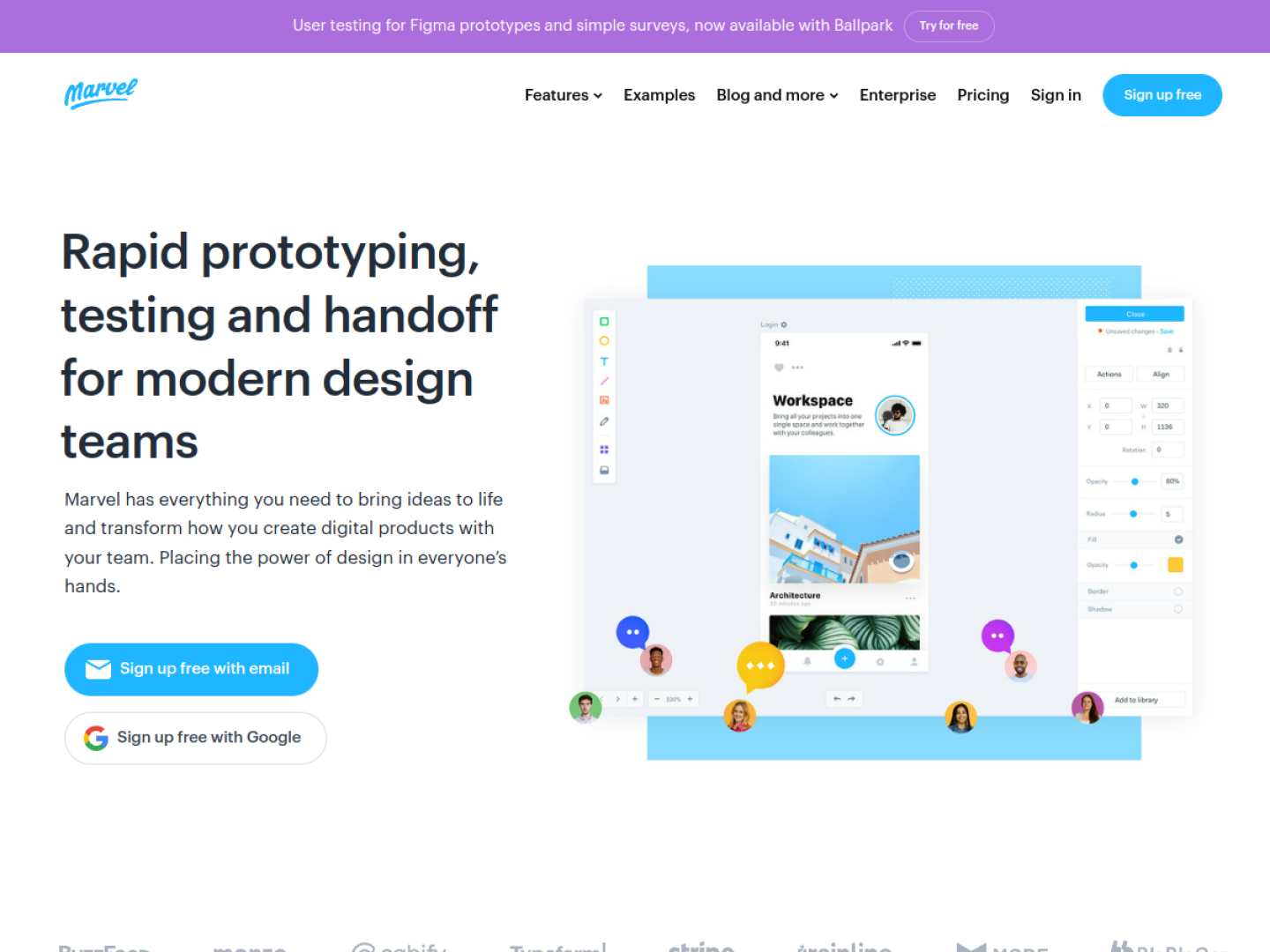
Marvel homepage, captured Nov 2026.
Marvel is a web-based prototyping and usability testing tool built for linking screens quickly and gathering feedback. Its free plan supports 1 user and 1 project so newcomers can test basic flows first.
The trade off is a strict 1-project limit on the free plan, with Pro starting at $12 per month billed yearly ($144/yr) for 1 user. It suits non-designers, founders, and small teams validating simple clickable journeys.
What we like
Straightforward interface for linking screens and sharing links
Includes active user testing options on paid plans
Free plan available for trying a single project
Watch out for
Free tier restricts you to 1 project
Less suited to complex logic or large design systems
Unlocks unlimited projects, offline prototype downloads, and active user tests.Visit marvelapp.com
07
Justinmind
4/5on G2 (55 reviews, checked Nov 2026)
Paid from$19/mo
Best for form-heavy and data-driven app flows
G2 rating4.0/5 (55)
Free planYes (Free tier)
Entry paid$19/editor/mo
PlatformDesktop & web
justinmind.com
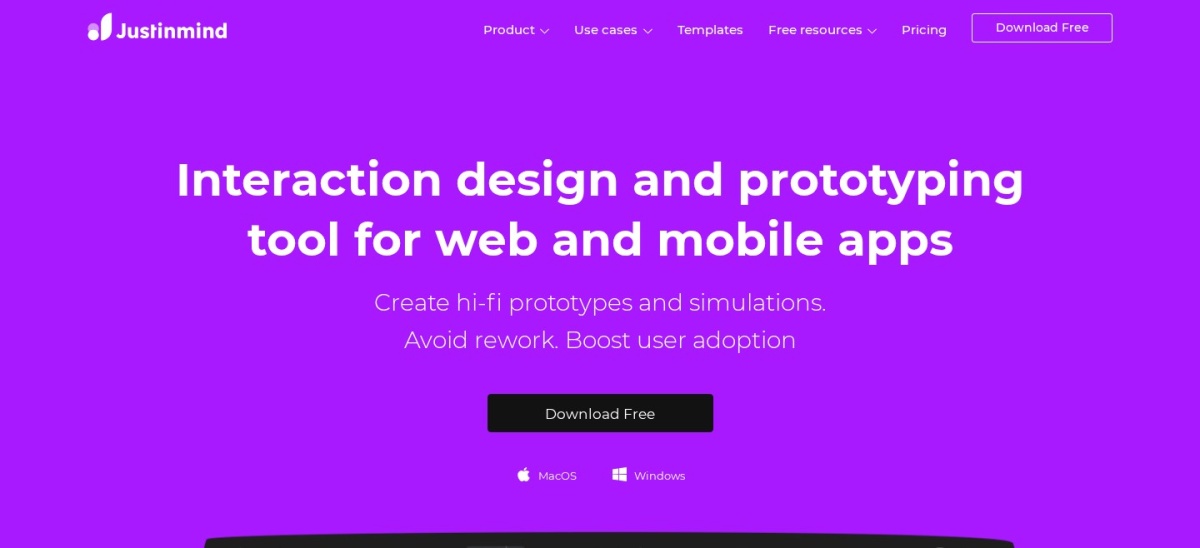
Justinmind homepage, captured Nov 2026.
Justinmind is a prototyping platform focused on interactive web and mobile apps with forms, conditions, and simulated data. It provides a free plan for individuals starting out before upgrading to paid editor tiers.
The trade off is a higher entry price starting at $19 per editor per month ($228/yr) for Standard, alongside a steeper learning curve for complex logic. It suits product teams building data-driven workflows and form-heavy screens.
What we like
Handles conditional interactions, forms, and simulated data well
Offers a free starting tier for solo evaluation
Supports mobile gestures and interactive UI states
Watch out for
Advanced interactions take time to set up
Higher starting monthly cost than lighter wireframing tools
Expands interaction capabilities, collaboration, and prototype management.Visit justinmind.com
08
Proto.io
4.1/5on G2 (68 reviews, checked Nov 2026)
Starts at$24/mo
Best for browser-based mobile and web app demos
G2 rating4.1/5 (68)
Free plan15-day trial
Entry paid$24/mo (yr) / $29/mo
PlatformWeb & mobile app
proto.io
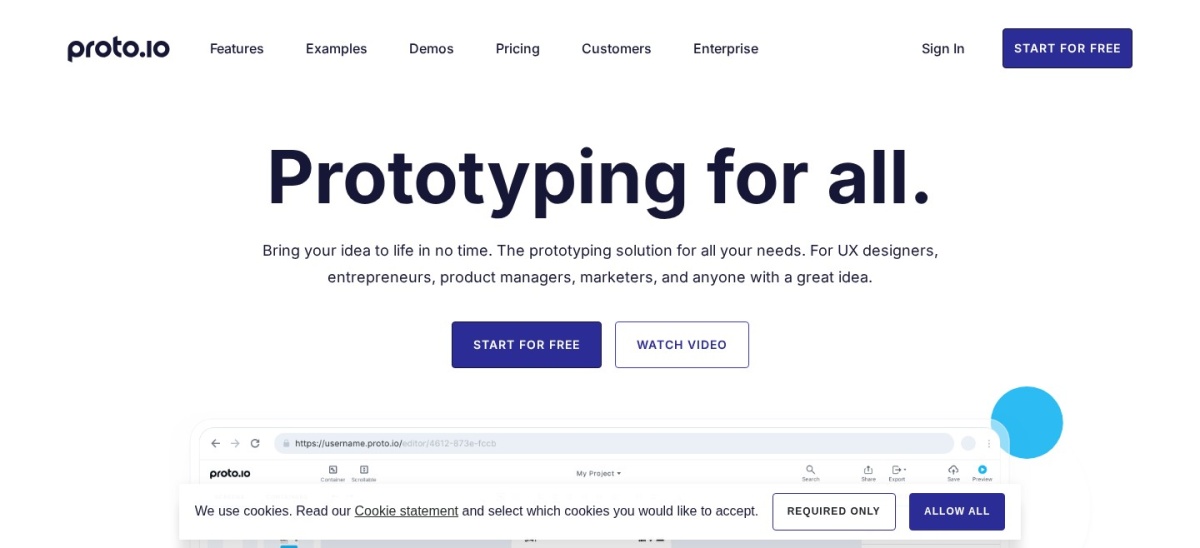
Proto.io homepage, captured Nov 2026.
Proto.io is a browser-based prototyping tool with pre-built UI components, timelines, and device previews for web and mobile apps. It includes a 15-day free trial with no credit card required.
The trade off is no permanent full-featured tier—Freelancer starts at $24 per month billed yearly ($288/yr) or $29 monthly for 1 user and 5 active projects. It suits teams sharing interactive demos with unlimited reviewers without coding.
What we like
Includes unlimited reviewers and HTML, PNG, or PDF export
Large library of UI components, templates, and transitions
Works in the browser with mobile preview apps
Watch out for
Active project count is capped by plan tier
No free ongoing full-featured tier after the 15-day trial
Provides 5 active projects for 1 user on Freelancer with unlimited reviewers.Visit proto.io
How per-seat and per-site billing change your budget
Most prototyping tools charge per editor or per seat, so adding occasional contributors can multiply your bill. Always check whether viewers or reviewers are free before inviting stakeholders.
Website-focused tools like Framer bill per site rather than per editor, which changes the math when you manage multiple projects. Compare your real project count and team size before picking an annual plan.
How we chose
We selected established UI prototyping tools with active public presence, clear product documentation, and verified G2 ratings and review counts.
All prices, ratings, review counts, and plan terms were checked on 29 Nov 2026 from vendor pricing pages and G2 listings, using regular starting paid prices and noting active promotions where visible.
We excluded discontinued tools and products without confirmed public pricing or sufficient review volume. No vendor paid for a place, and we do not claim testing for this list.
How to pick the right UI prototyping tool in 4 steps
Follow these four steps to narrow down a prototyping tool that fits your team and budget.
Match fidelity to your goal. Pick simple clickable flows for early concept checks, and choose logic or sensor tools when testing complex states.
Count real editors, not viewers. Separate people who edit prototypes from stakeholders who only comment or review links.
Check free-tier limits first. Look at project caps, storage quotas, and version history before building a core workflow on a free plan.
Verify export and handoff needs. Confirm whether you need live web hosting, developer inspection, or offline desktop files.
FAQ
What are the best UI prototyping tools in 2026?
Figma is the top overall choice for collaborative UI prototyping with a 4.7 G2 rating across 1,603 reviews, followed by ProtoPie for complex interactions and Framer for interactive web publishing.
How much do UI prototyping tools usually cost?
Entry paid plans on this list range from $7/editor/month on Penpot Unlimited (capped at $175/month) and $10/month on Framer Basic (billed yearly) up to $25/month on ProtoPie Basic.
Are there free UI prototyping tools?
Yes, Figma, ProtoPie, Framer, Penpot, Marvel, and Justinmind all offer free starting options or tiers, though limits on projects, files, or storage apply.
Which tool is best for beginners or non-designers?
Marvel and Framer are approachable for beginners and non-designers who want straightforward screen linking or visual web layouts without heavy setup.
Figma vs. ProtoPie: which should I pick?
Pick Figma for all-in-one UI design, shared libraries, and team collaboration, and pick ProtoPie when you need deeper device sensor, voice, or multi-screen interaction logic.
SaaS SEO and WordPress specialist with about 8 years of experience. Rakib compares WordPress plugins, themes, hosting and software using public pricing, documentation and user reviews. See how we rank.