HappyScribe is the best transcription software for qualitative research, supporting 150+ languages with SOC 2 Type II and GDPR compliance and paid plans starting at $8.50/mo billed annually. For human-verified transcripts or live video interviews, Rev and Otter.ai fit specific research workflows.
How we make this list: we compare pricing pages, product documentation and public user reviews, then re-check every price before each update. No product paid for a place. Disclosure.
HappyScribe leads with 150+ languages, EU data residency, and Basic plans at $8.50/mo billed annually or $17/mo monthly.
Rev pairs AI plans starting at $25.49/seat/mo annually with human transcription from $1.99/min for strict accuracy.
Notta starts at $8.17/mo billed annually ($97.99/yr) with 1,800 monthly transcription minutes.
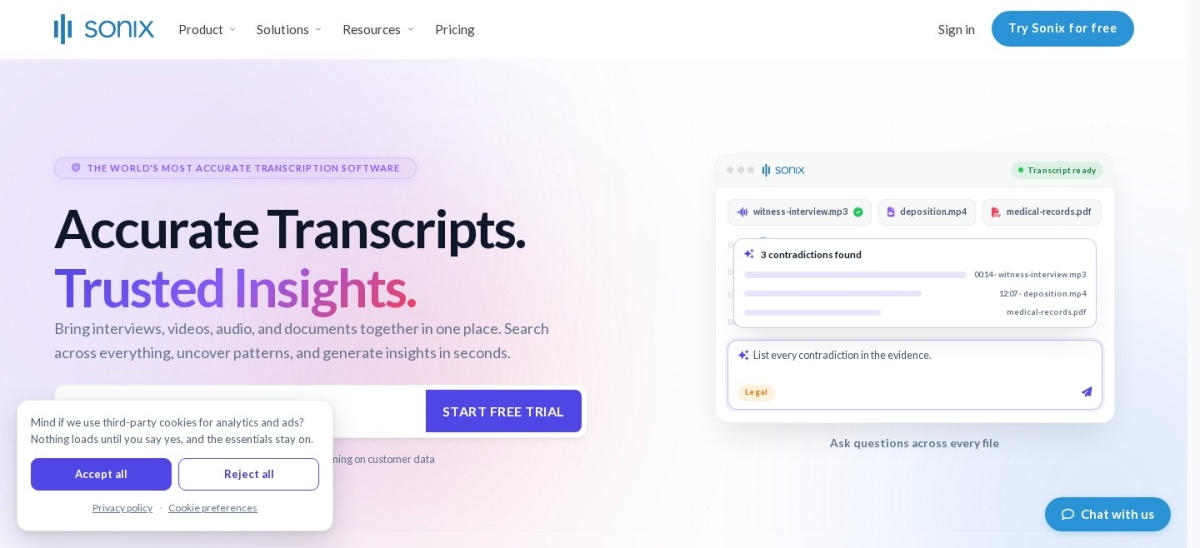
Sonix offers Core plans at $25/mo ($275/yr) with 5 transcription hours and $10/hr pay-as-you-go billing.
Trint targets multi-user editing at $79/seat/mo billed annually ($100/mo monthly) with no free tier.
How do you choose the best transcription software for qualitative research?
Qualitative researchers need clean speaker labels, timestamps, and export formats that move smoothly into coding tools. A transcript without accurate speaker turns forces extra cleanup before thematic analysis begins.
Data privacy and participant consent shape which transcription tools belong on a study. Check whether a vendor stores files in required regions, disables AI model training by default, or offers a BAA for sensitive interviews.
Minute caps and billing cycles catch researchers off guard during heavy fieldwork weeks. Some plans bundle monthly hours that expire without rollover, while annual plans often front-load yearly minutes.
Human review versus automated output is a methodological choice, not just a budget line. Clean speech often transcribes quickly with AI, whereas noisy recordings, heavy accents, or ethical review rules may call for human proofreaders.
For shared team editing and collaborative transcript review
$79/mo
No free plan
4.4/5
Price ladder: cheapest paid plan per year
List prices, USD, checked Nov 2026
NottaFREE$98
Otter.aiFREE$100
HappyScribeFREE$102
DescriptFREE$192
Sonix$275
RevFREE$306
Trint$948
The 7 best transcription software for qualitative research
01
HappyScribe
4.6/5on G2 (123 reviews, checked Nov 2026)
Paid from$8.50/mo
Best for multilingual qualitative studies and EU compliance
Languages150+ AI, 80+ translate
ComplianceSOC 2 Type II, GDPR
Basic minutes120/mo (1,440/yr annual)
Human add-onFrom $2.00/min
happyscribe.com
HappyScribe homepage, captured Nov 2026.
HappyScribe is a transcription, subtitling, and meeting note platform with a free plan that includes a 10-minute one-time upload trial and unlimited meeting recordings up to 45 minutes. Paid plans cover 150+ transcription languages, automatic speaker detection, and exports in formats such as DOCX, TXT, and SRT.
The trade off is that Basic at $8.50/mo billed annually ($17/mo monthly) includes 120 upload minutes a month and extra credits cost $0.20/min. It suits researchers running multilingual interviews who want SOC 2 Type II and GDPR safeguards.
What we like
Supports 150+ transcription languages and 80+ translation languages
SOC 2 Type II certified and GDPR compliant with EU data residency
Offers optional human proofreading alongside AI transcription
Includes AI Chat and exports to DOCX, TXT, PDF, and subtitle formats
Watch out for
Free upload allowance is a 10-minute one-time trial
Basic includes 120 upload minutes per month before $0.20/min top-ups
Full 15+ export formats start on the Pro plan
Basic at $8.50/mo billed annually adds 120 monthly upload minutes, 90-minute recording length, and watermark-free exports.Visit happyscribe.com
02
Rev
4.7/5on G2 (647 reviews, checked Nov 2026)
Paid from$25.49/mo
Best for human-verified transcripts and high-volume AI
Essentials quota5,000 AI min/user/mo
Human rateFrom $1.99/min
Languages37+ on Pro (EN/ES on Essentials)
Free tier45 AI min/mo (English)
rev.com
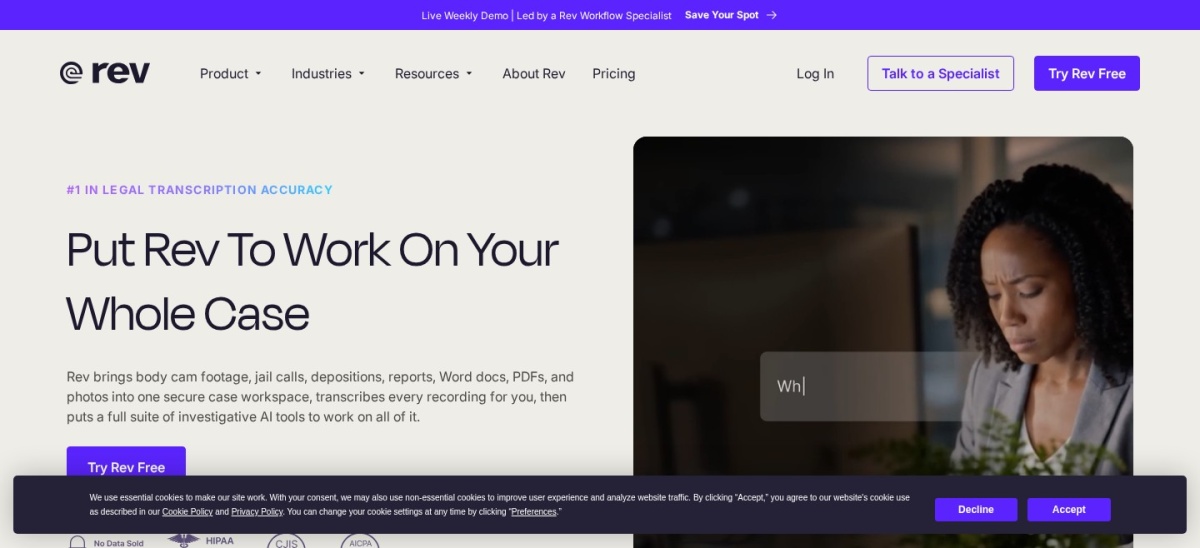
Rev homepage, captured Nov 2026.
Rev is a speech-to-text platform offering both AI transcription subscriptions and on-demand human transcription, with a free tier that includes 45 AI minutes per month in English. Paid AI plans start with Essentials at $25.49 per seat/month billed annually ($305.90/yr, or $29.99/mo monthly) for 5,000 AI minutes per user/month.
The trade off is that Essentials supports English and Spanish while 37+ languages require Pro at $47.99/seat/mo annually, and human transcripts add per-minute fees from $1.99/min. It suits researchers who need human-reviewed accuracy or large monthly AI minute pools.
What we like
Combines AI subscriptions with human-verified transcription from $1.99/min
Essentials includes 5,000 AI minutes per user per month
Subscribers get discounts on human-verified transcription services
Free plan provides 45 recurring AI minutes per month
Watch out for
Essentials covers English and Spanish rather than the full 37+ language set
Higher cost per year than budget AI-only transcription tools
HIPAA compliance is listed on custom Unlimited plans
Essentials at $25.49/seat/mo billed annually adds 5,000 monthly AI minutes, 10-file multi-file analysis, and 10% off human transcription.Visit rev.com
03
Notta
4.2/5on G2 (442 reviews, checked Nov 2026)
Paid from$8.17/mo
Best low-cost annual plan for high monthly minutes
Pro minutes1,800 min/mo
Max recordingUp to 5 hours on Pro
Free tier120 min/mo (3 min/recording)
Business plan$16.67/mo annual unlimited
notta.ai
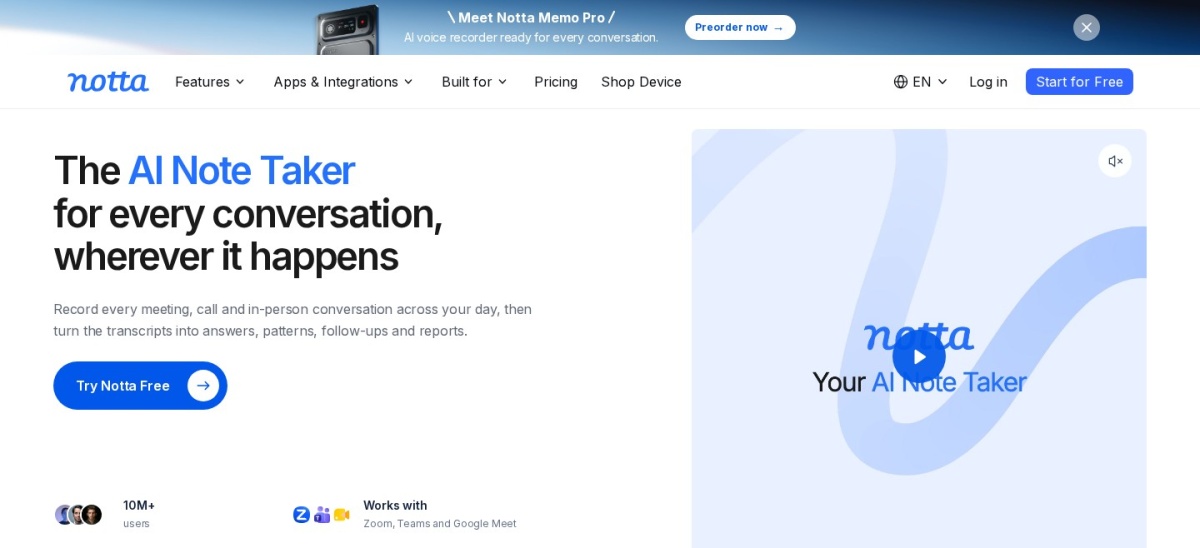
Notta homepage, captured Nov 2026.
Notta is a meeting recording and file transcription app with a free plan that grants 120 transcription minutes per month, capped at 3 minutes per recording. Its Pro plan is $8.17/month billed annually ($97.99/yr, or $13.99/mo monthly) and includes 1,800 transcription minutes per month.
The trade off is that the free tier caps recordings at 3 minutes and omits exports, while monthly quotas do not roll over. It suits budget-minded researchers recording frequent interviews who want a large monthly minute allowance.
What we like
Low entry annual price at $8.17/mo ($97.99/yr) for 1,800 monthly minutes
Captures live calls across Zoom, Teams, Google Meet, and Webex plus uploaded files
Supports up to 5 hours per recording on Pro and Business plans
Business plan at $16.67/mo billed annually offers unlimited transcription minutes
Watch out for
Free plan limits each conversation to 3 minutes and lacks transcript export
Monthly transcription quotas do not carry over
Translation add-ons cost extra beyond included monthly allowances
Pro at $8.17/mo billed annually unlocks 1,800 monthly minutes, transcript exports, up to 5-hour recordings, and 100 AI summaries/month.Visit notta.ai
04
Sonix
4.7/5on G2 (26 reviews, checked Nov 2026)
Starts at$25/mo
Best for browser editing, cited AI Q&A, and 54+ languages
Core quota5 hrs/mo transcription & AI
Pay-as-you-go$10/hr (30-min trial)
Languages54+ transcription & translate
Extra hours$10/hr on paid plans
sonix.ai
Sonix homepage, captured Nov 2026.
Sonix is a browser-based automated transcription, translation, and subtitle platform that starts with a 30-minute free trial and offers $10/hour pay-as-you-go billing alongside Core at $25/month ($275/year). Plans support 54+ languages, automated speaker labeling, summaries, and cited AI workspace answers.
The trade off is that Core includes 5 transcription hours per month, extra hours cost $10/hr, and each additional user seat adds $25/mo. It suits researchers who want an in-browser transcript editor, cited AI queries, and multi-language translation.
What we like
Supports 54+ languages for transcription and translation with speaker labeling
Includes cited AI workspace Q&A, summaries, and browser-based text editing
Extra hours are billed to the second at $10/hr across plans
Watch out for
Core includes 5 monthly transcription hours and charges $10/hr for overages
Extra team seats cost $25/mo each without adding hours
SOC 2, HIPAA, and GDPR compliance require custom Enterprise plans
Core at $25/mo ($275/yr) includes 5 monthly transcription hours, 5 AI workspace hours, 25 GB storage, and email support.Visit sonix.ai
05
Otter.ai
4.4/5on G2 (553 reviews, checked Nov 2026)
Paid from$8.33/mo
Best for live remote video interviews and meeting notes
Pro minutes1,200 min/mo (90 min/call)
File imports10 audio/video files/mo on Pro
Free Basic300 min/mo (30 min/call)
Business plan$19.99/user/mo annual
otter.ai
Otter.ai homepage, captured Nov 2026.
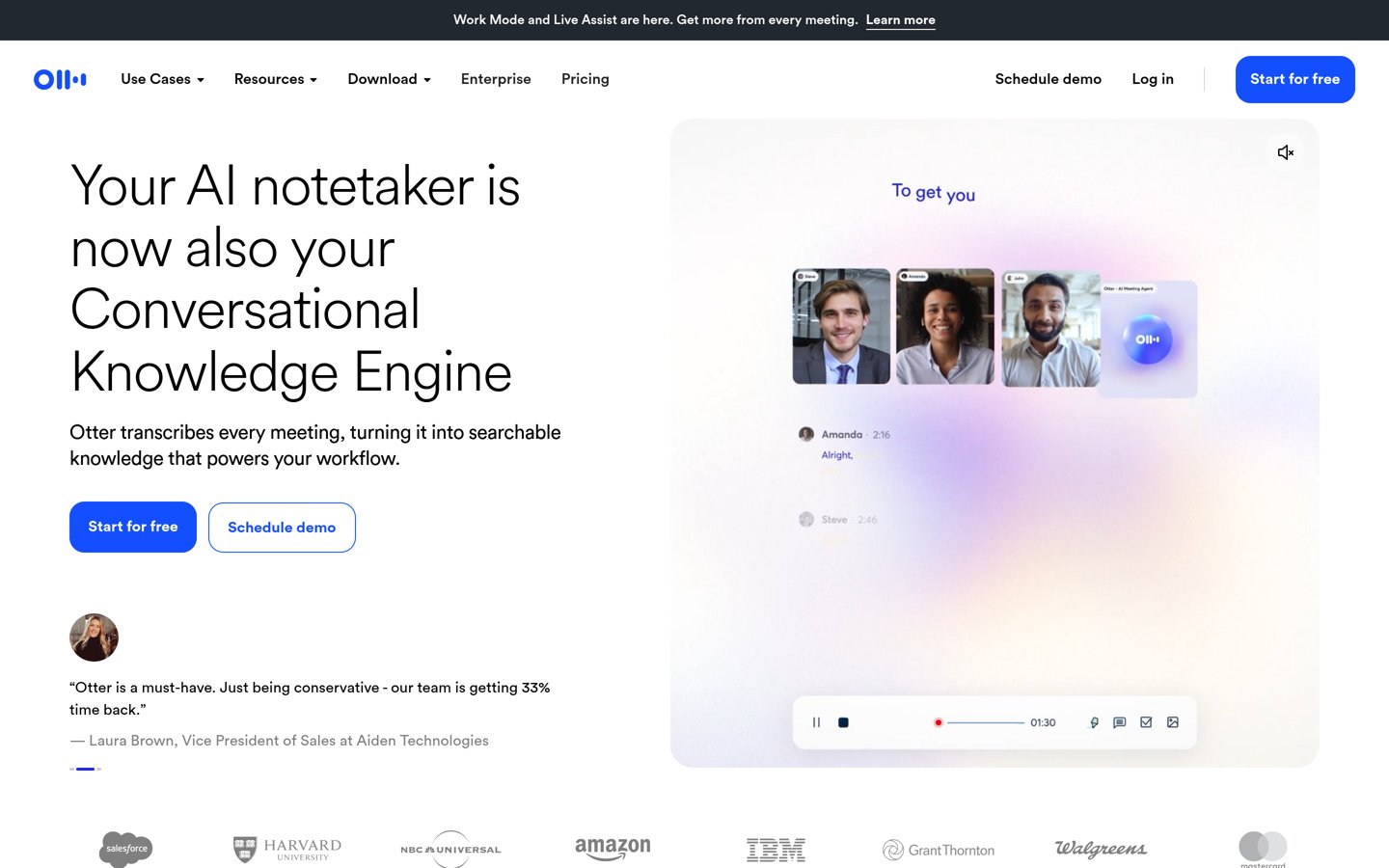
Otter.ai is a meeting transcription and note-taking platform that joins Zoom, Google Meet, and Microsoft Teams calls to capture live conversations. Its free Basic plan gives 300 monthly minutes with a 30-minute per-conversation cap, while Pro is $8.33/user/month billed annually ($16.99/mo monthly).
The trade off is that Pro caps file imports at 10 per month and limits conversations to 90 minutes, while language coverage is narrow compared with dedicated multilingual tools. It suits researchers conducting remote interviews over video calls who want live notes and speaker tags.
What we like
Joins Zoom, Google Meet, and Microsoft Teams calls for real-time capture
Pro includes 1,200 recording minutes per month and up to 90 minutes per meeting
Free Basic plan allows 300 minutes per month to test live capture
Offers team vocabulary and taggable speakers on Pro
Watch out for
File uploads are capped at 10 per month on Pro
Conversation length caps apply on Basic (30 min) and Pro (90 min)
Limited language breadth compared with multilingual transcription specialists
Pro at $8.33/user/mo billed annually increases allowance to 1,200 minutes/month, 90-minute meetings, and 10 monthly file imports.Visit otter.ai
06
Descript
4.6/5on G2 (940 reviews, checked Nov 2026)
Paid from$16/mo
Best for video and usability recordings needing clip edits
Hobbyist quota10 media hrs/mo (600 min)
AI credits400/mo on Hobbyist
Free tier60 media min/mo, 100 AI credits
Creator plan$24/mo annual (30 media hrs)
descript.com
Descript homepage, captured Nov 2026.
Descript is an audio and video editing workspace where editing text edits the underlying media, starting with a free plan that includes 60 media minutes per month and 100 one-time AI credits. Its Hobbyist plan starts at $16/month (billed annually; $24/mo monthly) with 10 media hours per month and 400 monthly AI credits.
The trade off is that it is built around media editing and clip creation rather than formal qualitative coding workspaces. It suits UX and video researchers who need to trim interview clips and share highlights alongside transcripts.
What we like
Lets researchers cut and export video or audio clips directly from text
Hobbyist plan provides 10 media hours and 400 AI credits per month
Includes filler-word removal and audio cleanup tools
Free tier allows trying text-based editing with 60 media minutes per month
Watch out for
Heavier media-editing interface than simple text transcription tools
Free plan limits media processing to 60 minutes per month
Fewer supported languages than dedicated multilingual transcription platforms
Hobbyist at $16/mo billed annually expands media processing to 10 hours/month, 400 monthly AI credits, and watermark-free 1080p exports.Visit descript.com
07
Trint
4.4/5on G2 (66 reviews, checked Nov 2026)
Starts at$79/mo
Best for shared team editing and collaborative transcript review
Pro rate$79/seat/mo annual ($100/mo)
Languages50+ transcription, 70+ translate
Free planNone (7-day trial, 3 files)
Team plan$69/seat/mo annual (2-5 seats)
trint.com
Trint homepage, captured Nov 2026.
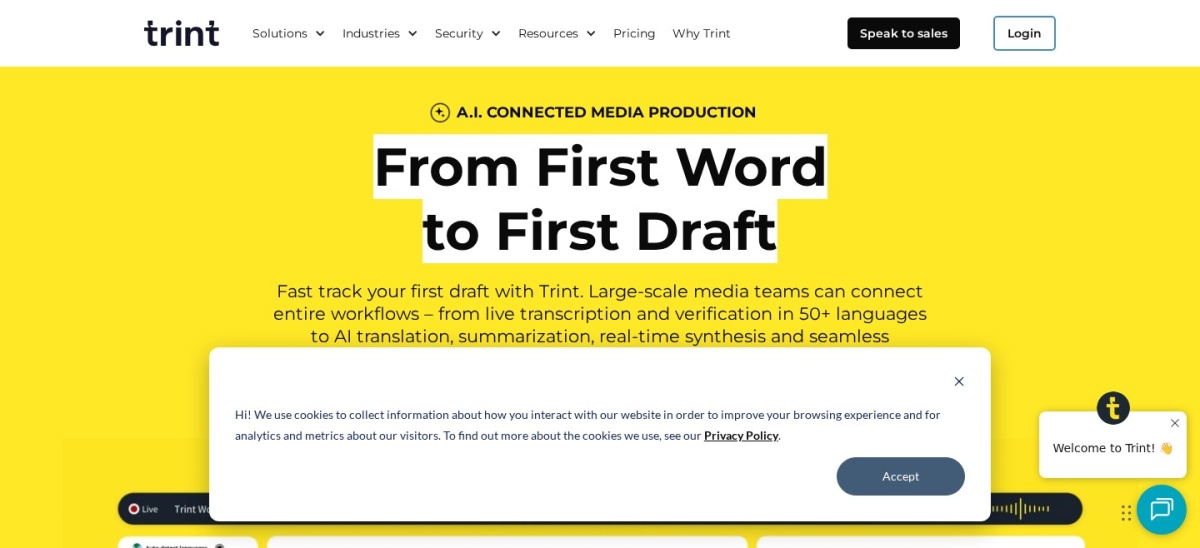
Trint is a cloud transcription and collaborative editing platform designed for shared transcript review, quote collection, and story assembly across teams. It does not offer a permanent free plan—only a 7-day trial covering 3 files—with individual Pro seats starting at $79/month billed annually ($948/yr, or $100/mo monthly).
The trade off is high per-seat pricing compared with solo AI transcription tools and no ongoing free tier. It suits research teams that need shared workspaces, comments, and multi-user transcript editing.
What we like
Built for shared transcript editing, highlights, and collaborative review
Supports 50+ transcription languages and 70+ translation languages
Offers searchable archives across transcripts by speaker and phrase
Includes ISO 27001 and Cyber Essentials certifications and no AI training on transcripts
Watch out for
No free plan, only a 7-day trial capped at 3 files
High annual cost per seat compared with entry-level transcription tools
Live transcription hours are capped by tier unless upgraded
Pro at $79/seat/mo billed annually provides unlimited file transcriptions in 50+ languages, AI summaries, and 1 hour/month of live transcription.Visit trint.com
How minute caps affect qualitative fieldwork
A 10-hour interview batch equals 600 minutes of audio before any retakes or speaker cross-checks. A plan offering 120 monthly upload minutes covers only two hours of recordings.
Check whether a tool counts file duration, speaker-separated turns, or live meeting minutes against your quota. Some plans also cap individual file length, which can split long focus groups or multi-hour interviews.
How we chose
We selected established transcription platforms actively maintained in 2026 that support interview recording or file upload workflows relevant to qualitative researchers.
We checked pricing pages, product documentation, and public G2 review scores on 29 Nov 2026, using the lowest regular paid plan converted to an annual USD figure for comparison.
We excluded discontinued tools, products without verifiable pricing or ratings, and tools aimed strictly at raw developer APIs without a research workspace. No vendor paid for a place, and we do not claim testing for this list.
How to choose transcription software for qualitative research
Follow these four steps before subscribing to a transcription plan:
Estimate total monthly interview hours first. Add up expected interview and focus-group minutes per month, and check per-file length limits so long sessions do not get cut short.
Verify data privacy and ethics requirements. Confirm compliance certifications, data storage location, and AI training opt-outs if your study involves participants or sensitive topics.
Decide between AI speed and human verification. Use automated transcripts for fast first passes on clear audio, or choose human transcription when accuracy rules or difficult audio demand it.
Test export formats with your analysis workflow. Make sure speaker labels, timestamps, and DOCX, TXT, or SRT exports open cleanly in your note-taking or qualitative coding software.
FAQ
What is the best transcription software for qualitative research in 2026?
HappyScribe is a top choice for qualitative research because it covers 150+ languages with SOC 2 Type II and GDPR compliance and paid plans starting at $8.50/mo billed annually. Rev fits human-verified accuracy needs, while Otter.ai suits live video call interviews.
Is there a free transcription tool for qualitative researchers?
Yes, tools like Otter.ai, Rev, and Notta offer free tiers with monthly minute limits, while HappyScribe and Sonix provide limited free trials. Free tiers or trials usually restrict recording length, monthly minutes, or file exports, so check limits before starting a full study.
How much does qualitative research transcription software cost?
Entry paid plans among the tools compared range from $8.17/mo billed annually on Notta up to $79/seat/mo billed annually on Trint. Human transcription services typically cost extra per minute, starting around $1.99/min on Rev.
Which transcription tool works best for solo researchers or students?
Notta at $8.17/mo billed annually and Sonix at $10/hr pay-as-you-go or $25/mo ($275/yr) on Core fit smaller budgets well. Both let solo researchers transcribe interview batches without paying for multi-seat team workspaces.
HappyScribe vs. Rev: which is better for qualitative research?
HappyScribe stands out for 150+ languages, EU data storage, and entry pricing from $8.50/mo billed annually. Rev is stronger when you want human-verified transcripts from $1.99/min or 5,000 monthly AI minutes per seat on Essentials.
Should researchers use AI transcription or human transcription?
AI transcription is fast and inexpensive for clear recordings and initial thematic exploration, while human transcription is safer when audio is noisy, speakers overlap, or research ethics require verified accuracy. Many researchers run AI first and review key quotes against the audio.
SaaS SEO and WordPress specialist with about 8 years of experience. Rakib compares WordPress plugins, themes, hosting and software using public pricing, documentation and user reviews. See how we rank.