For beginners, Riverside is the best video podcast software for beginners overall, scoring 4.8 out of 5 across 1,761 G2 reviews with entry pricing from $24/month billed annually ($288/year) and a $0 free tier. Descript fits text-based editing starting at $192/year billed annually, while StreamYard suits live browser shows and Restream fits multistreaming.
How we make this list: we compare pricing pages, product documentation and public user reviews, then re-check every price before each update. No product paid for a place. Disclosure.
Riverside leads beginner video podcasting with a 4.8/5 rating across 1,761 G2 reviews and up to 4K local recording on paid plans.
Descript prices its entry Hobbyist plan at $192/year billed annually ($24/month billed monthly) with 10 media hours per month.
Restream starts at $19/month monthly ($16/month or $192/year billed annually) for three simultaneous streaming destinations.
SquadCast includes 1 recording hour per month on its $0 free plan and $24/person/month on its Creator tier.
Free tiers on most browser studios cap hours, export resolution at 720p, or add a watermark.
How do you choose the best video podcast software for beginners?
Beginner video podcasters spend more time fixing bad audio sync and clunky timelines than recording episodes. Browser-based studios remove heavy local software setup and let remote guests join from a link.
Free plans usually test the studio rather than run a weekly show. Most free tiers limit monthly recording or media minutes, export at 720p, or place a watermark on video.
Local recording protects remote interviews when a guest has a weak connection. Recording each participant locally prevents choppy video or dropped audio from ruining a take.
Annual billing lowers the yearly price across almost every subscription tool. Monthly billing costs more upfront but avoids a full-year commitment while you test your format.
Riverside is a browser studio for recording remote video podcasts with separate audio and video tracks. Its $0 free plan lets you try 2 hours of multi-track recordings, single-track recording, text-based editing, and Magic Clips.
The trade off is paying $24/month billed annually ($288/year, or $35/month monthly; discounted promos appear on its pricing page) for watermark-free up to 4K exports and 15 hours of separate-track downloads. It suits solo hosts and interview shows that want recording and clipping in one place.
What we like
Records separate local audio and video tracks in the browser
Includes text-based editing, filler-word removal, and clip tools
Offers a $0 free tier to test multi-track recording before paying
Watch out for
Free plan caps multi-track recording at 2 hours and adds a watermark
Separate-track downloads are capped by tier even on paid plans
Paid Pro plan adds watermark-free up to 4K video, 48kHz audio, and 15 hours of separate-track downloads.Visit riverside.com
02
Descript
4.6/5on G2 (940 reviews, checked Nov 2026)
Paid from$192/yr
Best for editing video by editing text
Entry paid price$192/yr ($16/mo annual)
Free planYes (60 mins/mo)
Entry media allowance10 media hrs/mo (Hobbyist)
G2 score4.6/5 (940 reviews)
descript.com
Descript homepage, captured Nov 2026.
Descript is a transcript-driven audio and video editor where deleting sentences in text cuts the footage. Its $0 free plan includes 60 media minutes per month and 100 one-time AI credits so beginners can try the workflow.
The trade off is paying $16/month billed annually ($192/year, or $24/month billed monthly) for 10 media hours and watermark-free 1080p exports on Hobbyist. It suits beginners who focus on spoken edits and short clips rather than complex timeline effects.
What we like
Lets beginners cut video by editing a text transcript
Includes Studio Sound, filler-word removal, and clip creation
Keeps entry annual pricing under $200/year on Hobbyist
Watch out for
Free tier exports at 720p with a watermark and limits monthly minutes
Monthly AI credits and media hours cap heavy editing workloads
Hobbyist plan unlocks 10 media hours per month, 400 monthly AI credits, and watermark-free 1080p exports.Visit descript.com
03
Restream
4.5/5on G2 (85 reviews, checked Nov 2026)
Paid from$192/yr
Best for live multistreaming to several channels
Entry paid price$192/yr ($16/mo annual)
Free planYes (2 destinations)
Entry multistream3 channels on Standard
G2 score4.5/5 (85 reviews)
restream.io
Restream homepage, captured Nov 2026.
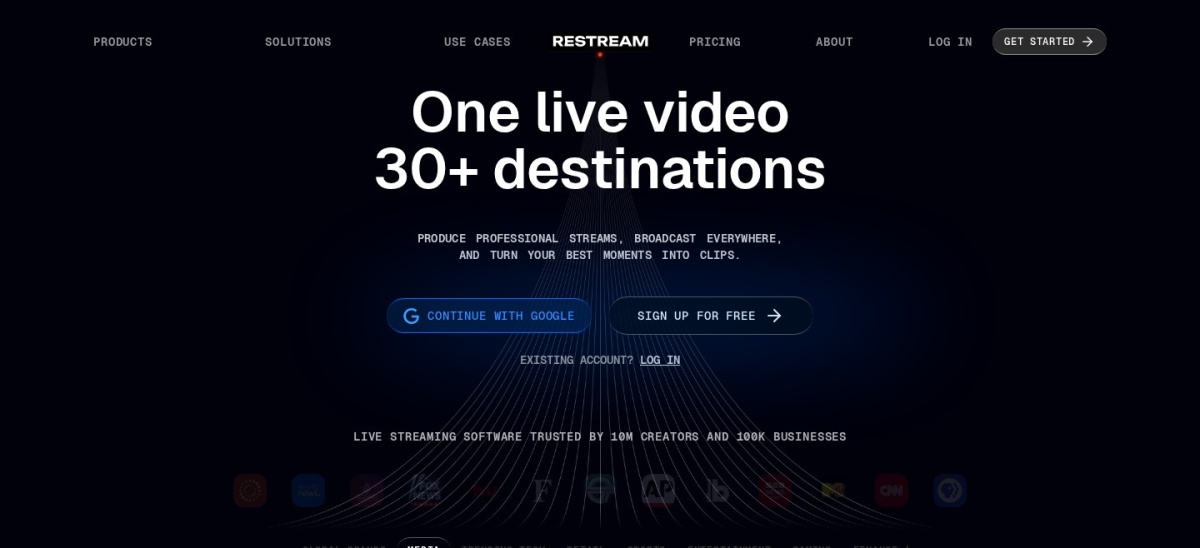
Restream is a browser live studio and multistreaming platform for broadcasting video shows across multiple platforms at once. Its $0 free plan lets beginners test multistreaming to two destinations with a Restream watermark.
The trade off is paying $19/month monthly or $16/month billed annually ($192/year) on Standard to remove branding and stream to three channels, while 4K recording requires a higher tier. It suits hosts who broadcast live video podcasts to social channels.
What we like
Streams to three simultaneous destinations on the entry Standard plan
Offers a $0 free plan to test live browser broadcasting
Combines chat and stream health monitoring in one interface
Watch out for
Free tier keeps Restream branding and limits destinations
Higher-tier features and clip add-ons raise total monthly cost
Standard removes Restream branding, adds custom overlays, and expands multistreaming to three channels.Visit restream.io
04
Ecamm Live
4.3/5on G2 (19 reviews, checked Nov 2026)
Starts at$192/yr
Best for Mac-only multi-camera live shows
Entry paid price$192/yr ($16/mo equivalent)
Free planNo (14-day free trial)
PlatformmacOS desktop app
G2 score4.3/5 (19 reviews)
ecamm.com
Ecamm Live homepage, captured Nov 2026.
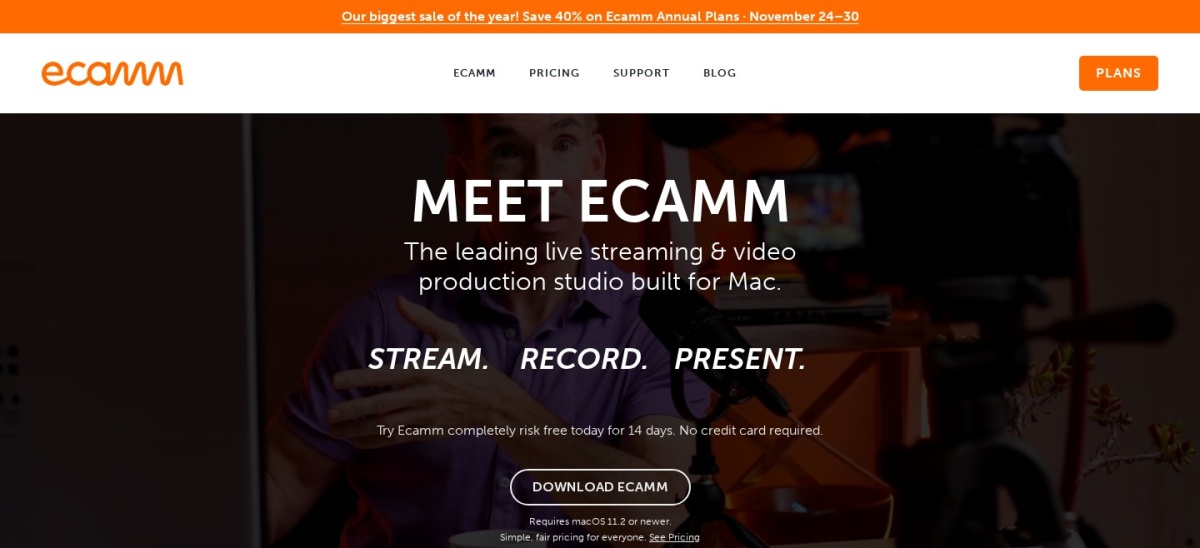
Ecamm Live is a macOS streaming and recording studio app for switching cameras, scenes, and overlays locally. It starts at $192/year billed annually ($20/month billed monthly) on Standard with a 14-day free trial.
The trade off is that it runs only on Mac, lacks a permanent free plan, and adds a watermark on Standard. It suits Mac creators who want scene switching and local recording for video shows.
What we like
Runs locally on Mac with scene switching, overlays, and screen share
Starts under $200/year on annual billing with a 14-day trial
Supports guest interviews and live production controls in one app
Watch out for
No Windows or Linux support and no permanent free plan
Standard plan includes a watermark until you upgrade to Pro
Pro unlocks watermark-free output, 4K streaming, and expanded multistreaming destinations.Visit ecamm.com
05
StreamYard
4.8/5on G2 (299 reviews, checked Nov 2026)
Paid from$432/yr
Best for simple live guest interviews in browser
Entry paid price$432/yr ($35.99/mo annual)
Free planYes (2 hrs/mo local)
On-screen guestsUp to 6 on free tier
G2 score4.8/5 (299 reviews)
streamyard.com
StreamYard homepage, captured Nov 2026.
StreamYard is a browser studio built for live video shows and guest interviews with minimal setup. Its $0 free plan includes 2 hours per month of local recordings and up to 6 on-screen participants with StreamYard branding.
The trade off is paying $35.99/month billed annually ($432/year, or $44.99/month monthly) to unlock full paid studio features and remove branding. It suits beginner hosts whose guests need a one-click browser link and simple on-screen graphics.
What we like
High 4.8/5 rating across 299 G2 reviews for ease of use
Guests join via browser link without installing complex software
Includes a $0 free tier with 2 monthly local recording hours
Watch out for
Entry annual cost is higher than basic recording or clipping tools
Free plan displays StreamYard branding and limits studio capacity
Paid plans remove StreamYard branding and expand live streaming, recording, and customization options.Visit streamyard.com
06
SquadCast
3.8/5on G2 (12 reviews, checked Nov 2026)
Paid from$288/yr
Best for remote audio and video interviews
Entry paid price$288/yr ($24/person/mo)
Free planYes (1 hr/mo recording)
Max participantsUp to 10 participants
G2 score3.8/5 (12 reviews)
squadcast.fm
SquadCast homepage, captured Nov 2026.
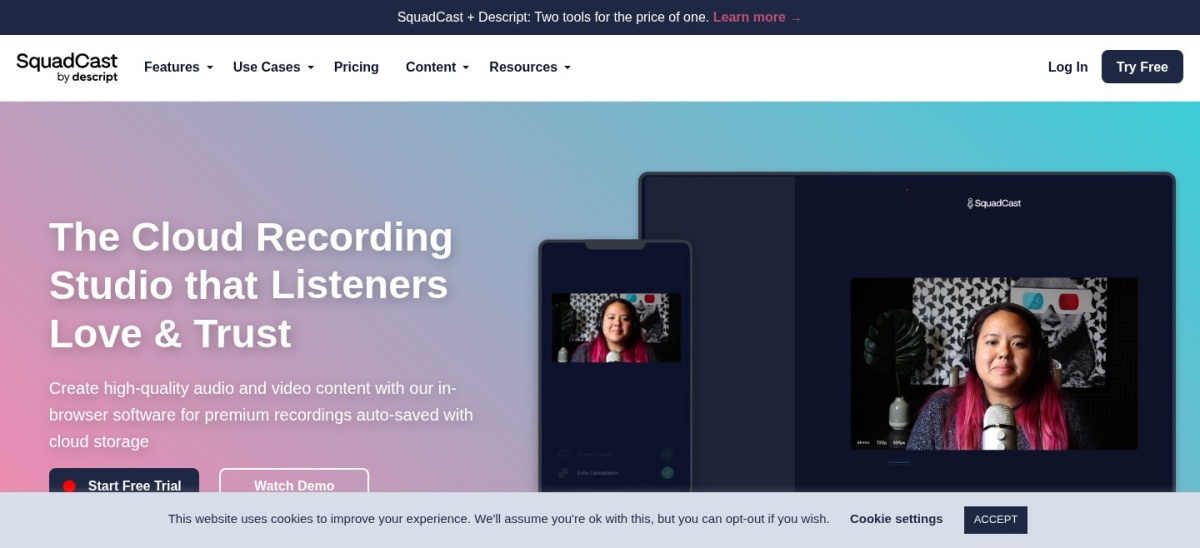
SquadCast is a browser studio for recording remote audio and video podcast interviews with isolated tracks. Its $0 free plan includes 1 recording hour per month, 1 show, and up to 10 participants at 720p with watermarks.
The trade off is paying $24 per person/month on Creator ($288/year, or $35 per person/month monthly) for 30 recording hours and watermark-free 4K exports. It suits beginner interviewers who want isolated tracks and automatic cloud backups.
What we like
Offers a $0 free tier with 1 monthly recording hour and isolated tracks
Supports up to 10 participants and rolls over unused recording time
Includes Dolby Voice audio mastering and 4K exports on Creator
Watch out for
Free tier caps recording at 1 hour/month with 720p watermarked exports
Smaller G2 review sample (12 reviews) than larger studio platforms
Creator unlocks 30 recording hours per month, watermark-free 4K exports, and unlimited shows.Visit squadcast.fm
07
Zencastr
3.7/5on G2 (30 reviews, checked Nov 2026)
Paid from$240/yr
Best for all-in-one browser recording and hosting
Entry paid price$240/yr ($20/mo starting)
Free planYes (4K recording/hosting)
Max participantsUp to 6 participants
G2 score3.7/5 (30 reviews)
zencastr.com
Zencastr homepage, captured Nov 2026.
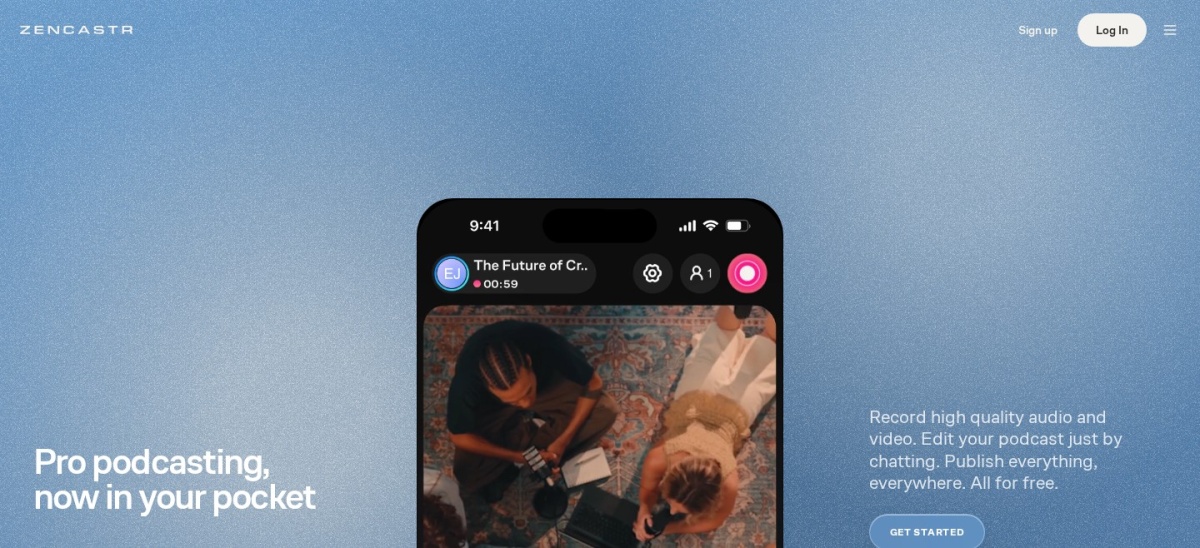
Zencastr is a browser-based recording, editing, and hosting platform for audio and video podcasts. It offers a $0 free option alongside paid plans starting at $20/month ($240/year) for expanded features and allowances.
The trade off is a lower 3.7/5 G2 rating across 30 reviews with mixed feedback on reliability and support. It suits budget beginners who want recording, post-production tools, and hosting in one place.
What we like
Combines browser recording, editing, and podcast hosting in one tool
Offers a $0 starting option and entry paid plans from $20/month
Supports multi-participant sessions up to 6 people
Watch out for
Lower 3.7/5 G2 score than Riverside or StreamYard
Some reviewers report occasional recording sync or support delays
Paid plans expand production allowances, custom branding, and publishing tools for regular shows.Visit zencastr.com
Where free plans bottleneck a new video podcast
Most beginners start on a free tier to test guest links and camera framing without paying upfront. Limits show up quickly once you record longer interviews or publish weekly episodes.
Watermarked exports and 720p caps look fine for a test clip but hurt a finished YouTube episode. Upgrading to a regular paid plan removes watermarks and raises monthly recording or media hours.
How we chose
We selected established video podcast and live-recording platforms that beginners use to capture, edit, or stream shows without complex desktop editing suites. Every product in this guide is actively maintained and offers clear public pricing.
We checked G2 ratings and review counts and reviewed official pricing pages on 29 Nov 2026. Regular paid prices reflect the lowest non-sale entry tier, noting any promotional pricing or free tiers where available.
We excluded discontinued or inactive tools and dropped any product whose entry pricing could not be verified on a vendor or pricing page. No vendor paid for a place, and we do not claim testing for this list.
How to pick your first video podcast tool
Follow four practical steps before you commit to a subscription:
Decide whether you record first or go live. Pick a recording-first studio like Riverside or SquadCast for edited episodes, or StreamYard and Restream for live broadcasts.
Match monthly hours to your real recording load. Count raw recording and editing minutes per month, including retakes, so you do not hit caps mid-month.
Test guest joining from a non-technical browser. Send a test link to a co-host or guest to verify camera, microphone, and browser permissions before launch day.
Compare annual and monthly billing before paying. Use a free tier or short monthly billing first, then switch to annual billing only after your show schedule sticks.
FAQ
What is the best video podcast software for beginners in 2026?
Riverside is the best video podcast software for beginners overall, rated 4.8 out of 5 across 1,761 G2 reviews with entry pricing from $24/month billed annually ($288/year). Descript is a strong alternative for text-based editing starting at $192/year billed annually.
How much does beginner video podcast software cost per year?
Entry annual paid plans on this list start around $192/year for Descript, Ecamm Live, and Restream, and range up to $432/year for StreamYard. Monthly billing usually costs more per month than paying annually.
Can beginners start a video podcast on a free plan?
Yes, tools like Riverside, Descript, StreamYard, Restream, SquadCast, and Zencastr offer $0 free tiers. Expect limits such as monthly hour caps, 720p exports, or watermarks until you upgrade.
Which video podcast tool is easiest for a solo beginner with no editing experience?
Descript makes editing straightforward for beginners because you cut video by editing the text transcript. Riverside also simplifies beginner production with browser recording and automated clip creation.
Should a beginner choose Riverside or Descript?
Choose Riverside if remote guest recording and multi-track browser capture are your main focus, with entry pricing at $288/year billed annually. Choose Descript if transcript-based text editing and AI cleanup starting at $192/year billed annually matter most.
SaaS SEO and WordPress specialist with about 8 years of experience. Rakib compares WordPress plugins, themes, hosting and software using public pricing, documentation and user reviews. See how we rank.