Riverside is the best video podcast recording software for remote interviews, offering local recording with up to 4K video and separate tracks starting at $288 per year on Pro. Descript works best when you want text-based editing in the same workflow, while OBS Studio fits free local multi-source capture.
How we make this list: we compare pricing pages, product documentation and public user reviews, then re-check every price before each update. No product paid for a place. Disclosure.
Riverside leads remote interview capture with up to 4K local recording and 15 monthly hours of separate track downloads on Pro at $288/yr.
Descript pairs recording with transcript-based editing, starting at $192/yr on Hobbyist for 10 monthly media hours and 400 AI credits.
Async (formerly Podcastle) starts at $143.88/yr on Essentials for 4 hours of recording, 20 GB storage, and 450 monthly AI credits.
OBS Studio costs $0 as free open-source software, making it strong for solo or local multi-camera recording without per-seat fees.
Live-first tools like StreamYard and Restream prioritize broadcasting to multiple channels over post-production track depth.
How do you choose the best video podcast recording software?
Local recording protects video podcasts when a guest has a patchy connection. Browser and desktop tools that record each participant locally avoid relying solely on a compressed live video call.
Separate audio and video tracks give editors control when speakers talk over each other. Having individual tracks per participant makes it easier to balance volume, cut mistakes, and export clean clips.
Monthly recording hours and AI credit caps shape your real bill more than headline tier names. A show with long interviews or frequent AI cleanup can hit plan limits before the month ends.
Live streaming and post-production solve different problems. Tools built around live multistreaming shine for real-time shows, while studio recorders fit hosts who edit episodes before publishing.
Best for remote guest interviews and up to 4K local recording
Entry paid tierPro at $24/mo billed annually ($288/yr)
Free tier2 hrs multi-track; up to 720p with watermark
Video & audioUp to 4K video and 48 kHz audio
Track allowance15 hrs/mo separate track downloads on Pro
riverside.com
Riverside homepage, captured Nov 2026.
Riverside is a browser-based studio built for remote video interviews, capturing local separate audio and video tracks for each participant. Its free plan includes 2 hours of multi-track recordings capped at 720p with a watermark, while Pro starts at $24 per month billed annually ($288 per year) with up to 4K video, 48 kHz audio, and 15 hours of separate track downloads per month.
The trade off is that local recording produces large uploads at the end of a session, and Pro caps separate track downloads at 15 hours per month. It suits hosts running recurring remote interviews who want high-resolution tracks without complex local setup.
What we like
Records separate local audio and video tracks up to 4K resolution
Guests join from a browser link without installing software
Includes text-based editing, transcriptions, and clip tools on paid plans
Watch out for
Free plan watermarks exports and caps multi-track recording at 2 hours
Monthly separate track download hours and AI credits can constrain heavy users
Paid plans add up to 4K video, 48 kHz audio, watermark-free exports, and separate track downloads.Visit riverside.com
02
Descript
4.6/5on G2 (941 reviews, checked Nov 2026)
Paid from$192/yr
Best for editing video episodes directly through text transcripts
Entry paid tierHobbyist at $16/mo billed annually ($192/yr)
Free tier60 media minutes/mo and 100 one-time AI credits
Media hours10 hrs/mo on Hobbyist; 30 hrs/mo on Creator
Export quality1080p on Hobbyist; up to 4K on Creator
descript.com
Descript homepage, captured Nov 2026.
Descript is a transcript-first video and audio editor that lets you cut and rearrange footage by editing written text. The free plan gives 60 media minutes per month and 100 one-time AI credits, while Hobbyist starts at $16 per month billed annually ($192 per year) for 10 media hours per month, 400 monthly AI credits, and 1080p watermark-free exports.
The trade off is that monthly media hours and AI credit allowances apply per editor and can run out on long or heavily processed episodes. It suits creators who prefer editing dialogue like a document over working on a traditional timeline.
What we like
Fast text-based editing makes trimming interviews straightforward
Includes AI cleanup tools such as filler-word removal and audio enhancement
Lower annual entry price than many full-featured studio suites
Watch out for
Monthly media hours and AI credits cap heavy production workflows
4K video exports require stepping up to the Creator plan
Paid plans raise monthly media hours, add recurring AI credits, and unlock 1080p or 4K exports.Visit descript.com
03
Async
3.5/5on Trustpilot (265 reviews, checked Nov 2026)
Paid from$144/yr
Best low-cost entry plan for solo creators using AI tools
Entry paid tierEssentials at $11.99/mo billed annually ($143.88/yr)
Free tierAvailable with no credit card required
Recording cap4 hrs/mo on Essentials; 20 hrs/mo on Pro
Storage & AI20 GB storage and 450 AI credits/mo on Essentials
async.com
Async homepage, captured Nov 2026.
Async is a browser-based recording and AI editing platform—formerly known as Podcastle—aimed at solo creators and podcasters. It offers a free plan with no credit card required, while Essentials starts at $11.99 per month billed annually ($143.88 per year) with 4 hours of audio and video recording, 20 GB of storage, and 450 monthly AI credits.
The trade off is that monthly AI credits reset each cycle without rolling over, and Trustpilot feedback shows mixed views on billing and support. It suits budget-conscious solo hosts who want recording, noise cleanup, and AI tools in one place.
What we like
Low entry price on the annual Essentials plan
Free plan lets you sign up without entering a payment card
Combines recording, audio cleanup, and AI editing features
Watch out for
Monthly AI credits do not roll over to the next billing cycle
Mixed Trustpilot score with complaints about billing and support
Paid plans expand monthly recording hours, cloud storage, transcription, and monthly AI credits.Visit async.com
04
OBS Studio
4.6/5on G2 (141 reviews, checked Nov 2026)
PriceFree
Best free open-source recorder for local multi-source setups
Entry paid tierFree and open source ($0/yr)
Free tierFull software with no subscription fee
PlatformsWindows, macOS, and Linux
Best setupLocal scenes, cameras, screen capture, and streams
obsproject.com
OBS Studio homepage, captured Nov 2026.
OBS Studio is free, open-source software for local video recording and live streaming across Windows, macOS, and Linux. Because it has no paid subscription tier, creators can build multi-scene layouts, capture cameras and screens, and record locally without paying per seat or per hour.
The trade off is a steeper setup learning curve and no built-in browser invite system for remote podcast guests. It suits solo hosts, screen-heavy shows, and in-room setups comfortable configuring scenes on their own computer.
What we like
Zero software cost with no subscription or usage caps
Flexible scene composition and multi-source audio routing
Runs natively on Windows, macOS, and Linux
Watch out for
Steeper learning curve for first-time setup and audio tuning
Not built for inviting remote guests over a simple browser link
All core recording and streaming features are free with no paid software tier.Visit obsproject.com
05
Ecamm Live
4.3/5on G2 (19 reviews, checked Nov 2026)
Starts at$192/yr
Best Mac-native live studio for multi-camera shows
Entry paid tierStandard at $16/mo billed annually ($192/yr)
Free tier14-day free trial (no permanent free plan)
Operating systemmacOS only
Core strengthsCamera switching, overlays, streaming, and recording
ecamm.com
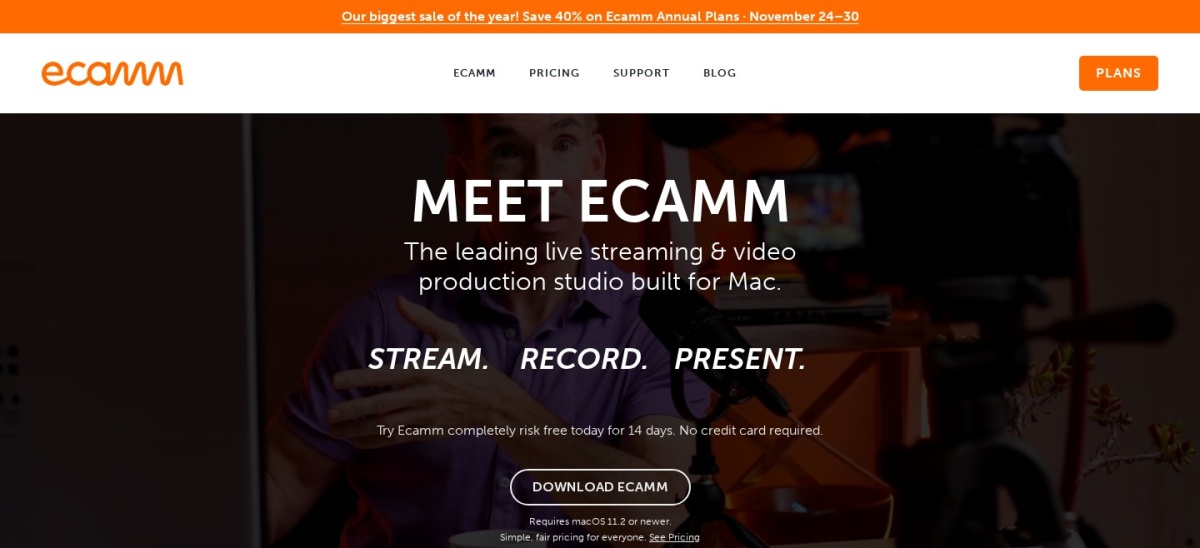
Ecamm Live homepage, captured Nov 2026.
Ecamm Live is a Mac-only live streaming and video production studio built for camera switching, on-screen graphics, and interview layouts. Its Standard plan starts at $16 per month billed annually ($192 per year) after a 14-day free trial, covering multistreaming, overlays, screen sharing, and local recording.
The trade off is strict platform exclusivity—there is no Windows version—and features like 4K streaming or virtual camera tools sit on higher tiers. It suits Mac-based hosts who want a dedicated desktop control room without OBS configuration.
What we like
Built specifically for macOS with responsive multi-camera controls
Handles overlays, layouts, and live streaming in one desktop app
Offers a 14-day trial before committing to an annual plan
Watch out for
No Windows version or cross-platform desktop app
Higher resolution and pro broadcast extras require upgrading past Standard
Higher tiers unlock 4K streaming, virtual camera and microphone routing, and additional studio features.Visit ecamm.com
06
Zencastr
3.7/5on G2 (30 reviews, checked Nov 2026)
Paid from$240/yr
Best for simple browser guest capture and podcast hosting
Entry paid tierStandard at $20/mo ($240/yr)
Free tierAvailable for occasional or light recording
Guest workflowBrowser link recording with separate tracks
Podcast toolsRecording, editing, and hosting options
zencastr.com
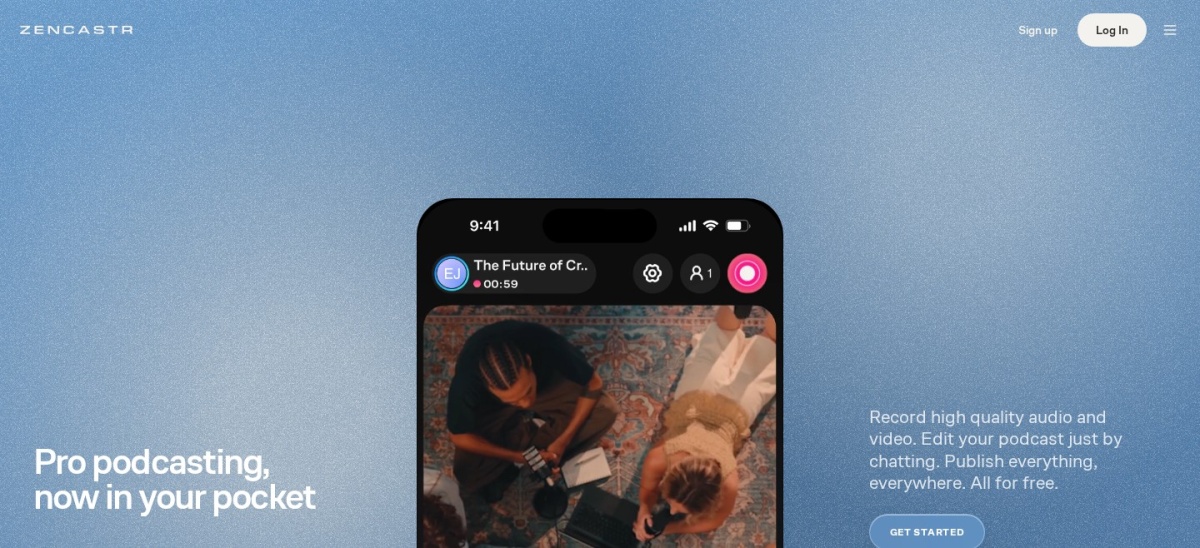
Zencastr homepage, captured Nov 2026.
Zencastr is a browser-based podcast recording platform that captures separate tracks for hosts and guests and bundles podcast production tools. It offers a free tier to get started, with paid plans starting at $20 per month ($240 per year) on its entry tier.
The trade off is a more modest review score on G2 than top-rated rivals, with some users noting reliability friction on complex sessions. It suits small shows that want browser guest invites and basic podcast workflow features in one place.
What we like
Guests join via browser link and record separate tracks
Combines recording with podcast workflow and publishing features
Includes a free option to test basic recording first
Watch out for
Lower user rating on G2 than Riverside and Descript
Fewer advanced studio polish options than higher-priced competitors
Best for live interactive shows with browser guests
Entry paid tierStarting around $25/mo ($300/yr)
Free tier2 hrs/mo local recording with StreamYard branding
Guests & seatsUp to 6 on-screen participants on Free; 10 on Basic
Live featuresBrowser studio, overlays, and multi-destination streaming
streamyard.com
StreamYard homepage, captured Nov 2026.
StreamYard is a browser-based live streaming and recording studio designed for interactive shows, panels, and guest interviews. Its free plan includes 2 hours per month of local recording with StreamYard branding, while paid plans start around $25 per month ($300 per year) to remove branding and expand recording and streaming limits.
The trade off is that live streaming workflows and branding or resolution tiers can push costs up quickly as you add channels or team seats. It suits hosts who stream live to audiences and want the recording captured alongside the broadcast.
What we like
Easy browser studio for live shows and remote guests
Supports logos, overlays, and multi-destination streaming
Free tier lets you test the studio before paying
Watch out for
Free tier adds StreamYard branding and limits local recording hours
Higher-resolution exports, extra destinations, and team seats cost more
Paid plans remove StreamYard branding and raise storage, destination, guest, and resolution limits.Visit streamyard.com
Why local track capture matters for video podcasts
Video calls compress audio and video on the fly, so a brief dip in a guest's Wi-Fi can blur frames or drop words permanently. Platforms that record locally capture higher quality on each participant's device and upload the files afterward.
If your show relies on clean cuts between speakers or repurposing vertical clips for social channels, local separate tracks save editing time later. If you only need a quick live broadcast or simple check-in call, a lighter browser or live studio may be enough.
How we chose
We selected established video podcast recording platforms with active 2026 presence, public pricing or open-source availability, and verified user review profiles across G2 or Trustpilot and Capterra.
Pricing tiers, free limits, ratings, and review counts were checked on 29 Nov 2026 using official vendor pricing pages and review directories.
We excluded discontinued tools, products without verifiable pricing or review data, and tools focused solely on audio-only or general business meetings rather than video podcast recording. No vendor paid for a place, and we do not claim testing for this list.
How to choose video podcast recording software
Follow four practical steps to match a recording tool to your show format and monthly budget.
Map your episode format and guest setup. Decide whether you record solo, host remote browser guests, or run live streams with audience chat.
Check local track and resolution requirements. Confirm whether you need separate audio and video files and higher resolution for post-production editing.
Estimate monthly hours and AI credit usage. Compare your typical recording length and editing cleanup against each plan's monthly limits.
Start on a free tier or trial first. Run a full test session to check upload speeds, audio sync, and export quality before paying annually.
FAQ
What is the best video podcast recording software in 2026?
Riverside is the best overall pick for remote video podcasts because it records local tracks up to 4K quality and starts at $288 per year on Pro. Descript is a strong alternative if you edit primarily through text transcripts, and OBS Studio works well for free local capture.
What is the best free video podcast recording software?
OBS Studio is the best completely free option with no paid subscription tier, while Riverside, Descript, Async, Zencastr, and StreamYard offer free tiers or trials with limits on recording hours, resolution, AI credits, or branding.
How much does video podcast recording software usually cost?
Entry-level paid plans typically run around $144 to $300 per year when billed annually, depending on whether you choose a budget AI editor like Async or a studio platform like Riverside or StreamYard. Higher tiers cost more for extra hours, team seats, or webinar features.
Is browser-based recording good enough for a weekly podcast?
Yes, browser-based platforms like Riverside and Zencastr are widely used for weekly shows because guests can join from a link without installing software. Just make sure your device and internet connection handle post-session file uploads smoothly.
Should I choose Riverside or Descript for a video podcast?
Choose Riverside if remote guest recording quality and separate tracks are your main priority, starting at $288 per year on Pro. Choose Descript if editing video and audio by deleting text in a transcript is central to your workflow, starting at $192 per year on Hobbyist.
SaaS SEO and WordPress specialist with about 8 years of experience. Rakib compares WordPress plugins, themes, hosting and software using public pricing, documentation and user reviews. See how we rank.