Milestone XProtect is a top pick for video monitoring software, holding a 4.5 out of 5 rating across 92 G2 reviews with Express+ starting at a $19 base license plus $75 per camera. For self-hosted recording with no per-camera fees, Agent DVR starts at $7.95 per month for business use, while Frigate offers free local AI detection.
How we make this list: we compare pricing pages, product documentation and public user reviews, then re-check every price before each update. No product paid for a place. Disclosure.
Milestone XProtect holds 4.5/5 across 92 G2 reviews, with Express+ base licenses at $19 and camera licenses from $75.
Blue Iris holds 4.4/5 across 18 G2 reviews, with LE at $39.95 (1 camera) and Full at $99.95 (up to 128 cameras).
Verkada holds 4.7/5 across 163 G2 reviews, with camera licenses around $249/yr and hardware starting from $699 MSRP.
Agent DVR starts at $7.95/mo for business and remote access with unlimited cameras, and is free for private local use.
Frigate offers free open-source local AI detection at $0, with optional Frigate+ models priced at $50/yr.
How do you choose the best video monitoring software?
Choosing the right software depends first on whether video stays on local hardware or moves to cloud management. Local recording avoids recurring cloud storage bills, while cloud platforms simplify multi-site management without maintaining local servers.
Licensing math shifts quickly as your camera count grows. Per-camera subscriptions scale with every added lens, whereas flat-rate or self-hosted licenses keep software fees predictable as you expand.
Open compatibility and AI analytics separate basic recorders from modern monitoring stacks. Check ONVIF and RTSP support for mixed camera fleets, and verify whether object or license-plate detection runs locally or requires add-on fees.
Hardware and installation costs often exceed the initial software license. Account for servers, storage drives, AI accelerators, or camera hardware before locking in a deployment.
Best for open-platform multi-site video management
Entry base$19 Express+ base license
Camera licenseFrom $75 per device (Express+)
Supported devices16,500+ devices across tiers
G2 rating4.5/5 across 92 reviews
milestonesys.com
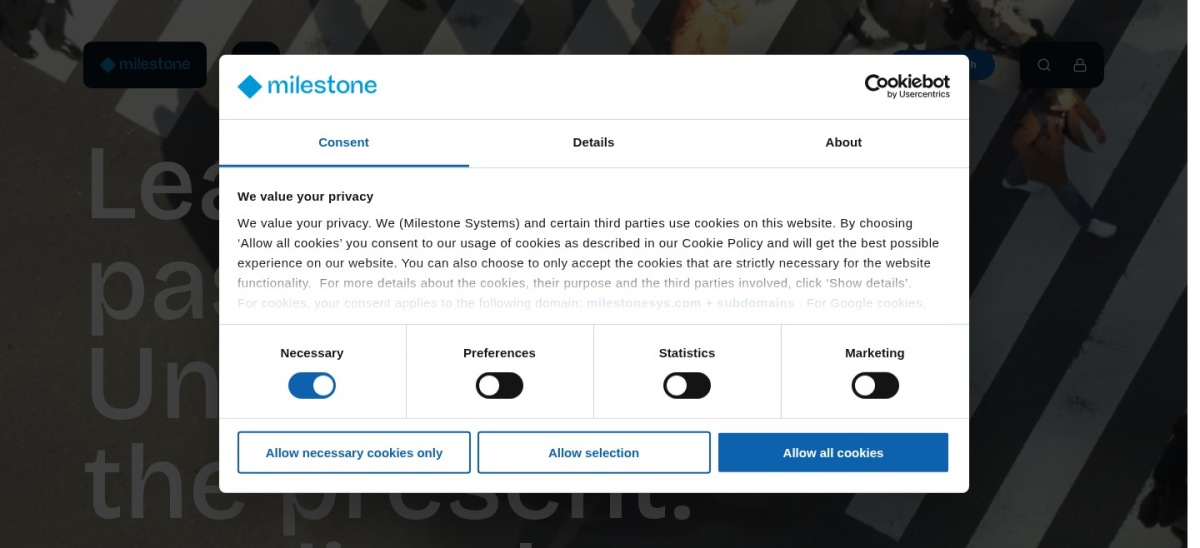
Milestone XProtect homepage, captured Nov 2026.
Milestone XProtect is an open-platform video management system supporting over 16,500 devices across editions such as Express+, Professional+, Expert, and Corporate. Express+ lists a $19 base license plus $75 per device license, and holds a 4.5 out of 5 rating across 92 G2 reviews.
The trade off is per-camera device licenses, optional Care Plus maintenance, and Windows server administration, with the former free Essential+ tier discontinued. It suits businesses and integrators that want broad camera compatibility and scalable multi-site VMS control.
What we like
Open architecture supporting 16,500+ cameras and third-party integrations
4.5 out of 5 rating across 92 reviews on G2
Scalable editions from Express+ up to Corporate
Watch out for
Requires per-camera device licenses on top of the base license
Server setup, SQL/certificate upkeep, and optional Care Plus add overhead
Higher editions (Professional+, Expert, Corporate) and Care Plus add larger camera limits, federation, and maintenance coverage.Visit milestonesys.com
02
Blue Iris
4.4/5on G2 (18 reviews, checked Nov 2026)
Starts at$39.95 one-time
Best for Windows local NVR up to 128 cameras
LE license$39.95 one-time (1 camera)
Full license$99.95 one-time (up to 128 cams)
Support plan$44.95/yr Basic maintenance
Operating systemWindows 64-bit
blueirissoftware.com
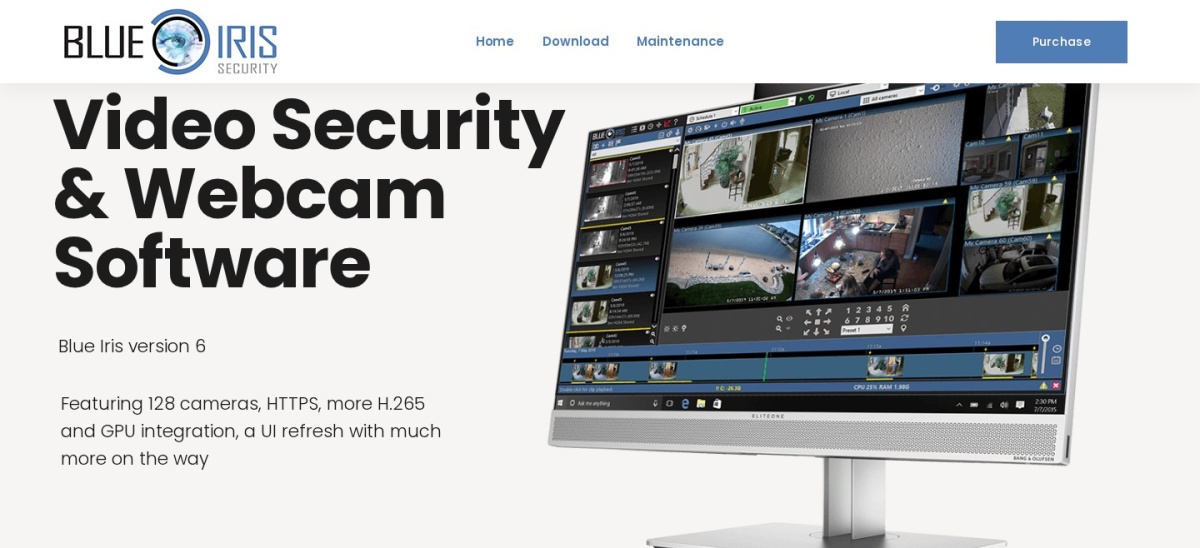
Blue Iris homepage, captured Nov 2026.
Blue Iris is a Windows video surveillance and recording application supporting up to 128 cameras on its Full license with motion detection, alerts, and AI object or license-plate workflows. Its LE license starts at $39.95 one-time for 1 camera and the Full license is $99.95 one-time, with a 4.4 out of 5 G2 rating across 18 reviews.
The trade off is Windows-only operation, a configuration learning curve, and a $44.95/yr Basic maintenance plan for ongoing version updates and email support. It suits Windows PC and homelab owners who want a one-time license without per-camera monthly fees.
What we like
One-time license pricing starting at $39.95 (LE) and $99.95 (Full for up to 128 cameras)
Supports motion, object, and license-plate detection plus remote viewing
4.4 out of 5 rating across 18 reviews on G2
Watch out for
Runs on Windows only and requires PC hardware sizing for heavy camera loads
Ongoing updates and email support depend on annual maintenance renewal
Full ($99.95) expands capacity to 128 cameras, and Basic maintenance ($44.95/yr) covers new builds and email support.Visit blueirissoftware.com
03
Verkada
4.7/5on G2 (163 reviews, checked Nov 2026)
Starts at$249/yr
Best for cloud-managed multi-site physical security
Camera licenseAbout $249/yr per camera
Hardware MSRPCameras from $699 (e.g. CM22)
G2 rating4.7/5 across 163 reviews
Platform scopeCameras, access control, alarms
verkada.com
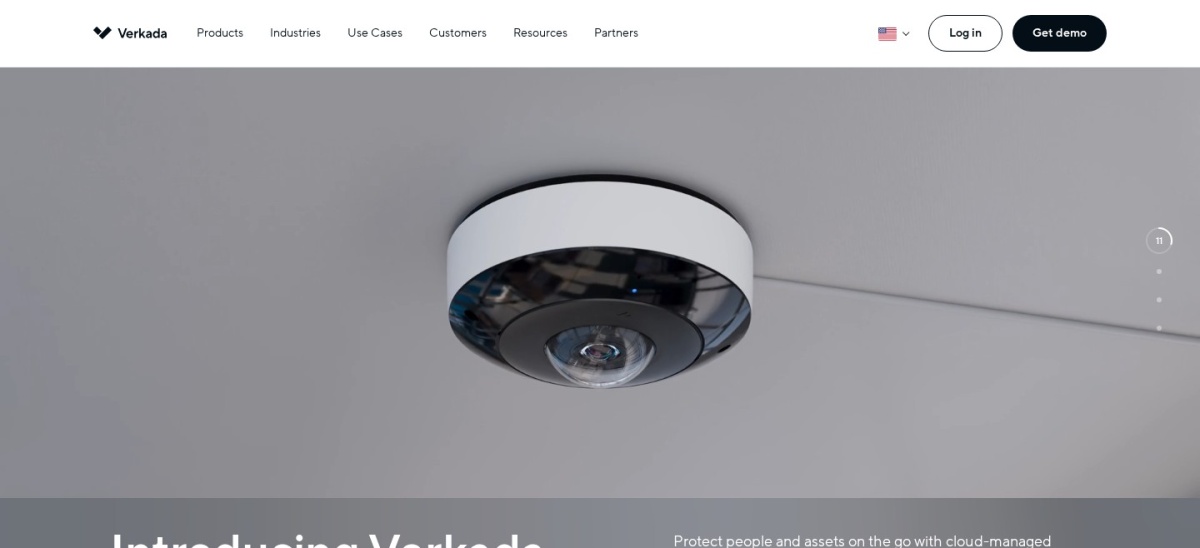
Verkada homepage, captured Nov 2026.
Verkada is a cloud-managed physical security platform combining cameras, access control, and alarms inside one centralized dashboard. Camera hardware starts at $699 MSRP on its pricing page with camera licenses around $249 per year, and it holds 4.7 out of 5 across 163 G2 reviews.
The trade off is higher combined hardware and recurring per-camera license costs than self-hosted recorders. It suits multi-site organizations and schools that want centralized cloud administration and integrated security tools.
What we like
4.7 out of 5 rating across 163 reviews on G2
Unified cloud management across cameras, access control, and alarms
Supports multi-site administration without maintaining local NVR servers
Watch out for
Higher hardware and per-camera license costs over multi-year terms
Tied to Verkada hardware and active licensing
Multi-year license terms, higher-tier cameras, and access or alarm modules expand multi-site security capabilities.Visit verkada.com
04
Agent DVR
4.3/5on G2 (10+ reviews, checked Nov 2026)
Paid from$7.95/mo
Best for self-hosted recording with unlimited cameras
Free tierFree for private local use
Business entry$7.95/mo (up to 1080p, unlimited cams)
Higher tiers$14.95/mo (1440p), $19.95/mo (4K)
CompatibilityIP, ONVIF, RTSP, and USB cameras
ispyconnect.com
Agent DVR homepage, captured Nov 2026.
Agent DVR is a self-hosted network video recorder from iSpyConnect that supports IP, ONVIF, RTSP, and USB cameras with no per-camera fee. Private local use is free, while business use and remote access start at $7.95 per month for up to 1080p viewing.
The trade off is running the recorder on your own hardware and paying from $7.95 monthly for commercial licensing or remote access. It suits home users and businesses running their own machines that want flat pricing across many cameras.
What we like
Free for private local use with unlimited cameras bounded only by hardware
Flat business pricing from $7.95/mo with no per-camera surcharge
Works with IP, ONVIF, RTSP, and USB cameras
Watch out for
Remote access, mobile apps, and commercial use require a paid plan
1440p ($14.95/mo) and 4K ($19.95/mo) require higher tiers
Standard ($14.95/mo) and Professional ($19.95/mo) raise viewing resolution to 1440p and 4K and include perpetual annual local licenses.Visit ispyconnect.com
05
Frigate
4.9/5on GitHub (32,000+ reviews, checked Nov 2026)
Paid from$50/yr
Best for free open-source local AI detection
Open-source core$0 (MIT license, local AI)
Frigate+ add-on$50/yr for enhanced/custom models
Camera streamsRTSP cameras on local hardware
AutomationIntegrates with Home Assistant
frigate.video
Frigate homepage, captured Nov 2026.
Frigate is an open-source network video recorder that runs real-time AI object detection locally on camera streams without cloud video fees. The core software is free under the MIT license, with optional Frigate+ models priced at $50 per year.
The trade off is self-hosting setup, hardware tuning, and no hosted cloud service out of the box. It suits technical users and Home Assistant setups that want private local AI detection and zero per-camera fees.
What we like
Free open-source NVR with local AI detection and zero per-camera fees
Optional Frigate+ plan at $50/yr includes up to 12 custom model trainings
Direct integration with Home Assistant for local alerts and automations
Watch out for
Requires self-hosting, configuration, and server or accelerator hardware
Extra model fine-tunings beyond the annual limit cost $5 each
Frigate+ ($50/yr) adds models trained on real camera footage and up to 12 custom model trainings per year.Visit frigate.video
06
Synology Surveillance Station
4.3/5on G2 (12 reviews, checked Nov 2026)
Starts at$50 one-time
Best for Synology NAS and NVR local storage
Included licenses2 on NAS, 4 or 8 on NVR/DVA
Extra license pack1-pack ~ $50–$76.57 one-time
G2 rating4.3/5 across 12 reviews
Hardware requiredSynology NAS or NVR appliance
synology.com
Synology Surveillance Station homepage, captured Nov 2026.
Synology Surveillance Station is a video management solution built for Synology NAS and NVR appliances, bundling 2 to 8 camera licenses by hardware model. Additional 1-camera license packs run roughly $50 to $76.57 one-time, with a 4.3 out of 5 rating across 12 G2 reviews.
The trade off is requiring Synology hardware and paying per additional camera pack beyond your unit's built-in quota. It suits homes and small offices already running or buying a Synology NAS for centralized local recording.
What we like
Includes 2 to 8 default camera licenses depending on Synology hardware
One-time license packs rather than recurring monthly recording fees
Straightforward interface for local recording and multi-camera viewing
Watch out for
Requires Synology NAS or NVR hardware to run
Adding many cameras via extra license packs increases upfront cost
4-camera and 8-camera license packs expand channel capacity on compatible Synology NAS and NVR units.Visit synology.com
07
Spot AI
4.8/5on G2 (75 reviews, checked Nov 2026)
Starts at$1,500/yr
Best for AI footage search across business sites
Starting priceFrom $1,500/yr (G2 pricing data)
G2 rating4.8/5 across 75 reviews
Core focusUnified dashboard and AI search
Multi-site fitBuilt for multi-camera operations
spotai.com
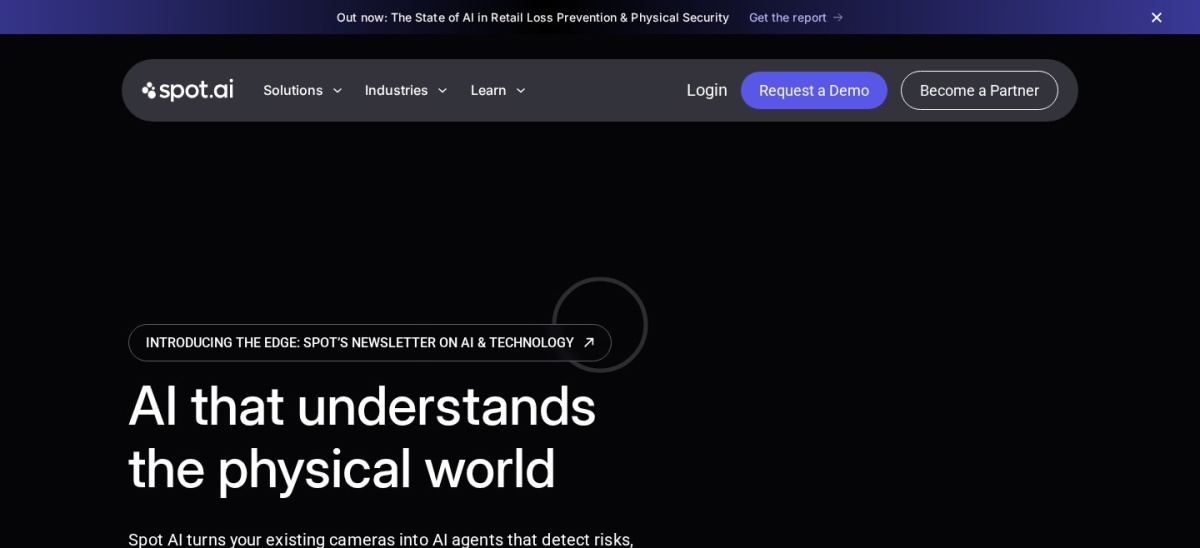
Spot AI homepage, captured Nov 2026.
Spot AI is an AI-enabled video platform that brings camera feeds into a single console with event search and alerts. G2 pricing data lists a starting plan at $1,500 per year, and it holds a 4.8 out of 5 rating across 75 G2 reviews.
The trade off is a higher starting price than DIY or budget recorders and custom quotes for larger deployments. It suits businesses with multiple cameras or locations that want faster footage search and centralized monitoring.
What we like
4.8 out of 5 rating across 75 reviews on G2
Centralized console designed for searching and filtering video events
Supports multi-site camera oversight and alerts
Watch out for
Higher starting cost than self-hosted or entry-level NVR tools
Custom quotes apply for larger or specialized site rollouts
Expanded tiers add higher camera counts, broader analytics options, and tailored multi-site enterprise support.Visit spotai.com
Self-hosted NVR vs cloud VMS: which fits better?
Self-hosted software like Agent DVR, Frigate, and Blue Iris records onto your own hardware and avoids cloud storage subscriptions. You handle local machines, drives, and network uptime yourself.
Cloud-managed platforms like Verkada and Spot AI centralize multi-site access and search without managing local NVR servers. Their recurring subscription costs scale with cameras, retention, and site scope, so compare multi-year totals before buying.
How we chose
We selected established video monitoring and video management tools from vendor pages and software directories, focusing on active platforms with clear recording, VMS, or AI video search roles.
We checked pricing details, documentation, and review listings on 29 Nov 2026 to verify regular starting prices, free tiers, and public ratings.
We excluded products with unverified pricing or low visibility and omitted unconfirmed figures. No vendor paid for a place, and we do not claim testing for this list.
How to pick the right video monitoring setup in 4 steps
Follow these four steps before buying camera licenses or hardware.
Count your cameras and retention needs first. Decide how many camera feeds you need, how many days of footage you must keep, and whether continuous or event recording fits.
Match the deployment model to your hardware and IT setup. Pick self-hosted software if you want local storage control on a PC, NAS, or server, or choose a cloud platform for centralized multi-site management.
Check camera standards and AI detection options. Confirm ONVIF or RTSP support for your cameras and check whether object or license-plate detection is built in, local, or billed separately.
Compare multi-year total cost across hardware and licenses. Add up camera hardware, storage, initial licenses, and annual renewals or subscriptions over several years rather than looking at day-one cost alone.
FAQ
What is the best video monitoring software in 2026?
Milestone XProtect is a strong pick for open-platform multi-site video management starting at a $19 Express+ base license plus $75 per camera, while Agent DVR and Frigate lead for flexible self-hosted recording.
Is there free video monitoring software?
Yes, Frigate offers free open-source local AI recording, and Agent DVR is free for private local use, while commercial and remote features require paid plans.
How much does video monitoring software usually cost?
Costs span from $0 for open-source Frigate or private local Agent DVR to $39.95–$99.95 one-time for Blue Iris editions, $19 base plus $75 per camera for XProtect Express+, and $1,500/yr starting data on G2 for Spot AI.
What is best for multi-site business monitoring?
Verkada and Spot AI fit businesses managing cameras across multiple sites from a unified console, while Milestone XProtect suits multi-site open-architecture deployments.
Milestone XProtect vs Blue Iris: which should I choose?
Choose Milestone XProtect if you need an open-platform VMS across many devices and sites with formal editions, and choose Blue Iris if you want a lower-cost Windows NVR license for up to 128 cameras.
SaaS SEO and WordPress specialist with about 8 years of experience. Rakib compares WordPress plugins, themes, hosting and software using public pricing, documentation and user reviews. See how we rank.