Otter is the best transcription app for most people, with live meeting notes and AI summaries for a low monthly price. Pick Rev for the most accurate human transcripts, or Descript if you also edit audio and video.
How we make this list: we compare pricing pages, product documentation and public user reviews, then re-check every price before each update. No product paid for a place. Disclosure.
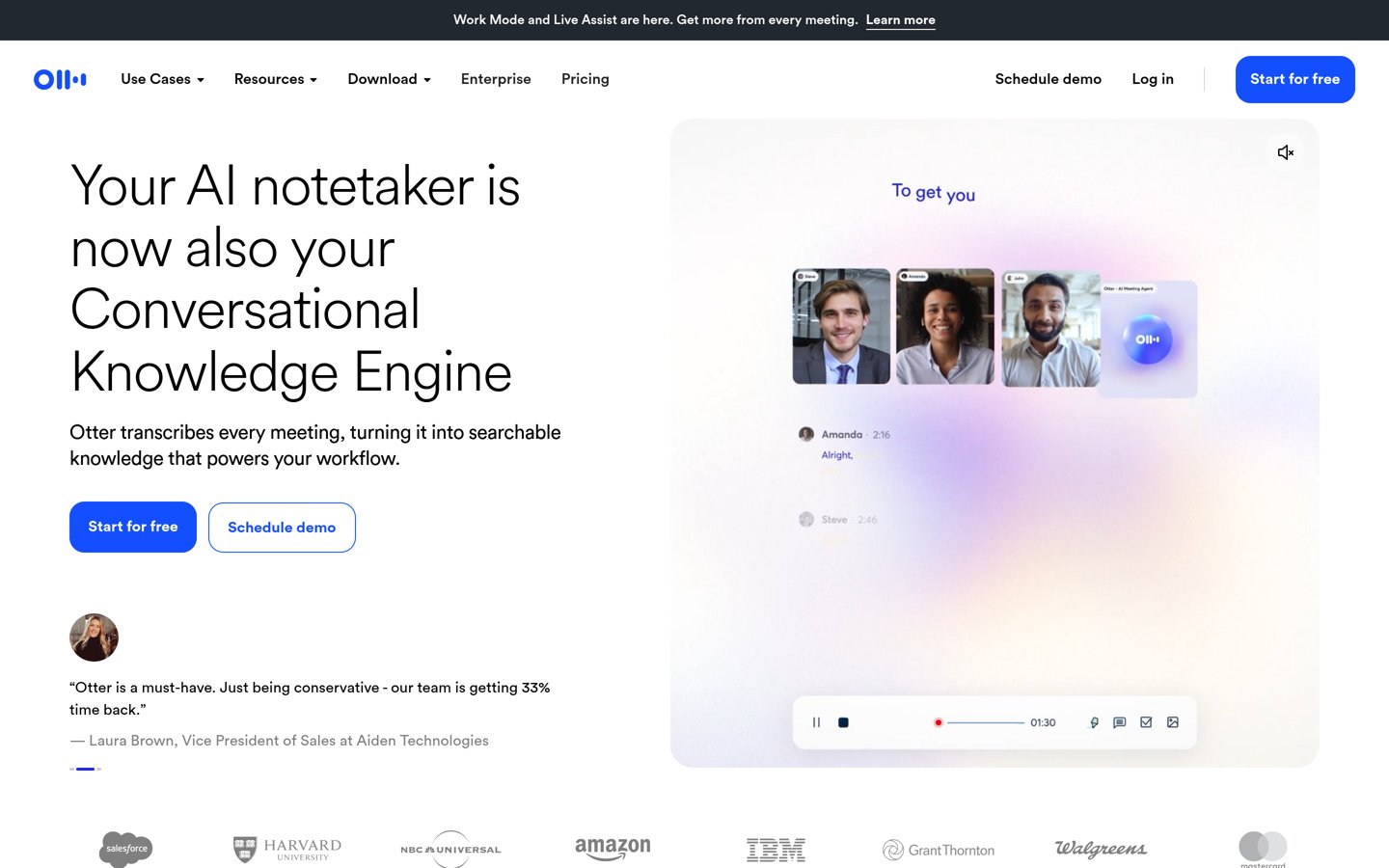
Otter joins meetings automatically and writes an AI summary, which is the most useful feature here.
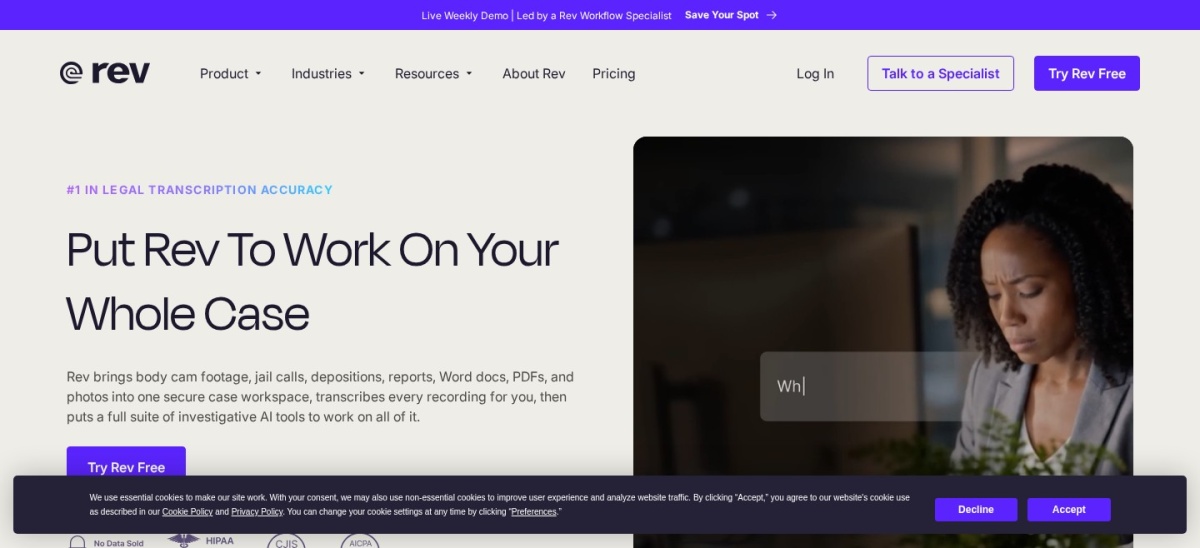
Rev is the only option with human transcription, at 1.99 dollars a minute for the highest accuracy.
Descript lets you edit audio and video by editing the transcript, which no other tool here does.
Sonix charges 10 dollars per hour with no subscription, which suits occasional users best.
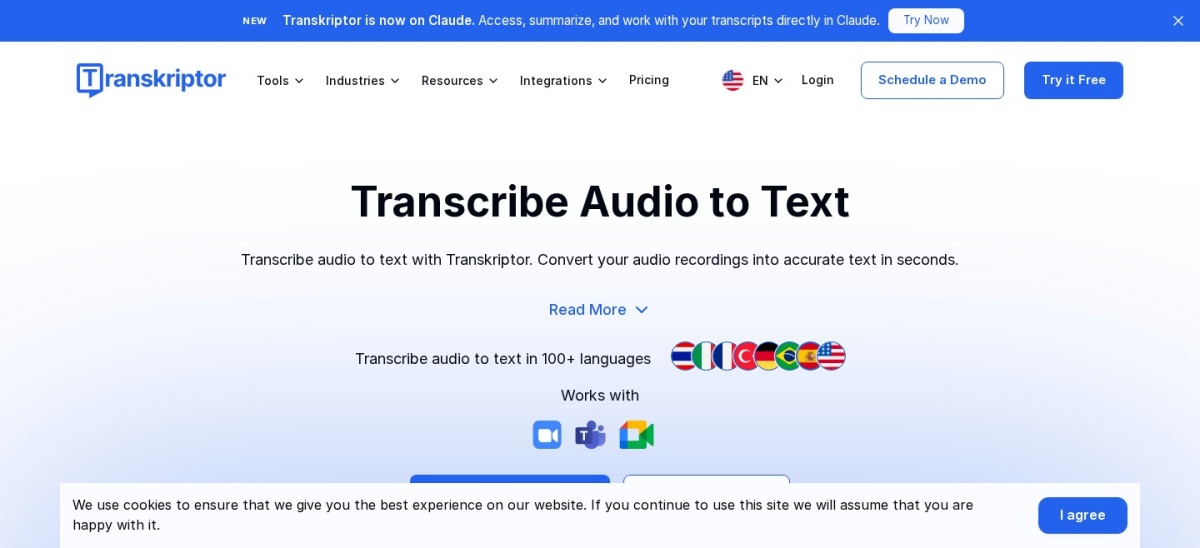
Transkriptor is the cheapest full-featured option, with more than 100 languages and a free plan.
What to look for in transcription apps
Transcription apps turn speech into text, either live during a meeting or from a recording you upload. The best ones also write a summary, pick out action items and let you search the text later.
Accuracy is the main difference. AI transcription is fast and cheap but makes mistakes on fast speech, accents and jargon. Human transcription costs more but is far more accurate, which matters for legal or medical work.
Meeting bots are the feature most people use daily. Otter, Fireflies and Notta join Zoom, Google Meet and Microsoft Teams calls and take notes without you doing anything. Our guide to the best AI writing tools covers the summary side of the same workflow.
Languages matter if your team is multilingual. Transkriptor supports more than 100 languages and Happy Scribe more than 120, while Otter focuses mainly on English, Spanish and French.
Otter.ai is the best transcription app for meetings, joining Zoom, Google Meet and Microsoft Teams calls to take live notes and write an AI summary. It holds a 4.4 out of 5 G2 rating from 505 reviews, and the Pro plan costs 8.33 dollars a month on annual billing.
The trade off is accuracy on fast or accented speech, where a human transcript is still better. The free plan gives 300 minutes a month, which suits occasional meetings but not daily use.
Rev is the most accurate transcription service in this list, because it offers both AI transcription at 25 cents a minute and human transcription at 1.99 dollars a minute. It holds a 4.7 out of 5 G2 rating from 621 reviews, and the Essentials plan costs 25.49 dollars a month on annual billing.
The trade off is cost. Human transcription is the most accurate option here but also the most expensive, and AI minutes run out fast on the free plan.
Descript is a transcription app that doubles as an audio and video editor, letting you cut a recording by deleting words from the transcript. It holds a 4.6 out of 5 G2 rating from 928 reviews, and the Hobbyist plan costs 16 dollars a month on annual billing.
The trade off is that Descript is an editor first, so pure transcription is not its cheapest use. The free plan gives one media hour a month, which is enough to test it.
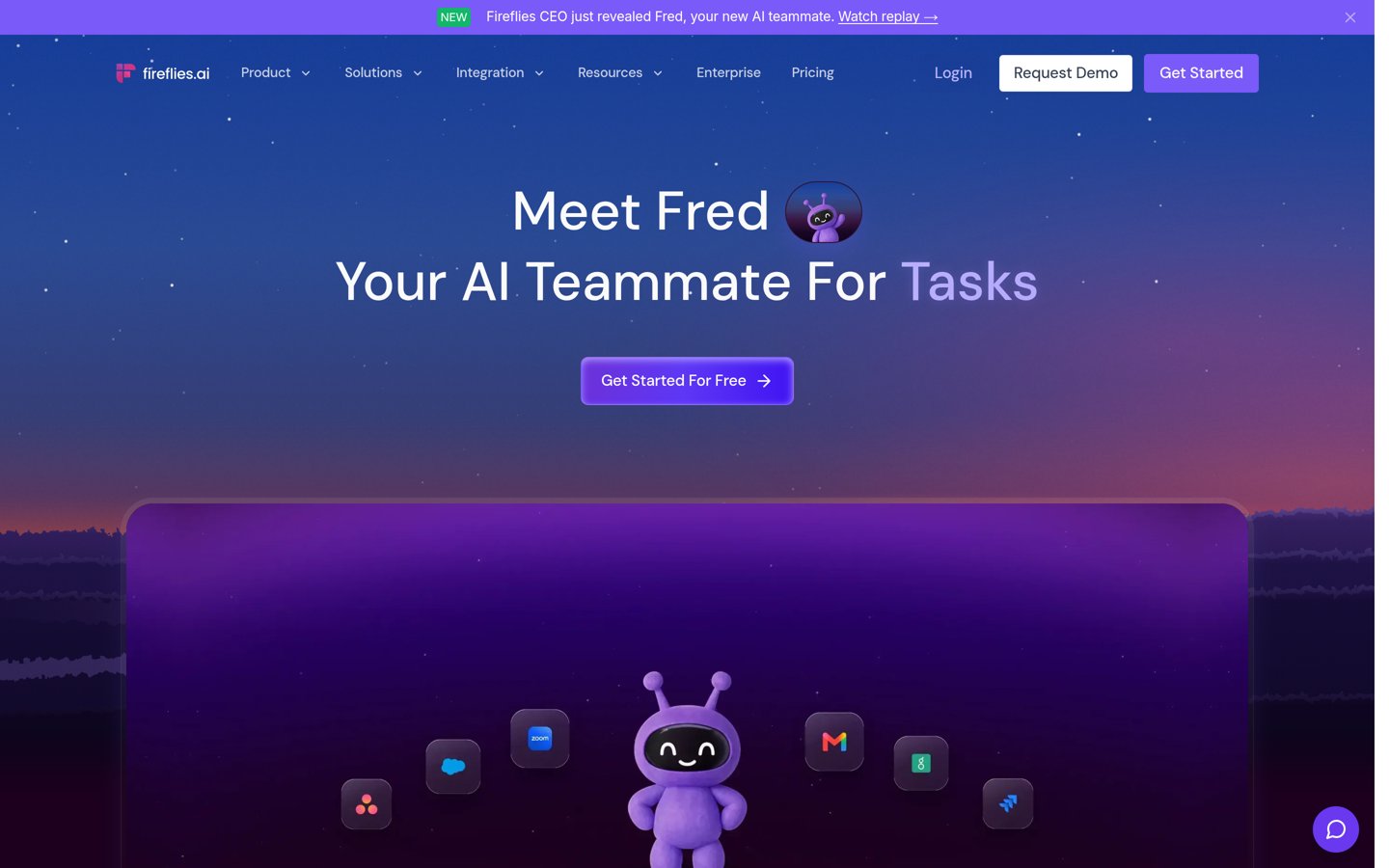
Fireflies.ai is a meeting transcription app that records calls, writes summaries and pushes notes into HubSpot or Salesforce. It holds a 4.7 out of 5 G2 rating from 754 reviews, and the Pro plan costs 10 dollars a month on annual billing.
The trade off is that Fireflies is built for teams, so solo users pay for features they may not need. The free plan is limited, and some integrations need a higher plan.
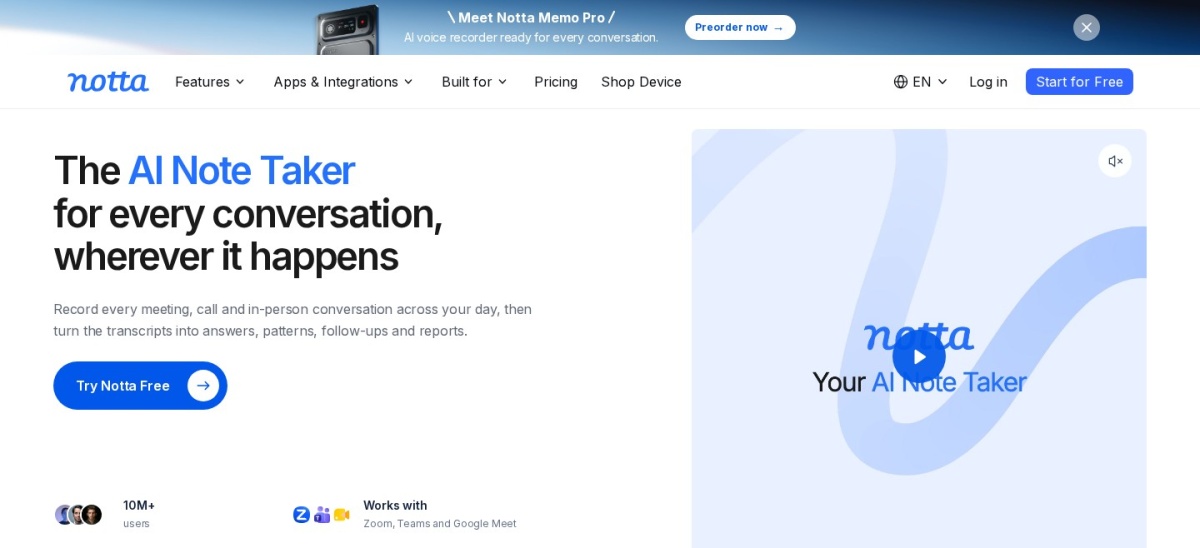
Notta is a transcription app that supports 58 languages, more than most rivals here, with a free plan of 120 minutes a month. It holds a 4.2 out of 5 G2 rating from 442 reviews, and the Pro plan costs 8.17 dollars a month on annual billing.
The trade off is a lower G2 rating than Otter or Rev, and accuracy varies more by language. It is a strong pick for multilingual teams, less so for English-only meetings.
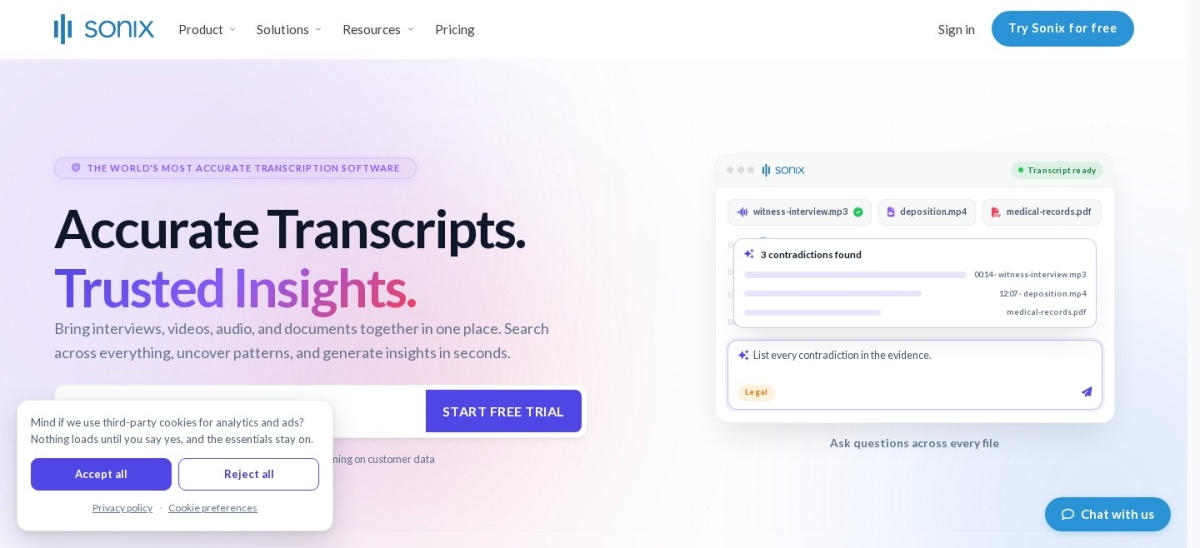
Sonix is a pay-as-you-go transcription app that charges 10 dollars per hour of audio, with no monthly subscription. It holds a 4.7 out of 5 G2 rating, but from only 27 reviews, and it supports more than 54 languages.
The trade off is the thin review base of 27 G2 reviews, and heavy users pay more than on a monthly plan. A subscription plan starts at 25 dollars a month for regular users.
Happy Scribe is a transcription app that also makes subtitles, supporting more than 120 languages. It holds a 4.6 out of 5 G2 rating from 118 reviews, and the Basic plan costs 17 dollars a month.
The trade off is price. The Basic plan costs more than Otter or Notta, and some sources list a lower annual price, so check the vendor page before you buy.
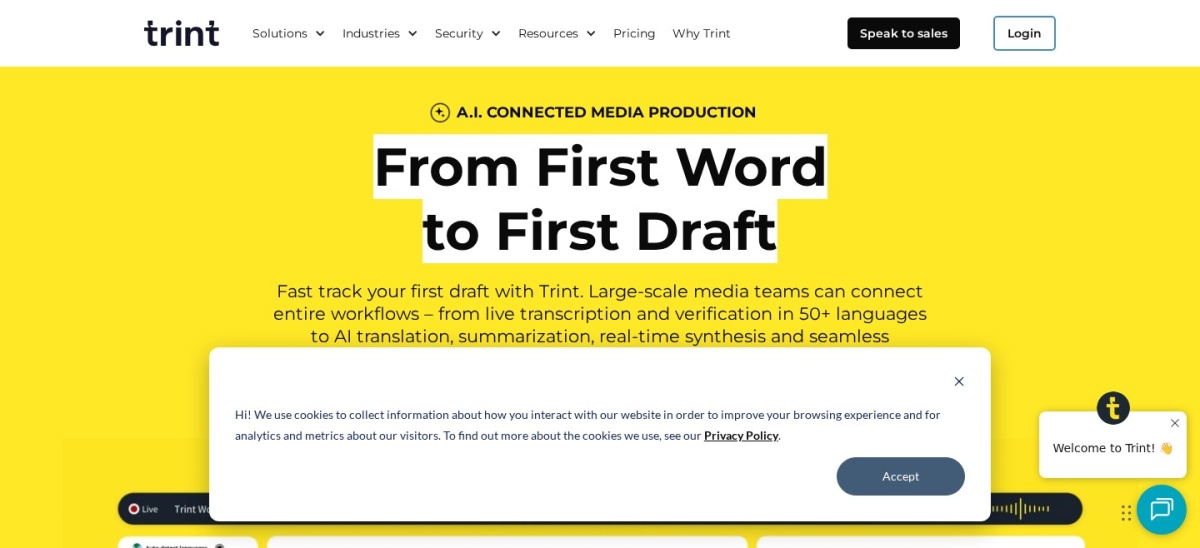
Trint is a transcription app built for newsrooms and media teams, with shared workspaces and a story builder for turning interviews into articles. It holds a 4.4 out of 5 G2 rating from 66 reviews, and the Starter plan costs 52 dollars a month on annual billing.
The trade off is price. Trint costs far more than Otter or Notta, and it suits teams who edit transcripts together rather than solo users.
Transkriptor is a budget transcription app that supports more than 100 languages and offers a free plan of 90 minutes. It holds a 4.7 out of 5 G2 rating from 100 reviews, and the Lite plan costs 9.99 dollars a month on annual billing.
The trade off is a smaller review base than Otter or Descript, and its meeting features are newer. It is also rated 4.8 out of 5 on Capterra from 551 reviews.
AI transcription costs cents per minute and returns text in minutes, which suits meetings, interviews and rough drafts. It makes mistakes, so proofread anything you publish.
Human transcription costs about 2 dollars a minute and takes hours, but it handles accents, crosstalk and technical terms far better. Rev is the only tool here that offers it.
For most users, AI plus a quick edit is enough. Use human transcription only when the text must be exact, such as for court, medical or published interviews.
How we chose
We started from the best-known transcription apps, then kept those with a public G2 rating and a published price.
Prices come from each vendor pricing page, checked in November 2026. Ratings and review counts come from G2 on the same day. Where a price could not be confirmed on the vendor page, the notes say so.
No vendor paid for a place, and we do not claim hands-on testing for this list.
How to choose transcription apps
Start with what you need most, then check the price and the free plan before you commit.
Decide live or upload. Live meeting bots suit daily calls. Upload suits interviews and recordings you already have.
Try the free plan first. Use the free minutes for a week on real meetings before you pay, and check the accuracy on your own voice.
Check the languages you need. Not every app supports every language well. Test one call in each language you use.
Compare the yearly price. Monthly billing costs more over a year. Check the annual figure before you commit.
FAQ
What is the best transcription app?
Otter is the best transcription app for most people, with live meeting notes, AI summaries and a free plan of 300 minutes a month. Rev is best for accuracy, and Descript is best if you also edit audio.
Is there a free transcription app?
Yes. Otter gives 300 free minutes a month, Notta gives 120 and Transkriptor gives 90. Free plans are enough for occasional meetings but not for daily use.
How accurate is AI transcription?
AI transcription is usually 90 to 95 percent accurate on clear speech, but it drops on fast talkers, accents and jargon. Human transcription is far more accurate and costs about 2 dollars a minute.
Can transcription apps join my meetings?
Yes. Otter, Fireflies, Notta and Transkriptor all send a bot to Zoom, Google Meet and Microsoft Teams calls to record and transcribe them automatically, without you pressing record.
Do transcription apps work in other languages?
Yes. Transkriptor supports more than 100 languages, Happy Scribe more than 120 and Notta 58. Otter focuses mainly on English, Spanish and French, so test your language first.
What does Otter cost?
Otter costs 8.33 dollars a month on annual billing for the Pro plan, which gives 1,200 minutes a month. The free plan gives 300 minutes a month.
SaaS SEO and WordPress specialist with about 8 years of experience. Rakib compares WordPress plugins, themes, hosting and software using public pricing, documentation and user reviews. See how we rank.