The best ui ux software for most product teams is Figma, which holds a 4.7 out of 5 rating across 1,603 G2 reviews and starts at $16 per month per full seat on annual billing. For teams needing low-cost visual whiteboarding or fast AI-assisted wireframes, Miro and Uizard offer practical alternatives with free tiers.
How we make this list: we compare pricing pages, product documentation and public user reviews, then re-check every price before each update. No product paid for a place. Disclosure.
Figma leads with a 4.7/5 rating from 1,603 G2 reviews and starts at $16/mo per full seat on annual billing.
Miro holds a 4.6/5 rating across 13,828 G2 reviews with entry plans starting at $8/mo per member annually.
Framer starts at $10/mo for hosted websites and carries a 4.5/5 rating across 162 G2 reviews.
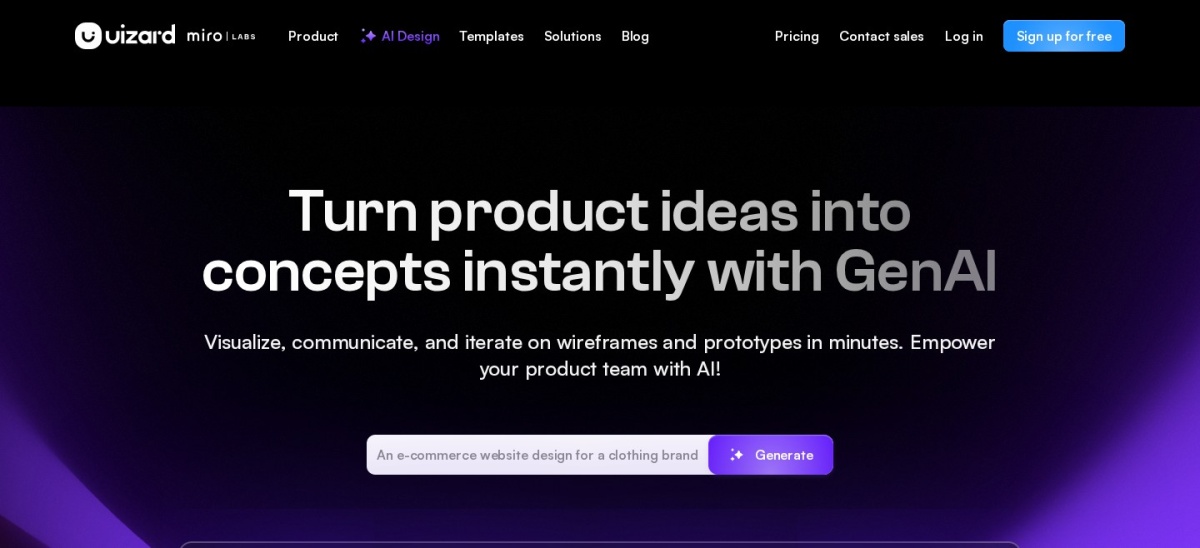
Uizard starts at $12/mo with a 4.5/5 rating from 45 G2 reviews for rapid prompt and sketch mockups.
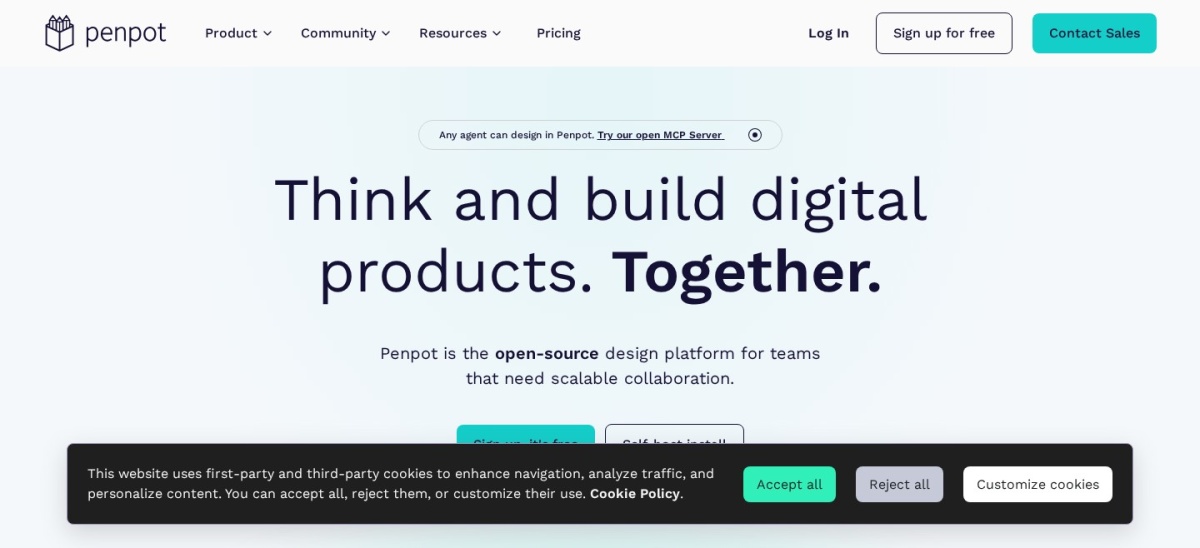
Penpot offers an open-source workspace with paid plans starting at $7/mo per editor and a 4.5/5 G2 rating.
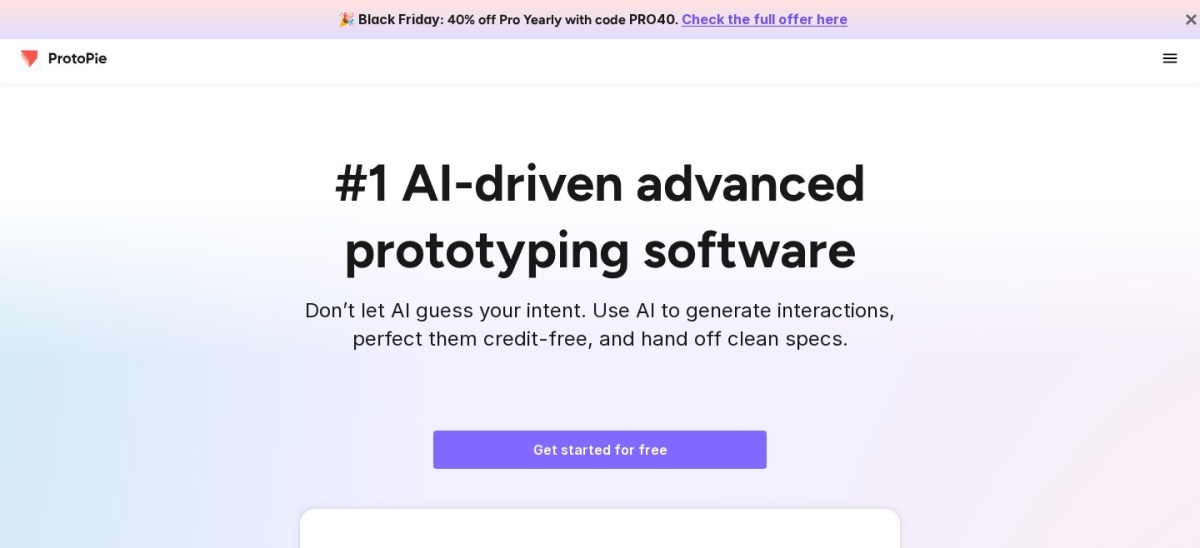
ProtoPie starts at $67/mo per editor for complex multi-device interactions and holds a 4.4/5 G2 rating across 24 reviews.
How do you choose the best ui ux software?
Interface design tools split between full design-system platforms and specialized stage tools. A team building multi-screen apps needs reusable components and developer handoff, while a team running early discovery may only need whiteboards or wireframes.
Per-seat billing changes the real cost faster than sticker prices suggest. Adding editors, reviewers, or extra seats can multiply a low monthly entry price across a product squad.
Free plans usually cap projects, editable boards, or monthly credits rather than core canvas features. Check those limits before building a client or team workflow around a free tier.
Platform support and export paths also shape long-term fit. Browser-first tools simplify real-time co-editing, whereas native desktop apps or hosted site builders fit different handoff habits.
For realistic multi-device and sensor-driven prototypes
$67/mo
Free plan
4.4/5
Price ladder: cheapest paid plan per year
List prices, USD, checked Nov 2026
PenpotFREE$84
MiroFREE$96
FramerFREE$120
Sketch$144
UizardFREE$144
FigmaFREE$192
ProtoPieFREE$804
The 7 best ui ux software
01
Figma
4.7/5on G2 (1,603 reviews, checked Nov 2026)
Paid from$16/mo
Best for collaborative UI design and shared design systems
Rating4.7/5 on G2
Entry paid price$16/mo (annual)
Free planYes (Starter)
Core focusUI, prototyping, systems
figma.com
Figma homepage, captured Nov 2026.
Figma is a browser-based interface design and prototyping platform used for shared component libraries, interactive flows, and developer handoff. Its free Starter plan includes drafts, UI kits, and templates alongside monthly AI credits.
The trade off is that paid plans start at $16 per month per full seat on annual billing, and seat rules or AI credit usage can add cost for larger teams. It suits product teams that need real-time collaboration and maintainable design systems.
What we like
Real-time multi-user editing in the browser
Strong component variants, libraries, and Dev Mode
Large plugin and template ecosystem
Free Starter plan available
Watch out for
Seat tiers and add-ons can raise team costs
Steeper learning curve for occasional editors
Paid plans add unlimited files, team libraries, and expanded Dev Mode access.Visit figma.com
02
Miro
4.6/5on G2 (13,828 reviews, checked Nov 2026)
Paid from$8/mo
Best for user flows, discovery workshops, and visual mapping
Rating4.6/5 on G2
Entry paid price$8/mo (annual)
Free planYes (3 editable boards)
Core focusWhiteboarding and flows
miro.com
Miro homepage, captured Nov 2026.
Miro is a visual collaboration workspace for user journey mapping, workshops, diagramming, and product planning. Its free plan supports unlimited members with three editable boards and basic templates.
The trade off is that paid plans start at $8 per member per month billed annually, and it is not a replacement for detailed UI screen production. It suits product and UX teams mapping flows and aligning stakeholders early.
What we like
High review volume with a 4.6/5 rating on G2
Low entry pricing at $8/mo billed annually
Free plan includes unlimited members
Extensive templates and workflow integrations
Watch out for
Free plan caps editable boards at three
Not built for pixel-level UI screen production
Paid plans lift editable board limits and add private boards and larger AI allowances.Visit miro.com
03
Sketch
4.5/5on G2 (1,228 reviews, checked Nov 2026)
Starts at$144/yr
Best for macOS-focused vector UI and local file workflows
Rating4.5/5 on G2
Entry paid price$144/yr Standard
Free planNo (30-day trial)
Core focusmacOS vector UI design
sketch.com
Sketch homepage, captured Nov 2026.
Sketch is a macOS interface design tool for vector editing, reusable symbols, and prototypes, with support for local files and offline work. It offers a 30-day trial rather than a permanent free tier.
The trade off is that the Standard plan starts at $144 per year (and a solo macOS license is listed at $120), while editing is tied to macOS. It suits Mac-based designers who want native performance and local file control.
What we like
Fast native macOS performance and offline support
Mature symbol and shared style system
Established plugin ecosystem
Watch out for
No permanent free tier
Native editing requires macOS
Paid plans add full workspace collaboration, cloud documents, and team permissions.Visit sketch.com
04
Framer
4.5/5on G2 (162 reviews, checked Nov 2026)
Paid from$10/mo
Best for designing and publishing interactive marketing websites
Rating4.5/5 on G2
Entry paid price$10/mo Basic
Free planYes (Framer domain)
Core focusInteractive web design
framer.com
Framer homepage, captured Nov 2026.
Framer is a visual website design and publishing tool that pairs canvas layout and animations with built-in hosting and CMS tools. Its free tier lets users explore designs on a Framer domain before upgrading.
The trade off is that paid plans start at $10 per month on Basic, and hosting or extra seats add cost as sites grow. It suits designers and teams shipping responsive marketing sites directly from a design canvas.
What we like
Combines visual layout, animations, and site publishing
Free tier available to test layouts
Straightforward responsive breakpoint controls
Watch out for
Focused on websites rather than full app systems
Extra editors and higher tiers increase ongoing cost
Paid plans add custom domains, CMS collections, and higher site limits.Visit framer.com
05
Uizard
4.5/5on G2 (45 reviews, checked Nov 2026)
Paid from$12/mo
Best for turning rough sketches and prompts into wireframes
Rating4.5/5 on G2
Entry paid price$12/mo Pro
Free planYes (3 projects)
Core focusRapid wireframes & mockups
uizard.io
Uizard homepage, captured Nov 2026.
Uizard is an interface prototyping tool that converts text prompts, screenshots, and hand-drawn sketches into editable screens and wireframes. Its free plan includes three projects and starter templates.
The trade off is that Uizard Pro starts at $12 per month, and complex multi-screen design systems are less flexible than in dedicated vector tools. It suits non-designers, founders, and product managers mocking up early ideas fast.
What we like
Quick screen generation from sketches and prompts
Accessible interface for non-designers
Free plan includes three projects
Watch out for
Free tier caps active projects at three
Less granular control for large design systems
Paid plans expand project and screen limits plus access to full template libraries.Visit uizard.io
06
Penpot
4.5/5on G2 (10 reviews, checked Nov 2026)
Paid from$7/mo
Best for open-source design workflows and standards-based handoff
Rating4.5/5 on G2
Entry paid price$7/mo per editor
Free planYes (up to 8 members)
Core focusOpen-source UI design
penpot.app
Penpot homepage, captured Nov 2026.
Penpot is an open-source UI design and prototyping tool built around open web standards and self-hosting or cloud options. Its free plan supports unlimited files and up to eight team members with 10 GB of storage.
The trade off is that paid plans start at $7 per editor per month, and its third-party plugin ecosystem is smaller than Figma's. It suits teams wanting open-source flexibility and predictable low-cost editor pricing.
What we like
Open-source foundation with self-hosting option
Lowest paid entry price at $7/mo per editor
Generous free tier for small teams
Watch out for
Smaller plugin and integration catalog than Figma
Lower review count on G2 compared to incumbents
Paid plans increase storage to 25 GB and extend version and file recovery history.Visit penpot.app
07
ProtoPie
4.4/5on G2 (24 reviews, checked Nov 2026)
Paid from$67/mo
Best for realistic multi-device and sensor-driven prototypes
Rating4.4/5 on G2
Entry paid price$67/mo Pro
Free planYes (2 prototypes)
Core focusAdvanced interaction logic
protopie.io
ProtoPie homepage, captured Nov 2026.
ProtoPie is a prototyping tool focused on conditional logic, variables, sensors, and interactions across connected screens or devices. Its free plan lets users build and share up to two prototypes.
The trade off is that the Pro plan starts at $67 per month per editor, making it much pricier than general design tools. It suits teams testing complex micro-interactions or hardware-linked flows before engineering.
What we like
Detailed conditional logic, variables, and interactions
Supports multi-device and sensor-driven testing
Free plan available for small experiments
Watch out for
Higher starting price at $67/mo per editor
Additional learning curve for complex interaction logic
Paid plans remove the two-prototype limit and add team libraries and handoff options.Visit protopie.io
Matching tools to workflow stages
Early product discovery rarely needs high-fidelity screen polish. Teams often map user flows and workshops in Miro or sketch quick concepts in Uizard before committing to a full design system.
Once layouts and component rules stabilize, teams typically move into Figma, Sketch, or Penpot for reusable components and developer handoff, while using Framer for published marketing pages or ProtoPie for complex device interactions.
How we chose
We selected established UI and UX software tools across interface design, whiteboarding, wireframing, prototyping, and web design workflows using public software directories and vendor pricing details.
All ratings, review counts, and entry prices were checked on 2026-11-29 from G2 product and pricing pages alongside comparative software guides.
We excluded discontinued tools and products without a verifiable public rating or clear starting paid price on the pages reviewed today. No vendor paid for a place, and we do not claim testing for this list.
How to choose the right tool for your team
Evaluate your workflow requirements and seat count before committing to a paid plan.
Define your primary output first. Decide whether you need component-driven app screens, journey maps, rapid wireframes, live websites, or advanced interaction prototypes.
Check free tier limits against real usage. Compare project caps, editable board limits, and storage allowances so you know when a free workspace will hit a wall.
Calculate total cost by role and billing cycle. Factor in per-editor pricing, annual versus monthly billing, and whether non-design stakeholders or developers need paid seats.
Verify collaboration and handoff compatibility. Make sure your chosen tool fits your operating system and gives engineers clear specs, assets, or prototypes without extra friction.
FAQ
What is the best ui ux software in 2026?
Figma is the top overall choice for most product teams, holding a 4.7 out of 5 rating across 1,603 G2 reviews with entry paid pricing starting at $16 per month per full seat on annual billing.
Which ui ux tool is best for low-cost entry pricing?
Penpot starts at $7 per month per editor and Miro starts at $8 per member per month on annual billing, making both budget-friendly options alongside free tiers.
Are there free ui ux software options?
Yes, Figma, Miro, Framer, Uizard, Penpot, and ProtoPie all offer free plans or entry tiers, though each caps projects, boards, storage, or prototypes.
How does Figma compare to Miro for UX work?
Figma is built for interface screens, component libraries, and developer handoff, while Miro focuses on visual whiteboarding, user flows, and team workshops starting at $8 per month annually.
Is Sketch still relevant for UI UX design?
Yes, Sketch holds a 4.5 out of 5 rating across 1,228 G2 reviews and remains a solid choice for macOS users who want native speed and local file workflows starting at $144 per year.
When should a team consider Framer or ProtoPie?
Framer fits teams designing and publishing interactive websites from a visual canvas starting at $10 per month, while ProtoPie fits complex multi-device and logic-heavy prototypes starting at $67 per month.
SaaS SEO and WordPress specialist with about 8 years of experience. Rakib compares WordPress plugins, themes, hosting and software using public pricing, documentation and user reviews. See how we rank.