For most creative teams, Magnific is the best upscaling software because it pairs generative detail controls with a 4.7/5 rating across 216 G2 reviews and plans starting at $174/yr billed annually. For browser-based photo batches, LetsEnhance fits frequent enlargements from $108/yr, while Canva suits light design work from $144/yr.
How we make this list: we compare pricing pages, product documentation and public user reviews, then re-check every price before each update. No product paid for a place. Disclosure.
Magnific leads the list at 4.7/5 on G2 (216 reviews), with annual billing starting at $14.50/mo ($174/yr) or $20/mo monthly.
LetsEnhance starts at $9/mo billed annually ($108/yr) for 100 monthly credits, or $12/mo billed monthly.
Canva starts at $12/mo equivalent ($144/yr) on Pro or $18/mo billed monthly, bundling upscaling into a full visual suite.
Adobe Firefly starts at $9.99/mo ($119.88/yr) for 2,000 monthly generative credits, with a 4.3/5 rating on G2 (594 reviews).
VanceAI starts at $15/mo ($180/yr) billed annually for 260 monthly credits, plus local Windows license options.
How do you choose the best upscaling software?
Resolution multipliers matter less than how many credits a single render burns. A 2x or 4x enlargement that keeps clean edges and natural texture beats a high-multiplier pass that introduces synthetic artifacts or wastes credits on retries.
Credit pools and billing cycles shape your real monthly bill. Many browser upscalers charge more credits as output size climbs, and monthly vs. annual billing can change your cost per image noticeably.
Local desktop processing and browser workflows solve different bottlenecks. Running models on your own hardware avoids upload queues and credit meters, while cloud workspaces let you upscale from any laptop without local GPU limits.
Bundle overlap can save you a separate subscription. If you already pay for a design suite or creative platform with built-in enhancement tools, check its monthly credit allowance before adding a standalone upscaler.
For free local GPU upscaling without credit meters
$299.88/yr
Free plan
4/5
Price ladder: cheapest paid plan per year
List prices, USD, checked Nov 2026
FotorFREE$108
LetsEnhanceFREE$108
FireflyFREE$120
CanvaFREE$144
MagnificFREE$174
VanceAIFREE$180
UpscaylFREE$300
The 7 best upscaling software
01
Magnific
4.7/5on G2 (216 reviews, checked Nov 2026)
Paid from$174/yr
Best for creative detail and high-res upscaling
Entry planPremium ($174/yr or $20/mo)
Annual credits240,000/yr (20,000/mo)
Billing modelShared credit pool
PlatformWeb canvas & API
magnific.com
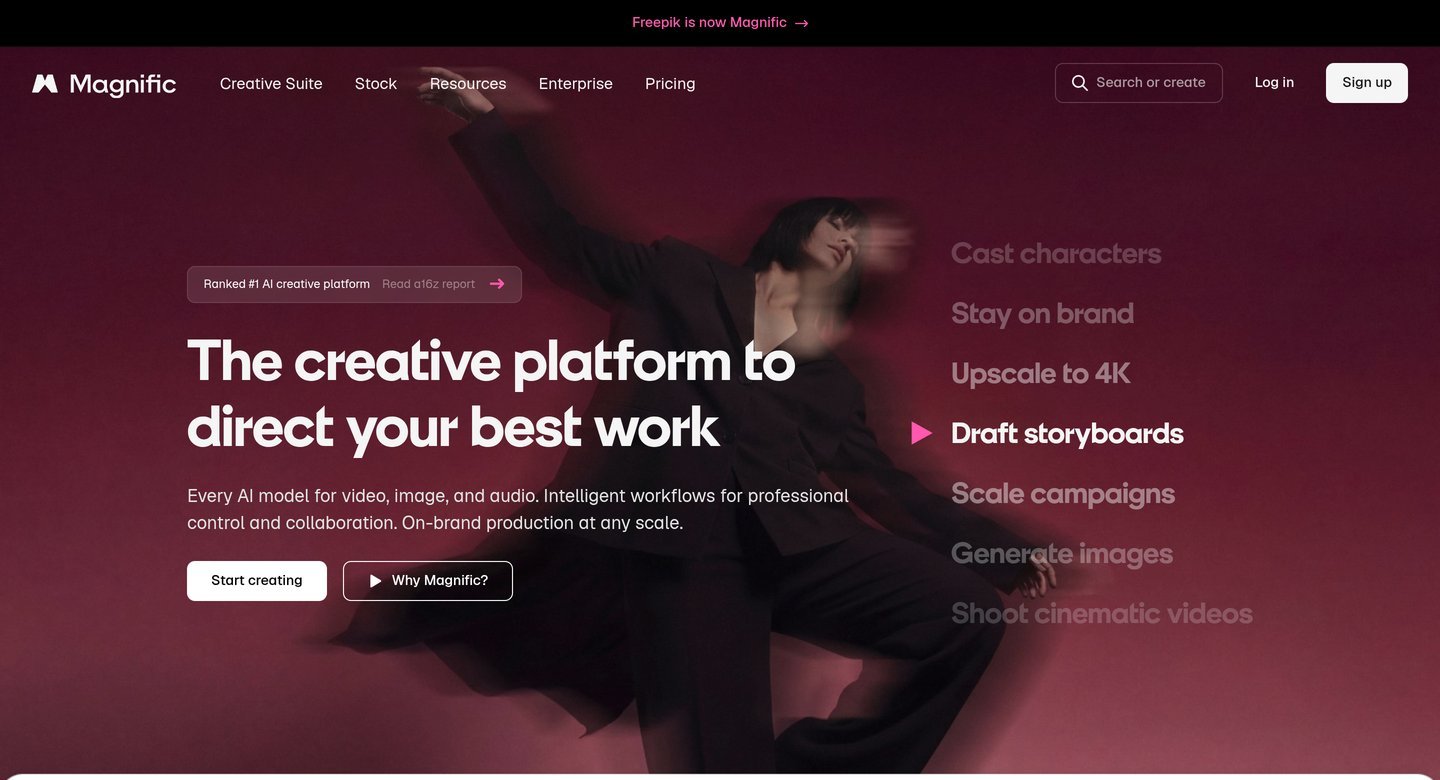
Magnific homepage, captured Nov 2026.
Magnific is an AI visual and upscaling platform (which merged with Freepik in April 2026) offering a free plan with up to 20 daily AI image generations on its in-house model for personal use with attribution. Paid plans start on Premium at $20/mo monthly or $14.50/mo billed annually ($174/yr) with 240,000 annual credits.
The trade off is that upscaling draws from a shared credit pool and higher output resolutions or extra attempts consume more credits quickly, at $174/yr on annual Premium. It suits designers and studios who want granular detail controls alongside image and video tools in one workspace.
What we like
Strong 4.7/5 rating across 216 G2 reviews
Detailed creative, resemblance, and resolution controls
27.5% savings on annual Premium billing ($174/yr vs. $240/yr monthly rate)
Watch out for
Shared credits can burn fast on high-resolution renders and retries
Higher-tier models and Topaz integration sit on pricier plans
Paid plans add commercial rights, higher credit pools, and access to expanded models.Visit magnific.com
02
LetsEnhance
4.1/5on Trustpilot (190 reviews, checked Nov 2026)
Paid from$108/yr
Best for browser-based batch image upscaling
Entry planStarter ($9/mo yr or $12/mo)
Monthly credits100 credits (up to 600 rollover)
Max input24MP or 50MB
PlatformWeb browser
letsenhance.io
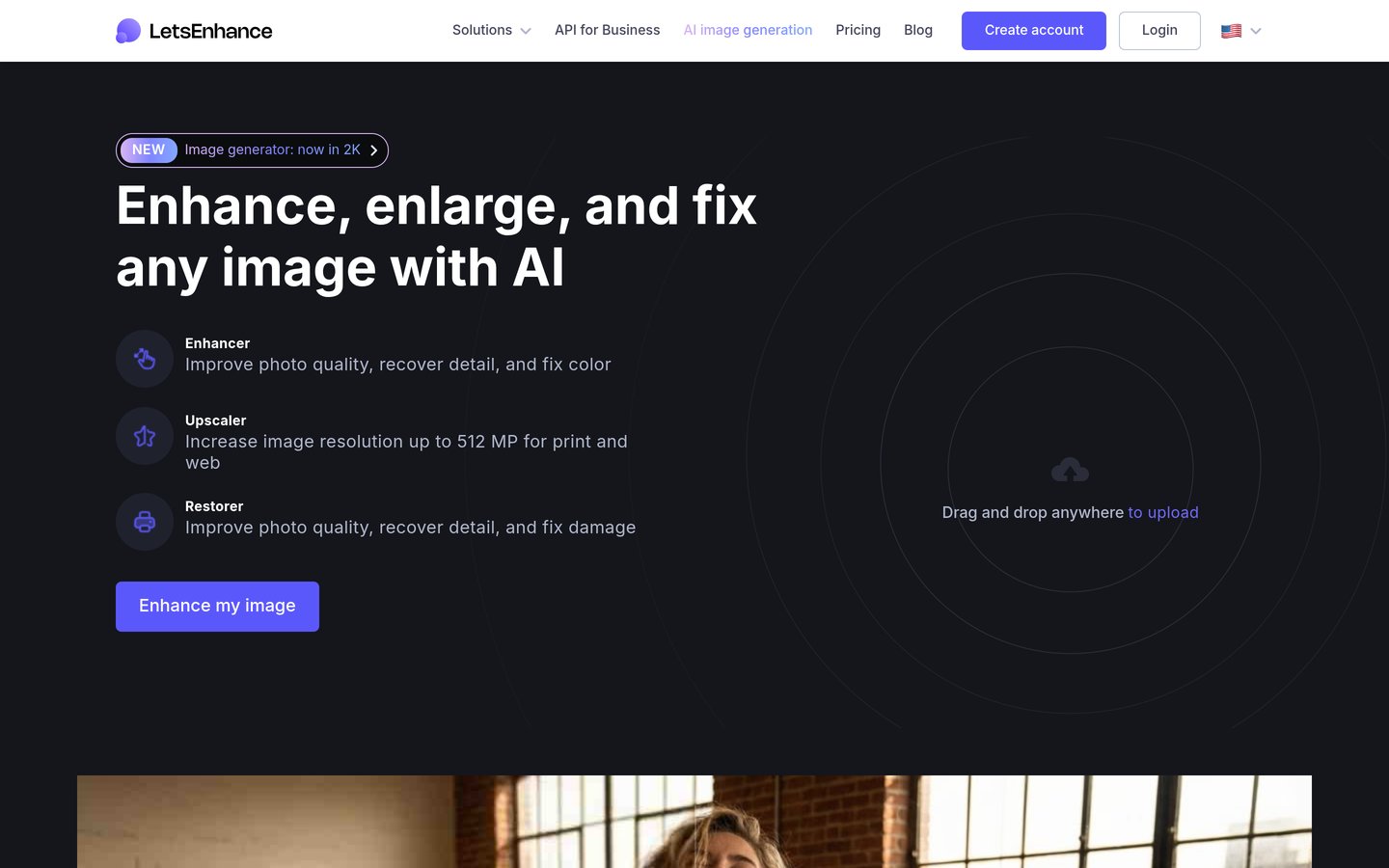
LetsEnhance homepage, captured Nov 2026.
LetsEnhance is a browser-based AI image enhancer and upscaler that gives new users 10 free credits on signup without a credit card. Its cheapest paid tier, Starter, costs $9/mo billed annually ($108/yr) or $12/mo billed monthly for 100 monthly credits.
The trade off is that monthly credit allowances cap volume and video upscaling requires paid features rather than free signup credits, at $108/yr on annual Starter. It suits e-commerce sellers, print buyers, and marketers who want fast browser batching without desktop installs.
What we like
Low entry price at $9/mo billed annually ($108/yr)
10 free credits on signup with no credit card required
Unused credits roll over on personal plans up to six times the monthly allowance
Watch out for
100 monthly Starter credits limit heavy daily batching
Some users report occasional over-processing on faces or background details
Best for everyday marketing graphics and quick upscales
Entry planPro ($144/yr or $18/mo)
Free tier$0 (capped monthly AI uses)
Seat rule1 person per Pro account
PlatformWeb, desktop & mobile
canva.com
Canva homepage, captured Nov 2026.
Canva is an online visual design suite that includes AI image and video enhancement tools alongside templates and brand kits, starting with a free plan. Canva Pro costs $18/mo billed monthly or $144/yr billed annually for one person (a 50% promo applies to the first 3 months on eligible monthly sign-ups).
The trade off is that Pro covers a single user and caps AI allowances rather than acting as a dedicated heavy-duty restoration engine, at $144/yr annually. It suits small businesses, social media managers, and non-designers who want upscaling inside their main layout tool.
What we like
4.7/5 rating across 7,902 G2 reviews
Keeps upscaling, layout templates, and brand kits in one place
Usable free tier for light personal or basic design work
Watch out for
Pro is licensed per individual rather than shared across a team
Less specialized for deep photo restoration than dedicated upscalers
Paid plans expand AI usage allowances, template access, storage, and brand kit controls.Visit canva.com
04
Adobe Firefly
4.3/5on G2 (594 reviews, checked Nov 2026)
Paid from$119.88/yr
Best for teams already working in Adobe tools
Entry planFirefly Standard ($9.99/mo)
Monthly credits2,000 generative credits
Free tier$0 (limited credits)
PlatformWeb, mobile & Adobe apps
adobe.com
Adobe Firefly homepage, captured Nov 2026.
Adobe Firefly is Adobe's generative AI and image enhancement platform with a free tier that provides limited credits. The cheapest standalone paid plan, Firefly Standard, costs $9.99/mo ($119.88/yr) for 2,000 monthly generative credits (promotional intro pricing may also appear on select offers).
The trade off is that monthly credits reset without rollover and Firefly Standard stays on web and mobile rather than bundling desktop Creative Cloud apps, at $119.88/yr. It suits creatives already in the Adobe ecosystem who want cohesive asset workflows.
What we like
4.3/5 rating across 594 G2 reviews
Low $9.99/mo entry price for 2,000 monthly credits
Connects directly with Adobe creative workflows
Watch out for
Unused monthly credits do not roll over
Fine details or complex prompts can require extra credit-spending retries
Best for cloud and Windows photo plus video upscaling
Entry planStarter ($15/mo yr or $180/yr)
Monthly credits260 credits/mo (200 + 60 bonus)
Scale optionsUp to 8x image & video AI
PlatformWeb & Windows desktop
vanceai.com
VanceAI homepage, captured Nov 2026.
VanceAI is an AI photo and video enhancement suite offering free trial credits so you can test processing before subscribing. Its annual Starter plan costs $15/mo billed annually ($180/yr) for 260 monthly credits, with separate Windows desktop licenses also available.
The trade off is that subscription credits tie into ongoing cloud usage while Trustpilot reviewers report mixed support response times, at $180/yr on annual Starter. It suits users who want both image and video upscaling models under one vendor.
What we like
Covers both AI image and video upscaling plus restoration tools
Free trial credits let you preview outputs before paying
Offers local Windows PC licenses alongside web credit plans
Watch out for
Small 2-review sample on G2 (4.5/5) and mixed customer support feedback on Trustpilot
Multi-step or 4K/8K tasks consume more credits per run
Paid plans provide monthly credit allocations, higher output limits, and local Windows options.Visit vanceai.com
06
Fotor
4.5/5on Capterra (1,096 reviews, checked Nov 2026)
Paid from$107.88/yr
Best for quick one-click photo edits and enlargements
Entry planFotor Pro ($8.99/mo)
Free tierBasic edits with watermark
Core toolsAI upscale, batch & templates
PlatformWeb, desktop & mobile
fotor.com
Fotor homepage, captured Nov 2026.
Fotor is an online photo editor and design app with AI image upscaling and enhancement tools, starting with a free plan that limits exports and adds watermarks. Fotor Pro starts at $8.99/mo ($107.88/yr) with high-resolution downloads, batch editing, and 2GB of cloud storage.
The trade off is that Capterra and Trustpilot reviewers frequently flag subscription renewal and refund friction, at $107.88/yr on Fotor Pro. It suits casual creators who want simple one-click photo touch-ups and basic upscaling in one place.
What we like
4.5/5 rating across 1,096 Capterra reviews
Low $8.99/mo entry price with batch editing and high-res exports
Accessible interface with templates and quick AI tools
Watch out for
Reviewers on Capterra and Trustpilot cite billing and renewal complaints
Free plan watermarks and credit limits restrict serious output
Paid plans remove watermarks, unlock high-res exports and batch tools, and add cloud storage.Visit fotor.com
07
Upscayl
4/5on Trustpilot (118 reviews, checked Nov 2026)
Paid from$299.88/yr
Best for free local GPU upscaling without credit meters
Desktop appFree & open-source (AGPL-3.0)
Paid cloud tierPro ($24.99/mo for 300 credits)
Cloud max sizeUp to 256MP on Pro
PlatformWindows, macOS & Linux
upscayl.org
Upscayl homepage, captured Nov 2026.
Upscayl is a free, open-source desktop upscaler that processes images locally on your GPU across Windows, macOS, and Linux with no local credit meter. For users without a capable local GPU, Upscayl Cloud offers paid plans starting at $24.99/mo ($299.88/yr) for 300 monthly credits.
The trade off is that local speeds depend on your own GPU while the paid cloud tier costs $24.99/mo ($299.88/yr) for 300 credits. It suits privacy-conscious and budget-minded users who can run local models on their own machine.
What we like
Free, open-source desktop software with no local credit limits or watermarks
Runs locally across Windows, macOS, and Linux
Optional cloud tier supports high-megapixel jobs without local hardware
Watch out for
Paid cloud Pro plan ($24.99/mo) costs more per year than several image-focused rivals
Local batch performance depends heavily on your graphics hardware
Upscayl Cloud adds hosted processing up to 256MP on Pro, credit rollover, and AI image generation.Visit upscayl.org
How credit meters compare to local upscaling
Cloud upscalers meter work in credits so servers absorb the compute cost, which means larger dimensions or multiple retries can shrink your monthly image count faster than expected.
Local desktop tools shift compute cost onto your own computer, trading subscription caps for hardware speed and longer render times on older laptops.
How we chose
We selected 7 established upscaling tools that cover dedicated image enlargement, creative generation suites, design editors with AI enhancement, and local or cloud workflows.
All prices, plan structures, and review counts were checked on 29 Nov 2026 using official pricing pages and public review directories (G2, Capterra, and Trustpilot).
We excluded tools lacking verified public pricing or clear rating data on the checked pages. No vendor paid for a place, and we do not claim testing for this list.
How to pick the right upscaler for your workflow
Follow four steps before committing to a monthly or annual upscaling plan:
Match output size to your real destination. Decide whether you need web-ready assets, print files, or video frames so you do not overpay for scale factors or resolution tiers you rarely use.
Estimate monthly credit burn including retries. Test sample images first and count extra passes when adjusting sharpness or detail sliders, since retries consume credits just like final exports.
Compare annual savings against monthly flexibility. Annual plans often lower the monthly rate, while monthly billing avoids locking in a full year before checking how fast your credits run out.
Check seat rules and existing software overlap. Confirm whether a plan is single-user or per-seat and check if your current design subscription already covers light upscaling needs.
FAQ
What is the best upscaling software in 2026?
Magnific is our top pick overall for creative upscaling and detail control, backed by a 4.7/5 G2 rating (216 reviews) and plans starting at $174/yr billed annually. LetsEnhance is a strong runner-up for browser batching from $108/yr.
How much does upscaling software usually cost?
Entry paid plans across the tools we listed range from $8.99/mo ($107.88/yr) on Fotor Pro and $9/mo billed annually ($108/yr) on LetsEnhance Starter up to $24.99/mo ($299.88/yr) on Upscayl Cloud Pro.
Are there free upscaling tools worth trying?
Yes, several tools offer free tiers or open-source access, including Upscayl for local GPU upscaling and free plans or trial credits on Magnific, LetsEnhance, Canva, Adobe Firefly, VanceAI, and Fotor.
Which upscaler fits beginners and small teams best?
Canva fits small businesses and non-designers who want templates, brand kits, and AI editing in one place, starting at $144/yr on annual Pro, while LetsEnhance suits straightforward browser upscaling from $108/yr.
Magnific vs. LetsEnhance: which should I pick?
Pick Magnific if you want generative detail controls and a broader creative canvas from $174/yr billed annually. Pick LetsEnhance if you want a lower entry price at $108/yr billed annually and straightforward browser batch image upscaling.
SaaS SEO and WordPress specialist with about 8 years of experience. Rakib compares WordPress plugins, themes, hosting and software using public pricing, documentation and user reviews. See how we rank.