Figma is the best user interface design software overall, pairing real-time browser collaboration and Dev Mode handoff with a free Starter plan and paid Full seats starting at $16/month billed annually. Teams on macOS looking for native offline speed or a one-time license can choose Sketch ($12/month yearly), while non-designers benefit from Uizard ($12/month yearly).
How we make this list: we compare pricing pages, product documentation and public user reviews, then re-check every price before each update. No product paid for a place. Disclosure.
Figma remains the default multi-platform UI tool with a 4.7/5 G2 rating across 1,598 reviews and $16/month annual Full seats.
Sketch offers the lowest annual subscription among traditional vector UI editors at $12/editor/month ($144/year) plus a $120 one-time Mac-only license.
Framer starts at $10/month billed annually per site, turning responsive interface layouts directly into live hosted web pages.
Enterprise prototyping tools cost significantly more, with Axure RP starting at $29/user/month and UXPin Core at $29/month on annual billing.
Every platform in our top 8 provides either a forever-free starter tier or a 14-to-30-day free trial without a credit card.
How do you choose the best user interface design software?
Choosing user interface design software comes down to whether your team needs a collaborative vector canvas, a code-backed prototyping environment, or a fast wireframing tool. Modern UI platforms have split into all-in-one browser suites and specialized tools built for conditional logic, sensor interactions, or direct web publishing.
Seat structure matters just as much as the headline monthly price. Tools like Figma separate Full design seats ($16/month annually) from cheaper Dev ($12/month) and Collab ($3/month) seats, whereas Sketch and Balsamiq include unlimited free reviewers on every paid workspace.
AI generation credits and Model Context Protocol (MCP) connections also separate current releases. Several editors now meter AI layout generation via monthly credit caps, while others like Sketch let you connect your own local AI coding client at no extra subscription fee.
Best for full-cycle UI design and team collaboration
PlatformsWeb, macOS, Windows, Linux
Free tier3 shared files, unlimited drafts
Cheapest paid$16/mo Full seat (billed annually)
Developer handoffBuilt-in Dev Mode ($12/mo Dev seat)
figma.com
Figma homepage, captured Nov 2026.
Figma is a browser-based interface design and prototyping platform built around real-time multiplayer editing, Auto Layout, and shared component variables. Its free Starter plan includes 3 collaborative design files, unlimited personal drafts, 30 days of version history, and 500 monthly AI credits capped at 150 per day.
The trade off is per-seat billing that scales quickly as teams add editors and developers. Professional Full seats cost $16/month billed annually ($20/month billed monthly) with 3,000 AI credits, while Dev seats add $12/month. It suits product teams and agencies needing one shared workspace from wireframe to code handoff.
What we like
Real-time multi-user editing across macOS, Windows, Linux, and browsers
Mature component libraries, variables, and Auto Layout responsiveness
Granular seat pricing with free View seats and $3/month Collab seats
Watch out for
Monthly AI credits meter features like Figma Make and image edits
Large files with heavy component variants can slow down navigation
Professional ($16/mo annual) unlocks unlimited team files, shared libraries, and 3,000 AI credits.Visit figma.com
Sketch is a native macOS vector interface editor paired with a browser workspace for commenting, version history, and developer handoff. While there is no permanent free plan, new users get a full-featured 30-day trial, and paid workspaces include unlimited free viewers and a local MCP server without AI credit caps.
The trade off is strict macOS dependence for editing, which blocks Windows or Linux designers from modifying files. Standard subscriptions cost $12/editor/month billed yearly ($14/month monthly), or $120 once for a perpetual Mac-only license with one year of updates. It suits solo Mac designers and Apple-centric product studios.
What we like
Fast native macOS performance with full offline file editing
Unlimited free viewers and browser developer handoff on every plan
Offers a $120 perpetual Mac-only license alongside subscriptions
Watch out for
Editing requires macOS; no Windows or Linux desktop editor
Smaller third-party ecosystem and plugin momentum than Figma
Standard ($12/editor/mo annual) adds real-time collaboration, 50GB storage per editor, and cloud libraries.Visit sketch.com
03
Balsamiq
4.2/5on G2 (501 reviews, checked Nov 2026)
Starts at$16/mo
Best for rapid low-fidelity wireframing
PlatformsWeb, Desktop
Free tier14-day free trial
Cheapest paid$16/editor/mo (billed annually)
ReviewersUnlimited free reviewers
balsamiq.com
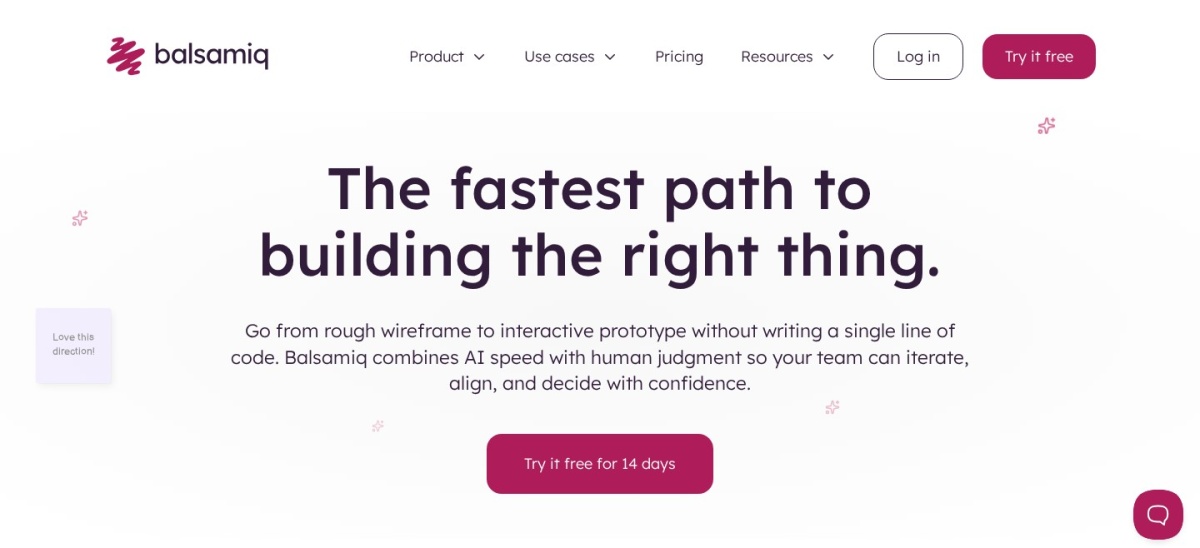
Balsamiq homepage, captured Nov 2026.
Balsamiq is an intentionally low-fidelity wireframing application designed to keep early product reviews focused on layout and user flow rather than colors or typography. It provides a 14-day free trial without a credit card, built-in drag-and-drop UI controls, clickable PDF exports, and an MCP server.
The trade off is that Balsamiq cannot produce high-fidelity visual mockups or developer CSS specs, so teams must switch tools later. Starter plans cost $16/editor/month billed annually ($192/year) for up to 10 projects and 500 monthly AI credits per editor. It suits product managers, business analysts, and founders validating early screen flows.
What we like
Low-fidelity sketch aesthetic prevents stakeholders from nitpicking colors early
Unlimited free reviewers can view and comment without extra seat fees
Very short learning curve for non-designers and product managers
Watch out for
No forever-free tier after the 14-day trial ends
Not suitable for high-fidelity UI polish or production design systems
Starter ($16/editor/mo annual) includes 10 projects, reusable UI components, and 500 AI credits/month.Visit balsamiq.com
04
Axure RP
4.2/5on G2 (277 reviews, checked Nov 2026)
Starts at$29/mo
Best for logic-heavy enterprise prototyping
PlatformsmacOS, Windows, Axure Cloud
Free tierFree trial; free for students/educators
Cheapest paid$29/user/mo (Pro)
Logic depthConditional logic, variables & math
axure.com
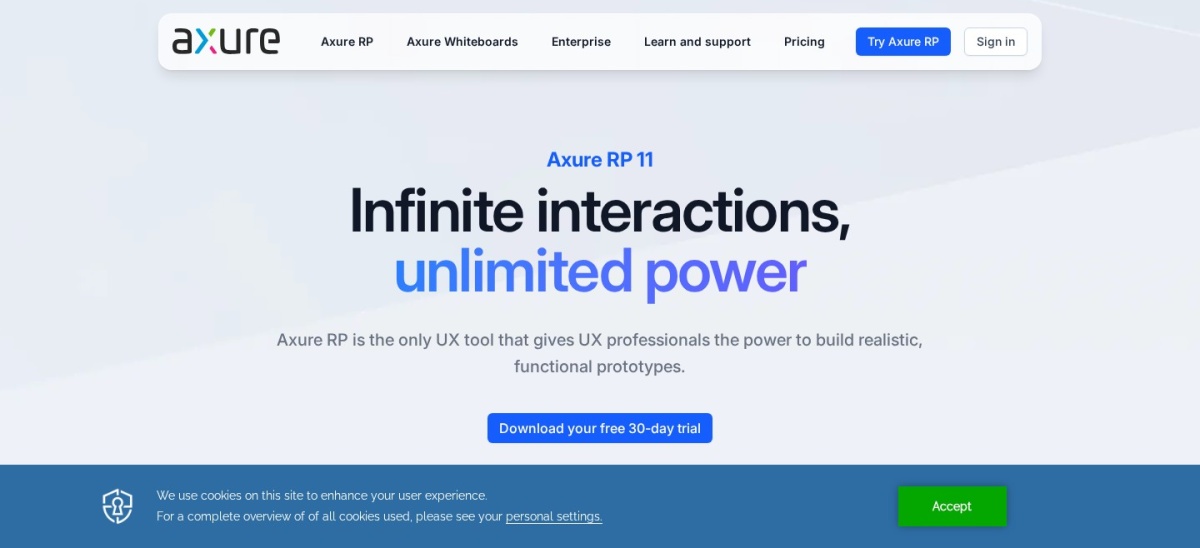
Axure RP homepage, captured Nov 2026.
Axure RP is a desktop wireframing and prototyping suite engineered for complex, data-driven software interfaces that require conditional logic, working form inputs, and dynamic panels without writing production code. Qualified students and educators receive free Team licenses, while commercial teams can start with a free trial.
The trade off is a steeper interface learning curve and higher per-user pricing than browser-first tools. Axure RP Pro costs $29/user/month for unlimited prototypes and diagrams, while co-authoring on the same file requires Axure RP Team at $49/user/month. It suits enterprise UX architects designing complex B2B workflows.
What we like
Handles multi-step conditional logic, variables, and working text fields
60% discount for nonprofits and educational institutions
Watch out for
Simultaneous team co-authoring requires the $49/user/month Team tier
Interface feels heavier and harder to learn than modern browser editors
Axure RP Pro ($29/user/mo) unlocks unlimited prototypes, cloud hosting, and automated spec generation.Visit axure.com
05
Marvel
4.4/5on G2 (227 reviews, checked Nov 2026)
Paid from$12/mo
Best for fast click-through prototypes and user tests
PlatformsWeb
Free tier1 user, 1 project (no time limit)
Cheapest paid$12/user/mo (billed annually)
User testingBuilt-in audio/video test recording
marvelapp.com
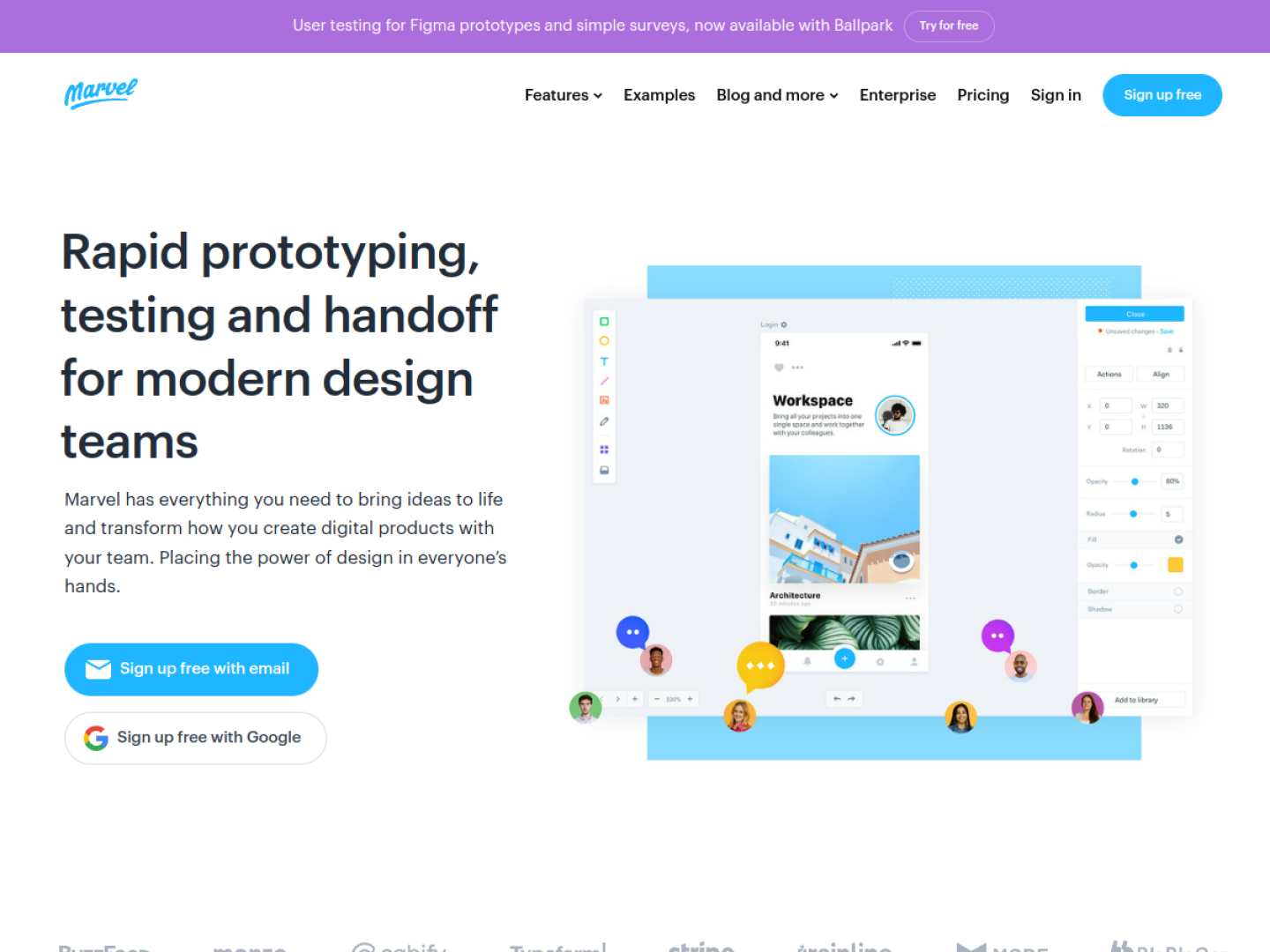
Marvel homepage, captured Nov 2026.
Marvel is a browser-based wireframing, click-through prototyping, and developer handoff tool that bundles built-in usability testing into the same workspace. Its forever-free plan supports 1 user and 1 active project with no time limit, letting individuals turn static mockups or synced Sketch screens into shareable links.
The trade off is limited vector drawing depth and animation controls compared to full design suites like Figma. Pro plans cost $12/user/month billed annually ($16/month billed monthly) for unlimited projects and 3 active user tests, while Team starts at $42/month annually for 3 users. It suits small teams needing fast stakeholder prototypes.
What we like
Includes built-in user testing with screen, audio, and video feedback
Forever-free single-user plan with straightforward browser onboarding
Automatic CSS, Swift, and Android XML handoff specs from uploaded screens
Watch out for
Limited native vector illustration and complex micro-interaction tools
Free tier restricts workspaces to a single active project
Pro ($12/user/mo annual) unlocks unlimited projects, 3 active user tests, and unbranded prototypes.Visit marvelapp.com
06
Framer
4.5/5on G2 (161 reviews, checked Nov 2026)
Paid from$10/mo
Best for turning web UI designs into live sites
PlatformsWeb, macOS, Windows
Free tierFramer subdomain, 10 CMS collections
Cheapest paid$10/site/mo (billed annually)
OutputLive hosted responsive website
framer.com
Framer homepage, captured Nov 2026.
Framer combines a freeform interface canvas with responsive breakpoints, interactive animations, and direct production website hosting. Its free plan is built for non-commercial exploration and includes up to 1,000 pages, 10 CMS collections, and 500 starting AI agent credits on a Framer subdomain.
The trade off is that Framer prices per published website plus extra editor seats, making it unsuitable for native mobile app UI design. Basic site plans start at $10/month billed annually with a custom domain and 50GB bandwidth, while additional editors cost $20/month each. It suits web designers shipping marketing sites without front-end handoff.
What we like
Publishes responsive layouts directly to a global CDN without code handoff
Familiar vector and layout canvas with Figma copy-paste import
Includes built-in CMS collections, localization options, and AI agents
Watch out for
Focused on websites rather than iOS, Android, or desktop app interfaces
Costs stack across multiple client sites plus $20/month per extra editor
Basic ($10/mo annual) connects a custom domain and includes 50GB monthly bandwidth and 1,000 AI credits.Visit framer.com
07
UXPin
4.2/5on G2 (118 reviews, checked Nov 2026)
Paid from$29/mo
Best for code-backed UI components and states
PlatformsWeb, macOS, Windows
Free tierLimited free plan + 14-day trial
Cheapest paid$29/seat/mo (billed annually)
AI allowance250 credits/mo + 100 per extra seat
uxpin.com
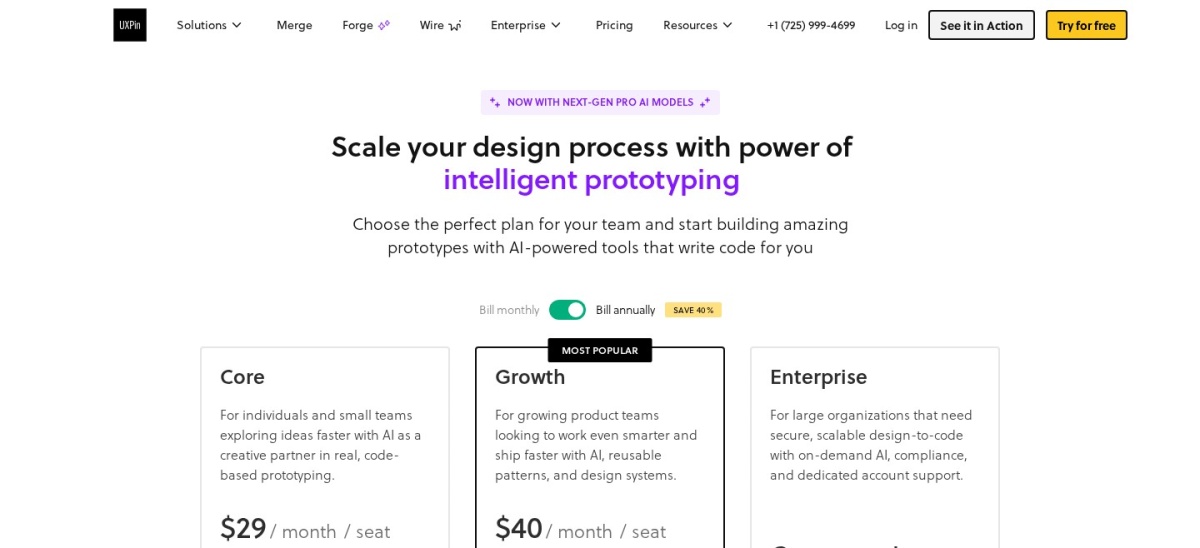
UXPin homepage, captured Nov 2026.
UXPin is a browser-based UI design and prototyping platform that renders interactive states, variables, expressions, and live React or Storybook components rather than static vector frames. Every account starts with a 14-day full-feature trial before dropping to a limited free tier with 50 monthly AI credits.
The trade off is a higher entry price than vector-only competitors once your trial ends. UXPin Core costs $29/seat/month billed annually ($49/seat/month billed monthly) and includes 250 monthly AI credits plus 100 credits per additional editor. It suits engineering-aligned design teams bridging design systems with production React code.
What we like
Supports interactive states, variables, expressions, and live form inputs
Merge technology lets designers prototype using real Git or Storybook components
Eliminates static artboard duplication for multi-state UI workflows
Watch out for
Entry paid tier starts at $29/seat/month even on annual billing
AI assistant actions consume monthly credits that require paid top-ups
Core ($29/seat/mo annual) unlocks unlimited prototypes, code-based prototyping, and 250 AI credits/month.Visit uxpin.com
08
Uizard
4.5/5on G2 (45 reviews, checked Nov 2026)
Paid from$12/mo
Best for AI-assisted wireframes by non-designers
PlatformsWeb
Free tier2 projects, 3 AI generations/mo
Cheapest paid$12/mo (Pro, billed annually)
Handoff exportReact and CSS code on Pro
uizard.io
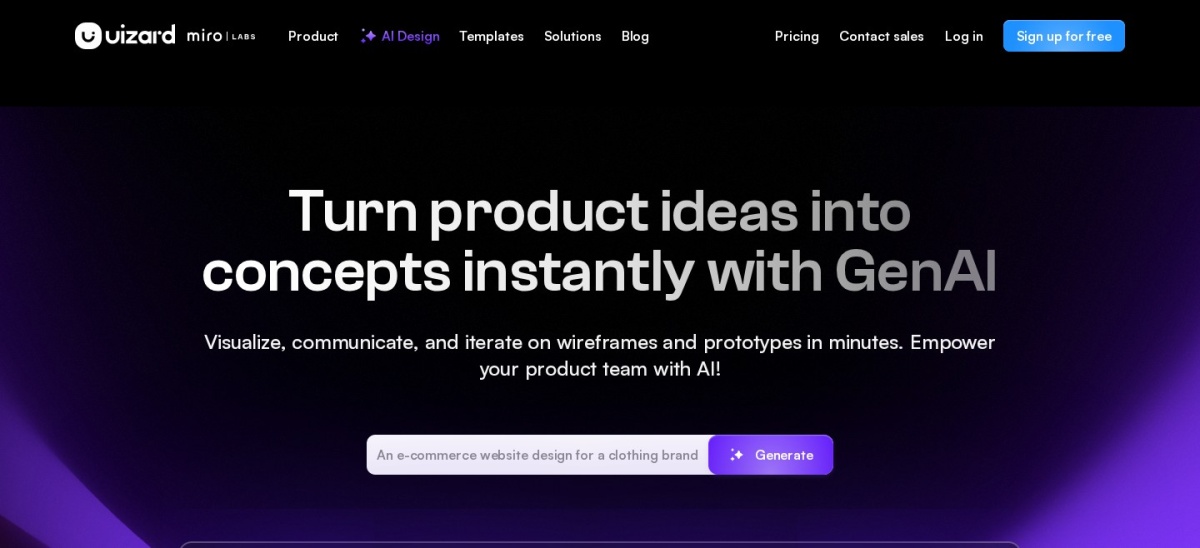
Uizard homepage, captured Nov 2026.
Uizard is a browser-based UI mockup tool built around AI text-to-screen generation, screenshot-to-editable-design conversion, and drag-and-drop templates. Its free plan covers 2 projects with up to 5 screens each, 10 templates, and 3 monthly AI generations.
The trade off is limited precision for complex design systems, token governance, or custom vector illustration compared to Figma. Pro plans cost $12/month billed annually, lifting limits to 500 monthly AI generations, 100 projects, private workspaces, and React or CSS handoff. It suits founders and product managers mocking up app concepts quickly.
What we like
Converts text prompts and uploaded app screenshots into editable UI layers
Accessible drag-and-drop workflow requires zero prior design software experience
Includes predictive attention heatmaps and React/CSS export on Pro
Watch out for
Free plan caps usage at 3 AI generations per month and 2 projects
Lacks deep design-token architecture for large multi-product teams
Pro ($12/mo annual) unlocks 500 AI generations/month, 100 projects, private files, and React/CSS export.Visit uizard.io
Watch how seat types change your real annual bill
Headline per-month rates rarely reflect what a full product squad pays. On Figma Professional ($16/month annually), a team of 3 designers, 4 developers, and 5 reviewers pays $111/month ($1,332/year) because Dev seats cost $12/month and Collab seats cost $3/month.
By contrast, Sketch ($12/editor/month annually) and Balsamiq ($16/editor/month annually) charge only for active editors while giving developers, clients, and stakeholders unlimited free viewer and inspection access. If your team has a high ratio of developers to designers, free developer handoff can cut annual software spend in half.
How we chose
We evaluated dedicated user interface design, wireframing, and interactive prototyping platforms with active product updates and verified user ratings on G2. We focused on tools that support core UI workflows including screen layout, reusable components, interactive flows, and developer handoff.
All pricing tiers, free plan limits, G2 ratings, and review counts were verified directly from official vendor pricing pages and G2 product listings on 29 Nov 2026. Yearly prices reflect each vendor's cheapest regular annual plan per user or site.
We excluded discontinued or unmaintained editors, general graphic design tools without UI prototyping workflows, and platforms with fewer than 20 verified public reviews. No vendor paid for a place, and we do not claim testing for this list.
How to pick the right UI design software for your workflow
Follow these four steps to match a UI tool's capabilities and seat model to your team before paying for annual licenses.
Match fidelity to your current product stage. Use low-fidelity wireframing tools like Balsamiq when validating early layouts so stakeholders focus on structure, and move to Figma or Sketch once you need pixel-accurate components and brand tokens.
Audit your editor-to-viewer ratio before buying seats. Count how many people actually edit screens versus how many only inspect CSS or leave comments, then compare Figma's tiered Full/Dev/Collab seats against tools with unlimited free viewers.
Check operating system and offline requirements. Confirm whether every designer works on macOS before choosing Sketch, or pick a browser-based platform like Figma, Framer, or Uizard if your team mixes Windows, Mac, and Linux machines.
Test developer handoff and prototype logic on a free tier. Run a single multi-screen flow through a free plan or trial to verify whether basic click-through transitions suffice or if your app requires Axure RP or UXPin conditional variables.
FAQ
What is the best user interface design software in 2026?
Figma is the best user interface design software in 2026, earning a 4.7/5 G2 rating across 1,598 reviews. It combines real-time browser collaboration, Auto Layout, reusable design systems, and Dev Mode handoff, with a free Starter plan and paid Full seats starting at $16/month billed annually.
What is the best free user interface design software?
Figma offers the strongest free plan for UI design, giving individuals 3 shared design files, unlimited personal drafts, UI kits, and 500 monthly AI credits at $0. Marvel (1 project) and Uizard (2 projects, 3 AI generations/month) also offer forever-free starter tiers.
How much does user interface design software cost?
Entry paid plans range from $10/month billed annually for Framer Basic ($120/year per site) to $29/month billed annually for Axure RP Pro and UXPin Core ($348/year per user). Most mainstream editors like Sketch ($12/month) and Figma ($16/month) fall between $144 and $192 per editor per year.
Which UI design tool is easiest for beginners and non-designers?
Uizard and Balsamiq are the easiest UI tools for beginners. Uizard ($12/month annually) generates editable screens from plain text prompts and screenshots, while Balsamiq ($16/month annually) uses drag-and-drop wireframe blocks that require zero vector illustration skills.
Figma vs Sketch: which should you choose?
Choose Figma ($16/month annual Full seat) if your team collaborates across Windows, Mac, and browsers or relies on real-time multiplayer editing. Choose Sketch ($12/month annual editor seat or $120 one-time Mac license) if everyone works on macOS and wants fast offline performance with unlimited free web viewers.
SaaS SEO and WordPress specialist with about 8 years of experience. Rakib compares WordPress plugins, themes, hosting and software using public pricing, documentation and user reviews. See how we rank.