ScreenPal is the best software to create educational videos for most teachers and independent course creators, with screen recording, editing and video quizzes from $4 per month billed annually. Choose Camtasia for detailed software demonstrations or Powtoon for animated lessons that explain abstract concepts without a camera.
How we make this list: we compare pricing pages, product documentation and public user reviews, then re-check every price before each update. No product paid for a place. Disclosure.
ScreenPal offers unlimited free recordings of up to 15 minutes each, with paid plans starting at $48 per year.
Camtasia Essentials costs $179.88 per year and includes quizzes, cursor effects and SCORM export.
Powtoon Lite costs $180 per year and supports animated videos up to 10 minutes long.
Descript Hobbyist includes 10 media hours and 400 AI credits per month.
HeyGen has the highest G2 rating in this comparison, at 4.8/5 from 1,978 reviews.
Vyond Starter costs $699 per year, making it better suited to organizations producing educational videos regularly.
How do you choose the best software to create educational videos?
The lesson format should determine which software you buy. Screen recording works well for software demonstrations, narrated slides suit academic lectures, and character animation helps explain situations that are difficult to film.
Free educational video software can cover short lessons. ScreenPal allows recordings of up to 15 minutes without a paid subscription, while Loom limits free recordings to 5 minutes. Longer classes require careful attention to these restrictions.
Accessibility matters as much as visual presentation. Look for editable captions, clear narration, readable text and video exports that students can access through your learning platform.
AI presenters reduce the need for cameras and repeated recording sessions. However, generated explanations, pronunciations and visual examples still need review by someone who understands the subject.
Interactive learning requires more than a standard video editor. If you need graded questions, completion tracking or SCORM packages, check whether the software supports those features directly or requires a separate learning management system.
The 8 best software tools to create educational videos
01
ScreenPal
4.5/5on G2 (139 reviews, checked Nov 2026)
Paid from$4/mo
Best for affordable educational video creation
Free recording length15 minutes
Paid recording lengthUnlimited
Video quizzes5 on Solo Deluxe
Entry planSolo Deluxe, billed annually
screenpal.com
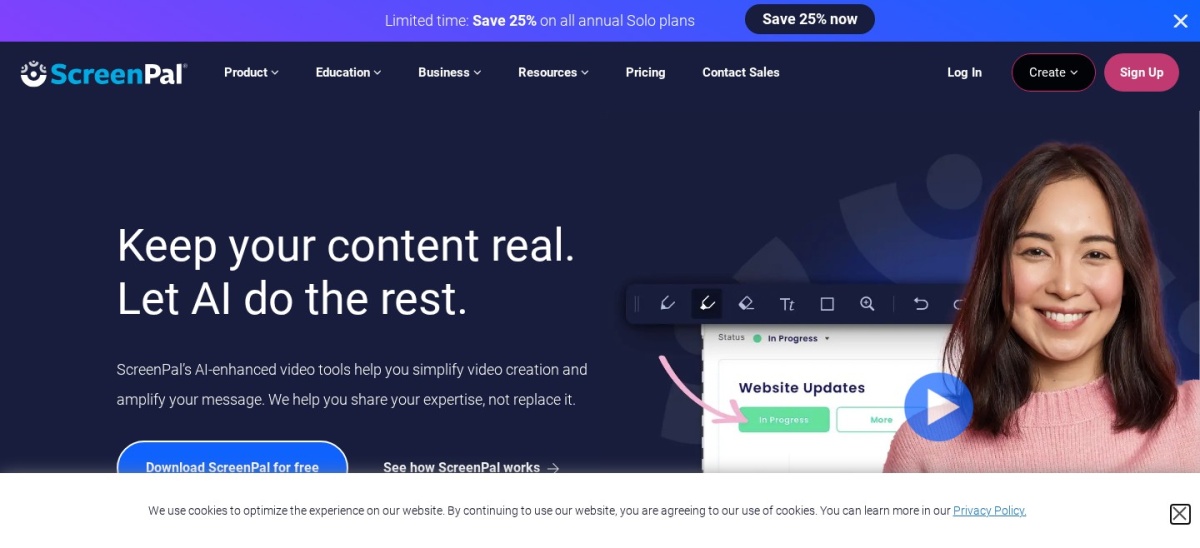
ScreenPal homepage, captured Nov 2026.
ScreenPal is a screen recording, video editing and hosting platform suited to teachers and independent educators. Its free plan supports unlimited recordings of up to 15 minutes each, while Solo Deluxe adds longer recordings, integrated editing, automatic captions and five video quizzes.
The trade off is that advanced interactive and AI features require higher subscriptions. Solo Deluxe regularly costs $4 per month billed annually, temporarily reduced to $3 during the holiday promotion. It suits educators who want recording, editing and lesson delivery without separate software subscriptions.
What we like
Unlimited number of free recordings
Affordable annual subscription
Built-in screen annotation tools
Video hosting and quizzes
Automatic caption generation on paid plans
Watch out for
Free recordings have a 15-minute limit
Advanced interactive features require higher plans
Less suitable for complex character animation
Solo Deluxe adds longer recordings, integrated editing and quizzes.Visit screenpal.com
02
Camtasia
4.6/5on G2 (1,791 reviews, checked Nov 2026)
Paid from$39/yr
Best for detailed software tutorials and courses
Cheapest suite planStarter
Full video editorEssentials, $179.88/yr
Recording resolutionUp to 4K
SCORM exportEssentials and above
techsmith.com
Camtasia homepage, captured Nov 2026.
Camtasia is TechSmith's software suite for recording demonstrations and producing instructional videos. Its $39 annual Starter subscription includes Snagit for screen capture and recording, while Essentials provides the full Camtasia Editor with multitrack editing, cursor controls and learning-focused features.
The trade off is that the cheapest subscription does not include the full paid Camtasia Editor. Educators needing watermark-free video editing, quizzes and SCORM export should budget $179.88 per year for Essentials. It suits course developers producing detailed demonstrations that require precise control over visual explanations.
What we like
Cursor highlighting for software demonstrations
Editable screen recording tracks
Quiz creation and SCORM export on Essentials
Caption generation and transcription
Established instructional video workflow
Watch out for
Starter does not unlock the full paid editor
Full instructional editing requires a more expensive subscription
Individual subscriptions are nontransferable
Starter adds Snagit recording tools; Essentials unlocks the full video editor.Visit techsmith.com
03
Powtoon
4.4/5on G2 (287 reviews, checked Nov 2026)
Paid from$15/mo
Best for animated classroom explainers
Free video length3 minutes
Lite video length10 minutes
Paid export resolution1080p
Lite AI allowance300 annual credits
powtoon.com
Powtoon homepage, captured Nov 2026.
Powtoon is an animation and presentation platform that helps educators explain concepts through characters, illustrations and moving text. Its free subscription allows videos lasting up to 3 minutes, with basic templates, screen recording and watermarked 720p output.
The trade off is limited export capacity on the entry subscription. Lite costs $15 per month billed annually and permits five watermark-free exports each month, with videos lasting up to 10 minutes. It suits educators creating short visual explanations rather than recording full-length lectures.
What we like
Character-based animated explanations
Templates reduce lesson design time
Free subscription for short projects
Full HD exports on Lite
Separate education subscription options
Watch out for
Free videos include branding
Lite restricts watermark-free monthly exports
AI features consume credits
Lite adds longer videos, HD downloads and limited unbranded exports.Visit powtoon.com
04
Descript
4.6/5on G2 (942 reviews, checked Nov 2026)
Paid from$16/mo
Best for editing narrated lessons through text
Editing methodTranscript and timeline
Hobbyist media allowance10 hours/month
Hobbyist AI credits400/month
Hobbyist exports1080p without watermark
descript.com
Descript homepage, captured Nov 2026.
Descript is a video and audio editor that lets educators modify recordings by editing their transcripts. Its Hobbyist subscription includes 10 monthly media hours, 400 AI credits, speech editing and full HD video exports without branding.
The trade off is that recording-heavy courses can exceed the monthly media allowance. Hobbyist costs $16 per month with annual billing, compared with $24 on monthly billing, and higher-resolution exports require Creator. It suits lecturers, educational YouTubers and instructors who regularly edit spoken explanations.
What we like
Text-based editing reduces manual cutting
Built-in screen recording
Automatic transcription and captions
Tools for improving recorded speech
Suitable for repurposing long lectures
Watch out for
Monthly media processing limits
AI features use credits
4K exports require a higher subscription
Hobbyist adds more media processing capacity and watermark-free 1080p exports.Visit descript.com
05
Loom
4.7/5on G2 (2,625 reviews, checked Nov 2026)
Paid from$18/mo
Best for quick lessons and student feedback
Free video allowance25 videos
Free recording length5 minutes
Paid recording lengthUnlimited
Entry planBusiness
loom.com
Loom homepage, captured Nov 2026.
Loom is a screen and webcam recording application designed for sharing video explanations without a lengthy editing process. Its Starter subscription supports 25 videos per person, recordings of up to 5 minutes, captions, transcripts and viewer comments.
The trade off is that Loom prioritizes quick communication over detailed video production. Business costs $18 per user per month at the displayed monthly rate and removes recording length and video count restrictions. It suits teachers giving assignment feedback, demonstrating short tasks or answering recurring student questions.
What we like
Simple screen and webcam recording
Immediate video sharing
Viewer comments support feedback
Transcriptions and closed captions
Large independent review base
Watch out for
Short recording limit on Starter
Limited advanced editing controls
Not designed for complex animated lessons
Business removes recording limits and adds downloads and basic waveform editing.Visit loom.com
06
Synthesia
4.6/5on G2 (2,869 reviews, checked Nov 2026)
Paid from$19/mo
Best for script-based AI presenter lessons
Video formatAI presenter and slides
Starter monthly credits1,250
Free planBasic, branded output
Entry subscriptionStarter
synthesia.io
Synthesia homepage, captured Nov 2026.
Synthesia is an AI video creation platform that turns scripts, documents and presentation materials into narrated videos with digital presenters. Its Starter subscription includes 1,250 monthly credits at the regular monthly rate, allowing educators to create lessons without setting up a recording studio.
The trade off is that generated content consumes credits and may require corrections to pronunciation or delivery. Starter regularly costs $19 per month, with temporary promotional pricing available when checked. It suits organizations converting written learning materials into repeatable video lessons.
What we like
No physical recording studio required
Supports document-based video generation
Digital presenters simplify content updates
Translation and narration capabilities
Extensive G2 review history
Watch out for
Video generation depends on available credits
Generated narration requires accuracy checks
Less personal than authentic instructor recordings
Starter increases generation capacity beyond the branded Basic plan.Visit synthesia.io
07
HeyGen
4.8/5on G2 (1,978 reviews, checked Nov 2026)
Paid from$29/mo
Best for personalized AI video presenters
Free video allowance3 videos/month
Free video duration1 minute each
Creator export quality1080p
Creator credits600
heygen.com
HeyGen homepage, captured Nov 2026.
HeyGen is an AI video platform for producing lessons with digital presenters, generated narration and custom avatars. Its free subscription permits three watermarked videos per month, each lasting up to one minute, with access to ready-made presenters and a custom video avatar.
The trade off is that longer lessons and unbranded output require a subscription, while advanced generation features consume credits. Creator costs $29 per month and includes 600 credits and 1080p exports. It suits educators who want to maintain a consistent presenter across frequently updated lessons.
What we like
Custom presenter creation
Multilingual narration capabilities
Free plan for short sample lessons
Full HD exports on Creator
Rated 4.8/5 on G2
Watch out for
Free videos are limited to one minute
Advanced generation depends on credits
Custom likenesses require appropriate consent
Creator removes branding and adds higher-resolution exports and generation credits.Visit heygen.com
08
Vyond
4.7/5on G2 (558 reviews, checked Nov 2026)
Starts at$699/yr
Best for professional animated learning scenarios
Entry planStarter
Monthly AI credits10,000
Text-to-speech voices650+
Free accessTrial only
vyond.com
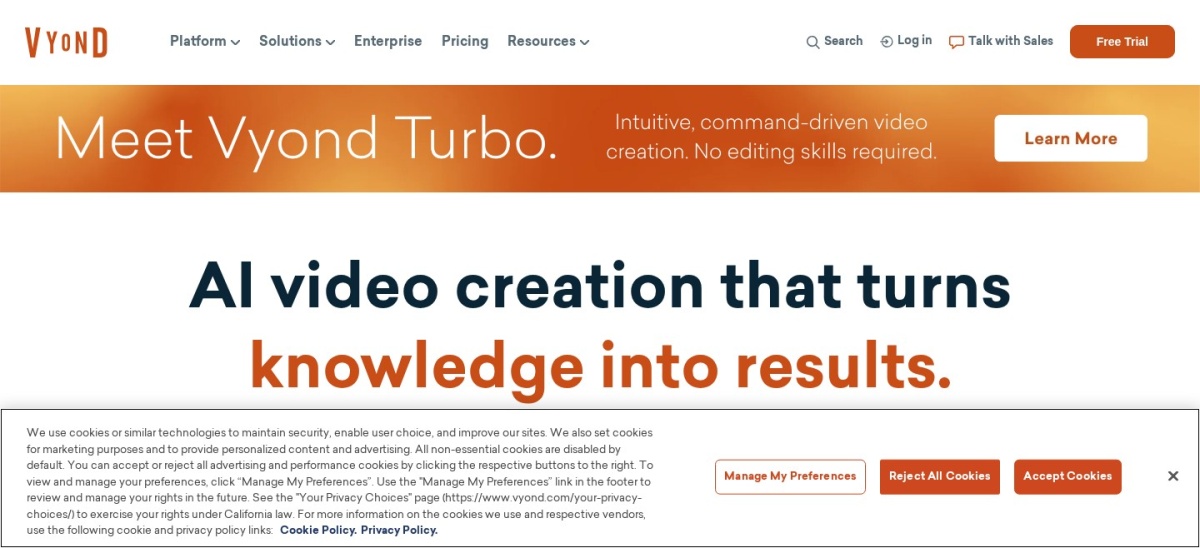
Vyond homepage, captured Nov 2026.
Vyond is an animation and AI video production platform designed for organizations creating training and educational materials. Its single-user Starter subscription includes 10,000 monthly credits, screen and webcam recording, text-based video generation and access to more than 650 text-to-speech voices.
The trade off is the subscription cost for occasional educational projects. Starter costs $699 billed annually or $99 on monthly billing, and ongoing free access is unavailable. It suits instructional designers producing recurring scenario-based courses, workplace simulations and animated explanations.
What we like
Character-based scenario creation
Large selection of narration voices
Document and script conversion tools
Suitable for recurring training projects
Screen and webcam capture included
Watch out for
No permanent free subscription
High annual cost for occasional creators
AI features have usage allowances
Starter provides ongoing animation tools, AI generation and recording access.Visit vyond.com
Which educational video format should you create?
Screen-recorded tutorials work best when students need to follow a practical process. ScreenPal and Camtasia help instructors demonstrate software, solve problems on screen and direct attention toward important details.
Animated lessons help explain concepts that cannot easily be demonstrated with a camera. Powtoon and Vyond can illustrate scientific processes, historical situations, workplace conversations and hypothetical examples through visual storytelling.
Narrated presentations suit structured lectures and revision materials. Descript helps edit recorded explanations, while Synthesia and HeyGen generate presenter-led lessons from written scripts.
Short feedback videos work well for individual learning support. Loom lets teachers explain corrections, demonstrate alternative approaches and respond to student questions without producing a formal edited video.
How do you make educational videos accessible and accurate?
Captions should be reviewed before publishing. Automatic transcription can misinterpret technical terminology, mathematical expressions and unfamiliar names, making an otherwise accurate explanation difficult to follow.
Visual clarity is essential for students watching on smaller screens. Use readable labels, sufficient color contrast and deliberate highlighting rather than relying on fast transitions or decorative animations.
AI-generated lessons need subject-matter review. Check factual statements, pronunciation, diagrams and examples before sharing generated videos with learners. Obtain appropriate permission before using identifiable student recordings or custom digital likenesses.
How we chose
We selected established video production applications that support classroom lessons, online courses, instructional demonstrations or educational explainers. The comparison prioritizes recording capabilities, editing controls, accessibility, animation, AI narration and affordability.
Official pricing pages and public G2 ratings were checked on 29 Nov 2026. Annualized prices use published regular subscription rates rather than temporary promotional discounts. Where the official page displayed a monthly subscription as its starting rate, that rate was multiplied by 12. Camtasia's cheapest suite plan is distinguished from the full editor subscription.
We excluded products without verifiable public pricing, insufficient independent reviews or a meaningful educational video creation workflow. Rankings reflect general educational usefulness rather than star ratings alone. No vendor paid for a place, and we do not claim testing for this list.
How to choose educational video creation software
Start with the learning objective, then compare the recording, editing, accessibility and publishing features needed to produce the lesson.
Identify your main lesson format. Choose screen recording for software tutorials, animation for abstract concepts or AI presenters for script-based explanations. Avoid paying for advanced production features that your teaching format does not require.
Calculate your monthly production requirements. Estimate how many lessons you publish and their average duration. Compare those requirements against recording limits, video exports, media processing hours and generation credits.
Check accessibility and delivery requirements. Confirm that the software supports editable captions, suitable video resolution and your preferred learning platform. If quizzes or SCORM exports are necessary, check their availability on the specific subscription.
Compare the full recurring cost. Review annual subscription charges, additional creator seats and usage allowances. Use a free subscription or trial to assess whether the workflow fits your course production process before purchasing.
FAQ
What is the best software to create educational videos in 2026?
ScreenPal is the best overall choice for most educators because it combines screen recording, video editing, hosting and quizzes from $48 per year. Camtasia is better for detailed instructional editing, while Powtoon specializes in animated explanations.
What is the best free software for making educational videos?
ScreenPal is an excellent free option for recorded educational videos. Its free subscription supports unlimited recordings of up to 15 minutes each. Powtoon offers free animated video creation, although videos include branding and have shorter duration limits.
How much does educational video creation software cost?
Regular subscription costs in this comparison range from $39 per year for Camtasia Starter to $699 per year for Vyond Starter. ScreenPal costs $48 annually, while the full Camtasia instructional editing subscription starts at $179.88 per year.
What is the easiest software for teachers to make educational videos?
ScreenPal is a practical starting point for teachers because recording, editing and hosting are available within the same platform. Loom is another accessible option for instructors who mainly need short explanations, assignment feedback or quick demonstrations.
Is Camtasia or ScreenPal better for educational videos?
ScreenPal is better for budget-conscious teachers creating regular lessons, while Camtasia Essentials offers more detailed instructional editing controls. Choose Camtasia for cursor manipulation, multitrack editing and SCORM export, or ScreenPal for affordable recording and straightforward lesson publishing.
What is the best software for creating animated educational videos?
Powtoon is the better starting point for most educators creating short animated lessons, with Lite costing $180 annually. Vyond is better suited to instructional design teams that regularly produce character-based training scenarios and need extensive animation options.
Can AI create educational videos from written scripts?
Yes, Synthesia and HeyGen can generate narrated educational videos from written scripts using digital presenters. They reduce recording requirements, but educators should review generated content for factual accuracy, pronunciation, accessibility and appropriate use of personal likenesses.
Which educational video software supports quizzes?
ScreenPal Solo Deluxe includes five video quizzes, making it suitable for basic interactive learning. Camtasia Essentials also supports quizzes and SCORM export, which makes it a useful option for organizations delivering courses through compatible learning management systems.
Which software is best for recording online course lectures?
Descript is particularly suitable for narrated lectures because instructors can edit video through its transcript and improve recorded speech. ScreenPal is more affordable for straightforward recordings, while Camtasia Essentials provides greater control over visual demonstrations and instructional effects.
SaaS SEO and WordPress specialist with about 8 years of experience. Rakib compares WordPress plugins, themes, hosting and software using public pricing, documentation and user reviews. See how we rank.