Figma is the best software interface design tool for most product teams, with collaborative editing, reusable components and interactive prototyping, plus a 4.7/5 G2 rating from 1,603 reviews. Choose Sketch for native Mac design and offline editing, or Uizard for generating interface mockups with AI without advanced design skills.
How we make this list: we compare pricing pages, product documentation and public user reviews, then re-check every price before each update. No product paid for a place. Disclosure.
Figma combines interface design, prototyping and developer handoff, with Professional Full seats starting at $16 per month.
Sketch offers a $120 one-time Mac license, making it attractive for independent designers who do not need cloud collaboration.
Uizard Pro costs $12 per month and includes 500 monthly AI generations and up to 100 projects.
Axure RP Pro costs $29 per month and supports unlimited prototypes for complex application workflows.
ProtoPie offers 2 free prototypes with up to 8 scenes each, making advanced interaction design accessible without an initial subscription.
UXPin Core starts at $29 per month on annual billing and includes conditional logic, variables and code-backed component libraries.
How do you choose the best software interface design tools?
Software interface design requires more than drawing attractive screens. Designers need to organize information, create reusable interface components, demonstrate user interactions and communicate implementation requirements to developers.
Prototype fidelity should determine your choice of software. A basic wireframe is sufficient for discussing navigation and screen layouts, while applications with conditional workflows, dynamic forms and complex interactions benefit from more advanced prototyping tools.
Reusable components reduce inconsistencies across application screens. Buttons, navigation menus, input fields and typography styles should be managed centrally so changes can be reflected throughout the interface without manually editing every screen.
Developer handoff is particularly important for software product teams. Inspectable design properties, exportable assets and clear interaction specifications help developers implement interfaces without repeatedly requesting clarification from designers.
Pricing depends on who needs to edit the designs. Some platforms charge separately for designers, developers and collaborators, while others offer free reviewers. Compare the complete team cost rather than assuming every participant requires a paid editing license.
Figma is a collaborative interface design platform for building application screens, interactive prototypes and reusable design systems. Its free Starter plan includes unlimited drafts, interface templates and up to 500 monthly AI credits, making it suitable for learning and individual design projects.
The trade off is that unrestricted team projects, shared libraries and advanced developer handoff require paid access, with Professional Full seats starting at $16 per month. Cheaper collaboration seats do not provide equivalent interface editing capabilities. It suits product teams that want design, feedback and implementation planning in a shared workspace.
What we like
Real-time collaboration across operating systems
Reusable components and responsive auto layout
Interactive prototypes with variables and conditional behavior
Extensive design resources and community plugins
Integrated developer inspection and handoff
Watch out for
Shared team files are restricted on Starter
Separate seat categories complicate team budgeting
Advanced prototyping has limits compared with specialist tools
Professional adds unlimited team projects, shared libraries and advanced design workflows.Visit figma.com
Sketch is a native Mac application for designing interfaces, reusable components and interactive prototypes. Its $120 standalone license includes local document editing and one year of software updates, allowing independent designers to work without maintaining a cloud subscription.
The trade off is that online sharing, team collaboration and browser-based developer handoff require a subscription starting at $12 per editor per month, billed annually. Sketch advertises a temporary 25% Black Friday discount, but the prices here are regular rates. It suits Mac-based designers who value native editing and offline access.
What we like
Native Mac interface designed for digital product design
One-time license available
Offline editing and local file ownership
Reusable components and shared styling
Free viewers with subscription workspaces
Watch out for
Full design editing requires a Mac
Standalone license excludes cloud collaboration
Continued standalone updates beyond the included period cost extra
Standard subscriptions add cloud documents, collaboration, version history and developer handoff.Visit sketch.com
03
Uizard
4.5/5on G2 (45 reviews, checked Nov 2026)
Paid from$12/mo
Best for AI-assisted interface mockups
Free projects2
Free AI generations3 per month
Pro project limit100 projects
Paid planPro, $12/mo billed annually
uizard.io
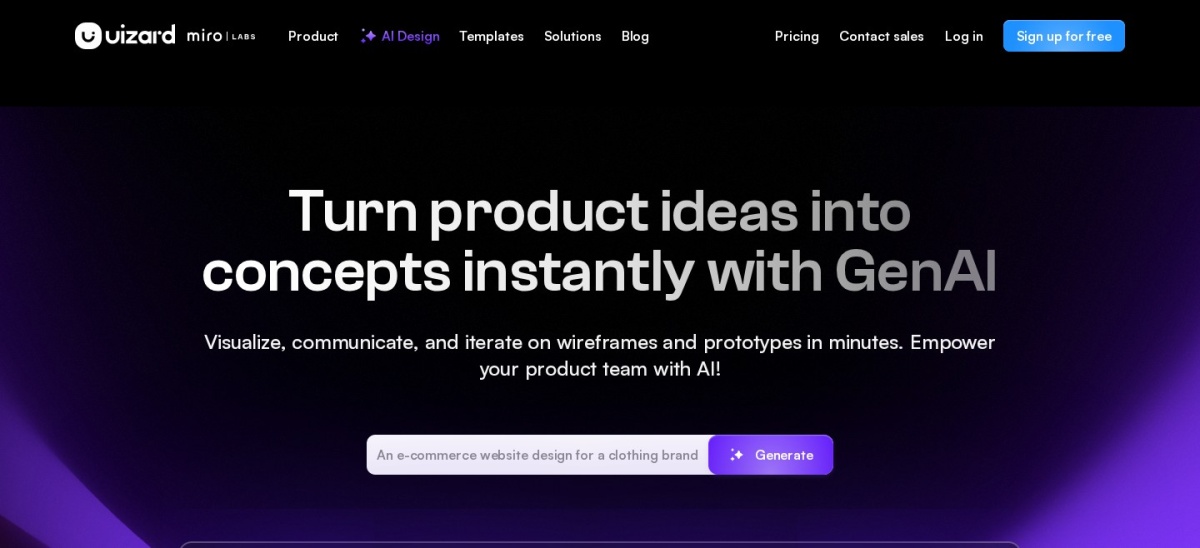
Uizard homepage, captured Nov 2026.
Uizard is an AI-assisted interface design tool that turns written instructions, screenshots and hand-drawn sketches into editable application mockups. Its free plan supports 2 projects, 5 screens per project and 3 monthly AI generations, providing enough space to explore a small application concept.
The trade off is that the free plan restricts project size and access to newer AI features, while Pro costs $12 per month on annual billing and includes 500 monthly AI generations. It suits founders, product managers and beginners who need to visualize software ideas without mastering professional vector design tools.
Less detailed design system control than specialist editors
Pro adds Autodesigner 2.0, private projects, additional AI generations and developer handoff.Visit uizard.io
04
Axure RP
4.2/5on G2 (277 reviews, checked Nov 2026)
Starts at$29/mo
Best for complex software workflows
Prototype logicConditional interactions and variables
Pro plan prototypesUnlimited
ReviewersUnlimited
Paid planRP Pro, $29/user/mo
axure.com
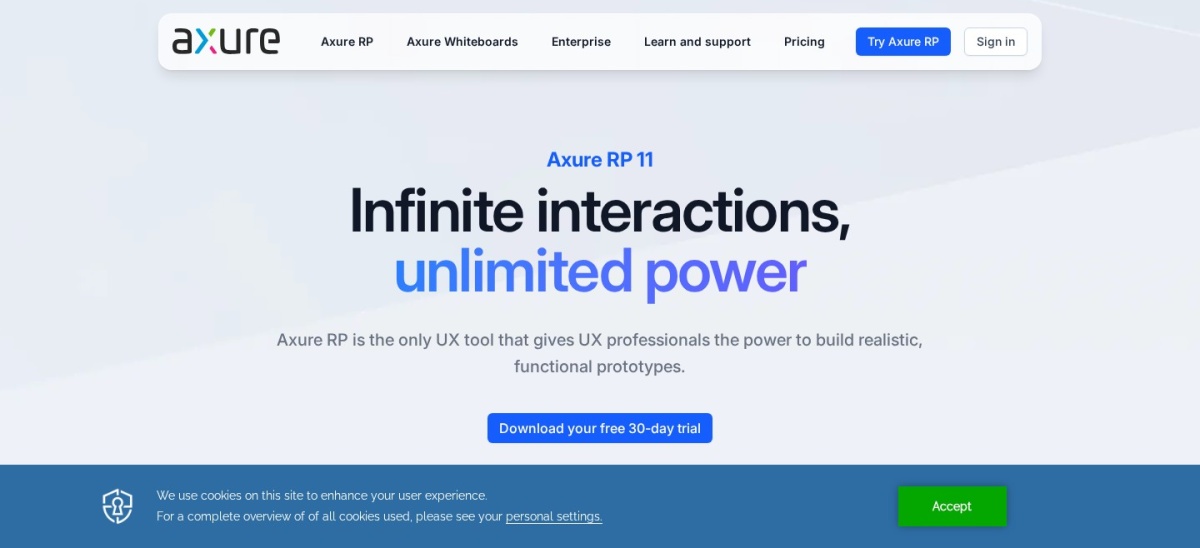
Axure RP homepage, captured Nov 2026.
Axure RP is an interface prototyping application for creating detailed software workflows, dynamic forms and interactive application demonstrations without writing production code. Its Pro subscription includes unlimited prototypes, reviewers and hosted cloud projects, alongside diagramming and interface documentation features.
The trade off is a steeper learning curve and a starting price of $29 per user per month, with simultaneous team editing reserved for the $49 Team plan. It suits business analysts and UX designers who need to demonstrate realistic software behavior before developers implement the underlying application.
What we like
Detailed conditional logic for application workflows
Dynamic panels and interactive interface states
Unlimited prototypes and reviewers on Pro
Cloud publishing included with subscriptions
Suitable for enterprise application demonstrations
Watch out for
More difficult to learn than basic mockup editors
No permanent free RP design plan
Simultaneous co-authoring requires the Team subscription
RP Pro includes advanced prototyping, documentation and unlimited cloud publishing.Visit axure.com
05
UXPin
4.2/5on G2 (118 reviews, checked Nov 2026)
Paid from$29/mo
Best for code-backed interface components
Free prototypes2
Free coded components20 MUI components
Core version history7 days
Paid planCore, $29/seat/mo annually
uxpin.com
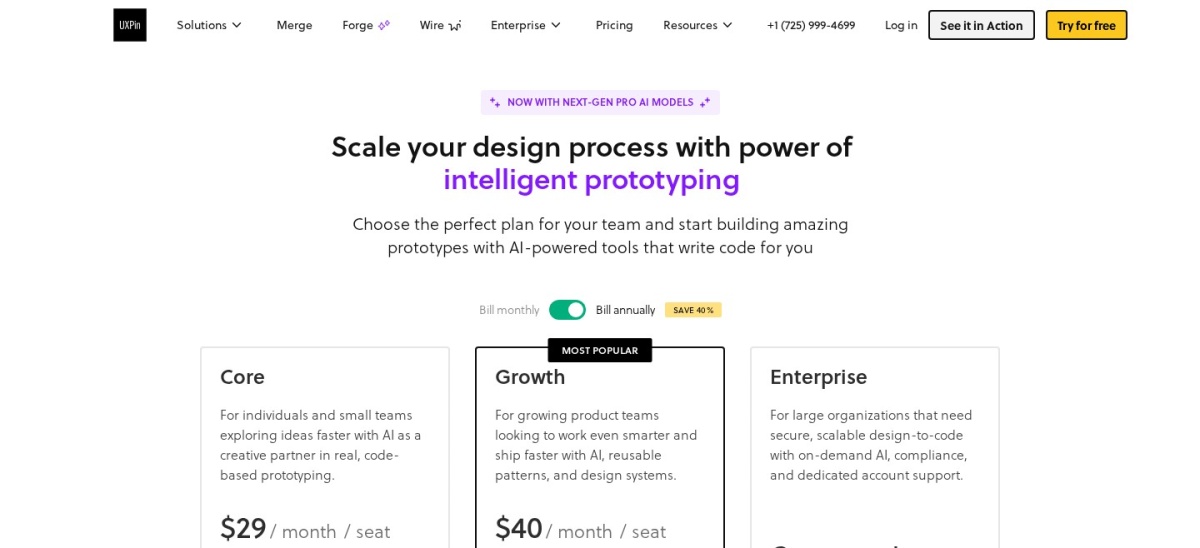
UXPin homepage, captured Nov 2026.
UXPin is an interface design and prototyping platform that combines conventional visual editing with functional code-backed components. Its limited free plan supports 2 prototypes, 50 AI credits and access to 20 Material UI components, allowing designers to explore code-based interface design before subscribing.
The trade off is that Core costs $29 per seat per month on annual billing, compared with $49 on monthly billing, and advanced design system features require higher tiers. It suits software teams that want prototypes to behave more like implemented interfaces while reducing inconsistencies between design specifications and development.
What we like
Supports functional code-backed UI components
Conditional interactions, variables and expressions
Built-in libraries for common development frameworks
Unlimited prototypes on Core
Interface documentation and developer collaboration
Watch out for
Free plan supports only limited prototypes
Advanced design system integrations require higher tiers
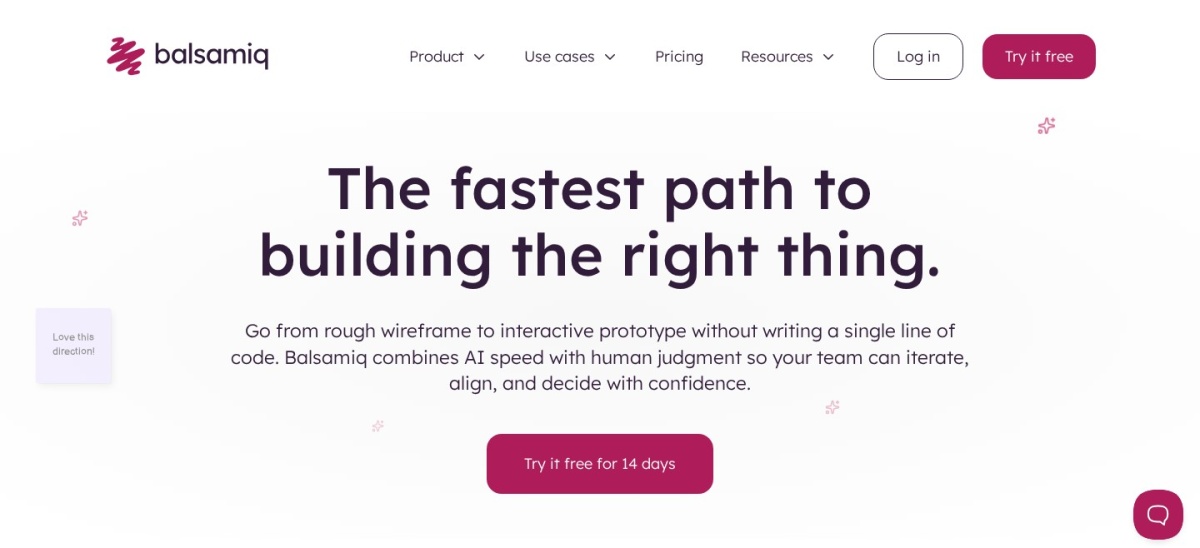
Balsamiq is a wireframing and prototyping platform that helps software teams organize screens and clarify interface requirements before committing to detailed visual designs. Its Starter plan supports 10 projects, unlimited reviewers, reusable interface components and 500 monthly AI credits per editor.
The trade off is that Balsamiq focuses on early design decisions rather than the detailed visual systems available in dedicated high-fidelity editors. Starter costs $16 per editor per month on annual billing after a 14-day free trial. It suits product managers and business analysts who prioritize clear application requirements over polished graphics.
Limited suitability for production-ready visual design
No permanent free plan
Starter restricts the number of projects
Starter includes 10 projects, AI-assisted wireframing, reusable components and unlimited reviewers.Visit balsamiq.com
07
ProtoPie
4.4/5on G2 (24 reviews, checked Nov 2026)
Paid from$25/mo
Best for realistic device interactions
Free prototypes2
Free scenes8 per prototype
Basic cloud storage500 MB
Paid planBasic, $25/mo billed yearly
protopie.io
ProtoPie homepage, captured Nov 2026.
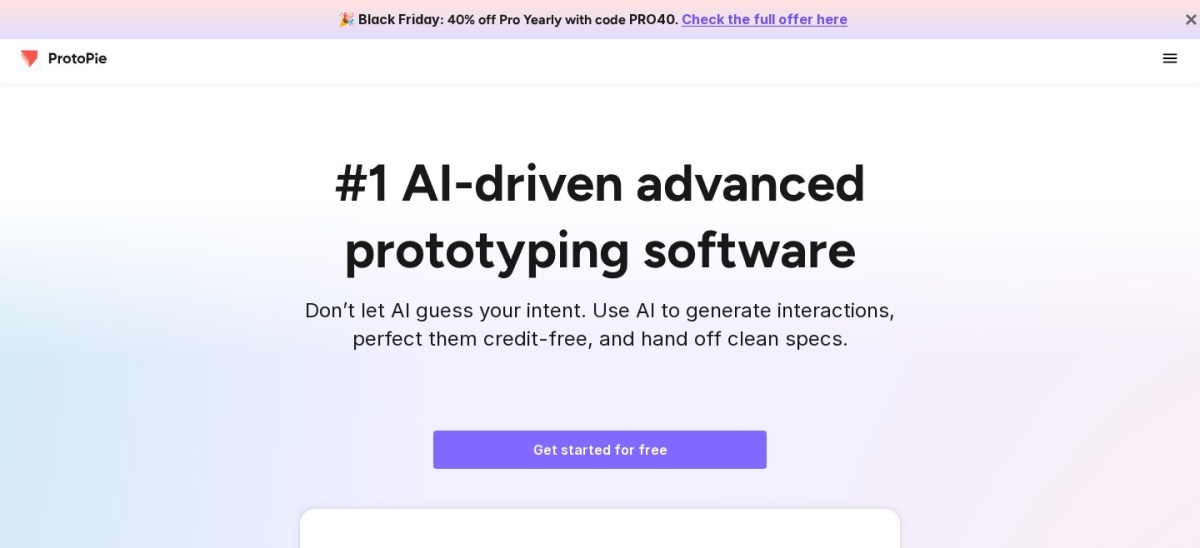
ProtoPie is an advanced interface prototyping tool for demonstrating realistic interactions, device behavior and animated application workflows. Its free plan includes 2 cloud prototypes, up to 8 scenes per prototype and 50 MB of cloud storage, making it useful for exploring individual interaction concepts.
The trade off is that Basic costs $25 per month on yearly billing and permits only one seat and 20 cloud prototypes. A temporary Black Friday promotion applies to Pro Yearly rather than the regular Basic price shown here. It suits interaction designers working on mobile applications, connected devices and detailed software demonstrations.
What we like
Realistic gesture-based interface interactions
Advanced animation and conditional behavior
Imports designs from established interface editors
Supports prototypes involving multiple devices
Free plan for exploring interaction concepts
Watch out for
Often requires a separate visual interface design tool
Basic plan supports only one seat
Advanced team and hardware workflows can increase costs
What is the difference between interface design and prototyping software?
Interface design software focuses on what an application looks like. Designers define screen layouts, visual hierarchy, typography, colors, spacing and reusable components. Figma and Sketch are particularly suitable when maintaining visual consistency across an application is the priority.
Prototyping software focuses on what happens when someone uses an interface. Axure RP, UXPin and ProtoPie provide ways to demonstrate conditional behavior, dynamic content and realistic interaction sequences that static mockups cannot communicate effectively.
Wireframing software helps teams make structural decisions before detailed design begins. Balsamiq is useful for discussing navigation, content placement and application requirements without spending unnecessary time refining visual details.
These categories overlap, and teams do not necessarily need separate subscriptions for every stage. Start with a general-purpose interface editor and introduce specialist prototyping software only when specific interaction requirements exceed the primary editor's capabilities.
How much should you budget for software interface design?
Individual designers can begin with free plans from Figma, Uizard, UXPin and ProtoPie. These plans support different workloads, so compare their project limits, sharing permissions and editing capabilities before committing to a platform.
The lowest first-year paid option in this comparison is Sketch's $120 standalone Mac license. Uizard follows at $144 per year, while Figma Professional Full seats and Balsamiq Starter each cost $192 per year at the displayed annual rates.
Advanced prototyping costs more. ProtoPie Basic works out to $300 per year, while Axure RP Pro and UXPin Core each work out to $348 per year at the compared rates. Additional editing seats and higher subscription tiers increase these totals.
The price comparison uses a paid interface editing license or seat, rather than a cheaper viewer-only or collaboration-only role. Sketch's one-time purchase is shown as its first-year cost, not as a mandatory annual subscription. Optional updates, AI add-ons and specialist integrations are excluded.
How we chose
We shortlisted established software interface design platforms covering visual editing, wireframing, reusable components, interactive prototyping and developer handoff. We prioritized products that address different stages of software development rather than ranking general graphic design applications that offer limited application-specific workflows.
We opened official vendor pricing pages and G2 review profiles on 29 Nov 2026. Ratings and review counts come from the displayed G2 product profiles. Prices reflect regular entry-level interface editing plans, using annual billing where available and multiplying monthly rates by twelve. Sketch's standalone license is represented by its first-year purchase cost.
We excluded discontinued products, products with insufficient independent review coverage and platforms without confirmable entry-level pricing. Penpot was excluded because its G2 and Capterra review counts did not meet our usual minimum. No vendor paid for a place, and we do not claim testing for this list.
How to choose software for interface design
Identify your application's design requirements, the people involved and the level of interaction your prototypes must demonstrate before comparing subscriptions.
Define the stage of your design workflow. Choose Balsamiq for early wireframes, Uizard for AI-assisted concept generation, and Figma or Sketch for detailed visual interface design. Select an editor that addresses the work your team performs most frequently.
Decide how realistic your prototypes must be. Basic clickable demonstrations are enough for many application concepts. Choose Axure RP, UXPin or ProtoPie when you need to reproduce conditional workflows, changing interface states, realistic gestures or complex application behavior.
Check collaboration and development requirements. Determine whether designers must edit simultaneously, whether stakeholders need commenting access and whether developers require inspectable specifications. Review which capabilities are included in each subscription tier rather than assuming all collaboration features are free.
Calculate the complete annual design budget. Multiply the regular editing subscription by the number of required designers and account for developer seats, optional AI credits and additional prototyping subscriptions. Consider Sketch's standalone license when offline individual work is sufficient.
FAQ
What is the best software interface design tool in 2026?
Figma is the best overall software interface design tool for most product teams because it combines visual editing, reusable components, prototyping and collaboration. Its Professional Full seat starts at $16 per month, while the free Starter plan provides unlimited drafts for individual design exploration.
What is the best free software for interface design?
Figma is the best free general-purpose interface design software for beginners and individual designers. Uizard is a useful alternative for AI-assisted mockups, while UXPin and ProtoPie offer free plans for exploring advanced interface interactions with limited prototype capacity.
How much does software interface design software cost?
Paid interface design software in this comparison starts at $120 for Sketch's standalone license or $12 per month for Uizard Pro on annual billing. Advanced prototyping subscriptions such as Axure RP Pro and UXPin Core start at $29 per month at the compared rates.
Which interface design software is easiest for beginners?
Uizard is the easiest option for beginners who want to generate application mockups using written descriptions, screenshots and templates. Its free plan supports 2 projects, while Pro costs $12 per month on annual billing and provides additional AI generation capacity.
Is Figma better than Sketch for software interface design?
Figma is better for teams that need browser-based design collaboration across operating systems. Sketch is better for Mac-based designers who prefer a native application and offline editing. Sketch also offers a $120 standalone license for designers who do not require cloud collaboration.
Which software is best for designing complex application prototypes?
Axure RP is best for complex software prototypes involving conditional workflows, dynamic interface states and application logic. ProtoPie is preferable for detailed device interactions and animated demonstrations, while UXPin is particularly useful when functional code-backed components are important.
What is the best interface design software for a small team?
Figma is the best interface design software for most small teams because designers can collaborate in a shared workspace and collect stakeholder feedback. Uizard provides a simpler alternative for teams focused on early product ideas rather than maintaining detailed design systems.
Can AI create software interface designs automatically?
Yes, AI-assisted tools such as Uizard can generate editable software interface concepts from written instructions and screenshots. Uizard Pro includes 500 monthly AI generations, but designers should still review generated layouts for accessibility, usability, consistency and technical implementation requirements.
Do interface design tools generate production-ready application code?
Not necessarily. Interface design platforms may provide code snippets, component specifications and development assets, but these are not automatically complete applications. UXPin uses functional code-backed components, while Uizard Pro offers React and CSS handoff. Developers still need to validate and implement application behavior.
SaaS SEO and WordPress specialist with about 8 years of experience. Rakib compares WordPress plugins, themes, hosting and software using public pricing, documentation and user reviews. See how we rank.