Topaz Photo AI is the top pick to unblur photos, offering dedicated deblur models and local rendering starting at $199 per year. For free browser-based sharpening without a credit card, Adobe Express handles light blur cleanly, while Let's Enhance suits print upscaling from $108 per year.
How we make this list: we compare pricing pages, product documentation and public user reviews, then re-check every price before each update. No product paid for a place. Disclosure.
Entry paid plans span from $47.99/yr (Fotor Pro) and $54.99/yr (PhotoDirector 365) up to $228/yr (Topaz Web Image) and $468/yr (Topaz Photo desktop).
Adobe Express, Canva, Fotor, Let's Enhance, and PhotoDirector all provide ongoing free tiers with daily or monthly usage limits.
Desktop apps (Topaz Photo, PhotoDirector 365, Luminar Neo) process files locally on your computer without per-image credit caps.
Browser-based editors (Let's Enhance, VanceAI, Fotor) rely on monthly credit pools that cap high-resolution exports.
Perpetual one-time licenses remain available for PhotoDirector 2027 ($119.99 regular) and Luminar Neo ($417 regular, frequently discounted).
What separates a real unblur tool from a basic sharpen slider
Standard photo editors sharpen an image by boosting contrast along existing edges. That works for mild camera softness, but it turns motion blur or out-of-focus shots into jagged halos without restoring missing texture.
Dedicated AI deblurring models analyze the blur pattern—whether directional camera shake or lens misfocus—and reconstruct fine detail across faces, text, and edges. Desktop tools run these models on your local GPU, while web apps process uploads in the cloud using monthly credit allowances.
Before picking a tool, check three limits on its pricing page: whether the free tier stamps watermarks on exports, how many megapixels the entry plan outputs, and whether credits roll over or expire every 30 days.
For flexible pay-as-you-go web credits or Windows PC
$180/yr
Free plan
4.5/5
Price ladder: cheapest paid plan per year
List prices, USD, checked Nov 2026
FotorFREE$48
PhotoDirectorFREE$80
Let's EnhanceFREE$108
Adobe ExpressFREE$120
CanvaFREE$144
VanceAIFREE$180
Topaz Photo$199
The 7 best tools to unblur photos
01
Topaz Photo AI
3.5/5on Trustpilot (56,805 reviews, checked Nov 2026)
Starts at$199/yr
Best for severe motion blur and local RAW retouching
PlatformsWindows, macOS, Web, Mobile
Free tierTrial preview only
Entry web plan$199/yr ($169/yr on sale)
Desktop plan$39/mo ($468/yr)
topazlabs.com
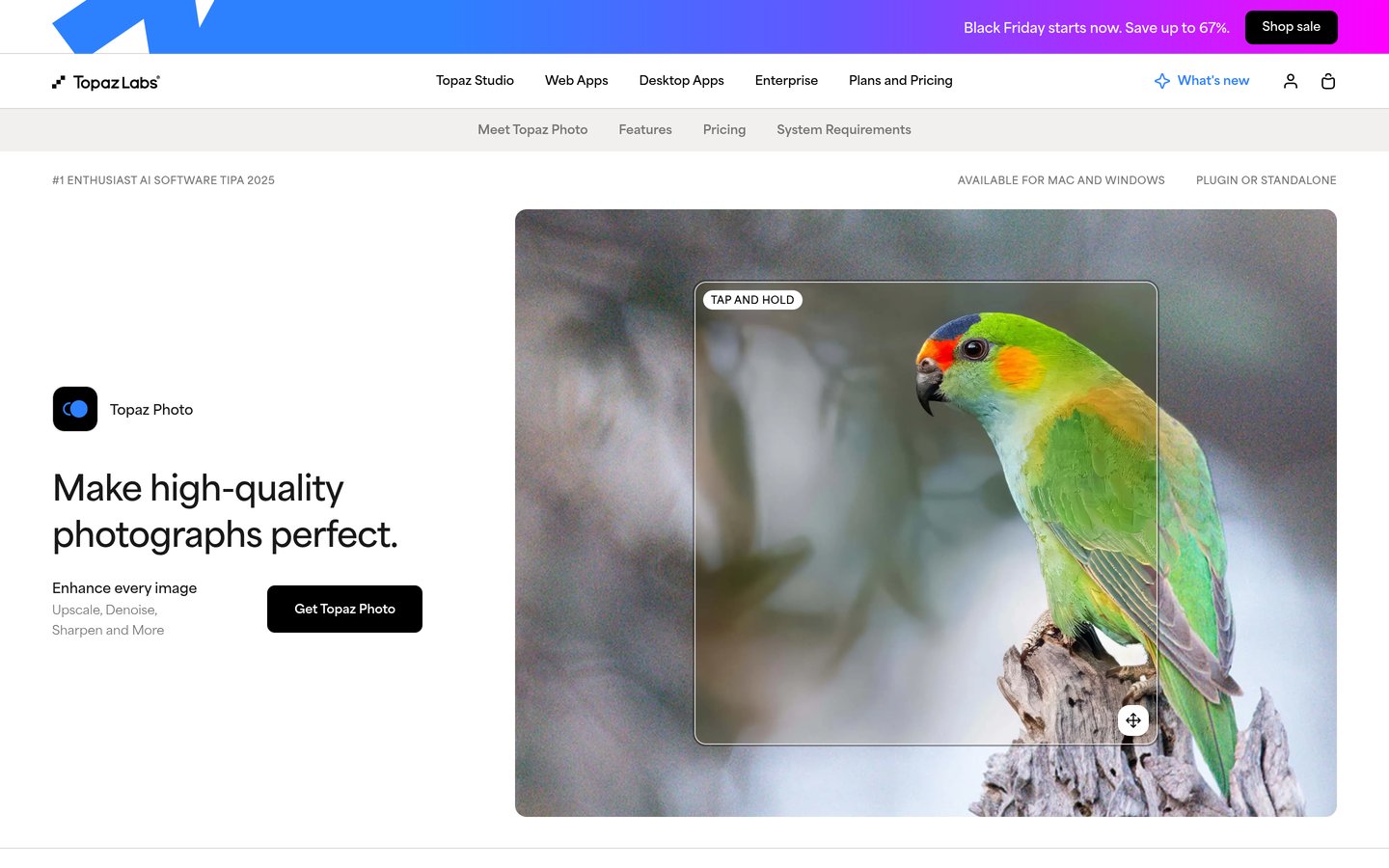
Topaz Photo AI homepage, captured Nov 2026.
Topaz Photo AI is a specialized image enhancement suite built around dedicated motion-blur, lens-blur, and face-recovery models. Its entry Topaz for Web Image plan costs $199 per year regularly ($169 per year on sale) and includes unlimited cloud image rendering up to 32 megapixels plus mobile app access.
The trade off is price and hardware weight, since the full Topaz Photo desktop app with unlimited local rendering runs $39 per month ($468 per year) and downloads large local AI models. It suits photographers and retouchers fixing high-value shots who need granular deblur sliders rather than one-click social filters.
What we like
Dedicated models separate motion blur from out-of-focus softness
Unlimited local image rendering on the desktop subscription
Face recovery and denoise controls work alongside sharpening
Watch out for
No permanent free tier for watermark-free exports
Full desktop license costs $468/yr and requires heavy disk space
Web Image ($199/yr) unlocks unlimited 32MP cloud exports; Topaz Photo ($39/mo) adds unlimited local desktop rendering.Visit topazlabs.com
02
Adobe Express
4.5/5on G2 (849 reviews, checked Nov 2026)
Paid from$9.99/mo
Best for free browser-based sharpening without watermarks
PlatformsWeb, iOS, Android
Free tierYes, no credit card, 5 GB storage
Entry paid plan$9.99/mo ($119.88/yr)
AI allowance250 generative credits/mo on Premium
adobe.com
Adobe Express homepage, captured Nov 2026.
Adobe Express is a browser and mobile design editor that includes quick photo sharpening and enhancement tools at no cost. The forever-free tier requires no credit card, includes 5 GB of cloud storage, and lets you sharpen and export lightly blurred images without adding a watermark.
The trade off is limited manual control over heavy motion blur, and upgrading to Adobe Express Premium costs $9.99 per month ($119.88 per year) for 250 generative credits and full template libraries. It suits marketers and social creators fixing soft portraits or product shots inside a fast web workspace.
What we like
Forever-free plan exports sharpened images without watermarks
Natural color and skin-tone handling without heavy artifacts
Combines photo cleanup with resizing, cropping, and social templates
Watch out for
Lacks deep directional deblur controls for severe camera shake
No discounted annual billing option on the solo Premium plan
Premium ($9.99/mo) adds 250 monthly generative credits, 30-day version history, and full asset libraries.Visit adobe.com
03
Let's Enhance
4.2/5on Trustpilot (189 reviews, checked Nov 2026)
Paid from$9/mo
Best for unblurring low-resolution photos for print
PlatformsWeb, REST API
Free tier10 credits on sign-up, watermarked
Entry paid plan$9/mo billed yearly ($108/yr)
Max outputUp to 256MP on Starter (512MP Max)
letsenhance.io
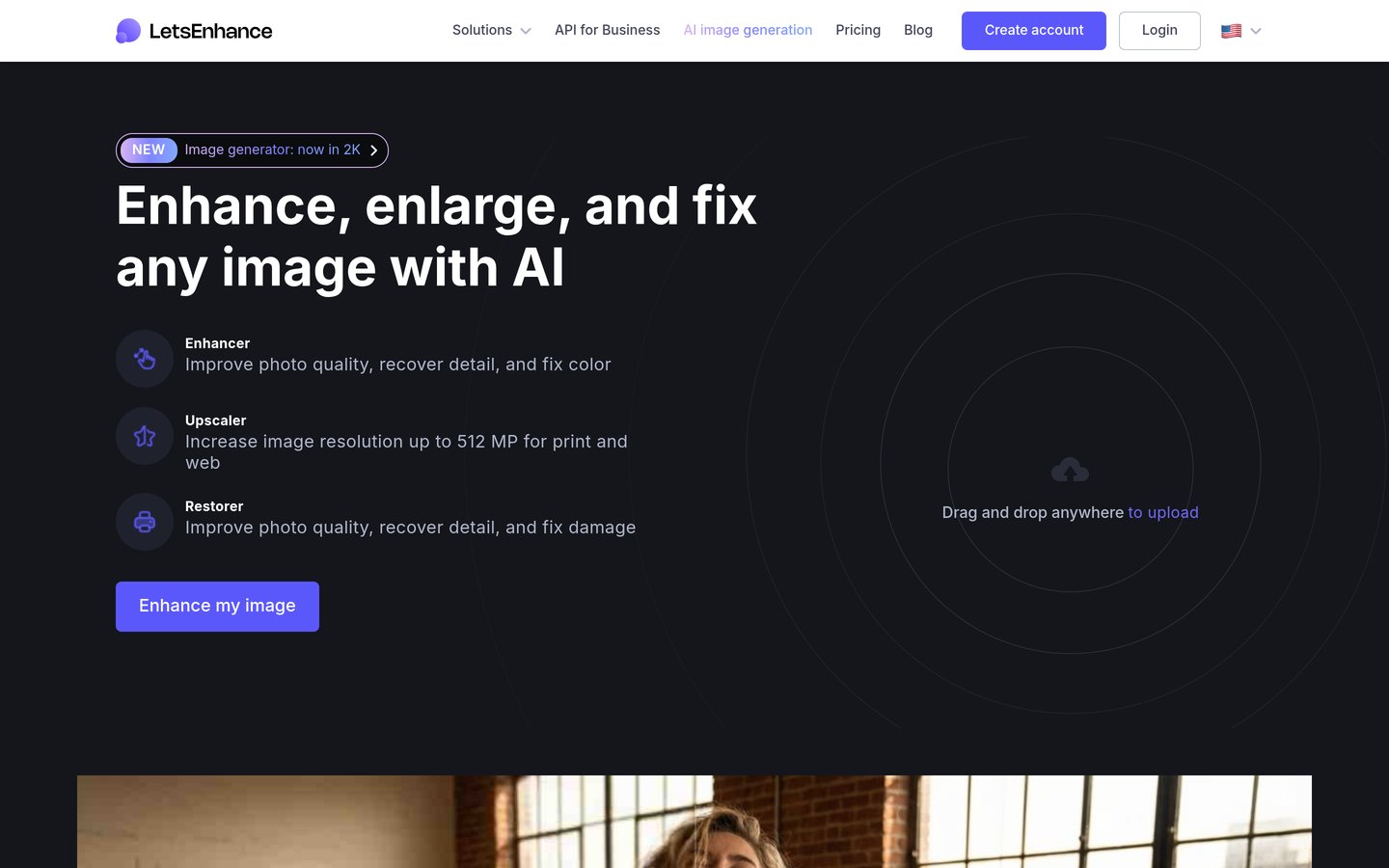
Let's Enhance homepage, captured Nov 2026.
Let's Enhance is a cloud-based AI photo enhancer and upscaler designed to sharpen soft images while enlarging them up to 16x. New accounts receive 10 free credits without a credit card to test upscales up to 8 megapixels, though free downloads carry a watermark.
The trade off is a strict per-image credit system where Starter costs $9 per month billed annually ($108 per year, or $12 monthly) for 100 monthly credits, with unused credits rolling over up to 600. It suits e-commerce sellers and print buyers restoring small, compressed product shots.
What we like
Unused subscription credits roll over up to 6x your monthly limit
Upscales blurry small files up to 256 megapixels on the entry plan
Includes batch processing and a developer API for automated workflows
Watch out for
Free exports include a watermark and cap out at 8 megapixels
No manual local brush or selective sharpening layers
Starter ($108/yr) removes watermarks, grants 100 credits/mo, and raises output limits to 256MP.Visit letsenhance.io
04
CyberLink PhotoDirector
4.3/5on G2 (588 reviews, checked Nov 2026)
Paid from$79.99/yr
Best budget desktop editor with AI deblur and layers
PlatformsWindows, macOS
Free tierPhotoDirector Essential (limited AI)
Entry paid plan$79.99/yr ($54.99/yr on sale)
Perpetual option$119.99 one-time ($84.99 on sale)
cyberlink.com
CyberLink PhotoDirector homepage, captured Nov 2026.
CyberLink PhotoDirector is a full desktop photo editor for Windows and macOS that pairs layer editing and RAW support with a dedicated AI Deblur tool. A free Essential version runs without a time limit for basic adjustments, while PhotoDirector 365 costs $79.99 per year regularly ($54.99 per year during sales) with 1,200 annual AI credits.
The trade off is a heavier interface than single-purpose web tools, and monthly billing jumps to $19.99 per month if you skip the annual plan. It suits Windows and Mac users who want local AI deblurring alongside layer masks and a $119.99 one-time license option.
What we like
Offers both an annual subscription and a $119.99 perpetual license
Combines AI Deblur with full layer masks, RAW editing, and denoise
Includes 50 GB of cloud storage and 100 monthly generative credits
Watch out for
Free Essential edition restricts advanced AI enhancement features
Monthly billing is $19.99/mo compared to $79.99/yr paid upfront
PhotoDirector 365 ($79.99/yr) unlocks full AI Deblur, 1,200 annual AI credits, and 50 GB cloud storage.Visit cyberlink.com
05
Fotor
4.3/5on G2 (594 reviews, checked Nov 2026)
Paid from$47.99/yr
Best low-cost web editor for one-click photo fixes
Fotor is a browser and mobile photo editor featuring a one-click AI enhancer that sharpens blurry shots, reduces noise, and restores old scans. Its Basic plan is free forever with limited trial credits, while Fotor Pro starts at $47.99 per year ($3.99 per month billed annually) and includes 1,200 shared credits per year.
The trade off is that free exports carry a watermark, and Pro credits are shared across upscaling, background removal, and generative tools without rollover. It suits casual users and small businesses wanting an affordable web toolbox for occasional blurry photos.
What we like
Lowest annual entry price among paid multi-tool web editors at $47.99/yr
Works across web browsers, desktop apps, and mobile devices
Combines unblurring with old-photo restoration and batch background removal
Watch out for
Free tier places watermarks on enhanced downloads
Shared annual credit pool can run out quickly during heavy batch work
Fotor Pro ($47.99/yr) removes watermarks and ads while providing 1,200 annual credits and HD exports.Visit fotor.com
06
Canva
4.7/5on G2 (7,970 reviews, checked Nov 2026)
Paid from$144/yr
Best for content teams already building social graphics
PlatformsWeb, Windows, macOS, iOS, Android
Free tierYes, 5 GB storage, 20 AI uses/mo
Entry paid plan$144/yr ($18/mo billed monthly)
Pro storage100 GB cloud storage
canva.com
Canva homepage, captured Nov 2026.
Canva is a collaborative design platform whose photo editor includes sharpness sliders, clarity adjustments, and AI image upscaling inside your layout canvas. Canva Free costs $0 with 5 GB of storage and up to 20 monthly uses of Standard or Premium AI tools, while Canva Pro runs $144 per year ($18 per month billed monthly).
The trade off is that Canva lacks dedicated motion-blur reconstruction models, making it weaker on badly shaken photos than Topaz or VanceAI. It suits social media managers and teams who want to sharpen slightly soft product shots or screenshots directly inside their presentation and post templates.
What we like
Sharpen, upscale, and place photos directly into templates in one tab
Generous free tier with no watermark on standard uploaded photo edits
Pro increases AI allowances 10x and adds 100 GB of storage
Watch out for
Not built to rescue severe directional motion blur or out-of-focus faces
Pro pricing ($144/yr) is steep if you only need basic photo sharpening
Canva Pro ($144/yr) unlocks 10x the free AI allowance, background removal, and 100 GB storage.Visit canva.com
07
VanceAI
4.5/5on Trustpilot (1,342 reviews, checked Nov 2026)
Paid from$180/yr
Best for flexible pay-as-you-go web credits or Windows PC
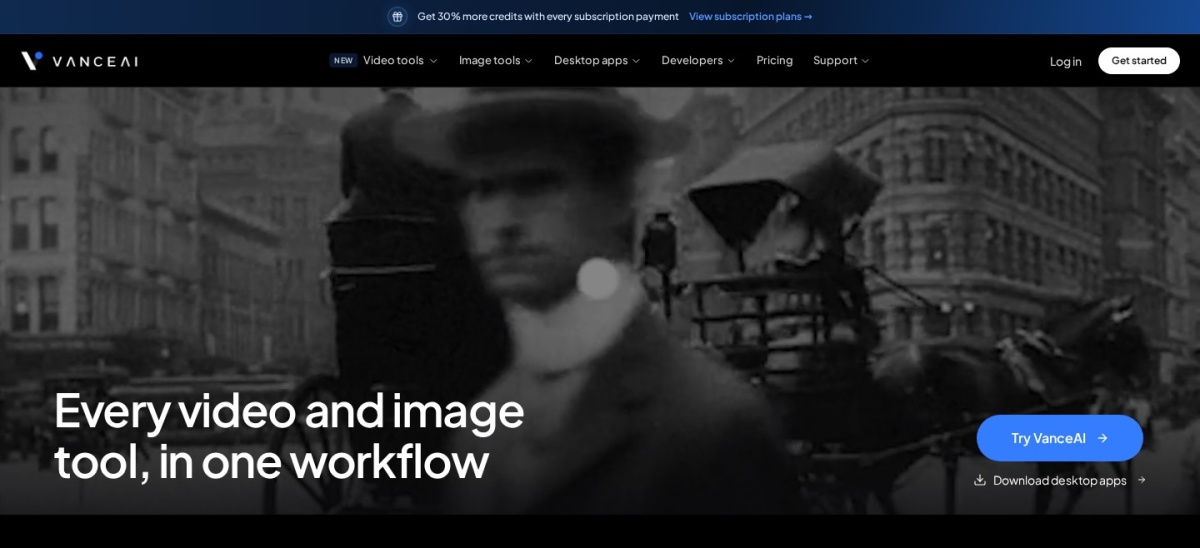
VanceAI offers dedicated AI Sharpen, Denoise, and Photo Restorer models both in the browser and as a local Windows desktop app. New users get free trial credits on signup without a credit card, while the web Starter subscription costs $180 per year ($15 per month billed annually) for 260 monthly credits.
The trade off is that web subscriptions and Windows desktop licenses are sold separately, with the local PC app priced at $99.90 per year or $199.90 regular ($129.90 on sale) for a lifetime license. It suits Windows users who want unlimited local processing or web users buying small pay-as-you-go credit packs.
What we like
Separate AI Sharpen modes target motion blur, soft focus, and lens blur
Windows desktop version processes unlimited files locally with no credits
Pay-as-you-go web credit bundles start at $4.95 for occasional batches
Watch out for
Desktop license is Windows-only with no native macOS build
Web subscription credits and desktop licenses require separate purchases
Web Starter ($180/yr) provides 260 credits/mo; VanceAI PC ($99.90/yr) unlocks unlimited local Windows processing.Visit vanceai.com
Which tool fits camera shake vs. low-resolution softness
Not all blurry photos fail for the same reason. Directional motion blur—where a moving subject or shaky hand stretches pixels in one direction—requires specialized deconvolution models like Topaz Photo AI or VanceAI Sharpen rather than standard contrast sharpening.
When an image looks blurry simply because it is a tiny, heavily compressed thumbnail or social media download, upscalers like Let's Enhance or Fotor deliver cleaner edges by rebuilding pixel density at 2x to 4x scale.
How we chose
We reviewed widely used desktop and browser photo editors that explicitly include AI sharpening, deblurring, or detail reconstruction workflows, prioritizing established platforms with documented pricing and public user reviews.
All prices, credit limits, and review scores were checked on 22 Nov 2026 directly from official vendor pricing pages and public G2 or Trustpilot profiles. Where vendors run seasonal discounts, we listed the regular non-sale price as the baseline and noted current sale rates in the text.
We excluded mobile-only apps that hide USD subscription tiers behind device-specific app store paywalls and tools without verifiable public pricing pages. No vendor paid for a place, and we do not claim testing for this list.
How to pick the right photo unblur tool
Follow these four steps to match an unblurring tool to your image source and budget:
Start with the highest-resolution original file available. Avoid uploading screenshots or re-saved social media copies, because extra JPEG compression removes the edge data AI models need to reconstruct texture.
Identify whether you have motion blur or low resolution. Use dedicated deblur tools like Topaz Photo AI or VanceAI for camera shake, and use upscalers like Let's Enhance when enlarging small, pixelated images.
Test on a free tier before paying for a subscription. Run one difficult image through Adobe Express, Fotor, or Let's Enhance free credits first to check whether skin textures and small text stay natural.
Compare yearly credit caps against local desktop licenses. If you process hundreds of photos a month, a local desktop tool like PhotoDirector 365 ($79.99/yr) avoids per-image credit limits.
FAQ
Can AI completely fix a severely blurry photo?
AI can sharpen mild camera shake, soft focus, and low-resolution compression, but it cannot recover details that were never captured. Heavy motion blur or extreme out-of-focus shots often produce artificial textures, especially around small text and distant faces.
What is the best free tool to unblur photos without a watermark?
Adobe Express lets you sharpen and export lightly blurred photos in your browser for free without adding a watermark or requiring a credit card. Canva's free plan also allows basic sharpness adjustments without watermarking uploaded photos.
Why do some photo unblur tools charge per credit while others are unlimited?
Cloud web tools like Let's Enhance and Fotor run heavy neural networks on remote GPUs, so they meter usage with monthly credits. Desktop software like Topaz Photo AI and PhotoDirector runs on your own computer hardware, allowing unlimited local exports.
Is a one-time license better than a monthly subscription?
If you edit photos regularly for more than a year, perpetual licenses like CyberLink PhotoDirector 2027 ($119.99 regular) or VanceAI PC ($199.90 regular) cost less long term. Subscriptions make more sense if you only need cloud tools for a one-off project.
Do unblur tools work on scanned vintage family photos?
Yes, tools such as Let's Enhance, Fotor, and VanceAI include dedicated face-restoration and old-photo repair modes. They smooth paper grain and reconstruct facial features, though results look best when scanned at 300 DPI or higher.
SaaS SEO and WordPress specialist with about 8 years of experience. Rakib compares WordPress plugins, themes, hosting and software using public pricing, documentation and user reviews. See how we rank.