vMix is the best sports broadcasting software for live match production, with licenses starting at $60 and instant replay supporting up to eight cameras in its Pro edition. Choose Wirecast for professional broadcasts on Mac or Windows, or OBS Studio for community sports coverage without software licensing costs.
How we make this list: we compare pricing pages, product documentation and public user reviews, then re-check every price before each update. No product paid for a place. Disclosure.
vMix starts at $60 as a one-time purchase, but its $700 4K edition is the entry point for dedicated instant replay.
Wirecast supports unlimited live camera sources on Studio, with dedicated sports production tools available on the $79 monthly Pro plan.
OBS Studio costs nothing and has a 4.7/5 Capterra rating from 1,076 reviews.
Restream broadcasts to two destinations for free and three destinations on its $19 monthly Standard plan.
XSplit offers a $59.99 annual Premium license for Windows-based broadcasting.
StreamYard Essential includes 1080p streaming and two simultaneous destinations from $14.99 per month with annual billing.
How do you choose the best sports broadcasting software?
Sports broadcasting requires more than a basic video encoder. Operators need to switch camera angles, display scores, manage commentary and respond to important moments without interrupting the live broadcast.
Instant replay is a major dividing line between general streaming software and professional sports production systems. vMix offers dedicated replay tools, while simpler applications may require external software or manually prepared video clips.
Camera capacity matters more than maximum video resolution for many sports productions. Multiple viewpoints allow operators to follow the action, show reactions and provide wider coverage of the playing area.
Production and distribution are separate responsibilities. Desktop applications create the finished broadcast, while cloud platforms such as Restream help distribute that broadcast across multiple streaming destinations.
Entry-level pricing does not always reflect the cost of sports-specific features. A low-cost license may handle basic camera switching but exclude scoreboards, dedicated replay, isolated recordings and advanced camera controls.
Best for professional multicamera sports production
Operating systemWindows
Entry-level camera inputs3
Instant replay4K, Pro and MAX editions
Paid planBasic HD, $60 one-time
vmix.com
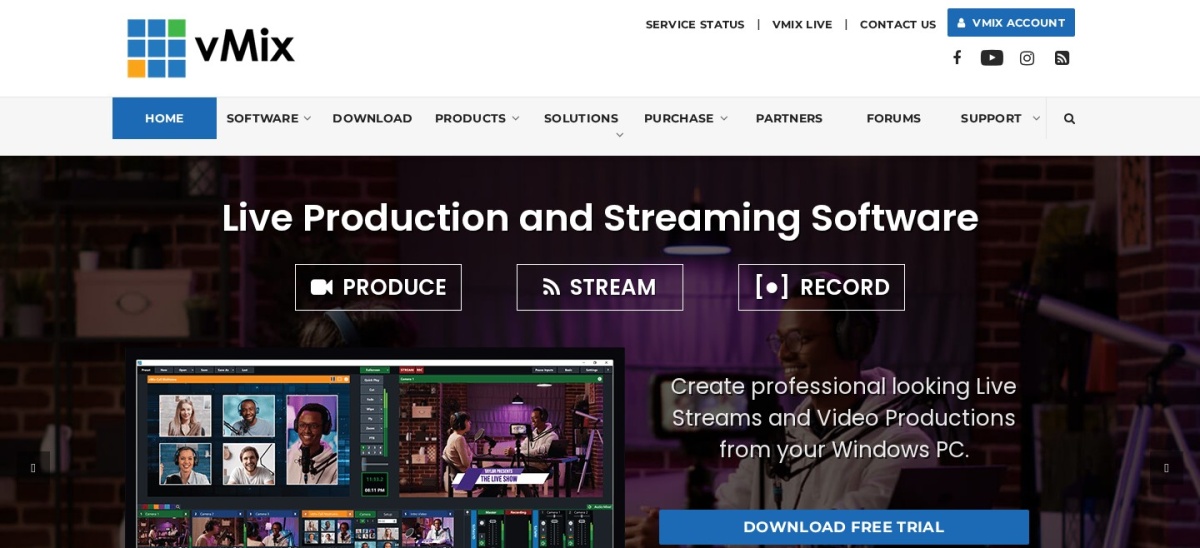
vMix homepage, captured Nov 2026.
vMix is a desktop video production application for mixing live cameras, commentary, graphics and recorded footage. The $60 Basic HD edition accepts four total inputs, including up to three camera or NDI sources, making it suitable for smaller sporting events.
The trade off is that dedicated sports replay requires the $700 4K edition, which supports replay from one camera, or the $1,200 Pro edition with eight-camera replay. It suits production teams that want detailed control over live matches and can invest in suitable Windows hardware.
What we like
Dedicated multicamera instant replay on higher editions
One-time licensing options
Supports network-connected video sources
Suitable for complex camera switching workflows
Multiple editions accommodate different production budgets
Watch out for
No native macOS application
Dedicated replay requires a substantial license upgrade
Advanced production workflows require operator training
Higher editions add more inputs, dedicated replay and advanced production controls.Visit vmix.com
02
Wirecast
4.2/5on G2 (37 reviews, checked Nov 2026)
Starts at$34/mo
Best for professional sports broadcasts on Mac and Windows
Operating systemsWindows and macOS
Live camera sourcesUnlimited
Sports production toolsPro edition
Paid planStudio, $408/yr with annual billing
wirecast.io
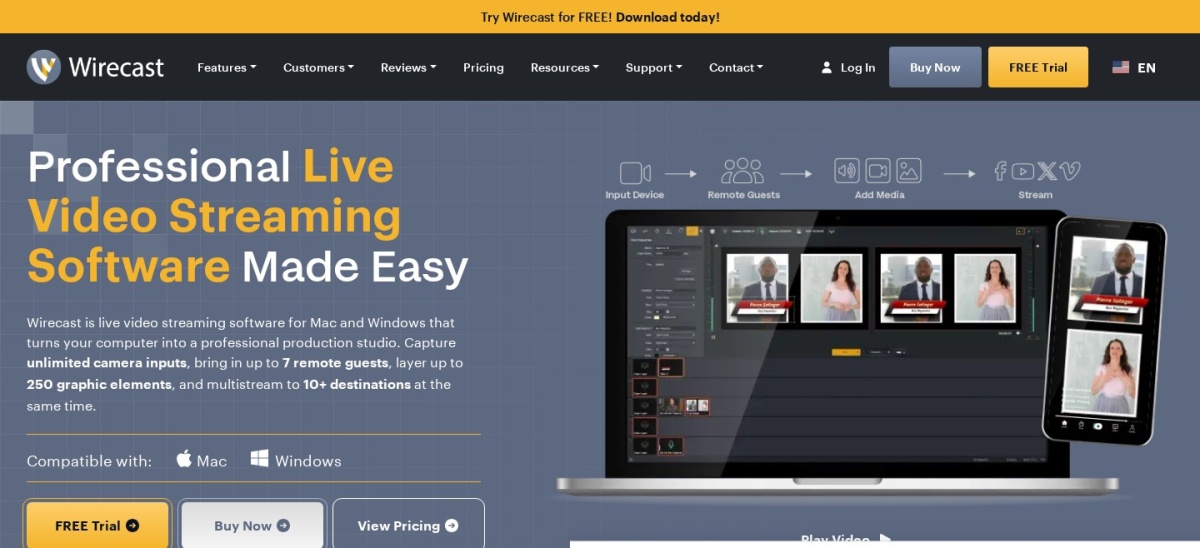
Wirecast homepage, captured Nov 2026.
Wirecast is a live production application that combines camera feeds, graphics, commentary and remote contributors. Studio supports unlimited camera sources and two remote guests, giving event producers room to expand beyond a basic single-camera setup.
The trade off is recurring licensing and the separation of sports features into Wirecast Pro. Studio costs $34 per month with annual billing or $59 month to month, while Pro costs $79 on monthly billing. It suits organizations that need professional production controls across both Mac and Windows computers.
What we like
Native applications for Windows and macOS
Unlimited live camera sources on Studio
Dedicated sports production features on Pro
Integrated remote guest contribution
Supports network cameras and capture hardware
Watch out for
No permanent free plan
Sports-specific tools require Pro
Complex productions can demand substantial computing resources
Pro adds sports production tools, isolated recordings, cloud multistreaming and PTZ camera controls.Visit wirecast.io
03
OBS Studio
4.7/5on Capterra (1,076 reviews, checked Nov 2026)
PriceFree
Best for free local and community sports broadcasting
Operating systemsWindows, macOS and Linux
Camera switchingScene-based
ReplayReplay buffer and extensions
Paid planNone
obsproject.com
OBS Studio homepage, captured Nov 2026.
OBS Studio is an open-source live streaming and recording application with a 4.7/5 rating from 1,076 Capterra reviews. It allows sports producers to combine camera feeds, commentary, browser-based scoreboards and custom graphics without purchasing a software license.
The trade off is that sports-specific production workflows require more manual configuration, despite the software being completely free. The built-in replay buffer is not equivalent to a dedicated multicamera sports replay system. It suits schools, amateur clubs and community broadcasters with limited budgets and technically confident volunteers.
No integrated professional multicamera replay workstation
Support relies heavily on documentation and community resources
All core features are free, with optional third-party extensions available separately.Visit obsproject.com
04
Restream
4.6/5on Capterra (406 reviews, checked Nov 2026)
Paid from$19/mo
Best for broadcasting games across multiple platforms
DeploymentCloud and browser
Free destinations2
Standard destinations3
Paid planStandard, $19/mo
restream.io
Restream homepage, captured Nov 2026.
Restream is a cloud broadcasting platform that distributes live video to multiple streaming services. Its free plan supports two simultaneous destinations, while Standard increases that limit to three and removes Restream branding.
The trade off is that the $19 monthly Standard plan improves distribution rather than replacing a dedicated sports production application. Complex replay and camera switching are better handled upstream in software such as vMix or OBS Studio. It suits clubs and media teams that want to reach audiences across different platforms.
What we like
Two simultaneous destinations on the free plan
Works alongside desktop streaming encoders
Centralized distribution workflow
Browser-based production tools
Paid Standard plan removes Restream branding
Watch out for
No dedicated multicamera sports replay system
Higher destination counts require more expensive plans
Cloud distribution depends on a reliable internet connection
Standard adds another streaming destination, removes branding and supports guest destinations.Visit restream.io
05
StreamYard
4.5/5on Capterra (109 reviews, checked Nov 2026)
Paid from$14.99/mo
Best for sports commentary and post-match interviews
DeploymentWeb browser
Essential resolution1080p
Essential destinations2
Paid planEssential, $179.88/yr with annual billing
streamyard.com
StreamYard homepage, captured Nov 2026.
StreamYard is a browser-based production platform for live discussions, interviews and broadcasts featuring remote participants. Its Essential plan includes 1080p video, unlimited streaming and broadcasting to two destinations, making it useful for sports commentary programs and club media channels.
The trade off is that Essential costs $14.99 per month with annual billing or $18.99 month to month, while more extensive branding and production features require Core. It suits sports presenters and smaller media teams that prioritize remote interviews over complex field-side camera switching and instant replay.
What we like
No desktop production application required
Remote guests can participate through their browsers
1080p streaming on Essential
Suitable for interviews and match analysis
Free entry option available
Watch out for
No dedicated sports replay workstation
Advanced branding requires Core
Less suitable for complicated capture-card workflows
Essential adds unlimited streaming, full HD output and two simultaneous destinations.Visit streamyard.com
06
XSplit Broadcaster
4.1/5on Capterra (57 reviews, checked Nov 2026)
Paid from$59.99/yr
Best for affordable Windows broadcasting
Operating systemWindows
Free resolutionUp to 720p without watermark
Camera switchingScene-based
Paid planPremium, $59.99/yr
xsplit.com
XSplit Broadcaster homepage, captured Nov 2026.
XSplit Broadcaster is a Windows application for live video mixing, recording and scene management. Its free edition supports watermark-free streaming at up to 720p, providing a starting point for smaller events that need camera switching and basic visual overlays.
The trade off is that higher-resolution output and commercial use require Premium, which costs $59.99 annually or $14.99 monthly. It is not a dedicated professional sports replay system. It suits smaller Windows-based production teams that want a paid desktop broadcasting option without a large annual software bill.
What we like
Affordable annual Premium subscription
Free watermark-free output at supported resolution
Supports multiple media sources and scene layouts
Lifetime licensing option available
Watch out for
Windows only
Free edition has resolution and usage restrictions
Less specialized for sports replay than vMix
Premium unlocks higher-resolution broadcasting, commercial use and additional production features.Visit xsplit.com
07
Streamlabs
4.2/5on Capterra (53 reviews, checked Nov 2026)
Paid from$179/yr
Best for esports and audience-focused sports streams
Operating systemsWindows and macOS
Free featuresScenes, overlays, alerts and recording
Audience engagementChat widgets and interactive alerts
Paid planUltra, $179/yr
streamlabs.com
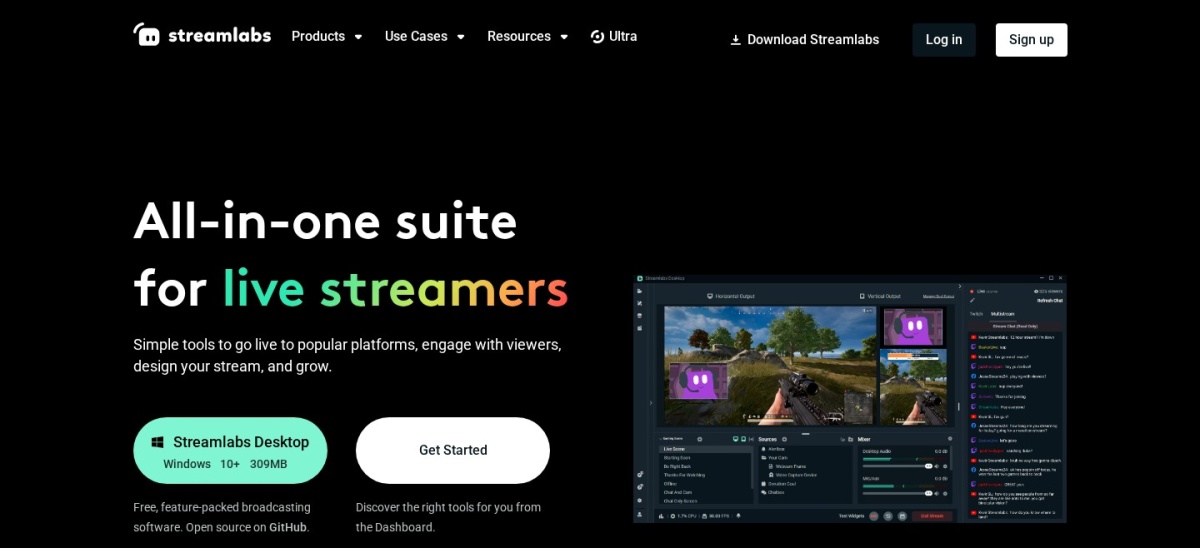
Streamlabs homepage, captured Nov 2026.
Streamlabs is a live streaming application focused on audience engagement, custom overlays and creator broadcasts. Its free desktop software includes recording, scene management and dual-format streaming, while its Starter plan supports one additional guest or camera through Collab Cam.
The trade off is that advanced overlays and expanded multistreaming require Ultra, listed at $179 annually on the desktop product page or $27 monthly. Official annual pricing differs across Streamlabs pages, and temporary promotional discounts were excluded. It suits esports organizers and sports creators who prioritize audience interaction over professional replay workflows.
What we like
Free desktop broadcasting and recording tools
Interactive audience alerts and widgets
Supports horizontal and vertical streaming formats
Useful for esports commentary and community events
Extensive overlay customization
Watch out for
Premium templates and expanded multistreaming require Ultra
Not designed as a dedicated multicamera sports replay system
Official annual pricing differs between vendor pages
How much does sports broadcasting software with instant replay cost?
Dedicated instant replay typically requires a higher software tier than ordinary live streaming. vMix illustrates this difference clearly: Basic HD costs $60, but its replay-capable 4K edition costs $700 and supports replay from one camera.
For larger productions, vMix Pro costs $1,200 and supports replay from eight cameras. The MAX subscription provides another purchasing option at $50 per month, which can be attractive for seasonal productions that do not require a permanent license.
Wirecast Pro includes dedicated sports production tools and costs $79 with monthly billing. Its annual billing option is listed at $42 per month, equivalent to $504 per year.
OBS Studio offers a free replay buffer, but operators should distinguish saved highlight clips from a dedicated replay system. Broadcasting several camera angles of the same sporting moment requires additional planning, suitable hardware and potentially third-party extensions.
What does a complete live sports broadcasting setup need?
A complete setup starts with cameras, compatible capture devices and a production computer. Select hardware based on the venue, camera distances, lighting conditions and the number of sources that must remain available throughout the event.
Audio deserves its own production plan. Commentary microphones, venue sound and any remote contributors should have independent level controls so operators can adjust the broadcast without affecting unrelated sources.
Scoreboards and graphics should remain easy to update during play. Prepare team names, sponsor graphics, game clocks and match information before the broadcast, then assign responsibility for keeping those elements accurate.
Distribution comes after production. A finished broadcast can go directly to a streaming destination or through a cloud distribution service such as Restream when the event needs to reach multiple platforms.
How we chose
We selected established live streaming and production applications suited to sporting events, community games, professional multicamera broadcasts, esports and sports commentary. We prioritized camera management, replay capabilities, graphics, operating system compatibility, distribution options and entry-level pricing.
We opened official product and pricing pages alongside G2 and Capterra review pages on 29 Nov 2026. Prices use published regular billing options rather than temporary promotional discounts. Monthly-only prices are multiplied by 12, annual plans use their annual total, and perpetual licenses show the initial purchase cost. Streamlabs publishes conflicting annual figures, so its desktop product page supplies the listed price.
We excluded video editors without live broadcasting capabilities, products without verifiable public pricing and applications without sufficient public review evidence. General streaming tools ranked below dedicated production applications where their sports-specific capabilities were more limited. No vendor paid for a place, and we do not claim testing for this list.
How to choose sports broadcasting software for your events
Start with your production requirements rather than the cheapest license, then compare the tools against your camera setup, replay needs, available operators and distribution channels.
Determine how many camera feeds your broadcast needs. Count every live camera, remote contributor and additional media source before choosing software. vMix Basic HD has a limited input allowance, while Wirecast Studio offers unlimited live camera sources subject to your hardware capabilities.
Decide whether dedicated instant replay is essential. Choose vMix or Wirecast when sports-specific production controls are central to the broadcast. For simple live coverage, a scene-based application such as OBS Studio may be sufficient without the additional license expense.
Calculate the complete production budget. Include software subscriptions, capture hardware, microphones, computing equipment and graphics tools. Separate recurring fees from one-time purchases, and confirm that the selected software edition contains every feature your production requires.
Match your software to the production team. Choose a browser-based application for straightforward interviews and commentary, or a desktop production system for more complicated camera workflows. Make sure operators have time to learn the software and rehearse before the first live event.
FAQ
What is the best sports broadcasting software in 2026?
vMix is the best sports broadcasting software for multicamera live games and dedicated instant replay. Its Basic HD license starts at $60, while higher editions include sports replay capabilities. Wirecast is a suitable alternative for organizations that need professional broadcasting software on macOS.
What is the best free sports broadcasting software?
OBS Studio is the best free sports broadcasting software for community games, schools and amateur clubs. It provides scene switching, audio mixing, recording and live streaming without licensing fees. Sports scoreboards and more advanced replay workflows may require additional configuration or third-party extensions.
How much does sports broadcasting software cost?
Sports broadcasting software ranges from completely free applications such as OBS Studio to professional production licenses such as vMix Pro at $1,200. Entry-level paid options include XSplit Premium at $59.99 annually and vMix Basic HD at $60 as a one-time purchase.
Is vMix or Wirecast better for sports broadcasting?
vMix is better suited to Windows-based productions requiring dedicated multicamera instant replay, while Wirecast is preferable when native macOS support matters. Both handle professional camera switching, but buyers should compare their required sports features and the specific software editions before purchasing.
Can OBS Studio broadcast live football and other sports?
Yes, OBS Studio can broadcast football and other sporting events using compatible cameras, capture devices, microphones and streaming destinations. Operators can create scenes and add browser-based graphics or scoreboards. Dedicated multicamera instant replay requires a more elaborate configuration than standard OBS streaming.
What sports broadcasting software is best for schools?
OBS Studio is a suitable starting point for schools because it eliminates software licensing costs. Schools with larger production budgets can consider vMix or Wirecast for more specialized workflows. The appropriate choice depends on available computers, camera equipment, volunteer experience and replay requirements.
What is the best software for streaming sports to YouTube and Facebook simultaneously?
Restream is a suitable option for distributing the same sports broadcast to YouTube and Facebook simultaneously. Its free plan supports two destinations, while Standard costs $19 per month and supports three. It can receive a finished broadcast from desktop production software.
What is the best sports broadcasting software for Mac?
Wirecast is a suitable professional sports broadcasting application for Mac users who need advanced production controls. OBS Studio provides a free cross-platform alternative for simpler productions, while StreamYard works well for browser-based sports interviews, commentary and post-match discussions.
Do I need instant replay software for every sports broadcast?
No, instant replay is optional for basic sports coverage. Smaller clubs can deliver useful live broadcasts through camera switching, clear commentary and accurate scoreboards. Dedicated replay becomes more valuable when viewers expect detailed analysis, repeated highlights or multiple perspectives of important sporting moments.
SaaS SEO and WordPress specialist with about 8 years of experience. Rakib compares WordPress plugins, themes, hosting and software using public pricing, documentation and user reviews. See how we rank.