Adobe InDesign is the best software to create a magazine for professional publishers, offering advanced typography and print preparation for $22.99 per month with an annual commitment. Choose Canva for beginner-friendly magazine templates or Marq for recurring branded publications that require consistent layouts across issues.
How we make this list: we compare pricing pages, product documentation and public user reviews, then re-check every price before each update. No product paid for a place. Disclosure.
Adobe InDesign costs $275.88 per year and earns 4.6/5 from 3,527 G2 reviews.
Canva Pro costs $144 per year and offers an accessible starting point for magazine creators without design experience.
Marq costs $120 per year and supports unlimited projects on its Pro plan.
Flipsnack Starter supports 5 digital magazines with up to 100 pages each for $192 per year.
Publuu starts at $84 per year and supports 10 simultaneously hosted flipbooks.
Designrr starts at $29 per month and includes 100 project templates for repurposing existing content.
How do you choose the best software to create a magazine?
Your publishing format determines which magazine software you need. Printed magazines require precise typography, bleed settings and reliable PDF exports, while digital publications benefit from browser-based reading, clickable content and convenient distribution.
Magazine templates reduce the time required to establish an editorial style. Canva and Marq let creators reuse page designs without learning complicated desktop publishing workflows. They are particularly useful for community magazines, company publications and independent editorial projects.
Professional page layout becomes more important as publications grow. Adobe InDesign supports parent pages, linked text frames and paragraph styles, allowing publishers to maintain consistent formatting across articles, advertisements and recurring editorial sections.
Digital publishing can require a separate subscription. Flipsnack and Publuu turn magazine PDFs into online publications with page-turning effects and sharing tools. Their subscriptions should be treated as distribution expenses when another application handles the original page design.
Annual software pricing is only part of the publishing budget. Stock photography, font licenses, printing, editorial work and digital hosting can increase the total cost. Choose software around your actual production process rather than the length of its feature list.
For converting existing articles into magazine-style publications
$29/mo
No free plan
4.1/5
Price ladder: cheapest paid plan per year
List prices, USD, checked Nov 2026
Publuu$84
MarqFREE$120
CanvaFREE$144
VismeFREE$147
FlipsnackFREE$192
InDesign$276
Designrr$348
The 7 best software tools to create a magazine
01
Adobe InDesign
4.6/5on G2 (3,527 reviews, checked Nov 2026)
Starts at$22.99/mo
Best for professional print and digital magazine production
PlatformWindows and macOS
Layout controlsParent pages and paragraph styles
PublishingPrint PDF and digital formats
Entry planInDesign Single App
adobe.com
Adobe InDesign homepage, captured Nov 2026.
Adobe InDesign is a professional desktop publishing application designed for editorial layouts, magazines, books and other multipage documents. Its $22.99 monthly Single App subscription includes typography controls, reusable parent pages, linked text frames and tools for preparing documents for commercial printing.
The trade off is the learning curve and annual subscription commitment at $275.88 per year, paid monthly. Its detailed formatting controls require more training than template-based alternatives. It suits professional publishers, freelance editorial designers and agencies producing recurring print magazines.
What we like
Detailed typography and text-flow controls
Reusable parent pages for consistent editorial layouts
Document preflight and professional print preparation
Integration with Photoshop and Illustrator
Suitable for complex multipage publications
Watch out for
Steeper learning curve for first-time designers
No permanent free plan
Annual commitment applies to the listed monthly price
Single App includes the complete InDesign editor and software updatesVisit adobe.com
02
Canva
4.7/5on G2 (7,970 reviews, checked Nov 2026)
Paid from$144/yr
Best for beginners creating template-based magazines
PlatformWeb, desktop and mobile
Layout controlsDrag-and-drop templates
PublishingPDF and online sharing
Entry planCanva Pro
canva.com
Canva homepage, captured Nov 2026.
Canva is a visual design platform that helps non-designers create magazine covers, article layouts and illustrated editorial pages. Its free plan includes templates and basic editing tools, while the $144 annual Pro subscription expands access to premium design assets and brand management features.
The trade off is limited control over advanced typesetting and complex editorial documents compared with dedicated desktop publishing software. Canva Pro costs $144 per year for an individual subscription, with separate options for business collaboration. It suits school magazines, independent creators and small marketing teams.
What we like
Accessible drag-and-drop editing interface
Reusable editorial and magazine templates
Free plan suitable for initial projects
Integrated photography and illustration resources
Convenient PDF export and online sharing
Watch out for
Less precise typography than dedicated publishing software
Complex editorial text flows require more manual work
Some templates and design assets require payment
Pro adds premium templates, design assets and brand managementVisit canva.com
03
Marq
4.5/5on G2 (210 reviews, checked Nov 2026)
Paid from$10/mo
Best for recurring branded magazines and company publications
PlatformWeb browser
Free project limit3 projects
Free storage2 GB
Entry planPro, billed annually
marq.com
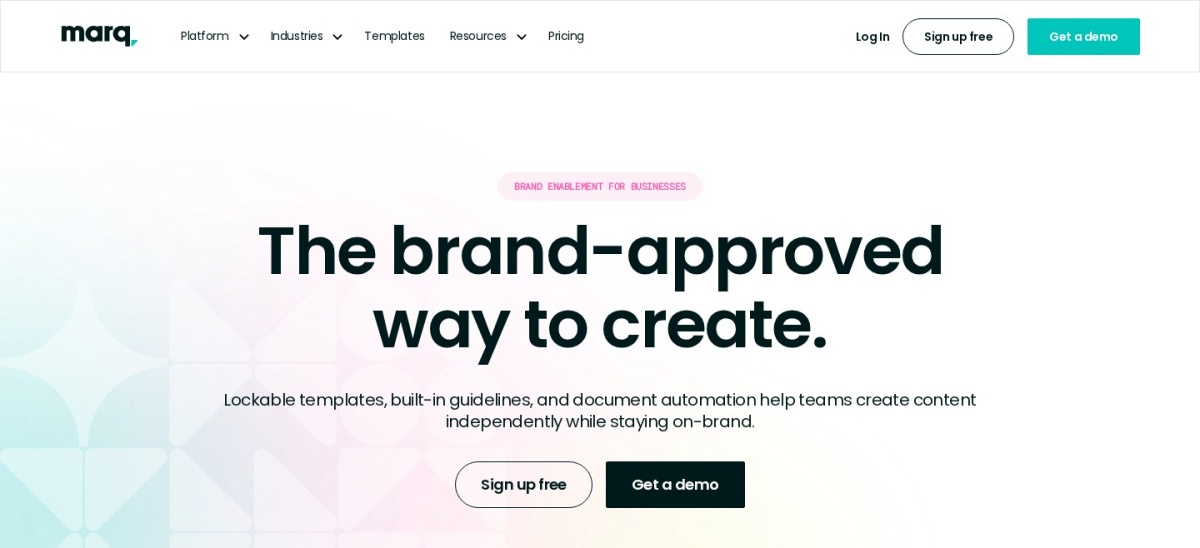
Marq homepage, captured Nov 2026.
Marq is a browser-based design and brand templating application previously known as Lucidpress. Its free plan provides 3 projects, 2 GB of cloud storage and basic templates, making it useful for preparing sample magazine issues before committing to a subscription.
The trade off is that advanced brand management and organizational collaboration depend on the selected subscription. Pro costs $10 per month when billed annually and removes the free project's document limit. It suits businesses and editorial teams that repeatedly produce publications using an established visual identity.
Less suitable for specialized commercial prepress work
Pro adds unlimited projects, premium templates and brand assetsVisit marq.com
04
Flipsnack
4.7/5on G2 (431 reviews, checked Nov 2026)
Paid from$16/mo
Best for creating and publishing interactive digital magazines
PlatformWeb browser
Free flipbooks5
Starter page limit100 pages per flipbook
Entry planStarter, billed annually
flipsnack.com
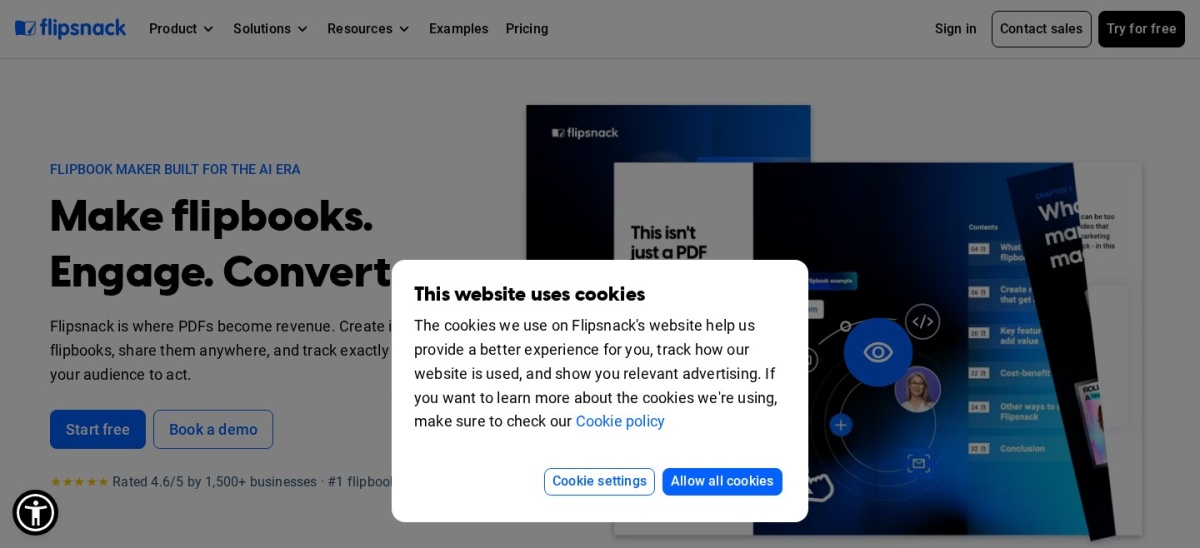
Flipsnack homepage, captured Nov 2026.
Flipsnack is a digital publishing platform that combines magazine design with hosted flipbook distribution. Its free plan supports 5 publications containing up to 15 pages each, while creators can either upload an existing PDF or assemble pages using the online design editor.
The trade off is that reader analytics and richer multimedia features require more expensive subscriptions. Starter costs $16 per month with annual billing and supports 5 flipbooks with up to 100 pages each. It suits publishers who want their magazines designed and distributed through the same browser-based platform.
What we like
Create magazines from templates or existing PDFs
Browser-based flipbook hosting
Sharing through links, email and QR codes
Interactive publishing options on higher tiers
Download options for paid users
Watch out for
Free publications have a short page limit
Advanced multimedia and analytics require Pro
Starter limits the number of hosted publications
Starter expands page limits and enables additional export optionsVisit flipsnack.com
05
Visme
4.5/5on G2 (515 reviews, checked Nov 2026)
Paid from$12.25/mo
Best for magazines containing charts and infographics
PlatformWeb browser
Free page limit50 pages per project
Starter storage1 GB
Entry planStarter, billed annually
visme.co
Visme homepage, captured Nov 2026.
Visme is a visual content creation platform particularly useful for editorial publications featuring statistics, illustrations and explanatory graphics. Its Basic plan includes unlimited projects with a limit of 50 pages per project, alongside access to selected templates and design assets.
The trade off is that downloadable files and advanced publishing features are divided between paid subscriptions. Starter costs $12.25 per month with annual billing and provides PDF, JPG and PNG downloads. It suits research magazines, educational publications and businesses that communicate information through visual storytelling.
What we like
Integrated charts and data visualization tools
Templates for visually focused editorial content
Unlimited projects on the free plan
PDF downloads on the entry paid tier
Watch out for
Free users face download restrictions
HTML5 exports and advanced analytics require Business
Limited professional typesetting compared with InDesign
Starter adds premium assets, PDF downloads and additional storageVisit visme.co
06
Publuu
4.8/5on G2 (566 reviews, checked Nov 2026)
Starts at$7/mo
Best for turning finished magazine PDFs into online editions
PlatformWeb browser
Basic flipbook capacity10
Basic PDF size limit150 MB
Entry planBasic
publuu.com
Publuu homepage, captured Nov 2026.
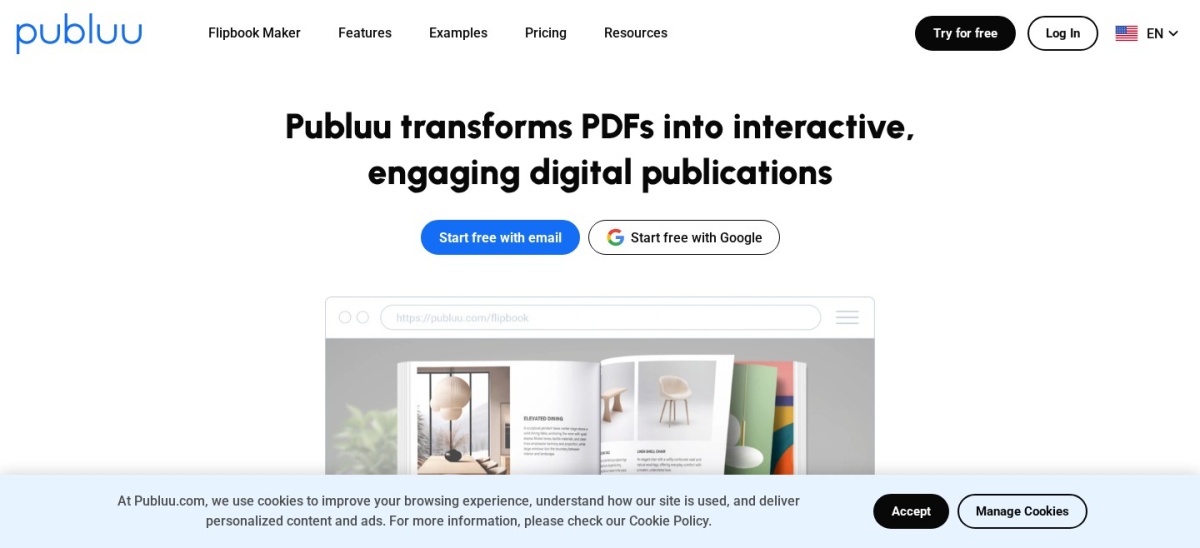
Publuu is an online publishing service that converts finished PDF magazines into browser-readable flipbooks. Its Basic subscription supports 10 simultaneously stored publications and PDF files up to 150 MB, with mobile-friendly viewing and options for embedding magazines on websites.
The trade off is that Publuu primarily handles digital distribution rather than original editorial page design. Its $7 monthly starting rate makes it inexpensive, but publishers generally need another application to prepare their PDFs. It suits independent magazines and organizations that already have finished editorial documents.
What we like
Low entry subscription cost
Advertisement-free flipbook viewing
Mobile and desktop browser support
Website embedding and direct sharing
Useful for distributing existing publications
Watch out for
No full desktop publishing layout editor
Basic plan limits stored publications
No permanent free subscription
Basic includes hosted flipbooks, customization and sharing toolsVisit publuu.com
07
Designrr
4.1/5on G2 (24 reviews, checked Nov 2026)
Starts at$29/mo
Best for converting existing articles into magazine-style publications
PlatformWeb browser
Standard templates100
Standard user allowance1 user
Entry planStandard
designrr.io
Designrr homepage, captured Nov 2026.
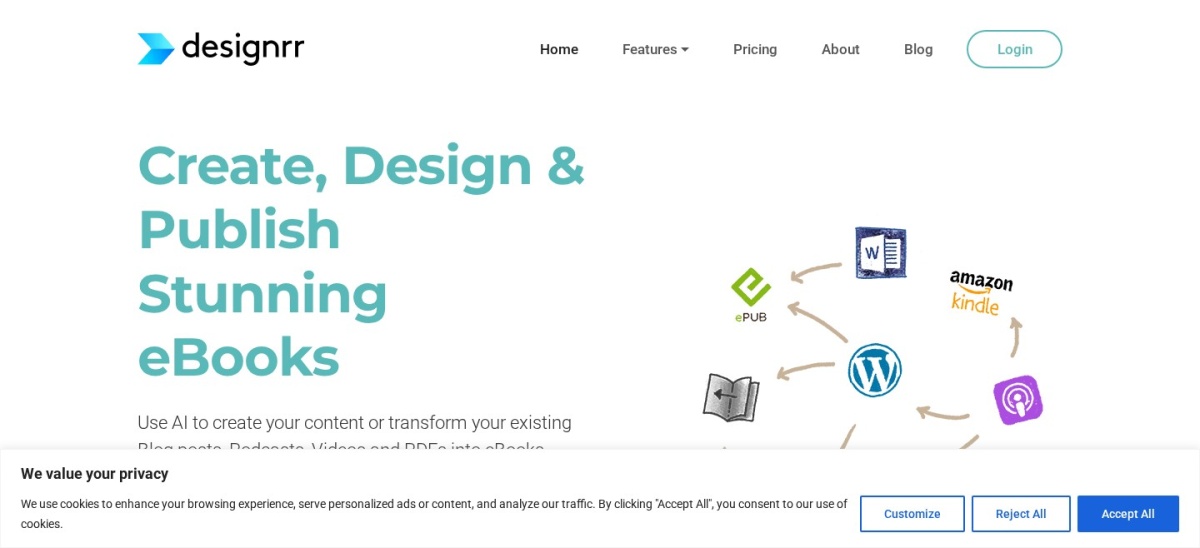
Designrr is a content repurposing application that turns existing articles and documents into formatted digital publications. Its $29 monthly Standard subscription includes 100 project templates, unlimited ebook creation, automatic page numbering and imports from websites, Microsoft Word and Google Docs.
The trade off is its focus on content conversion rather than detailed magazine art direction. Standard costs $29 per month, while importing PDFs and generating flipbooks from them requires the $39 monthly Pro plan. It suits bloggers and content marketing teams assembling magazine-style collections from previously published material.
What we like
Imports existing web articles and written documents
Automatic page numbering and contents generation
Unlimited ebook creation on Standard
Useful for repurposing editorial archives
Watch out for
Less control over complex magazine spreads
PDF importing requires a higher plan
Smaller G2 review sample than leading alternatives
Relatively expensive entry subscription
Standard adds content importing, templates and automated document formattingVisit designrr.io
What is the difference between print and digital magazine software?
Print magazine software prioritizes accurate page dimensions, typography, image quality and production-ready files. Adobe InDesign is the strongest fit when a commercial printing company specifies bleed, color profiles and PDF export requirements.
Digital magazine software prioritizes online reading and distribution. Flipsnack and Publuu provide hosted publications that readers can open through a browser instead of downloading large PDF files. Their publishing subscriptions introduce recurring costs that traditional layout software may not include.
Publishers producing both formats can combine applications. Create the original magazine in InDesign, Canva or Marq, export a PDF and upload the document to a digital publishing service. This separates editorial design from online distribution.
How much should you budget for magazine creation software?
A template-based publication can begin with a free Canva or Marq account. Paid annual upgrades cost $144 for Canva Pro and $120 for Marq Pro, making either option accessible to small independent editorial projects.
Professional print publishers should budget $275.88 annually for the listed Adobe InDesign subscription. Adding Publuu at its entry rate brings the combined annual software cost to $359.88, before printing, photography, taxes or other production expenses.
A digital-only publisher may avoid buying separate design and hosting subscriptions by choosing Flipsnack. Its Starter plan costs $192 annually, although publishers needing embedded multimedia or detailed reader analytics should compare the higher subscription tiers.
How we chose
We shortlisted established applications from desktop publishing, visual design, content repurposing and digital flipbook software categories. Products were ranked according to their usefulness for magazine creation, editorial layout controls, publishing options, pricing transparency and public customer feedback.
We opened official vendor pricing pages and G2 review pages on 29 Nov 2026 to verify entry subscription prices, ratings and review counts. Annualized costs use the lowest confirmed regular paid rate, including annual billing where available. Free trials are not classified as permanent free plans.
We excluded products whose regular dollar-denominated pricing could not be confirmed, including Issuu, FlipHTML5 and QuarkXPress. We also excluded general image editors without a suitable multipage publishing workflow. No vendor paid for a place, and we do not claim testing for this list.
How to choose magazine creation software
Identify your publication format, editorial requirements and distribution budget before committing to a magazine design application.
**Decide where readers will access your magazine.** Choose dedicated desktop publishing software for commercial printing. Consider hosted flipbook software for browser-based editions, website embedding and online distribution.
**Match the layout editor to your design experience.** Use Canva or Marq when templates and straightforward editing are priorities. Choose InDesign when precise typography, text flow and detailed page composition matter more.
**Check publication and export limits.** Review page allowances, hosted document capacity, PDF export options and storage restrictions. Make sure the subscription can accommodate your planned publication schedule and editorial archive.
**Calculate the complete annual publishing cost.** Include layout software, digital hosting, team subscriptions, fonts, photography and printing. Avoid paying for specialized publishing features that your readers or production team will not use.
FAQ
What is the best software to create a magazine in 2026?
Adobe InDesign is the best software to create a magazine for professional editorial publishing because it offers detailed typography, reusable page layouts and print preparation. Canva is more accessible for beginners, while Marq is particularly useful for recurring branded publications.
Can I create a magazine for free?
Yes, Canva and Marq offer permanent free plans suitable for creating basic magazine layouts. Flipsnack also provides a free digital publishing plan, although its publication and page limits make it better suited to short magazines and preliminary projects.
How much does magazine design software cost?
Magazine design software ranges from free entry plans to paid subscriptions costing several hundred dollars annually. Canva Pro costs $144 per year, Marq Pro costs $120 per year, and Adobe InDesign costs $275.88 annually under its listed subscription.
Is Canva or Adobe InDesign better for making magazines?
Adobe InDesign is better for professional print magazines requiring precise typography, linked text frames and advanced page layout. Canva is better for beginners who want editable templates, straightforward visual design tools and quick publication without extensive desktop publishing training.
What is the easiest software for creating a magazine?
Canva is the easiest option for most beginners because its template-based editor reduces the need to build every layout from scratch. Users can arrange text, photography and illustrations visually, then export the completed publication for sharing or printing.
What is the best software for creating an online magazine?
Flipsnack is the best option for creators who want to design and host digital magazines within one platform. Publuu is a more affordable alternative when magazine pages have already been designed elsewhere and only online distribution is required.
Can I use magazine software to create a company newsletter?
Yes, Canva, Marq and Visme are suitable for company newsletters and internal editorial publications. Marq is particularly useful for businesses maintaining recurring branded layouts, while Visme works well when newsletters include charts, statistics and other visual information.
Do I need separate software to publish a digital magazine?
Not necessarily, because Flipsnack combines online design and publication hosting. However, publishers using Adobe InDesign or another dedicated layout application may benefit from a separate flipbook service when they want browser-based reading, website embedding or reader engagement features.
SaaS SEO and WordPress specialist with about 8 years of experience. Rakib compares WordPress plugins, themes, hosting and software using public pricing, documentation and user reviews. See how we rank.