OBS Studio is the best streaming and recording software for most creators because it offers free, open-source broadcasting and local video recording, with a 4.7/5 Capterra rating. Choose Streamlabs for integrated creator tools and branded overlays, or vMix for professional productions involving multiple camera inputs.
How we make this list: we compare pricing pages, product documentation and public user reviews, then re-check every price before each update. No product paid for a place. Disclosure.
OBS Studio offers free streaming and recording and holds a 4.7/5 Capterra rating from 1,076 reviews.
Streamlabs Ultra starts at $189 annually and adds premium creator assets and multistreaming capabilities.
vMix Basic HD costs $60 once and supports four total inputs, including three camera or NDI inputs.
StreamYard earns 4.8/5 from 299 G2 reviews and offers an Essential plan for $14.99 per month with annual billing.
XSplit Broadcaster Premium costs $59.99 annually and removes the four-scene restriction of its free version.
Restream Professional costs $49 per month with monthly billing and supports five simultaneous streaming destinations and 4K recording.
How do you choose the best streaming and recording software?
Streaming and recording serve different purposes. Streaming sends live video to an audience, while recording saves footage for editing, archiving or publishing later. Software that handles both can reduce the need to maintain separate production workflows.
Desktop applications offer greater control over production settings. OBS Studio, Streamlabs and vMix let creators manage media sources, audio, transitions and recording settings directly on their computers. Performance depends on available processing resources and encoding configurations.
Browser-based studios simplify remote interviews and multichannel broadcasts. StreamYard and Restream handle more of the distribution process online, reducing the configuration required to publish live content across supported platforms.
Recording quality matters independently of streaming quality. A compressed live broadcast may not provide suitable footage for future editing. Compare local recording options, isolated audio tracks and resolution limits before selecting a subscription.
Software costs depend on the features your production needs. OBS Studio requires no software purchase, while XSplit offers an annual subscription for $59.99 and vMix provides an entry-level lifetime license for $60.
The 7 best streaming and recording software options
01
OBS Studio
4.7/5on Capterra (1,076 reviews, checked Nov 2026)
PriceFree
Best for free streaming and recording
Operating systemsWindows, macOS and Linux
RecordingLocal video recording
Production toolsScenes, sources and audio mixing
Paid planNone, open-source software
obsproject.com
OBS Studio homepage, captured Nov 2026.
OBS Studio is a free, open-source application for live broadcasting and video recording across Windows, macOS and Linux. It combines configurable scenes, screen captures, camera inputs and audio mixing without a mandatory subscription, earning a 4.7/5 Capterra rating from 1,076 reviews.
The trade off is configuration complexity rather than price. OBS Studio remains free, but creators must configure encoding, audio routing, stream destinations and production layouts themselves. It suits gamers, educators and independent creators who want control over their recording and broadcasting environment.
What we like
Completely free and open-source software
Configurable recording and encoding settings
Extensive plugin and extension ecosystem
Available for Windows, macOS and Linux
No software-imposed recording watermark
Watch out for
Initial configuration can overwhelm beginners
Advanced workflows may require third-party plugins
Recording performance depends on computer hardware
All core recording and streaming features are available without a paid plan.Visit obsproject.com
02
Streamlabs
4.1/5on G2 (59 reviews, checked Nov 2026)
Paid from$189/yr
Best for gaming and creator monetization
Operating systemsWindows and macOS
RecordingDesktop video recording
Creator toolsAlerts, overlays and monetization
Paid planUltra, $15.75/mo billed annually
streamlabs.com
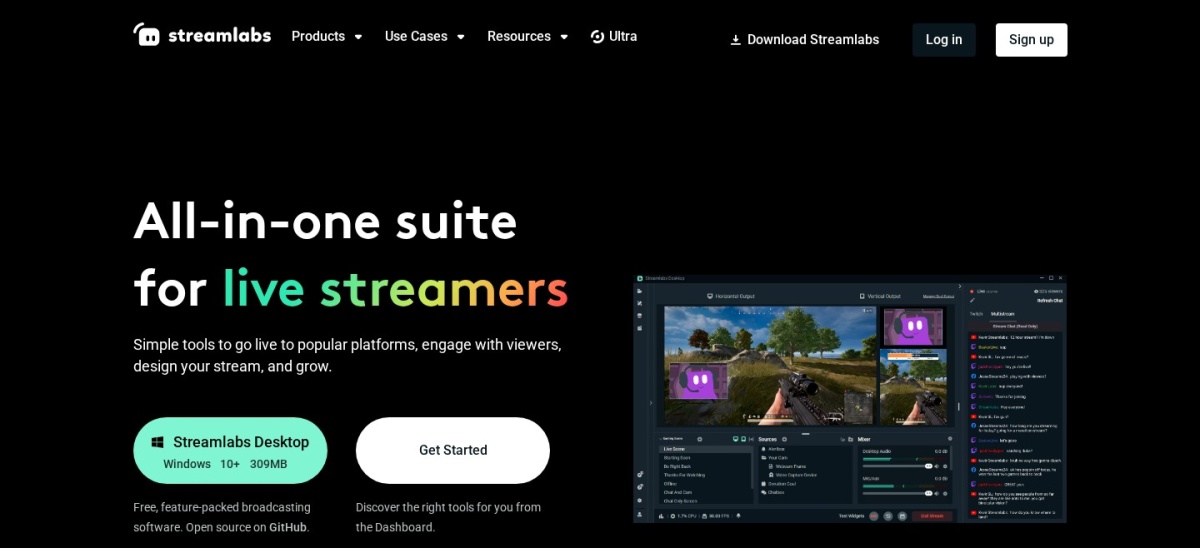
Streamlabs homepage, captured Nov 2026.
Streamlabs is a creator-focused streaming platform that combines desktop broadcasting, video recording, audience interaction and monetization tools. Its free software covers basic production needs, while Ultra bundles premium capabilities across its streaming and content creation products for an annual cost of $189.
The trade off is that premium design assets and advanced distribution features require Ultra, starting at $189 annually. A temporary promotion advertised savings on the initial subscription through November 30, 2026, but this comparison uses regular pricing. It suits creators who prefer integrated alerts, branding and audience tools.
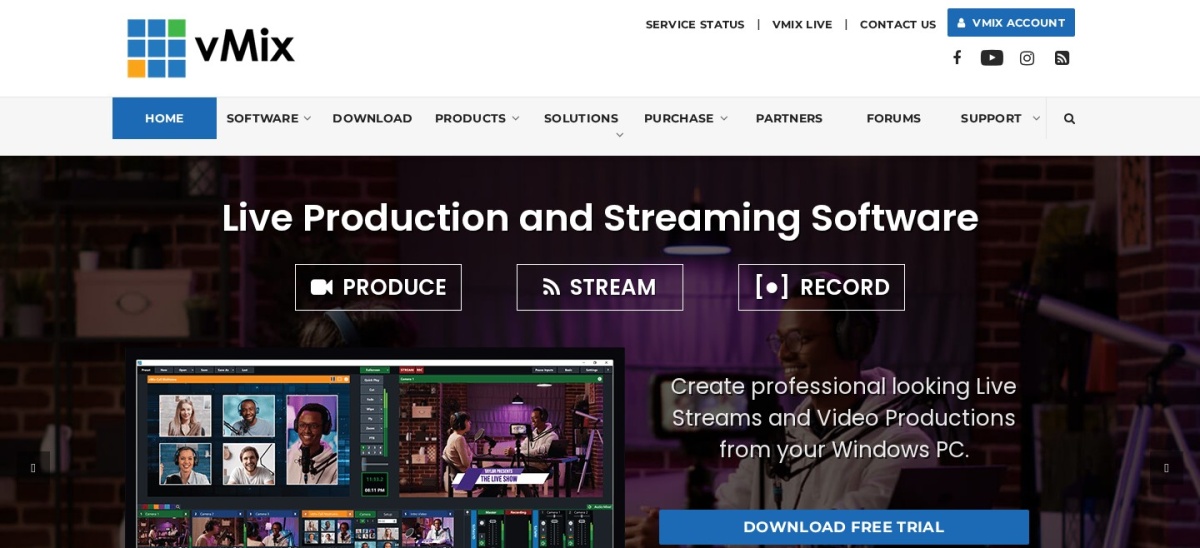
vMix is a Windows-based live video production application for switching between camera feeds, media sources and graphics while broadcasting and recording. Its $60 Basic HD license supports four total inputs, including three camera or NDI inputs, with a maximum resolution of 1920 x 1080.
The trade off is the cost of expanding beyond the entry-level production limits. Basic HD costs $60 once, while the HD edition costs $350 and supports substantially more inputs. It suits event producers, educational institutions and organizations that need direct control over multicamera broadcasts.
What we like
Entry-level perpetual software license
Support for cameras and network video sources
Detailed live production controls
Integrated broadcasting and recording
Multiple editions for growing production needs
Watch out for
Only available for Windows
Basic HD restricts the number of inputs
Advanced production editions are considerably more expensive
Requires familiarity with live video production
Basic HD includes a lifetime license with software updates for the first 12 months.Visit vmix.com
04
StreamYard
4.8/5on G2 (299 reviews, checked Nov 2026)
Paid from$14.99/mo
Best for interviews and video podcasts
PlatformWeb browser
RecordingBrowser-based podcast recording
Essential resolution1080p
Essential destinations2 simultaneous destinations
streamyard.com
StreamYard homepage, captured Nov 2026.
StreamYard is a browser-based broadcasting and recording studio designed for interviews, podcasts, webinars and live discussions. Its Essential plan includes unlimited streaming, broadcasting to two destinations and 1080p video for $14.99 per month with annual billing, while a free plan provides basic access.
The trade off is reduced control over technical production settings compared with desktop encoders. Essential costs $179.88 annually, or $18.99 per month when billed monthly. It suits hosts who regularly invite remote guests and prefer managing interviews without installing dedicated production software.
What we like
Remote guests can join through a browser
Integrated interview and podcast workflows
No dedicated desktop encoder required
High G2 rating from 299 reviews
Supports branded live productions
Watch out for
Less granular encoding control than OBS Studio
Advanced recording capabilities depend on the plan
Entry-level paid plan limits simultaneous destinations
Essential adds unlimited streaming, 1080p output and simultaneous broadcasting to two destinations.Visit streamyard.com
05
XSplit Broadcaster
3.9/5on G2 (23 reviews, checked Nov 2026)
Paid from$59.99/yr
Best for affordable Windows broadcasting
Operating systemWindows
Free scenes4
Watermark-free streamingUp to 720p on free plan
Paid planPremium, $59.99/yr
xsplit.com
XSplit Broadcaster homepage, captured Nov 2026.
XSplit Broadcaster is a Windows application for producing live broadcasts and recording video from cameras, games, screens and other media sources. Its free edition supports four scenes and watermark-free streaming up to 720p, making it suitable for relatively simple personal broadcasting setups.
The trade off is that commercial use, unrestricted scenes and simultaneous broadcasting to multiple services require Premium at $59.99 annually. A lifetime license regularly costs $199.99, although the pricing page advertised a temporary $79.99 promotion. It suits Windows creators seeking an affordable paid production application.
What we like
Affordable recurring subscription
Free personal-use edition
Supports local video recording
Imports OBS scenes
Premium includes simultaneous broadcasting
Watch out for
Free edition excludes commercial use
Windows-only desktop application
Free plan limits scene count and watermark-free output
Premium adds unlimited scenes, commercial-use rights and additional broadcasting controls.Visit xsplit.com
06
Restream
4.5/5on G2 (85 reviews, checked Nov 2026)
Paid from$19/mo
Best for streaming across multiple platforms
PlatformBrowser and external encoders
Free destinations2 simultaneous channels
Standard destinations3 simultaneous channels
4K recordingProfessional plan
restream.io
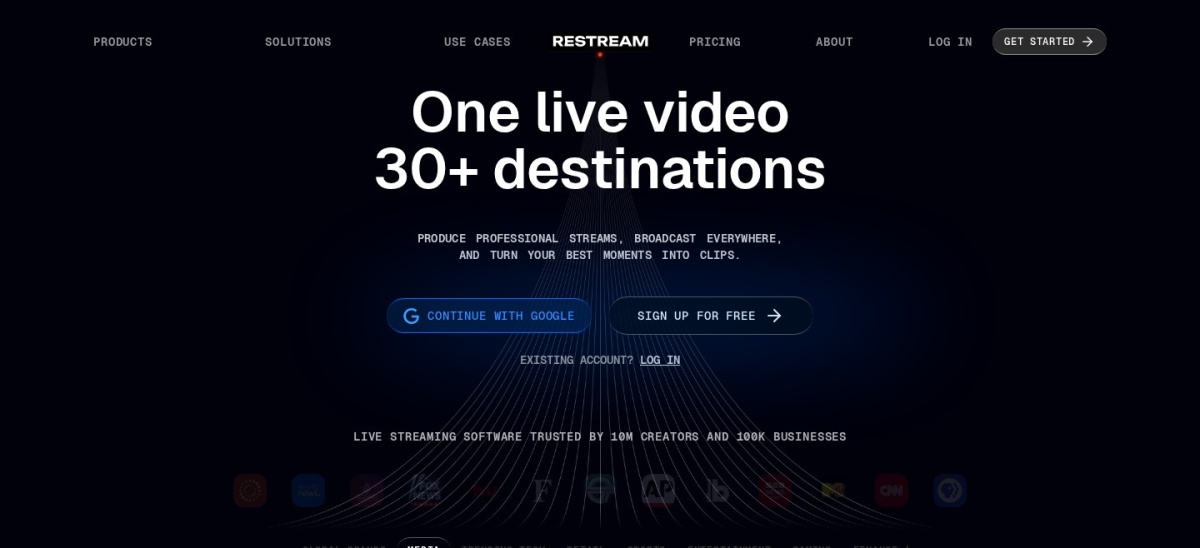
Restream homepage, captured Nov 2026.
Restream is a cloud broadcasting platform that distributes live video to multiple destinations and provides an online production studio. Its free plan broadcasts to two channels with Restream branding, while the $19 monthly Standard subscription increases distribution to three channels and removes that branding.
The trade off is that higher-quality recording requires a more expensive subscription. Professional costs $49 per month with monthly billing and supports 4K recording, 1080p streaming and five simultaneous destinations. It suits creators and organizations that prioritize audience distribution across several platforms.
What we like
Free simultaneous streaming to multiple channels
Compatible with external desktop encoders
Integrated browser production studio
Higher-tier recording and repurposing capabilities
Centralized audience distribution
Watch out for
Free broadcasts include Restream branding
4K recording requires Professional
Subscription costs increase with distribution requirements
Standard adds branding removal, a third streaming destination and guest-channel support.Visit restream.io
07
Ecamm Live
4.3/5on G2 (19 reviews, checked Nov 2026)
Starts at$16/mo
Best for Mac-based video production
Operating systemmacOS
Standard destinationsUp to 10
RecordingAutomatic recording on Standard
Paid planStandard, $192/yr
ecamm.com
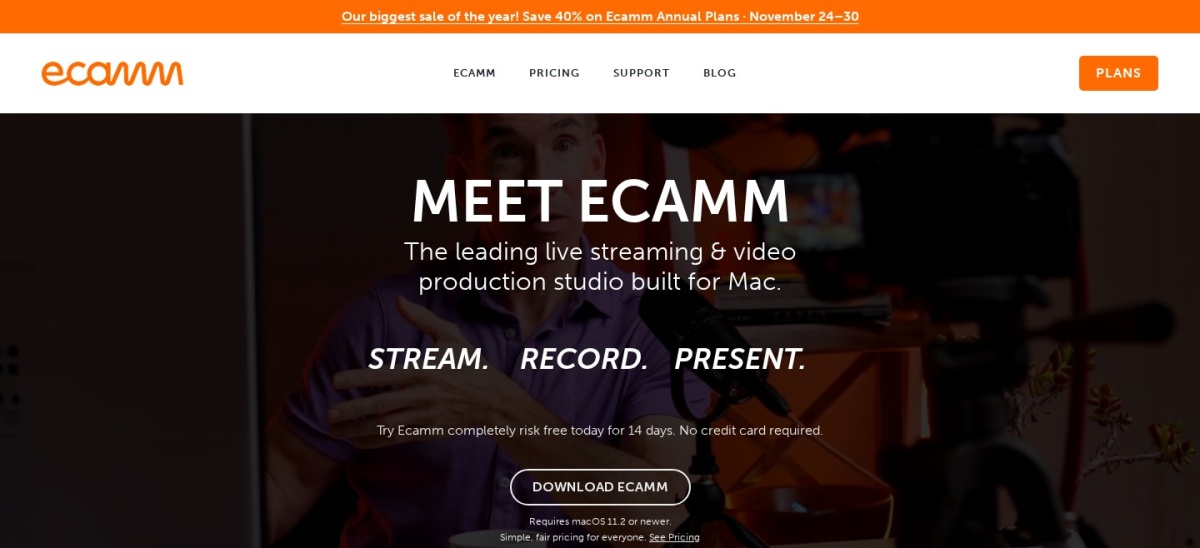
Ecamm Live homepage, captured Nov 2026.
Ecamm Live is a native Mac production studio that combines live broadcasting, video recording, camera switching and presentation tools. Its Standard subscription costs $192 annually and includes automatic recording, custom branding and simultaneous streaming to up to 10 destinations.
The trade off is that isolated audio and video recording, advanced interview features and 4K streaming require Pro at $384 annually. Standard starts at $16 per month with annual billing, and a 14-day trial is available. It suits Mac users who produce regular presentations, podcasts and branded broadcasts.
What we like
Native production environment for Mac users
Automatic recording on the entry-level subscription
Integrated camera switching and visual overlays
Supports multiple streaming destinations
Isolated recording available on Pro
Watch out for
No Windows or Linux version
No permanent free plan
Advanced interview and isolated recording features require Pro
Standard adds watermark-free production, custom branding, automatic recording and multistreaming.Visit ecamm.com
Is desktop or browser-based streaming software better?
Desktop streaming software is better when production control matters most. OBS Studio and vMix let operators configure video sources, encoding and audio settings directly, making them suitable for gaming, demonstrations and productions involving physical camera equipment.
Browser-based software is better for distributed participants and simplified hosting. StreamYard and Restream reduce the technical setup required for remote interviews and online discussions, although their recording and broadcasting capabilities depend on subscription limits.
Hybrid workflows combine local production with cloud distribution. A creator can use OBS Studio to record footage and send a broadcast to a compatible distribution service, keeping recording controls separate from multichannel delivery.
What recording features matter when you stream live?
Independent recording settings help preserve footage quality. Where supported, select recording parameters separately from streaming parameters so that the saved footage is suitable for editing rather than restricted to the quality of the live broadcast.
Separate audio tracks provide greater editing flexibility. Keeping microphones, system audio and other sound sources independent allows editors to adjust their levels after the event. Check whether your preferred software includes isolated recording in its entry-level plan.
Storage and computer performance influence recording reliability. High-resolution video can consume significant disk space and encoding resources. Confirm that your computer can handle the recording and live streaming workload before an important broadcast.
How we chose
We selected maintained streaming and recording applications that support both live video production and recorded content workflows. The comparison prioritizes broadcasting controls, recording capabilities, platform compatibility, subscription restrictions and public user feedback.
Official product and pricing pages were checked on 29 Nov 2026, alongside numerical ratings and review counts from G2 and Capterra. Regular annual pricing is used where clearly published; otherwise, monthly prices are multiplied by 12. The vMix perpetual license represents the first-year software purchase rather than a recurring annual charge.
We excluded standalone screen recorders without meaningful live broadcasting capabilities, streaming platforms without suitable recording workflows and products without sufficiently verifiable pricing or ratings. Restream's annual total uses its confirmed monthly price because the annual pricing table did not display a usable amount. No vendor paid for a place, and we do not claim testing for this list.
How to choose streaming and recording software
Compare your production requirements, recording preferences, available hardware and ongoing software budget before committing to a streaming application.
Identify your primary broadcasting format. Choose desktop production software for gameplay, screen demonstrations and physical camera setups. Consider browser-based studios when remote interviews, guest participation and online discussions are your main activities.
Check the recording features you actually need. Determine whether you need a combined recording, separate audio tracks, isolated guest recordings or high-resolution footage. Verify that these features are included in the subscription you intend to purchase.
Match the software to your hardware. Review operating system compatibility, available processing resources, storage capacity and internet upload performance. A feature-rich application provides little value if your equipment cannot run your intended production reliably.
Calculate the complete software cost. Compare annual subscription expenses with perpetual license prices. Include additional costs for premium overlays, multistreaming services, recording upgrades and other features required by your production workflow.
FAQ
What is the best streaming and recording software in 2026?
OBS Studio is the best overall option for most creators because it combines free live broadcasting, configurable recording and extensive customization. Streamlabs is a suitable alternative for gaming creators, while vMix provides more specialized controls for multicamera live productions.
What is the best free software for streaming and recording?
OBS Studio is the best free streaming and recording application for users who want configurable production controls without a subscription. Its open-source model provides access to recording, scene management, audio mixing and broadcasting features without requiring a paid upgrade.
How much does streaming and recording software cost?
Streaming and recording software ranges from completely free applications to recurring professional subscriptions. OBS Studio is free, XSplit Premium costs $59.99 annually, and vMix Basic HD costs $60 once. More advanced production features can require substantially more expensive plans.
Is OBS Studio or Streamlabs better for streaming?
OBS Studio is better for creators who prioritize customization and avoiding subscription costs. Streamlabs is better for creators who want integrated alerts, monetization tools and premium visual assets. Both support desktop streaming and recording, but their additional creator features differ.
Can you record and stream at the same time?
Yes, applications such as OBS Studio, Streamlabs and vMix support live broadcasting and video recording during the same production. Available recording quality depends on software settings, subscription restrictions where applicable, storage capacity and the processing resources available on your computer.
What is the easiest streaming software for beginners?
StreamYard is a suitable choice for beginners who want to host interviews and discussions from a browser. Streamlabs is another option for gaming creators who prefer integrated visual assets and audience widgets rather than configuring every production component independently.
What is the best streaming and recording software for Mac?
Ecamm Live is a strong choice for Mac users who prefer a dedicated native production studio with automatic recording and integrated broadcasting controls. OBS Studio is the better option when avoiding subscription costs or using a more customizable open-source workflow.
What software is best for recording video podcasts with remote guests?
StreamYard is a suitable choice for video podcasts involving remote guests because participants can join through a browser. Restream offers another browser-based workflow for hosts who also want to distribute their live discussions across multiple streaming platforms.
SaaS SEO and WordPress specialist with about 8 years of experience. Rakib compares WordPress plugins, themes, hosting and software using public pricing, documentation and user reviews. See how we rank.