STAAD.Pro is the best structural design software for engineering firms that need general-purpose structural analysis, with a G2 rating of 4.4/5 from 75 reviews. Choose RISA-3D for multi-material structural modeling or Calcs.com for affordable, browser-based engineering calculations starting at $790 per year.
How we make this list: we compare pricing pages, product documentation and public user reviews, then re-check every price before each update. No product paid for a place. Disclosure.
STAAD.Pro supports general structural analysis and has a 4.4/5 G2 rating from 75 reviews.
RISA-3D earns 5/5 on Capterra, although its rating comes from only 2 reviews.
Calcs.com costs $790 per year for Basic and $1,190 per year for Pro.
Tekla Structural Designer combines building analysis and design in one model and earns 4.3/5 from 12 G2 reviews.
IDEA StatiCa starts at $1,990 per year for concrete detailing, while its Steel package costs $3,290 per year.
RFEM earns 5/5 from 4 Capterra reviews and specializes in finite element analysis.
How do you choose the best structural design software?
Structural design software helps engineers calculate how buildings and other load-bearing structures respond to applied forces. It connects structural geometry, material properties, load combinations, supports, and design requirements in a digital engineering workflow.
General-purpose analysis and specialized design are different jobs. A frame analysis program calculates structural response, while dedicated connection or member design software checks individual components against engineering standards.
Building information modeling integration matters when structural engineers work alongside architects and contractors. Software that exchanges analytical models with BIM applications can reduce repeated modeling and coordination work.
The cheapest license does not necessarily cover every required calculation. Some vendors charge separately for advanced analysis, material design modules, technical support, and specialist engineering features.
Engineering judgment remains essential regardless of software choice. Qualified engineers must verify assumptions, boundary conditions, load combinations, model behavior, and compliance before approving structural designs.
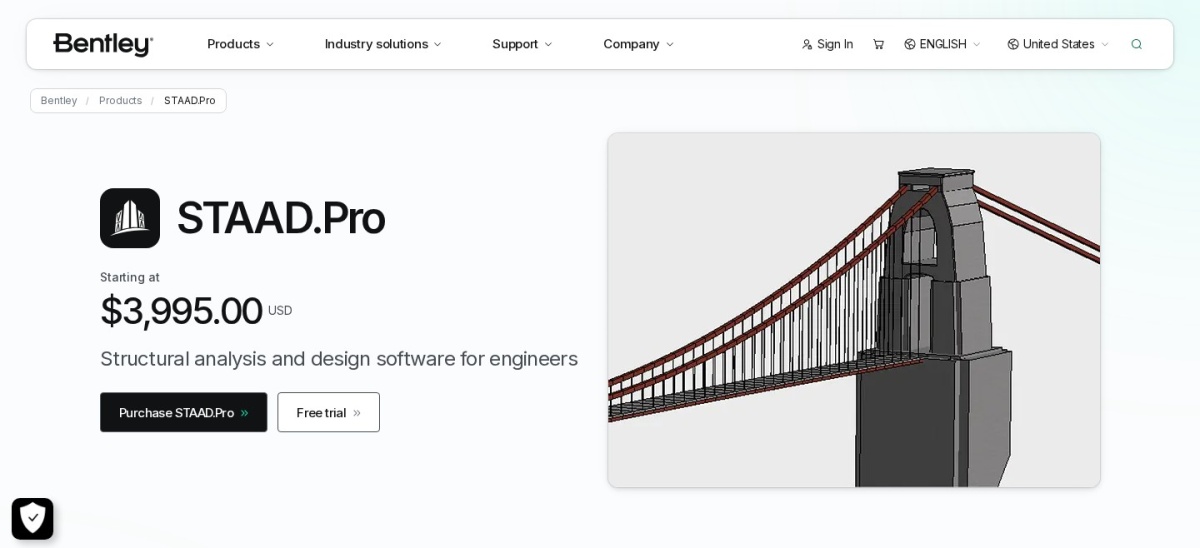
STAAD.Pro is Bentley's general-purpose structural engineering software for analyzing and designing buildings, industrial frames, and infrastructure. Its entry subscription supports structural modeling, load combinations, member verification, and engineering analysis, while its 4.4/5 G2 rating comes from 75 reviews.
The trade off is subscription cost and the learning curve associated with detailed analytical models. The regular annual starting price identified for STAAD.Pro is $3,995, and Bentley advertises a temporary promotion on its subscriptions. It suits professional engineering practices working across different structural materials and project types.
What we like
Supports a broad range of structural systems
Multiple analysis methods and design standards
OpenSTAAD API supports workflow automation
Integrates with other Bentley engineering products
Established engineering user community
Watch out for
Higher subscription cost than calculation-focused tools
Advanced analysis requires a higher software edition
Requires engineering training and careful model preparation
Advanced editions extend nonlinear analysis and concrete detailing capabilities.Visit bentley.com
02
RISA-3D
5/5on Capterra (2 reviews, checked Nov 2026)
Starts at$2,290/yr
Best for multi-material structural modeling
DeploymentWindows desktop
Modeling3D structural systems
MaterialsSteel, concrete, timber and masonry
LicensingAnnual subscription
risa.com
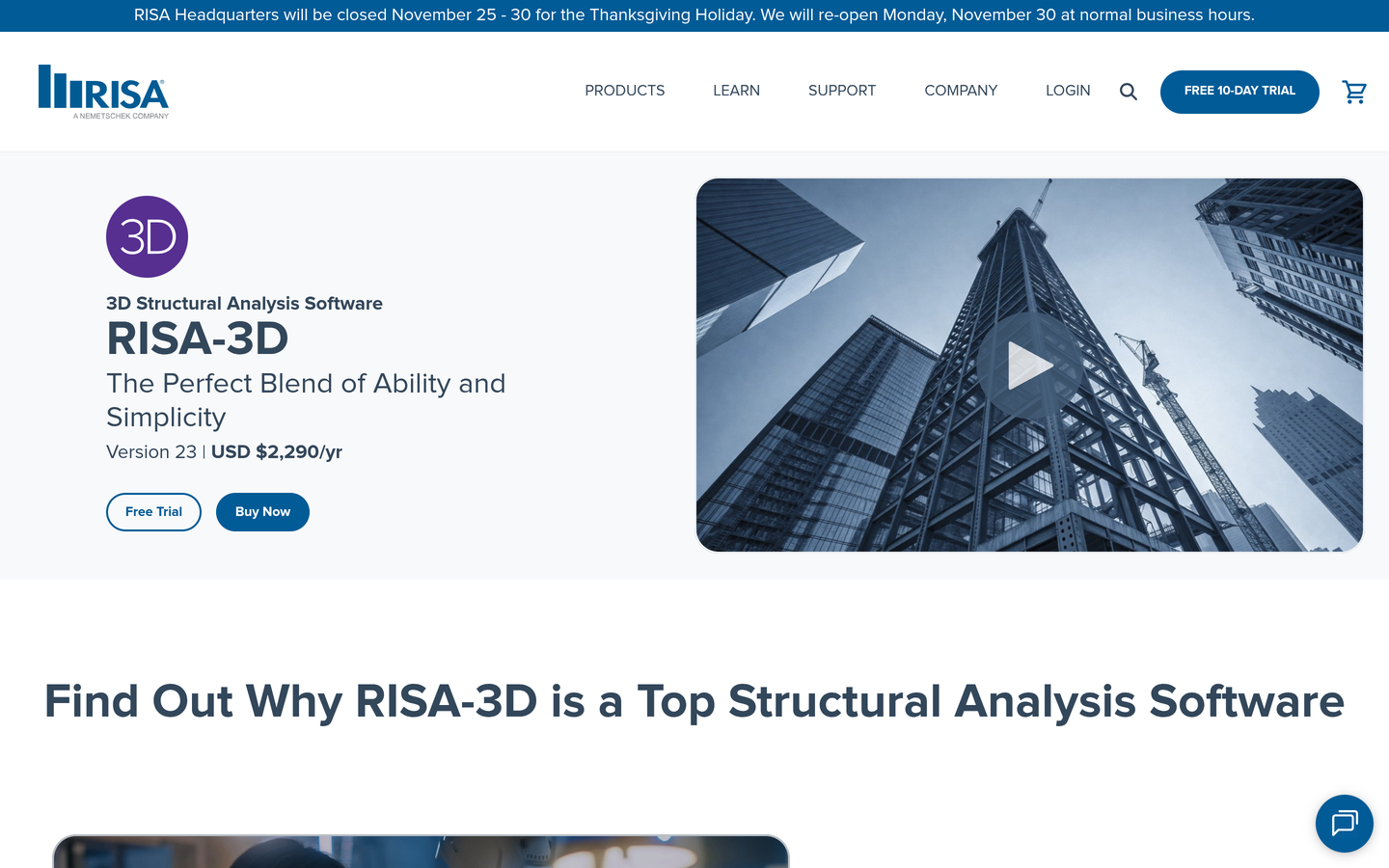
RISA-3D homepage, captured Nov 2026.
RISA-3D is a structural analysis and design application for engineering teams working with different construction materials. It provides graphical modeling, structural response calculations, and member design capabilities, with a 5/5 Capterra rating based on 2 reviews.
The trade off is that the desktop-centered workflow may require additional RISA products for specialized floor and foundation design. The vendor's published 2026 list pricing is $2,290 per year, excluding temporary promotional discounts. It suits building engineers who frequently analyze frames and mixed-material structures.
What we like
Supports different structural materials
Interactive graphical modeling environment
Integration with related RISA applications
Supports structural data exchange
Watch out for
Only 2 Capterra reviews support its rating
Specialized applications may increase total licensing costs
Desktop-oriented workflow
The subscription provides structural analysis, member design, software updates, and support.Visit risa.com
03
Calcs.com
4.6/5on Capterra (37 reviews, checked Nov 2026)
Starts at$790/yr
Best for residential and member design calculations
DeploymentCloud
Entry calculationsBeams, columns and footings
DocumentationPDF calculation reports
Entry planBasic, $790/yr
calcs.com
Calcs.com homepage, captured Nov 2026.
Calcs.com is a cloud-based structural engineering calculation platform formerly known as ClearCalcs. Basic costs $790 per year and includes timber and steel member calculations, cold-formed steel design, concrete footing calculations, beam analysis, and professional PDF reports.
The trade off is that detailed lateral system calculations and additional structural design templates require Pro at $1,190 per year. The application also focuses on engineering calculations rather than replacing a comprehensive spatial finite element model. It suits independent engineers and smaller practices handling repetitive structural calculations.
What we like
Transparent annual subscription pricing
Accessible through a web browser
Visible engineering formulas and calculation inputs
Linked calculations help manage design changes
Produces professional calculation documents
Watch out for
Advanced calculation categories require Pro
Not a complete replacement for general-purpose 3D FEA
Available calculations depend on the selected design standards
Pro adds lateral systems, retaining walls, concrete member calculations, and load generation.Visit calcs.com
04
Tekla Structural Designer
4.3/5on G2 (12 reviews, checked Nov 2026)
PricingCustom pricing
Best for integrated building analysis and design
DeploymentWindows desktop
ModelingIntegrated physical and analytical model
Primary applicationsSteel and concrete buildings
Free trial30 days
tekla.com
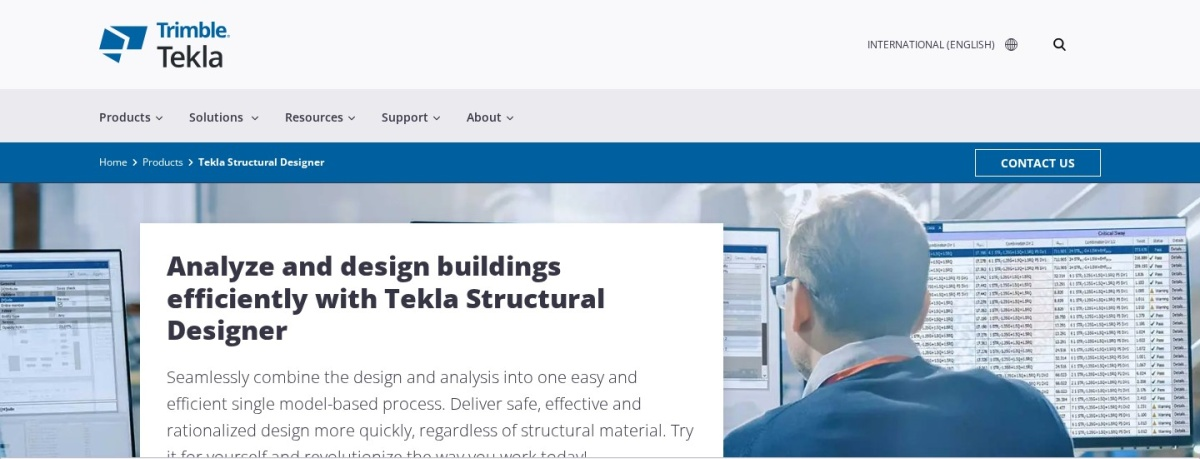
Tekla Structural Designer homepage, captured Nov 2026.
Tekla Structural Designer is Trimble's building engineering software that brings structural analysis and member design together within a shared model. Its building-centered workflow supports structural loading, design verification, engineering documentation, and BIM coordination, with a 30-day free trial available.
The trade off is that the official product page directs commercial buyers to contact the vendor rather than displaying a confirmed regular subscription price. Its building-centered approach is also less suitable for some unusual structural systems. It suits engineering consultants working on coordinated steel and concrete building projects.
What we like
Combines structural modeling, analysis, and design
Supports building-focused engineering workflows
Integrates with BIM applications
Reduces repeated analytical modeling work
Supports design documentation and revisions
Watch out for
Commercial subscription pricing requires an inquiry
Requires training for advanced building workflows
Less suitable for some non-building applications
Commercial subscriptions provide integrated structural analysis and building design capabilities.Visit tekla.com
05
RFEM
5/5on Capterra (4 reviews, checked Nov 2026)
PricingCustom pricing
Best for complex finite element models
Current generationRFEM 6
Model elementsMembers, surfaces and solids
AnalysisFinite element analysis
ExtensionsMaterial and analysis add-ons
dlubal.com
RFEM homepage, captured Nov 2026.
RFEM is Dlubal's finite element software for analyzing complex structural systems using member, surface, shell, and solid elements. RFEM 6 uses a modular approach that lets engineers extend the base software with material-specific design and specialist analysis capabilities.
The trade off is that commercial costs depend on the selected license and additional modules, so a configured quote is more useful than an unverified starting price. Advanced models also require careful engineering preparation. It suits specialists working with complex geometry, unusual structural systems, and detailed numerical analysis.
What we like
Supports members, surfaces, shells, and solids
Modular material-specific design capabilities
Suitable for complex structural geometry
Supports advanced structural analysis workflows
Technical learning resources are available
Watch out for
Additional modules complicate licensing costs
Only 4 Capterra reviews support its rating
Advanced finite element modeling requires specialist knowledge
Commercial configurations add selected material design and specialist analysis modules.Visit dlubal.com
06
IDEA StatiCa
5/5on G2 (2 reviews, checked Nov 2026)
Paid from$1,990/yr
Best for structural connections and concrete details
Entry packageDetail, $1,990/yr
Steel package$3,290/yr
Complete package$4,490/yr
Free accessLimited community tools
ideastatica.com
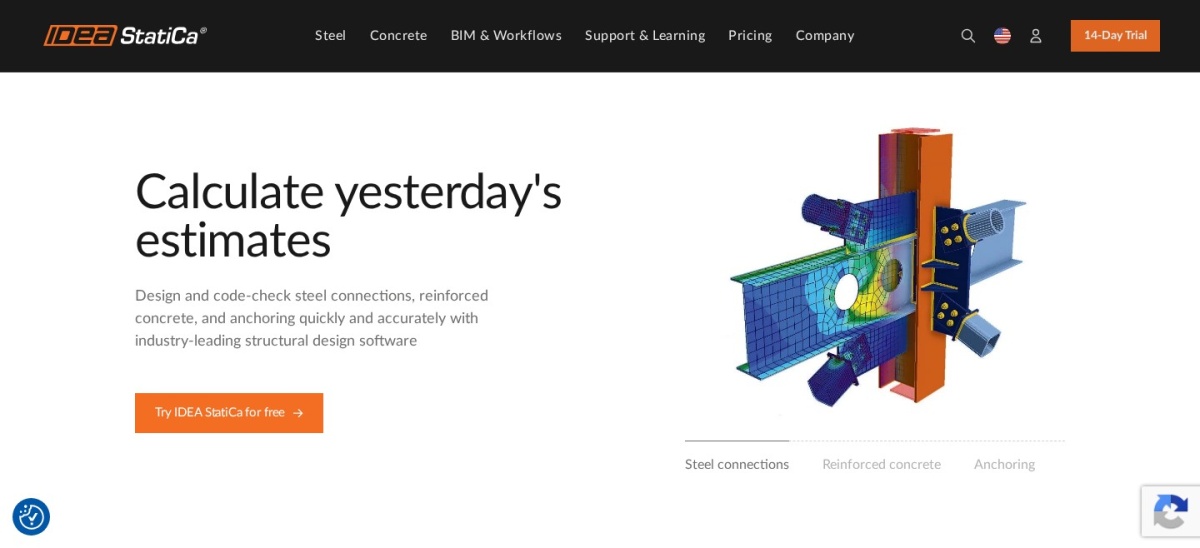
IDEA StatiCa homepage, captured Nov 2026.
IDEA StatiCa is specialist structural design software for checking steel connections, individual members, reinforced concrete details, and anchoring conditions. Its Detail subscription costs $1,990 per year and includes concrete detail and anchoring applications alongside Checkbot for engineering model coordination.
The trade off is that steel connection and member design requires the separate Steel subscription at $3,290 per year, while Complete costs $4,490 per year. Free community tools do not replace these commercial packages. It suits engineers and fabricators who need detailed verification beyond global structural analysis.
What we like
Specialized steel connection verification
Supports concrete detailing and anchoring calculations
Published prices for separate design packages
Integrates with structural engineering applications
Offers limited free engineering tools
Watch out for
Not a replacement for whole-structure analysis software
Tekla Tedds is engineering calculation software designed to reduce repetitive structural design calculations and documentation work. It provides maintained calculation libraries, custom calculation capabilities, and professional engineering reports, with a 30-day free trial and a 4.3/5 G2 rating from 37 reviews.
The trade off is that commercial subscription pricing must be obtained from Trimble, and the software focuses primarily on calculation workflows rather than complete spatial structural modeling. It suits engineering firms that want standardized calculation documents and reusable design procedures across their project teams.
What we like
Automates repetitive engineering calculations
Supports reusable custom calculation templates
Produces structured engineering documentation
Includes multi-material calculation libraries
Useful for standardizing team workflows
Watch out for
Commercial subscription pricing requires an inquiry
Not a complete general-purpose structural analysis solver
Custom calculation development requires initial setup
Commercial subscriptions provide engineering calculation libraries and customization capabilities.Visit tekla.com
What is the difference between structural analysis and structural design software?
Structural analysis software determines how a modeled structure responds to applied loads. Typical outputs include internal forces, support reactions, displacements, stresses, and stability information.
Structural design software uses analytical results and engineering requirements to evaluate whether structural members and connections satisfy applicable design criteria. It can help engineers compare sections, reinforcement arrangements, and connection configurations.
STAAD.Pro, RISA-3D, and RFEM cover broad analysis workflows. IDEA StatiCa addresses detailed structural components, while Calcs.com and Tekla Tedds concentrate on engineering calculations and documentation.
Many engineering firms combine general analysis software with specialized design applications. The appropriate combination depends on project complexity, material requirements, available integrations, and internal engineering review procedures.
What does structural design software actually cost?
Published annual prices in this comparison range from $790 for Calcs.com Basic to $3,995 for STAAD.Pro. However, these subscriptions serve different engineering requirements and should not be compared on price alone.
Specialized modules can change the total cost considerably. IDEA StatiCa charges $1,990 annually for Detail, $3,290 for Steel, and $4,490 for Complete.
Quote-based software should not be interpreted as free. RFEM, Tekla Structural Designer, and Tekla Tedds require further commercial pricing confirmation for the configurations considered here.
Budget for engineering training, implementation, model conversion, technical support, and internal verification procedures alongside the license itself. These expenses can influence the long-term value of a structural engineering application.
How we chose
We shortlisted established engineering applications covering structural analysis, building design, finite element modeling, connection verification, and engineering calculation automation. The ranking prioritizes practical engineering applications, breadth of capabilities, licensing transparency, and suitability for different structural design workflows.
We consulted official vendor pages and public G2 or Capterra review listings on 29 Nov 2026. Published subscription prices exclude promotional discounts where identifiable. RISA's price comes from its published 2026 list-price offer, while Bentley's USD price was visible in its indexed official pricing page. Custom pricing identifies configurations without a confirmed numeric USD quote.
We excluded general drafting applications without substantial engineering design capabilities and CSI products whose matching public ratings could not be confirmed through the required review platforms. Small review samples are displayed explicitly rather than treated as evidence of universal customer satisfaction. No vendor paid for a place, and we do not claim testing for this list.
How to select structural design software for your engineering practice
Match the software to your engineering responsibilities, project requirements, applicable standards, and total licensing budget before committing to a subscription.
Identify the structural systems you design. Choose software that supports your usual structural materials, geometry, and project types. Building engineers have different modeling requirements from specialists analyzing industrial structures, complex surfaces, or individual structural connections.
Confirm the required analysis and design capabilities. Check whether the selected edition covers the analysis methods, material verification, load combinations, and engineering standards required for your projects. Do not assume that every advertised capability is included in the entry subscription.
Evaluate interoperability and calculation documentation. Review supported import and export formats, BIM integrations, calculation reports, and model revision workflows. Ensure that engineering assumptions and results can be independently reviewed by other qualified professionals.
Compare the complete commercial cost. Request pricing for necessary modules, additional licenses, support, and training. Use available evaluation versions to assess whether the application fits your engineering workflow before purchasing.
FAQ
What is the best structural design software in 2026?
STAAD.Pro is the best overall choice for engineering firms requiring general-purpose structural analysis and design. It earns 4.4/5 from 75 G2 reviews. RISA-3D is another option for multi-material structural modeling, while Calcs.com suits calculation-focused engineering practices.
What is the cheapest structural design software?
Calcs.com has the lowest confirmed commercial annual price in this comparison at $790 for Basic. It covers common member and footing calculations, although engineers requiring complete structural finite element analysis should consider a different application.
Is there free structural design software?
Yes. Some vendors provide limited free engineering calculators, educational licenses, or community applications. IDEA StatiCa offers free community tools, but professional structural design capabilities require commercial subscriptions. Always check licensing restrictions and calculation coverage before using free software professionally.
Which structural design software is best for beginners?
Calcs.com is a practical starting point for beginners learning individual structural calculations because it presents engineering inputs and formulas within its browser-based workflow. Engineers learning complete structural modeling may prefer RISA-3D, supported by appropriate training and engineering supervision.
Is STAAD.Pro better than RISA-3D?
STAAD.Pro is preferable for engineering practices handling varied structural systems and projects that benefit from Bentley integrations. RISA-3D is a suitable alternative for multi-material building and frame analysis. RISA's published annual price is $2,290 compared with STAAD.Pro's identified $3,995 starting price.
What is the best software for steel connection design?
IDEA StatiCa is the specialist choice for steel connection design in this comparison. Its Steel package costs $3,290 annually and includes connection and member design applications. It complements general structural analysis programs by addressing detailed component verification.
Which software is best for finite element analysis in structural engineering?
RFEM is particularly suitable for finite element analysis involving complex structural geometry, surfaces, shells, and solids. STAAD.Pro and RISA-3D are alternatives for general structural engineering workflows, depending on the required analysis capabilities and selected software editions.
Can structural design software replace a structural engineer?
No. Structural design software supports calculations, modeling, analysis, and verification, but qualified engineers remain responsible for engineering assumptions, interpretation of results, design decisions, applicable standards, and professional approval. Software-generated results require independent engineering review.
SaaS SEO and WordPress specialist with about 8 years of experience. Rakib compares WordPress plugins, themes, hosting and software using public pricing, documentation and user reviews. See how we rank.