Affinity is the best Inkscape alternative: the full vector, pixel and layout app is now free for individuals, and it holds a 4.5 out of 5 G2 rating. Choose Adobe Illustrator at $22.99 a month for print-shop files, or Penpot for a free open-source browser tool.
How we make this list: we compare pricing pages, product documentation and public user reviews, then re-check every price before each update. No product paid for a place. Disclosure.
Affinity is now free for individuals, with full vector, pixel and layout studios and a 4.5 out of 5 G2 rating.
Adobe Illustrator is the print-shop standard at $22.99 a month, with no free plan and no one-time licence.
CorelDRAW pairs vector drawing with multipage layout at $269 a year, or $549 as a one-time licence.
Penpot and Lunacy are free open-source and free desktop picks, and Figma's free Starter plan covers small jobs.
Paid plans run from $9.99 a year for Boxy SVG to $275.88 a year for Illustrator on the annual plan.
How do you choose the best Inkscape alternative?
The best Inkscape alternative depends on what you draw, not on the logo on the box. A logo designer needs clean SVG export, a print designer needs CMYK colour, and a product team needs shared components and comments.
Free is now a serious option. Affinity's core app costs nothing for individuals, Penpot is free and open source, and Lunacy is a free desktop app, so the paid tools have to earn their price with collaboration, print depth or format support.
Print work narrows the field fast. CMYK, spot colours and PDF/X output matter as soon as a printer is involved, and our guide on adding a logo in WordPress shows how logo files end up used across a site.
Teams should price per seat, not per app. Figma, Sketch and Penpot charge per editor, so a tool that looks cheap for one designer can cost hundreds a year once the whole team is on it.
Affinity is the unified app that replaced Affinity Designer, Photo and Publisher, and Canva made it free for individuals in October 2025. The Vector studio covers pen, shape and path tools, CMYK colour and SVG, PDF and AI export, with pixel and layout studios in the same app.
The trade off is the account. You need a free Canva account to download the app and sign in, and the AI tools need Canva Pro at $120 a year. It suits designers who want a full professional vector editor without paying a subscription.
Adobe Illustrator is the vector editor print shops and studios ask for by name. Its pen, shape and type tools build logos, icons and packaging that scale to any size, and AI, EPS and PDF files open everywhere in the trade.
The trade off is the subscription. Illustrator costs $22.99 a month on the annual plan billed monthly, with no free plan and no one-time licence. It suits professionals who send files to many printers and need the format everyone accepts.
What we like
Industry-standard AI and EPS format
Deepest pen and type tools here
Most G2 reviews in this list at 6,192
Watch out for
Subscription only, no free plan
No one-time licence
$275.88 a year on the annual plan
Creative Cloud Pro adds 20+ apps at $69.99 a monthVisit adobe.com
03
CorelDRAW
4.3/5on G2 (556 reviews, checked Nov 2026)
Starts at$269/yr
Best for print layout and sign work
Free trial15 days
One-time licence$549
Apps includedCorelDRAW, PHOTO-PAINT
AI credits2,000 a month
coreldraw.com
CorelDRAW homepage, captured Nov 2026.
CorelDRAW Graphics Suite is a package that pairs vector illustration with multipage layout, photo editing and font management. It includes tracing, colour management and cutter-ready output, and subscribers also get CorelDRAW Web in the browser.
The trade off is price and weight. The annual plan costs $269 a year, or $549 as a one-time licence, and the full suite has more menus than a focused drawing app. It suits print shops, sign makers and layout work.
Figma is a browser-based design tool with vector pen, shape and Boolean tools, components and shared libraries. The free Starter plan covers learning and small jobs, and Professional adds unlimited files, team libraries and developer handoff at $16 a month per Full seat.
The trade off is that it is built for screens. There is no CMYK print workflow or offline desktop editing, and per-seat costs add up as teams grow. It suits product and web teams that design together and approve work online.
What we like
Best real-time collaboration here
Strong components and shared libraries
Free Starter plan for small jobs
Watch out for
No CMYK print workflow
No offline desktop editing
Per-seat costs add up fast
Professional adds unlimited files and team librariesVisit figma.com
05
Penpot
4.5/5on G2 (10 reviews, checked Nov 2026)
Paid from$7/mo
Best free open-source alternative
Free planUp to 8 members, 10 GB
Self-hostingYes, free
Native formatSVG, CSS, HTML
Paid planUnlimited, $7/editor/mo
penpot.app
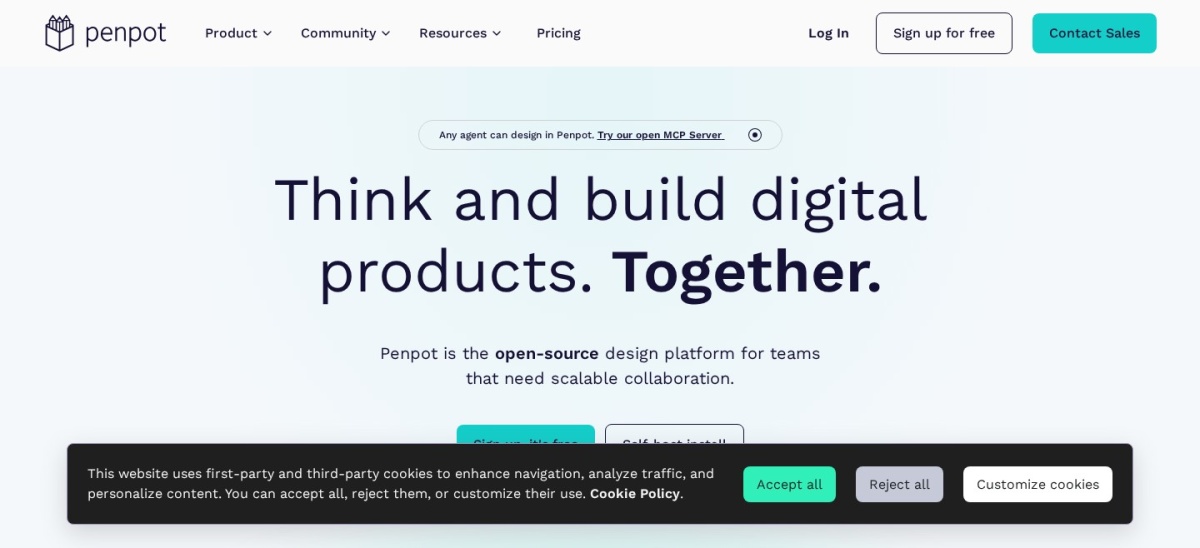
Penpot homepage, captured Nov 2026.
Penpot is an open-source design and prototyping platform that runs in the browser and stores designs as standard SVG, CSS and HTML. The free cloud plan covers up to 8 team members and 10 GB of storage, and self-hosting is free with no user cap.
The trade off is the ecosystem. Its plugin library is thinner than Figma's, and its 4.5 G2 rating rests on only 10 reviews. It suits teams that want open standards, data control and no vendor lock-in.
Sketch is a native Mac app for interface and vector design, with symbols, shared libraries and a web app for viewing and comments. Standard costs $12 an editor a month billed yearly and includes real-time collaboration, unlimited documents and free developer handoff.
The trade off is the platform. Sketch needs a Mac to edit, and there is no free plan beyond a 30-day trial, though a $120 Mac-only licence covers one year of updates. It suits Mac-first teams that want a fast native app.
What we like
Fast native Mac app
Strong symbols and shared libraries
Free developer handoff
Watch out for
Mac only for editing
No free plan beyond the trial
Smaller plugin library than Figma
Standard adds real-time collaboration and version historyVisit sketch.com
07
Boxy SVG
4.5/5on Capterra (2 reviews, checked Nov 2026)
Starts at$9.99/yr
Best cheap SVG editor for the web
Free planNo, 15-day trial
Standard plan$9.99/yr
Native formatSVG with code view
PlatformsWeb, Mac, Windows, Linux
boxy-svg.com
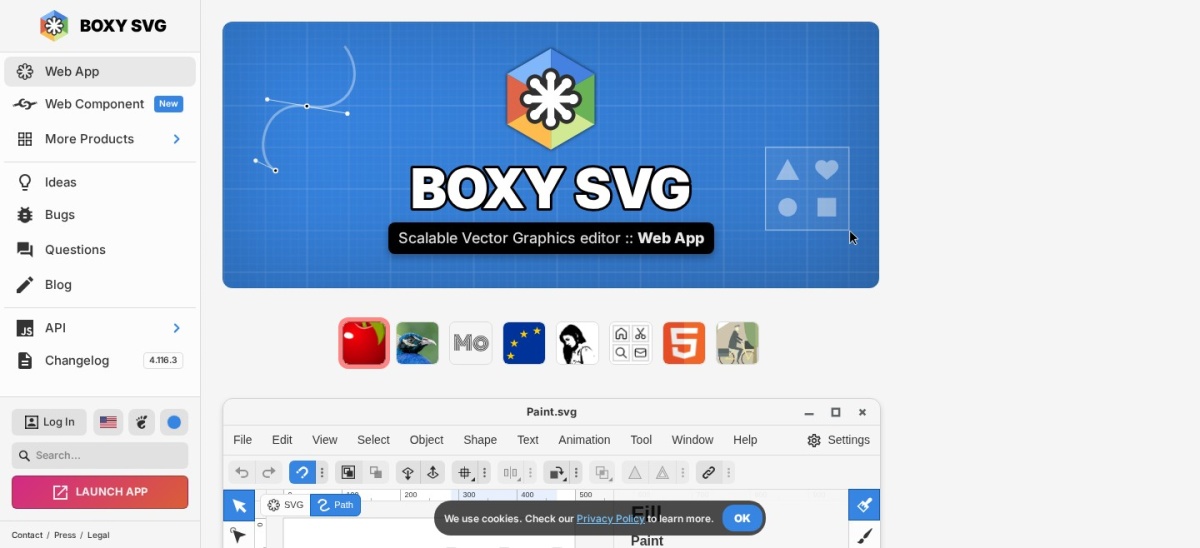
Boxy SVG homepage, captured Nov 2026.
Boxy SVG is a focused editor built around SVG files, with shape and path tools, gradients, text and a code view that shows the markup as you draw. It runs in the browser and on Mac, Windows, Linux and ChromeOS, and the Standard plan costs $9.99 a year.
The trade off is scope. There is no photo editing, multipage layout or team library, and its 4.5 Capterra rating rests on only 2 reviews. It suits web designers who edit icons, logos and web graphics directly in SVG.
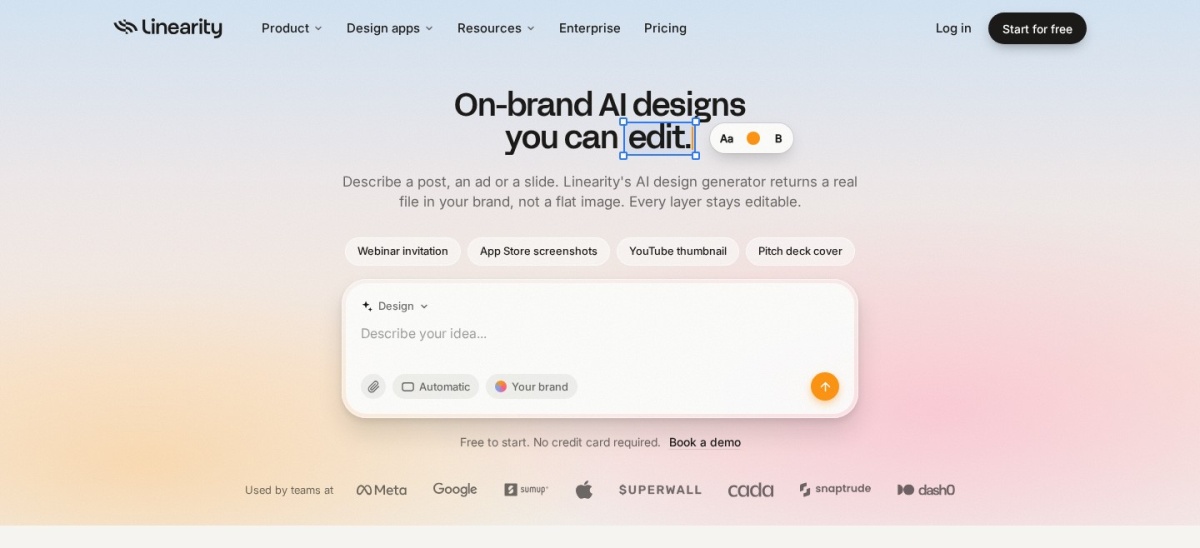
Linearity Curve is a native vector app for Mac, iPad and iPhone, formerly Vectornator, with pen tools, Auto Trace and brand kits. The free plan covers basic use, and Pro costs $8 a month billed yearly with unlimited use of Curve and the Move animation app.
The trade off is the platform and the meter. It runs only on Apple devices, and AI features draw on a monthly credit allowance. It suits Apple-only designers who want a fast, approachable vector app.
Lunacy is a free desktop vector app from Icons8 that works offline with unlimited local documents on Windows, macOS and Linux. It includes built-in icons, illustrations, photos and UI kits, plus Sketch file support and AI background removal.
The trade off is the extras. Free built-in graphics need an Icons8 credit link, and the Cloud plan costs $4.99 a month for unlimited cloud documents and full version history. It suits designers who want a fast offline app with assets included.
What we like
Free desktop app that works offline
Built-in icons, illustrations and photos
Opens and edits Sketch files on Windows
Watch out for
Free assets need an Icons8 credit link
Smaller plugin ecosystem than Figma
G2 rating rests on only 28 reviews
Cloud plan adds unlimited cloud documents and historyVisit icons8.com
Free vs paid: what the free tools leave out
Free plans cover real vector work now. Affinity, Penpot and Lunacy all edit vectors without a paid tier, and Figma's Starter plan handles small jobs.
Paid plans mostly add collaboration, storage and AI. Figma and Sketch charge per editor, and Affinity's AI tools need Canva Pro at $120 a year.
One-time licences still exist for buyers who dislike subscriptions. CorelDRAW sells a $549 licence, and Sketch offers a $120 Mac-only licence with one year of updates.
How we chose
We started from the vector editors designers name most often as Inkscape replacements, then kept the nine with a verifiable public rating and a published price.
Prices come from vendor pricing pages and dated price checks, read on 29 November 2026. Ratings and review counts come from G2, except Boxy SVG, which uses Capterra. Where a vendor shows a sale, the list shows the regular price.
We left out VectorStyler because it has no public rating on G2, Capterra or Trustpilot. No vendor paid for a place, and we do not claim to have used these tools ourselves.
How to choose an Inkscape alternative
Start with your output, then check the price per seat.
Decide what you draw most. Logos and icons need clean SVG export, print work needs CMYK and PDF/X, and UI work needs components and sharing.
Check the free tier first. Affinity, Penpot and Lunacy cover full vector work for free, so pay only when you need collaboration, storage or AI.
Test the file formats you must deliver. Open an SVG in the trial, export a PDF, and check the result in the printer's or developer's tool before you commit.
Price a year, not a month. A $12 monthly seat is $144 a year, and Illustrator's $22.99 a month is $275.88 a year on the annual plan.
FAQ
What is the best Inkscape alternative in 2026?
Affinity is the best Inkscape alternative for most designers in 2026. The full vector, pixel and layout app is free for individuals, with CMYK colour and SVG, PDF and AI export, and it holds a 4.5 out of 5 rating on G2 from 452 reviews.
Is there a free alternative to Inkscape?
Yes. Affinity is free for individuals, Penpot is free and open source with self-hosting, and Lunacy is a free desktop app. Figma also has a free Starter plan, though it caps projects at 3 files.
How much does Adobe Illustrator cost?
Adobe Illustrator costs $22.99 a month on an annual plan billed monthly, or $275.88 a year, with a 7-day free trial. There is no free plan and no one-time licence, and the team plan costs $37.99 per licence a month.
Which Inkscape alternative is best for beginners?
Affinity is the best pick for beginners who want a full editor for free, with a polished interface and CMYK support. Lunacy is the easiest start on desktop, with built-in icons and illustrations, while Boxy SVG suits simple web graphics at $9.99 a year.
Affinity vs Adobe Illustrator: which is better?
Affinity is better for most solo designers because it is free and covers vector, pixel and layout work with CMYK support. Illustrator is better when printers or studios demand AI files and the deepest pen and type tools, at $22.99 a month.
What is the cheapest Inkscape alternative?
Affinity, Penpot and Lunacy cost nothing for their core apps. Among paid tools, Boxy SVG is cheapest at $9.99 a year, followed by Lunacy's Cloud plan at $4.99 a month and Penpot Unlimited at $7 an editor a month.
Can I open Inkscape SVG files in these alternatives?
Yes, in most cases. Affinity, Illustrator, CorelDRAW, Penpot, Boxy SVG and Lunacy all open SVG files, though complex effects, filters and text on paths may need cleanup after import. Export a test file before moving a full project.
SaaS SEO and WordPress specialist with about 8 years of experience. Rakib compares WordPress plugins, themes, hosting and software using public pricing, documentation and user reviews. See how we rank.