Streamlabs Desktop is the best OBS Studio alternative for most streamers. It is free, built on the same OBS core, and adds alerts, overlays, chat and a tip page without extra setup, rated 4.1 out of 5 on G2. StreamYard suits browser-based guest shows, and Restream suits sending one show to several platforms at once.
How we make this list: we compare pricing pages, product documentation and public user reviews, then re-check every price before each update. No product paid for a place. Disclosure.
Streamlabs Desktop is free and adds alerts, overlays, chat and tipping to the OBS core; Ultra costs $189 a year.
StreamYard has the highest G2 rating here at 4.8 out of 5 from 299 reviews, and its free plan runs guest shows in the browser.
Restream sends one show to 3 channels on Standard at $190 a year, with a free plan for 2 channels.
vMix is the only one-time licence here: Basic HD costs $60 once, with a 60-day trial and no free plan.
Ecamm Live is Mac only at $192 a year, while Wirecast covers Mac and Windows from $408 a year.
Lightstream is the cheapest paid plan at $108 a year, built for console streams from a browser.
How do you choose the best OBS Studio alternatives?
Start with where you want to run the show. Desktop apps such as Streamlabs Desktop and vMix give the most control over scenes and sources, while browser studios such as StreamYard and Restream need no install and put guests on screen with a link.
Free plans are real here, but they all draw a line somewhere. Streamlabs Desktop is free with alerts and overlays included, StreamYard's free plan keeps its logo on screen, and Restream's free plan covers 2 channels.
Multistreaming is the feature that most often costs extra. Restream and StreamYard build it in, Streamlabs Desktop adds it with Ultra at $189 a year, and Ecamm Live includes it with Standard.
Price spreads are wide, from free to $408 a year for Wirecast Studio. One-time licences such as vMix at $60 can cost less over two years than a monthly plan, so compare the first 12 months, not only the monthly figure.
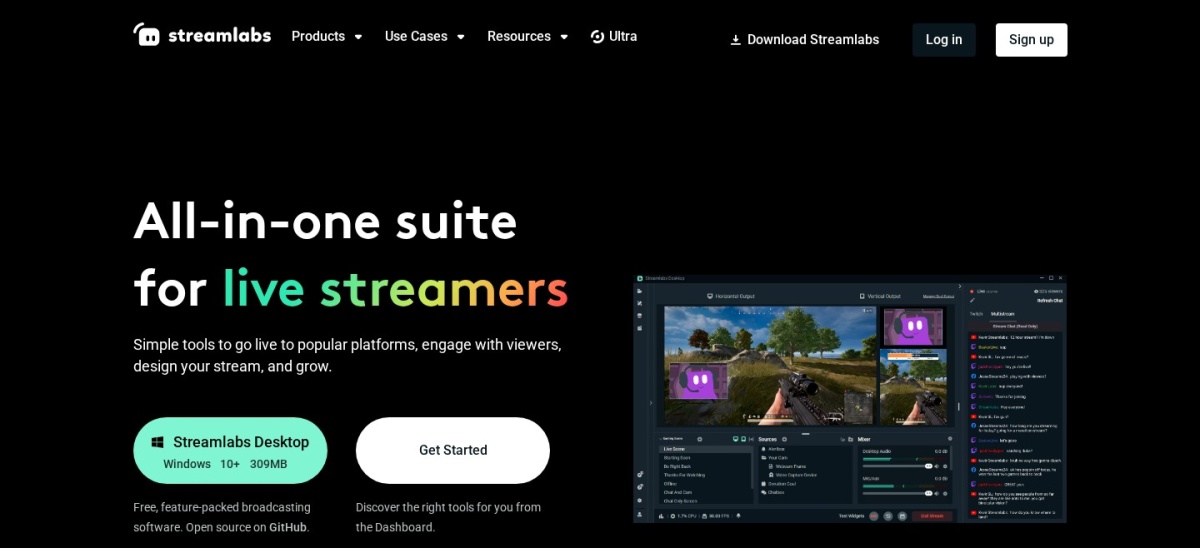
Streamlabs Desktop is a free live streaming app built on the same open-source core as OBS Studio, with alerts, overlays, chat widgets and a tip page already wired in. The free version covers the full desktop app, so a new streamer can go live with less setup than OBS Studio needs.
The trade off is that multistreaming and premium overlays need Ultra, which lists at $27 a month or $189 a year. It suits creators who want OBS Studio's power with alerts and themes included from the start.
What we like
Free desktop app with alerts and overlays included
Built on the OBS core, so scenes and sources feel familiar
Tip page and chat widgets in one place
Watch out for
Multistreaming needs the Ultra plan
Can use more system resources than plain OBS Studio
StreamYard is a browser studio that puts hosts and guests on screen with a link, with no software to install. The free plan covers 1 destination, 6 on-screen participants and 2 hours of local recording a month, with a StreamYard logo on streams.
The trade off is branding and recording. Essential costs $18.99 a month, or $14.99 a month billed yearly, and still keeps the logo; removing it needs Core at $44.99 a month. It suits interview shows and podcasts that run on guests.
What we like
Highest G2 rating in this list at 4.8 out of 5
Guests join from a browser with no install
1080p streaming from the Essential plan
Watch out for
Free and Essential plans keep the StreamYard logo
No cloud recording until Core
Core removes the logo and adds cloud recording from $431.88 a yearVisit streamyard.com
03
Restream
4.5/5on G2 (82 reviews, checked Nov 2026)
Paid from$16/mo
Best for multistreaming to several platforms
PlatformBrowser and cloud
Free planYes, 2 channels
Channels on Standard3
Paid planStandard, $190/yr
restream.io
Restream homepage, captured Nov 2026.
Restream is a cloud platform that sends one live show to several channels at once, with a browser studio for guests and on-screen graphics. The free plan covers 2 channels with Restream branding, and Standard adds a third channel, custom RTMP and recordings up to 6 hours per stream.
The trade off is output quality. Studio stays at 720p on Standard, and 1080p needs Professional at $49 a month. It suits creators who publish the same show on YouTube, Facebook and Twitch at the same time.
What we like
Free plan streams to 2 channels
No branding on paid plans
Guest channels and custom RTMP on Standard
Watch out for
720p Studio output until Professional
Free plan carries Restream branding
Professional adds 1080p Studio and 5 channels from $470 a yearVisit restream.io
04
vMix
4.3/5on G2 (32 reviews, checked Nov 2026)
Starts at$60/yr
Best for multi-camera live production
PlatformWindows only
Free planNo, 60-day trial
Inputs on Basic HD4
Paid planBasic HD, $60 one-time
vmix.com
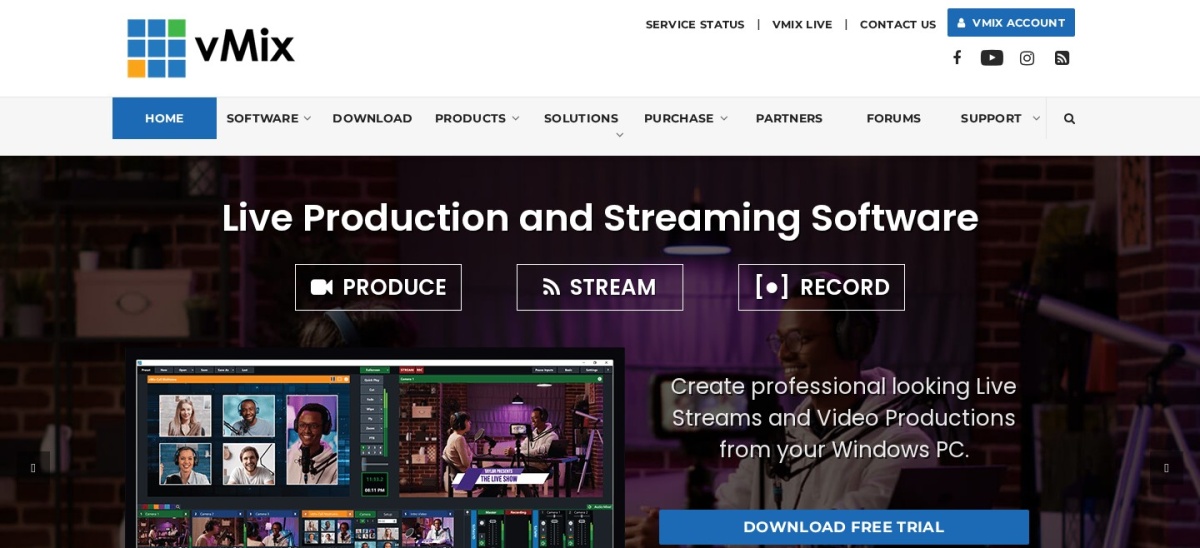
vMix homepage, captured Nov 2026.
vMix is a Windows live production switcher that treats cameras, NDI sources and screens like a broadcast studio, with switching, virtual sets and recording. Basic HD costs $60 once and covers 4 inputs at 1080p, and a 60-day trial opens every feature before buying.
The trade off is reach and learning curve. There is no Mac version, and 4K production jumps to $700 one-time. It suits multi-camera shows run by one operator on a capable Windows PC.
What we like
One-time licence, no monthly fee
Up to 1,000 inputs on higher editions
60-day trial with all features open
Watch out for
Windows only, no Mac version
Steep learning curve for beginners
HD adds 1,000 inputs and more overlays at $350 one-timeVisit vmix.com
05
Ecamm Live
4.3/5on G2 (19 reviews, checked Nov 2026)
Starts at$16/mo
Best for Mac streamers and interview shows
PlatformmacOS only
Free planNo, 14-day trial
Multistreaming10 destinations
Paid planStandard, $192/yr
ecamm.com
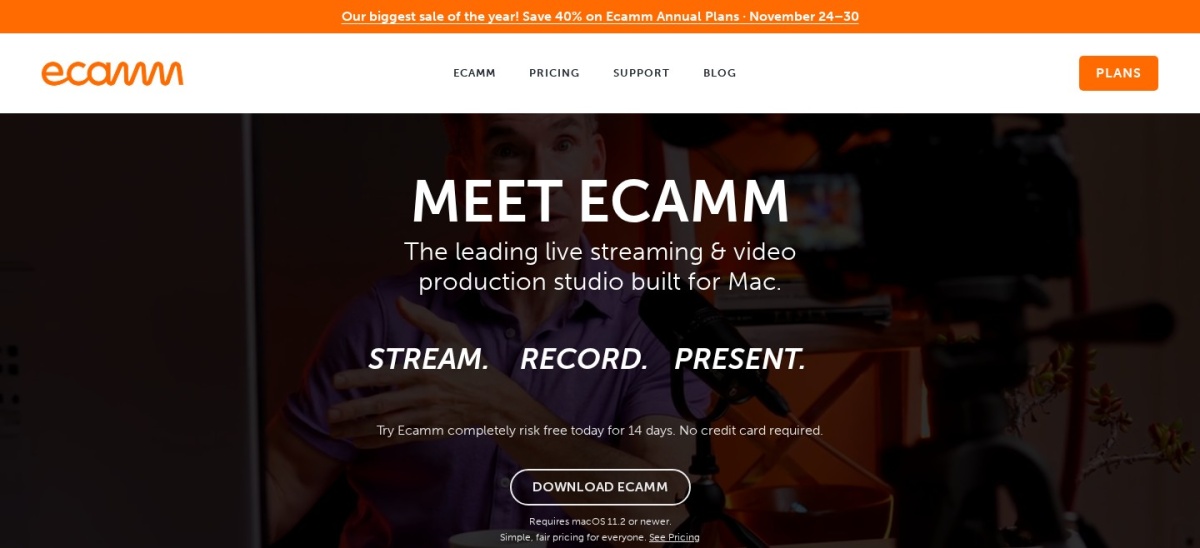
Ecamm Live homepage, captured Nov 2026.
Ecamm Live is a Mac-only production app that mixes scenes, overlays, screen sharing and remote guests in one window. Standard costs $20 a month, or $16 a month billed yearly, and includes multistreaming to 10 destinations with no watermark.
The trade off is the platform. There is no Windows version, and there is no free plan beyond a 14-day trial. It suits Mac creators who stream every week and want a polished show without learning OBS Studio.
What we like
Multistreaming to 10 destinations on Standard
Interview Mode for remote guests on Pro
Scenes, overlays and green screen included
Watch out for
Mac only, no Windows version
No permanent free plan
Pro adds Interview Mode, virtual camera and 4K from $384 a yearVisit ecamm.com
06
Wirecast
4.2/5on G2 (37 reviews, checked Nov 2026)
Starts at$34/mo
Best for professional live shows
PlatformMac, Windows
Free planNo, free trial
Remote guests on Studio2
Paid planStudio, $408/yr
wirecast.io
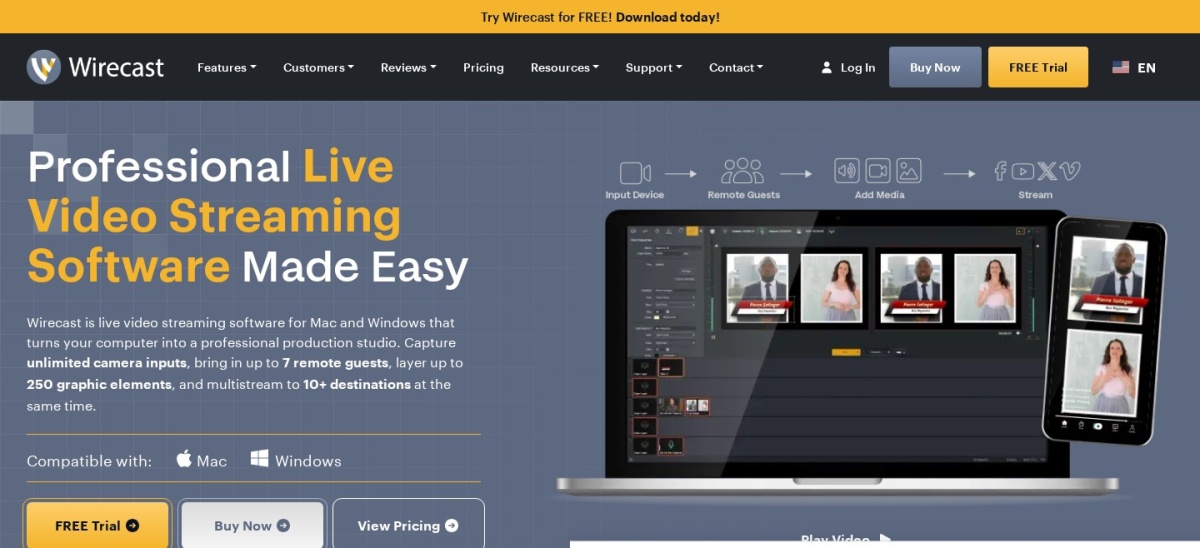
Wirecast homepage, captured Nov 2026.
Wirecast is a professional live production app from Telestream that switches cameras, screens and web sources and streams to several destinations. Studio costs $59 a month, or $34 a month billed yearly, and includes 2 remote guests through Rendezvous.
The trade off is price and locked features. ISO recording, cloud multistreaming and NDI output need Pro at $79 a month. It suits businesses and churches that run the same live show every week.
What we like
Runs on Mac and Windows
Built-in remote guests without extra software
PTZ camera control on Pro
Watch out for
No permanent free plan
Key features need the Pro plan
Pro adds ISO recording and cloud multistreaming from $504 a yearVisit wirecast.io
07
Lightstream
4.7/5on G2 (23 reviews, checked Nov 2026)
Paid from$9/mo
Best for console streams from a browser
PlatformBrowser
Free planYes, with logo
Stream limit on free10 hours
Paid planPremium, $108/yr
golightstream.com
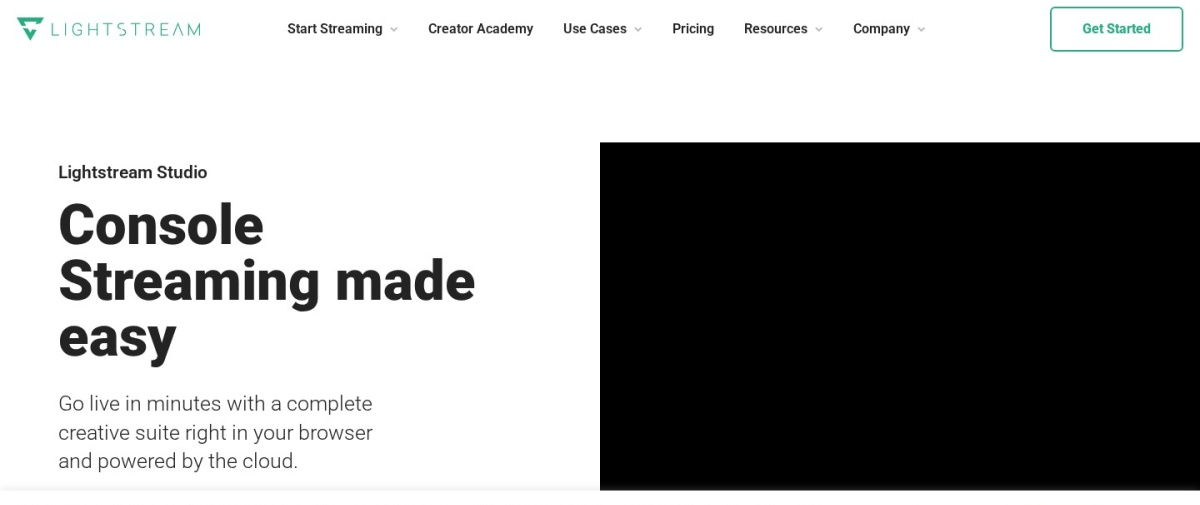
Lightstream homepage, captured Nov 2026.
Lightstream is a cloud studio that runs in a browser and captures Xbox and PlayStation gameplay without a capture card. The free plan covers 720p streams up to 10 hours with a Lightstream logo, 3 scenes and up to 5 destinations.
The trade off is resolution and guests. Premium costs $12 a month, or $9 a month billed yearly, and adds 1080p, up to 10 guests and 20 scenes. It suits console streamers who want overlays and alerts without a PC.
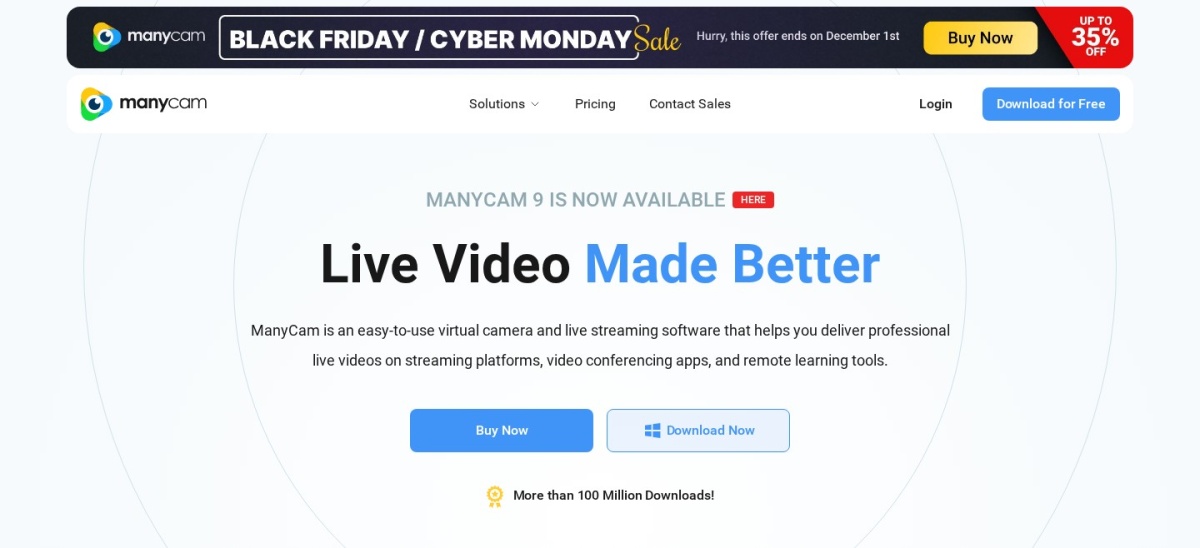
ManyCam is a virtual camera app for Windows and macOS that adds effects, backgrounds, picture-in-picture and chroma key to live video. The free version covers the basics with a watermark, and Standard costs $59 a year for 1 device, 4 video sources and Full HD.
The trade off is depth. It is a camera and effects tool first, not a full production switcher like vMix, and 4K needs Studio at $79 a year. It suits teachers and presenters who stream through Zoom, Teams or a browser studio.
Free plans cover the basics well. Streamlabs Desktop gives away the whole app, and StreamYard, Restream and Lightstream all stream free with a logo or a channel limit.
Paid plans mostly remove branding and unlock multistreaming. Restream Standard removes the logo at $190 a year, and StreamYard needs Core at $431.88 a year to drop its logo.
One-time licences change the maths. vMix Basic HD costs $60 once, so after a year it is cheaper than every subscription here except ManyCam at $59 a year.
If you stream once a month, start free. Our guide on embedding a video in WordPress shows how a recorded stream can keep working for you after the live show ends.
How we chose
We started from the streaming tools most often named as OBS Studio replacements in 2026 roundups, then kept those with a public rating and a published price.
Prices come from each vendor's pricing page, checked on 29 November 2026. Ratings and review counts come from G2 on the same day. Where a vendor shows a monthly and a yearly rate, the list shows the yearly total and notes the monthly rate in the text.
We left out tools with no public rating, discontinued apps such as Twitch Studio, and tools that need a separate encoder. No vendor paid for a place, and we do not claim to have used these tools ourselves.
How to choose an OBS Studio alternative
Start with how you stream today, then match the tool to that habit.
Decide desktop or browser. Desktop apps give more control over scenes and sources. Browser studios need no install and make guest shows easy.
Count your destinations. If you stream to one platform, a free plan is enough. Multistreaming to several platforms points to Restream, StreamYard or Streamlabs Ultra.
Check the free plan's catch. Look for the logo, the channel limit and the recording limit before you build a show around a free tier.
Compare the first 12 months. A $60 one-time licence can cost less than a year of subscriptions. Add the yearly totals before you choose.
FAQ
What is the best free alternative to OBS Studio?
Streamlabs Desktop is the best free OBS Studio alternative for most streamers. It is free, built on the same OBS core, and includes alerts, overlays, chat and a tip page, with a G2 rating of 4.1 out of 5 from 59 reviews.
Is there a completely free OBS Studio alternative?
Yes. Streamlabs Desktop is free with no time limit, and StreamYard, Restream and Lightstream all have free plans. The free tiers keep a logo or limit channels, so check the limits before you rely on one.
What is the best OBS Studio alternative for beginners?
StreamYard is the easiest start, with a 4.8 out of 5 G2 rating from 299 reviews and guests joining from a browser. Streamlabs Desktop is the closest free desktop match if you want scenes and sources like OBS Studio.
How much does an OBS Studio alternative cost?
Paid plans here run from $59 a year for ManyCam Standard to $408 a year for Wirecast Studio. Streamlabs Desktop, StreamYard, Restream and Lightstream all have free plans, and vMix costs $60 once with no subscription.
Streamlabs Desktop vs StreamYard: which is better?
Streamlabs Desktop is better if you want a free desktop app with scenes, alerts and overlays like OBS Studio. StreamYard is better for browser-based guest shows, with the highest G2 rating in this list at 4.8 out of 5.
Can I multistream with an OBS Studio alternative?
Yes. Restream sends one show to 3 channels on Standard at $190 a year, StreamYard multistreams from Essential, and Ecamm Live includes multistreaming to 10 destinations on Standard. Streamlabs Desktop adds multistreaming with Ultra.
SaaS SEO and WordPress specialist with about 8 years of experience. Rakib compares WordPress plugins, themes, hosting and software using public pricing, documentation and user reviews. See how we rank.