Clip Studio Paint is the best MediBang alternative for manga and comic artists, with panels, screentones and 3D models for $63 once for PRO. Krita is the best free MediBang alternative, while Procreate at $12.99 once is the best pick for iPad artists.
How we make this list: we compare pricing pages, product documentation and public user reviews, then re-check every price before each update. No product paid for a place. Disclosure.
Clip Studio Paint PRO costs $63 once and is the deepest manga toolset here, with panels, screentones and 3D models.
Krita is the strongest free replacement, with a deeper brush engine, animation and comic tools at no cost.
Procreate costs $12.99 once and is the best iPad alternative, with fast Apple Pencil response and 200+ brushes.
ibisPaint is the best free mobile pick, with thousands of brushes and Premium at $4.49 a month.
Affinity is now free and suits illustrators who also need vector design and layout in one app.
Five of the nine tools have a free plan, and paid options run from $12.99 once to $429 once.
How do you choose the best MediBang alternatives for your art?
MediBang Paint is free, light and built for manga, so a replacement has to beat it on brush depth, desktop power or file control. Its free version shows ads, and its brush engine is simpler than Krita or Clip Studio Paint, so heavy painting with textured brushes feels limited.
Price is the first split. Krita and Affinity cost nothing, Procreate costs $12.99 once, and Clip Studio Paint PRO costs $63 once. You should pay nothing unless you need professional comic tools or iPad drawing, because the free tools cover painting and comics well.
Device decides the shortlist. Krita runs on Windows, macOS and Linux but has no official tablet app, Procreate runs only on iPad, and ibisPaint is the strongest choice for drawing on a phone.
Comic tools are the second split. Clip Studio Paint was built for professional comic production, with multi-page management and webtoon tools, while Krita covers panels and halftones for free. Artists who show work online can pair a new app with a portfolio; our guide on building an art portfolio site covers the setup.
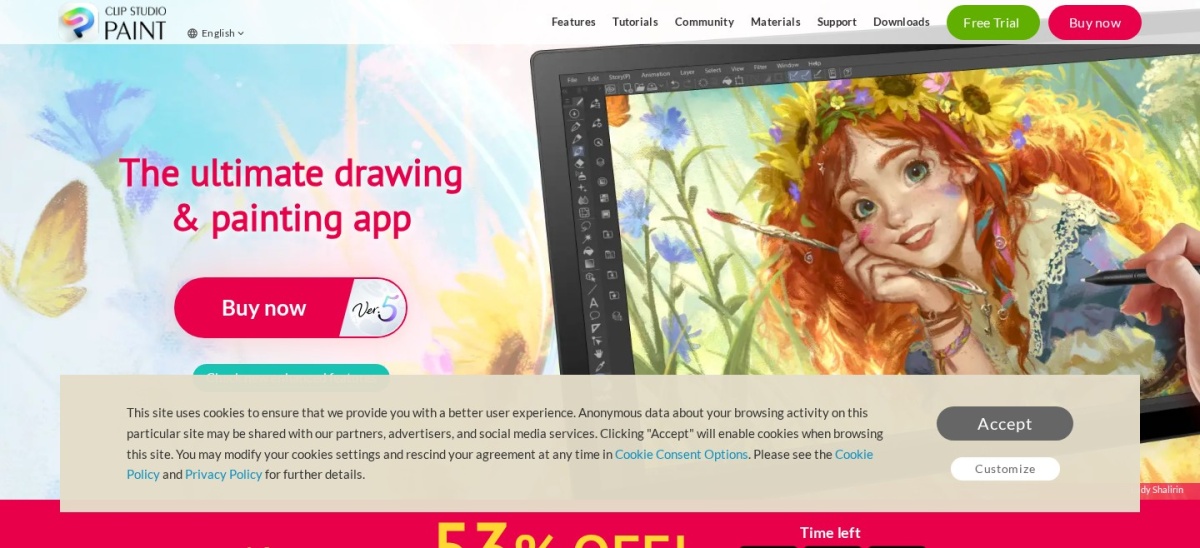
Clip Studio Paint is the standard tool for professional manga and comic artists, and the strongest paid step up from MediBang Paint. PRO costs $63 once on Windows and macOS, or $26.99 a year on a single-device plan, and includes vector layers, 3D posing models, perspective rulers, screentones and a large brush library.
The trade off is the learning curve and the iPad price. The interface is denser than MediBang Paint, and the iPad version needs a subscription instead of the one-time license. It suits artists who publish comics or webtoons and want the deepest manga toolset available.
What we like
Best comic and manga toolset, with panels and screentones
Vector layers let you edit line width after drawing
3D models and perspective rulers for posing characters
One-time license at $63 for PRO on desktop
Watch out for
Interface takes time to learn
iPad version needs a subscription, not the one-time license
Krita is a free, open source painting program that covers more ground than MediBang Paint at no cost. It includes more than 100 brushes, stabilizers, layer groups, filter layers, vector layers for speech bubbles, comic panel templates and a timeline for frame-by-frame animation.
The trade off is polish and sync. The interface can feel crowded for beginners, and Krita has no built-in cloud storage, so files move by hand. It suits desktop artists on Windows, macOS or Linux who want a full painting app without ads or a subscription.
What we like
Free forever, with no ads and no paid tier
Deep brush engine with stabilizers and custom brushes
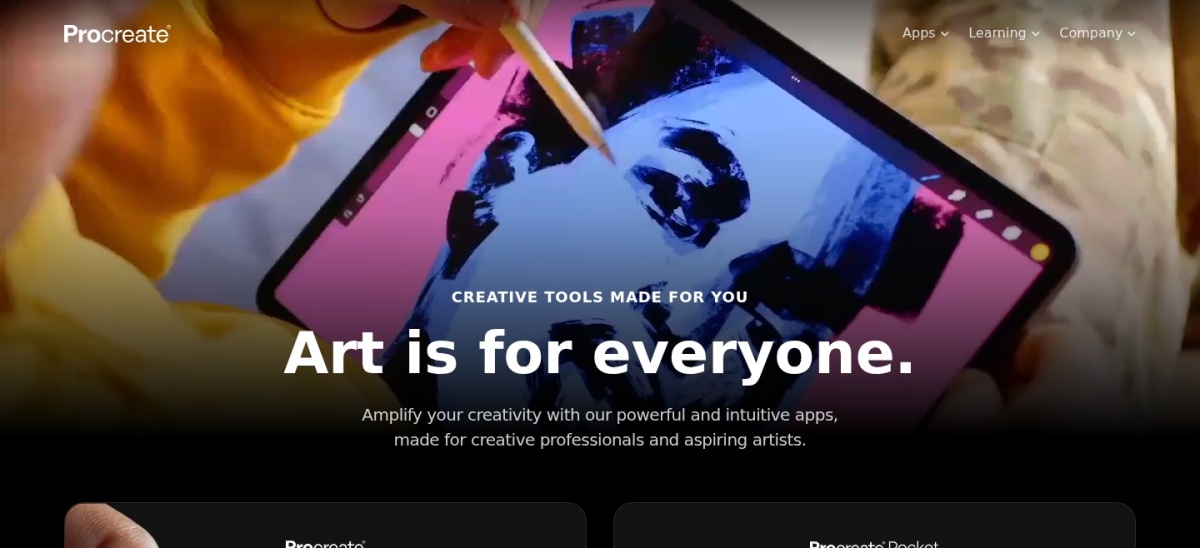
Procreate is a fast iPad painting app from Savage Interactive, and the best MediBang alternative for Apple Pencil artists. It costs $12.99 once, with no subscription, and includes more than 200 brushes, Brush Studio for custom brushes, Animation Assist and time-lapse recording of every canvas.
The trade off is platform. Procreate runs only on iPad, with no Windows, macOS or Android version, and it has no built-in cloud sync. It suits iPad owners who want a one-time purchase and a brush engine that responds with almost no lag.
What we like
One-time price of $12.99, with no subscription
Excellent Apple Pencil response, with pressure and tilt
Huge brush library, plus Brush Studio for custom brushes
ibisPaint is a mobile-first drawing app that shares MediBang Paint's manga audience, with thousands of brushes, comic tools and stroke-recording videos. The free version covers most drawing, while Premium at $4.49 a month or $27.99 a year removes ads and adds 20GB of cloud storage.
The trade off is the free experience. Ads interrupt the free version, and the desktop Pro Upgrade costs $62.99 once for the full Windows and Mac feature set. It suits artists who draw mainly on a phone or tablet and want a large brush library for free.
What we like
Thousands of brushes, with community brush sharing
Affinity is a free desktop app from Canva that merges the old Designer, Photo and Publisher apps into one program with vector, pixel and layout studios. It includes layered editing, masks, RAW processing and page layout, and runs on Windows, macOS and iPad with no subscription.
The trade off is the account and the painting depth. You need a free Canva account to download and open it, and its brush engine is less deep than Krita or Clip Studio Paint. It suits illustrators who also need vector design and layout in the same free app.
What we like
Full professional toolset for $0
Vector, photo and layout in one app
No subscription or feature-locked tiers
Clean interface, easier to learn than Photoshop
Watch out for
Needs a Canva account to use
Brush engine is less deep than Krita
Smaller plugin ecosystem than Adobe or Clip Studio Paint
Adobe Fresco is a drawing and painting app with live brushes that blend like real watercolor and oil, plus vector and raster brushes in the same file. The free version covers core brushes, and Premium at $9.99 a month adds the full brush library, more fonts and 100GB of cloud storage.
The trade off is the subscription and the platform gap. Premium costs $119.88 a year with no one-time purchase, and Fresco has no macOS or Android version. It suits artists already in Creative Cloud who want files to move cleanly into Photoshop and Illustrator.
What we like
Live brushes blend like real watercolor and oil
Vector and raster brushes in the same file
Cloud documents sync across iPad and Windows
Free version covers the core brushes
Watch out for
Premium is $9.99 a month, with no one-time purchase
No macOS or Android version
Full brush library needs the paid plan
Premium adds the full brush library and 100GB of storageVisit adobe.com
07
Rebelle
4.8/5on G2 (94 reviews, checked Nov 2026)
Starts at$89.99/once
Best for realistic watercolor and oil
PlatformsWindows, macOS
Media simulationWatercolor, oil, acrylic
Free plan30-day trial
Paid planRebelle 8, $89.99
escapemotions.com
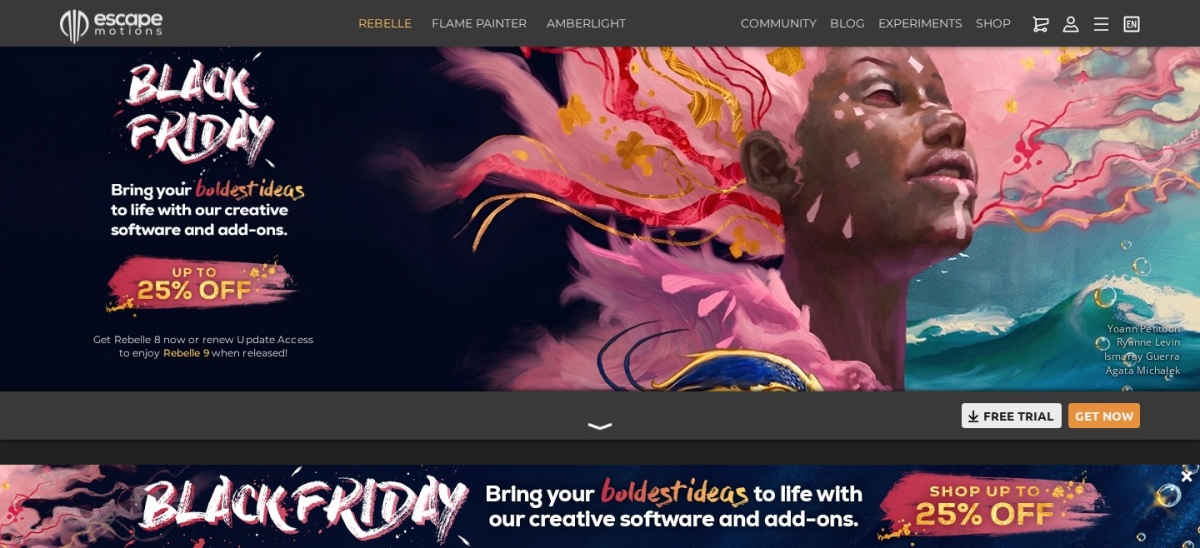
Rebelle homepage, captured Nov 2026.
Rebelle is a desktop painting app from Escape Motions that simulates wet watercolor, oil and acrylic on paper and canvas. Rebelle 8 costs $89.99 once, with realistic pigment mixing, drying and paper textures, plus more than 260 brush presets and a 30-day free trial.
The trade off is scope. Rebelle focuses on natural-media painting, so it has fewer comic, illustration and photo tools than Clip Studio Paint or Krita. It suits painters who want digital paint to behave like real paint more than they want panel or page tools.
What we like
Best wet-media simulation in this list
Real pigment color mixing, with drying and paper texture
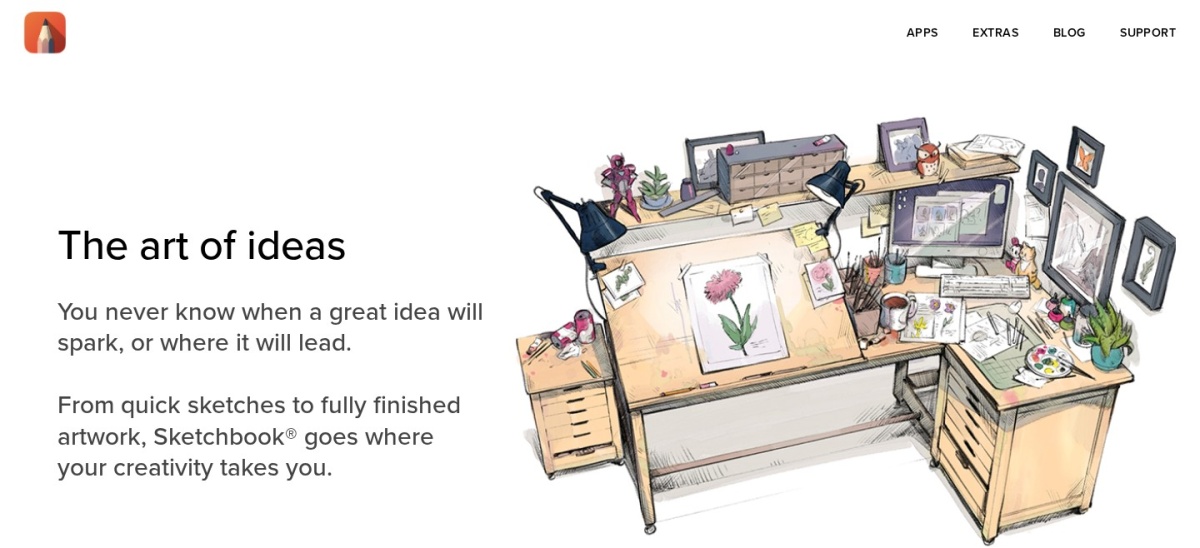
Sketchbook is a light, distraction-free sketching app with predictive stroke smoothing that cleans up shaky lines as you draw. The mobile app is free, with layers, rulers, symmetry tools and PSD export, and the desktop version costs $19.99 once with no subscription.
The trade off is depth. Sketchbook has no comic panel tools, no animation timeline and fewer brushes than Krita or Clip Studio Paint. It suits artists who want a quick, simple canvas for sketching and finished line work rather than a full manga workstation.
What we like
Free mobile app, with almost all features included
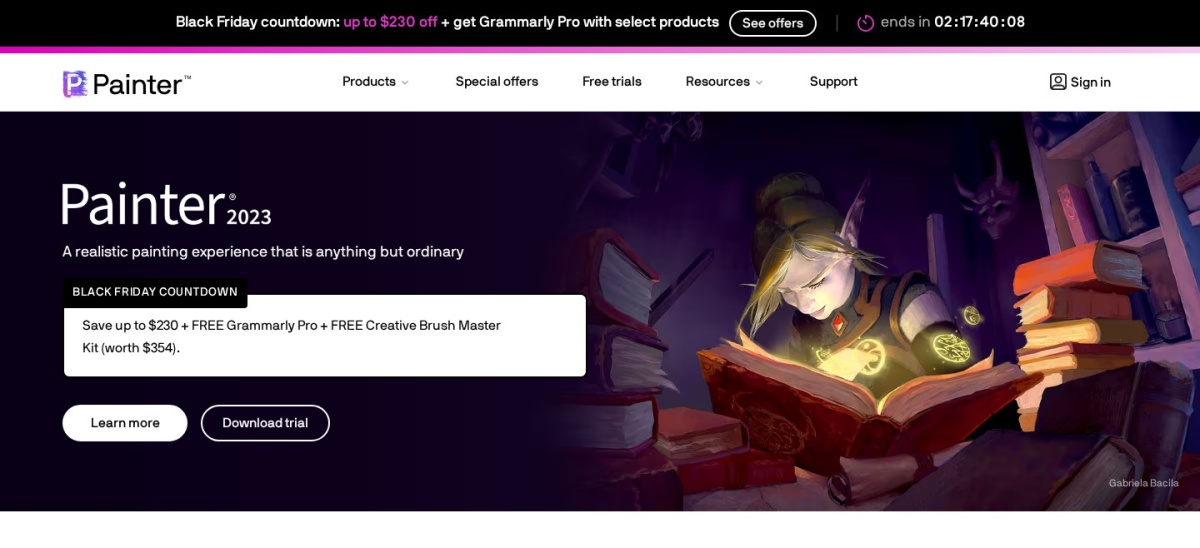
Corel Painter is the deepest natural-media painting app, with more than 900 brushes that copy oils, watercolors, pastels and charcoal. Its brush engine models bristle behavior, paint mixing and canvas texture, and the list price is $429 once or $199 a year on subscription.
The trade off is price and weight. At $429 it costs far more than every other app here, and heavy brushes on large canvases need a capable computer. It suits professional illustrators who earn from traditional-media work and want the most realistic paint simulation.
What we like
Largest natural-media brush library, with 900+ brushes
Free plans cover the basics well. Krita, Affinity and ibisPaint all let you draw, layer and export finished work without paying.
Paid plans mostly add depth and convenience. Clip Studio Paint adds comic production tools, Procreate adds speed and brush depth on iPad, and Rebelle adds realistic wet paint.
If you draw manga for fun, a free tool is enough. Our guide on building an art portfolio site shows how to share that work once it is ready.
For paid client work, the deciding factor is file compatibility. Clip Studio Paint and Photoshop-style apps handle layered PSD files best, while Krita also opens and saves PSD files.
How we chose
We started from the apps artists name most often as MediBang Paint replacements, then kept those with a public rating, a clear price and an active release.
Prices come from each vendor's pricing page, checked on 29 November 2026. Ratings and review counts come from G2 or Capterra on the same day. Where a vendor shows a sale, the list shows the regular price.
We left out apps with no public rating and no paid plan to check. No vendor paid for a place, and we do not claim to have used these tools ourselves.
How to choose a MediBang alternative
Start with your device and your main art form, then let price narrow the list.
List the devices you draw on. Krita needs a desktop, Procreate needs an iPad, and ibisPaint is the only pick here built for a phone first.
Decide whether comics are the main work. If you publish manga or webtoons, Clip Studio Paint is worth the $63. If you draw single illustrations, Krita or Procreate cover it.
Try the free options first. Krita and Affinity cost nothing, so download one and draw a finished piece before paying for anything.
Check the price over two years, not one month. A $4.49 monthly plan costs $53.88 a year, while a $12.99 one-time app costs the same in year two as in year one.
FAQ
What is the best free alternative to MediBang?
Krita is the best free alternative to MediBang for most artists. It is open source and free forever, with no ads and no paid tier, and it offers a deeper brush engine, animation, comic panels and vector layers. Affinity is the other strong free choice, since it adds vector design and layout.
How much does Clip Studio Paint cost?
Clip Studio Paint PRO costs $63 once on Windows and macOS, or $26.99 a year on a single-device plan. EX costs $277 once or $76.99 a year, and adds multi-page comic management and full-length animation tools. New features after Ver. 5.0 need the optional Update Pass.
Is Procreate better than MediBang for iPad?
Procreate is better than MediBang for iPad artists who want speed and brush depth. It costs $12.99 once, responds to Apple Pencil pressure with almost no lag, and includes 200+ brushes and Animation Assist. MediBang wins for cloud sync and team projects, which Procreate does not offer.
Which MediBang alternative is best for beginners?
ibisPaint is the easiest start for beginners who draw on a phone, with thousands of brushes and a free version. Krita is the best free start on desktop, though its interface takes longer to learn. Both let you finish real work before you pay anything.
What is the best MediBang alternative for manga and comics?
Clip Studio Paint is the best MediBang alternative for manga and comics, because it was built for professional comic production, with panels, screentones, 3D models and multi-page management. Krita is the best free manga alternative, with comic templates, panel tools and halftone brushes.
Clip Studio Paint vs Krita: which should I choose?
Choose Clip Studio Paint if you publish comics or webtoons and want the deepest manga toolset, at $63 once for PRO. Choose Krita if you want a free, full-featured painting app with animation and comic tools at no cost. Krita covers most illustration work, while Clip Studio Paint wins on comic production.
SaaS SEO and WordPress specialist with about 8 years of experience. Rakib compares WordPress plugins, themes, hosting and software using public pricing, documentation and user reviews. See how we rank.