Bandicam is the best stream capture software for local recording, with unlimited recording duration on its $36.95 annual Personal license. Choose vMix for live video production with a $60 perpetual license, or ScreenPal for affordable stream recording with integrated video editing and captioning.
How we make this list: we compare pricing pages, product documentation and public user reviews, then re-check every price before each update. No product paid for a place. Disclosure.
Bandicam costs $36.95 annually at its regular Personal license price and removes recording duration restrictions.
vMix Basic HD costs $60 once and supports 4 inputs with recording resolutions up to 1920 × 1080.
ScreenPal Solo Deluxe costs $48 annually at its regular price and includes unlimited recording and video editing.
OBS Studio is completely free and holds a 4.7/5 Capterra rating from 1,076 reviews.
XSplit Broadcaster Premium costs $59.99 annually and removes its free edition's 4-scene limit.
Restream Standard supports cloud recordings of up to 6 hours per stream, while Wirecast Studio costs $408 annually.
What to look for in stream capture software
Stream capture software records live broadcasts, gameplay, webinars and other video feeds for later viewing or editing. Some applications capture playback from your screen, while others record directly from a live production workflow.
Look for independent system audio and microphone capture, configurable recording quality and hardware-accelerated encoding. These features help maintain video quality without placing unnecessary strain on your computer.
Consider recording duration, available storage and supported export formats. Local recording applications depend on your available disk space, while cloud recording services may impose recording and retention limits.
Choose software based on your intended workflow. Screen recorders are suitable for capturing authorized video playback, while broadcasting applications are better for mixing cameras, overlays and live audio sources.
Only record broadcasts you own or have permission to capture. Stream capture software should not be used to bypass digital rights management or other access restrictions.
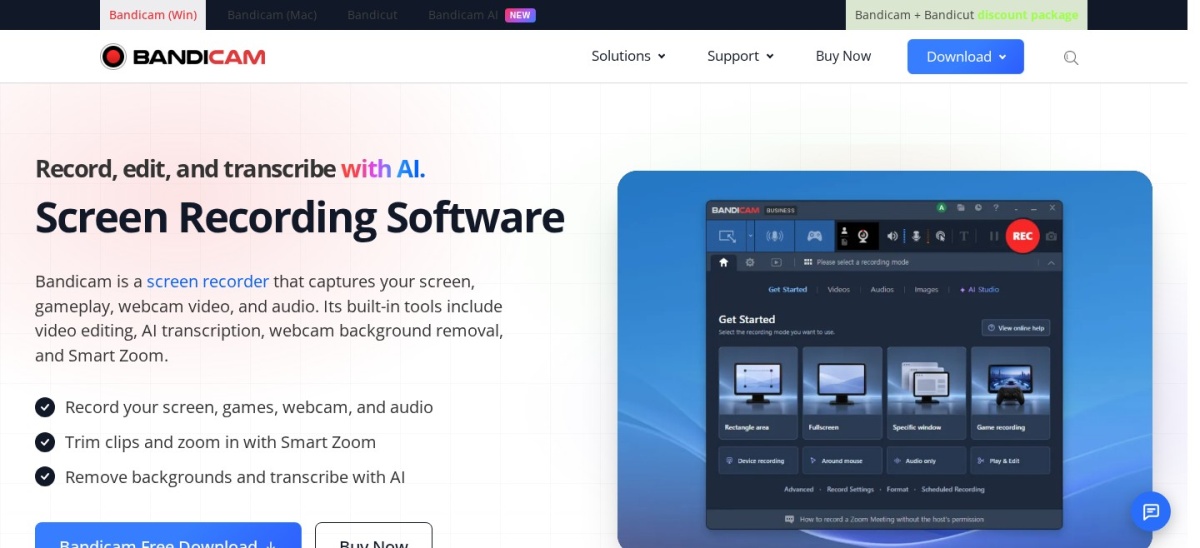
Bandicam is a desktop recording application for capturing screen activity, gameplay, webcams and external video devices. Its annual Personal license covers 1 computer and removes recording duration limits and watermarks, making it suitable for archiving authorized live video playback.
The trade off is that Bandicam is limited to Windows, and its Personal license does not cover commercial use. The regular annual price is $36.95, with a temporary offer of $33.26. It suits individuals who prioritize local stream recordings over live production features.
What we like
Unlimited recording duration with paid licenses
Dedicated screen and gameplay capture modes
Local video storage
Perpetual license available
Watch out for
Windows only
Free recordings have restrictions and watermarks
Commercial use requires a business license
Paid licenses remove recording duration restrictions and watermarksVisit bandicam.com
02
vMix
4.3/5on G2 (32 reviews, checked Nov 2026)
Starts at$60 one-time
Best for live video production and recording
Basic HD inputs4
Camera and NDI inputs3
Entry resolution1920 × 1080
Entry planBasic HD perpetual license
vmix.com
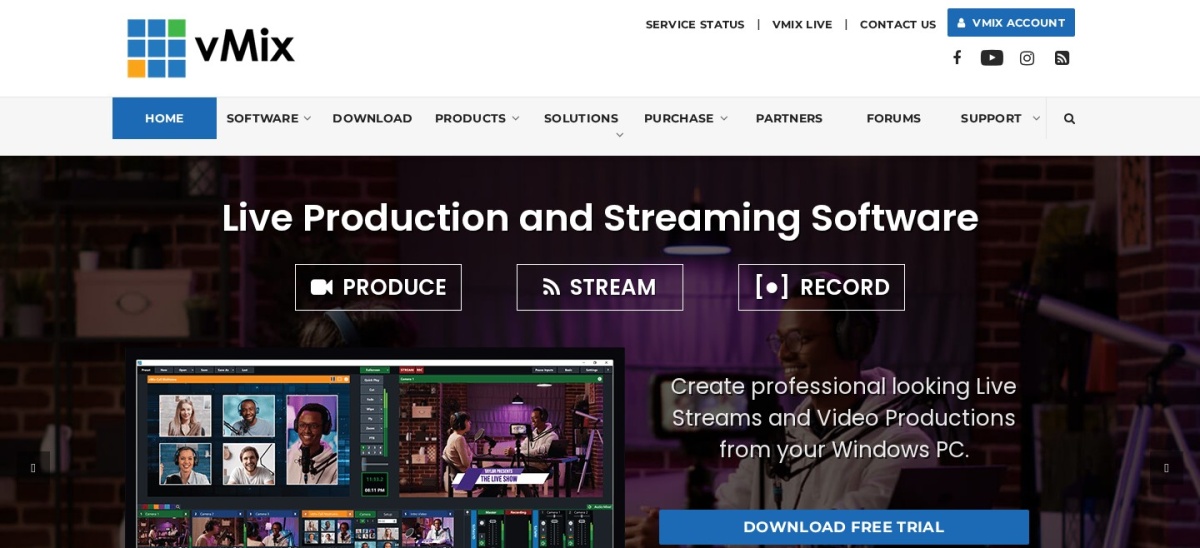
vMix homepage, captured Nov 2026.
vMix is a live video production application that combines camera feeds, video files, network sources and audio into a single production environment. Basic HD costs $60 once and supports 4 total inputs, including up to 3 camera or NDI inputs.
The trade off is that Basic HD limits source capacity and recording resolution compared with higher editions. The HD license costs $350, while the 4K edition costs $700. It suits event producers and creators who need to record their broadcasts while controlling multiple video sources.
What we like
Perpetual entry license
Live recording and broadcasting
Multiple camera and network inputs
Advanced production upgrades available
Watch out for
Windows only
Basic HD has limited input capacity
Advanced production editions require substantial upfront spending
Basic HD includes a perpetual license and 12 months of updatesVisit vmix.com
03
ScreenPal
4.4/5on Capterra (103 reviews, checked Nov 2026)
Paid from$4/mo
Best for affordable stream capture and editing
Paid recording durationUnlimited
Video editorIncluded on Deluxe
CaptioningAI speech-to-text
Entry planSolo Deluxe, annual billing
screenpal.com
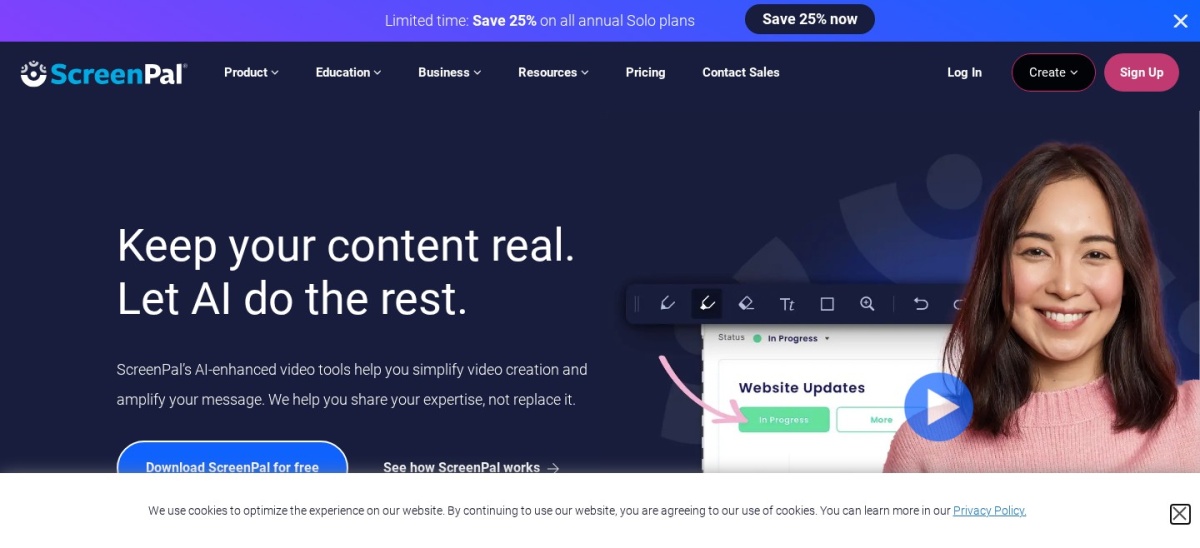
ScreenPal homepage, captured Nov 2026.
ScreenPal is a screen recording and video editing application for capturing presentations, authorized streams and educational content. Solo Deluxe costs $4 per month with annual billing and includes unlimited recording, audio editing, a full video editor and speech-to-text captions.
The trade off is that ScreenPal focuses on recording and editing rather than live broadcast switching. Its regular annual subscription costs $48, with a temporary 25% discount reducing the monthly equivalent to $3. It suits educators and creators who edit captured footage before sharing it.
What we like
Affordable annual subscription
Integrated video and audio editing
Unlimited recording on Deluxe
Automatic caption generation
Watch out for
Free recording features are restricted
Not a dedicated live production application
Advanced AI features require higher subscriptions
Solo Deluxe adds unlimited recording, editing and speech-to-text captionsVisit screenpal.com
04
OBS Studio
4.7/5on Capterra (1,076 reviews, checked Nov 2026)
PriceFree
Best free open-source stream capture software
Operating systemsWindows, macOS and Linux
Capture sourcesDisplays, windows, cameras and media
Audio controlsSource mixing and filters
LicenseFree and open source
obsproject.com
OBS Studio homepage, captured Nov 2026.
OBS Studio is a free, open-source application for video recording and live broadcasting, rated 4.7/5 by 1,076 Capterra reviewers. It supports customizable scenes, multiple video sources, audio mixing and configurable encoding for local recordings and live streams.
The trade off is a steeper learning curve than simpler screen capture applications. OBS Studio costs nothing, but users must configure recording formats, audio routing and encoding settings themselves. It suits gamers, creators and technical users who want extensive recording controls without subscription fees.
XSplit Broadcaster is a Windows application for live streaming, gameplay recording and video production. Its free edition supports 4 scenes, while Premium adds unlimited scenes, unrestricted resolution options, commercial usage rights and simultaneous broadcasting to multiple streaming services.
The trade off is that free users encounter watermarks above 720p or 30 frames per second, and commercial use requires Premium. The annual Premium license costs $59.99. It suits creators who prefer a graphical production environment with configurable scenes and capture sources.
What we like
Unlimited scenes on Premium
Integrated chroma key support
Local recording and simultaneous broadcasting
Monthly, annual and lifetime licenses available
Watch out for
Windows only
Free edition is restricted to personal use
Lower public review rating than competing tools
Premium removes scene limits and unlocks commercial use and multistreamingVisit xsplit.com
06
Restream
4.5/5on G2 (85 reviews, checked Nov 2026)
Paid from$19/mo
Best for cloud recording and multistreaming
Free streaming destinations2
Standard streaming destinations3
Standard recording duration6 hours per stream
Standard recording retention15 days
restream.io
Restream homepage, captured Nov 2026.
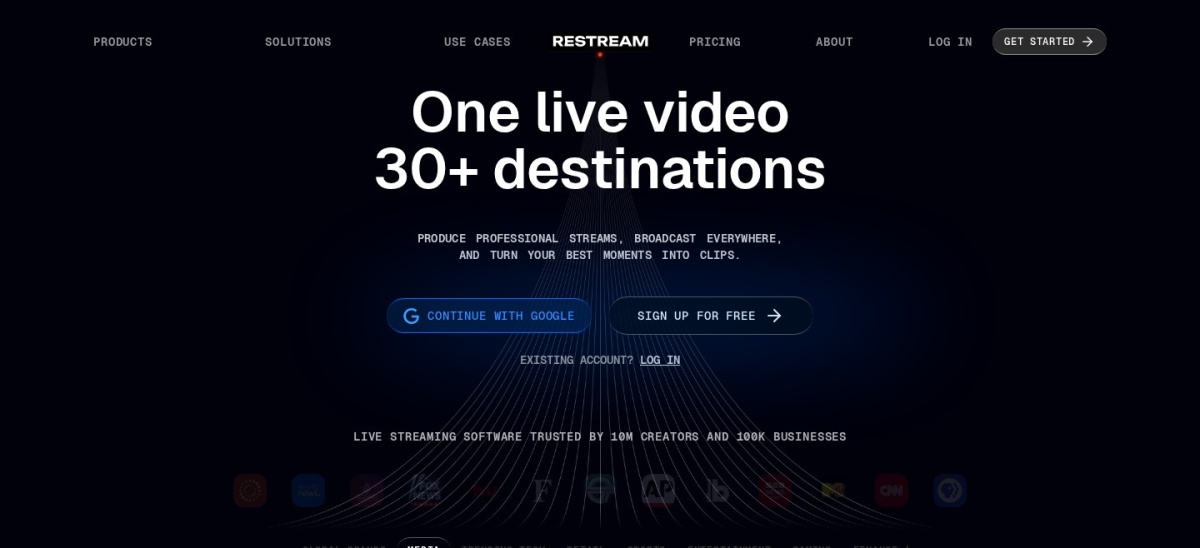
Restream is a cloud broadcasting platform that distributes live video across multiple destinations and stores recordings online. Standard supports 3 simultaneous streaming channels and cloud recordings lasting up to 6 hours per broadcast, with recordings available for 15 days.
The trade off is that cloud recording introduces duration and storage restrictions compared with local capture. Standard costs $19 per month, with an annual billing discount available. It suits creators who want to distribute and archive their own broadcasts without relying entirely on desktop recording.
What we like
Cloud-based broadcast recording
Multiple streaming destinations
Browser-based production studio
Integration with external streaming encoders
Watch out for
Limited recording retention
Requires a reliable internet connection
Higher studio recording resolutions require an upgrade
Standard removes branding and adds cloud recording and another streaming destinationVisit restream.io
07
Wirecast
4.2/5on G2 (37 reviews, checked Nov 2026)
Starts at$34/mo
Best for professional network stream capture
Operating systemsWindows and macOS
Studio camera sourcesUnlimited
Studio remote guests2
Entry planStudio, annual billing
wirecast.io
Wirecast homepage, captured Nov 2026.
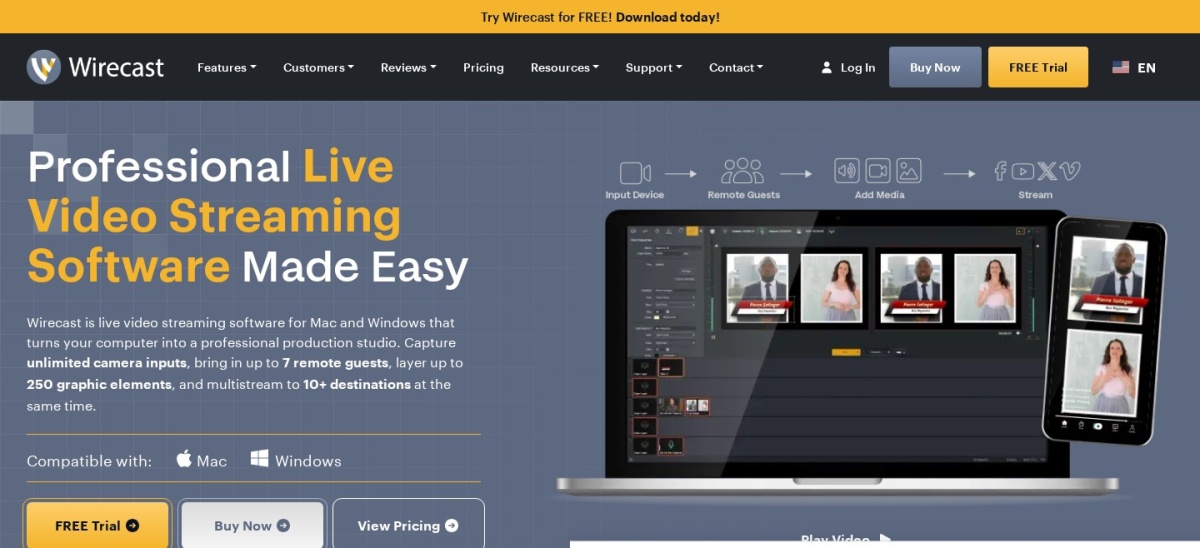
Wirecast is a professional live production application from Telestream that captures camera feeds, screen activity, network video and remote guests. Studio includes unlimited live camera sources and support for 2 remote guests, with network inputs covering common streaming protocols.
The trade off is its higher subscription cost and the need to upgrade for isolated camera recording. Studio costs $34 per month when billed annually, while Pro costs $42 per month with annual billing. It suits broadcasters and event producers managing complex video productions.
What we like
Direct network video stream inputs
Unlimited live camera sources
Hardware-accelerated encoding support
Windows and macOS compatibility
Professional production and monitoring features
Watch out for
Higher subscription cost than most alternatives
Isolated camera recording requires Pro
More complex configuration than basic screen recorders
Studio adds professional production tools, network inputs and remote guest supportVisit wirecast.io
Local stream capture vs. cloud recording
Local stream capture saves video files directly to your computer. Bandicam, OBS Studio and vMix provide greater control over file storage and recording configuration, but performance depends on your computer and available disk space.
Cloud recording services such as Restream archive broadcasts remotely. This reduces local storage requirements and makes recordings accessible from other devices, although retention periods and recording duration limits depend on the subscription.
For important broadcasts, consider maintaining a local recording alongside a cloud archive. Independent copies can reduce the risk of losing footage because of connectivity problems, software crashes or expired cloud storage.
How we chose
We shortlisted established screen recording, live broadcasting and video production applications capable of capturing authorized streaming content. We compared recording controls, source compatibility, audio capture, licensing, editing capabilities and local or cloud storage options.
We checked official vendor pricing and public G2 and Capterra ratings on 27 Nov 2026. Temporary discounts were excluded from the price ladder. Bandicam's regular annual price was corroborated by its Capterra listing, while Restream's annualized figure uses its directly displayed monthly price. Perpetual licenses represent first-year purchase costs.
We excluded products without sufficient public reviews, software with unconfirmed official pricing and applications primarily designed to bypass protected streaming content. OBS Studio is included as a completely free option below the three publicly priced products. No vendor paid for a place, and we do not claim testing for this list.
How to choose the best stream capture software
Compare these recording requirements before selecting software for capturing live video streams or producing broadcasts.
Identify the video sources you need to capture. Determine whether you are recording screen playback, gameplay, camera feeds or network streams. Choose an application that supports your intended sources and authorized recording workflow.
Check video and audio recording controls. Look for configurable resolution, encoding quality, frame rates and audio routing. Ensure the software can capture system sound and microphone input according to your production requirements.
Evaluate storage and hardware requirements. Check available disk space, processor performance and graphics hardware for local capture. For cloud services, review recording duration, download options and retention periods.
Compare licensing and editing costs. Determine whether you need commercial usage rights, unlimited recordings, separate editing software or additional production features. Compare annual subscriptions with perpetual licenses before committing.
FAQ
What is the best stream capture software?
Bandicam is our top paid choice for straightforward local stream capture because it provides dedicated recording modes and unlimited recording duration with a paid license. OBS Studio is the best free alternative, while vMix is suitable for more involved live productions.
Is OBS Studio good for recording live streams?
Yes. OBS Studio supports local video recording, multiple capture sources, configurable audio mixing and live broadcasting without subscription fees. It is particularly useful for creators who need flexible recording settings and are comfortable configuring their own production environment.
Can I record a live stream without losing video quality?
Recording quality depends on the original video source, capture resolution, bitrate, encoding settings and available hardware resources. Choose appropriate recording settings and avoid unnecessary re-encoding. Capture software cannot restore detail that was missing from the original broadcast.
What is the difference between stream capture and screen recording?
Screen recording captures visible activity from a display or application window. Stream capture can also involve recording camera feeds, network video sources or a broadcast output directly. Dedicated production software provides additional controls for switching, mixing and recording these sources.
Can stream capture software record audio?
Yes. Applications such as Bandicam, OBS Studio, ScreenPal and vMix support audio recording alongside video capture. Available audio sources and routing options vary by application and operating system. Confirm that the software supports your required system audio and microphone inputs.
Is it legal to record streaming video?
Recording your own broadcasts or streams you have permission to capture is generally appropriate. Recording third-party content may be restricted by copyright, platform terms or licensing agreements. Obtain permission when necessary and do not bypass digital rights management or access restrictions.
SaaS SEO and WordPress specialist with about 8 years of experience. Rakib compares WordPress plugins, themes, hosting and software using public pricing, documentation and user reviews. See how we rank.