4K Video Downloader Plus is the best video downloader software for most people, pairing 8K playlist and channel downloads with a $15/yr Lite plan and a 4.5 out of 5 Trustpilot score. Choose SnapDownloader for built-in trimming across 1,000+ sites, or VideoProc Converter AI when you also need GPU format conversion and AI upscaling.
How we make this list: we compare pricing pages, product documentation and public user reviews, then re-check every price before each update. No product paid for a place. Disclosure.
4K Video Downloader Plus starts at $15/yr for 1 device or $25 once for 3 devices, backed by a 4.5/5 Trustpilot rating across 13K reviews.
SnapDownloader covers 1,000+ websites with a built-in trimmer and proxy at $29.99/yr or $39.99 once.
Any Video Converter offers a permanent free desktop tier plus a $39.95/yr Pro subscription with 1,000+ format conversions.
VideoProc Converter AI combines downloading with AI upscaling and GPU transcoding at a $59.95/yr regular price ($34.95 on sale).
By Click Downloader uses a one-time $40 regular price ($19.99 on sale) for one-click Windows playlist capture, though its Trustpilot score sits at 1.8/5.
What to look for in video downloader software
Video platforms update their streaming protocols and encryption frequently. A good downloader receives regular extractor updates so links do not break every few weeks, and it handles adaptive HLS and DASH streams by merging separate video and audio tracks automatically.
Resolution and batch limits separate free tiers from paid licenses. Free versions often cap downloads at 1080p, throttle transfer speeds, or limit how many videos you can queue in a single session, while paid tiers unlock 4K or 8K streams, full YouTube playlists, and SRT subtitle files.
Licensing models split between annual subscriptions and one-time perpetual keys. Subscriptions usually include major version upgrades that keep pace with site changes, whereas lifetime licenses cost less over several years if the vendor maintains backward compatibility.
Use video downloader software only for videos you own, public-domain or Creative Commons material, or content where the platform and rights holder permit offline saving.
4.5/5on Trustpilot (13,000 reviews, checked Nov 2026)
Paid from$15/yr
Best overall for playlists, channels, and 8K downloads
PlatformsWindows, macOS, Linux, Android
Max resolutionUp to 8K video and SRT subtitles
Free planStarter tier with daily download limits
Cheapest paid$15/yr Lite (or $25 one-time Personal)
4kdownload.com
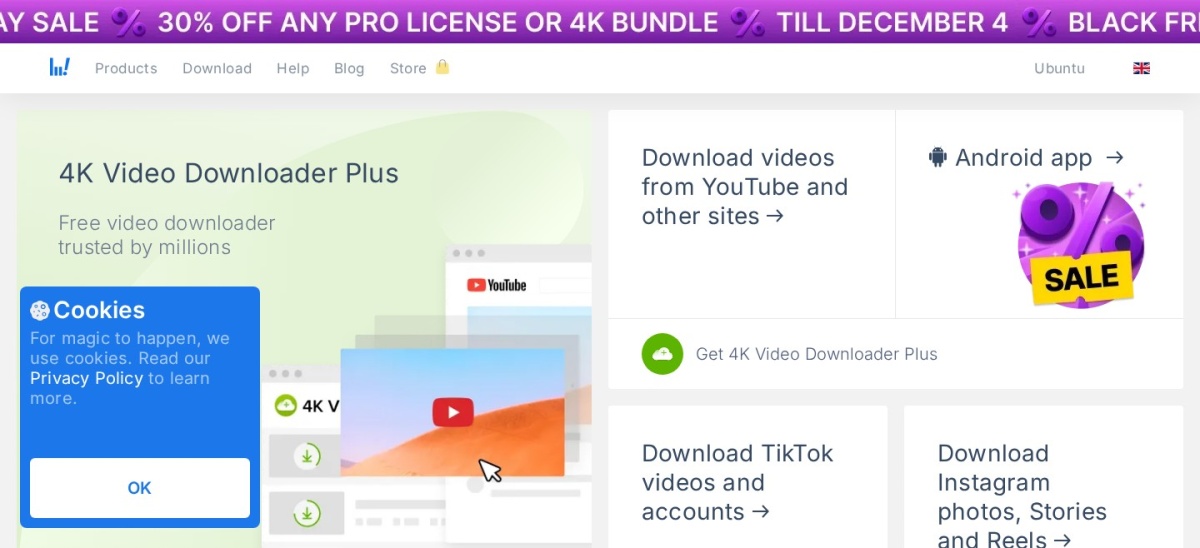
4K Video Downloader Plus homepage, captured Nov 2026.
4K Video Downloader Plus is a cross-platform desktop application that saves individual videos, full YouTube playlists, channels, and SRT subtitles in resolutions up to 8K. Its permanent Starter tier is free with daily quantity limits, while the Smart Mode feature applies your chosen format, quality, and output folder to every pasted link automatically.
The trade off is that multi-device coverage and AI audio cleanup require higher tiers. The $15/yr Lite plan covers 1 device and 3 simultaneous downloads, while Personal costs $25 once for 3 devices and Pro costs $60 once ($42 on sale) for 7 simultaneous downloads. It suits people who archive playlists across Windows, Mac, or Linux.
What we like
Permanent free Starter plan with no credit card required
Downloads entire playlists, channels, and 50+ subtitle languages
Affordable $15/yr entry plan plus $25 one-time Personal option
Runs natively on Windows, macOS, Linux, and Android
Watch out for
Free tier restricts daily video and playlist quantities
Lite subscription covers only 1 device
Lite ($15/yr) unlocks unlimited video, playlist, channel, and subtitle downloads on 1 device.Visit 4kdownload.com
02
SnapDownloader
3.8/5on Trustpilot (167 reviews, checked Nov 2026)
Starts at$29.99/yr
Best for trimming clips and 1,000+ site coverage
PlatformsWindows, macOS
Site support1,000+ websites up to 8K
Free tier48-hour full-feature trial only
Cheapest paid$29.99/yr (or $7.99/mo)
snapdownloader.com
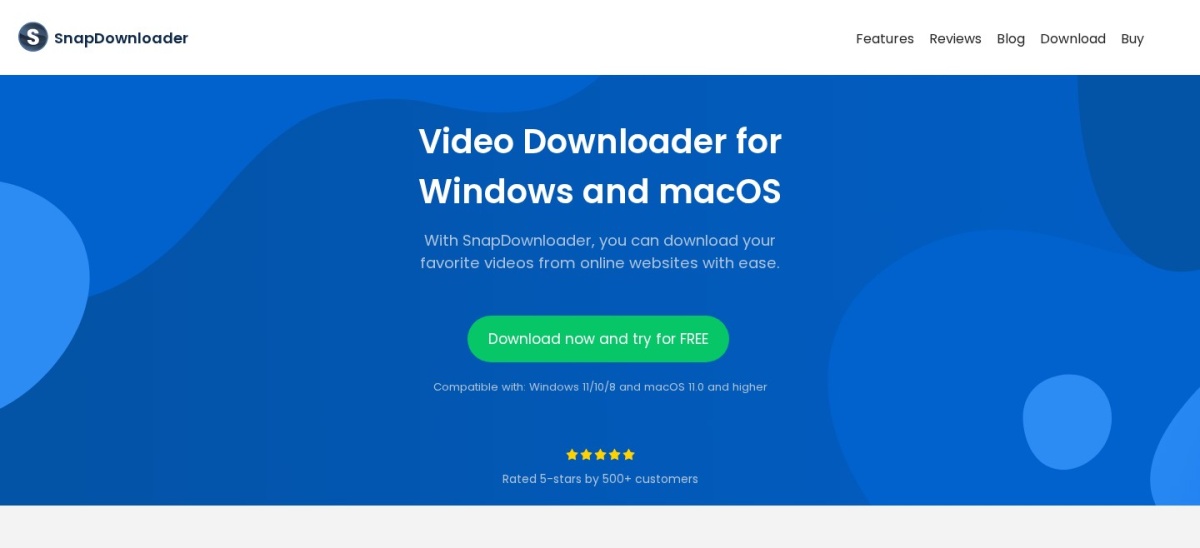
SnapDownloader homepage, captured Nov 2026.
SnapDownloader is a Windows and macOS video downloader supporting more than 1,000 websites at resolutions up to 8K. It includes a built-in video trimmer to save specific segments without downloading entire files, an in-app proxy for regional access, scheduled downloads, and YouTube chapter splitting.
The trade off is the lack of a permanent free tier once the 48-hour trial expires. Paying annually costs $29.99/yr ($7.99/mo if billed monthly) for 1 device, while a Personal one-time license is $39.99 for the current major version. It suits creators who need quick clip trimming and broad social site support.
What we like
Supports 1,000+ websites with 8K video and MP3/M4A/WAV audio
Built-in trimmer lets you download short clips instead of full files
Includes in-app proxy setup and scheduled batch queues
Watch out for
No free plan after the 48-hour trial ends
One-time Personal license ($39.99) excludes future major v2 upgrades
Annual ($29.99/yr) unlocks unlimited 8K downloads, bulk queues, trimming, and major upgrades on 1 device.Visit snapdownloader.com
03
Any Video Converter
4.8/5on Trustpilot (1,018 reviews, checked Nov 2026)
Paid from$39.95/yr
Best free desktop downloader and format converter
PlatformsWindows, macOS
Conversion1,000+ video and audio formats
Free planUnlimited downloads, conversion, and trimming
Cheapest paid$39.95/yr Pro (or $19.95/mo)
any-video-converter.com
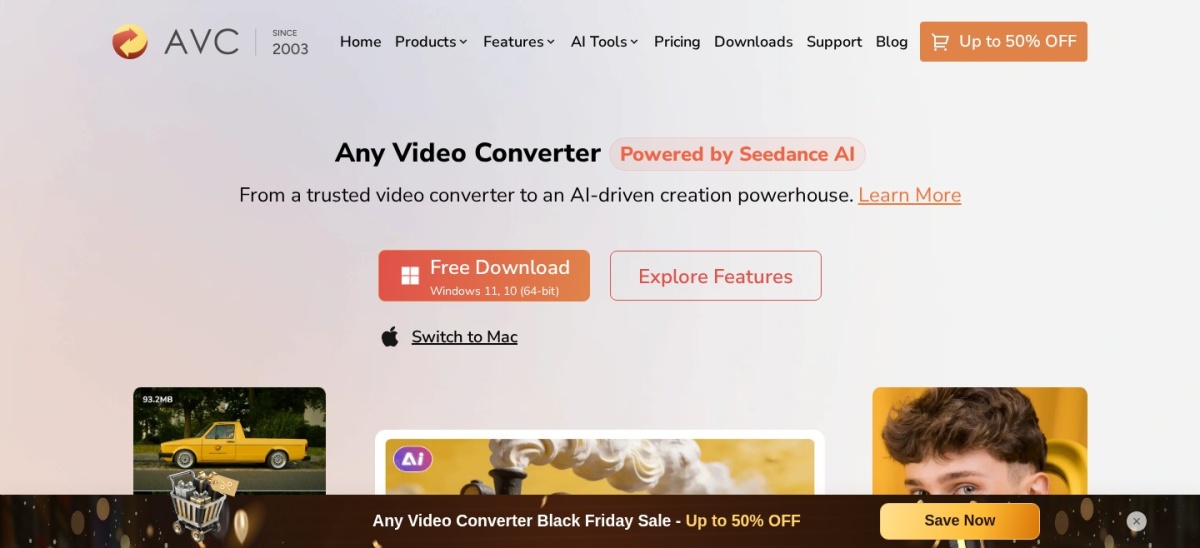
Any Video Converter homepage, captured Nov 2026.
Any Video Converter is a Windows and macOS media suite that pairs online video downloading with conversion across 1,000+ formats, compression, and basic clip trimming. Its free edition includes unlimited single video downloads, format conversion, and preset saving without a time limit.
The trade off is that parallel downloads, channel auto-fetching, and AI tools sit behind paid plans. Pro costs $39.95/yr ($19.95/mo), while Ultimate costs $69.95/yr ($59.95 on sale) or $89.95 one-time ($54.95 on sale) for AI upscaling, speech-to-text, and 700 AI credits. It suits users who want a capable free converter alongside downloading.
What we like
Generous $0 free edition with unlimited downloads and format conversion
Hardware acceleration supports H.264, H.265, and AV1 encoding
Strong user satisfaction with a 4.8/5 Trustpilot score across 1,018 reviews
Watch out for
Parallel power downloads and auto-download require Ultimate
AI generation features consume monthly or bonus credits
Pro ($39.95/yr) unlocks advanced presets, screen recording, DVD tools, and priority support.Visit any-video-converter.com
04
VideoProc Converter AI
4.5/5on Trustpilot (516 reviews, checked Nov 2026)
Paid from$59.95/yr
Best for downloading plus AI upscaling and GPU editing
PlatformsWindows, macOS
Format support370+ inputs, 420+ outputs
Free planTrial with 5-minute file cap and 5 AI exports
Cheapest paid$59.95/yr regular ($34.95 on sale)
videoproc.com
VideoProc Converter AI homepage, captured Nov 2026.
VideoProc Converter AI is a full media processing suite for Windows and macOS that combines a built-in online video and audio downloader with Level-3 Hardware Acceleration, screen recording, and AI enhancement models. The free trial lets you process files under 5 minutes and test 5 watermark-free AI upscaling or stabilization exports.
The trade off is higher regular pricing and a busy interface if you only want to paste URLs. Premium 365 has a regular price of $59.95/yr ($34.95 on sale) for 3 devices, while a 1-device Lifetime license is $89.95 regular ($54.95 on sale). It suits editors who upscale low-resolution web footage after downloading.
What we like
Combines downloading, transcoding, compression, and screen recording in one app
AI Super Resolution upscales grainy downloads up to 4K
Full GPU acceleration speeds up large batch conversions
Watch out for
Free trial caps conversion and editing tasks at 5 minutes per file
Heavier footprint than single-purpose downloaders
Premium 365 ($59.95/yr regular) removes the 5-minute file cap and unlocks 30+ AI models on 3 devices.Visit videoproc.com
05
Allavsoft
4/5on Trustpilot (318 reviews, checked Nov 2026)
Starts at$49.99/yr
Best for niche sites and direct audio format conversion
Allavsoft is a desktop video and music downloader for Windows and macOS that pulls source files and subtitles from over 1,000 mainstream and niche media websites. It converts downloads directly into formats ranging from MP4 and Apple ProRes to lossless FLAC and WAV, and includes a built-in media player and video merger.
The trade off is a dated user interface and a restrictive free trial. Regular pricing is $49.99/yr ($29.99 on sale) or $29.99/mo ($19.99 on sale) for 1–2 computers, while a Lifetime license for 1–3 computers is $99.99 regular ($59.99 on sale). It suits users pulling media from smaller regional sites.
What we like
Covers 1,000+ sites including smaller regional and music portals
Converts directly to lossless audio (FLAC, WAV) or editing codecs (ProRes)
1-year license covers 1–2 computers and Lifetime covers up to 3
Watch out for
Interface feels dated compared to modern Mac and Windows apps
No permanent free tier beyond the initial trial
1 Year License ($49.99/yr regular) unlocks unlimited batch downloads and format conversions on 1–2 computers.Visit allavsoft.com
06
Downie
3.7/5on Trustpilot (1 reviews, checked Nov 2026)
Starts at$19.99 one-time
Best native video downloader for macOS
PlatformsmacOS 13 or newer
Site support1,000+ sites up to 4K
Browser toolsSafari, Chrome, and Firefox extensions
Cheapest paid$19.99 one-time (or Setapp)
software.charliemonroe.net
Downie homepage, captured Nov 2026.
Downie is a native macOS video downloader built by Charlie Monroe Software that saves 4K video and audio from YouTube, Vimeo, and over 1,000 websites. It pairs with extensions for Safari, Chrome, and Firefox, syncs download history across Macs over iCloud, and includes User-Guided Extraction to detect streams on unsupported pages.
The trade off is macOS exclusivity and major-version licensing. Downie costs $19.99 as a one-time purchase (excluding tax) for all Downie 4 releases after a free trial, or comes included in a Setapp subscription at $14.99/mo. It suits Mac users who want a clean, native utility without subscriptions.
What we like
One-time $19.99 license covers all Downie 4 updates with no recurring fee
Native macOS design with iCloud history sync and browser extensions
User-Guided Extraction captures videos from pages behind logins
Watch out for
Available only on macOS with no Windows or Linux version
Very few public Trustpilot reviews on the developer profile
Permanent Downie 4 license ($19.99 one-time) unlocks unlimited 4K downloads, postprocessing, and all v4 updates.Visit software.charliemonroe.net
07
By Click Downloader
1.8/5on Trustpilot (130 reviews, checked Nov 2026)
Paid from$40 one-time
Best for one-click Windows browser auto-detection
PlatformsWindows
Resolutions720p, 1080p, 4K, and 8K
Free tierFree basic downloads plus 1-day Premium trial
Cheapest paid$40 one-time regular ($19.99 on sale)
byclickdownloader.com
By Click Downloader homepage, captured Nov 2026.
By Click Downloader is a Windows utility that monitors your active web browser and pops up a one-click download prompt whenever you open a supported video or playlist. It saves single videos in MP4, MP3, AVI, and WMV formats on its free tier and includes a 1-day Premium trial.
The trade off is Windows-only availability and mixed customer support feedback, reflected in its 1.8 out of 5 Trustpilot score across 130 reviews. Upgrading to an Unlimited lifetime license costs $40 regular ($19.99 on sale) for 1 PC, unlocking full channel downloads, 8K video, and private video access. It suits Windows users who want automatic browser pop-up capture.
What we like
Automatic browser pop-up detects videos without copy-pasting URLs
Downloads entire YouTube playlists and channels in a single click
One-time lifetime pricing with no recurring annual subscription
Watch out for
Windows only with no macOS or Linux client
Low 1.8/5 Trustpilot score with complaints about temporary site blocks
Unlimited ($40 one-time regular) unlocks full playlist and channel downloads, 8K resolution, and MP3 ID3 tags.Visit byclickdownloader.com
Subscriptions vs. lifetime licenses in 2026
Video hosting platforms change their streaming scripts several times a year. Subscription tools like SnapDownloader ($29.99/yr) and 4K Video Downloader Plus Lite ($15/yr) fund continuous extractor patches and include major version upgrades automatically.
Lifetime keys from Downie ($19.99) or 4K Video Downloader Plus Personal ($25) save money if you keep the same computer for multiple years, though major version jumps—such as moving from v4 to v5—often require a discounted upgrade fee.
How we chose
We selected 7 established desktop video downloader applications that remain actively maintained and offer clear documentation on platform support, output formats, and licensing.
All prices, free-tier limits, ratings, and review counts were checked on 22 Nov 2026 directly from official vendor pricing pages and public Trustpilot profiles, using regular non-sale prices for our comparison ladder.
We excluded browser-only web converters without desktop clients, abandoned software without updates in the past 12 months, and tools that do not publish verifiable pricing. No vendor paid for a place, and we do not claim testing for this list.
How to choose video downloader software
Match your operating system, batch needs, and post-download workflow to the right license before buying.
Check operating system and browser support first. 4K Video Downloader Plus runs on Windows, macOS, Linux, and Android, whereas Downie is built strictly for macOS and By Click Downloader works only on Windows.
Decide whether you need single clips or whole channels. If you only save occasional single videos, free tiers from 4K Video Downloader Plus or Any Video Converter are enough, while full playlists and channels require a paid key.
Look for built-in trimming or format conversion if you edit. SnapDownloader lets you trim a short segment before downloading, and VideoProc Converter AI or Any Video Converter convert files into ProRes, MP4, or MP3 immediately.
Compare regular renewal rates against lifetime licenses. Check both the renewal price and whether a one-time license covers future major versions so you are not surprised by upgrade fees a year later.
FAQ
Is video downloader software legal to use?
Video downloader software itself is legal, but downloading copyrighted videos without permission may violate platform terms of service or local copyright law. Use these tools only for videos you own, public-domain content, or material you have explicit permission to save.
Which video downloader has the best free plan?
Any Video Converter offers the most generous permanent free edition with unlimited single video downloads and format conversions, while 4K Video Downloader Plus provides a permanent free Starter tier with daily download limits.
Can video downloaders save 4K and 8K YouTube videos?
Yes, 4K Video Downloader Plus, SnapDownloader, Any Video Converter, and By Click Downloader support up to 8K resolution when the source video provides an 8K stream, while Downie supports up to 4K.
Why do video downloaders sometimes stop working on certain sites?
Streaming sites regularly update their player scripts and stream encryption, which temporarily breaks video extraction until the software vendor pushes an update. Actively maintained apps typically release compatibility patches within a few days.
What is the best video downloader for Mac?
Downie ($19.99 one-time) is the best Mac-only choice thanks to its native interface, Safari extension, and iCloud history sync, while 4K Video Downloader Plus ($15/yr or $25 once) is better if you need full channel archiving.
SaaS SEO and WordPress specialist with about 8 years of experience. Rakib compares WordPress plugins, themes, hosting and software using public pricing, documentation and user reviews. See how we rank.