Superwhisper is the top talk to text pick for most writers because it runs local Whisper models on your device for free and adds cloud AI formatting for $84.99/yr. Choose Wispr Flow for cross-platform cloud dictation across desktop and mobile, or Fireflies.ai if you primarily transcribe team meetings.
How we make this list: we compare pricing pages, product documentation and public user reviews, then re-check every price before each update. No product paid for a place. Disclosure.
Superwhisper includes unlimited offline dictation on its free tier and starts at $84.99/yr (or $249.99 once) for cloud AI modes.
Fireflies.ai offers unlimited meeting transcription on its free tier with 400 minutes of team storage, upgrading to $120/yr per seat.
Notta starts at $97.99/yr ($8.17/mo billed annually) for 1,800 monthly transcription minutes and 5-hour recording limits.
Otter.ai gives 300 free monthly minutes capped at 30 minutes per conversation, with Pro priced at $99.96/yr ($8.33/mo annually).
Dragon Professional remains the high-cost Windows desktop specialist at roughly $699 one-time for custom legal and medical vocabularies.
What to look for in talk to text software
Modern talk to text tools split into two distinct workflows: live system-wide dictation that types directly into your active cursor, and transcription platforms built to record meetings or process uploaded audio files. Before comparing sticker prices, decide whether you need instant voice typing inside email and code editors or searchable transcripts with speaker labels.
Privacy and offline processing are the next major dividing lines. Cloud-first apps send your voice to external servers for AI cleanup and grammar formatting, which improves punctuation but requires a steady internet connection. On-device tools run speech models locally on your computer hardware, keeping confidential drafts off third-party servers.
Watch how vendors meter usage on both free and paid tiers. Many meeting tools advertise generous monthly minute pools while enforcing strict per-conversation cutoffs or lifetime file-import caps. Check annual versus monthly billing rates as well, since paying month to month often doubles the effective yearly cost.
Superwhisper is a system-wide dictation app that types formatted text directly into any open application across macOS, Windows, iOS, and Android. Its free tier provides unlimited offline dictation using local Whisper models, custom vocabulary, text replacements, and up to two modes without cloud processing.
The trade off is that AI post-processing, cloud models, speaker separation, and file transcription require a Pro license at $84.99/yr ($8.49/mo monthly, or $249.99 lifetime). It suits writers, developers, and privacy-conscious professionals who want fast offline voice typing with optional AI cleanup.
What we like
Unlimited offline dictation on the permanent free tier
Custom AI modes adapt formatting for emails, notes, or code
Single Pro license covers unlimited Macs, Windows PCs, and phones
Offers a $249.99 one-time lifetime payment option
Watch out for
Windows build is newer and less mature than the macOS app
Local audio recordings stay saved on disk by default unless changed
Pro ($84.99/yr) unlocks cloud models, AI formatting modes, file transcription, and meeting capture.Visit superwhisper.com
02
Wispr Flow
4.6/5on G2 (213 reviews, checked Nov 2026)
Paid from$144/yr
Best for cross-platform AI dictation
ProcessingCloud-only
Languages100+ supported
PlatformsMac, Win, iOS, Android
ComplianceSOC 2 Type II, HIPAA
wisprflow.ai
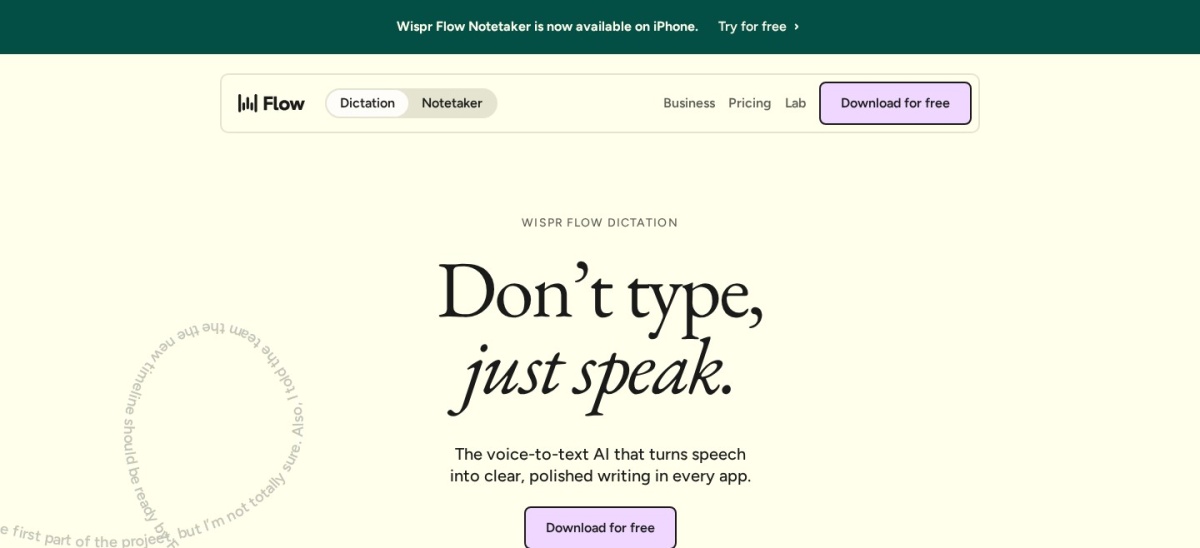
Wispr Flow homepage, captured Nov 2026.
Wispr Flow is a cloud dictation assistant that turns natural speech into edited prose across Mac, Windows, iPhone, and Android. Its free plan includes weekly dictation usage across 100+ languages, personal dictionary learning, custom snippets, and basic meeting notes without a credit card.
The trade off is that it has no offline mode and requires upgrading to Flow Pro at $144/yr ($12/mo billed annually, or $15/mo monthly) for unlimited dictation. It suits professionals who want zero-setup filler removal and tone formatting across desktop and mobile devices.
What we like
Automatic filler-word removal and context-aware punctuation
Syncs custom dictionary and snippets across desktop and mobile
Supports over 100 languages with mid-sentence code-switching
Enterprise tiers offer SOC 2 Type II and HIPAA compliance
Watch out for
Requires an active internet connection for all dictation
Subscription-only pricing with no lifetime license option
Flow Pro ($144/yr) removes weekly word limits and extends meeting note retention.Visit wisprflow.ai
03
Fireflies.ai
4.7/5on G2 (756 reviews, checked Nov 2026)
Paid from$120/yr
Best for team meeting transcription
Free transcriptionUnlimited minutes
Free storage400 mins per team
Desktop dictationFireflies Talk included
Pro storage8,000 mins per seat
fireflies.ai
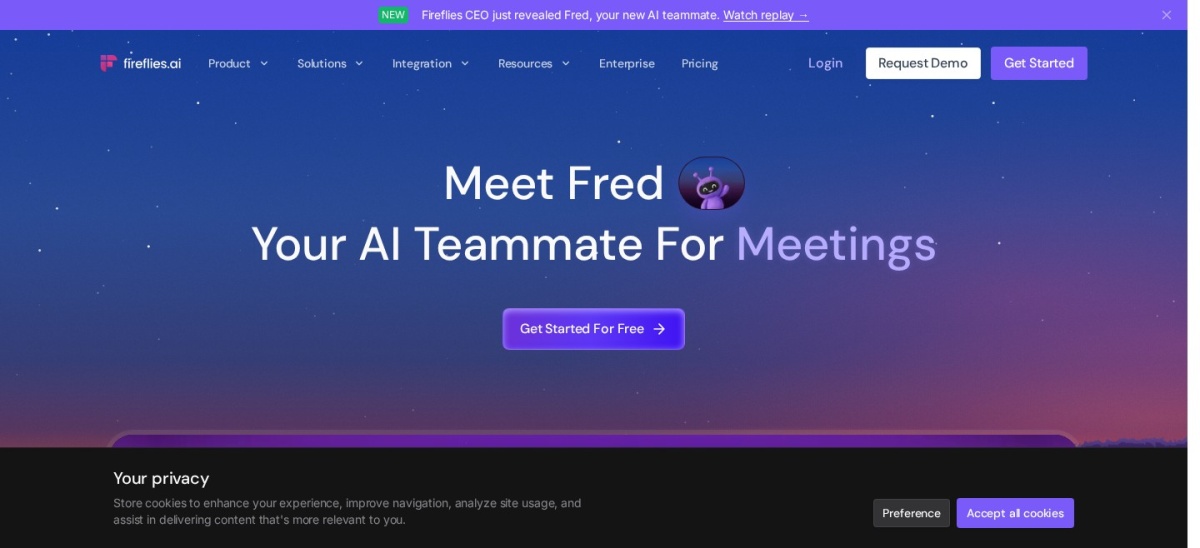
Fireflies.ai homepage, captured Nov 2026.
Fireflies.ai is an AI meeting assistant and transcription platform used across more than 1 million companies. Its free tier includes unlimited meeting transcription, limited AI summaries, 400 minutes of team storage, and Fireflies Talk for desktop voice dictation.
The trade off is that downloadable transcripts, video recording, and 8,000 minutes of storage per seat require the Pro plan at $120/yr per seat ($10/mo billed annually, or $18/mo monthly). It suits teams that want automated call notes alongside basic desktop voice typing.
What we like
Unlimited transcription minutes on the permanent free plan
Includes desktop voice dictation across all plans
Strong speaker attribution and CRM workflow integrations
Generates automated action items and searchable call summaries
Watch out for
Free plan caps total workspace storage at 400 minutes
Transcript downloads and video recording require a paid seat
Pro ($120/yr per seat) adds 8,000 storage minutes, video recording, and file exports.Visit fireflies.ai
04
Notta
4.2/5on G2 (442 reviews, checked Nov 2026)
Paid from$97.99/yr
Best for multilingual audio transcription
Free quota120 mins/mo
Free recording cap3 mins per session
Pro quota1,800 mins/mo
Max session (Pro)5 hours
notta.ai
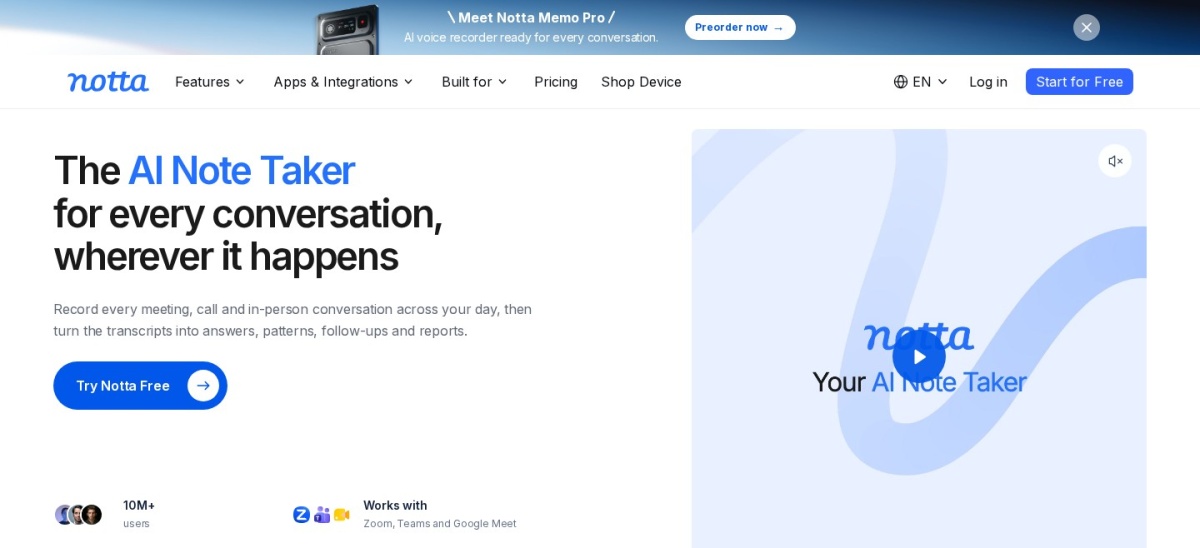
Notta homepage, captured Nov 2026.
Notta is a web and mobile transcription tool built for live voice recording, virtual meetings, and audio or video file uploads. Its free tier grants 120 transcription minutes per month, 50 file uploads, and 10 AI summaries without requiring a credit card.
The trade off is that free recordings stop at 3 minutes per conversation and cannot be exported until you upgrade to Pro at $97.99/yr ($8.17/mo billed annually, or $13.49/mo monthly). It suits researchers and multilingual teams transcribing long interviews up to 5 hours.
What we like
Pro plan raises individual recording limits to 5 hours
Supports 58 languages with optional real-time translation add-ons
Handles live microphone dictation, web meetings, and file uploads
Includes 1,800 monthly transcription minutes on the entry paid tier
Watch out for
Free tier 3-minute per-recording cap is too short for real meetings
Bilingual translation and extra AI credits require paid add-ons
Pro ($97.99/yr) unlocks transcript exports, 1,800 monthly minutes, and 5-hour sessions.Visit notta.ai
05
Otter.ai
4.4/5on G2 (553 reviews, checked Nov 2026)
Paid from$99.96/yr
Best for mobile voice notes and lectures
Free quota300 mins/mo
Free session cap30 mins
Pro quota1,200 mins/mo
Pro session cap90 mins
otter.ai
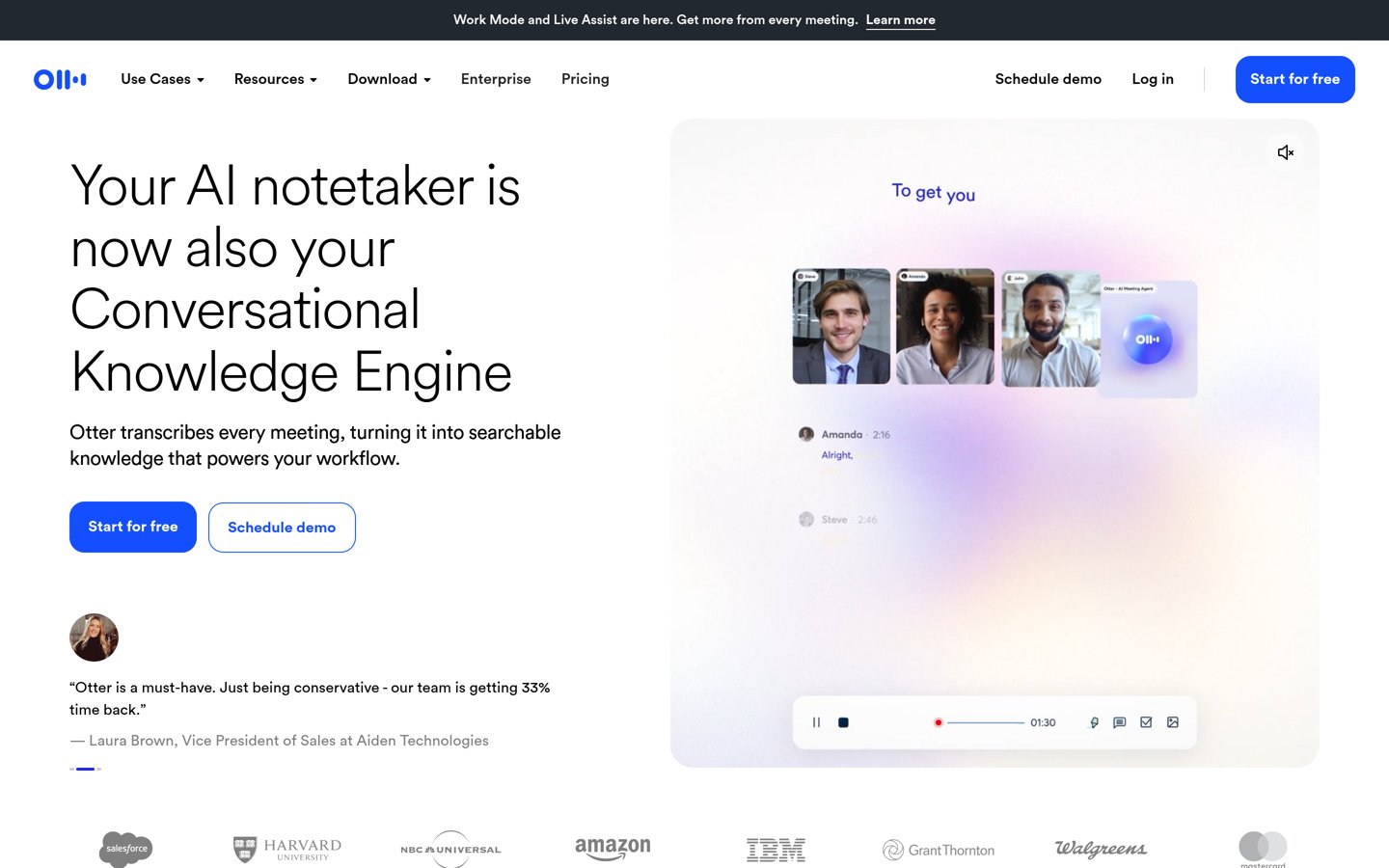
Otter.ai homepage, captured Nov 2026.
Otter.ai is a voice-to-text note-taking app available on web, iOS, and Android for lectures, interviews, and online calls. Its free Basic plan provides 300 monthly transcription minutes, live speaker identification, and 3 lifetime audio or video file imports.
The trade off is a 30-minute limit per conversation on Basic and a steep jump if you pay monthly instead of upgrading to Pro at $99.96/yr ($8.33/mo annually vs $16.99/mo monthly). It suits students and journalists who capture spoken notes on mobile.
What we like
Generous 300 free monthly minutes for short voice memos and calls
Syncs recordings seamlessly between mobile apps and web browsers
Offers a 20% discount for verified students and educators
Watch out for
Free plan restricts users to 3 lifetime file imports
Not designed for system-wide voice typing into third-party desktop apps
Pro ($99.96/yr) expands limits to 1,200 monthly minutes, 90-minute sessions, and 10 monthly imports.Visit otter.ai
06
Descript
4.6/5on G2 (937 reviews, checked Nov 2026)
Paid from$192/yr
Best for podcasters and video editors
Free quota1 media hr/mo
Hobbyist quota10 media hrs/mo
Languages26 supported
AI credits400/mo on Hobbyist
descript.com
Descript homepage, captured Nov 2026.
Descript is a transcription-driven audio and video editor that lets creators cut media files by deleting or rearranging words in a text document. Its free tier includes 1 media hour per month, 100 one-time AI credits, speaker detection, and 720p watermarked video exports.
The trade off is that 1 media hour disappears quickly and Hobbyist costs $192/yr ($16/mo billed annually, or $24/mo monthly) for 10 media hours and 400 monthly AI credits. It suits podcasters and video producers who edit recordings directly from transcripts.
What we like
Edits audio and video timelines automatically when you edit transcript text
Includes filler-word removal and Studio Sound audio cleanup
Accurate multi-speaker detection across 26 supported languages
Exports watermark-free 1080p video on the entry Hobbyist plan
Watch out for
Media hours count uploaded files even before transcription runs
Unused monthly media hours and AI credits do not roll over
Hobbyist ($192/yr) raises transcription to 10 media hours/mo and removes export watermarks.Visit descript.com
07
Dragon Professional
3.9/5on G2 (54 reviews, checked Nov 2026)
Starts at$699 one-time
Best for legal and medical Windows workflows
PlatformWindows desktop
ProcessingLocal voice profile
LicensingPerpetual single PC
SpecialtiesLegal & medical terms
nuance.com
Dragon Professional homepage, captured Nov 2026.
Dragon Professional is a Windows desktop dictation suite engineered for high-volume voice typing, custom macro commands, and specialized terminology. Rather than relying on a generic cloud model, it builds an acoustic profile trained on your individual voice and custom word lists.
The trade off is a steep upfront cost of roughly $699 one-time for a perpetual single-PC license, with no free tier and no native macOS support. It suits legal, medical, and accessibility users on Windows who need hands-free voice commands.
What we like
Deep custom vocabulary support for legal and medical terms
Executes complex voice macros and hands-free Windows navigation
Runs locally on Windows PCs without requiring cloud uploads
Watch out for
High upfront purchase price around $699 for a single computer
Windows-only with no macOS desktop edition available
Dragon Professional ($699 one-time) includes full desktop voice control and custom vocabulary training.Visit nuance.com
Live dictation vs file transcription: which workflow fits?
Live dictation software hooks into your operating system keyboard so spoken words appear inside Gmail, Slack, Word, or an IDE as you speak. Tools like Superwhisper, Wispr Flow, and Dragon Professional focus on low-latency cursor insertion, punctuation commands, and AI rewriting.
Transcription platforms such as Fireflies.ai, Notta, Otter.ai, and Descript are built to capture multi-speaker conversations or process pre-recorded audio and video files. If your goal is drafting emails faster without typing, pick a live dictation app; if you need searchable meeting archives or subtitle exports, choose a transcription platform.
How we chose
We built this comparison by evaluating established speech-to-text and voice dictation platforms across desktop dictation, meeting capture, and creator transcription workflows. To qualify, each product needed active maintenance, verifiable user ratings on G2, and transparent public pricing.
All prices, free-tier allowances, and G2 review scores were verified on 22 Nov 2026 against official vendor pricing pages and public review profiles. Yearly costs reflect each vendor's cheapest regular paid plan billed annually, with monthly rates noted in the text.
We excluded discontinued editions such as Dragon for Mac and Dragon Anywhere mobile, developer-only speech APIs without end-user apps, and tools without published pricing. No vendor paid for a place, and we do not claim testing for this list.
How to choose talk to text software
Match the software's processing model and billing limits to where you speak and write every day.
Decide between cursor dictation and meeting capture. Pick a system-wide dictation app like Superwhisper or Wispr Flow if you want to speak directly into emails and documents, or choose Fireflies.ai and Otter.ai for multi-speaker call notes.
Check offline privacy requirements. If you dictate confidential client notes, legal drafts, or medical records, prioritize tools with local on-device models such as Superwhisper or Dragon Professional so audio never leaves your computer.
Audit per-session caps on free plans. Look past headline monthly minute totals and verify single-recording cutoffs, since free tiers often stop recording at 3 minutes (Notta) or 30 minutes (Otter.ai).
Compare annual subscriptions against one-time licenses. Annual billing typically cuts subscription costs by 17% to 50% compared to monthly plans, while lifetime licenses from Superwhisper ($249.99) or Dragon ($699) eliminate recurring bills.
FAQ
Is there a completely free talk to text software with no time limits?
Superwhisper offers unlimited offline dictation on its permanent free tier using local Whisper models on your device. Fireflies.ai also provides unlimited meeting transcription on its free plan, though workspace storage is capped at 400 minutes.
What is the difference between dictation software and transcription software?
Dictation software types your spoken words in real time wherever your cursor sits, making it ideal for drafting emails and documents. Transcription software records multi-speaker meetings or converts uploaded audio and video files into timestamped text.
Which talk to text app works offline without an internet connection?
Superwhisper runs local Whisper speech models directly on macOS and Windows without internet access, and Dragon Professional processes voice profiles locally on Windows PCs. Cloud-based apps like Wispr Flow, Otter.ai, and Fireflies.ai require an active connection.
How accurate is AI talk to text software in 2026?
Modern Whisper-based and neural speech models routinely achieve high accuracy on clear audio, with AI post-processing layers automatically removing filler words like um and uh. Accuracy drops with heavy background noise or specialized jargon unless you add custom vocabulary.
Is Dragon Professional still worth buying over newer AI dictation apps?
Dragon Professional costs around $699 one-time and remains relevant mainly for Windows users in legal, medical, or accessibility roles who rely on deep custom voice macros. General writers can get faster AI formatting for $84.99 to $144 per year.
SaaS SEO and WordPress specialist with about 8 years of experience. Rakib compares WordPress plugins, themes, hosting and software using public pricing, documentation and user reviews. See how we rank.