AutoCAD Electrical is the best software for electrical design for most teams, rated 4.4 out of 5 by 2,022 G2 reviewers, with 65,000+ electrical symbols and automatic wire numbering built into AutoCAD. KiCad is the best free option if you want the full schematic-to-PCB flow at no cost.
How we make this list: we compare pricing pages, product documentation and public user reviews, then re-check every price before each update. No product paid for a place. Disclosure.
AutoCAD Electrical leads for panel and schematic work at $2,095 a year, rated 4.4/5 by 2,022 G2 reviewers, with 65,000+ electrical symbols.
EPLAN Electric P8 and SOLIDWORKS Electrical Schematic are the quote-only picks for database-driven panel engineering; ask for a quote early.
Capital X Panel Designer is the only cloud-native panel tool here, at $1,236.36 a year for Essentials, with a 30-day trial and a limited free plan.
KiCad is free and open source, with schematic, layout and simulation, and it is rated 4.5/5 by 69 G2 reviewers.
DipTrace is the cheapest paid route at $75 one-time, with a free edition limited to 300 pins.
What electrical design software should cover
Electrical design covers more than one job. Some engineers draw control-panel schematics, others lay out printed circuit boards, and others design the enclosure around them, so one tool rarely covers all three.
For panel and schematic work, look for symbol libraries, automatic wire numbering, cross-references and reports. A tool that only draws lines leaves the documentation to you.
For board work, the checks are different: schematic capture, layout, simulation and manufacturing outputs in one flow. A PCB tool will not draw a panel schematic with wire numbers.
One tool here is fully free, six publish a price, and two are quote-only, so budget for a sales call as well as a licence if you shortlist EPLAN or SOLIDWORKS Electrical.
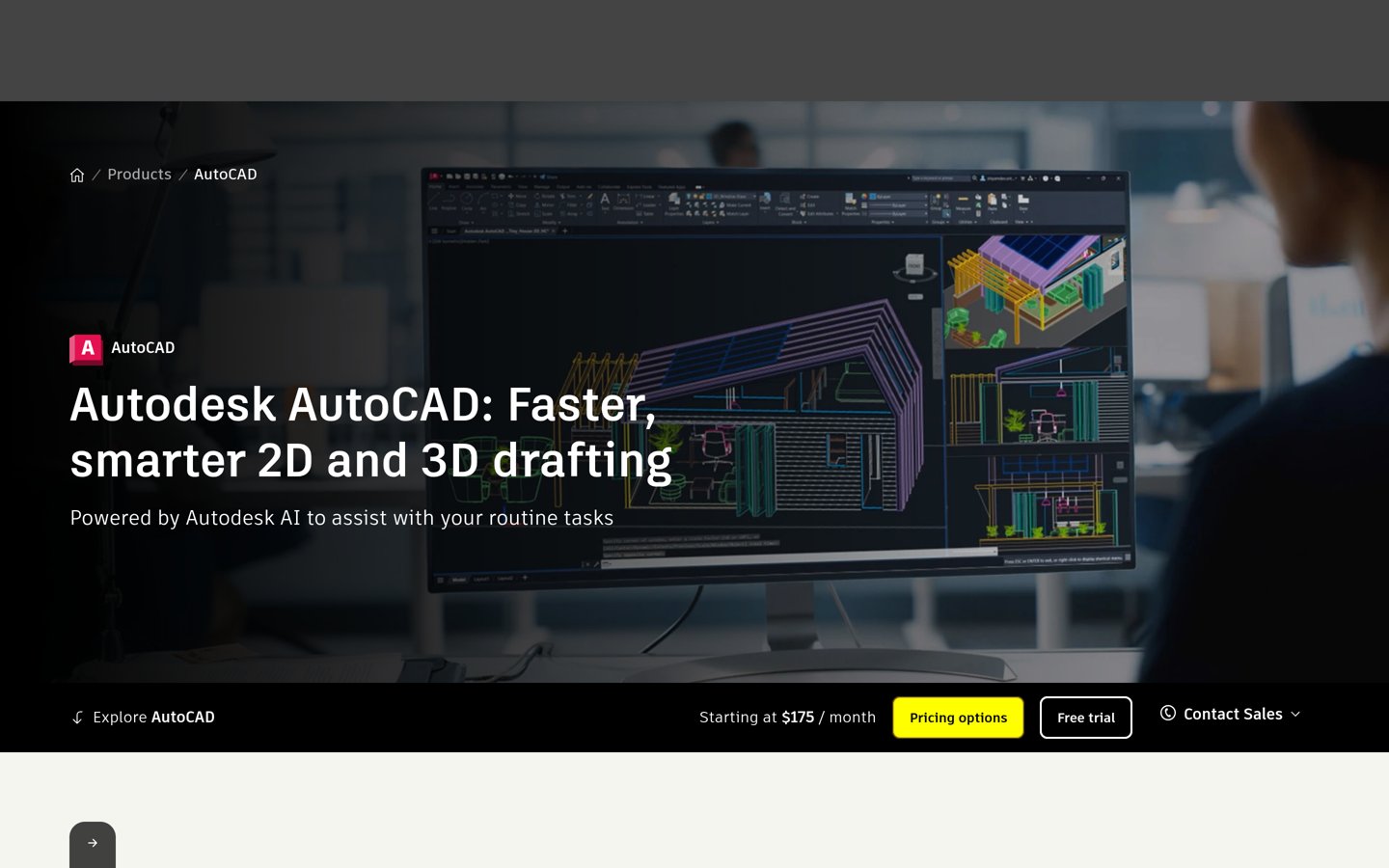
AutoCAD Electrical is the electrical toolset inside AutoCAD, with 65,000+ electrical symbols, automatic wire numbering and component tagging for control-panel schematics. It is included with AutoCAD 2027, so teams already on AutoCAD get the electrical tools without a second licence.
The trade off is price and depth. At $2,095 a year it costs more than any other published price on this list, and its PCB support is limited, so board layout still needs a separate tool. It suits teams that already work in AutoCAD and draw panels every week.
What we like
65,000+ electrical symbols with automatic wire numbering
Included with AutoCAD, no second licence needed
Largest review base in this list, at 2,022 G2 reviews
Automatic reports, including bills of materials
Watch out for
Highest published price on this list
Limited PCB layout support
Electrical toolset is Windows only
Free trial available; the toolset is included with AutoCADVisit autodesk.com
02
EPLAN Electric P8
4.3/5on G2 (10 reviews, checked Nov 2026)
PricingCustom/yr
Best for database-driven panel design
PriceQuote only, 12 to 36 month subscription
DataMillions of device data sets in the Data Portal
PlatformWindows, on premises or Azure cloud
StandardsIEC, NFPA, GOST and GB master data
eplan.com
EPLAN Electric P8 homepage, captured Nov 2026.
EPLAN Electric P8 is a database-driven tool for electrical schematics, wiring diagrams and panel documentation, with automatic wire numbering, cross-references and reports built in. Its Data Portal holds millions of device data sets, so schematics carry real component, device and cable data from the start.
The trade off is access and cost. Eplan publishes no price, selling 12 to 36 month subscriptions by quote, and there is no free trial, only a demo, so budgeting needs a sales call. It suits machine builders and panel shops that want data-driven schematics and automated documentation.
What we like
Automatic numbering, cross-references and reports
Data Portal with millions of device data sets
Runs on premises or through the Azure cloud
Template-based design with variant management
Watch out for
Quote-only pricing, no published price
No free trial, demo only
Small review base, with 10 G2 reviews
Request a demo; a quote is needed before you can buyVisit eplan.com
03
SOLIDWORKS Electrical Schematic
4.4/5on G2 (11 reviews, checked Nov 2026)
PricingCustom/yr
Best for 2D schematics with 3D integration
PriceQuote only, sold through resellers
3D linkBidirectional sync with SOLIDWORKS 3D
PlatformWindows, standalone 2D app
LibrariesIEC, ANSI, JIS and GB symbol standards
solidworks.com
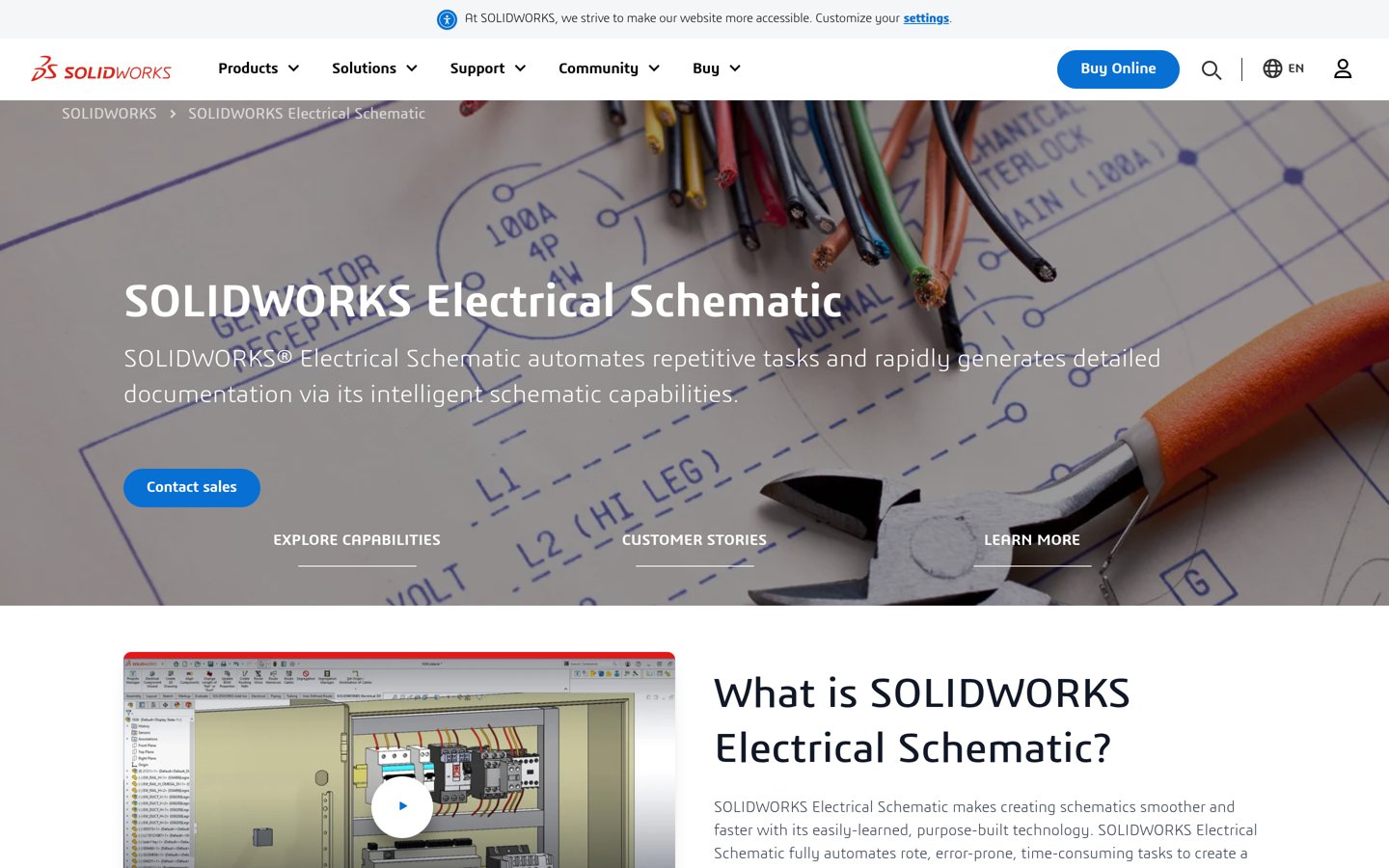
SOLIDWORKS Electrical Schematic homepage, captured Nov 2026.
SOLIDWORKS Electrical Schematic is a parametric schematic tool that automates wire numbering, cross-references and reports, updating documentation as you design. Its schematics link to SOLIDWORKS 3D models, so the electrical and mechanical sides of a machine stay in step.
The trade off is price and the sales channel. SOLIDWORKS sells through resellers with no published price, and a 3-month term licence from one reseller lists at $659.70, so the annual cost is unclear until you ask. It suits teams already running SOLIDWORKS 3D that want schematics in the same system.
What we like
Parametric schematics with automatic documentation updates
Bidirectional link to SOLIDWORKS 3D models
Multi-user projects with a shared parts database
Vendor says it can cut documentation time by 50% or more
PlansStandard $1,930.92, Advanced $3,651.48 a year
radicasoftware.com
Capital X Panel Designer homepage, captured Nov 2026.
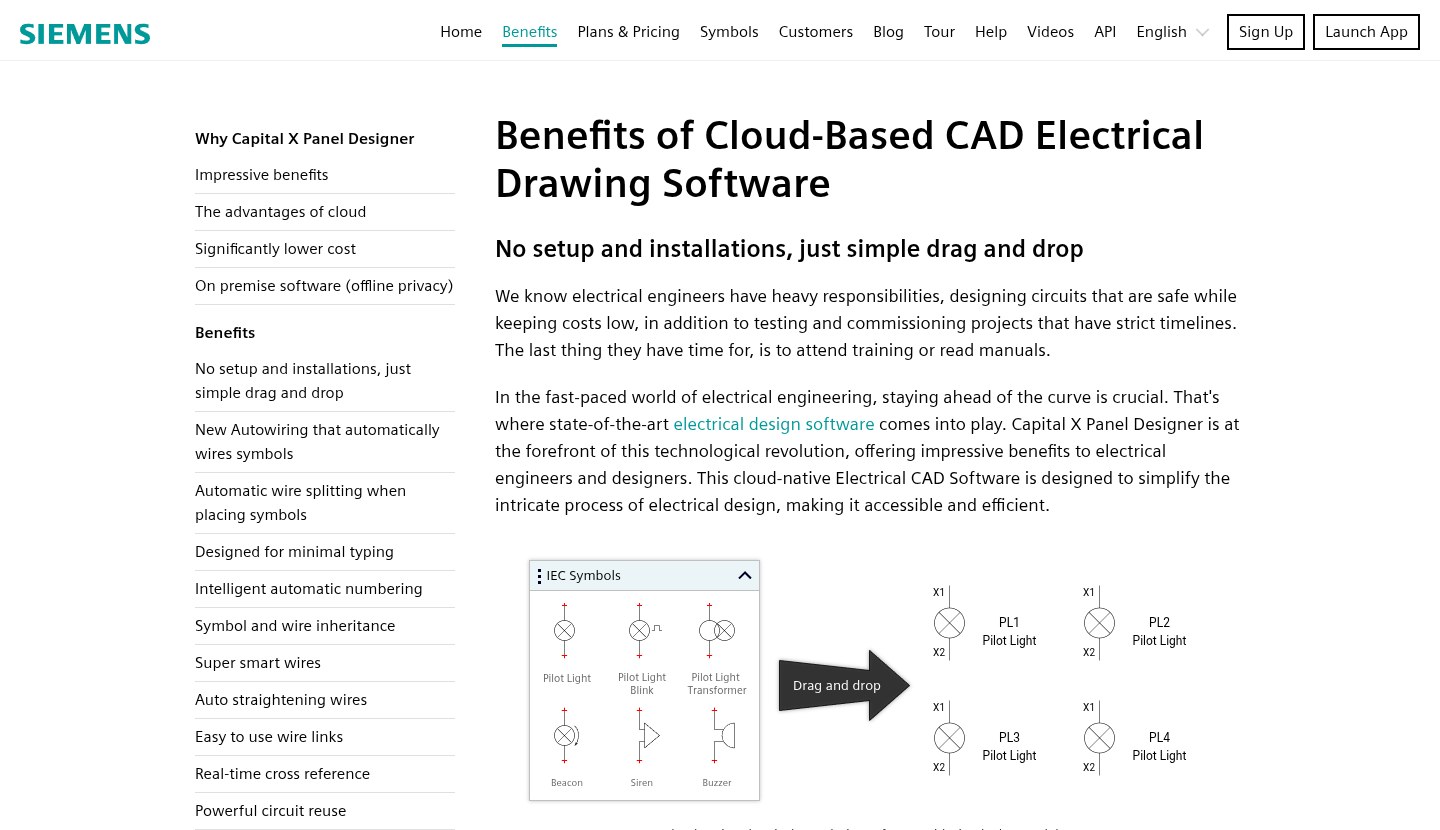
Capital X Panel Designer is a cloud-native tool for electrical schematics and panel layouts that runs in the browser with no installation. Its Essentials plan costs $1,236.36 a year, with drag-and-drop symbols, automatic wire numbering and a 30-day trial.
The trade off is the rating record. It holds a single Capterra review, so there is almost no public evidence of how teams rate it, and the higher plans cost $1,930.92 and $3,651.48 a year. It suits small teams that want panel design in a browser without a desktop install.
What we like
Runs in the browser, no installation needed
30-day trial plus a limited free plan
Drag-and-drop symbols with automatic wiring
Essentials offers monthly billing
Watch out for
A single Capterra review, the thinnest rating here
Higher plans jump to $1,930.92 and $3,651.48 a year
Altium Designer is a professional PCB design tool with schematic capture, layout, mixed-signal simulation and 3D board views in one Windows app. It is sold as Altium Develop, which costs $1,990 a year for the first seat and adds Altium 365 cloud collaboration, with a 30-day trial that needs no card.
The trade off is cost and platform. At $1,990 a year for the first seat it is one of the dearest tools here, and it runs on Windows only, so Mac and Linux teams need a second machine or a virtual machine. It suits professional teams building complex boards who need managed libraries and cloud review in one place.
What we like
Schematic, layout, simulation and 3D views in one app
Cloud review and version history through Altium 365
Largest review base in this list, at 1,092 G2 reviews
Watch out for
One of the dearest seats in this list
Windows only
No free plan, trial only
Paid plan adds cloud collaboration and managed librariesVisit altium.com
06
KiCad
4.5/5on G2 (69 reviews, checked Nov 2026)
PriceFree
Best free software for electrical design
PriceFree, no paid tier
PlatformWindows, macOS and Linux
Simulationngspice built in
Version10.0.8, released 30 October 2026
kicad.org
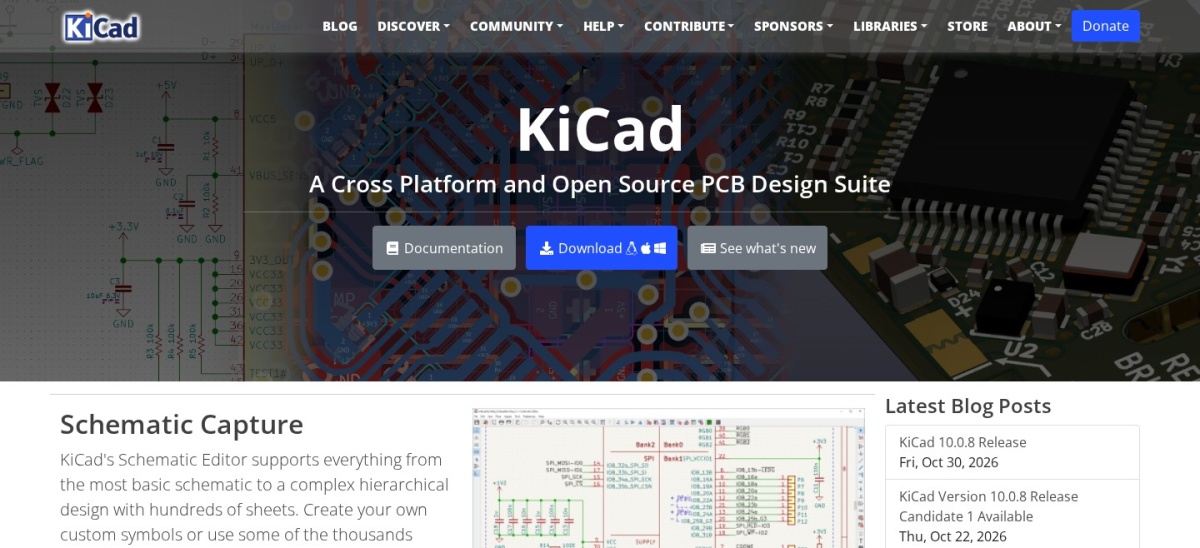
KiCad homepage, captured Nov 2026.
KiCad is a free, open-source suite for schematic capture, PCB layout and simulation, with no board-size limit and no paid tier. Version 10.0.8, released on 30 October 2026, runs on Windows, macOS and Linux, and includes the ngspice simulator and a 3D board viewer.
The trade off is support. There is no vendor help desk, so answers come from the community and the documentation, and there is no built-in cloud collaboration. It suits anyone who wants professional PCB tools at no cost and is happy to learn from the community.
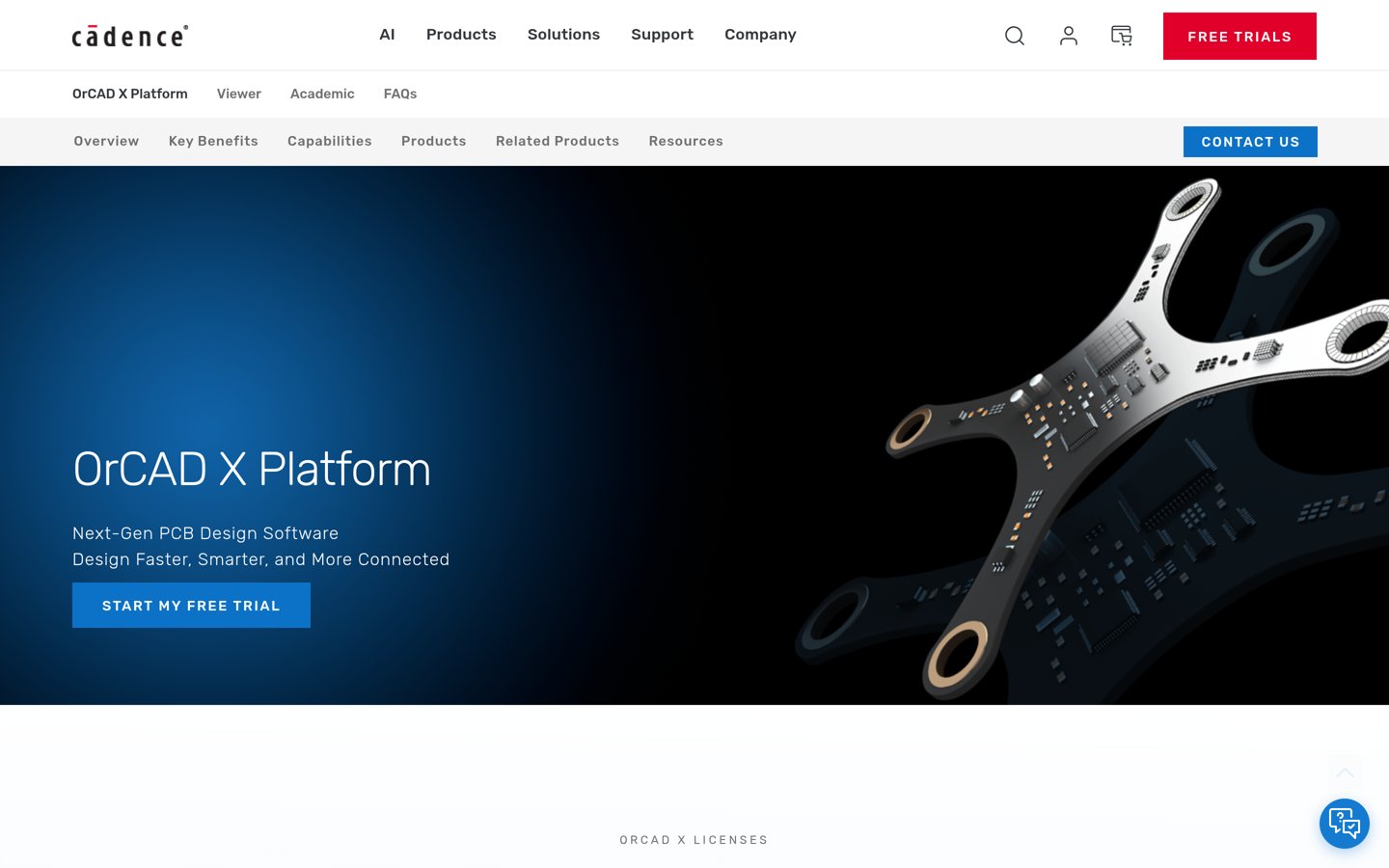
OrCAD is Cadence's schematic and PCB design tool, pairing OrCAD Capture with PSpice simulation and PCB layout in the OrCAD X Platform. A yearly lease starts at $2,088 a year including support and updates, and a free trial is available.
The trade off is the price picture. Cadence publishes no list price, and other figures put the entry cost near $1,280 a year, so the $2,088 figure comes from a reseller guide and needs a quote to confirm. It suits teams that want Capture schematics with PSpice simulation and a path up to Allegro.
Autodesk Fusion is a cloud-based CAD, CAM and CAE tool that also covers electronics, with schematic capture, PCB layout and library management in the same workspace. It costs $680 a year, or $85 a month, and a free personal-use tier covers non-commercial projects.
The trade off is focus. Fusion is a mechanical CAD tool first, so its electronics side is thinner than a dedicated PCB tool, and the free tier limits edited documents to 10. It suits makers and small teams who want one tool for the enclosure, the board and the machining.
What we like
CAD, CAM, CAE and electronics in one workspace
Free personal-use tier for non-commercial work
Cloud collaboration with version history
Strong review base, at 554 G2 reviews
Watch out for
Electronics tools are thinner than dedicated PCB apps
Free tier limits edited documents to 10
Subscription only, no perpetual licence
Free personal-use tier; price locked to 28 Jan 2027 for renewalsVisit autodesk.com
09
DipTrace
4.3/5on G2 (46 reviews, checked Nov 2026)
Paid from$75/once
Best budget PCB design tool
Price$75 one-time for Starter
PlatformWindows
Free edition300 pins, 2 signal layers
Top editionFull, $995 one-time, unlimited pins
diptrace.com
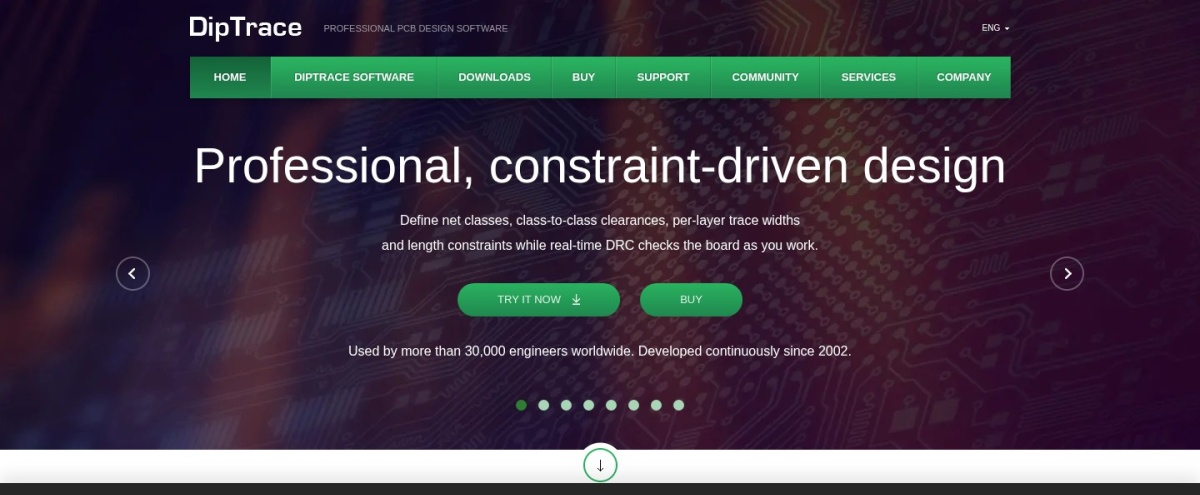
DipTrace homepage, captured Nov 2026.
DipTrace is a Windows schematic and PCB layout tool with a perpetual licence and a free edition for small boards. Its Starter edition costs $75 one-time for 300 pins and 2 signal layers, and the range tops out at $995 for the Full edition with unlimited pins.
The trade off is scale and platform. It is a Windows-only tool aimed at smaller boards, with a small review base of 46 G2 reviews. It suits hobbyists and small teams who want to own their licence and pay once.
What we like
Perpetual licence, pay once and own it
Free edition for boards up to 300 pins
Easy to learn, with a strong ease-of-use score on G2
Full edition costs $995, no subscription
Watch out for
Windows only
Small review base, with 46 G2 reviews
Top edition still lacks the cloud review of Altium
One-time payment; later major-version upgrades cost 25% of the full priceVisit diptrace.com
Free vs paid: what you give up
Free tools cover the basics well. KiCad gives away the whole PCB flow, and DipTrace's free edition covers small boards.
Paid plans mostly add support and scale. You get a vendor help desk, managed libraries, cloud review and faster answers, which matter once a design ships to customers.
Quote-only tools are a different step. EPLAN and SOLIDWORKS Electrical need a sales conversation, so treat the first quote as part of the trial, not a formality.
Costs add up the same way in other software: our guide to WordPress redesign costs shows how a headline price can hide the real first-year total.
How we chose
We started from the established tools for panel schematics, control systems and PCB design, then kept the nine with a public rating on G2 or Capterra.
Prices come from each vendor's pricing page, checked on 26 November 2026. Ratings and review counts come from G2 and Capterra on the same day. Where a vendor shows a sale, the list shows the regular price.
We left out tools with no public rating, including WSCAD ELECTRIX, SEE Electrical and E3.series. No vendor paid for a place, and we do not claim to have used these tools ourselves.
How to choose electrical design software
Start with the job you do most, then match the tool to it.
Name the job first. Panel schematics, PCB layout and enclosure design need different tools. Pick the category before you compare prices.
Try the free option before you pay. KiCad costs nothing to start, and DipTrace has a free edition, so use them to learn what you actually need before a subscription.
Check the price behind the headline. Some tools need extra seats, add-ons or a companion app for layout. Ask what the first year costs in full, not just the entry seat.
Ask for the quote early. EPLAN and SOLIDWORKS Electrical publish no price, so start the sales conversation while you are still trialling the free tools.
FAQ
What is the best software for electrical design?
AutoCAD Electrical is the best pick for most teams. It is rated 4.4 out of 5 by 2,022 G2 reviewers, includes 65,000+ electrical symbols, and costs $2,095 a year as part of AutoCAD.
What is the best free software for electrical design?
KiCad is the best free option. It is open source, runs on Windows, macOS and Linux, and covers schematic capture, PCB layout and simulation, with no board-size limit. It is rated 4.5 out of 5 by 69 G2 reviewers.
How much does electrical design software cost?
Prices here run from free to $2,095 a year. DipTrace starts at $75 one-time, Fusion costs $680 a year, and EPLAN and SOLIDWORKS Electrical are quote-only, so the final price depends on the package and term.
What is the difference between AutoCAD Electrical and EPLAN?
AutoCAD Electrical is a toolset inside AutoCAD, priced at $2,095 a year, while EPLAN Electric P8 is a standalone database-driven tool sold by quote. EPLAN suits teams that want device data and automatic reports built into every schematic.
Can KiCad handle professional electrical design?
Yes, for PCB work. KiCad handles schematic capture, layout and simulation with no board-size limit, and it is used by hobbyists and professionals alike. For panel schematics with wire numbering, a panel tool such as AutoCAD Electrical fits better.
Do I need a separate tool for PCB layout?
Not always. Altium Designer, KiCad, OrCAD, Fusion and DipTrace cover schematic and layout in one app. Panel tools such as EPLAN and SOLIDWORKS Electrical focus on schematics and documentation, so pair them with a PCB tool when a board is involved.
SaaS SEO and WordPress specialist with about 8 years of experience. Rakib compares WordPress plugins, themes, hosting and software using public pricing, documentation and user reviews. See how we rank.