Figma is the best software for UI UX design for most product teams, combining interface design, interactive prototyping and collaboration with a 4.7/5 G2 rating from 1,603 reviews. Choose Sketch for native Mac design and Framer for designing and publishing responsive websites without a separate development workflow.
How we make this list: we compare pricing pages, product documentation and public user reviews, then re-check every price before each update. No product paid for a place. Disclosure.
Figma leads with a 4.7/5 G2 rating from 1,603 reviews, and Professional design seats cost $16 per month.
Sketch Standard costs $144 per editor annually and includes unlimited documents and developer handoff.
Framer offers website publishing from $120 per year, with 2 CMS collections on Basic.
Balsamiq Starter supports 10 projects for $192 per editor annually, making it suitable for early wireframing.
Axure RP and UXPin both offer entry-level annual subscriptions equivalent to $348 per designer.
ProtoPie provides 2 cloud prototypes for free and expands that allowance to 20 on its $300 annual Basic plan.
What to look for in UI UX design software
UI UX design software helps designers move from rough concepts to detailed interfaces and interactive prototypes. The right application depends on whether you are exploring ideas, creating production-ready layouts or validating complicated user journeys.
Look for reusable components, responsive layout controls, typography settings and shared design libraries. These features reduce repetitive work and help maintain visual consistency across mobile applications, websites and desktop products.
Prototyping requirements deserve separate attention. Basic navigation between screens may be sufficient for a marketing website, while a financial application or complex dashboard may require variables, conditional behavior and realistic input interactions.
Check how developers access specifications and exported assets. Subscription costs can increase when multiple designers need editing privileges, so distinguish full design seats from cheaper reviewer, collaborator and developer access.
Figma is a collaborative design application for building interfaces, wireframes, reusable components and interactive prototypes. Its Professional Full seat includes unlimited project files, shared team libraries and 3,000 monthly AI credits.
The trade off is seat-based billing, with full design access costing $16 per month on Professional when billed annually. Cheaper collaborator and developer seats do not provide full interface editing. It suits product designers, agencies and multidisciplinary software teams.
Professional adds shared libraries, unlimited project files and advanced handoff.Visit figma.com
02
Sketch
4.5/5on G2 (1,228 reviews, checked Nov 2026)
Starts at$12/mo
Best for native Mac interface design
PlatformMac design app and web workspace
Free trial30 days
CollaborationLive editing and free viewers
Paid planStandard, $12/editor/mo billed annually
sketch.com
Sketch homepage, captured Nov 2026.
Sketch is a native Mac application for designing digital interfaces, managing reusable visual components and creating interactive prototypes. Standard includes unlimited documents, revision history, collaborative editing and a 30-day trial before subscribing.
The trade off is platform compatibility because full design editing requires a Mac, although other stakeholders can access the browser workspace. Standard costs $12 per editor monthly with annual billing. It suits Mac-based freelancers, interface designers and established design departments.
What we like
Native desktop design experience
Offline editing support
Reusable symbols and component libraries
Developer inspection without paid viewer seats
Watch out for
No permanent free editing plan
Full design editor requires macOS
Standard includes collaborative editing, document history and shared workspaces.Visit sketch.com
03
Framer
4.5/5on G2 (166 reviews, checked Nov 2026)
Paid from$10/mo
Best for responsive website design
PlatformWeb and desktop
PublishingIntegrated website hosting
Basic CMS allowance2 collections
Paid planBasic, $10/site/mo billed annually
framer.com
Framer homepage, captured Nov 2026.
Framer is a visual website design platform that combines responsive layouts, animation, content management and publishing. Its free tier provides 5 GB of bandwidth, a Framer domain and 500 monthly AI credits for exploring designs.
The trade off is its website-focused workflow, which is less appropriate for designing complex native applications. Basic costs $10 per site monthly when billed annually, while additional editors cost extra. It suits web designers, creative agencies and independent professionals publishing marketing websites.
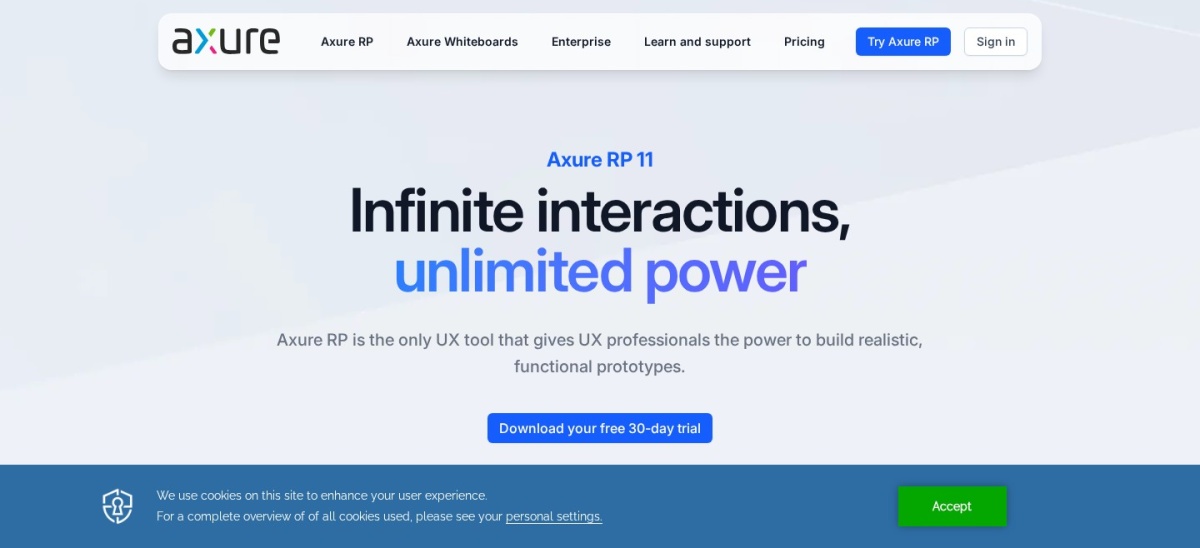
Interaction logicVariables and conditional behavior
Cloud sharingUnlimited reviewers
Paid planPro, $29/user/mo billed annually
axure.com
Axure RP homepage, captured Nov 2026.
Axure RP is an interface prototyping application for representing complex workflows, dynamic content and realistic application behavior without writing production code. Pro provides unlimited prototypes, cloud projects and reviewers through a subscription costing $29 per user monthly with annual billing.
The trade off is a steeper learning curve than simpler visual design applications, while simultaneous project authoring requires Team at $49 per user monthly with annual billing. It suits UX specialists, business analysts and enterprise teams designing applications with complicated interaction requirements.
What we like
Conditional interactions and dynamic interface behavior
Detailed application workflow representation
Unlimited cloud projects on Pro
Supports wireframes and design documentation
Watch out for
Learning curve for advanced interactions
Collaborative authoring requires a higher plan
No general permanent free editing plan
Pro includes advanced interactions, unlimited prototypes and cloud hosting.Visit axure.com
05
UXPin
4.2/5on G2 (118 reviews, checked Nov 2026)
Paid from$29/mo
Best for code-backed interface design
PlatformBrowser-based
ComponentsBuilt-in coded libraries
Interaction logicVariables, expressions and conditions
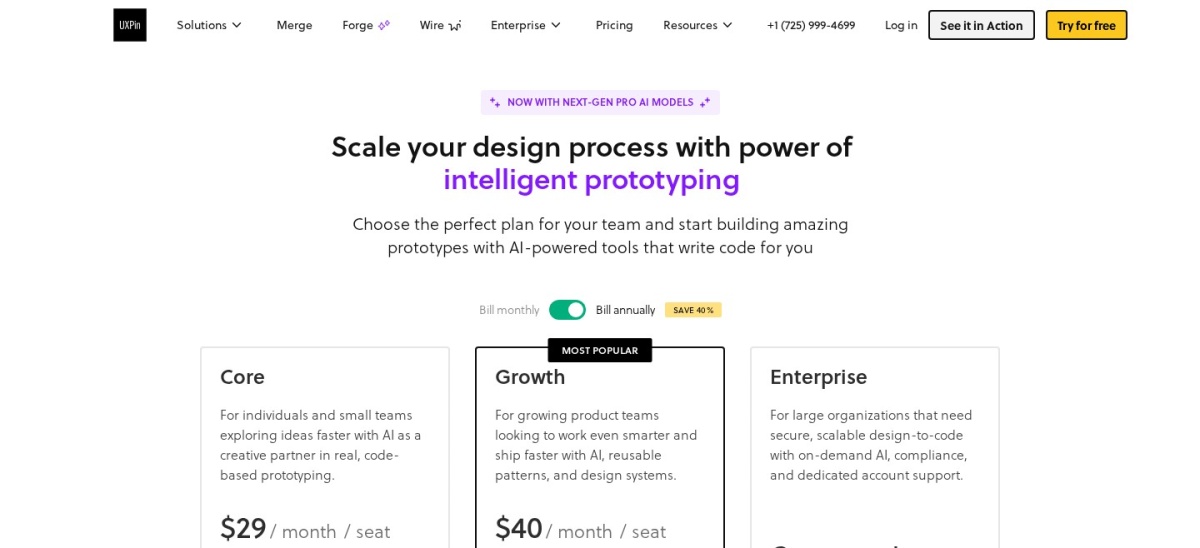
Paid planCore, $29/seat/mo billed annually
uxpin.com
UXPin homepage, captured Nov 2026.
UXPin is a UI UX design and prototyping platform that supports realistic interface behavior using coded components, variables and conditional interactions. Core includes unrestricted prototype creation, password-protected previews and 7 days of version history.
The trade off is that Core costs $29 per seat monthly with annual billing, and capabilities such as Storybook integration require a higher tier. A limited free plan remains available after the trial. It suits software teams that want closer alignment between design and implementation.
What we like
Supports code-backed interface components
Conditional interactions and expressions
Built-in component libraries
Limited permanent free plan
Watch out for
Higher entry cost than general design tools
Storybook integration requires Growth
Custom coded libraries require Enterprise
Core adds unlimited prototypes, advanced logic and protected previews.Visit uxpin.com
06
ProtoPie
4.4/5on G2 (24 reviews, checked Nov 2026)
Paid from$25/mo
Best for realistic interaction design
PlatformDesktop and cloud
Free cloud prototypes2
Basic cloud storage500 MB
Paid planBasic, $25/mo billed annually
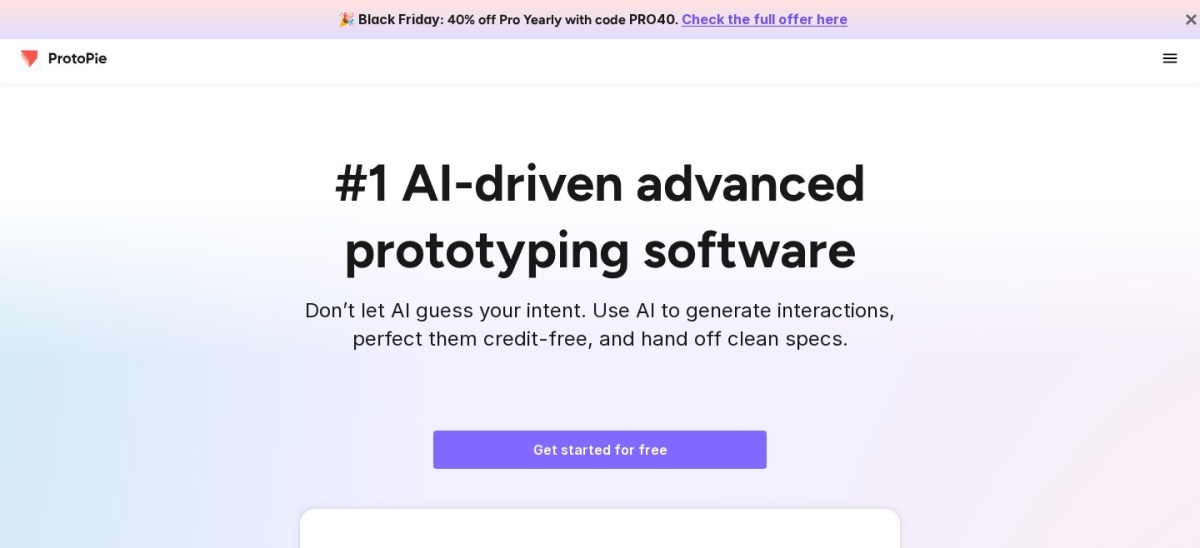
protopie.io
ProtoPie homepage, captured Nov 2026.
ProtoPie is an interaction design application for creating realistic digital experiences involving gestures, animations, input behavior and connected devices. The free tier allows 2 cloud prototypes with up to 8 scenes each and 50 MB of cloud storage.
The trade off is that Basic costs $25 per month with annual billing and remains limited to 20 cloud prototypes. A temporary 40% Black Friday discount applies to the yearly Pro subscription, but the comparison uses regular Basic pricing. It suits interaction designers validating detailed product behavior.
What we like
Detailed interaction and animation controls
Imports designs from other interface applications
Supports advanced connected-device workflows
Free plan for smaller prototypes
Watch out for
Not a complete replacement for interface design software
Basic has cloud project and scene limits
Smaller public review sample than leading competitors
Basic removes watermarks and adds cloud capacity and shareable prototype links.Visit protopie.io
07
Balsamiq
4.2/5on G2 (501 reviews, checked Nov 2026)
Starts at$16/mo
Best for low-fidelity wireframing
PlatformBrowser-based
Starter projects10
Free trial14 days
Paid planStarter, $16/editor/mo billed annually
balsamiq.com
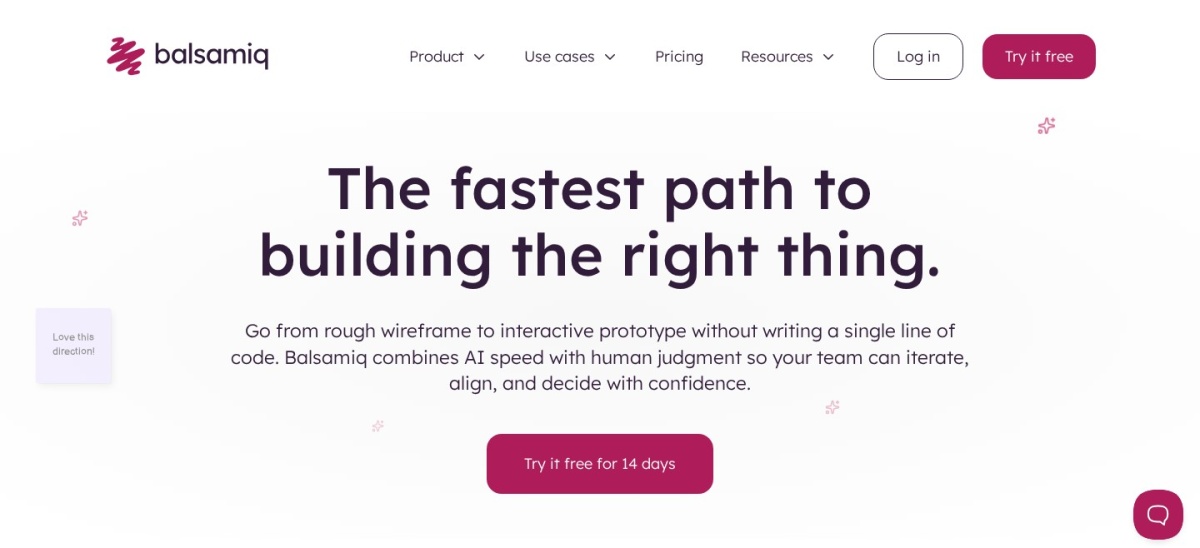
Balsamiq homepage, captured Nov 2026.
Balsamiq is a wireframing and prototyping application focused on exploring product structure before committing to detailed visual design. Starter supports 10 projects, unlimited reviewers, reusable interface elements and 500 monthly AI credits per editor.
The trade off is that its low-fidelity approach does not replace a detailed interface design editor, and Starter costs $16 per editor monthly when billed annually. It suits product managers, business analysts and UX designers who need early feedback on layouts and navigation.
What we like
Simple wireframe creation
Keeps early discussions focused on functionality
Unlimited reviewers on Starter
Reusable interface elements and export options
Watch out for
Limited high-fidelity visual design capabilities
No permanent free subscription
Starter restricts active project capacity
Starter includes project sharing, reusable elements, AI credits and export tools.Visit balsamiq.com
UI design software vs UX prototyping software
UI design software focuses on the visual appearance of digital products. Designers use it to define typography, spacing, colors, layouts, icons and reusable interface elements. Figma and Sketch are particularly suitable for this stage.
UX prototyping software focuses on how users move through an interface and how the product responds to their actions. Axure RP, UXPin and ProtoPie offer interaction controls that help designers represent behavior beyond simple navigation between static screens.
Many teams benefit from combining a general interface design application with a specialist prototyping tool. Balsamiq can support early concept exploration, while Framer makes sense when the final deliverable is a published website.
How much does UI UX design software cost?
Regular entry-level annual costs in this comparison range from $120 for Framer Basic to $348 for Axure RP Pro and UXPin Core. These figures represent the relevant starting subscription rather than the complete cost of running a design department.
Figma Professional costs $192 annually for a Full design seat, while Sketch Standard costs $144 annually per editor. Framer charges primarily by website, so its pricing structure should not be treated as directly equivalent to designer-based subscriptions.
Include additional editors, design system requirements, storage, advanced prototyping and developer access in your budget. A free plan may cover individual learning projects but become restrictive when multiple designers need shared libraries and larger workspaces.
How we chose
We shortlisted established applications from the interface design, wireframing and prototyping categories using vendor documentation, official subscription information and public G2 review profiles. Rankings prioritize design capabilities, collaboration, practical workflow coverage and subscription value.
We checked official pricing pages, G2 ratings and review counts on 27 Nov 2026. Annual costs use regular annual subscription rates rather than temporary promotions. Figma pricing uses the cheapest Full design seat, excluding collaborator and developer seats that cannot fully edit interface designs.
We excluded discontinued design applications, products without verifiable entry pricing and general graphics editors that lack suitable interface design or prototyping features. Products with insufficient public review evidence were also excluded. No vendor paid for a place, and we do not claim testing for this list.
How to choose the best software for UI UX design
Compare your design deliverables, interaction requirements, operating systems and total subscription costs before choosing an application.
Identify your primary design deliverable. Choose Figma or Sketch for detailed interface designs, Balsamiq for early wireframes, and Framer when the project must become a functioning website.
Define your prototype requirements. Choose Axure RP for conditional workflows, ProtoPie for detailed interaction behavior, or UXPin when code-backed components are important.
Check collaboration and platform compatibility. Confirm that designers can edit files on their operating systems and stakeholders can review prototypes without unnecessary paid subscriptions.
Calculate the complete annual cost. Include every required editor, website subscription, paid integration and advanced design system feature instead of comparing advertised starting prices alone.
FAQ
What is the best software for UI UX design?
Figma is the best overall choice for most UI UX designers because it combines interface editing, reusable components, prototyping, team collaboration and developer inspection. Its Professional Full seat costs $16 per month with annual billing.
Which UI UX design software is best for beginners?
Figma is a practical starting point because its free plan allows beginners to learn interface layout and prototyping without purchasing a subscription. Balsamiq is useful for learning wireframing and understanding product structure before creating polished designs.
Is Figma better than Sketch for UI UX design?
Figma is generally more suitable for teams working across operating systems and collaborating through browsers. Sketch is a good alternative for Mac-based designers who prefer native desktop editing, offline workflows and reusable component libraries.
What is the best free software for UI UX design?
Figma offers a free starting point for general interface design. Framer provides free website design and publishing, while ProtoPie and UXPin offer restricted free plans for designers who want to explore more detailed interactive prototypes.
Which software is best for advanced UX prototyping?
Axure RP is suitable for prototypes involving conditional behavior, application workflows and dynamic content. ProtoPie is a strong alternative for realistic gestures and detailed interaction design, while UXPin helps teams work with code-backed interface components.
Can I learn UI UX design without coding?
Yes. Most interface design and prototyping applications provide visual editing tools that do not require programming. Understanding HTML, CSS and application development can still improve communication with developers and help designers create technically practical interfaces.
Which UI UX design software is best for web designers?
Framer is particularly suitable for designers who want to create and publish responsive websites within the same platform. Figma is a better general-purpose option when interface designs need to be handed to developers for separate implementation.
SaaS SEO and WordPress specialist with about 8 years of experience. Rakib compares WordPress plugins, themes, hosting and software using public pricing, documentation and user reviews. See how we rank.