Adobe Illustrator is the best software for patent drawings for most filers, rated 4.6 out of 5 by 6,192 G2 reviewers, and its precise vector tools handle the clean black-and-white line art patent offices require. Use AutoCAD for dimensioned 2D figures and Inkscape when the budget is zero.
How we make this list: we compare pricing pages, product documentation and public user reviews, then re-check every price before each update. No product paid for a place. Disclosure.
Adobe Illustrator leads at 4.6/5 from 6,192 G2 reviews and costs $22.99 a month.
AutoCAD is the precision pick at $2,095 a year, with native DWG files and 7 specialized toolsets.
Inkscape and draw.io are fully free, and Lucidchart's free plan covers 3 editable documents.
SmartDraw's regular price is $10.95 a month billed yearly; new customers see a $7.95 introductory rate.
PatentDraw, the only tool built just for patent figures, has no public rating, so it is not in this list.
What patent drawings actually need
A patent drawing is a black-and-white line figure, not a render. Patent offices want clean outlines, consistent stroke weights, numbered reference numerals and lead lines that point at each part. The tool matters less than the discipline: every line must print cleanly at filing size.
Most patent figures are drawn in general vector or CAD software. The only tool built just for patent figures, PatentDraw, has no public user rating, so this list covers the nine rated tools that patent drafters actually use, from Illustrator to free Inkscape.
Vector editors give the finest control over curves and strokes, which is why Illustrator and CorelDRAW lead this list. CAD tools such as AutoCAD and DraftSight win when a figure needs exact dimensions, while diagramming tools such as Lucidchart and draw.io fit flowcharts and block diagrams.
Price spans from free to $2,095 a year. Start with the free tools if you file occasionally, and pay for Illustrator or AutoCAD only when the volume or the precision demands it.
Adobe Illustrator is the vector editor most patent drawing services use for formal figures. Its pen and anchor-point tools draw the clean black-and-white line art patent offices expect, with precise control over stroke weight, reference numerals and lead lines. The single-app plan includes Illustrator on desktop and iPad, Adobe Express Premium and 100 GB of cloud storage.
The trade off is the subscription. There is no perpetual licence, so the $22.99 a month, or $275.88 a year, continues for as long as you use it, and cancelling an annual plan early can trigger a fee. It suits professional filers and firms that produce patent figures every week.
What we like
Precise vector paths and stroke control
Widely used by patent drawing services
Works on desktop, iPad and web
Watch out for
Subscription only, no one-time purchase
Steep learning curve for beginners
The $22.99 plan is the full app with desktop, iPad and 100 GB of storageVisit adobe.com
02
AutoCAD
4.4/5on G2 (1,940 reviews, checked Nov 2026)
Starts at$2,095/yr
Best for dimensioned 2D figures
Free planNo, 15-day trial
DWG supportNative
Specialized toolsets7 included
Paid plan$2,095/yr
autodesk.com
AutoCAD homepage, captured Nov 2026.
AutoCAD is the CAD standard for precise 2D drafting, and it is the strongest choice when a patent figure needs exact dimensions. It saves natively in DWG, includes 7 specialized toolsets, and runs on desktop, web and mobile. A 15-day free trial and free one-year access for students and educators are available.
The trade off is price. At $2,095 a year per user it costs far more than any vector editor here, and the cheaper AutoCAD LT at $540 a year drops the 3D tools and toolsets. It suits firms that already run AutoCAD or file figures with strict dimensional tolerances.
What we like
Exact dimensions and DWG compatibility
7 specialized toolsets included
Desktop, web and mobile apps
Watch out for
Most expensive tool in this list
Overkill for simple line figures
Paid plan includes all 7 toolsets plus web and mobile appsVisit autodesk.com
03
CorelDRAW Graphics Suite
4.3/5on G2 (556 reviews, checked Nov 2026)
Starts at$269/yr
Best vector suite with a one-time option
Free planNo, 15-day trial
Photo editingPHOTO-PAINT included
One-time purchase$549
Paid plan$269/yr
coreldraw.com
CorelDRAW Graphics Suite homepage, captured Nov 2026.
CorelDRAW Graphics Suite is a vector illustration and page-layout suite for Windows, macOS and the web. It pairs vector drawing with PHOTO-PAINT for pixel editing and a font manager, and the 2026 release adds AI vector tools. Subscribers get CorelDRAW Web and 2,000 AI credits a month, and a 15-day free trial is available.
The trade off is the upsell rhythm. Corel runs near-permanent sales, so the $269 list price is rarely what you pay, and the one-time $549 licence gets only a single 2,000-credit AI allowance with no new versions. It suits print shops and filers who want vector drawing plus multipage layout in one suite.
Inkscape is a free, open-source vector editor that covers the core of patent drawing at no cost. It draws precise Bezier and Spiro curves, handles text and layers, and exports the clean SVG, PDF and EPS files that filing workflows need. Version 1.4.4 shipped in May 2026, so the project is actively maintained.
The trade off is polish. There is no commercial support team, the interface looks dated next to Illustrator, and patent-specific helpers such as reference-numeral tools do not exist, so numbering is manual. It suits independent inventors and small firms that need proper vector figures without a subscription.
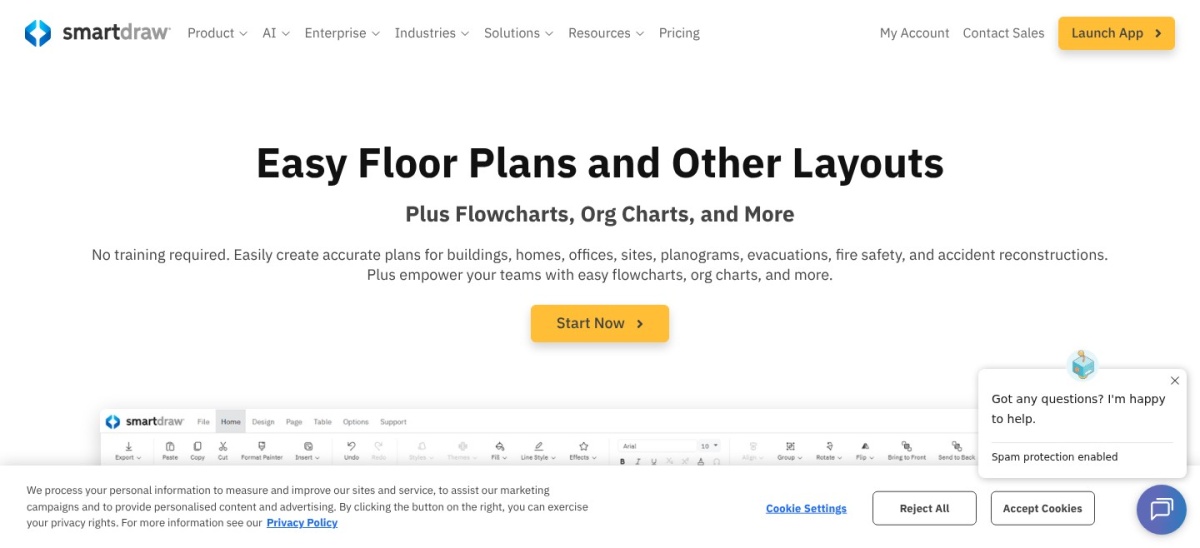
SmartDraw is a browser-based diagramming tool with more than 70 diagram types, including the flowcharts, block diagrams and system diagrams that appear in many patent applications. It imports Visio files, exports PDF, PNG, SVG and Office formats, and runs with no installation. A 7-day free trial is available.
The trade off is billing. Plans are annual only, so the $10.95 a month regular price means $131.40 paid up front, and new customers see a $7.95 introductory rate that rises on renewal. It suits teams that need flowcharts and block diagrams fast, not freehand vector art.
Lucidchart is an online diagramming platform for flowcharts, process maps and technical diagrams, with AI that drafts a diagram from a description. The free plan allows 3 editable documents with 75 shapes each and 100 templates. Paid plans add unlimited documents, Visio import and export, and premium shape libraries.
The trade off is the free plan's size. Three documents and 75 shapes per document run out fast on a multi-figure application, and revision history needs the $10-per-user Team plan. It suits teams that draft patent flowcharts together and already work in the browser.
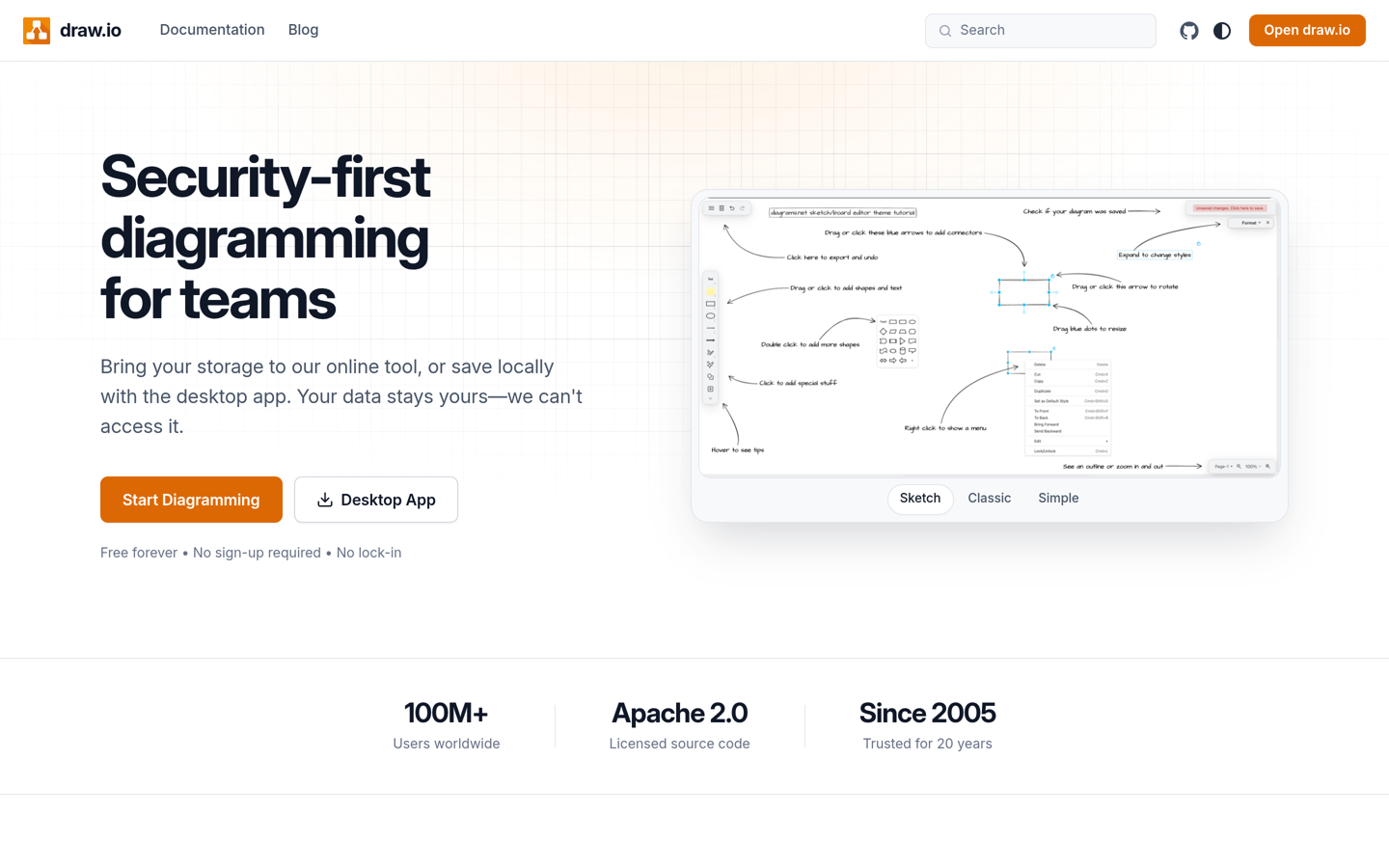
draw.io is a free, open-source diagram editor that runs in the browser or as a desktop app, with no account and no document limits. It saves to your own storage or locally, exports PDF, SVG and PNG, and its maker reports more than 100 million users worldwide. The editor itself has no paid tier.
The trade off is finish. The interface looks dated next to Lucidchart, there is no real-time multi-editor collaboration, and patent-specific features such as reference numerals are absent. It suits filers who want free, private diagramming for flowcharts and block diagrams.
What we like
Completely free with no limits
No account or sign-up needed
Works offline as a desktop app
Watch out for
Dated interface next to newer tools
No real-time collaboration
Free forever; paid plans exist only for Confluence and JiraVisit diagrams.net
08
Microsoft Visio
4.2/5on G2 (693 reviews, checked Nov 2026)
Starts at$5/mo
Best for Microsoft 365 companies
Free planBasic version in Microsoft 365
Desktop appPlan 2, $15/mo
Shapes in Plan 2250,000+
Paid planPlan 1, $5/mo
microsoft.com
Microsoft Visio homepage, captured Nov 2026.
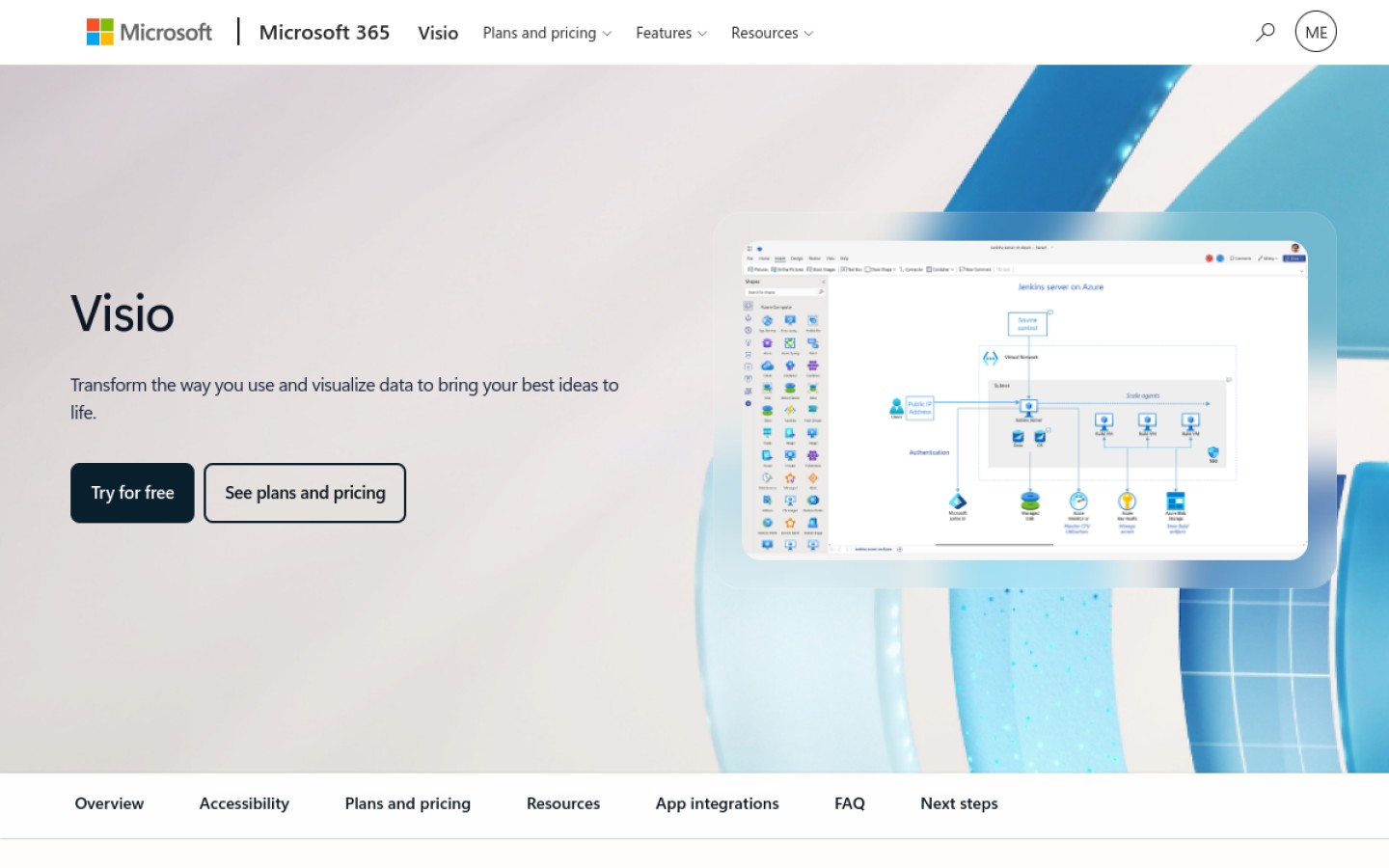
Microsoft Visio is the long-standing diagramming tool for companies that run Microsoft 365. A basic web version comes with commercial Microsoft 365 plans, and Plan 1 at $5 per user a month adds the full web app with more templates. Plan 2 at $15 a month adds the Windows desktop app and 250,000-plus shapes.
The trade off is precision. Visio is a diagramming tool, not a vector editor, so fine control over stroke weight and curves is weaker than Illustrator or Inkscape, and the desktop app needs Plan 2. It suits companies that already pay for Microsoft 365 and file mostly flowcharts.
DraftSight is a professional 2D CAD application from Dassault Systemes for creating, editing and sharing DWG drawings. Its commands, layers and blocks feel familiar to anyone trained on AutoCAD, and files open without conversion. Professional costs $299 a year per named user, with a 30-day free trial.
The trade off is scope. Professional covers 2D drafting only; 3D modeling, STEP import and the BIM module need Premium at $599 a year, and there is no free version. It suits small firms that need a cheap DWG seat for dimensioned patent figures.
Free tools cover most patent figures well. Inkscape draws precise vector line art and draw.io handles flowcharts, both at no cost and with no document limits.
Paid tools mostly add precision and support. Illustrator gives finer stroke control and a format every drawing service accepts, while AutoCAD adds exact dimensions and DWG files.
If you file once a year, start free and pay only for a single month of Illustrator when a filing needs it. If you file every week, the subscription pays for itself in saved rework.
How we chose
We started from the tools patent attorneys and drawing services name most often, then kept the nine with a public rating on G2 and a published price.
Prices come from each vendor's pricing page, checked on 26 November 2026. Ratings and review counts come from G2 on the same day. Where a vendor shows a sale or an introductory rate, the list shows the regular price.
We left out PatentDraw, the only tool built just for patent figures, because it has no public rating on G2, Capterra or Trustpilot. No vendor paid for a place, and we do not claim to have used these tools ourselves.
How to choose patent drawing software
Match the tool to the figure type first, then check the price.
Decide what the figure is. Line art and shaded views need a vector editor such as Illustrator or Inkscape. Flowcharts and block diagrams fit SmartDraw, Lucidchart or draw.io.
Check the patent office rules. Most offices want black-and-white line drawings with numbered reference numerals and lead lines. Any tool here can draw them, but only the vector editors give fine control over stroke weight.
Test the export. Export a sample figure as PDF and check it prints cleanly at filing size. Inkscape and draw.io cost nothing to try, and most paid tools offer a trial.
Count the yearly cost. A $22.99 monthly subscription costs $275.88 a year, while Inkscape and draw.io are free. Pick the cheapest tool that still draws the figures you file.
FAQ
What is the best software for patent drawings?
Adobe Illustrator is the best choice for most filers. It is rated 4.6 out of 5 by 6,192 G2 reviewers, and its precise vector tools draw the clean black-and-white line art patent offices require.
Can I use free software for patent drawings?
Yes. Inkscape draws precise vector line art at no cost, and draw.io handles flowcharts and block diagrams for free with no account. Both export PDF files suitable for filing.
What file format do patent drawings need?
Most offices accept PDF drawings, and some still ask for TIFF. Draw in vector format so lines stay sharp at any size, then export to the format your filing office lists.
Do I need AutoCAD for patent drawings?
Only when a figure needs exact dimensions. AutoCAD at $2,095 a year is the precision pick, but a vector editor such as Illustrator or Inkscape covers most line figures.
Can I draw patent figures in Lucidchart or Visio?
Yes for flowcharts and block diagrams, which both tools handle well. For precise line art with fine stroke control, use a vector editor such as Illustrator or Inkscape instead.
Why is PatentDraw not in this list?
PatentDraw is built just for patent figures, but it has no public rating on G2, Capterra or Trustpilot, so it cannot pass the rating check this list requires. It may join a future update once rated.
How much does patent drawing software cost?
From $0 to $2,095 a year. Inkscape and draw.io are free, Visio Plan 1 costs $5 a month, Illustrator costs $22.99 a month, and AutoCAD costs $2,095 a year.
SaaS SEO and WordPress specialist with about 8 years of experience. Rakib compares WordPress plugins, themes, hosting and software using public pricing, documentation and user reviews. See how we rank.