Adobe InDesign is the best software for magazine design for most publishers, rated 4.6 out of 5 from 3,435 G2 reviews at $22.99 a month. Pick Affinity Publisher for a $69.99 one-time purchase, or Canva if you want templates and no learning curve.
How we make this list: we compare pricing pages, product documentation and public user reviews, then re-check every price before each update. No product paid for a place. Disclosure.
InDesign is the print standard: master pages, styles and PDF/X export, rated 4.6/5 from 3,435 G2 reviews.
Affinity Publisher costs $69.99 once, with no subscription, and the unified Affinity app is now free.
Canva Pro rose from $120 to $144 a year during 2026; it is still the easiest option for non-designers.
Flipsnack, Joomag and Issuu publish finished magazines as interactive flipbooks; they do not replace a layout tool for print.
Only three tools in this list cost under $150 a year: Affinity Publisher, Marq and Adobe Express.
What magazine design software has to do
A magazine is a long document with repeating parts: covers, feature spreads, ad pages and a table of contents. A layout tool handles that structure with master pages, styles and linked text frames, so a change to a headline style updates every page at once.
Print and digital magazines need different tools. Print needs CMYK colour, bleed and PDF/X export for the printer. Digital magazines need a flipbook or reader that works on a phone, with links, video and reading stats.
Most magazines start in a layout tool and finish in a publishing tool. InDesign or Affinity Publisher build the pages, then Flipsnack, Joomag or Issuu turn the PDF into a flipbook readers can open in a browser. Our guide on adding a PDF to WordPress shows how the finished file reaches a site.
Prices in this list are the regular prices from each vendor's pricing page, checked on 26 November 2026. Where a vendor shows a sale, the list shows the regular price.
Adobe InDesign is the print industry standard for multi-page layout, used by most magazine publishers. It has master pages, paragraph and character styles, linked text frames and PDF/X export, and the single-app plan includes Adobe Express Premium, 100 GB of cloud storage and 25 generative credits a month.
The trade off is the subscription. InDesign costs $22.99 a month on an annual plan, or $34.49 month to month, and it stops working when you stop paying. It suits publishers who produce a print issue every month and need files any printer will accept.
What we like
Print industry standard, so printers accept its files
Master pages and styles keep long issues consistent
Includes Adobe Express Premium and 100 GB storage
Watch out for
Subscription only, $275.88 a year
Steep learning curve for beginners
Single-app plan only; a 7-day free trial previews itVisit adobe.com
02
Affinity Publisher
4.7/5on G2 (73 reviews, checked Nov 2026)
Paid from$69.99/once
Best one-time purchase layout tool
Free planYes, unified app
One-time price$69.99
Free trial30 days
Paid planPublisher 2, $69.99 once
affinity.serif.com
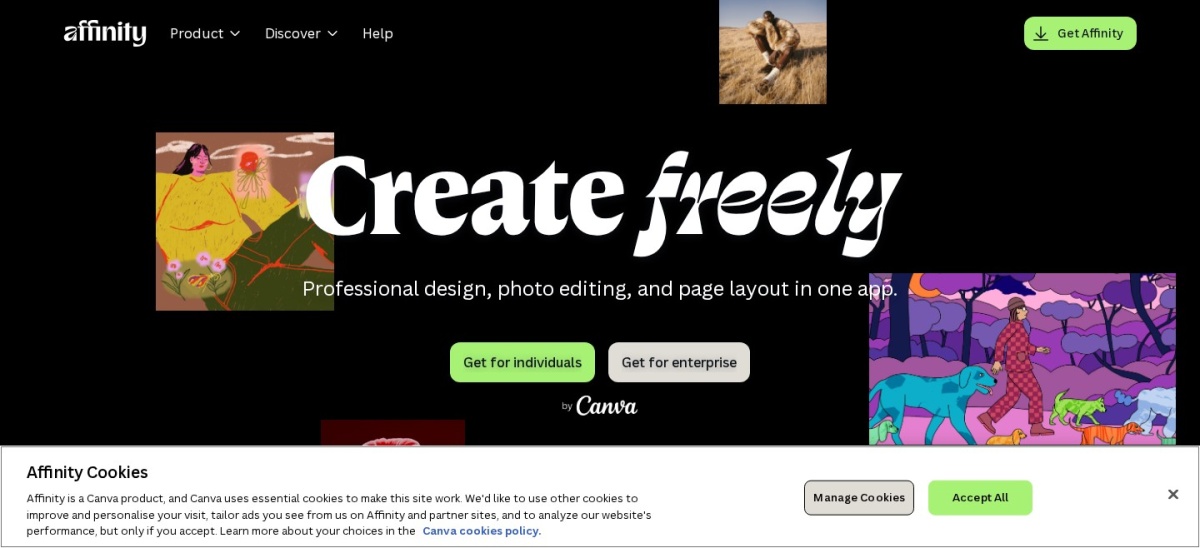
Affinity Publisher homepage, captured Nov 2026.
Affinity Publisher is a desktop layout tool with master pages, styles and print-ready PDF export, and it now sits inside a free unified Affinity app. Publisher 2 is a separate $69.99 one-time purchase for macOS or Windows, with a 30-day free trial, and it shares files with Affinity Designer and Photo through StudioLink.
The trade off is depth. It lacks some of InDesign's long-document and automation features, and fewer printers ask for Affinity files by name. It suits small publishers and freelancers who want pro layout without a monthly bill.
Canva is a browser-based design tool with magazine templates and drag-and-drop editing. The free plan includes 250,000+ templates and 5 GB of storage, while Pro adds premium templates, a Brand Kit, background remover, Magic Resize and 1 TB of storage.
The trade off is control. Canva has no master pages and limited typography, so a long print issue is harder to keep consistent. It suits non-designers making short digital magazines, newsletters and social posts from templates.
What we like
Easiest tool in this list to learn
Huge free template library
Free plan is genuinely usable
Watch out for
No master pages or fine typography
Pro price rose from $120 to $144 a year
Pro adds premium templates, Brand Kit and 1 TB storageVisit canva.com
04
QuarkXPress
4/5on G2 (303 reviews, checked Nov 2026)
Starts at$279/yr
Best print-focused InDesign alternative
Free trialYes
Perpetual licence$699
PlatformsmacOS, Windows
Paid planSubscription, $279/yr
quark.com
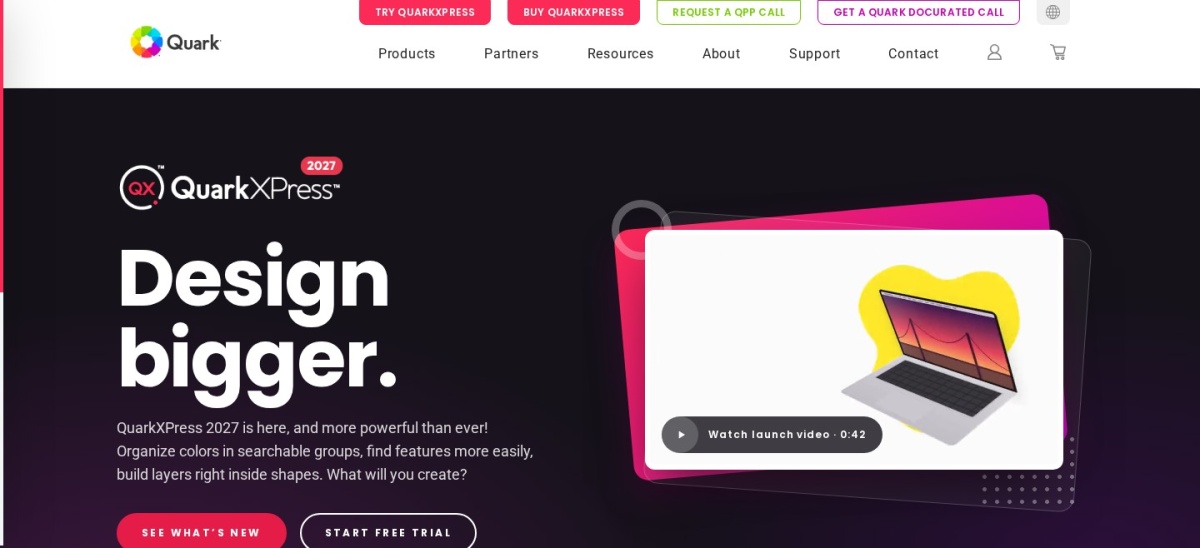
QuarkXPress homepage, captured Nov 2026.
QuarkXPress is a desktop publishing tool for print and digital layouts, with master pages, styles and PDF export. The 2027 version runs on macOS and Windows, and it opens InDesign files, which helps publishers moving away from a subscription.
The trade off is momentum. QuarkXPress is rated 4.0 out of 5 from 303 G2 reviews, the lowest in this list, and reviewers note slow work with large files. It suits print shops and publishers who want a perpetual licence instead of a subscription.
What we like
Perpetual licence available for $699
Opens InDesign files
Strong print and typography tools
Watch out for
Lowest G2 rating in this list at 4.0
Slow with large files, say reviewers
Subscription adds the current version; perpetual licence is $699 onceVisit quark.com
05
Marq
4.5/5on G2 (210 reviews, checked Nov 2026)
Paid from$120/yr
Best for teams and brand control
Free planYes
Magazine templatesYes
Team plan$12/user/mo
Paid planPro, $120/yr
marq.com
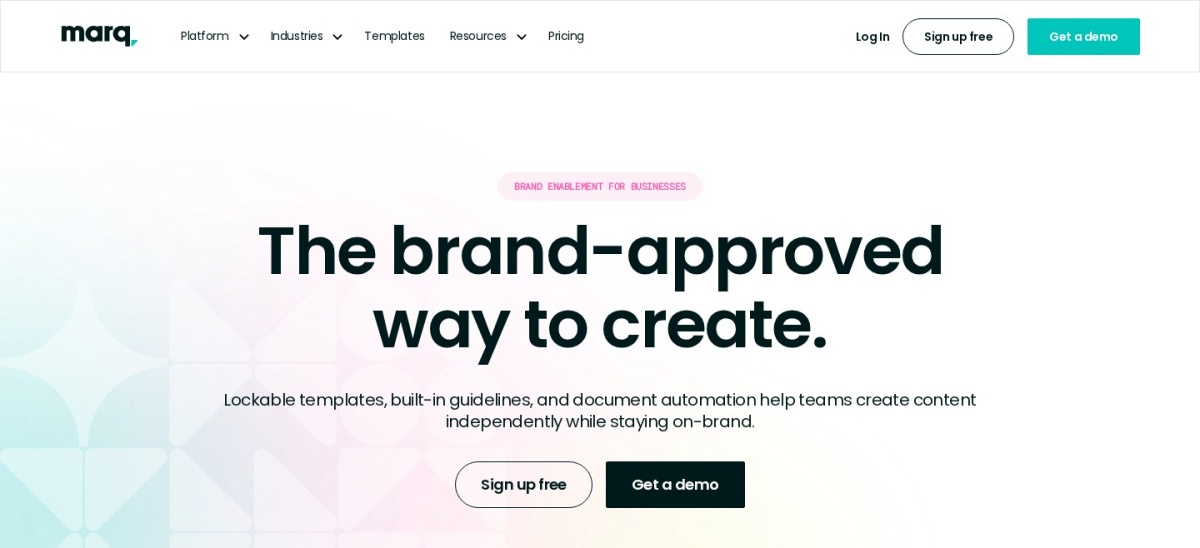
Marq homepage, captured Nov 2026.
Marq is a browser-based design tool built for teams that publish branded documents, with magazine templates and drag-and-drop editing. The free plan covers quick one-off projects, while Pro adds brand controls that lock fonts, colours and logos so non-designers stay on brand.
The trade off is depth. Marq is not a print production tool: it has no CMYK colour or PDF/X export, so a print issue still needs a layout app. It suits marketing teams that publish digital magazines and branded collateral every week.
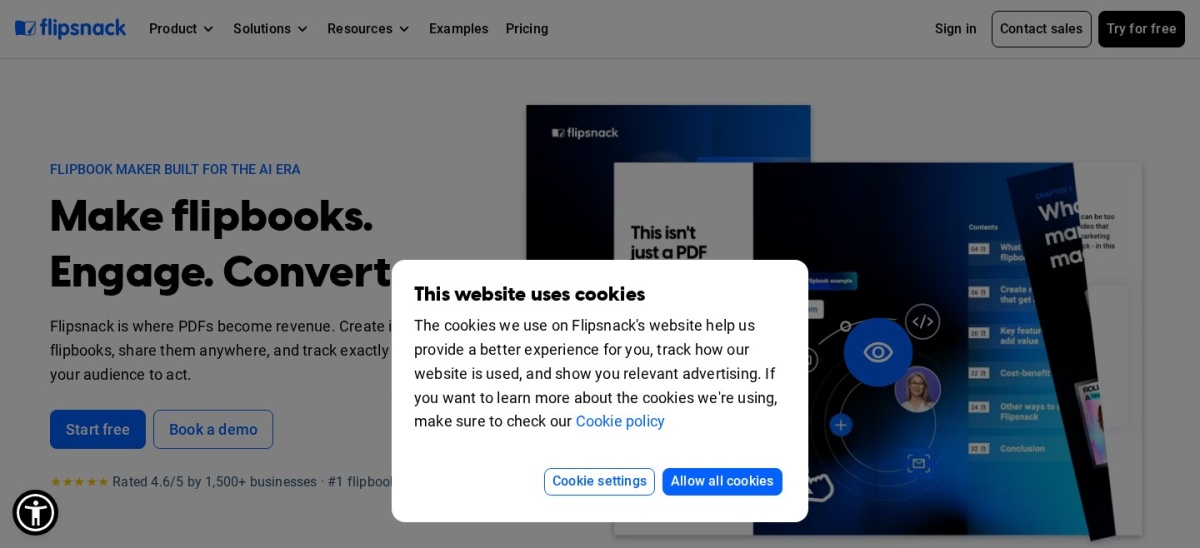
Flipsnack is a flipbook tool that turns a finished PDF into an interactive flipbook with links, video and reading stats. The free plan covers small projects, while Starter at $16 a month adds branding and lead capture, and its homepage quotes 4.6 out of 5 from 1,500+ businesses.
The trade off is that Flipsnack does not design pages. You still need a layout tool to build the magazine, then upload the PDF. It suits publishers who already have a print issue and want a digital version readers open in a browser.
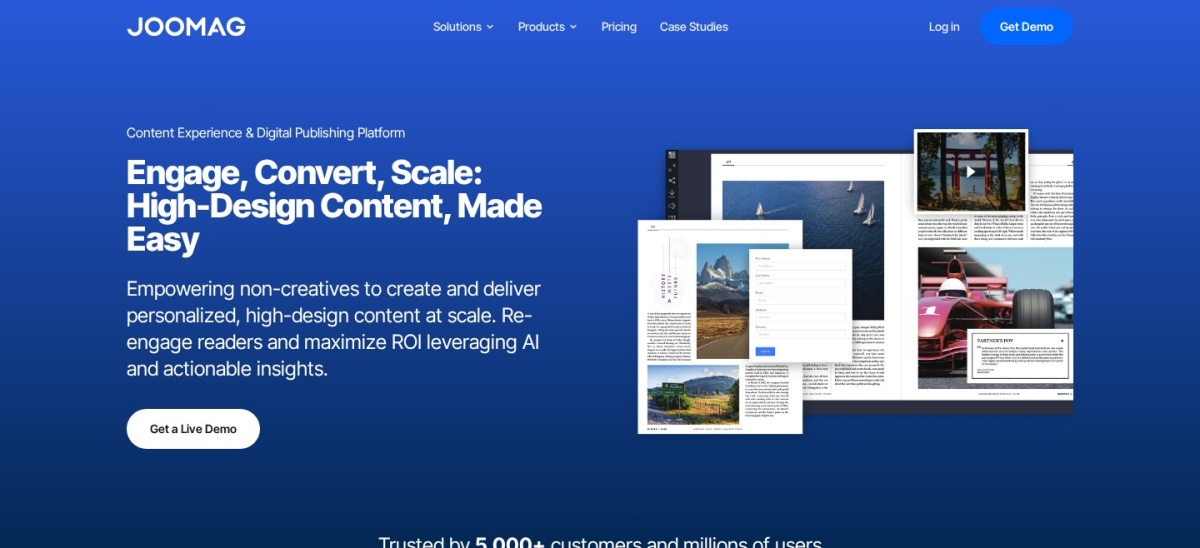
Joomag is a content platform that builds branded digital magazines with AI content tools, reader analytics and CRM links. The Start plan costs $39 a month and includes a 14-day trial, with Grow at $79 and Scale at $149 for larger teams.
The trade off is price and transparency. Joomag has no permanent free plan, and its English pricing page now asks buyers to contact sales, so the $39 figure comes from third-party checks of the vendor page. It suits content teams that treat a magazine as part of a marketing funnel.
Adobe Express is a browser-based design tool with magazine and social templates, drag-and-drop editing and Firefly AI. The free plan covers everyday graphics, while Premium adds 30,000+ fonts, premium templates, a Brand Kit, one-click resize and 250 generative credits a month.
The trade off is print. Adobe Express has no CMYK colour or real vector editing, so it cannot produce a print-ready magazine file. It suits creators who make digital magazine pages and social posts and already work with Adobe tools.
What we like
Fast template-based design
30,000+ fonts and Firefly AI
One-click resize across formats
Watch out for
No CMYK or print-ready export
Templates can look generic without brand work
Premium adds Brand Kit, 250 credits and premium assetsVisit adobe.com
09
Issuu
4.7/5on G2 (111 reviews, checked Nov 2026)
Paid from$252/yr
Best for sharing finished magazines
Free planYes, Basic
Pages per upload500 on Starter
Website embedYes, Starter
Paid planStarter, $252/yr
issuu.com
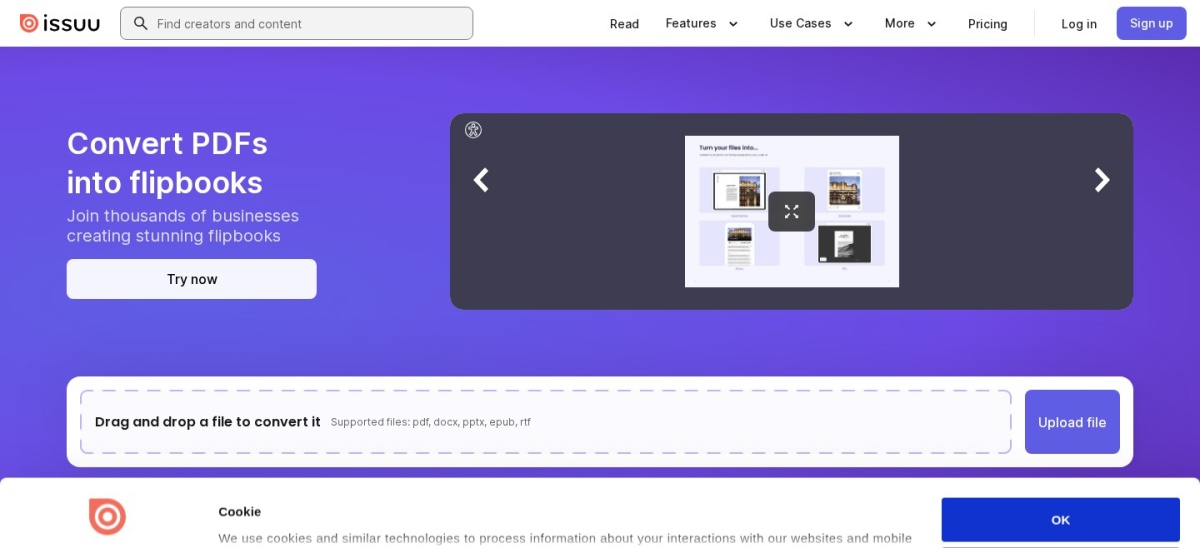
Issuu homepage, captured Nov 2026.
Issuu is a digital publishing platform that turns PDFs into flipbooks readers open in a browser. The free Basic plan covers short uploads of up to 10 pages, while Starter at $21 a month adds unlimited documents, website embedding and 30-day statistics.
The trade off is cost for the good features. Removing third-party ads, adding a logo and downloading flipbooks need the $188-a-month Unlimited plan. It suits publishers who want the widest free distribution for a finished magazine.
What we like
Free Basic plan for short magazines
Embed flipbooks on any website
Unlimited documents on Starter
Watch out for
Ads and branding stay until Unlimited at $188 a month
Starter still shows third-party ads
Starter adds unlimited documents, embedding and 30-day statsVisit issuu.com
Print vs digital: what changes
Print magazines live or die by the export. The printer needs a PDF/X file with CMYK colour, bleed and embedded fonts, which only InDesign, Affinity Publisher and QuarkXPress produce properly in this list.
Digital magazines live or die by the reader. A flipbook adds page-turn animation, links, video and reading stats, and readers open it with no download. Flipsnack, Joomag and Issuu all do this, and all three start from a PDF you already made.
If you publish both, keep one master file. Design the print issue first, export the PDF, then upload that same PDF to a flipbook tool instead of rebuilding the issue twice.
How we chose
We started from the desktop publishing and digital magazine tools with the most G2 reviews, then kept the nine that cover print layout, template design and digital publishing.
Prices come from each vendor's pricing page, checked on 26 November 2026. Ratings and review counts come from G2 on the same day. Where a vendor shows a sale, the list shows the regular price.
We left out Microsoft Publisher, which Microsoft retired in October 2026, and tools with no public rating. No vendor paid for a place, and we do not claim to have used these tools ourselves.
How to choose magazine design software
Start with where the magazine will be read, then match the tool to that format.
Decide print, digital, or both. A print magazine needs a layout tool with CMYK and PDF/X export. A digital-only magazine can start in Canva or Marq and finish in a flipbook tool.
Count the pages and the people. A 12-page community magazine is a one-person job in Affinity Publisher or Canva. A 100-page monthly with a team needs InDesign or Marq, with shared styles and brand controls.
Check the export before you buy. Ask the printer what file they accept, and test the trial export. Our logo guide shows how a logo file reaches a page, and the same care applies to a full issue.
Add up a year, not a month. A $22.99 monthly plan costs $275.88 a year, while a $69.99 one-time purchase costs nothing after year one. Compare the yearly totals in the price ladder above.
FAQ
What is the best software for magazine design?
Adobe InDesign is the best choice for most magazines. It is the print industry standard for master pages, styles and PDF/X export, rated 4.6 out of 5 from 3,435 G2 reviews. It costs $22.99 a month on an annual plan.
Can I design a magazine in Canva?
Yes, for short digital magazines. Canva has magazine templates, a free plan and a $144-a-year Pro plan, and it exports print-ready PDFs. It lacks master pages and fine typographic control, so long print issues are easier in InDesign or Affinity Publisher.
Is there a free magazine design tool?
Yes. Affinity's unified app is free, and Canva, Marq, Adobe Express, Flipsnack and Issuu all have free plans. Free plans carry limits such as storage caps or watermarks on some exports, and paid plans remove those limits and add brand controls.
What is the cheapest good magazine software?
Affinity Publisher is the cheapest pro option at $69.99 once, with no subscription. Marq Pro costs $120 a year and Adobe Express Premium costs $119.88 a year, while InDesign costs $275.88 a year on its annual plan.
Do I need InDesign to make a magazine?
No, but it helps for print. Affinity Publisher and QuarkXPress both produce print-ready PDFs with master pages. Canva and Marq work well for digital magazines, and Flipsnack, Joomag and Issuu turn a finished PDF into a flipbook.
How do I publish a magazine online?
Export the finished issue as a PDF, then upload it to Flipsnack, Joomag or Issuu. They turn it into a flipbook readers open in a browser, with links, video and reading stats. Issuu's free Basic plan covers short uploads of up to 10 pages.
SaaS SEO and WordPress specialist with about 8 years of experience. Rakib compares WordPress plugins, themes, hosting and software using public pricing, documentation and user reviews. See how we rank.