HeyGen is the best video dubbing software overall, offering native lip-synced translation across 175+ languages starting at $288/yr. For pure voice realism and multi-speaker emotional delivery, ElevenLabs starts at $60/yr, while Rask AI ($329/yr) suits teams localizing large video libraries across 135+ languages.
How we make this list: we compare pricing pages, product documentation and public user reviews, then re-check every price before each update. No product paid for a place. Disclosure.
HeyGen covers 175+ languages with lip-syncing starting at $288/yr ($24/mo billed yearly) and a free tier for up to 3 one-minute videos per month.
ElevenLabs provides the lowest paid entry at $60/yr ($5/mo billed yearly) for 30,000 monthly credits, though unwatermarked dubbing consumes 3,000 credits per minute.
Rask AI supports 135+ languages with voice cloning in 32 languages from $329/yr (300 minutes/yr), while lip-sync requires Creator Pro at $799/yr.
Synthesia ($168/yr) and Speechify Studio ($100/yr) bundle dubbing into flat annual allowances of up to 197 and 480 minutes per year, respectively.
Browser editors like Kapwing ($192/yr) and Descript ($192/yr) combine timeline editing with multilingual dubbing, though Descript gates translation behind its $600/yr Business tier.
What to look for in video dubbing software
Modern video dubbing software replaces manual studio re-recording with automated speech transcription, machine translation, and neural voice synthesis. When comparing platforms, separate voice-only dubbing tools from full lip-syncing engines. Voice-only tools align translated audio to your original timing and work well for screen recordings, documentaries, and off-camera narration, whereas lip-syncing tools alter mouth movements on on-camera speakers.
Pricing structures vary sharply across dubbing tools, so calculate your cost per finished dubbed minute rather than comparing headline monthly rates. Some platforms sell fixed annual minute buckets, while others use shared credit pools where unwatermarked dubbing, voice cloning, or lip-syncing burn credits much faster than standard text-to-speech.
Check transcript editing controls and speaker separation before committing to a plan. Automated translations often mispronounce brand names, technical acronyms, or idioms, so a line-by-line script editor that lets you adjust translated text and timing before rendering saves expensive re-generation credits.
HeyGen is an AI video creation and localization platform that translates spoken video into 175+ languages while cloning the speaker's voice and matching lip movements. Its free plan lets you test up to 3 one-minute videos per month at 720p with a watermark, while the Creator plan ($288/yr billed annually, or $29/mo) unlocks 600 monthly credits, 30-minute video lengths, and 1080p watermark-free exports.
The trade off is that lip-synced translation draws from the same shared credit pool as avatar generation without a flat published per-minute rate, and Creator users cannot buy extra credit packs without upgrading to Pro at $49/mo ($488/yr). It suits marketers, educators, and creators localizing talking-head videos where visual lip alignment matters.
What we like
Supports 175+ languages and regional dialects with speaker voice cloning
Native lip-syncing adjusts on-camera mouth movements to match translated speech
Free plan requires no credit card for short 1-minute test exports
Includes a full AI avatar and script-to-video studio in the same workspace
Watch out for
Shared credit pool makes exact per-minute dubbing costs harder to predict
Script proofreading for translations and 4K exports require the Pro plan
Extra credit top-up packs are restricted to the $149/mo Business tier
Creator ($288/yr) removes watermarks, extends video length to 30 minutes, and unlocks 175+ languages.Visit heygen.com
02
ElevenLabs
4.5/5on G2 (1,352 reviews, checked Nov 2026)
Paid from$60/yr
Best for natural voice realism and multi-speaker audio
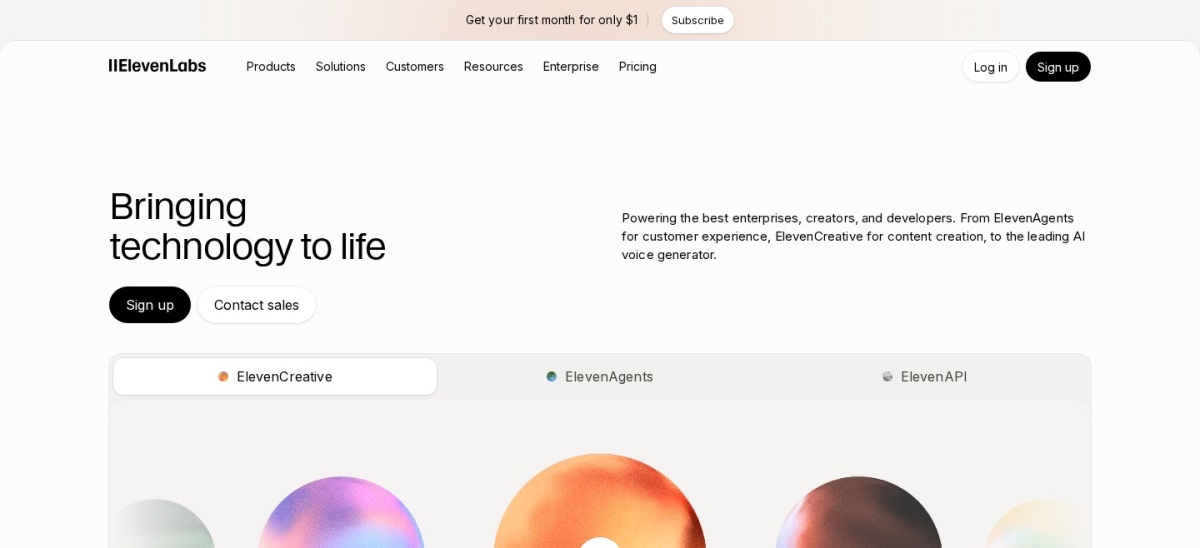
ElevenLabs is a voice synthesis and audio localization platform whose Dubbing Studio translates multi-speaker audio and video into 90+ languages while preserving speaker emotion, pacing, and background sound. The free tier includes 10,000 monthly credits without commercial rights, while the Starter plan ($60/yr billed annually, or $6/mo regular price) provides 30,000 monthly credits, instant voice cloning, and a commercial license.
The trade off is credit burn rate: automatic unwatermarked dubbing costs 3,000 credits per source minute per language (roughly 10 minutes on Starter), and interactive Dubbing Studio editing uses 5,000 to 10,000 credits per minute, with no visual lip-syncing. It suits studios, podcasters, and creators who prioritize vocal nuance over on-camera lip movement.
What we like
Preserves original speaker tone, emotion, and multi-speaker separation
Lowest annual entry price at $60/yr with commercial licensing included
Unused monthly credits roll over for up to two months
Line-by-line Dubbing Studio lets you edit transcripts and timing per speaker
Watch out for
Does not include visual lip-syncing for on-camera speakers
Unwatermarked dubbing consumes 3,000 to 10,000 credits per minute
Professional Voice Cloning requires upgrading to Creator ($220/yr regular)
Best for high-volume multilingual video localization
Languages135+ translation, 57 voice clone
Lip-syncCreator Pro ($799/yr) and above
Entry allowance300 mins/yr on Creator
Free tier3 minutes included (7-day trial)
rask.ai
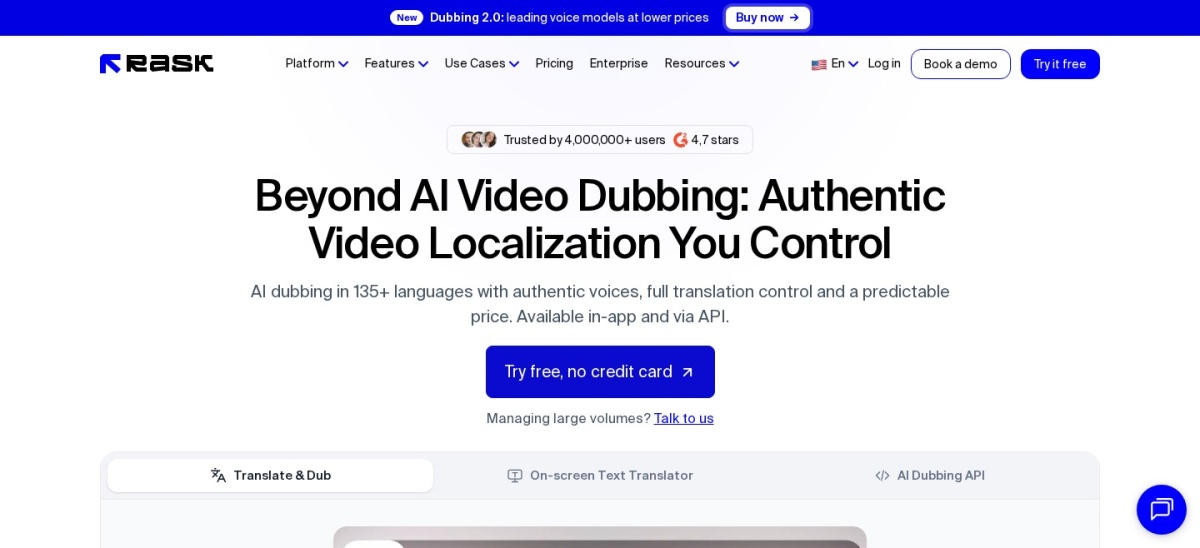
Rask AI homepage, captured Nov 2026.
Rask AI is a dedicated video localization platform that translates videos into 135+ languages, clones speaker voices in 57 languages, and offers an editable transcript before audio rendering. A free 7-day trial includes 3 localization minutes with no credit card, and the entry Creator plan costs $329/yr billed annually ($39/mo monthly) for 300 minutes per year.
The trade off is price and feature gating: lip-syncing is excluded from the Creator tier and requires Creator Pro at $799/yr ($99/mo monthly, 1,200 minutes/yr), while extra minutes cost $3 each. It suits content teams and agencies localizing course libraries or YouTube back-catalogs across dozens of languages.
What we like
Translates into 135+ languages with voice cloning across 57 languages
Built-in transcript editor lets you refine translations before generating audio
Business tier supports batch uploads and on-screen text translation
Supports multi-speaker detection and SRT subtitle exports
Watch out for
Lip-syncing requires the $799/yr Creator Pro plan
Overage minutes cost $3 per minute and are unavailable on Creator
Free access is capped at 3 total minutes during a 7-day trial
Creator ($329/yr) provides 300 annual localization minutes and voice cloning across 57 languages.Visit rask.ai
04
Synthesia
4.6/5on G2 (2,864 reviews, checked Nov 2026)
Paid from$168/yr
Best for corporate training and L&D localization
Languages140+ languages & accents
Lip-syncYes (avatar & video dubbing)
Entry allowanceUp to 197 dubbing mins/yr
Free tier10 dubbing mins/mo (watermarked)
synthesia.io
Synthesia homepage, captured Nov 2026.
Synthesia is an enterprise AI video platform that pairs script-based avatar creation with one-click multilingual video dubbing and lip-syncing. Its free Basic plan includes 10 minutes of dubbing per month with a watermark and link-only sharing, while Starter costs $168/yr billed annually ($19/mo regular monthly rate; currently discounted to $9 for the first month) for watermark-free downloads and up to 197 dubbing minutes per year.
The trade off is volume limits and enterprise gating: Starter caps dubbing at roughly 16 minutes per month on monthly billing, and SCORM export for learning management systems is restricted to custom Enterprise plans. It suits corporate training and internal communications teams standardizing multilingual modules.
What we like
Combines 1-click video dubbing with AI presenter creation in 140+ languages
Affordable $168/yr annual entry plan includes up to 197 dubbing minutes
Free tier includes 10 dubbing minutes per month for testing workflows
Strong G2 track record with 2,864 reviews and SOC 2 compliance
Watch out for
Free plan blocks video file downloads and adds a Synthesia watermark
SCORM LMS exports are locked behind custom Enterprise pricing
Monthly Starter plan limits dubbing to 16 minutes per month
Starter ($168/yr) unlocks watermark-free video downloads and up to 197 dubbing minutes per year.Visit synthesia.io
05
Kapwing
3.9/5on G2 (41 reviews, checked Nov 2026)
Paid from$192/yr
Best browser editor for social video dubbing
Languages40+ dubbing, 60+ subtitles
Lip-syncUp to 30 mins/mo on Pro
Entry allowanceUp to 50 dubbing mins/mo
Free tier10 credits, 4-min watermarked exports
kapwing.com
Kapwing homepage, captured Nov 2026.
Kapwing is a browser-based collaborative video editor that builds AI dubbing, lip-syncing, and translated subtitles directly into a multi-track timeline. Its free tier includes 10 trial credits and 720p watermarked exports up to 4 minutes long, while the Pro plan costs $192/yr per member billed annually ($24/mo monthly) for 1,000 monthly credits covering up to 50 dubbing minutes and 30 lip-sync minutes.
The trade off is per-seat billing and lower dubbing caps: adding collaborators charges $192/yr per member, and heavy localization teams quickly hit the 50-minute monthly dubbing ceiling on Pro. It suits solo social creators and small marketing teams who want to resize, caption, and dub clips in one browser tab.
What we like
Integrates dubbing, lip-sync, and translated captions inside a full timeline editor
4K exports, Brand Kit, and 200 GB cloud storage included on Pro
Auto-resize and smart-cut tools speed up social clip repurposing
Supports SRT and VTT subtitle file downloads
Watch out for
Pro caps dubbing at 50 minutes and lip-sync at 30 minutes per month
Per-member pricing multiplies costs quickly for multi-person teams
Lower G2 rating (3.9/5) with user feedback citing slow rendering on large files
Pro ($192/yr) removes watermarks, enables 4K exports, and includes up to 50 dubbing minutes per month.Visit kapwing.com
Speechify Studio is a browser-based voiceover and video dubbing suite offering 1,000+ AI voices across 60+ languages. Its free plan provides 600 Studio credits for testing without commercial usage rights, while Studio Starter costs $100/yr (billed annually) and includes 86,400 credits—enough for 480 minutes of video dubbing at the published rate of 3 credits per second.
The trade off is annual-only billing on Starter and the lack of visual lip-syncing for on-camera speakers. It suits YouTubers, course creators, and marketers dubbing narrated or screen-captured videos on a predictable yearly budget.
What we like
Low $100/yr entry price covers up to 480 minutes of dubbing (~$0.21/min)
Transparent credit math at 3 credits per second of dubbed audio
Includes commercial usage rights and 1,000+ voices on Studio Starter
Re-exporting unchanged audio does not consume additional credits
Watch out for
Studio Starter is billed annually with no monthly payment option
Does not offer visual lip-syncing for talking-head footage
Free plan excludes commercial usage rights and caps at 600 credits
Studio Starter ($100/yr) adds commercial usage rights and 86,400 annual credits for up to 480 dubbing minutes.Visit speechify.com
07
Maestra
4.8/5on G2 (19 reviews, checked Nov 2026)
Paid from$468/yr
Best for pay-as-you-go voiceover and live dubbing
Languages125+ languages
Lip-syncAdd-on ($2/min) on Business ($159/mo)
Entry allowance120 voiceover mins/mo on Basic
Free tier1-min file trial; $12 PAYG option
maestra.ai
Maestra homepage, captured Nov 2026.
Maestra is a localization platform combining automated transcription, translated subtitles, and AI voiceover dubbing across 125+ languages. You can test a 1-minute file for free or buy 60 non-expiring Pay As You Go credits for $12, while the Basic Voiceover subscription starts at $468/yr ($39/mo billed annually, or $49/mo monthly) for 120 translated voiceover minutes per month.
The trade off is modular pricing and expensive lip-syncing: pro voices and voice cloning consume 3x more credits, and visual lip-syncing is locked behind the $159/mo Business plan plus a $2/minute add-on fee. It suits teams that want multi-language voiceover tracks or live event interpretation without long-term lock-in.
What we like
Supports 125+ languages with line-by-line voiceover editing and custom glossaries
Offers a $12 Pay As You Go option with credits that never expire
Separates transcription, subtitling, voiceover, and live dubbing plans
High 4.8/5 G2 rating praising Spanish and multilingual accuracy
Watch out for
Lip-syncing requires a $159/mo Business plan plus $2 per minute
Separate subscriptions are required if you need real-time live dubbing
Basic Voiceover ($468/yr) provides 120 translated voiceover minutes per month and custom dictionaries.Visit maestra.ai
08
Descript
4.6/5on G2 (940 reviews, checked Nov 2026)
Paid from$192/yr
Best for transcript-based podcast and video editing
Languages30+ languages (Business tier)
Lip-syncYes (Regenerate / AI lip-sync)
Entry allowance10 media hrs & 400 AI credits/mo
Free tier60 media mins/mo (720p watermarked)
descript.com
Descript homepage, captured Nov 2026.
Descript is a transcript-driven audio and video editor that lets you cut media by editing text, clean studio audio, and translate videos into 30+ languages with proofreading. Its free plan includes 60 media minutes per month and 100 one-time AI credits, while Hobbyist starts at $192/yr ($16/mo billed annually, or $24/mo monthly) for 10 media hours, 400 monthly AI credits, and 1080p watermark-free exports.
The trade off is tier gating: full multi-language video translation and dubbing with proofreading sit on the Business plan at $600/yr ($50/mo billed annually, or $65/mo monthly) with 40 media hours and 1,500 monthly AI credits. It suits podcasters and video teams who already edit via transcripts and want localization in the same tool.
What we like
Edit translated transcripts like a text document to adjust video cuts
Includes Studio Sound noise removal and filler-word deletion in one workflow
Business tier supports translation proofreading across 30+ languages
Exports timelines directly to Adobe Premiere Pro and Final Cut Pro
Watch out for
Full video translation and dubbing require the $600/yr Business plan
Unused media hours and monthly AI credits do not roll over
Language count (30+) is smaller than dedicated tools like HeyGen or Rask AI
Hobbyist ($192/yr) unlocks 1080p watermark-free exports, 10 media hours/mo, and 400 AI credits/mo.Visit descript.com
Lip-sync vs. voice-only dubbing: which workflow fits your footage?
Lip-syncing engines such as HeyGen and Rask AI Creator Pro use generative visual models to reshape a speaker's mouth and jaw movements so they match the phonemes of the translated language. This works best for close-up talking-head videos, sales outreach, and presenter-led courses where mismatched lip movement distracts viewers, though it consumes more credits and takes longer to render.
Voice-only dubbing tools like ElevenLabs and Speechify Studio preserve your original video frames untouched and focus entirely on vocal pacing, emotional inflection, and background audio separation. Choose voice-only dubbing for screen tutorials, product walkthroughs, multi-speaker panel discussions, or wide-angle shots where subtle mouth changes are unnecessary.
How we chose
We selected these 8 tools by comparing dedicated AI dubbing platforms and browser video editors with established user bases, verified public review profiles on G2, and transparent self-serve pricing pages.
All prices, credit allowances, language counts, and G2 ratings were verified directly against vendor pricing pages and G2 category listings on 22 Nov 2026, using regular non-promotional annual rates converted to yearly USD totals.
We excluded enterprise-only localization vendors without public self-serve pricing (such as Papercup and Deepdub) and tools without verified review profiles or clear dubbing plan limits. No vendor paid for a place, and we do not claim testing for this list.
How to choose video dubbing software
Follow four practical steps to match a dubbing platform to your footage style, monthly volume, and editing workflow.
Match the engine to your camera framing. Choose a lip-syncing tool like HeyGen or Rask AI Creator Pro for close-up talking-head footage, or pick a voice-only platform like ElevenLabs or Speechify Studio for screen recordings and off-camera narration.
Calculate your real cost per dubbed minute. Multiply your source video length by the number of target languages, then check how many credits unwatermarked dubbing or voice cloning consumes on your target tier.
Verify transcript editing before final render. Look for a line-by-line script editor so you can fix translated brand names, numbers, and pacing before spending credits on a full video export.
Test background audio separation on a sample clip. Use each platform's free tier or trial credits to verify that background music and sound effects remain clean underneath the new voice track.
FAQ
What is the best video dubbing software for lip-syncing?
HeyGen is the strongest option for lip-synced video dubbing, supporting 175+ languages and dialects with voice cloning starting at $288/yr on its Creator plan. Rask AI also offers lip-syncing across 135+ languages starting on its $799/yr Creator Pro tier.
Which video dubbing software has the best voice quality?
ElevenLabs leads in vocal realism, emotion, and multi-speaker separation across 90+ languages. Its Starter plan begins at $60/yr for 30,000 monthly credits, though automatic unwatermarked dubbing consumes 3,000 credits per minute.
Is there free video dubbing software without a watermark?
Most free tiers add a watermark or restrict commercial use. HeyGen offers 3 free one-minute videos per month with a watermark, Synthesia includes 10 watermarked dubbing minutes monthly, and ElevenLabs provides 10,000 monthly credits for non-commercial testing.
How much does AI video dubbing cost per minute?
Published per-minute costs vary widely by plan structure. Speechify Studio works out to roughly $0.21 per dubbed minute on its $100/yr Starter plan (480 minutes), while Rask AI costs around $1.10 per minute on Creator ($329/yr for 300 minutes).
Can video dubbing software clone my own voice in another language?
Yes. Platforms including HeyGen, ElevenLabs, Rask AI, and Maestra clone a speaker's vocal timbre from a short audio sample and generate translated speech in that same voice across dozens of target languages.
Should I use a dedicated dubbing tool or a video editor with dubbing?
Use a dedicated localization tool like HeyGen, ElevenLabs, or Rask AI if you need high language counts, voice cloning, or batch translation. Choose an all-in-one editor like Kapwing or Descript if you also need to cut clips, resize aspect ratios, and style captions.
SaaS SEO and WordPress specialist with about 8 years of experience. Rakib compares WordPress plugins, themes, hosting and software using public pricing, documentation and user reviews. See how we rank.