Sonix is the best software to transcribe audio to text for most users, with support for 54+ languages and a 4.9/5 Capterra rating. Choose Descript if you also edit podcasts or videos, or Notta for affordable multilingual transcription and meeting documentation.
How we make this list: we compare pricing pages, product documentation and public user reviews, then re-check every price before each update. No product paid for a place. Disclosure.
Sonix supports 54+ languages and offers occasional transcription at $10 per audio hour.
Descript Hobbyist includes 10 monthly media hours for $16 per month billed annually.
Notta Pro provides 1,800 monthly transcription minutes for $97.99 per year.
Rev Essentials includes 5,000 monthly AI transcription and caption minutes per user.
Otter provides 300 monthly transcription minutes on its free plan.
Fireflies Pro costs $120 annually per seat and includes unlimited transcription subject to usage policies.
What to look for in audio transcription software
Audio transcription software converts spoken words into searchable and editable text. It helps journalists, researchers, podcasters and businesses document conversations without manually typing entire recordings.
Automatic speech recognition works best with clear recordings and distinguishable voices. Background noise, overlapping speech, technical terminology and unfamiliar accents can introduce errors that require manual correction.
Look for speaker identification, timestamps and synchronized audio playback. These features help you locate specific statements and correct transcript errors without repeatedly listening to an entire recording.
Pricing varies between subscriptions and usage-based services. Check monthly transcription allowances, recording length restrictions, supported languages and export formats before choosing a plan.
The 7 best software tools to transcribe audio to text
01
Sonix
4.9/5on Capterra (143 reviews, checked Nov 2026)
Starts at$25/mo
Best for general audio file transcription
Languages54+
Core allowance5 hours/month
Storage25 GB on Core
Free trial30 minutes
sonix.ai
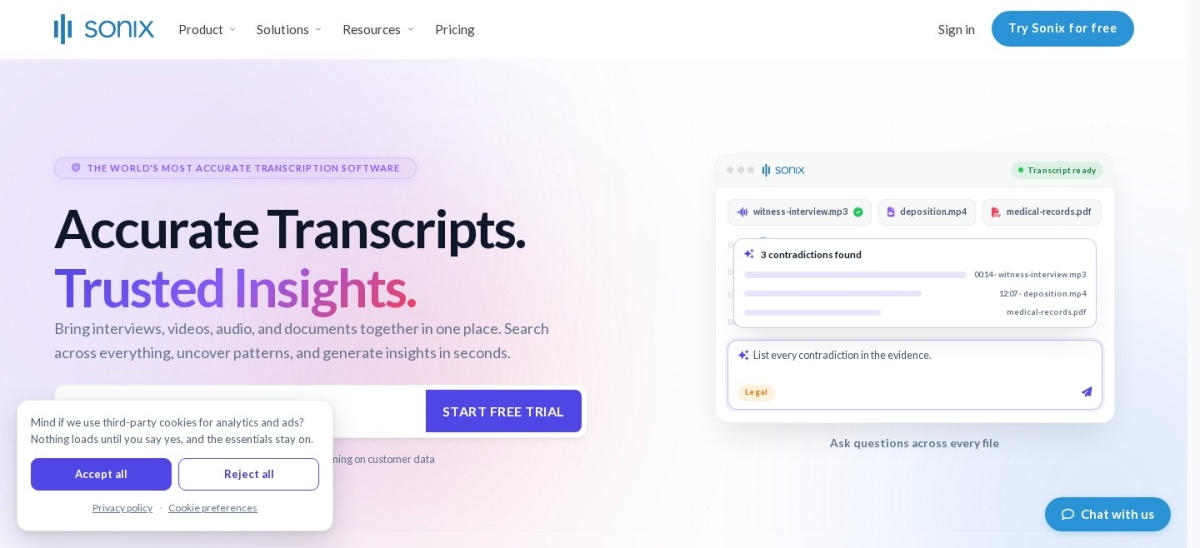
Sonix homepage, captured Nov 2026.
Sonix is an automated transcription platform for recorded audio and video files. Its Core subscription includes 5 monthly hours of transcription and translation, 25 GB of storage and a browser-based transcript editor.
The trade off is that frequent transcription requires a higher subscription or additional usage charges. Core costs $25 monthly, while occasional users can purchase transcription at $10 per audio hour. It suits researchers, journalists and professionals processing recorded interviews.
What we like
Supports transcription across 54+ languages
High aggregate Capterra rating
Integrated transcript editing
Pay-as-you-go option available
Watch out for
No permanent free plan
Entry subscription includes limited transcription hours
Additional team seats cost extra
Advanced increases transcription allowances and workspace storage.Visit sonix.ai
02
Descript
4.6/5on Capterra (183 reviews, checked Nov 2026)
Paid from$16/mo
Best for podcast and video transcription
Media allowance10 hours/month on Hobbyist
AI credits400/month
Video exports1080p without watermark
BillingPer person, annually
descript.com
Descript homepage, captured Nov 2026.
Descript is an audio and video editing application that generates transcripts and lets users edit recordings through text. Hobbyist includes 10 monthly media hours, 400 AI credits and watermark-free 1080p video exports.
The trade off is that transcription and editing workloads share subscription allowances. Hobbyist costs $16 per person monthly with annual billing or $24 with monthly billing. It suits podcasters and video creators who want transcription integrated into production.
What we like
Edit recordings through transcript text
Audio enhancement and filler-word removal
Integrated podcast and video editing
Permanent free plan available
Watch out for
Media processing allowances apply
AI features consume credits
More complex than dedicated transcription tools
Creator increases media hours and adds higher-resolution exports.Visit descript.com
03
Notta
4.2/5on G2 (442 reviews, checked Nov 2026)
Paid from$97.99/yr
Best for affordable multilingual transcription
Free allowance120 minutes/month
Pro allowance1,800 minutes/month
Maximum Pro recording5 hours
File uploads100/month on Pro
notta.ai
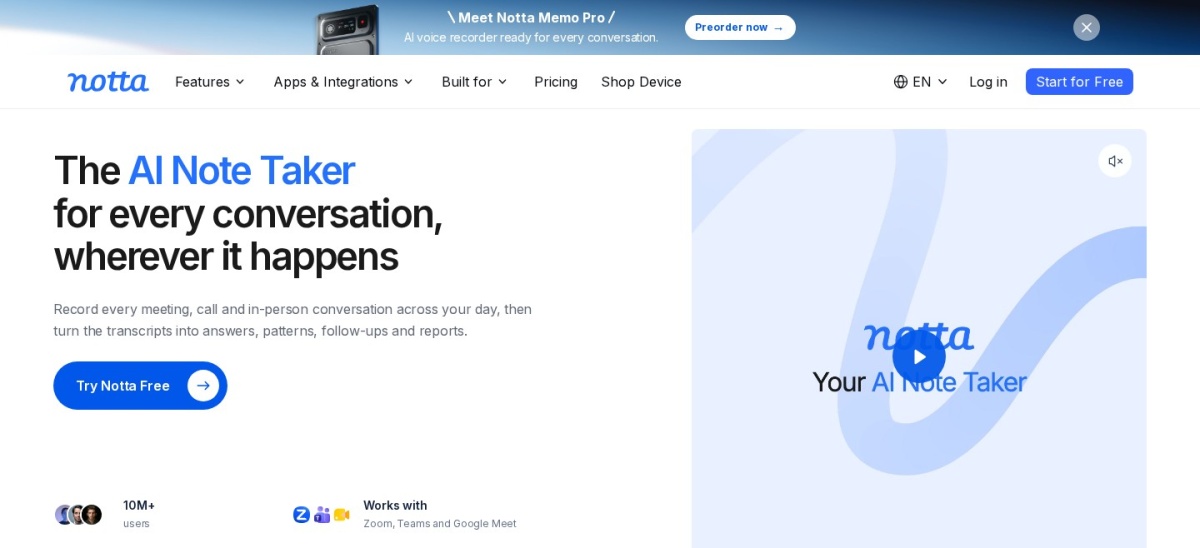
Notta homepage, captured Nov 2026.
Notta is an audio transcription and meeting documentation application supporting recorded files and live conversations. Pro includes 1,800 transcription minutes, 100 file uploads and 100 AI summaries each month.
The trade off is that free transcription is restricted to short recordings, and transcript exports require an upgrade. Pro costs $97.99 annually at the published annual billing rate. It suits students, researchers and professionals handling regular multilingual recordings.
What we like
Affordable annual subscription
Generous paid transcription allowance
Supports uploaded files and live recordings
Custom vocabulary on Pro
Watch out for
Free recordings limited to 3 minutes each
Unused transcription minutes do not carry over
Transcript exports require paid access
Pro adds longer recordings, exports, translation and custom vocabulary.Visit notta.ai
04
Rev
4.7/5on G2 (647 reviews, checked Nov 2026)
Paid from$305.90/yr
Best for optional human-verified transcription
Free AI allowance45 minutes/month
Essentials allowance5,000 minutes/user/month
Entry paid languagesEnglish and Spanish
Human transcriptionAvailable separately
rev.com
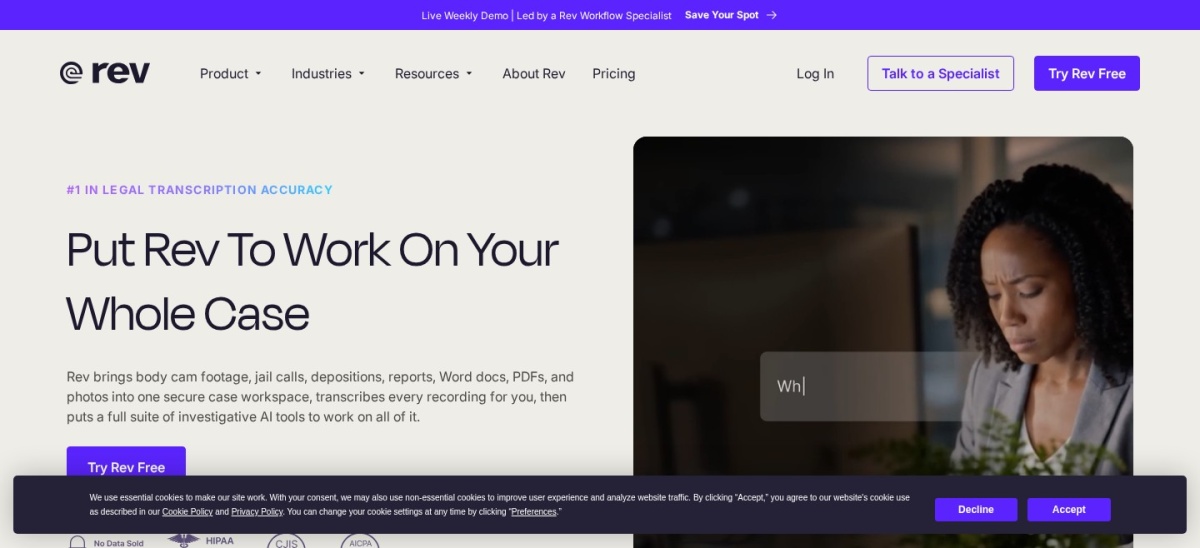
Rev homepage, captured Nov 2026.
Rev is a transcription and investigative documentation platform offering automated transcripts alongside human transcription services. Essentials includes 5,000 monthly AI transcription and caption minutes per user, with tools for reviewing recorded evidence and interviews.
The trade off is that the entry subscription supports a narrower language selection than multilingual competitors. Essentials costs $29.99 per seat monthly or $305.90 annually, while human transcription costs extra. It suits professionals who need reviewed transcripts for important recordings.
What we like
Optional human transcription services
Large paid AI transcription allowance
Transcript editing and document analysis
Annual subscribers receive human service discounts
Watch out for
Higher entry cost than budget competitors
Human transcription requires separate payment
Entry plan has restricted language coverage
Essentials increases transcription minutes and includes human transcription discounts.Visit rev.com
05
Otter
4.4/5on G2 (556 reviews, checked Nov 2026)
Paid from$16.99/mo
Best for live conversation transcription
Free transcription300 minutes/month
Free file imports3 lifetime imports
Pro recording allowance1,200 minutes/month
Pro file imports10/month
otter.ai
Otter homepage, captured Nov 2026.
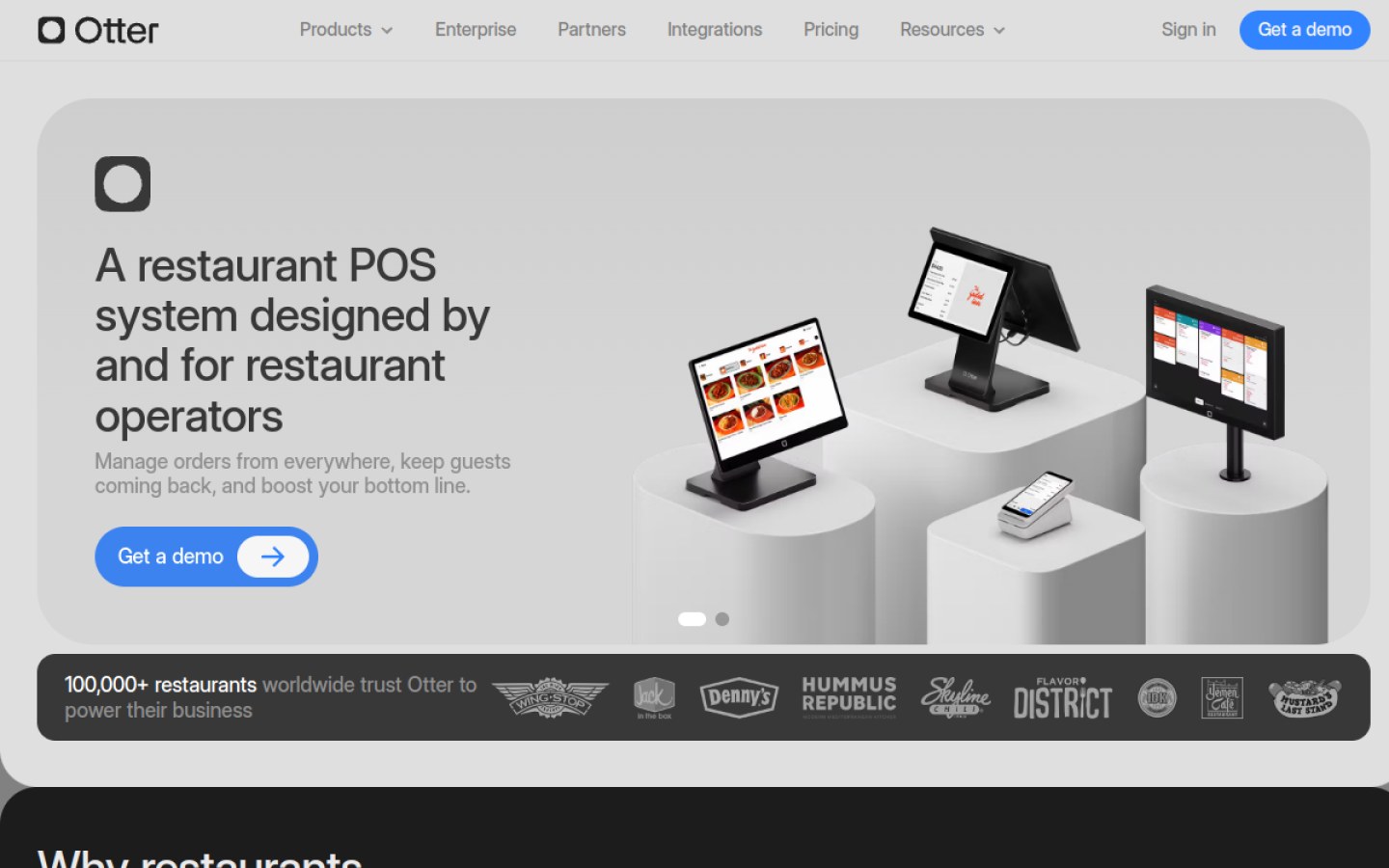
Otter is a live transcription and meeting assistant that records conversations, identifies speakers and creates searchable notes. Its free plan includes 300 monthly transcription minutes and 3 lifetime audio or video file imports.
The trade off is that uploaded recordings have separate limits from live transcription. Pro regularly costs $16.99 per user monthly, with a discounted annual offer displayed during verification. It suits professionals who primarily document meetings and live interviews.
What we like
Live speech-to-text conversion
Speaker identification and synchronized playback
Searchable meeting transcripts
Mobile and desktop applications
Watch out for
Restricted number of uploaded files
Free plan limits recording duration
Speaker attribution may require correction
Pro increases recording minutes, file imports and export options.Visit otter.ai
06
Fireflies
4.7/5on G2 (756 reviews, checked Nov 2026)
Paid from$10/mo
Best for searchable team conversation archives
Languages100+
Free storage400 minutes/team
Pro transcriptionUnlimited, subject to policies
BillingPer seat, annually
fireflies.ai
Fireflies homepage, captured Nov 2026.
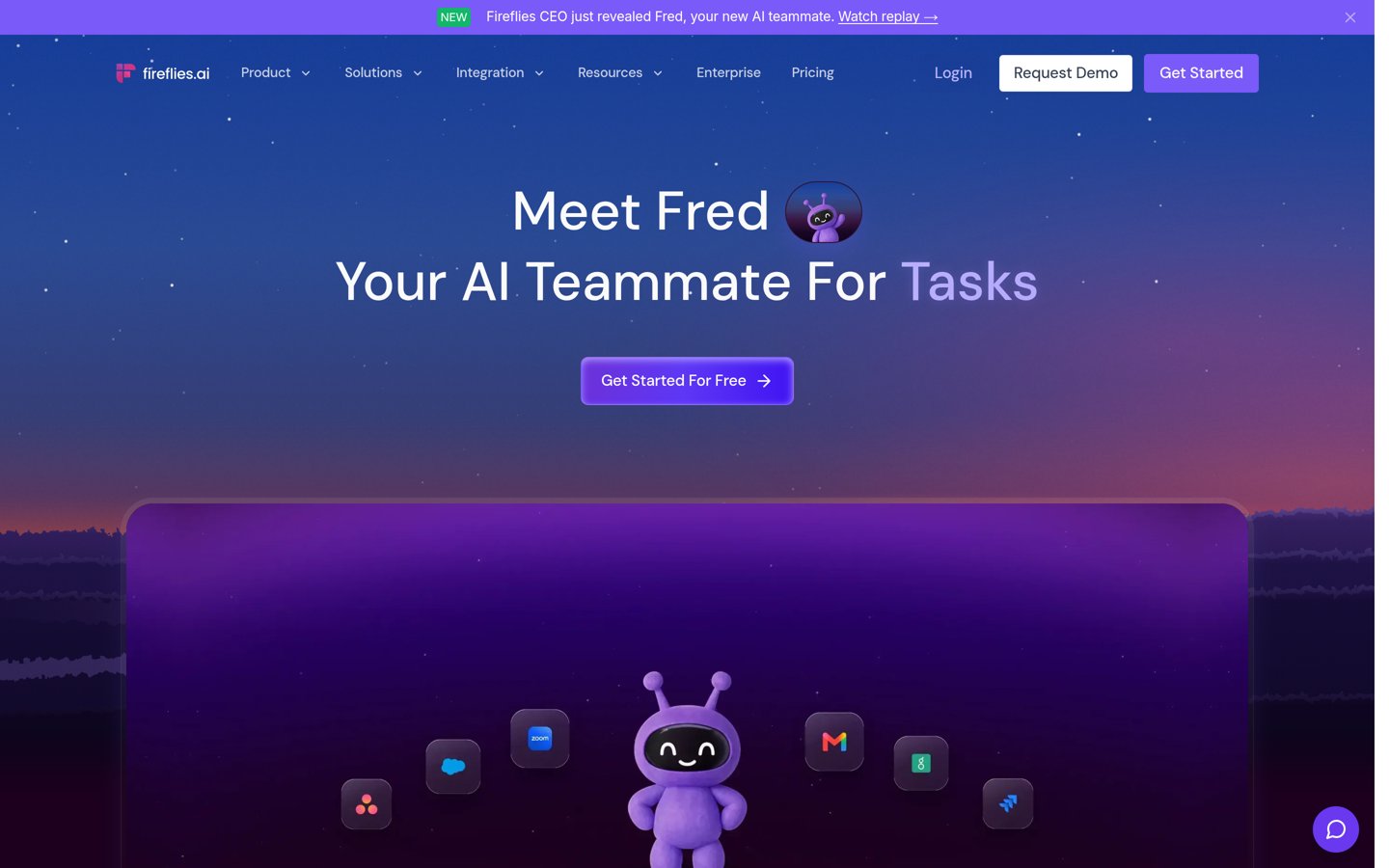
Fireflies is an AI transcription and conversation management platform supporting meeting recordings and uploaded audio files. Its free subscription includes transcription subject to usage conditions, limited summaries and 400 minutes of shared storage.
The trade off is that storage allowances and AI features vary by subscription. Pro costs $10 per seat monthly with annual billing or $18 with monthly billing. It suits teams that want searchable meeting records and automated conversation summaries.
What we like
Supports over 100 transcription languages
Accepts uploaded recordings
Search across recorded conversations
Meeting and business software integrations
Watch out for
Free storage allowance is limited
Advanced features may consume AI credits
Primarily designed around meeting workflows
Pro expands storage and removes restrictions on standard transcription usage.Visit fireflies.ai
07
Riverside
4.8/5on G2 (1,760 reviews, checked Nov 2026)
Paid from$24/mo
Best for recording and transcribing podcasts
Pro transcriptionUnlimited
Audio quality48 kHz on Pro
Video resolutionUp to 4K on Pro
Separate track downloads15 hours on Pro
riverside.com
Riverside homepage, captured Nov 2026.
Riverside is a podcast recording and content production platform with automatic transcription and text-based editing. Its published Pro subscription includes unlimited transcription, 48 kHz audio and video exports at up to 4K resolution.
The trade off is that Riverside includes production features unnecessary for basic speech-to-text conversion. Its pricing page displays Pro at $288 annually, although a staging-environment notice means buyers should reconfirm checkout pricing. It suits creators recording and editing interviews.
What we like
Integrated remote recording and transcription
Unlimited transcription on Pro
Text-based media editing
Podcast publishing features
Watch out for
More features than basic transcription requires
Free recording allowances are restricted
Published pricing requires checkout confirmation
Pro adds unlimited transcription, higher-quality recordings and watermark-free exports.Visit riverside.com
Automatic transcription vs human transcription
Automatic transcription uses speech recognition models to generate written records. It is generally suitable for creating searchable notes, podcast drafts, subtitles and interview transcripts that will receive further editing.
Human transcription involves someone reviewing recordings and correcting words, speaker labels and punctuation. It is worth considering when the recording contains specialized terminology, unclear speech or important statements that must be reproduced accurately.
For sensitive recordings, evaluate confidentiality commitments, data retention and access controls before uploading files. Obtain appropriate permission before recording or sharing conversations.
How we chose
We shortlisted established transcription applications using official subscription documentation, Capterra ratings and G2 reviews. Rankings prioritize recorded audio conversion, transcript editing, language coverage, subscription allowances and practical value.
Prices, ratings and review counts were checked on 27 Nov 2026. Annual billing rates are used where available, except explicitly discounted offers. Sonix uses its Core subscription for annual comparison, while Riverside displays a pricing-page staging notice that warrants checkout confirmation.
We excluded products with insufficient review histories, unconfirmed subscription prices or pricing displayed exclusively in another currency. General dictation applications without meaningful recording transcription features were also excluded. No vendor paid for a place, and we do not claim testing for this list.
How to choose software to transcribe audio to text
Compare your recording volume, language requirements and editing workflow before selecting a transcription subscription.
Estimate your monthly transcription hours. Calculate how much recorded audio you process regularly. Occasional users may benefit from usage-based pricing, while frequent users should compare subscription allowances.
Check language and speaker support. Confirm that your recordings' languages and dialects are supported. Speaker identification and timestamps are particularly useful for interviews and group conversations.
Review transcript editing and exports. Choose software with synchronized playback, straightforward text correction and export formats compatible with your existing documents or editing software.
Evaluate privacy and total costs. Review recording retention policies, subscription renewal terms, additional processing charges and human transcription fees before uploading confidential audio.
FAQ
What is the best software to transcribe audio to text?
Sonix is our top pick for general audio transcription because it supports 54+ languages, includes an integrated transcript editor and has a 4.9/5 Capterra rating. Descript is a better fit for creators who also edit audio and video.
Can I transcribe audio to text for free?
Yes. Otter, Notta, Fireflies, Descript and Rev offer free access with different limitations. Otter includes 300 monthly transcription minutes, while Notta provides 120 minutes with restrictions on individual recording duration.
How much does audio transcription software cost?
Subscription prices depend on recording allowances, billing periods and user counts. Notta Pro costs $97.99 annually, while Descript Hobbyist costs $192 annually. Sonix also offers usage-based transcription at $10 per audio hour.
Is automatic audio transcription completely accurate?
No. Automatic transcription can misinterpret unfamiliar names, accents, overlapping conversations and technical vocabulary. Review important transcripts against the original recording, and consider human transcription when errors could create significant professional or legal consequences.
Which transcription software is best for podcasts?
Descript is particularly suitable for podcasts because it combines transcription with text-based audio editing, filler-word removal and audio enhancement. Riverside is another option for creators who want remote recording, automatic transcription and podcast production features.
SaaS SEO and WordPress specialist with about 8 years of experience. Rakib compares WordPress plugins, themes, hosting and software using public pricing, documentation and user reviews. See how we rank.