Blender is the best Maya alternative for most artists because it provides free 3D modeling, character rigging, animation and rendering tools, with a 4.6/5 G2 rating. Choose Houdini for procedural visual effects or 3ds Max for architectural visualization and detailed game environment modeling.
How we make this list: we compare pricing pages, product documentation and public user reviews, then re-check every price before each update. No product paid for a place. Disclosure.
Blender is completely free and has a 4.6/5 rating from 321 G2 reviews.
Houdini Indie starts at $299 per year for eligible independent artists and studios.
3ds Max Indie costs $330 per year and specializes in detailed modeling and visualization.
SketchUp Go starts at $129 per year for browser-based and iPad modeling.
Rhino costs $995 for a perpetual commercial license rather than a recurring subscription.
Unreal Engine offers free access for eligible creators, with commercial seat licenses costing $1,850 per year when required.
How do you choose the best Maya alternatives?
The best Maya replacement depends on which part of the production pipeline you need to replace. Character animation, procedural effects, architectural modeling and real-time rendering require different tools.
Blender is the closest general-purpose replacement for artists who want to eliminate software subscription costs. Its modeling, sculpting, rigging, animation and rendering features cover much of the traditional 3D production workflow.
Specialized applications can be more practical than another general-purpose package. Houdini focuses on procedural effects, Rhino specializes in precise geometry, and KeyShot concentrates on product visualization.
Migration costs extend beyond subscription fees. Existing rigs, custom scripts, materials and simulation setups may need rebuilding, even when the replacement supports common interchange formats such as FBX or USD.
Blender is a free, open-source 3D creation suite covering polygon modeling, sculpting, rigging, animation, simulation and rendering. Its 4.6/5 G2 rating from 321 reviews makes it an established option for independent artists and professional creative teams.
The trade off is migration effort rather than subscription cost. Blender is free, but Maya-specific scripts, character rigs and materials may require rebuilding for its production environment. It suits freelancers, students and studios that want a complete creative toolkit without recurring software fees.
What we like
No mandatory software licensing fees
Integrated modeling and animation tools
Built-in offline and real-time rendering
Extensible through Python and community add-ons
Available across major desktop operating systems
Watch out for
Existing Maya rigs may require conversion
Studio-specific production integrations need development
Interface changes require adjustment for experienced Maya users
All core Blender features are available without a paid software plan.Visit blender.org
02
Houdini
4.5/5on G2 (35 reviews, checked Nov 2026)
Paid from$299/yr
Best for procedural animation and visual effects
PlatformsWindows, macOS, Linux
ModelingProcedural node networks
Free editionApprentice, noncommercial
Paid planHoudini Indie
sidefx.com
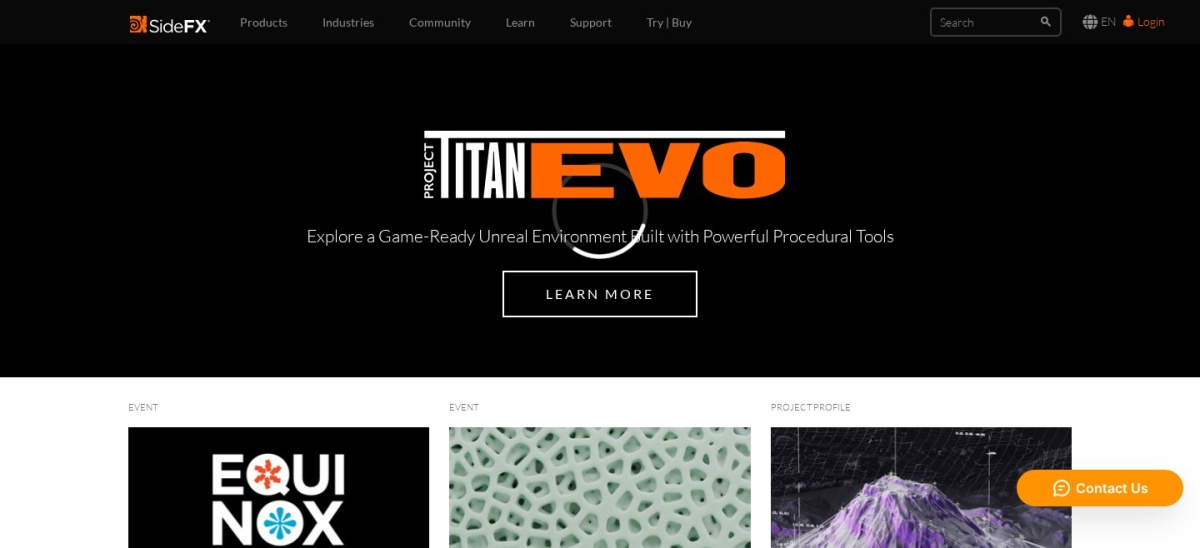
Houdini homepage, captured Nov 2026.
Houdini is a procedural 3D production application for visual effects, simulations, animation and asset generation. Its free Apprentice edition allows noncommercial learning, while Houdini Indie provides commercial production capabilities for eligible users at $299 annually.
The trade off is complexity and licensing restrictions. The $299 annual Indie plan has a $100,000 annual gross revenue ceiling and separate scene formats that restrict integration with commercial Houdini pipelines. It suits technical artists and independent VFX creators building reusable effects and procedural assets.
What we like
Flexible procedural modeling workflows
Specialized fluid, particle and destruction simulations
Reusable digital asset creation
Free noncommercial learning edition
Built-in Karma rendering
Watch out for
Steep learning curve for new artists
Indie licensing restricts commercial eligibility
Complex simulations can require substantial computing resources
Houdini Indie adds limited commercial production rights and expanded output capabilities.Visit sidefx.com
03
3ds Max
4.3/5on G2 (323 reviews, checked Nov 2026)
Starts at$330/yr
Best for game environments and architectural visualization
PlatformWindows
ModelingPolygon and modifier-based
RenderingArnold
Paid plan3ds Max Indie
autodesk.com
3ds Max homepage, captured Nov 2026.
3ds Max is Autodesk's desktop application for detailed 3D modeling, animation, texturing and visualization. Its Indie subscription costs $330 annually for eligible independent artists and provides the same production tools as the standard application.
The trade off is platform availability and subscription eligibility. The $330 Indie price is restricted to qualifying customers, and the application runs on Windows rather than macOS or Linux. It suits environment artists, architectural visualization specialists and teams that want to remain within Autodesk workflows.
What we like
Detailed polygon modeling tools
Non-destructive modifier-based editing
Established architectural visualization ecosystem
Integrated animation and rendering features
Support for custom scripts and extensions
Watch out for
Windows-only desktop application
Indie subscription has eligibility restrictions
Character animation workflows differ from Maya
The Indie subscription provides access to the full application for eligible independent creators.Visit autodesk.com
04
Unreal Engine
4.5/5on G2 (151 reviews, checked Nov 2026)
Paid from$1,850/yr
Best for real-time rendering and virtual production
Primary workflowReal-time 3D production
AnimationSequencer and Control Rig
RenderingLumen and Nanite
Paid licenseCommercial seat licensing
unrealengine.com
Unreal Engine homepage, captured Nov 2026.
Unreal Engine is a real-time 3D creation platform for games, cinematics, virtual production and interactive experiences. Eligible creators can use the engine without upfront subscription fees, and its G2 profile carries a 4.5/5 rating from 151 reviews.
The trade off is that Unreal Engine does not replace every traditional modeling and sculpting workflow. Commercial seat licenses cost $1,850 annually when applicable, while qualifying game projects follow separate royalty terms. It suits filmmakers and interactive content creators who prioritize real-time scene assembly and rendering.
What we like
Real-time cinematic previews
Integrated character animation tools
Virtual production workflows
Large ecosystem of reusable assets
Free access for eligible creators
Watch out for
Not a complete replacement for dedicated modeling software
Advanced scenes require capable hardware
Commercial licensing depends on project and business circumstances
Paid seats provide commercial access for organizations subject to seat-based licensing.Visit unrealengine.com
05
Rhino
4.4/5on G2 (192 reviews, checked Nov 2026)
Starts at$995 one-time
Best for precise industrial and product modeling
PlatformsWindows and macOS
ModelingNURBS, meshes and SubD
Procedural designGrasshopper
LicensePerpetual commercial license
rhino3d.com
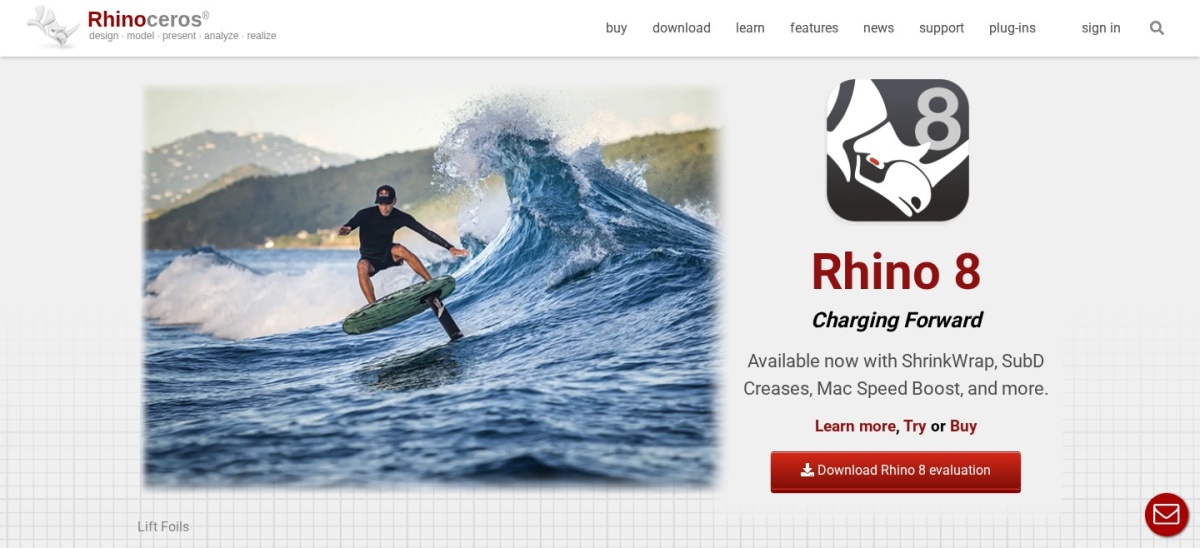
Rhino homepage, captured Nov 2026.
Rhino is a precision 3D modeling application for industrial design, architecture, product development and complex surface geometry. Its standard single-user commercial license costs $995 as a one-time purchase and includes access to its modeling and rendering environment.
The trade off is that Rhino emphasizes accurate geometry rather than advanced character animation. The $995 purchase is also a larger upfront expense than an entry-level subscription, although continued use does not require annual renewal. It suits designers creating manufacturable objects and mathematically controlled surfaces.
What we like
Accurate NURBS surface modeling
Perpetual commercial licensing
Grasshopper visual programming
Broad CAD file compatibility
Subdivision modeling tools
Watch out for
Limited character rigging capabilities
Higher upfront purchase cost
Major version upgrades can cost extra
The commercial license unlocks ongoing use of the purchased Rhino version.Visit rhino3d.com
06
SketchUp
4.5/5on G2 (1,328 reviews, checked Nov 2026)
Paid from$129/yr
Best for beginners and architectural concepts
Entry paid planSketchUp Go
Go platformsWeb and iPad
ModelingPush-pull geometry
Desktop applicationPro subscription
sketchup.com
SketchUp homepage, captured Nov 2026.
SketchUp is an accessible 3D modeling application for architectural designs, interiors and early product concepts. Its Go subscription costs $129 annually and provides browser and iPad modeling, premade design assets, cloud storage and project-sharing features.
The trade off is that Go does not include the desktop modeling application or Maya-style character animation. SketchUp Pro normally costs $399 annually, with a temporary 25% promotion advertised during this comparison. It suits architects, interior designers and beginners who primarily need static models and design presentations.
What we like
Accessible geometry editing workflow
Extensive premade model library
Browser-based modeling option
Cloud project storage
Established user review history
Watch out for
Limited character animation features
Desktop modeling requires a higher subscription
Detailed organic geometry is less convenient
Go adds expanded modeling, asset access, cloud storage and collaboration capabilities.Visit sketchup.com
07
KeyShot
4.5/5on G2 (181 reviews, checked Nov 2026)
Starts at$1,299/yr
Best for product rendering and marketing visuals
Primary workflowProduct visualization
RenderingReal-time ray tracing
MaterialsProcedural material graph
Paid planKeyShot Studio Professional
keyshot.com
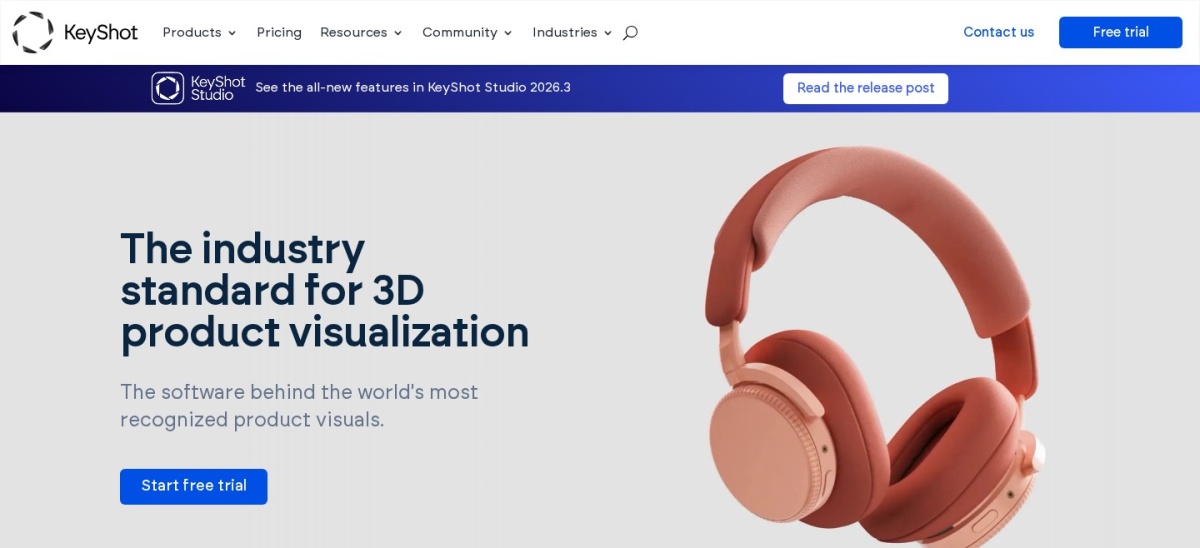
KeyShot homepage, captured Nov 2026.
KeyShot is a specialized 3D visualization application for product designers, manufacturers and marketing teams. Its Professional subscription costs $1,299 annually and includes rendering, procedural materials, lighting controls, product variations and CAD import capabilities.
The trade off is specialization and subscription cost. At $1,299 annually, KeyShot is designed primarily for presenting existing models rather than building complex character rigs or detailed animation systems. It suits teams replacing Maya's product rendering workflow while retaining separate modeling software.
What we like
Interactive ray-traced rendering previews
Detailed material and lighting controls
Support for common CAD formats
Product variation management
Cloud-based scene sharing
Watch out for
Relatively expensive annual subscription
Not a full geometry creation application
Limited suitability for character animation
Professional includes the core KeyShot Studio visualization feature set.Visit keyshot.com
08
Unity
4.5/5on G2 (365 reviews, checked Nov 2026)
Paid from$2,310/yr
Best for interactive 3D content and game development
Free planUnity Personal
Primary workflowInteractive development
AnimationTimeline and Animator
Paid planUnity Pro
unity.com
Unity homepage, captured Nov 2026.
Unity is a real-time development platform for games, interactive simulations and animated 3D experiences. Unity Personal provides free access for eligible users, while Unity Pro starts at $2,310 annually and supports commercial development workflows beyond Personal eligibility.
The trade off is that Unity focuses on assembling and deploying interactive content rather than creating every underlying asset. Its $2,310 annual Pro subscription can also be expensive for teams that only need modeling tools. It suits game developers replacing Maya's scene assembly and interactive animation workflows.
What we like
Real-time animation previews
Interactive application development
Extensive asset and extension ecosystem
Support for multiple deployment platforms
Free Personal plan for eligible users
Watch out for
Dedicated modeling software is often necessary
Professional subscription has a high annual cost
Advanced workflows can require programming knowledge
Unity Pro expands commercial eligibility and professional development capabilities.Visit unity.com
What happens to your existing Maya projects when you switch?
Existing Maya projects rarely transfer with every production feature intact. Native scene files contain application-specific information that other programs may not interpret correctly.
Use FBX for compatible geometry, skeletal rigs and baked animation. Consider Alembic for cached geometry and USD for supported scene interchange workflows. Confirm which information your destination application can import before committing to a format.
Materials, procedural nodes and custom scripts deserve particular attention. A model may transfer correctly while its shading network, constraints or simulation behavior requires substantial rebuilding.
Keep archived Maya scenes and export representative assets before canceling your subscription. This reduces the risk of losing access to important production data.
Do you need a complete Maya replacement or a specialized tool?
Blender is the most practical starting point for artists who need modeling, rigging, animation and rendering within a single application.
Houdini is a better candidate when procedural effects and simulations dominate your work. Rhino and SketchUp address modeling workflows where character animation is less important.
Unreal Engine, Unity and KeyShot replace specific production stages rather than every Maya capability. Combining them with Blender or another modeling application can provide a more suitable workflow than adopting either as a standalone replacement.
How we chose
We selected established 3D creation applications covering Maya's major use cases: modeling, animation, procedural effects, rendering and interactive production. We prioritized maintained products with documented commercial licensing and substantial public review histories.
Prices and G2 ratings were checked on 29 Nov 2026 using official vendor pages and public review profiles. Perpetual license prices represent the initial purchase rather than recurring annual charges. Blender's official website blocked direct page access, so its open-source status was confirmed through its official GitHub repository and G2 profile.
We excluded discontinued applications, products with insufficient review histories and software whose regular paid pricing could not be confirmed from accessible vendor pages. Cinema 4D and ZBrush were omitted because their official storefront did not expose verifiable standalone prices in the retrieved content. No vendor paid for a place, and we do not claim testing for this list.
How to choose the right alternative to Maya
Compare your production requirements, existing project files, operating system and commercial licensing obligations before committing to a replacement.
Identify the Maya features you actually use. Choose a general-purpose application if you regularly move between modeling, rigging, animation and rendering. Select a specialized application if your work concentrates on visual effects, architectural geometry or product visualization.
Calculate the complete licensing cost. Check whether you qualify for free commercial access or discounted independent-artist licensing. Include subscription renewals, optional extensions, rendering services and potential future upgrades in your budget.
Check compatibility with existing production assets. Export representative geometry, animated characters and materials into the proposed replacement. Review whether constraints, textures, animation curves and scene organization survive the conversion.
Consider your future production pipeline. Evaluate operating system support, scripting capabilities, collaboration requirements and integration with your preferred rendering or game development applications. Choose software that supports both current projects and foreseeable production needs.
FAQ
What is the best alternative to Maya in 2026?
Blender is the best Maya alternative for most artists because it combines free modeling, sculpting, rigging, animation and rendering tools. It has a 4.6/5 G2 rating from 321 reviews. Houdini is a better choice for artists who primarily create procedural visual effects.
What is the best free alternative to Maya?
Blender is the best free general-purpose alternative to Maya because its core software has no mandatory subscription fees or commercial revenue restrictions. Houdini Apprentice is another free option for learning procedural effects, although its licensing does not permit normal commercial production.
Is Blender better than Maya for beginners?
Blender is generally a more accessible starting point financially because beginners can learn professional 3D production without purchasing a subscription. Maya may remain the more appropriate choice when a specific educational program, employer or animation studio requires Autodesk-compatible production workflows.
How much do Maya alternatives cost?
Maya alternatives range from completely free software to professional subscriptions costing thousands of dollars annually. Blender has no mandatory license fee, SketchUp Go costs $129 annually, Houdini Indie costs $299 annually, and Unity Pro starts at $2,310 annually.
Is Blender or Houdini better for 3D animation?
Blender is better for general-purpose character animation, independent creative projects and artists who need an integrated production suite. Houdini is better for procedural animation, complex simulations and reusable visual effects systems that rely on node-based workflows and technical controls.
Can Maya files be opened in Blender?
Maya projects generally need exporting into a supported interchange format before importing into Blender. FBX, Alembic and USD can transfer different types of production data, but custom rigs, proprietary shading networks, scripts and simulation settings may require manual conversion or rebuilding.
What is the best Maya alternative for architectural visualization?
3ds Max is a suitable Maya alternative for professional architectural visualization because of its detailed modeling, modifier-based editing and rendering ecosystem. SketchUp is preferable for simpler architectural concepts, while Rhino is better suited to precise surfaces and complex architectural geometry.
Can Unreal Engine replace Maya completely?
Unreal Engine cannot replace every Maya workflow because it primarily focuses on real-time production, interactive experiences and scene assembly. It can handle cinematic rendering and animation tasks, but artists often combine it with Blender or another dedicated application for detailed asset creation.
SaaS SEO and WordPress specialist with about 8 years of experience. Rakib compares WordPress plugins, themes, hosting and software using public pricing, documentation and user reviews. See how we rank.