Substance 3D Painter is the best Mari alternative for most artists, with smart materials, smart masks and baking at $24.99 a month. Blender is free and covers the full workflow, while 3DCoat gives you sculpting, retopology and painting for about $410 once.
How we make this list: we compare pricing pages, product documentation and public user reviews, then re-check every price before each update. No product paid for a place. Disclosure.
Substance 3D Painter is the closest professional replacement for Mari, at $24.99 a month in the Texturing plan.
Blender costs nothing and covers modelling, texture painting, baking and rendering in one free app.
3DCoat costs about $410 once for a perpetual licence, and adds sculpting, retopology and UV tools.
ZBrush paints colour directly onto dense sculpts at $399 a year, but it is not a layered PBR painter.
Procreate at $12.99 once and Nomad Sculpt at $19.99 once cover 3D painting on an iPad for under $20 each.
Every tool here costs less per year than Mari Individual at $689 a year.
How do you choose the best Mari alternative?
Mari earns its price on film-scale hero assets, and most artists never need that scale. Mari Individual costs $689 a year, so the first question is how much UDIM depth your work actually needs.
Game artists should start with a dedicated PBR painter. Substance 3D Painter and 3DCoat paint colour, roughness, metallic and normal maps directly onto the mesh, with smart materials that place wear and dirt automatically.
Budget changes the answer more than features do. A $24.99 monthly plan costs about $300 a year, while a one-time licence such as 3DCoat at about $410 can cost less over two years of steady use.
Free tools are strong enough for real work now. Blender handles hand-painted textures, stencil painting and baking at no cost, and our guide on generating images with AI in WordPress shows how AI-made images can feed into a texture workflow.
Platform matters last, but it still matters. Procreate and Nomad Sculpt run on tablets, while Painter, Blender and 3DCoat run on Windows, macOS and Linux.
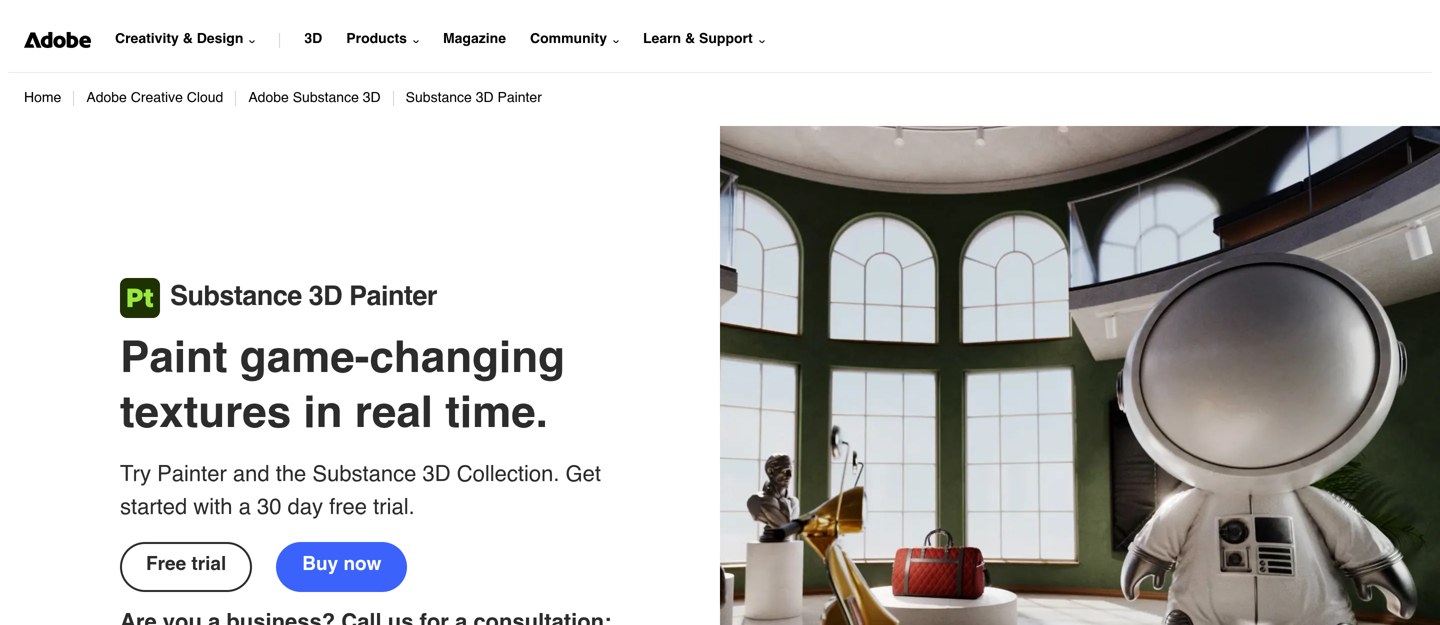
Substance 3D Painter is the reference 3D texturing app for game studios, animation houses and VFX artists. It paints materials directly onto models with brushes, smart materials and smart masks, and its built-in bakers turn high-poly detail into game-ready maps. The Texturing plan costs $24.99 a month, or $249.88 a year prepaid, and covers Painter, Designer and Sampler.
The trade off is the subscription. Adobe sells no perpetual licence for the current version, though a $199.99 Steam edition of Painter 2026 keeps working with updates through March 2027. It suits game and VFX artists who want the fastest path from a bare model to finished PBR textures.
What we like
Game industry standard for PBR texturing
Smart materials and masks texture assets fast
Strong built-in mesh bakers
Largest material library and community in this list
Watch out for
Subscription only, with no perpetual licence for the current version
Steam edition stops getting feature updates in March 2027
Less UDIM depth than Mari for film hero assets
Paid plan unlocks commercial PBR painting, baking and engine export presetsVisit adobe.com
02
Blender
4.6/5on G2 (319 reviews, checked Nov 2026)
PriceFree
Best free Mari alternative
WorkflowTexture Paint plus shader nodes
Smart materialsNo native smart masks
Max resolutionUDIM tiles supported
LicenseFree and open source
blender.org
Blender homepage, captured Nov 2026.
Blender is a free, open-source 3D creation suite with a built-in Texture Paint workspace alongside modelling, sculpting, UV editing and rendering. Artists can paint directly onto meshes or 2D UV canvases with custom brush alphas, stencil projections and symmetry tools, then preview materials live in EEVEE or Cycles. Every feature is included at zero cost.
The trade off is speed on repetitive work. Blender has no native smart materials or smart masks, so edge wear and surface detail take more manual work, and baking and export are manual rather than one-click. It suits solo creators and small studios that want an end-to-end 3D pipeline without licence fees.
What we like
100% free and open source for commercial work
Modelling, painting, baking and rendering in one app
Supports UDIM tiles, stencils and node-based procedural shading
Huge community and add-on ecosystem
Watch out for
No native smart materials or smart masks
Baking and export are manual
Interface takes time for newcomers to learn
All modelling, texture painting and rendering tools are free with no paid tiersVisit blender.org
03
3DCoat
4.3/5on G2 (21 reviews, checked Nov 2026)
Starts at$410/once
Best one-time Mari alternative
WorkflowPer-pixel, Ptex and microvertex painting
Max resolutionUp to 16K textures
LicenceAbout $410 one-time
Trial30 days
3dcoat.com
3DCoat homepage, captured Nov 2026.
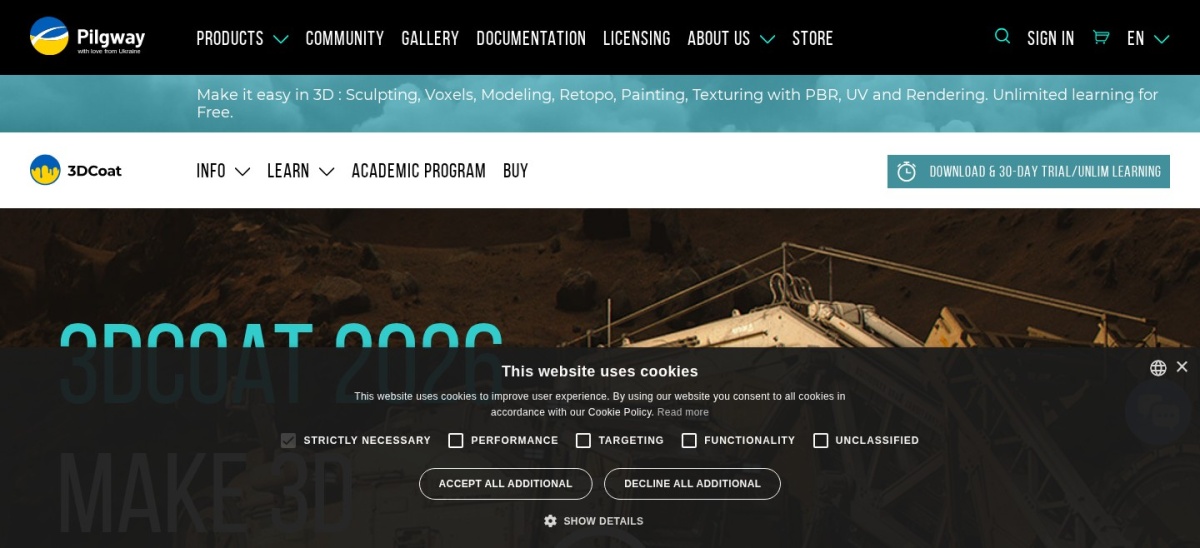
3DCoat is a complete 3D asset production suite that combines voxel and surface sculpting, automatic retopology, UV mapping and 16K PBR texture painting in one app. Its paint room supports Photoshop-style layer groups, smart materials and GPU-accelerated procedural nodes. An individual permanent licence lists at €379, about $410, with 12 months of updates included.
The trade off is the interface, which feels denser than single-purpose texturing tools, plus optional €45 update renewals after the first year. It suits character and game artists who want sculpting, retopology and painting under one perpetual licence.
What we like
Permanent commercial licence, no forced subscription
Sculpting, retopology, UV unwrapping and PBR painting in one app
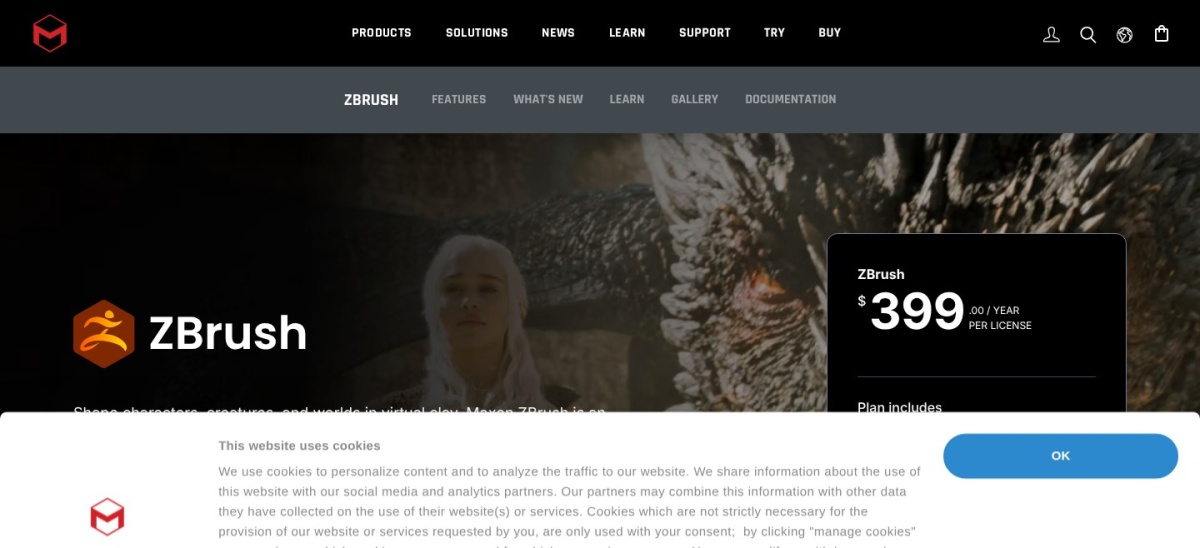
ZBrush is Maxon's digital sculpting software for characters, creatures and high-detail organic models, with more than 200 brushes that work like virtual clay. Its PolyPaint mode paints colour and material detail directly onto tens of millions of polygons without creating UVs first. A subscription costs $399 a year, or $49 a month, and covers the desktop app plus ZBrush for iPad.
The trade off is scope. PolyPaint stores colour in mesh vertices rather than layered PBR roughness and metalness stacks, so game artists still export to a dedicated painter for final shader maps. It suits character sculptors who paint detail onto the same dense model they carved.
What we like
Paint directly on ultra-dense sculpts before UV unwrapping
Desktop subscription includes full ZBrush for iPad access
Unmatched brush engine for organic detail
GoZ bridge moves meshes and maps to Maya and Blender
Watch out for
Not a dedicated layered PBR material painter
Subscription only since December 2023, no perpetual licence
Unique interface takes time to learn
Paid subscription unlocks desktop ZBrush, 200+ iPad brushes and full ZRemesherVisit maxon.net
05
Substance 3D Designer
4.5/5on G2 (56 reviews, checked Nov 2026)
Starts at$24.99/mo
Best for procedural materials
WorkflowNode-based procedural materials
Material controlFull parametric node graph
ExportsSBSAR to Painter and engines
Trial30 days
adobe.com
Substance 3D Designer homepage, captured Nov 2026.
Substance 3D Designer is the material authoring app in the Adobe Substance suite, with a node graph that gives full parametric control over every material, from brick and metal to fabric and skin. It is included in the same Texturing plan as Painter, at $24.99 a month or $249.88 a year prepaid, which also covers Painter and Sampler.
The trade off is workflow. Designer builds materials procedurally rather than painting them by hand, so it complements a painter instead of replacing one. It suits technical artists who build reusable, tileable materials for games and product visualisation.
What we like
Best procedural material authoring in this list
Node graph with full parametric control
Included in the same Texturing plan as Painter
Large library of procedural materials
Watch out for
Material authoring, not direct texture painting
Subscription only, with no perpetual licence
Steep learning curve for node graphs
Paid plan unlocks commercial use and the full Substance 3D Collection trialVisit adobe.com
06
Marmoset Toolbag
4.5/5on G2 (13 reviews, checked Nov 2026)
Starts at$18.99/mo
Best for baking and look development
WorkflowBaking and look development
Library2,000+ assets included
PerpetualYes, $399 one-time
Trial30 days
marmoset.co
Marmoset Toolbag homepage, captured Nov 2026.
Marmoset Toolbag is a real-time rendering and baking app that pairs well with any painter in this list. It bakes texture sets ready for production, with a fast preview that shows bake errors at once, and it renders 3D assets with real-time physically based rendering and image-based lighting. The subscription costs $18.99 a month for an individual, and a one-time perpetual licence costs $399.
The trade off is scope. Toolbag is not a full texture painting tool, so it does not replace Mari on its own. It suits game artists who need fast, reliable baking and look development beside a dedicated painter.
What we like
Excellent texture baking with fast preview
Real-time physically based rendering
Drag-and-drop materials
Perpetual licence available
Watch out for
Not a full texture painting tool
Perpetual licence covers only version 5 updates
Smaller asset library than Mari
Paid plans unlock commercial baking, rendering and the full material libraryVisit marmoset.co
07
Procreate
4.8/5on Capterra (130 reviews, checked Nov 2026)
Starts at$12.99/once
Best for iPad 3D painting
Workflow3D brush painting on iPad
File formatsUSDZ and OBJ
PlatformsiPadOS only
Licence$12.99 one-time
procreate.com
Procreate homepage, captured Nov 2026.
Procreate is an iPad illustration and painting studio that includes native 3D painting for imported USDZ and OBJ models. Using Apple Pencil pressure and tilt, you can paint directly onto 3D surfaces across colour, roughness and metallic channels, preview results under custom environment lighting, and export finished texture maps. The whole app is a single $12.99 one-time purchase.
The trade off is that it runs only on iPad, needs pre-unwrapped UVs on imported models, and has no mesh baking or procedural smart material tools. It suits illustrators, concept artists and prop designers who want tactile stylus painting on the move.
What we like
$12.99 one-time price with no subscription
Natural Apple Pencil brush engine with pressure and tilt
Paints colour, roughness and metallic channels
Exports USDZ, OBJ and PNG texture maps
Watch out for
iPad only, with no desktop version
Cannot unwrap UVs or bake high-to-low-poly maps
No multi-UDIM support
One-time purchase unlocks the full app, including 3D paintingVisit procreate.com
08
Nomad Sculpt
4.8/5on App Store (57,937 reviews, checked Nov 2026)
Starts at$19.99/once
Best mobile sculpt and paint app
WorkflowVertex painting and sculpting
PlatformsiPad, Android, desktop
Auto UVYes, built in
Licence$19.99 one-time
nomadsculpt.com
Nomad Sculpt homepage, captured Nov 2026.
Nomad Sculpt is a portable 3D sculpting and painting app for iPad, Android and desktop systems. Artists can sculpt organic or hard-surface models with dynamic topology, paint vertex colour, roughness and metalness directly on high-resolution meshes, auto-generate UVs, and bake vertex data into exportable texture maps. The mobile app costs $19.99 one-time.
The trade off is that painting relies on mesh vertex resolution rather than deep Photoshop-style multi-layer PBR texture stacks. It suits 3D print artists, character designers and mobile creators who want sculpting and painting anywhere without recurring fees.
What we like
$19.99 one-time purchase with all updates included
Dynamic-topology sculpting plus PBR vertex painting
Auto UV unwrap and texture baking built in
Smooth stylus performance on multi-million-poly meshes
Watch out for
Vertex-based painting needs dense meshes for crisp edges
Adobe Photoshop is the image editing app most 3D pipelines still use for 2D texture creation and map editing. Layer control and a deep brush set make it a fast option for editing base colour maps, fixing seams or authoring simpler textures, and it runs across desktop, web and mobile. The standalone plan costs $22.99 a month.
The trade off is that Photoshop paints on flat maps, not on the 3D model, so it works best beside a dedicated 3D painter rather than as one. It suits teams already inside the Adobe ecosystem who need map editing in a workflow they already know.
What we like
Industry-standard layer editing and brushes
Fast for seam fixes and base colour map edits
Runs on desktop, web and mobile
Generative AI features through Adobe Firefly
Watch out for
No direct 3D painting on the model
Subscription cost adds up for occasional users
No PBR smart materials or mesh baking
Paid plan unlocks the full desktop app and Firefly featuresVisit adobe.com
What happened to Quixel Mixer and Mudbox
Two names still appear in older Mari alternatives lists, and neither is a safe pick for a new project. Epic Games discontinued Quixel Mixer in February 2026, and the final build is offline only, with no further updates, bug fixes or support.
Autodesk ended new and renewal sales for Mudbox subscriptions in November 2026, moving the tool toward end of sale. Artists already using either tool can finish current work, but new projects should start with a tool that is still sold and updated.
Both tools still show up in search results because older articles keep recommending them. Check the vendor page for a current price and a recent release before trusting any recommendation.
How we chose
We started from the tools artists name most often as Mari replacements, then kept the ones with a current release, a public price and a public user rating.
Prices come from each vendor's pricing page or official store, checked on 29 November 2026. Ratings come from G2, Capterra or the App Store on the same day. Where a vendor shows a sale, the list shows the regular price.
We left out tools that can no longer be bought or are discontinued, including Quixel Mixer and Autodesk Mudbox. No vendor paid for a place, and we do not claim to have used these tools ourselves.
How to choose a Mari alternative
Match the tool to the assets you texture most, then check price and platform before you buy.
Decide between painting and procedural materials. If you paint by hand, start with Painter, Blender or 3DCoat. If you build reusable materials, Designer fits better.
Check UDIM and resolution needs. Film-scale hero assets with many UDIM tiles still favour Mari. Game assets and props work well in Painter or 3DCoat.
Count the real yearly cost. A $24.99 monthly plan costs about $300 a year, while a $410 one-time licence can cost less over two years of steady use.
Check your platform. Procreate and Nomad Sculpt run on tablets, while Painter, Blender and 3DCoat run on Windows, macOS and Linux.
FAQ
What is the best free alternative to Mari?
Blender is the best free alternative to Mari. It is a free, open-source 3D suite with texture painting, stencil and projection painting, shader nodes, baking and rendering, rated 4.6 out of 5 on G2 from 319 reviews.
How much does Substance 3D Painter cost?
Substance 3D Painter costs $24.99 a month in the Texturing plan, or $249.88 a year prepaid. The plan also covers Designer and Sampler, while the full Collection costs $59.99 a month. A $199.99 Steam edition of Painter 2026 is also sold.
Is Substance 3D Painter a full replacement for Mari?
For most game and VFX artists, yes. Painter covers PBR texturing, smart materials, masks and baking in one fast package. Large film studios still use Mari for hero assets at film scale, where its UDIM depth and unlimited channels lead.
What is the cheapest Mari alternative?
Blender is free, so it costs nothing. The cheapest paid tool in this list is Procreate at $12.99 one-time, followed by Nomad Sculpt at $19.99 one-time. Both run on iPad and cover 3D painting well.
Which Mari alternative is best for beginners?
Blender is the best free starting point, because it costs nothing and covers the whole workflow. Procreate is the easiest paid pick at $12.99, with Apple Pencil painting and no subscription to manage.
Substance 3D Painter vs Blender: which should I choose?
Choose Substance 3D Painter if you texture game assets for a living and want smart materials, masks and one-click baking at $24.99 a month. Choose Blender if budget matters most, since it is free and covers modelling, painting and baking in one app.
Can I use a Mari alternative on an iPad?
Yes. Procreate lets you paint colour, roughness and metallic maps onto USDZ and OBJ models for $12.99 once, and Nomad Sculpt sculpts and vertex-paints for $19.99 once. ZBrush for iPad is included with a ZBrush subscription.
SaaS SEO and WordPress specialist with about 8 years of experience. Rakib compares WordPress plugins, themes, hosting and software using public pricing, documentation and user reviews. See how we rank.