Blender is the best of the Cinema 4D alternatives for most people: it is free, covers modeling, animation and rendering in one download, and is rated 4.6 out of 5 on G2. Pick Maya for studio character animation or Houdini Indie at $299 a year for procedural simulation and effects.
How we make this list: we compare pricing pages, product documentation and public user reviews, then re-check every price before each update. No product paid for a place. Disclosure.
Blender costs $0 and covers modeling, animation, simulation and rendering, so it is the default pick unless a studio pipeline forces another tool.
Maya and 3ds Max are the studio standard pair at $2,010 a year each, with an Indie licence at $330 a year for artists earning under $100,000.
Houdini Indie is the cheapest paid route into simulation at $299 a year, with the full FX feature set for studios under $100,000 in revenue.
ZBrush is the sculpting specialist at $399 a year, with more than 200 brushes and desktop plus iPad in one subscription.
Cinema 4D itself costs $839 a year, so every paid tool here except Maya and 3ds Max undercuts it, and Blender, Unreal Engine and Houdini Apprentice cost nothing to start.
What should you look for in Cinema 4D alternatives?
Cinema 4D is bought for motion graphics. MoGraph cloners, effectors and the After Effects link are the workflow most leavers want to replace, so judge every alternative on procedural animation first, not on modeling alone.
Price is the other deciding factor. Cinema 4D costs $839 a year, and the alternatives here range from free to $2,010 a year, so the saving is real only if the replacement covers the motion work you actually bill for.
File formats decide how painful the switch is. Check whether your new tool reads FBX and Alembic cleanly, because those are the formats that carry scenes, cameras and animation out of Cinema 4D.
A free version or trial is the cheapest way to judge a replacement. Blender, Houdini Apprentice and Unreal Engine cost nothing to start, and most paid tools here offer a 14 to 90 day trial.
Renderers matter as much as modelers. Cinema 4D ships with Redshift included, so if you render finals, check whether your alternative bundles a production renderer or needs a separate one.
Blender is a free, open-source 3D creation suite that covers modeling, sculpting, UV work, rigging, animation, simulation and rendering in one download. It ships with the Cycles and Eevee renderers, runs on Windows, macOS and Linux, and its GPL licence allows commercial use with no seat limit.
The trade off is the learning curve and the missing MoGraph. Geometry Nodes replace cloners and effectors, but they take longer to learn, and there is no vendor support desk. It suits freelancers, small studios and motion designers who want the full Cinema 4D-style pipeline at $0.
Autodesk Maya is the long-standing studio standard for character animation, rigging and visual effects in film, television and games. The annual subscription is $2,010 a year, listed as $168 a month billed annually, and the monthly plan is $255 a month. A 30-day free trial is listed for new users.
The trade off is cost. A single seat costs $2,010 a year, more than twice Cinema 4D at $839, and there is no free plan for commercial work. Maya Indie softens this at $330 a year for artists with annual gross revenue under $100,000. It suits animators and riggers moving into studio pipelines.
Houdini is a node-based procedural tool from SideFX for modeling, simulation and visual effects. Houdini Indie costs $299 a year, or $449 for two years, and gives the full Houdini FX feature set to studios with annual gross revenue under $100,000. Apprentice is free for non-commercial learning, with watermarked renders.
The trade off is learning time. The node workflow goes far beyond MoGraph, but it is the steepest curve in this list, and Indie files do not open in commercial Houdini. It suits FX artists and technical directors who outgrew Cinema 4D simulations and build destruction, fluid, fire and crowd work with nodes.
What we like
Full FX toolset on the Indie licence
Free Apprentice version for learning
Best value simulation tool in this list
Watch out for
Indie licence caps revenue and 3 licences per studio
Autodesk 3ds Max is a modeling and animation tool for architectural visualisation, game assets and product visualisation. The annual subscription is $2,010 a year, listed as $168 a month billed annually, and the monthly plan is $255 a month. It includes the Arnold renderer and a 30-day free trial is listed.
The trade off is platform and price. It runs on Windows only, so Mac users cannot run it natively, and the $2,010 annual cost is more than twice Cinema 4D at $839. 3ds Max Indie costs $330 a year for eligible artists. It suits archviz artists and game asset teams who model on Windows every week.
ZBrush is the sculpting specialist in this list, from Maxon, the same company behind Cinema 4D. It handles tens of millions of polygons in real time, with more than 200 brushes plus ZRemesher, DynaMesh and Sculptris Pro for organic detail. One subscription costs $399 a year billed annually, or $49 a month, and covers desktop plus ZBrush for iPad.
The trade off is scope. ZBrush is weak for hard-surface modeling, CAD-style work and animation on its own, so most artists pair it with Blender, Maya or Cinema 4D for retopology and rigging. It suits character sculptors, creature artists and game artists who sculpt organic forms and fine detail.
What we like
Leading digital sculpting toolset
Desktop and iPad versions in one subscription
Highest G2 rating in this list at 4.7
Same vendor as Cinema 4D, so files move easily
Watch out for
Subscription only, no perpetual licence
Weak hard-surface modeling on its own
No animation or full-scene rendering
Maxon One adds Cinema 4D and Red Giant at $1,265/yrVisit maxon.net
06
Unreal Engine
4.5/5on G2 (151 reviews, checked Nov 2026)
Paid from$1,850/seat/yr
Best for real-time cinematics and games
Free planYes, under $1M revenue
Seat licence$1,850/seat/yr
Game royalty5% above $1M revenue
PlatformsWindows, macOS, Linux
unrealengine.com
Unreal Engine homepage, captured Nov 2026.
Unreal Engine is Epic's real-time 3D engine for games, cinematics and virtual production, with the Sequencer timeline, Blueprint visual scripting and the Lumen lighting system. It is free for individuals, students and companies under $1 million in annual gross revenue, with no upfront licence fee.
The trade off is weight and the learning curve. It needs a strong computer, takes months to learn well, and non-game companies over $1 million pay $1,850 per seat a year. It suits motion designers moving into real-time film, virtual production and interactive 3D who want instant rendered feedback.
SketchUp is the fastest way to model buildings, interiors and concept designs in this list, from Trimble. Pro costs $399 a year billed annually, listed as $33.25 a month, and the monthly plan is $99.99 a month. A free web version exists for personal, non-commercial use, and Go costs $129 a year for web and iPad use.
The trade off is rendering and billing. Pro has no built-in photorealistic renderer, so you need Studio at $859 a year or a separate renderer, and monthly billing at $99.99 a month costs three times the annual total. It suits architects, interior designers and builders who need fast concept models and clear drawings.
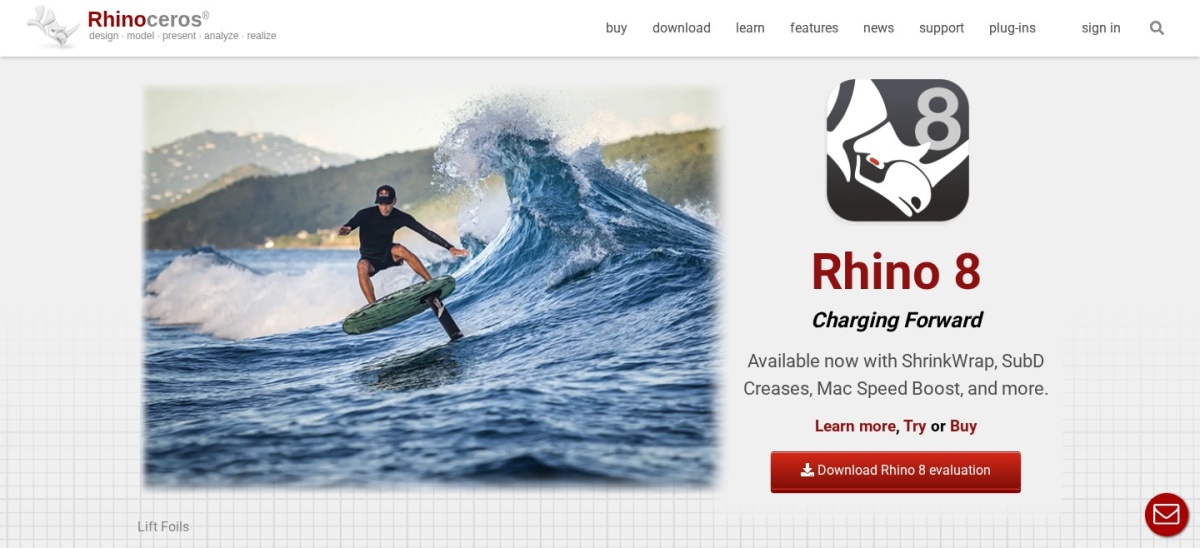
Rhino 3D is a precision NURBS modeler for architecture, product design, jewellery and marine work, from McNeel. A commercial licence costs $995 once, with no subscription and no maintenance fees, and includes Grasshopper for parametric design. Students and faculty pay $195, and a 90-day trial covers every feature.
The trade off is the upfront cost and paid upgrades. You pay $995 before you earn anything back, and moving to a new major version costs extra, with upgrades listed at $595. It suits designers who model exact curves and surfaces for fabrication and want to own the licence outright.
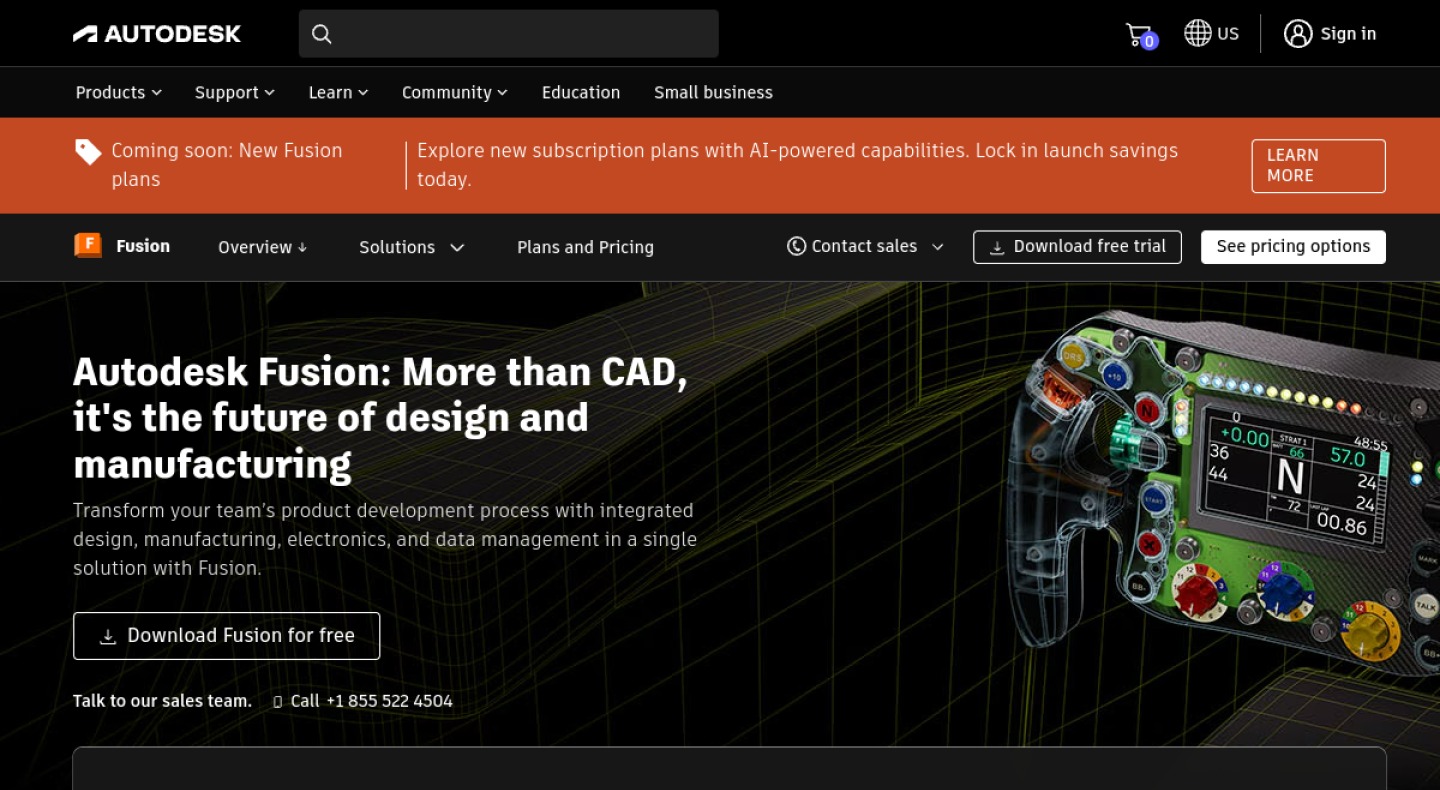
Autodesk Fusion is a cloud-based CAD, CAM and CAE platform for product design and manufacturing. The standard subscription costs $680 a year, or $85 a month, and covers parametric modeling, sheet metal, rendering and basic CAM in one app. A limited free version exists for personal, non-commercial use, and a 30-day trial is listed.
The trade off is that it is CAD first and art second. It is weaker than Blender or Maya for character work and organic sculpting, and advanced manufacturing needs the Manufacturing plan at $2,040 a year. It suits product designers and small manufacturers who need parametric history plus CAM in one subscription.
What we like
Parametric modeling, CAM and cloud collaboration in one app
Switching from Cinema 4D: what transfers and what does not
Scenes transfer best through FBX and Alembic. Geometry, cameras and keyframed animation usually survive the move, while MoGraph cloners, effectors and Cinema 4D materials do not, so expect to rebuild procedural setups in the new tool.
Blender is the easiest landing spot for motion work. Its Geometry Nodes cover much of what cloners and effectors do, and its importer reads Cinema 4D files through FBX and Alembic without a licence fee.
Materials and render settings never transfer cleanly. Redshift materials, Cinema 4D lights and render settings are vendor-specific, so budget time to rebuild the look in Cycles, Arnold, Karma or Unreal's Lumen.
Keep Cinema 4D installed during the switch. Old client files open only in Cinema 4D, and a 14-day trial is too short to finish a migration, so run both tools side by side until every live project is moved.
How we chose
We started from the 3D tools most often named as Cinema 4D replacements in studio pipelines and buyer guides, then kept nine established products with a current price and a public review rating.
Prices come from each vendor's pricing page, checked on 29 November 2026. Ratings and review counts come from G2 on the same day. Where a vendor shows a sale, the list shows the regular price.
We left out Modo, which Foundry ended with version 17.1, and tools with no published price or no public rating. No vendor paid for a place, and we do not claim to have used these tools ourselves.
How to choose a Cinema 4D alternative
Start with the motion work you bill for, then check price, platform and file formats before you pay.
Match the tool to the motion work. Pick Blender for generalist motion graphics, Houdini for simulation, Maya for character animation and Unreal Engine for real-time cinematics.
Try the free route first. Blender costs nothing, and most paid tools offer a 14 to 90 day trial. Rebuild one real Cinema 4D project in the trial, not a demo scene.
Check the yearly cost, not the monthly teaser. Monthly billing can cost three times the annual total, as with SketchUp Pro at $99.99 a month against $399 a year.
Confirm platform and file formats. 3ds Max runs on Windows only, and Houdini Indie files do not open in commercial Houdini. Check both before you commit to a yearly plan.
FAQ
What is the best Cinema 4D alternative in 2026?
Blender is the best Cinema 4D alternative for most people. It is free, covers modeling, animation, simulation and rendering in one download, and is rated 4.6 out of 5 on G2 from 319 reviews.
How much does the cheapest Cinema 4D alternative cost?
Blender costs $0, and Houdini Apprentice and Unreal Engine are also free to start. The cheapest paid plan here is Houdini Indie at $299 a year, followed by ZBrush and SketchUp Pro at $399 a year each.
Is there a free alternative to Cinema 4D?
Yes. Blender is fully free for commercial use, with no subscription or feature held back. Houdini Apprentice is free for non-commercial learning, and Unreal Engine is free until a project earns $1 million in revenue.
Which Cinema 4D alternative is best for beginners?
SketchUp is the easiest to learn, with push-pull modeling and a free web version. Blender is free and complete, but its learning curve is steeper, so beginners should expect a few weeks of tutorials first.
Which Cinema 4D alternative is best for small teams?
Blender fits small teams best because it costs nothing per seat and covers the full pipeline. Houdini Indie at $299 a year is the next best value, though it caps studios at $100,000 in revenue and three licences.
Blender vs Maya: which is the better Cinema 4D alternative?
Blender wins for most motion designers because it is free and covers modeling, animation and rendering in one app, rated 4.6 out of 5 on G2. Maya wins for studio character animation, rated 4.3 out of 5, but costs $2,010 a year against Blender at $0.
Can I open my Cinema 4D files in Blender?
Not directly. Export scenes from Cinema 4D as FBX or Alembic, which Blender reads, then rebuild MoGraph cloners with Geometry Nodes and materials with Cycles. Geometry and cameras usually transfer, but procedural setups do not.
SaaS SEO and WordPress specialist with about 8 years of experience. Rakib compares WordPress plugins, themes, hosting and software using public pricing, documentation and user reviews. See how we rank.