Adobe Express is the best of these Canva alternatives for graphic design software, with premium templates, 250 Firefly credits a month and a 4.5/5 G2 rating from 848 reviews, from $9.99 a month. VistaCreate is the closest Canva-like editor at $10 a month, and Figma is the pick for UI and product design.
How we make this list: we compare pricing pages, product documentation and public user reviews, then re-check every price before each update. No product paid for a place. Disclosure.
Adobe Express Premium costs $9.99 a month and includes 250 Firefly credits, 100GB of storage and brand kits.
VistaCreate Pro is $10 a month billed annually and covers up to 10 team members on one price.
Figma's Professional Full seat is $16 a month billed annually; the $3 Collab seat cannot edit design files.
Fotor Pro is the cheapest paid plan here at $3.33 a month billed annually, against $8.99 month to month.
PicMonkey is the only tool here with no permanent free plan — a 7-day trial, then $7.99 a month for Basic.
Paid plans run from $39.99 to $192 a year, and eight of the nine tools have a free plan.
Which Canva alternatives graphic design software is right for you?
A Canva alternative earns its place by matching the job Canva does for you. Most buyers want fast templates, a brand kit and one-click resize, not a professional desktop suite. If the logo is the starting point, our guide on adding a logo in WordPress covers the basics.
Price is the sharpest difference in this list. Paid plans run from $39.99 a year for Fotor Pro to $192 for a Figma Full seat, and VistaCreate covers 10 people for $120 a year while Figma charges per editor.
Free plans are not equal. Snappa's free plan allows only 3 downloads a month, Visme's covers 3 projects, and PicMonkey has no free plan at all — only a 7-day trial.
Ratings are thin for the smaller tools. Snappa's 4.6 comes from 41 G2 reviews and Kittl's 4.7 from 43, while Figma's 4.7 rests on 1,588 — read the smaller scores as early signals, not settled verdicts.
The 9 best Canva alternatives for graphic design software
01
Adobe Express
4.5/5on G2 (848 reviews, checked Nov 2026)
Paid from$9.99/mo
Best Canva alternative overall
Free planYes, 5GB storage
AI credits250/mo on Premium
Stock assets200M+ on Premium
Paid planPremium, $9.99/mo
adobe.com
Adobe Express homepage, captured Nov 2026.
Adobe Express is Adobe's browser-based design app for social posts, flyers and short videos, with Firefly AI built in. The free plan covers basic templates and assets with 5GB of storage and 25 generative credits a month, and Premium adds 200M+ Adobe Stock assets, 30,000+ fonts and brand kits.
The trade off is depth. Express cannot match Photoshop or Illustrator for layered, print-ready work, and heavy AI generation burns through the 250-credit monthly allowance. Premium costs $9.99 a month, or $99.99 a year on the annual plan. It suits marketers and creators already in the Adobe world who want fast, on-brand graphics.
What we like
Firefly AI generation built into every plan
Included with most Creative Cloud plans
Brand kits and 30,000+ fonts on Premium
Generous free plan for casual use
Watch out for
250 AI credits a month caps heavy generation
Not a Photoshop or Illustrator replacement
Teams plan needs a 2-seat minimum
Premium adds stock assets, brand kits and 250 AI credits a monthVisit adobe.com
02
VistaCreate
4.5/5on G2 (171 reviews, checked Nov 2026)
Paid from$10/mo
Best for small teams on one flat price
Free planYes, 100K+ templates
Team seatsUp to 10 on Pro
Stock assets170M+ on Pro
Paid planPro, $10/mo annual
vistacreate.com
VistaCreate homepage, captured Nov 2026.
VistaCreate, formerly Crello, is the closest Canva-style editor in this list, with a drag-and-drop canvas and a template library built for social, ads and print. The free Starter plan includes 100,000+ templates, 1 million+ assets, one Brand Kit and 10GB of storage.
The trade off is scale. Its library is smaller than Canva's, and print and scheduling options are thinner. Pro costs $10 a month billed annually, or $13 month to month, and covers up to 10 team members on one price. It suits small teams that want one flat price instead of per-seat billing.
Figma is a browser-based design tool built for interface and product design, with real-time multiplayer editing, components and prototyping. The free Starter plan covers unlimited drafts, and a Professional Full seat adds unlimited files, team libraries, Dev Mode and 3,000 AI credits a month.
The trade off is purpose. Figma is built for screens and design systems, not for quick social posts, and its template library is thinner than Canva's. A Professional Full seat costs $16 a month billed annually. It suits product teams and designers who need collaboration, not a marketing template library.
What we like
Best real-time collaboration in this list
Huge community library of templates and plugins
Dev Mode for designer-to-developer handoff
Generous free Starter plan
Watch out for
Overkill for simple social graphics
Per-seat pricing adds up for teams
Thinner template library than Canva
Professional adds unlimited files, libraries and Dev ModeVisit figma.com
04
Snappa
4.6/5on G2 (41 reviews, checked Nov 2026)
Paid from$10/mo
Best for fast social graphics
Free downloads3 per month
Stock assets5M+ photos
Background removalPro only
Paid planPro, $10/mo annual
snappa.com
Snappa homepage, captured Nov 2026.
Snappa is a fast social-graphics tool: pick a size, pick a template, publish. The free plan includes all templates and 5 million+ stock photos and graphics, with 3 downloads a month.
The trade off is depth. Snappa has no video editor and fewer templates than Canva, and the free plan's 3 downloads a month runs out fast. Pro costs $10 a month billed annually and adds unlimited downloads, background removal and team sharing. It suits busy marketers who need a graphic in five minutes.
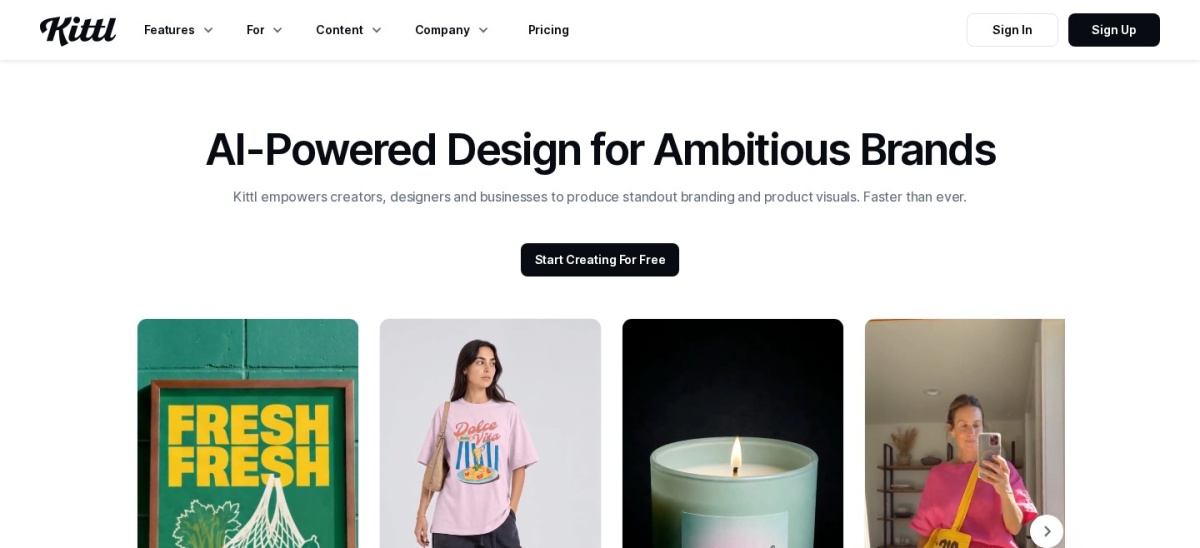
Kittl is a browser-based design platform built for bold typography, branding and print-on-demand art, with mockups and AI tools. The free plan covers basic designs, and Pro adds the full template and font library, AI generation and commercial mockups.
The trade off is breadth. Kittl is weaker than Canva for everyday social scheduling and presentations, and its best work is print and merch. Pro costs $14 a month billed annually, or $19 month to month. It suits creators selling merch or building a visual brand.
Visme is a design platform for presentations, infographics, reports and interactive content, with data widgets that turn numbers into charts. The free plan covers 3 projects, and Starter adds more projects, brand controls and the full template library.
The trade off is price and focus. Starter costs $12.25 a month billed annually, and Visme is heavier than Canva for a quick social post. It suits teams that present data often and want infographics and decks in one place.
4.5/5on Capterra (1,139 reviews, checked Nov 2026)
Starts at$7.99/mo
Best for photo-led social graphics
Free planNo, 7-day trial
Photo editingRetouch and collage
TemplatesThousands
Paid planBasic, $7.99/mo
picmonkey.com
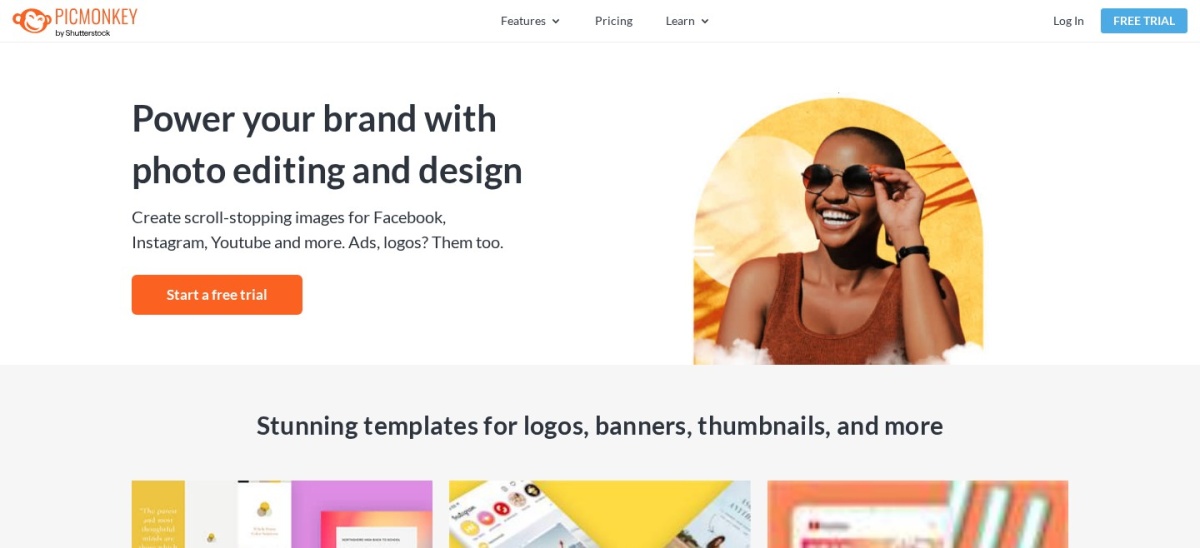
PicMonkey homepage, captured Nov 2026.
PicMonkey is a photo editor with design templates, built for social graphics, collages and touch-ups. There is no permanent free plan, only a 7-day trial, and Basic adds the full font library, templates and cloud storage.
The trade off is the paywall. Every feature sits behind the subscription, and Pro at $12.99 a month is the plan most small businesses end up on. Basic costs $7.99 a month, or $72 a year billed annually. It suits photo-led sellers and bloggers who edit pictures daily.
Fotor is a photo editor first and a design tool second, with AI enhancement, background removal, batch editing and collages. The free plan covers basic editing with ads, and Pro adds premium templates and AI tools.
The trade off is the billing gap. Pro costs $3.33 a month billed annually but $8.99 month to month, and some exports carry watermarks on the free plan. It suits bloggers and sellers who want polished photos cheap.
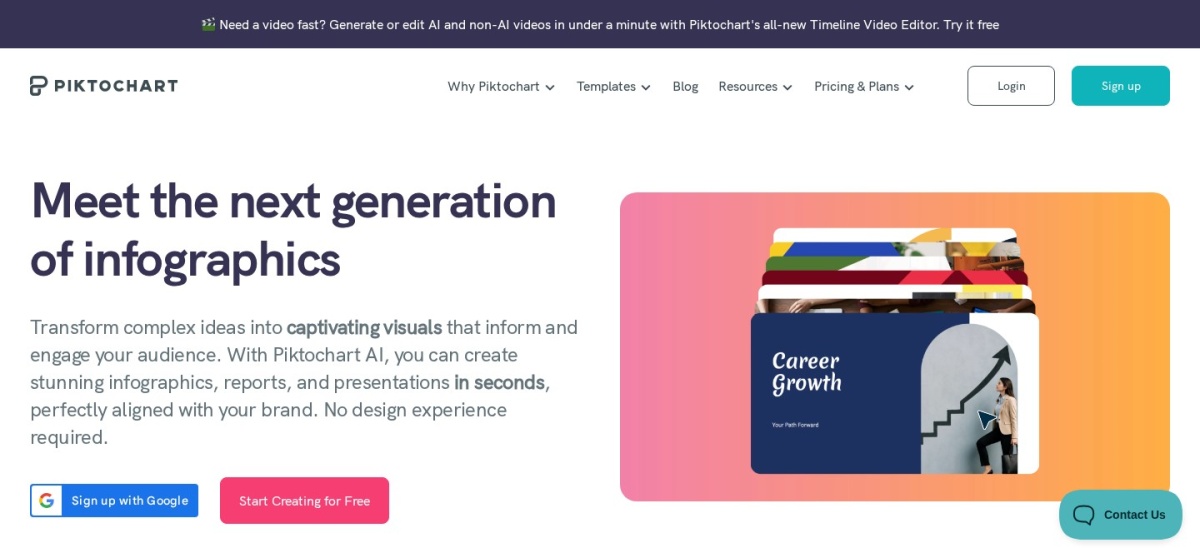
Piktochart turns data into infographics, reports and presentations, with chart tools and AI drafting. The free plan covers basic infographics, and Pro adds the full template library, AI credits and brand controls.
The trade off is scope. Piktochart is built for data visuals, not for everyday social design, and Pro is priced per member. Pro costs $14 a member a month billed annually. It suits teams that publish reports and infographics often.
Free plans cover the basics in most of these tools. Adobe Express, VistaCreate, Figma, Snappa, Kittl, Visme, Fotor and Piktochart all let you design without paying.
Paid plans mostly add removal of limits. You get more downloads, more projects, background removal, brand kits and AI credits.
The exception is PicMonkey. Its 7-day trial is the only way in, so budget from day one if photo editing is the job.
If you publish every day, the annual price is the honest comparison. Fotor Pro looks cheap at $3.33 a month, but only on the annual plan — month to month it is $8.99.
How we chose
We started from the design tools most often named as Canva alternatives, then kept the nine with a public rating, a free plan or trial, and a published paid price.
Prices come from each vendor's pricing page, checked on 29 November 2026. Ratings come from G2 on the same day, except PicMonkey, which uses Capterra. Where a vendor shows a sale, the list shows the regular price.
We left out tools with no public rating and tools that are desktop-only suites. No vendor paid for a place, and we do not claim hands-on testing for this list.
How to choose Canva alternatives for graphic design software
Start with the job Canva does for you, then match the tool to it.
Name the main job first. Social posts, print, presentations and UI design need different tools. Figma fits screens, Piktochart fits reports, Snappa fits fast social posts.
Check the free plan's real limit. Snappa allows 3 downloads a month and Visme covers 3 projects, while PicMonkey has no free plan at all. A limit you hit in week one is not a free plan.
Price the annual plan, not the monthly headline. Fotor Pro is $3.33 a month billed annually but $8.99 month to month, and Figma charges per editor, so a team of five pays $960 a year for Full seats.
Read the rating with its review count. Kittl's 4.7 comes from 43 G2 reviews and Snappa's 4.6 from 41, while Figma's 4.7 rests on 1,588. Small samples move fast.
FAQ
What are the best Canva alternatives for graphic design software in 2026?
Adobe Express is the best overall Canva alternative for graphic design software, with premium templates, Firefly AI and a 4.5/5 G2 rating from 848 reviews. VistaCreate is the closest Canva-like editor, and Figma is the pick for UI and product design.
What is the cheapest Canva alternative?
Fotor Pro is the cheapest paid plan in this list at $3.33 a month billed annually, or $39.99 a year. PicMonkey Basic is next at $7.99 a month, or $72 a year, and Adobe Express Premium costs $9.99 a month.
Is there a free Canva alternative?
Yes. Eight of the nine tools here have a free plan, including Adobe Express, VistaCreate, Figma, Snappa and Kittl. PicMonkey is the exception: it offers only a 7-day trial, with no permanent free plan.
Which Canva alternative is best for small teams?
VistaCreate Pro is the best team value here: $10 a month billed annually covers up to 10 members on one price. Figma and Visme also support teams, but both charge per seat.
Adobe Express vs VistaCreate: which is better?
Adobe Express wins for Adobe users and AI generation, with Firefly built in and 250 credits a month on Premium. VistaCreate wins on team price, covering 10 seats for $10 a month, and its editor feels closer to Canva's.
Is Figma a good Canva alternative?
Figma is a good Canva alternative for UI and product design, with real-time collaboration and a 4.7/5 G2 rating from 1,588 reviews. It is a poor fit for quick social posts, where Adobe Express or Snappa are faster.
SaaS SEO and WordPress specialist with about 8 years of experience. Rakib compares WordPress plugins, themes, hosting and software using public pricing, documentation and user reviews. See how we rank.