Procreate is the best Clip Studio Paint alternative for most illustrators, at $12.99 one-time with a 4.9/5 G2 rating and more than 300 brushes. Krita is the best free option for desktop comic work, while MediBang Paint is the closest free match for manga panels and screentones.
How we make this list: we compare pricing pages, product documentation and public user reviews, then re-check every price before each update. No product paid for a place. Disclosure.
Procreate costs $12.99 once and has the highest rating here at 4.9/5 on G2, but it runs only on iPad.
Krita is fully free on Windows, macOS and Linux, with brushes, stabilizers and a frame-by-frame animation timeline.
MediBang Paint is the closest free match for manga, with panel tools, screentones and cloud fonts at no cost.
Photoshop is the deepest professional option at $19.99 a month on the Photography plan, with no comic panel tools.
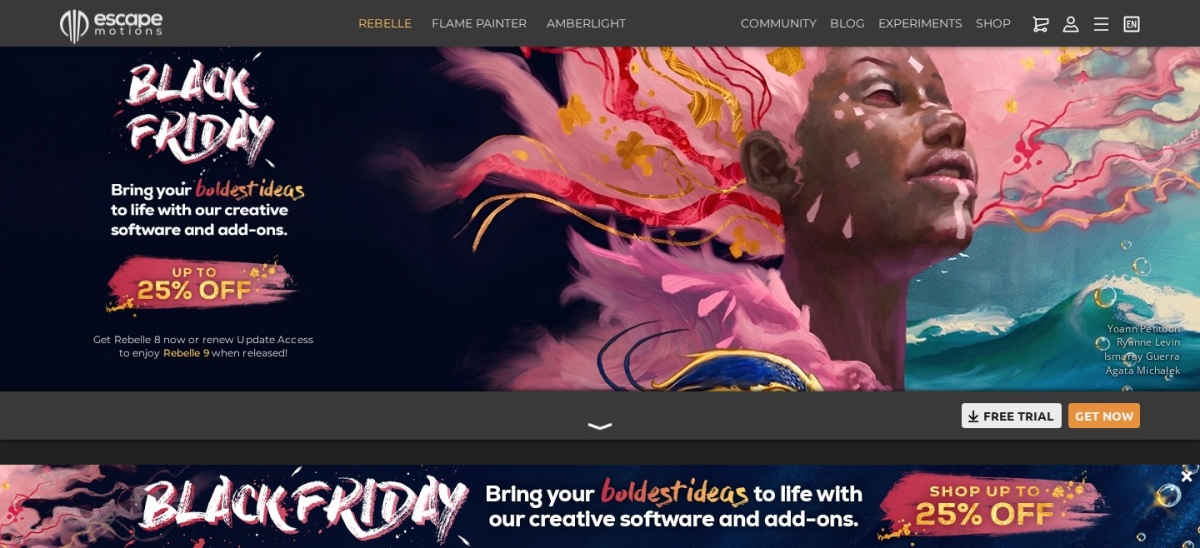
Rebelle 8 simulates wet watercolor and oil better than any other app here, at $89.99 once.
How do you choose the best Clip Studio Paint alternative?
Clip Studio Paint is hard to replace in one move, because it covers illustration, comics and manga in a single app. The right alternative depends on which of those jobs matters most to you.
Comic and manga artists should start with panel tools, screentones and speech balloons. MediBang Paint covers those free, while Krita and Photoshop need add-ons or workarounds for the same pages.
Platform decides the shortlist fast. Procreate runs only on iPad, Sketchbook and ibisPaint suit phones and tablets, and Krita, Rebelle and Corel Painter are desktop apps.
Price spreads are wide here. Two picks cost nothing, Procreate costs $12.99 once, and Corel Painter lists at $429 once, so the cheapest good fit is often a free app rather than a cheaper paid one.
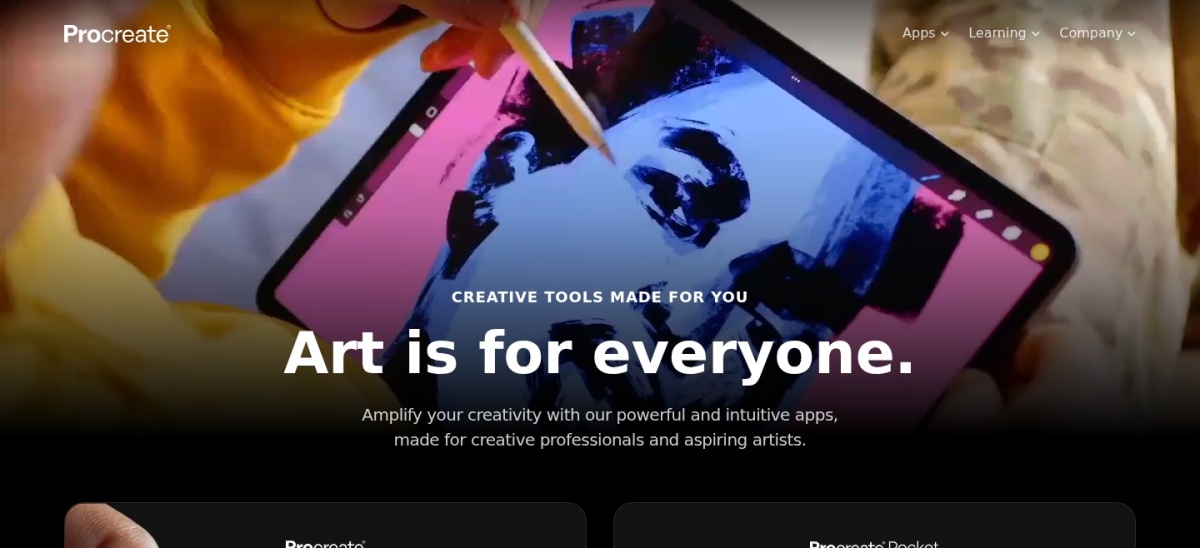
Procreate is a touch-first painting app for iPad and Apple Pencil, priced at $12.99 one-time with no subscription. It ships with more than 300 built-in brushes, layer blend modes, time-lapse recording and 3D model painting, all in one purchase.
The trade off is that it runs only on iPadOS, so Windows, Mac and Android artists need a different app, and it has no comic panel tools or vector layers. It suits illustrators who draw on iPad and want one purchase with no recurring cost.
Krita is a free, open-source painting program for Windows, macOS and Linux, built by artists for illustration and concept art. It includes customizable brushes, stabilizers, layer management and a frame-by-frame animation timeline, all free.
The trade off is polish. The interface is dense, the learning curve is steeper than Procreate or Sketchbook, and it has no built-in comic panel tools. It suits artists who want a full desktop app without paying anything.
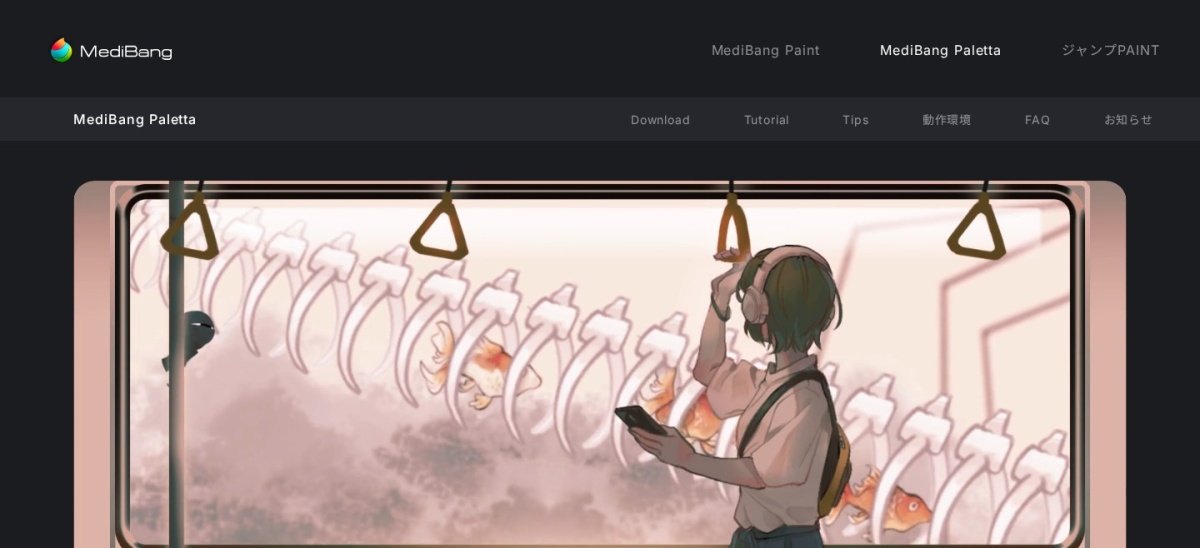
MediBang Paint is a free comic and manga studio for Windows, macOS, iOS and Android, with panel frames, screentones, speech balloons and a large cloud font library. It runs on phones, tablets and desktops, with cloud sync between them.
The trade off is depth. The brush engine is solid but less rich than Krita or Procreate, and the free apps carry ads. It suits manga artists and beginners who want panel tools without paying for them.
Adobe Photoshop is a raster editing and compositing application built around layers, masks, selections and generative AI features. Its Photography plan starts at $19.99 a month on an annual plan billed monthly, while the standalone Photoshop plan lists at $22.99 a month.
The trade off is cost and focus. The subscription never ends, so two years cost more than every one-time licence here except Corel Painter, and it has no comic panel tools, so manga artists still need a second app. It suits professionals who earn from retouching and compositing.
Rebelle is a desktop painting app from Escape Motions that simulates wet watercolor, oil and acrylic on paper and canvas. Rebelle 8 costs $89.99 once, with realistic pigment mixing, drying and paper textures, plus a free trial.
The trade off is scope. Rebelle focuses on painting and has no comic panel tools, vector layers or mobile app, and the Pro edition costs $149.99. It suits artists who want paint that behaves like the real thing.
Adobe Fresco is a drawing and painting app for iPad, iPhone and Windows, built around live brushes that bleed and blend like real watercolor and oil. The free plan covers the core brushes, and the premium plan costs $9.99 a month.
The trade off is the subscription. Premium costs $119.88 a year, and the app works best inside Adobe Creative Cloud. It suits artists who already use Photoshop and want files to move between apps.
ibisPaint is a free mobile-first painting app for iOS, Android, Windows and macOS, with thousands of brushes and a large community sharing brushes and tutorials. The free plan includes ads, and Premium costs $4.49 a month or $27.99 a year.
The trade off is the mobile-first design. The interface suits phones and tablets better than desktop, and some brushes need Premium or ad views to unlock. It suits beginners and manga fans who draw on a phone or tablet.
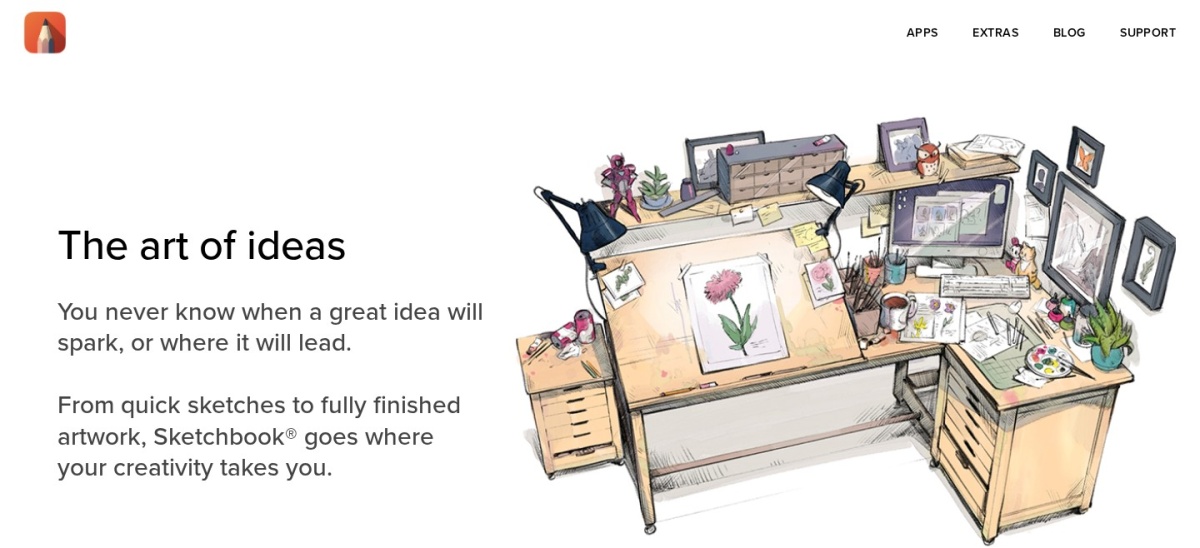
Sketchbook is a clean, lightweight drawing app for desktop and mobile, with predictive stroke smoothing, symmetry tools and a distraction-free canvas. The mobile app is free, and the desktop version costs $19.99 one-time.
The trade off is depth. Sketchbook has fewer painting brushes and no animation or comic tools, so it suits sketching and line art more than finished painting. It suits artists who want a fast, simple canvas without a steep learning curve.
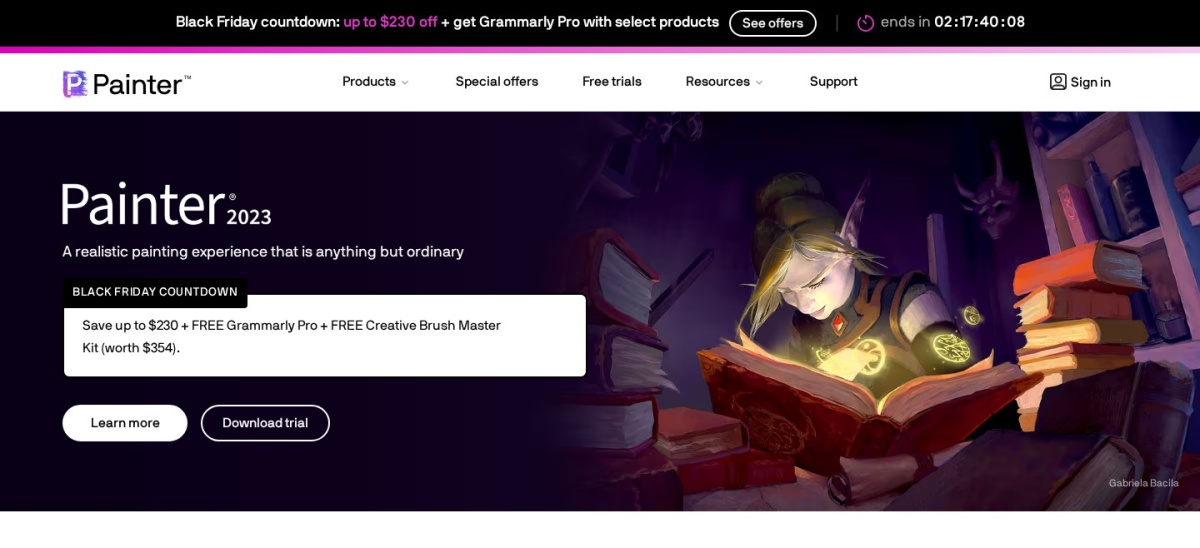
Corel Painter is a desktop painting studio for Windows and macOS, built to copy traditional media with oils, watercolors, acrylics, pastels and charcoal. The list price is $429 once, and it ships with more than 900 brushes and a color mixing palette.
The trade off is price. At $429 it costs far more than every other app here, though sales have cut it to around $249, and it is heavy on system resources with large brushes. It suits professional illustrators who earn from traditional-media work.
Four apps in this list have a real free plan: Krita, MediBang Paint, Fresco and ibisPaint, plus Sketchbook on mobile. Krita and MediBang Paint are the only ones with nothing important paywalled.
Paid apps split two ways. Procreate, Rebelle, Sketchbook and Corel Painter sell one-time licences, while Photoshop, Fresco and ibisPaint charge monthly.
One-time licences cost more up front but nothing later. A $12.99 Procreate purchase stays cheaper than a $9.99 a month Fresco plan after two months.
If you are unsure, start free. Krita on desktop or MediBang Paint on any device shows whether you enjoy digital painting before you spend anything. If you plan to show your work online, our guide to creating a portfolio site with WordPress explains how to present it.
How we chose
We started from the painting and illustration apps with the largest review counts on G2 and Capterra, then kept the nine that cover iPad, desktop and mobile work and offer a real alternative to Clip Studio Paint for illustration or comics.
Prices come from each vendor's pricing page, checked on 29 November 2026, cross-checked against WPLegible's digital painting and photo editing lists checked on 25 November 2026. Ratings and review counts come from G2 or Capterra on the same day. Where a vendor shows a sale, the list shows the regular price.
We left out apps with no public rating and apps that only edit photos. No vendor paid for a place, and we do not claim to have used these tools ourselves.
How to choose a Clip Studio Paint alternative
Start with the job you do most, then match the platform and the price to it.
List what Clip Studio Paint does for you. Comics need panels and tones, illustration needs brushes, and painting needs realistic media. Rank those three before you compare prices.
Match the app to your device. Procreate needs an iPad, ibisPaint and MediBang Paint work on phones, and Krita, Rebelle and Corel Painter need a desktop.
Try the free option first. Krita on desktop or MediBang Paint on any device costs nothing and shows whether the workflow fits before you pay.
Check the total cost, not the first price. A $12.99 one-time purchase beats a $9.99 monthly plan in two months, while a $429 licence only pays off if you use it for paid work.
FAQ
What is the best free alternative to Clip Studio Paint?
Krita is the best free alternative for most artists. It is a full desktop painting app for Windows, macOS and Linux with brushes, stabilizers and animation, rated 4.4/5 on G2, and every feature is free.
What is the best Clip Studio Paint alternative for manga?
MediBang Paint is the best free manga alternative. It includes panel frames, screentones, speech balloons and a cloud font library at no cost, and it runs on desktop, iOS and Android with cloud sync.
Is Procreate better than Clip Studio Paint?
Procreate is better for iPad illustrators who want one $12.99 purchase with no subscription and more than 300 brushes. Clip Studio Paint is better for comic artists, because it has panel tools, screentones and 3D models that Procreate lacks.
Is Krita better than Clip Studio Paint?
Krita is better on price, because it is fully free, and it matches Clip Studio Paint on brushes and animation. Clip Studio Paint is better for comics, because Krita has no built-in panel tools, screentones or 3D pose models.
How much does a Clip Studio Paint alternative cost?
Prices range from free to $429. Krita and MediBang Paint cost nothing, Procreate costs $12.99 once, Sketchbook costs $19.99 once for desktop, and Corel Painter lists at $429 once.
Which Clip Studio Paint alternative is best for beginners?
Sketchbook is the easiest to start with, because its clean canvas and predictive stroke smoothing need almost no learning. MediBang Paint is the best beginner pick for manga, and ibisPaint is the best beginner pick on a phone.
SaaS SEO and WordPress specialist with about 8 years of experience. Rakib compares WordPress plugins, themes, hosting and software using public pricing, documentation and user reviews. See how we rank.