Adobe Photoshop is our top pick for deep retouching and compositing, backed by a 4.6/5 rating across 13,454 G2 reviews. For batch RAW management and sync across devices, Adobe Lightroom fits shoot-heavy workflows, while ON1 Photo RAW suits buyers who prefer a one-time license.
How we make this list: we compare pricing pages, product documentation and public user reviews, then re-check every price before each update. No product paid for a place. Disclosure.
Adobe Photoshop holds a 4.6/5 rating across 13,454 G2 reviews and starts at $19.99/mo on the Photography plan ($22.99/mo standalone).
Adobe Lightroom starts at $11.99/mo on an annual plan billed monthly and includes 1 TB of cloud storage.
Capture One Pro starts at $18.00/mo on an annual plan or $349.00 as a one-time desktop license.
ON1 Photo RAW offers a one-time purchase option starting at $99.99 regular price (with promotional discounts listed on its buy page).
Zoner Studio starts at $59.00/year ($5.99/month) and includes 20 GB of Zoner Photo Cloud storage.
What to look for in paid photo editing software
Paid photo editors split into two main camps: subscription suites with continuous updates and cloud storage, and one-time perpetual licenses that let you keep a version without recurring fees. Before committing, check whether your work relies on pixel-level layers and compositing or non-destructive RAW cataloguing across large shoots.
Billing terms matter just as much as the headline rate. Annual plans billed monthly often carry early cancellation penalties, while perpetual licenses may charge extra later for major version upgrades or ongoing generative AI access.
Look closely at AI credit allowances, camera RAW support, and device limits. Some editors meter generative tools through monthly credits or annual passes, while others run AI masking and noise reduction locally on your computer.
Seasonal promotions frequently lower first-year or initial license prices. Comparing standard regular rates alongside active sale prices helps you budget accurately for year two and beyond.
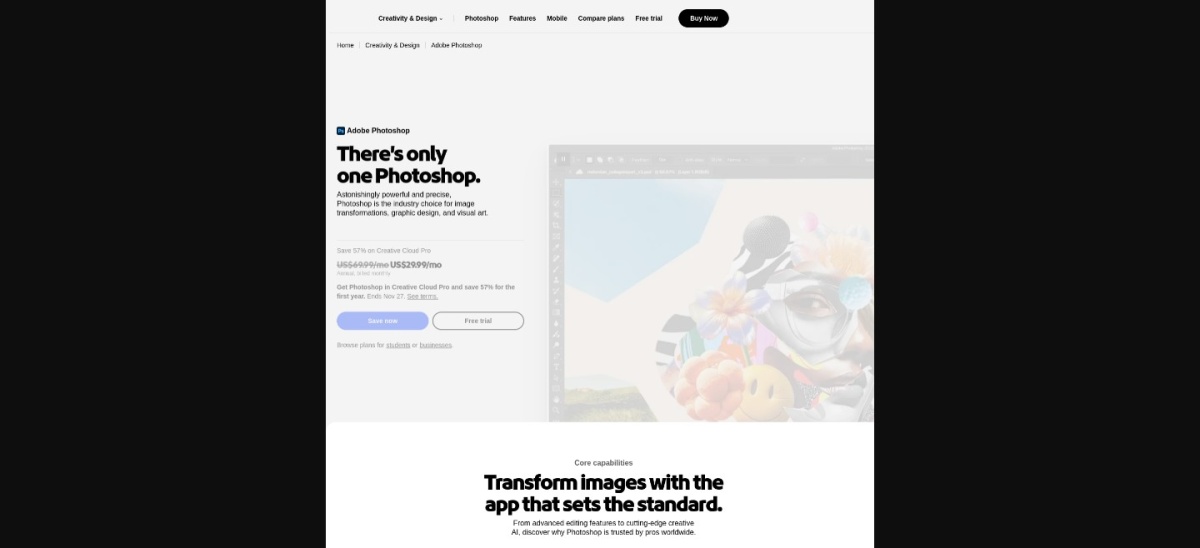
Adobe Photoshop is a raster editing and compositing application built around layers, masks, selections, and generative AI features. Its Photography plan starts at $19.99/mo on an annual plan billed monthly ($239.88/yr), while the standalone Photoshop plan lists at $22.99/mo.
The trade off is ongoing subscription billing, monthly generative credit caps, and early cancellation fees on annual plans billed monthly. It suits designers, retouchers, and photographers who need multi-layer composites and broad file compatibility.
What we like
Industry-standard layer, mask, and compositing controls
Bundled with Lightroom in the $19.99/mo Photography plan
Active AI features such as Generative Fill and Harmonize
Available across desktop, web, and mobile
Watch out for
No perpetual license option
Early cancellation fees apply on annual plans billed monthly
Heavy feature set can overwhelm basic photo adjustments
Paid plans unlock full desktop and cloud access, with generative credit limits varying by tier.Visit adobe.com
02
Adobe Lightroom
4.6/5on G2 (3,395 reviews, checked Nov 2026)
Starts at$11.99/mo
Best for RAW library management and batch edits
Entry plan$11.99/mo (annual, billed monthly) or $119.88/yr
Cloud storage1 TB included
Desktop inclusionLightroom and Lightroom Classic
PlatformsDesktop, web, and mobile
adobe.com
Adobe Lightroom homepage, captured Nov 2026.
Adobe Lightroom is a photo organization and non-destructive editing workflow that includes Lightroom for desktop, web, and mobile alongside Lightroom Classic. The entry plan starts at $11.99/mo on an annual plan billed monthly ($143.88/yr) or $119.88/yr with 1 TB of cloud storage.
The trade off is losing access to your paid subscription if you stop renewing, plus needing Photoshop for complex pixel compositing. It suits photographers who process large batches of RAW photos and sync edits across devices.
What we like
Fast non-destructive batch editing and preset workflows
Includes both cloud-focused Lightroom and Lightroom Classic
Comes with 1 TB of cloud storage at the entry tier
AI masking and adaptive presets speed up repetitive edits
Watch out for
Subscription required for full desktop and sync features
No full layer-based pixel compositing
Large photo catalogs can feel heavy on older hardware
Paid plans add full desktop access, 1 TB cloud storage, and AI masking tools across devices.Visit adobe.com
03
Capture One Pro
4.5/5on G2 (78 reviews, checked Nov 2026)
Starts at$18.00/mo
Best for tethered studio shoots and color grading
Annual subscription$18.00/mo ($216/yr) or $28.00/mo billed monthly
One-time license$349.00 perpetual Pro license
Higher tiersAll in One at $24.67/mo; Studio at $48.50/mo (annual)
Core strengthsTethering, RAW conversion, and color profiles
captureone.com
Capture One Pro homepage, captured Nov 2026.
Capture One Pro is a RAW processor and tethered shooting studio tool known for color grading and session organization. Its entry Pro subscription is $18.00/mo on an annual plan ($216/yr), with a one-time perpetual Pro license available for $349.00.
The trade off is a higher entry cost than Lightroom and no built-in pixel compositing for heavy retouching. It suits studio, commercial, and portrait photographers who shoot tethered or prioritize color accuracy.
What we like
Strong tethered shooting workflow and speed
Detailed color grading and camera-specific RAW profiles
Offers both subscription and $349.00 perpetual license options
Watch out for
More expensive than entry subscriptions from Adobe
Mobile app requires stepping up to All in One
Steeper learning curve for casual editors
Paid plans unlock full RAW conversion, color grading, and tethered camera support, with higher tiers adding mobile and collaboration.Visit captureone.com
04
ON1 Photo RAW
5/5on G2 (1 reviews, checked Nov 2026)
Starts at$99.99 one-time
Best for non-subscription RAW editing with layers
Regular one-time price$99.99 for Photo RAW ($169.99 for MAX)
Sale pricingPromotional discounts appear on the buy page
WorkflowFolder browser, RAW processor, layers, and effects
AI toolsNoise reduction, masking, sky swap, and erase
on1.com
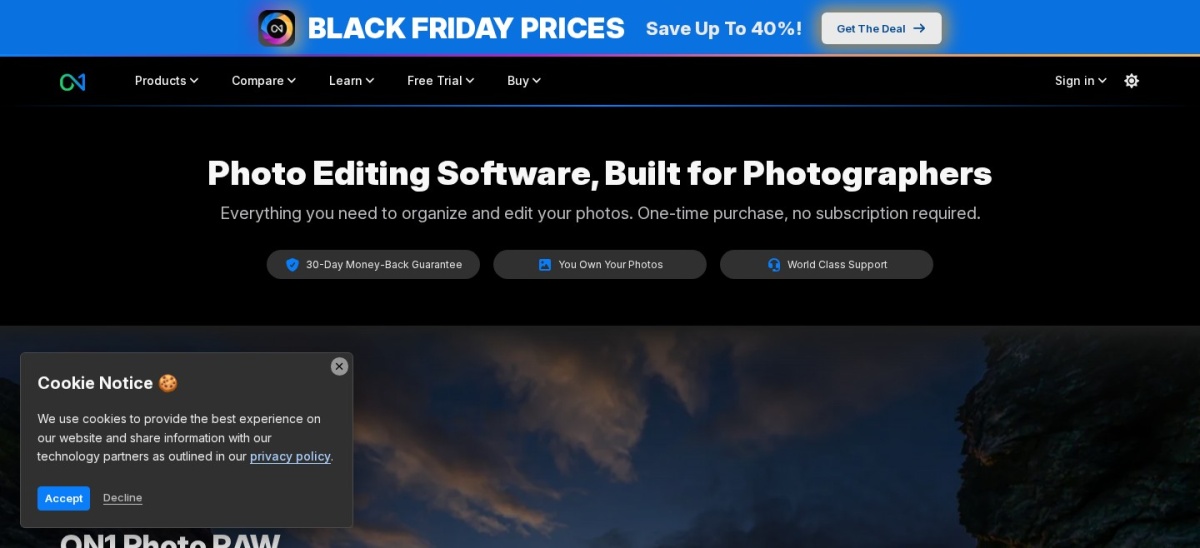
ON1 Photo RAW homepage, captured Nov 2026.
ON1 Photo RAW is a desktop photo editor combining folder-based browsing, RAW processing, layers, masks, and AI adjustments in one app. Its regular one-time purchase price is $99.99 (with sale pricing sometimes shown on its buy page).
The trade off is paying extra for future major version upgrades or MAX features like plugin support and cloud sync. It suits photographers who want layers and RAW edits in a single one-time purchase.
What we like
One-time purchase model without mandatory monthly fees
Includes layers, masking, and blend modes alongside RAW tools
Browses existing folders directly without forcing a catalog import
Watch out for
Future annual upgrades cost extra on the one-time license
Plugin integration and cloud sync require higher tiers or subscriptions
Smaller ecosystem than Adobe for third-party workflows
Paid licenses unlock RAW development, layers, effects, and AI editing tools, with MAX adding plugins and extra features.Visit on1.com
05
CyberLink PhotoDirector
4.3/5on G2 (53 reviews, checked Nov 2026)
Starts at$79.99/yr
Best for guided AI edits and creative effects
Regular annual planPhotoDirector 365 at $79.99/yr regular price
Perpetual optionPhotoDirector 2027 at $119.99 regular price
Cloud storage50 GB on PhotoDirector 365
AI credits1,200/yr on 365; 300 one-time on perpetual
cyberlink.com
CyberLink PhotoDirector homepage, captured Nov 2026.
CyberLink PhotoDirector is a photo editor offering guided adjustments, layer masks, RAW support, and generative AI tools. Its regular PhotoDirector 365 annual plan lists at $79.99/yr, while the perpetual PhotoDirector 2027 license lists at $119.99 (sales often lower checkout prices).
The trade off is smaller AI credit allowances on the perpetual version and fewer deep cataloguing tools for massive archives. It suits hobbyists and content creators who want fast AI touch-ups and layered effects.
What we like
Offers both an annual subscription and a perpetual license option
Includes layer masks, RAW support, and one-click portrait tools
PhotoDirector 365 includes 50 GB of cloud storage and monthly updates
Watch out for
Generative AI features rely on credit limits
Less suited to heavy multi-thousand-photo library management
Frequent promotional pricing can make list prices look confusing
Paid plans unlock full RAW adjustments, layer compositing, and AI editing tools with higher credits and storage on 365.Visit cyberlink.com
Zoner Studio is an all-in-one photo organizer, RAW converter, and editor with built-in cloud and gallery tools. The individual plan is $59.00/year (with a $5.99/month option also cited) and includes 20 GB of Zoner Photo Cloud storage.
The trade off is a narrower platform footprint and smaller third-party plugin ecosystem than Adobe. It suits budget-minded Windows photographers who want organizing, editing, and 20 GB of cloud storage in one low-cost plan.
What we like
Low $59.00/year individual price compared with major creative suites
Includes 20 GB of Zoner Photo Cloud storage and presets
Combines file management, RAW development, and editing in one app
Watch out for
Not a cross-platform macOS and Windows suite like Lightroom
Smaller add-on and plugin ecosystem than Photoshop or Lightroom
Fewer independent enterprise reviews than larger suites
The paid plan unlocks the full editor with no feature limits, 20 GB cloud storage, and regular updates.Visit zoner.com
07
Luminar
4.3/5on Capterra (593 reviews, checked Nov 2026)
Starts at$129.00 one-time
Best for one-click AI sky, light, and portrait edits
Entry one-time planDesktop Only starting from $129 one-time
Multi-device tiersHigher tiers add mobile/web or Luminar Prime
Signature toolsSky replacement, relighting, and portrait sliders
Guarantee30-day money-back guarantee
skylum.com
Luminar homepage, captured Nov 2026.
Luminar (formerly Luminar Neo) is an AI-driven photo editor focused on sky replacement, atmospheric lighting, and fast portrait enhancements. Its Desktop Only perpetual license starts around $129 one-time, with multi-platform and MAX options costing more.
The trade off is that ongoing AI tool access or renewals can carry annual costs after the initial period, and cataloguing is lighter than Lightroom. It suits enthusiasts and creators who want fast, slider-based AI looks without a monthly bill.
What we like
Accessible AI tools for sky replacement, relighting, and portraits
Perpetual license option avoids a mandatory monthly subscription
Can run as a plugin alongside Lightroom Classic or Photoshop
Watch out for
Ongoing AI renewals or future upgrades can add recurring costs
Less suited to heavy digital asset management on huge shoots
Frequent sales make exact one-time prices fluctuate across promotions
Paid licenses unlock the desktop editor and AI adjustment tools, with higher tiers adding cross-device sync and asset libraries.Visit skylum.com
Subscription vs. one-time licenses
Subscriptions like Adobe Photoshop, Adobe Lightroom, and Zoner Studio spread costs over time and often bundle cloud storage or frequent feature updates. They make sense if you edit year-round, rely on cloud sync across devices, or want continuous tool updates.
One-time licenses such as ON1 Photo RAW, Luminar, and Capture One Pro's perpetual tier appeal to buyers who dislike monthly bills. Over three to five years, paying once can cost less, provided you do not need every new camera profile or AI update immediately.
How we chose
We built this list from established desktop and cross-platform photo editing software widely covered in 2026 photography reviews and software directories. Each candidate had to be actively maintained and offer a clear paid purchase path rather than being a free-only editor.
Prices, plan structures, and review ratings were checked on 22 Nov 2026 using official vendor pricing pages and public review listings on G2 and Capterra. Where tools run seasonal promotions, we reference regular list pricing and note that sale prices often appear at checkout.
We excluded free-only editors and tools whose current pricing or review metrics could not be verified from open sources on our check date. No vendor paid for a place, and we do not claim testing for this list.
How to choose the right paid photo editor
Follow four practical steps to match a paid photo editor to your editing habits and budget.
Match the editor to your primary editing task. Pick a layered editor like Adobe Photoshop for heavy compositing and retouching, or a catalog and RAW editor like Adobe Lightroom or Capture One Pro for batch shoots.
Compare multi-year cost rather than month-one discounts. Check the regular renewal rate after any introductory offer ends, and compare multi-year subscription totals against one-time perpetual licenses.
Check AI credit limits and cloud storage rules. Verify whether generative AI tools draw from monthly credit caps or annual passes, and confirm how much cloud storage is included.
Test your RAW files during a free trial or refund window. Run a sample batch of your camera RAW files through the trial or money-back window to check export speed, color rendering, and stability on your hardware.
FAQ
What is the cheapest paid photo editing software on this list?
Zoner Studio lists at $59.00 per year for individuals, while ON1 Photo RAW has a regular one-time price of $99.99 without recurring fees. Promotional sales on vendor pages can also lower initial prices.
Is a one-time license better than a monthly subscription?
A one-time license fits if you want to own a version without monthly bills and do not need constant updates. Subscriptions fit better if you want continuous updates, cloud storage, or mobile sync.
Do I need both Photoshop and Lightroom?
You only need both if you combine large RAW shoot organization and color grading with pixel-level layers, masks, or compositing. Many photographers use Lightroom alone for everyday shoots.
Why do Capture One and DxO appeal to photographers?
Photographers often choose Capture One Pro for tethered studio work and color tools, and RAW processors like DxO PhotoLab for lens corrections and noise reduction. Both offer non-subscription buying options.
How do generative AI credits work in paid photo editors?
Some subscriptions allocate a set number of generative credits per month or tie AI tools to an annual pass. Standard non-generative adjustments usually remain available even when generative credits are limited.
Can I cancel an annual subscription at any time without penalty?
Not always. Annual plans billed monthly on some services charge an early cancellation fee if you cancel mid-term, so check contract terms before signing up.
SaaS SEO and WordPress specialist with about 8 years of experience. Rakib compares WordPress plugins, themes, hosting and software using public pricing, documentation and user reviews. See how we rank.