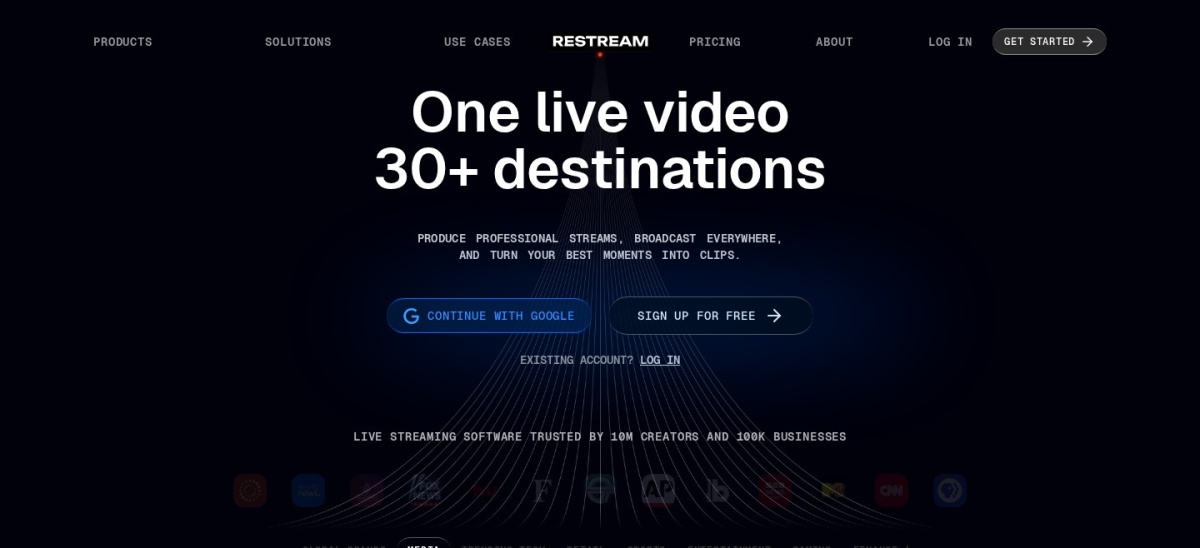
Restream leads for broad multistreaming reach, offering a free 2-channel tier and unified cross-platform chat in its browser studio and encoder relay. StreamYard fits browser-based guest shows and interviews best, while OneStream Live suits scheduled pre-recorded broadcasts.
How we make this list: we compare pricing pages, product documentation and public user reviews, then re-check every price before each update. No product paid for a place. Disclosure.
Restream starts at $0 on the free tier for 2 channels, with paid plans starting at $19/mo ($190/yr).
StreamYard holds a 4.8/5 rating across 299 G2 reviews and includes a free tier with 2 hours/mo local recordings.
OneStream Live supports 45+ destinations and offers a free tier plus a Basic plan at $15/mo ($144/yr).
Upstream.so provides a free plan with 24 hours/mo of 1080p streaming to up to 10 destinations and no watermark.
Livepush starts free for 3 destinations up to 20 hours/mo, with Pro plans from $15/mo ($160/yr).
Castr starts at $19.99/mo ($16.67/mo billed annually) with multi-CDN delivery and a 7-day trial.
What to look for in multistreaming software
Multistreaming tools fall into two broad setups: browser-based live studios that handle cameras, guests, and overlays in the cloud, and cloud relays or desktop encoders that take a single feed and fan it out to multiple destinations. Cloud relays offload bandwidth and encoding from your local machine, which helps if your upload connection is tight or you want to stream to several channels at once.
Check destination caps, video resolution limits, and whether a free tier adds a watermark. Several platforms cap free plans at 1 to 3 simultaneous channels or limit stream duration, while others include pre-recorded video scheduling and looping playlists for hands-off broadcasts.
Also pay attention to how monthly and annual billing compare. Many streaming vendors discount annual plans by around 15% to 20% or offer monthly rates that scale with streaming hours, bandwidth pools, and concurrent streams.
Restream is a live streaming platform with a browser studio, encoder support for tools like OBS, and unified chat across connected destinations. Its free plan supports 2 simultaneous channels with a watermark, while paid plans add more channels, custom RTMP/SRT destinations, and cloud recordings.
The trade off is that paid plans start at $19/mo ($190/yr on annual billing) and push higher-tier features like more channels and longer storage up the ladder. It suits creators and teams who want one hub for live multistreaming and audience chat.
What we like
Free tier available for 2 simultaneous channels
Unified chat view across connected platforms
Supports browser studio plus OBS and RTMP/SRT encoders
Watch out for
Free plan includes Restream watermark
Higher channel counts and storage sit on higher tiers
Paid plans add more simultaneous channels, custom RTMP/SRT destinations, and cloud recordings.Visit restream.io
02
StreamYard
4.8/5on G2 (299 reviews, checked Nov 2026)
Paid from$18.99/mo
Best for browser guest shows and interviews
Free plan2 hrs/mo local recording
On-screenUp to 6 participants on free
Paid entryEssential from $18.99/mo
WorkflowBrowser studio with overlays
streamyard.com
StreamYard homepage, captured Nov 2026.
StreamYard is a browser-based live streaming studio designed for interviews, panels, and branded shows without requiring desktop encoder software. The free plan includes up to 6 on-screen participants and 2 hours/mo of local recordings with StreamYard branding.
The trade off is that paid plans start at $18.99/mo on Essential (with Core and Advanced tiers climbing higher for extra destinations and 4K recording). It suits hosts and teams who prioritize easy guest invites and on-screen layouts.
What we like
No software download needed to host or join as a guest
Supports up to 6 on-screen participants on the free plan
Built-in banners, overlays, and branding controls
Watch out for
Free plan adds a watermark and limits streaming
Higher destination counts and 4K options require higher tiers
Paid plans unlock more multistream destinations, expanded local recording, and higher-tier production features.Visit streamyard.com
03
OneStream Live
4.6/5on G2 (88 reviews, checked Nov 2026)
Paid from$15/mo
Best for scheduled and pre-recorded live streams
Destinations45+ supported platforms
Free planAvailable with no credit card
Paid entryBasic $15/mo ($144/yr)
StreamingPre-recorded and live modes
onestream.live
OneStream Live homepage, captured Nov 2026.
OneStream Live is a cloud streaming platform supporting 45+ destinations, including scheduled pre-recorded broadcasts alongside live streams. It offers a free plan with no credit card required, while the Basic paid plan starts at $15/mo ($144/yr) for 5 destinations at 720p.
The trade off is that Basic caps resolution at 720p with 0.5 TB monthly bandwidth, requiring higher plans for 1080p and more team seats. It suits creators and organizations that schedule pre-recorded shows across many channels.
What we like
Supports 45+ destinations and scheduled pre-recorded streams
Free plan available with no credit card required
Basic annual plan works out to $144/yr
Watch out for
Basic plan limits output to 720p and 0.5 TB bandwidth
Team seats and higher bandwidth require pricier tiers
Basic ($15/mo or $144/yr) provides 5 destinations, 720p streaming, 5 GB storage, and 0.5 TB monthly bandwidth.Visit onestream.live
04
Livepush
4.5/5on Trustpilot (2,803 reviews, checked Nov 2026)
Paid from$15/mo
Best for pre-recorded live and embedded web players
Free plan3 destinations, 20 hrs/mo
Paid entryPro $15/mo ($160/yr)
PlayerEmbeddable website player
Bandwidth1 TB/mo on Pro plan
livepush.io
Livepush homepage, captured Nov 2026.
Livepush is a streaming platform combining multistreaming, pre-recorded live scheduling, and a hosted website player. Its free Starter plan allows 3 destinations and 20 hours/mo of streaming, while the Pro plan starts at $15/mo ($160/yr).
The trade off is that some platform destinations such as Facebook require a paid plan, and higher resolutions or more pre-recorded slots sit on upper tiers. It suits streamers who want pre-recorded scheduling and a web embed player.
What we like
Free plan covers 3 destinations up to 20 hours/mo
Includes a hosted HTML5 player for embedding on websites
Supports pre-recorded live streams and looping playlists
Watch out for
No built-in browser guest studio; relies on external encoders
Facebook streaming and larger storage limits need paid plans
Pro ($15/mo or $160/yr) includes 3 destinations per platform, up to 1080p, 8 GB storage, and 1 TB monthly bandwidth.Visit livepush.io
05
Upstream.so
4.6/5on Trustpilot (247 reviews, checked Nov 2026)
Paid from$30/mo
Best for 24/7 channels and watermark-free free tier
Free plan24 hrs/mo, 1080p, no watermark
DestinationsUp to 10 of 30+ platforms
Paid entry$30/mo ($24/mo billed yearly)
Modes24/7 playout, studio, and OBS
upstream.so
Upstream.so homepage, captured Nov 2026.
Upstream.so is a cloud streaming platform for 24/7 channels, scheduled playout, browser live shows, and multistreaming to up to 10 of 30+ platforms. Its free plan provides 24 hours/mo of 1080p streaming with no watermark or credit card required.
The trade off is that moving past the 24-hour monthly cap to a 24/7 paid stream starts at $30/mo ($24/mo billed yearly, or $288/yr). It suits channels that want continuous automated loops or a generous watermark-free trial.
What we like
Free plan includes 24 hours/mo at 1080p with no watermark
Supports up to 10 destinations across 30+ platforms
Combines 24/7 playout, scheduling, and a browser studio
Watch out for
Paid 24/7 stream starts at $30/mo ($288/yr)
Extra parallel streams cost more per stream slot
Paid plans remove the 24-hour monthly cap for continuous 24/7 streaming and add multi-stream scaling.Visit upstream.so
06
Castr
4.8/5on G2 (245 reviews, checked Nov 2026)
Starts at$19.99/mo
Best for CDN-backed hosting and monetization
Paid entry$19.99/mo ($16.67/mo annual)
Free tier7-day free trial only
DeliveryAkamai and Fastly CDN options
ExtrasVOD hosting, 24/7, paywall
castr.com
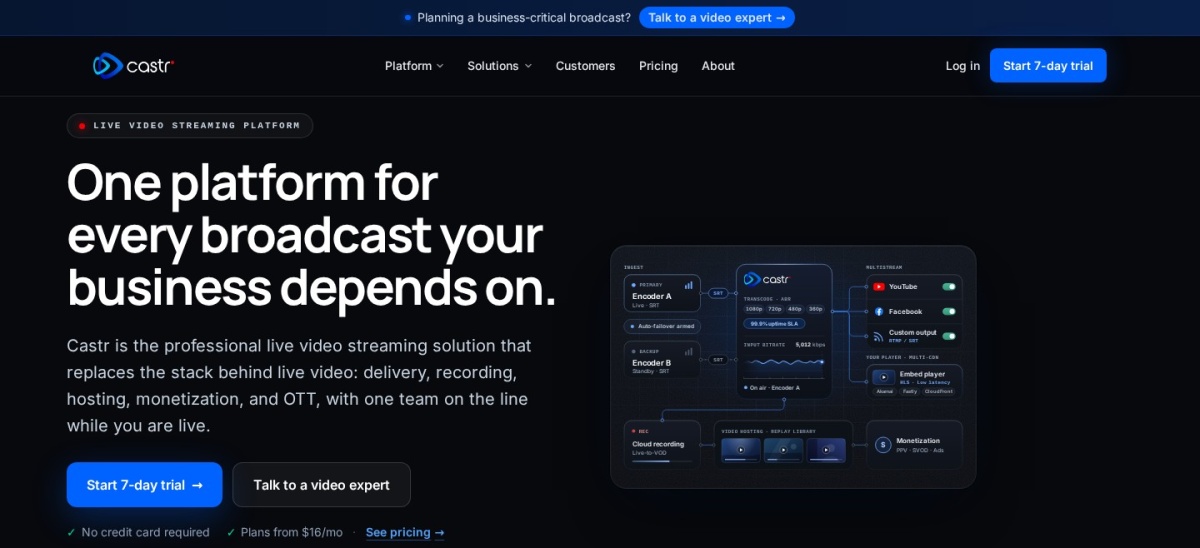
Castr homepage, captured Nov 2026.
Castr is a live streaming platform that pairs multistreaming with video hosting, 24/7 cloud playout, and monetization options. Paid plans start at $19.99/mo ($16.67/mo billed annually), after a 7-day free trial.
The trade off is that there is no ongoing free tier beyond the 7-day trial, and bandwidth pools plus overages affect total cost. It suits broadcasters and organizations that want multistreaming, video hosting, and paywall tools in one place.
What we like
Combines multistreaming with VOD hosting and 24/7 playout
Supports paywall and monetization features alongside embeds
Annual billing lowers the starting rate to $16.67/mo
Watch out for
No free plan after the 7-day trial
Bandwidth limits and overage fees apply on usage
Paid plans include an embed player, multistreaming, video hosting, and paywall capabilities scaled by bandwidth and storage.Visit castr.com
07
Streamlabs
4.1/5on G2 (59 reviews, checked Nov 2026)
Paid from$27/mo
Best for creators using overlays, alerts, and Ultra
Free planCore streaming, widgets, 1-to-1 dual
Paid entryUltra $27/mo ($189/yr)
ExtrasAlerts, overlays, Cross Clip
PlatformsDesktop, mobile, web, console
streamlabs.com
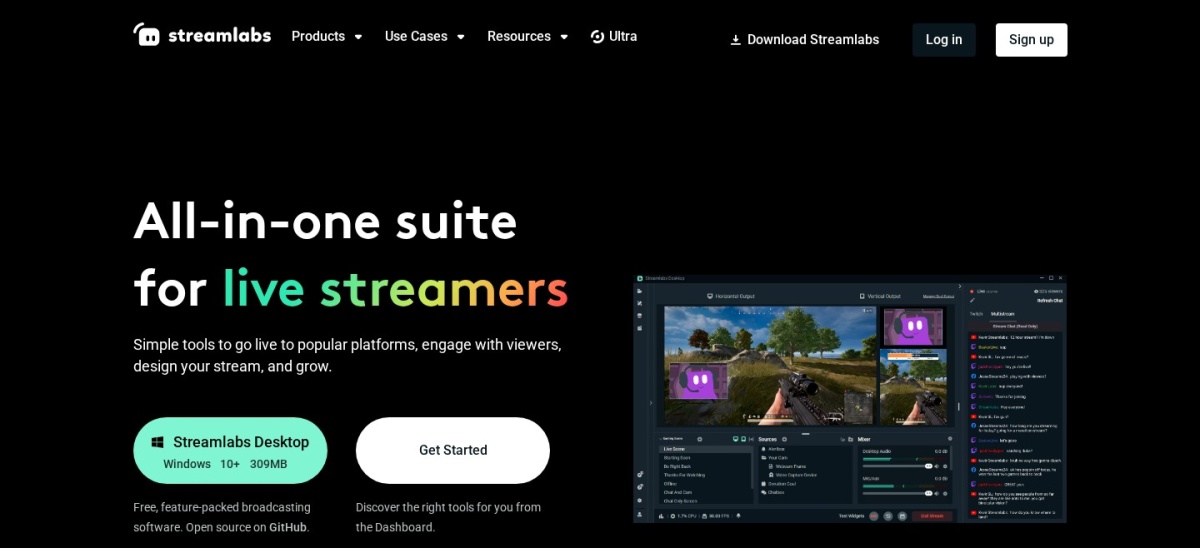
Streamlabs homepage, captured Nov 2026.
Streamlabs is a streaming and creator suite offering desktop, mobile, and browser tools alongside widgets, alerts, and tipping pages. Its free plan covers basic streaming and alerts, while Ultra is $27/mo ($189/yr) for multi-platform multistreaming and full suite access.
The trade off is that multi-platform multistreaming and watermark-free editing tools sit behind the Ultra subscription rather than the free tier. It suits streamers who already rely on Streamlabs widgets, overlays, and clip tools.
What we like
Free tier includes core streaming, widgets, and tipping tools
Ultra at $189/yr bundles desktop, mobile, and browser tools
Includes overlays, alerts, and clip creation utilities
Watch out for
Full multi-platform multistreaming requires Ultra
Free plan has limited themes and watermarked editing outputs
Streamlabs Ultra unlocks multi-platform multistreaming, full themes, 10 GB storage, and watermark-free editing across the suite.Visit streamlabs.com
Browser studios vs. cloud relays
Browser studios like StreamYard and Restream Studio let you manage cameras, screen shares, guests, and on-screen graphics directly in a web tab. That setup lowers technical overhead when you bring guests on camera without asking them to install software.
Cloud relays and scheduled streamers like OneStream Live, Livepush, and Upstream.so focus on routing RTMP/SRT feeds, scheduling pre-recorded videos, or running 24/7 loops. Many teams pair a local encoder like OBS with a cloud relay so their computer only uploads once.
How we chose
We built this list from established multistreaming platforms that remain actively maintained and offer public pricing and user review data.
All pricing figures, free-tier details, and review ratings were checked on 22 Nov 2026 from each vendor's official site and public review profiles.
We excluded tools lacking verified public pricing or clear multistreaming workflows so every entry can be compared on concrete terms. No vendor paid for a place, and we do not claim testing for this list.
How to choose the right multistreaming software
Follow four practical checks before committing to a monthly or annual plan:
Count your simultaneous destinations first. Check how many channels you go live on at once and whether free tiers cap you at one to three outputs.
Decide between a browser studio and an encoder relay. Pick a browser studio if you host guests and want on-screen layouts, or a relay if you already use OBS or pre-recorded files.
Check video resolution and bandwidth caps. Verify whether entry plans limit streams to 720p or 1080p and include monthly bandwidth or hour limits.
Compare monthly and annual billing totals. Calculate the full yearly cost rather than looking only at discounted monthly or promotional figures.
FAQ
What is multistreaming software?
Multistreaming software sends a single live or scheduled video broadcast to multiple platforms—such as YouTube, Twitch, LinkedIn, or custom RTMP endpoints—at the same time.
Can I multistream for free?
Yes, several platforms offer free tiers, including Restream (2 channels with a watermark), OneStream Live, Livepush (3 destinations, 20 hours/mo), and Upstream.so (24 hours/mo at 1080p with no watermark).
Do I need OBS to use multistreaming tools?
No. Browser-based studios like Restream Studio and StreamYard let you stream with cameras, guests, and overlays in a browser, while relays like Livepush and Castr work with external encoders.
What is the difference between live multistreaming and pre-recorded live?
Live multistreaming broadcasts real-time camera or screen feeds as they happen, whereas pre-recorded live uploads video files to air on a schedule or 24/7 loop as if live.
Why do some plans charge extra for bandwidth or hours?
Cloud streaming relies on servers and content delivery networks to transcode and distribute video, so providers tie higher tiers to streaming hours, resolution, storage, or bandwidth pools.
Should I choose monthly or annual billing?
Annual billing usually lowers the effective monthly rate, while monthly billing gives flexibility if you only run seasonal events or occasional live shows.
SaaS SEO and WordPress specialist with about 8 years of experience. Rakib compares WordPress plugins, themes, hosting and software using public pricing, documentation and user reviews. See how we rank.