DVDFab Blu-ray Creator is the top choice for authoring playable video Blu-rays with custom menus across 200+ formats at $59.99/yr regular price. Choose BurnAware for free Windows data and ISO burning, or Leawo Blu-ray Creator for budget video authoring.
How we make this list: we compare pricing pages, product documentation and public user reviews, then re-check every price before each update. No product paid for a place. Disclosure.
DVDFab Blu-ray Creator supports 200+ input formats and BD-25/BD-50 output, starting at $59.99/yr regular price ($46.99 on sale).
Leawo Blu-ray Creator includes 40+ preset menu templates and 180+ input formats for $39.95/yr.
BurnAware offers a genuinely free Windows edition updated in November 2026 with M-Disc and BDXL support, plus a $29.95 Premium license.
Nero Burning ROM 2027 pairs SecurDisc 4.0 256-bit encryption with disc burning at $55.95.
Ashampoo Burning Studio 2026 provides a $30 regular one-time Windows license with multi-disc spanning and cover printing.
What to look for in Blu-ray burning software
Blu-ray burning tools split into two distinct categories: video authoring suites and data or ISO burners. Authoring tools convert raw video files like MP4, MKV, and MOV into standard BDMV folder structures with interactive menus, chapter markers, and selectable subtitle tracks so standalone living-room players can read the disc.
Data and image burners take a different approach. Programs like BurnAware and Nero Burning ROM write files, folders, or pre-built ISO images directly onto blank BD-R, BD-RE, or high-capacity BDXL discs without transcoding video or generating menus.
Check media and hardware support before buying. Standard single-layer Blu-ray discs hold 25 GB and dual-layer discs hold 50 GB, while archival M-Disc and BDXL media reach 100 GB or 128 GB. GPU acceleration via NVIDIA CUDA or Intel Quick Sync also cuts encoding times dramatically on full-length high-definition projects.
License structures vary widely across desktop utilities. Several tools advertise low introductory discounts or short-term trials that watermark output or cap conversions at five minutes, so verify regular annual or perpetual pricing before committing.
4.4/5on Trustpilot (732 reviews, checked Nov 2026)
Starts at$59.99/yr
Best for video-to-Blu-ray authoring
PlatformsWindows 11/10, macOS 12+
Input formats200+ video formats
Output mediaBD-50, BD-25, BD-9, BD-5, ISO
Audio supportDTS-HD, DTS:X, TrueHD
dvdfab.cn
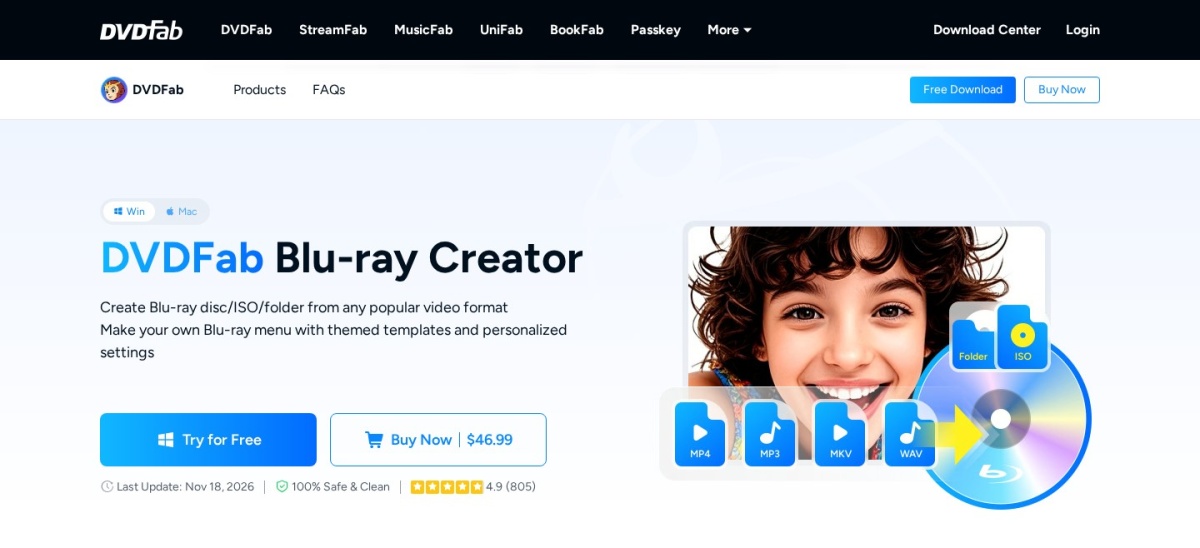
DVDFab Blu-ray Creator homepage, captured Nov 2026.
DVDFab Blu-ray Creator is a dedicated video authoring application that converts over 200 formats, including MP4, MKV, MOV, and AVI, into playable Blu-ray discs, ISO files, or BDMV folders. Its free trial lets you evaluate the workflow, while the paid software unlocks full BD-25, BD-50, and AVCHD output with custom menu templates, chapter editing, and GPU acceleration.
The trade off is the $59.99/yr regular price ($46.99 during promotional discounts) and a dense interface built inside the broader DVDFab launcher. It suits home archivists and videographers on Windows or macOS who need reliable menu authoring and lossless surround audio passthrough.
What we like
Supports 200+ video formats with 1080p and 720p Blu-ray output
Customizes menu backgrounds, thumbnails, buttons, and text
Includes hardware acceleration for faster video encoding
Available for both Windows and macOS
Watch out for
No permanent free tier beyond the evaluation trial
Multi-module launcher interface feels crowded for simple burns
Requires 100 GB of free hard disk space for temporary files
Paid license removes trial limits and unlocks full BD-25/BD-50 burning.Visit dvdfab.cn
02
Leawo Blu-ray Creator
4.4/5on Trustpilot (150 reviews, checked Nov 2026)
Starts at$39.95/yr
Best for beginner menu design
PlatformsWindows 7–11, macOS
Input formats180+ video and image formats
Menu library40+ preset templates in 8 themes
Output mediaBD-50, BD-25, DVD-9, DVD-5, ISO
leawo.org
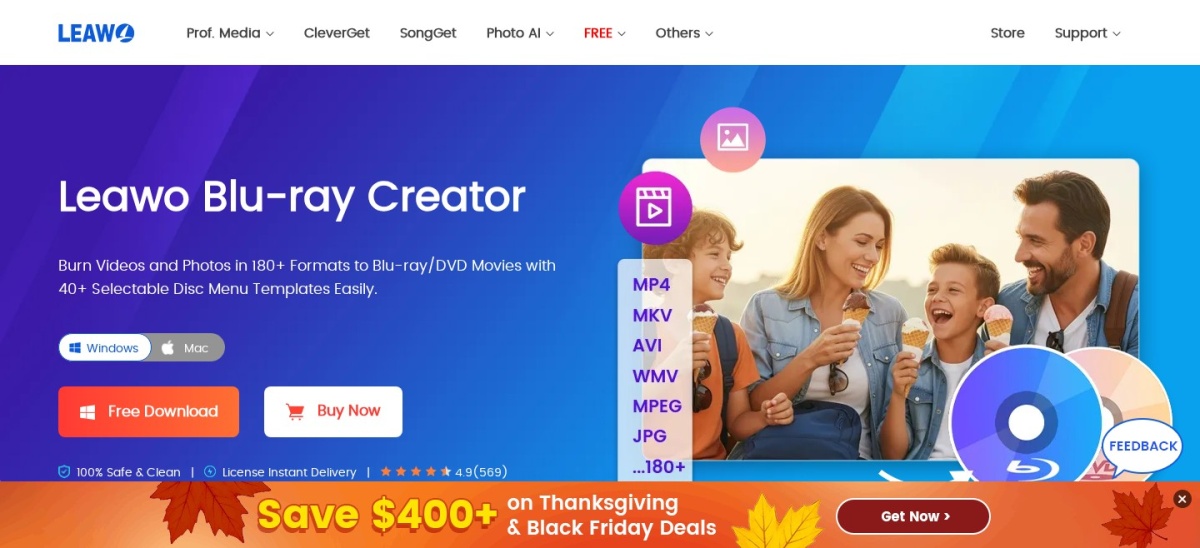
Leawo Blu-ray Creator homepage, captured Nov 2026.
Leawo Blu-ray Creator is a cross-platform authoring tool that turns 180+ video and photo formats into Blu-ray discs, DVDs, folders, or ISO images. The free trial caps output at the first five minutes per video, while the full version unlocks 40+ preset menu templates across eight categories, a custom menu designer, a photo slideshow maker, and basic trimming and cropping tools.
The trade off is a dated interface and slower encoding speeds compared with heavier authoring suites, though its $39.95/yr entry price ($59.95 lifetime) undercuts DVDFab. It suits families and casual editors who want styled Blu-ray menus and photo discs without complex settings.
What we like
Includes 40+ preset disc menu templates plus custom backgrounds and music
Built-in photo slideshow creator for archiving image albums to Blu-ray
Handles both Blu-ray and DVD authoring in one module
Available on Windows and macOS
Watch out for
Free trial only converts the first 5 minutes of each video
Built-in video editor covers only basic trimming, cropping, and effects
Paid license removes the 5-minute trial cap on video conversions.Visit leawo.org
03
BurnAware
4.2/5on Capterra (20 reviews, checked Nov 2026)
Paid from$29.95 one-time
Best free Windows data & ISO burner
PlatformsWindows 32-bit & 64-bit
Media supportCD, DVD, Blu-ray, BDXL, M-Disc
Latest releasev19.5 (November 2026)
LicenseFree personal edition; perpetual paid
burnaware.com
BurnAware homepage, captured Nov 2026.
BurnAware is an actively maintained Windows disc burning utility updated to version 19.5 in November 2026. Its free personal edition creates data, bootable, and multisession Blu-ray discs, burns BDMV folders and ISO images, and supports archival M-Disc and high-capacity BDXL media without time limits.
The trade off is that BurnAware does not transcode raw MP4 files or design interactive video menus, and direct disc-to-disc copying requires upgrading to BurnAware Premium at $29.95 one-time (with one year of free updates). It suits Windows users backing up large file archives or burning pre-authored ISO images.
What we like
Genuinely free personal edition with no expiration date
Supports BDXL and archival M-Disc media
Clean, low-overhead interface updated in November 2026
Includes post-burn verification and multi-disc spanning
Watch out for
Windows only with no macOS version
No built-in video transcoding or interactive menu designer
Free edition restricts usage to personal, non-commercial tasks
BurnAware Premium ($29.95) adds disc copying, audio ripping, and data recovery.Visit burnaware.com
04
Nero Burning ROM
4.5/5on G2 (29 reviews, checked Nov 2026)
Starts at$55.95 one-time
Best for encrypted archival discs
PlatformsWindows 11, Windows 10
SecuritySecurDisc 4.0 (256-bit AES)
Disc typesCD, DVD, Blu-ray Disc, ISO
Guarantee30-day money-back guarantee
nero.com
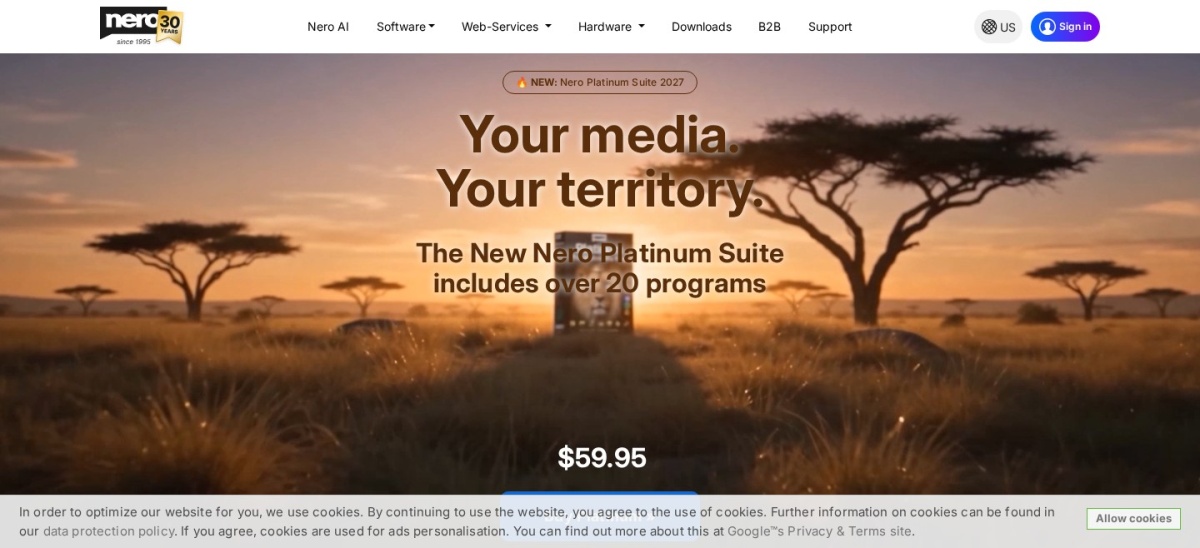
Nero Burning ROM homepage, captured Nov 2026.
Nero Burning ROM 2027 is a Windows disc burning and copying engine focused on reliability and data protection. Available as a standalone purchase or inside Nero Platinum Suite, it burns data and pre-built video disc structures to CD, DVD, and Blu-ray media while adding SecurDisc 4.0 password protection, digital signatures, and adjustable data redundancy for scratched discs.
The trade off is a $55.95 standalone price that lacks the video menu authoring tools found in Nero Video, and the software remains Windows-only. It suits businesses and archivists storing sensitive backups on optical media.
What we like
SecurDisc 4.0 adds 256-bit encryption and redundancy for damaged discs
Granular control over multisession writes, ISO creation, and disc copying
Includes Nero CoverDesigner for jewel case and disc labels
Integrated Gracenote metadata for audio projects
Watch out for
Windows only with no macOS build
Does not author custom Blu-ray video menus from raw MP4 files
Nero Platinum subscription prompts appear across the installer ecosystem
Standalone license unlocks unlimited Blu-ray burning, copying, and SecurDisc 4.0.Visit nero.com
05
Ashampoo Burning Studio
4.5/5on Trustpilot (21,000 reviews, checked Nov 2026)
Starts at$30 one-time
Best for guided Windows backups
PlatformsWindows 11, Windows 10
Max temp space25/50 GB Blu-ray, 100 GB BDXL
Trial period30-day trial
ExtrasDisc spanning, cover studio, backups
ashampoo.com
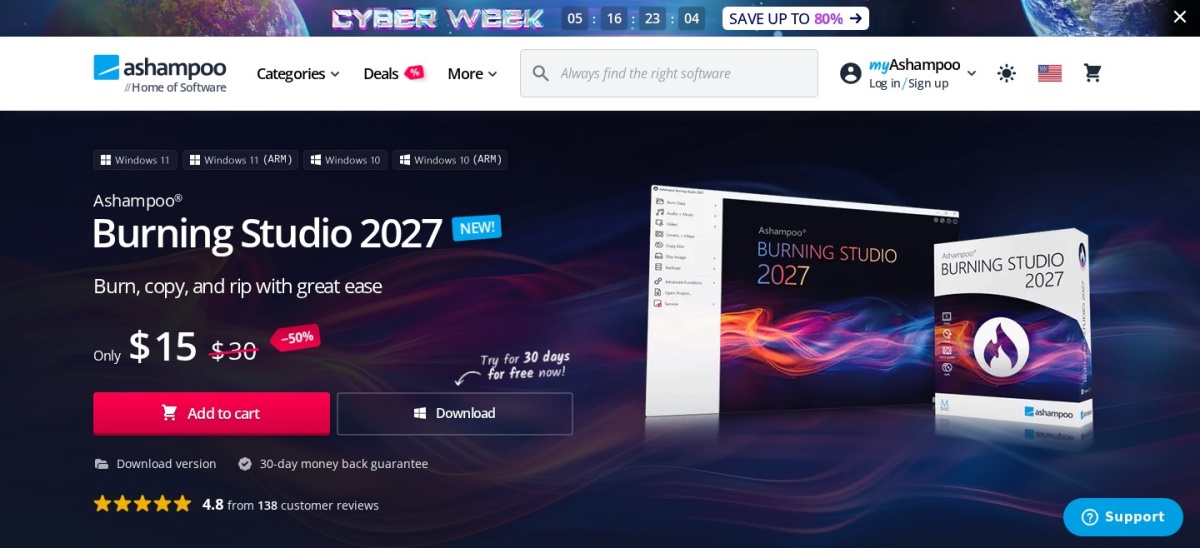
Ashampoo Burning Studio homepage, captured Nov 2026.
Ashampoo Burning Studio is a task-driven Windows disc suite that organizes data burning, disc copying, backup plans, and movie projects into clear step-by-step wizards. It writes files and ISO images to Blu-ray and 100 GB BDXL discs, spans oversized folders automatically across multiple discs, and includes a built-in cover and label designer.
The trade off is that its annual release editions are priced separately—Burning Studio 2026 carries a $30 regular price while the flagship Burning Studio 27 lists at $50 regular—and there is no macOS edition. It suits casual Windows users who prefer guided menus over technical burning settings.
What we like
Step-by-step task interface simplifies multi-disc spanning and backups
Supports 25 GB, 50 GB, and 100 GB BDXL media
Includes password protection, compression, and cover printing tools
30-day trial lets you test full functionality before buying
Watch out for
Windows only
Separate annual and numbered editions create confusing version tiers
Paid license unlocks unlimited burning after the 30-day trial.Visit ashampoo.com
06
AnyBurn
4/5on Trustpilot (2 reviews, checked Nov 2026)
Paid from$39.95 one-time
Best lightweight & portable utility
PlatformsWindows (32-bit, 64-bit, ARM64)
Installer size5.6 MB (8.5 MB portable)
Latest releasev6.9 (July 2026)
Free licensePersonal and business use
anyburn.com
AnyBurn homepage, captured Nov 2026.
AnyBurn is an ultra-lightweight Windows disc imaging and burning tool weighing under 6 MB, with a portable edition that runs straight from a USB flash drive without installation. Updated to version 6.9 in July 2026, its free edition burns files and ISO images to CD, DVD, and Blu-ray discs, copies discs, and builds bootable USB drives for both personal and business use.
The trade off is a barebones interface with zero video authoring or menu templates, and AnyBurn Pro costs $39.95 one-time mainly to unlock USB image editing and Windows-to-USB installation. It suits IT technicians and Windows users who want a fast, portable burner without bloat.
What we like
Free edition permits both personal and commercial use
Available as a 8.5 MB portable executable and native ARM64 build
Handles ISO creation, conversion, verification, and bootable USB drives
Actively updated in 2026 with minimal RAM and CPU footprint
Watch out for
No video conversion or Blu-ray movie menu authoring
Utilitarian interface lacks visual polish
AnyBurn Pro ($39.95 lifetime) adds USB image manipulation and Windows-to-USB tools.Visit anyburn.com
07
Express Burn
4.4/5on Trustpilot (744 reviews, checked Nov 2026)
Paid from$80/yr
Best for simple cross-platform burning
PlatformsWindows, macOS
Output mediaData & video Blu-ray, DVD, CD, ISO
AuthoringChapter management and menu templates
Billing optionsAnnual or quarterly subscription
nch.com.au
Express Burn homepage, captured Nov 2026.
Express Burn is NCH Software's drag-and-drop disc burner for Windows and macOS. While NCH offers a free version limited to basic audio and data CD burning, the Plus CD + DVD + Blu-ray Authoring edition adds data and video Blu-ray recording, ISO creation, chapter markers, and starter menu templates.
The trade off is its $80/yr regular subscription price ($59.95/yr during promotional sales), making it the priciest annual option here despite simpler menu templates than DVDFab or Leawo. It suits existing NCH Software users on Mac or Windows who want fast drag-and-drop disc writing.
What we like
Fast drag-and-drop workflow on both Windows and macOS
Supports Blu-ray chapter creation and basic menu templates
Writes ISO images and data Blu-rays alongside audio CDs
Watch out for
Free edition does not burn Blu-ray discs
Regular $80/yr subscription price is higher than dedicated authoring suites
Plus Blu-ray Authoring plan unlocks all Blu-ray data and video burning features.Visit nch.com.au
Video authoring vs. data burning: which do you need?
If you want a disc that boots up with a title screen on a living-room Blu-ray player or game console, you need video authoring software such as DVDFab Blu-ray Creator or Leawo Blu-ray Creator. These tools encode your clips into compliant H.264/MPEG-2 streams and assemble the BDMV and CERTIFICATE folders required by hardware players.
If you are backing up raw camera files, documents, or an existing .iso image, skip heavy authoring suites. Free tools like BurnAware or AnyBurn write raw data or pre-compiled ISO images directly to 25 GB, 50 GB, or 100 GB BDXL discs without re-encoding your files.
How we chose
We evaluated actively maintained desktop Blu-ray burning and authoring applications for Windows and macOS, grouping them into full video authoring tools with menu designers and lightweight data or ISO burners.
All prices, regular tier rates, feature limits, and third-party review scores were verified directly from vendor product pages, checkout stores, and Trustpilot, G2, and Capterra profiles on 22 Nov 2026.
We excluded discontinued utilities with no updates in recent years, tools that only rip or play Blu-ray discs without writing to blank media, and suites whose standalone pricing could not be verified publicly. No vendor paid for a place, and we do not claim testing for this list.
How to choose the right Blu-ray burner
Match your software choice to how you plan to play or store your discs:
Decide between TV playback and PC data storage. Pick an authoring tool like DVDFab or Leawo if the disc must play in a standalone Blu-ray deck; pick BurnAware or AnyBurn if you are archiving files or burning an existing ISO.
Verify your operating system and optical drive specs. Most free burners—including BurnAware, AnyBurn, and Nero Burning ROM—are Windows-only, so macOS users should focus on DVDFab, Leawo, or Express Burn.
Check disc capacity and archival media support. Confirm support for dual-layer BD-50 (50 GB), BDXL (100 GB), or M-Disc media if you are backing up large video libraries for long-term storage.
Compare regular renewal rates against lifetime licenses. Factor in regular annual prices after promotional discounts expire, or opt for a one-time perpetual license if you only burn a few discs each year.
FAQ
Can I burn playable Blu-ray movies for free?
You can burn an already-prepared BDMV folder or Blu-ray ISO image for free using BurnAware or AnyBurn on Windows. However, converting raw MP4 or MKV videos into a playable Blu-ray with interactive menus requires paid authoring software like DVDFab or Leawo.
What is the best Blu-ray burning software for Mac?
DVDFab Blu-ray Creator and Leawo Blu-ray Creator both support macOS and convert common video formats into playable Blu-ray discs with custom menus. Express Burn also runs on macOS for simpler drag-and-drop Blu-ray data and video burning.
What disc capacity do I need for burning Blu-ray videos?
A single-layer BD-R holds 25 GB, which fits roughly two hours of 1080p high-definition video. Dual-layer BD-50 discs hold 50 GB for longer movies, while BDXL discs hold 100 GB or 128 GB for large data backups.
Does Windows 11 include built-in Blu-ray burning?
Windows 11 can burn basic data files and ISO images to blank Blu-ray discs through File Explorer, but it cannot author playable Blu-ray movie discs with menus or handle advanced features like multi-disc spanning and 256-bit disc encryption.
What is M-Disc support in Blu-ray burning software?
M-Disc is an archival optical disc format designed to resist light, heat, and humidity degradation far longer than standard dye-based BD-R discs. Tools like BurnAware explicitly support writing to archival Blu-ray M-Disc media on compatible drives.
SaaS SEO and WordPress specialist with about 8 years of experience. Rakib compares WordPress plugins, themes, hosting and software using public pricing, documentation and user reviews. See how we rank.