Photoroom leads for e-commerce product cutouts and batch editing, with annual Pro pricing starting at $7.50 per month and a 4.6 out of 5 rating on Capterra. Canva fits teams that already build layouts in a design suite, while Adobe Photoshop suits manual compositing and complex edge work.
How we make this list: we compare pricing pages, product documentation and public user reviews, then re-check every price before each update. No product paid for a place. Disclosure.
Photoroom Pro starts at $7.50 per month billed yearly ($90/yr) with 8,000 monthly AI credits and 1,000 exports.
Clipping Magic subscription plans start at $3.99 per month for 15 credits on the Light tier.
Slazzer offers a free tier with 2 credits and monthly plans starting at $11.00 for 100 credits ($0.11 per image).
Adobe Photoshop holds a 4.6 out of 5 rating across 13,454 G2 reviews, with plans starting at $19.99 per month on Photography.
Canva holds a 4.7 out of 5 rating across 8,464 G2 reviews, with Pro billed at $144 per year.
What to look for in background removal software
Background removal tools range from one-click browser apps and mobile editors to developer APIs and full desktop suites. Your choice depends on whether you process a single photo at a time or hundreds of product images each week.
Edge accuracy matters most around fine hair, fur, transparent glass, and complex product contours. Automatic models handle clean subjects quickly, while manual keep-and-remove brushes help fix tricky cutouts before export.
Check export limits and billing rules before committing to a plan. Some free tiers cap resolution or add watermarks, while paid plans vary between monthly subscriptions, credit bundles, and pay-as-you-go rates.
If you publish directly to online stores or social channels, batch processing, shadows, and template exports can save hours of repetitive work.
Best for e-commerce product cutouts and batch edits
Free tierFree Space available
Entry paid planPro at $7.50/mo billed yearly
Batch supportUp to 250 images per batch
API optionBasic API from $20/mo
photoroom.com
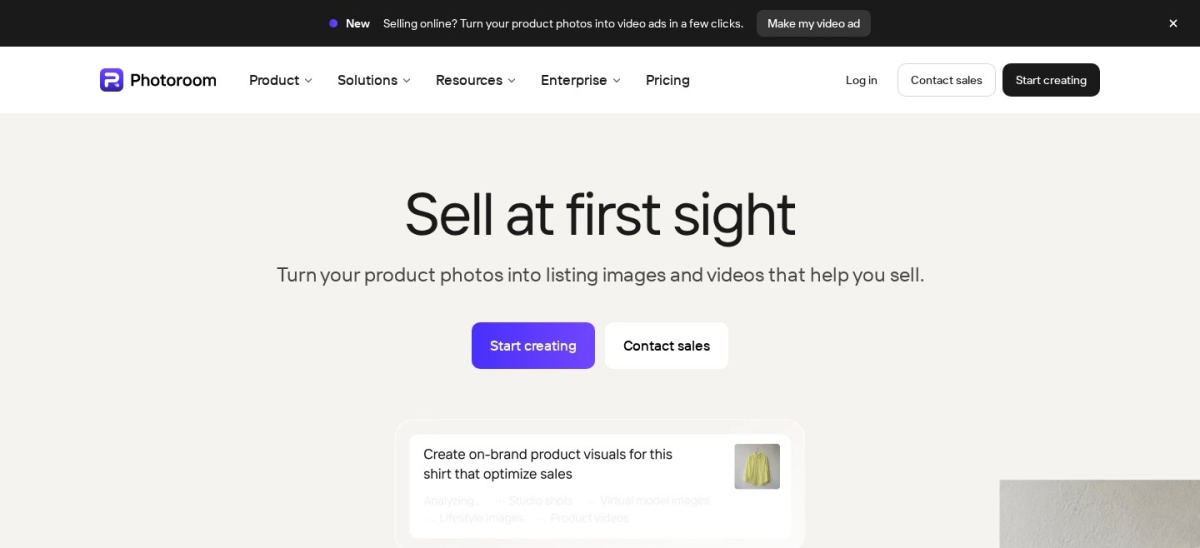
Photoroom homepage, captured Nov 2026.
Photoroom is a background removal and product photo platform built around e-commerce catalogs, AI backgrounds, and batch editing. Its Free Space lets you try core editing before upgrading, while Pro includes 8,000 monthly AI credits and 1,000 monthly exports.
The trade off is that Pro starts at $7.50 per month billed yearly ($90/yr), and some reviewers note subscription or workspace friction. It suits online sellers and brands that process product photos in batches.
What we like
Batch editing handles up to 250 product images at once.
Core background removal and shadow tools are included on paid plans.
Available across mobile, web, and API workflows.
Watch out for
Free tier has limited exports and features.
Some Trustpilot users report billing and workspace complaints.
Pro ($7.50/mo billed yearly) adds 8,000 monthly AI credits, 1,000 monthly exports, and 4K image support.Visit photoroom.com
02
Clipping Magic
4.7/5on G2 (18 reviews, checked Nov 2026)
Starts at$3.99/mo
Best for manual keep-and-remove edge refinement
Free previewLive preview with watermark
Entry paid planLight at $3.99/mo (15 credits)
Credit rolloverUp to 75 credits on Light
Bulk clippingAvailable on higher tiers
clippingmagic.com
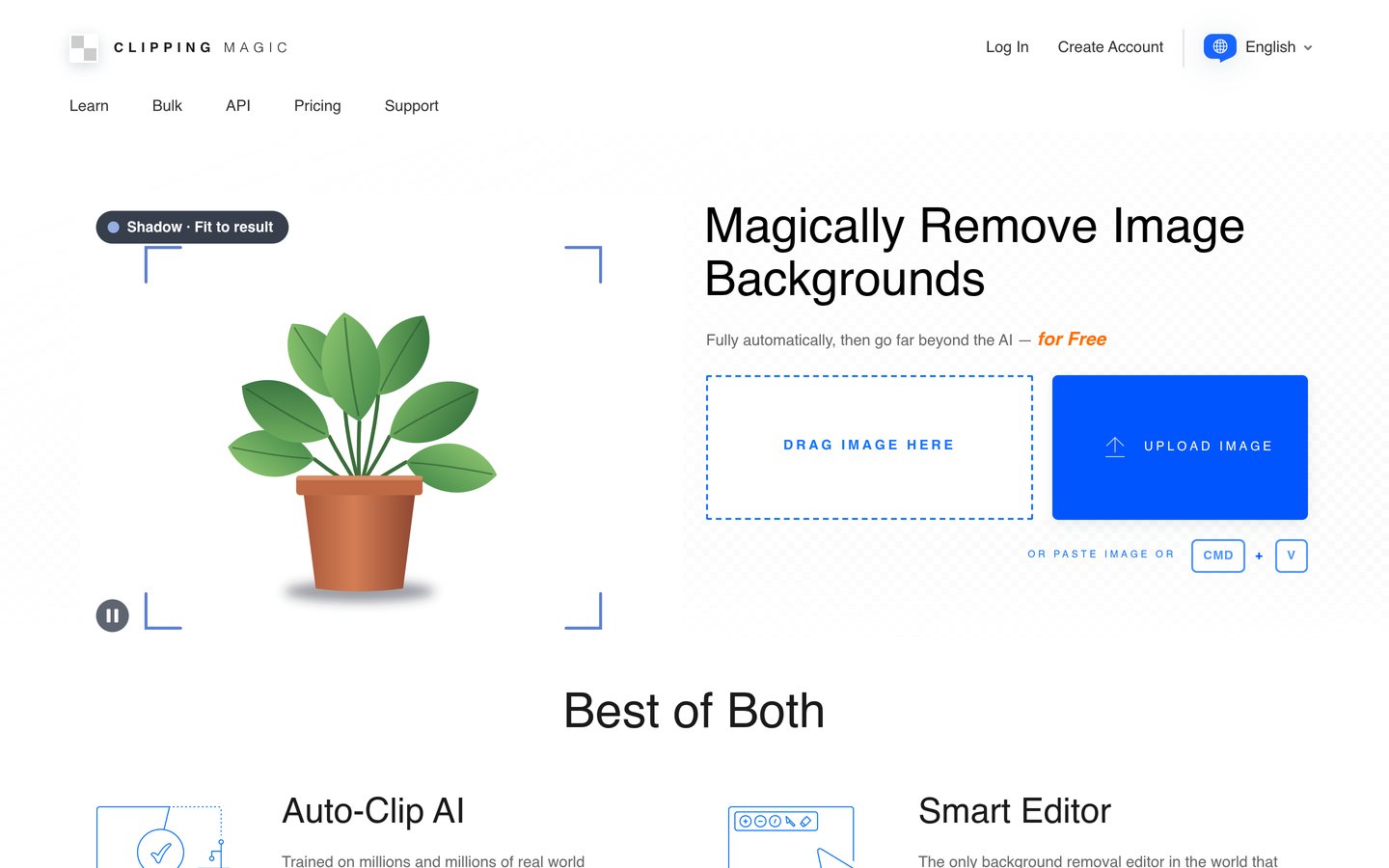
Clipping Magic homepage, captured Nov 2026.
Clipping Magic is a browser background remover that combines automatic clipping with manual keep, remove, and scalpel tools. You can test cutouts with a live preview before paying to download watermark-free images.
The trade off is that subscriptions start at $3.99 per month for 15 credits on the Light plan, and there is no pay-as-you-go option. It suits users who want low-cost monthly plans and fine manual control over edges.
What we like
Low entry subscription at $3.99 per month for 15 credits.
Manual editing tools help clean up tricky product and subject edges.
Unused subscription credits roll over up to plan caps.
Watch out for
No pay-as-you-go credit packs are offered.
Small review count on G2 compared with larger suites.
Paid plans unlock watermark-free downloads, credit rollover, and bulk clipping or API access on higher tiers.Visit clippingmagic.com
03
Slazzer
2.6/5on Trustpilot (4 reviews, checked Nov 2026)
Paid from$11/mo
Best for credit-based automated and API cutouts
Free plan2 free credits and previews
Entry paid plan100 credits/mo at $11/mo
Per-image rate$0.11/img at 100 credits/mo
PlatformsWeb, desktop apps, and API
slazzer.com
Slazzer homepage, captured Nov 2026.
Slazzer is an automated background removal service with web previews, desktop apps, and API endpoints. Its free plan includes 2 credits plus unlimited previews on the site.
The trade off is that monthly plans start at $11 per month for 100 credits, and its Trustpilot sample is small with mixed feedback. It suits teams and developers looking for credit-tiered automated processing.
What we like
Includes 2 free credits and unlimited previews to test output.
Offers web, Windows, Mac, Linux apps, and API access.
Lower per-image credit rates scale up on higher volume tiers.
Watch out for
Small Trustpilot review count with mixed ratings.
Requires paid credits for full HD downloads beyond the free allowance.
Paid plans start at $11 per month for 100 credits ($0.11 per image) with full HD downloads and credit rollover while subscribed.Visit slazzer.com
04
Canva
4.7/5on G2 (8,464 reviews, checked Nov 2026)
Paid from$144/yr
Best for cutouts inside social and marketing layouts
Free tierFree plan available (no remover)
Entry paid planCanva Pro at $144/yr ($18/mo)
Bulk removalUp to 50 images on paid plans
WorkflowBuilt into drag-and-drop designs
canva.com
Canva homepage, captured Nov 2026.
Canva is a web and mobile design platform that includes a background remover for placing cutouts straight into social posts, flyers, and presentations. A free plan is available, though background removal requires a paid subscription.
The trade off is that Canva Pro costs $144 per year (or $18 per month), and users note performance lag on large designs. It suits creators and small teams already designing templates in Canva.
What we like
High G2 satisfaction with 4.7 out of 5 across 8,464 reviews.
Keeps cutouts, templates, brand kits, and social sizing in one workspace.
Supports bulk background removal up to 50 images on paid plans.
Watch out for
Background remover is not included on the free plan.
Less granular manual photo retouching than dedicated editors.
Canva Pro ($144/yr or $18/mo) unlocks the background remover, bulk removal up to 50 images, and premium templates and assets.Visit canva.com
05
Adobe Photoshop
4.6/5on G2 (13,454 reviews, checked Nov 2026)
Starts at$19.99/mo
Best for pixel-level masking and complex compositing
Free tierNo free plan (7-day trial)
Entry paid planPhotography at $19.99/mo
Selection toolsAI selection plus layers and masks
PlatformsDesktop, web, and mobile
adobe.com
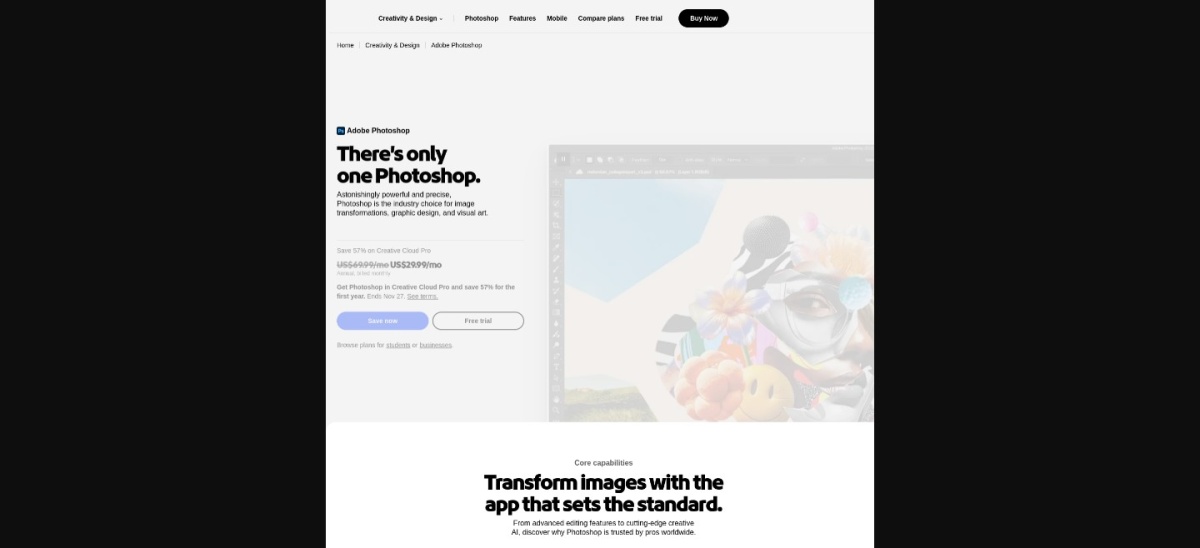
Adobe Photoshop homepage, captured Nov 2026.
Adobe Photoshop is a desktop, web, and mobile image editor that combines automated subject selection with non-destructive layer masks and fine brush refinement. It does not include a permanent free tier, offering a 7-day trial instead.
The trade off is that the Photography plan starts at $19.99 per month ($239.88/yr), and the interface has a steeper learning curve. It suits photographers and designers who need manual control over difficult edges and composites.
Integrates with Lightroom and other Creative Cloud apps.
Watch out for
Higher ongoing subscription cost than lightweight background removers.
Steeper learning curve and higher system requirements than web tools.
Paid plans provide full access to Photoshop's selection, masking, and compositing tools along with cloud storage and generative credits.Visit adobe.com
06
Clipdrop
2.9/5on Trustpilot (3 reviews, checked Nov 2026)
Paid from$15/mo
Best for quick daily cutouts and multi-tool image edits
Free tier20 background removals per 24h
Paid planPro plan available (API usage-based)
Extra toolsCleanup, upscaler, and relight
AccessWeb tools and API
clipdrop.co
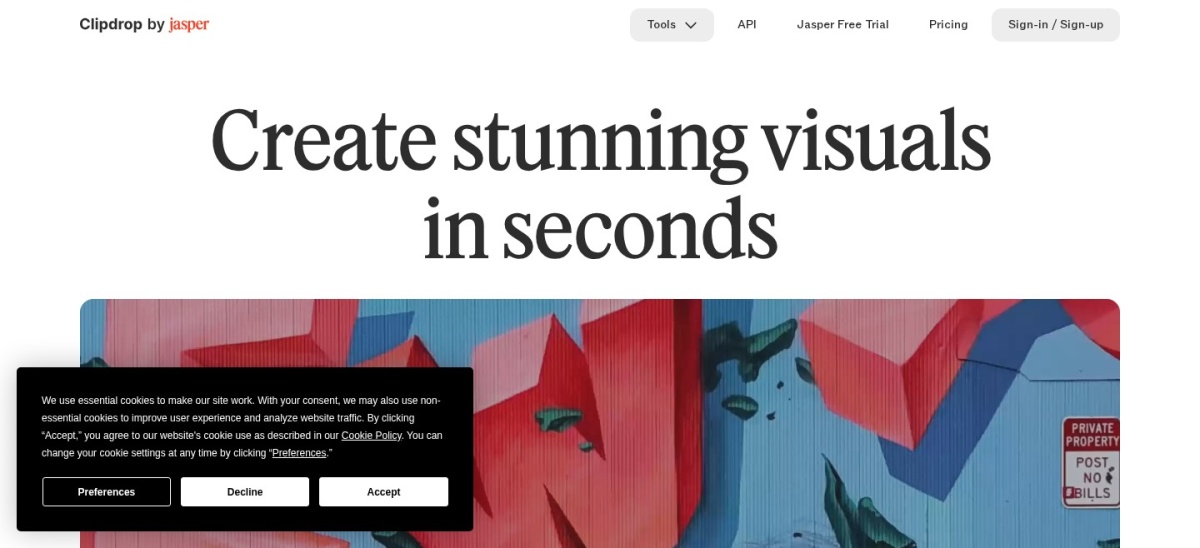
Clipdrop homepage, captured Nov 2026.
Clipdrop offers a suite of AI image utilities including background removal, cleanup, uncropping, and upscaling. Its free tier provides 20 background removals every 24 hours without requiring a paid subscription.
The trade off is that high-resolution daily quotas require upgrading to Pro, and its Trustpilot review sample is very small. It suits users who want a free daily cutout quota plus extra image cleanup tools in one spot.
What we like
Free tier includes 20 background removals every 24 hours.
Pairs background removal with cleanup, uncrop, and upscaling tools.
Offers API access for automated workflows.
Watch out for
Free tier caps daily removals at 20 per 24-hour window.
Small review sample on Trustpilot.
Pro increases daily high-resolution limits up to 1,000 per 24 hours across tools such as background removal, cleanup, and upscaling.Visit clipdrop.co
07
Pixian.AI
4.5/5on G2 (20 reviews, checked Nov 2026)
Paid from$5 one-time
Best for pay-as-you-go megapixel credit packs
Free tier0.25 MPx limited web use
Entry paid pack$5 for 250 credits (no monthly fee)
Credit scale0.05 to 1 credit by image size
Max resolutionUp to 25 MPx on paid credits
pixian.ai
Pixian.AI homepage, captured Nov 2026.
Pixian.AI provides a web background remover and API that prices credits proportionally by image megapixel size rather than charging a recurring monthly fee. Free web use is limited to 0.25 megapixels, while paid credit packs start at $5 for 250 credits.
The trade off is that larger images consume more credits up to 1 credit at 25 megapixels, and it focuses on cutouts rather than full design layouts. It suits irregular or project-based volume where a monthly subscription would go unused.
What we like
Credit packs start at $5 with no recurring monthly subscription.
Megapixel-based pricing charges less for smaller images.
Supports up to 25 megapixels and batch drag-and-drop on the web.
Watch out for
Free web resolution is capped at 0.25 megapixels.
Focused on background removal rather than multi-layer graphic design.
Paid credit packs unlock up to 25-megapixel resolution, higher-priority processing, and API access without a monthly commitment.Visit pixian.ai
Subscriptions vs. credit packs
Monthly or annual subscriptions fit steady weekly editing, such as updating product listings or social media graphics every week. Tools like Photoroom and Canva bundle background removal with recurring monthly allowances or full design suites.
Credit packs and usage-based billing fit seasonal or project-based work where you might process hundreds of photos in one week and none the next. Always check whether credits expire at the end of a billing cycle or roll over.
How we chose
We selected established background removal tools and creative suites that remain actively maintained across web, desktop, mobile, and API workflows. Each candidate needed public pricing details and third-party review data to compare how it handles cutouts, exports, and volume.
All prices, plan limits, and review ratings were checked on 22 Nov 2026 using official pricing pages and public review directories such as G2, Capterra, and Trustpilot. Products without verified pricing or active current maintenance were left out.
Tools lacking clear public pricing or sufficient current support details were excluded so every entry reflects verifiable terms. No vendor paid for a place, and we do not claim testing for this list.
How to choose the right tool
Follow four practical checks before picking a plan:
Match volume to the pricing model. Pick a subscription for steady monthly editing, or a credit pack or pay-as-you-go plan if your workload comes in bursts.
Check free export limits first. Test your typical images on the free tier or preview tool to see if resolution caps or watermarks block your workflow.
Test difficult edges like hair and glass. Automatic cutouts work fast on clean studio shots, while manual brushes or layer masks help when edges fray.
Look at downstream editing steps. Choose a tool that supports batch exports, custom backgrounds, or API integration if cutouts are only step one.
FAQ
Which background removal tool is best for online stores?
Photoroom is well suited for online stores because it combines background removal with batch processing up to 250 images, AI backgrounds, and shadows. Its Pro plan starts at $7.50 per month billed yearly.
Can I remove backgrounds for free without paying right away?
Yes, several tools offer free tiers or previews, including Clipdrop with 20 background removals per 24 hours and Pixian.AI at 0.25 megapixels. Free tiers often limit resolution, daily volume, or extra editing tools.
Is background removal free on Canva?
No, Canva's free plan does not include the background remover. You need a paid subscription such as Canva Pro to remove backgrounds and use bulk removal up to 50 images.
When should I choose Adobe Photoshop over a dedicated background remover?
Choose Adobe Photoshop when you need fine manual control with layer masks, refined hair or fur edges, and multi-layered compositing. Dedicated web tools are usually faster for quick one-click or batch cutouts.
How do credit-based background removers differ from monthly subscriptions?
Credit-based tools charge per image or per megapixel size, which works well for occasional or irregular batches without a fixed monthly bill. Monthly subscriptions usually lower the cost per image when you edit regularly.
Do batch background removers save time on large catalogs?
Yes, batch tools let you process many photos in one run rather than uploading and exporting each file manually. Check your plan's batch size limit and monthly export quota before upgrading.
SaaS SEO and WordPress specialist with about 8 years of experience. Rakib compares WordPress plugins, themes, hosting and software using public pricing, documentation and user reviews. See how we rank.